ChatBot.com pricing questions
Which ChatBot.com plan suits a small team?
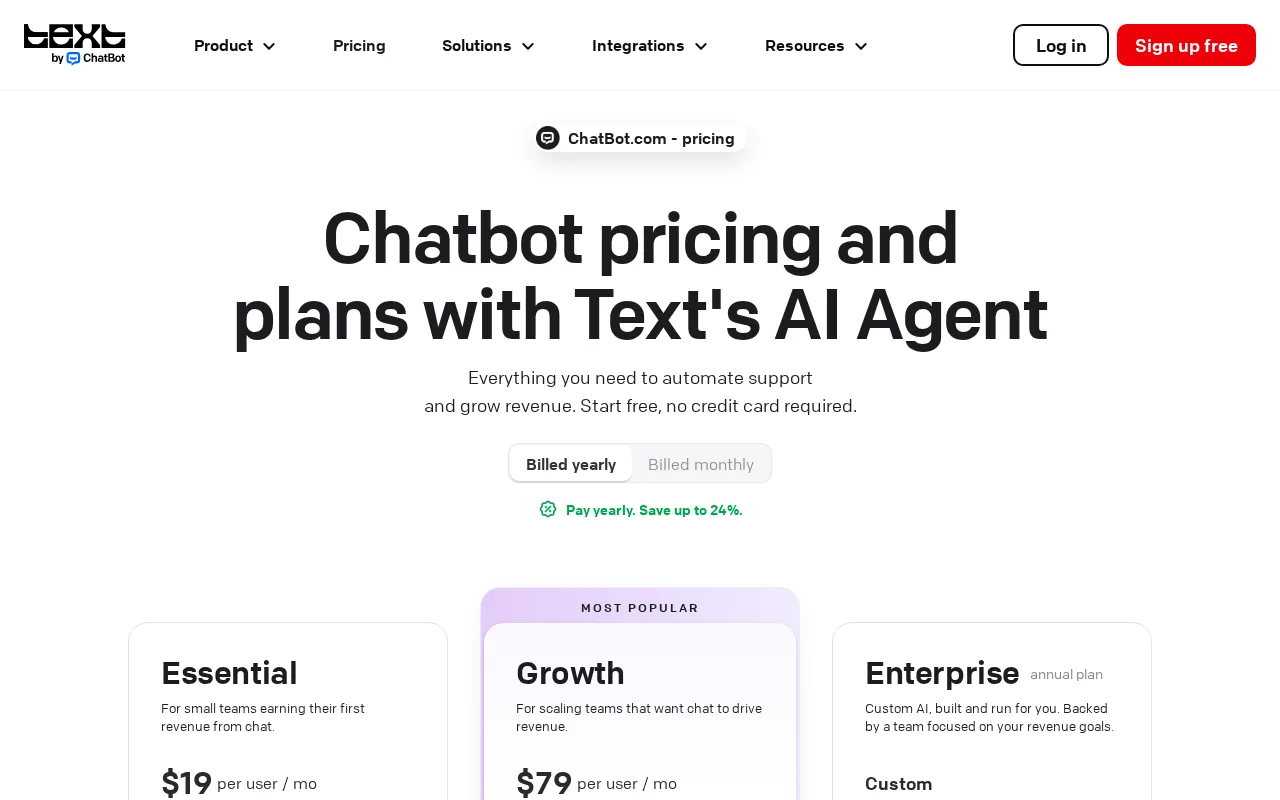
Essential, in most cases. For 1 or 2 users, Growth is the cheaper of the two once the AI resolves 200 chats a month, since its bigger pool replaces several refill packs. At 3 users it depends on volume and billing period, and from 4 users up Essential plus packs always costs less, so choose Growth there only for what it adds: unlimited history, routing rules and shared canned responses.
Should I pay ChatBot.com monthly or yearly?
Yearly is cheaper: $19 instead of $25 for an Essential user and $79 instead of $99 on Growth. The pricing page says a yearly plan can be adjusted at renewal, and the terms rule out refunds for unused time, so commit only to the seats you are sure of. Enterprise comes yearly only.
What happens when ChatBot.com’s AI resolutions run out?
The AI keeps answering. A pack of 50 resolutions is added for $49.50, payable as soon as it is invoiced, and the terms say those packs also lift your next renewal. Nobody is asked before each pack is bought.
Does the ChatBot.com trial ask for a card?
No. The 14-day trial needs no credit card and opens the AI chatbot, live chat, workflows and analytics. When it ends, you pick a paid plan to keep going, as there is no free tier to fall back to.
Will ChatBot.com refund an unused subscription?
No. Its terms of use say no refunds, credits or prorated adjustments are given for unused time, on monthly or yearly billing, whatever the reason. Cancelling stops the next charge, and the paid time left isn’t returned.
Can I upgrade ChatBot.com in the middle of a billing cycle?
The pricing page says plan changes take effect on your next billing cycle, while ChatBot.com’s subscription help says an upgrade switches over at once and charges the difference for the days left. Ask support which rule covers your account before you upgrade mid-cycle.