Respond.io pricing questions
Which Respond.io plan should I choose?
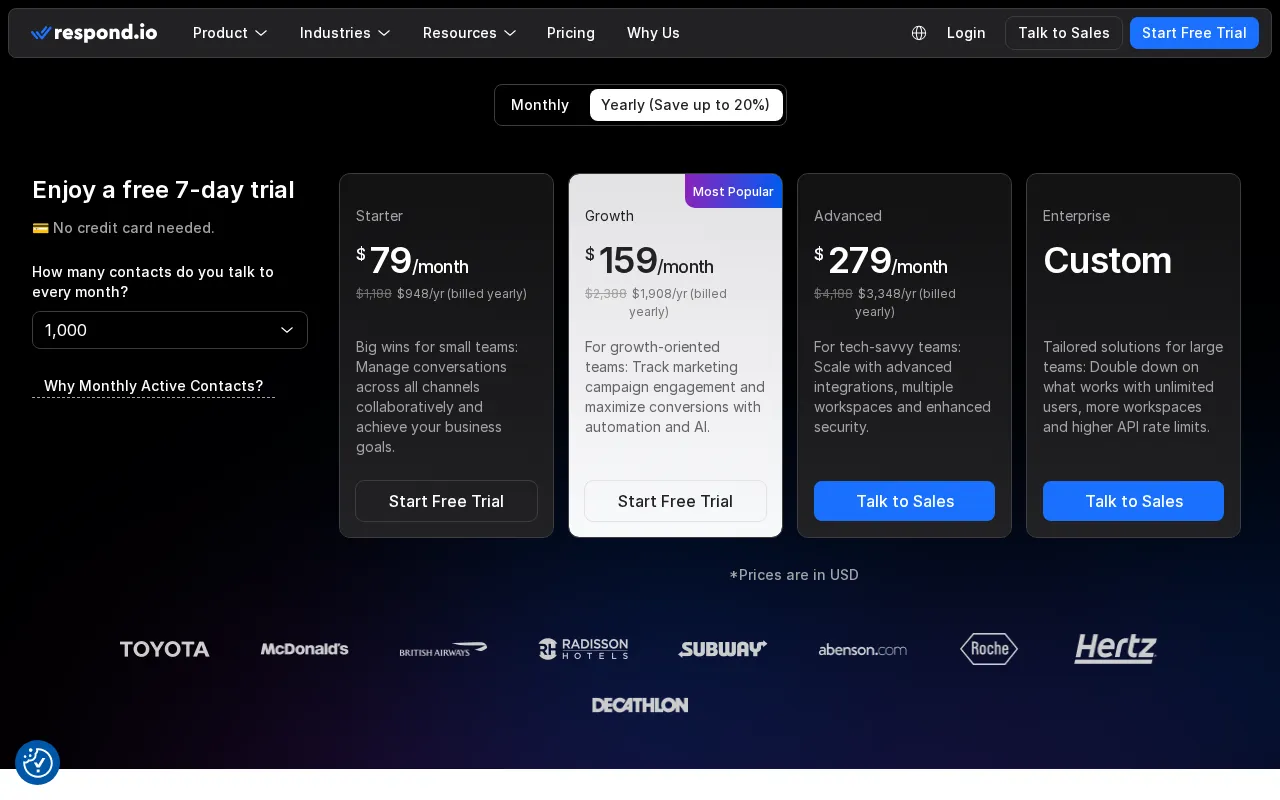
Starter if your team only needs the shared inbox and AI help with writing. Growth if AI agents should answer customers or you send broadcasts, and Advanced if you need Salesforce, webhooks, SSO or several workspaces. Then pick the smallest contact tier above the number of people you talk to in a month.
How does the Respond.io free trial work?
You get 7 days of Growth’s features for 5 users and 1,000 monthly active contacts, without broadcasts and without a credit card. Topping up WhatsApp credit needs a subscription, and support can extend the trial. It ends by itself and never turns into a paid plan unless you buy one.
Should I pay for Respond.io monthly or yearly?
Yearly saves up to 20%, but it’s paid ahead and unused time isn’t refunded. Stay monthly until you know which contact tier you settle in, then switch from “Billing & Usage”.
Can I change or cancel my Respond.io plan?
Upgrades apply at once and downgrades at the next billing cycle. An organization admin cancels from “Billing & Usage”, and the plan runs to the end of the cycle. After that, incoming messages aren’t stored and the organization is marked for deletion after 30 days.
Do Respond.io AI agents cost extra?
Not up to your allowance, on Growth, Advanced or Enterprise. Each AI agent reply draws 2 to 5 credits from an allowance of 10 credits per contact in your tier on Growth, and only usage past it is billed.
How can I pay Respond.io?
By Visa, Mastercard, American Express or Discover, with payments processed by Stripe. Bank transfer is offered to high-volume customers through sales.