Zendesk AI pricing questions
Do I need an advanced AI agents add-on?
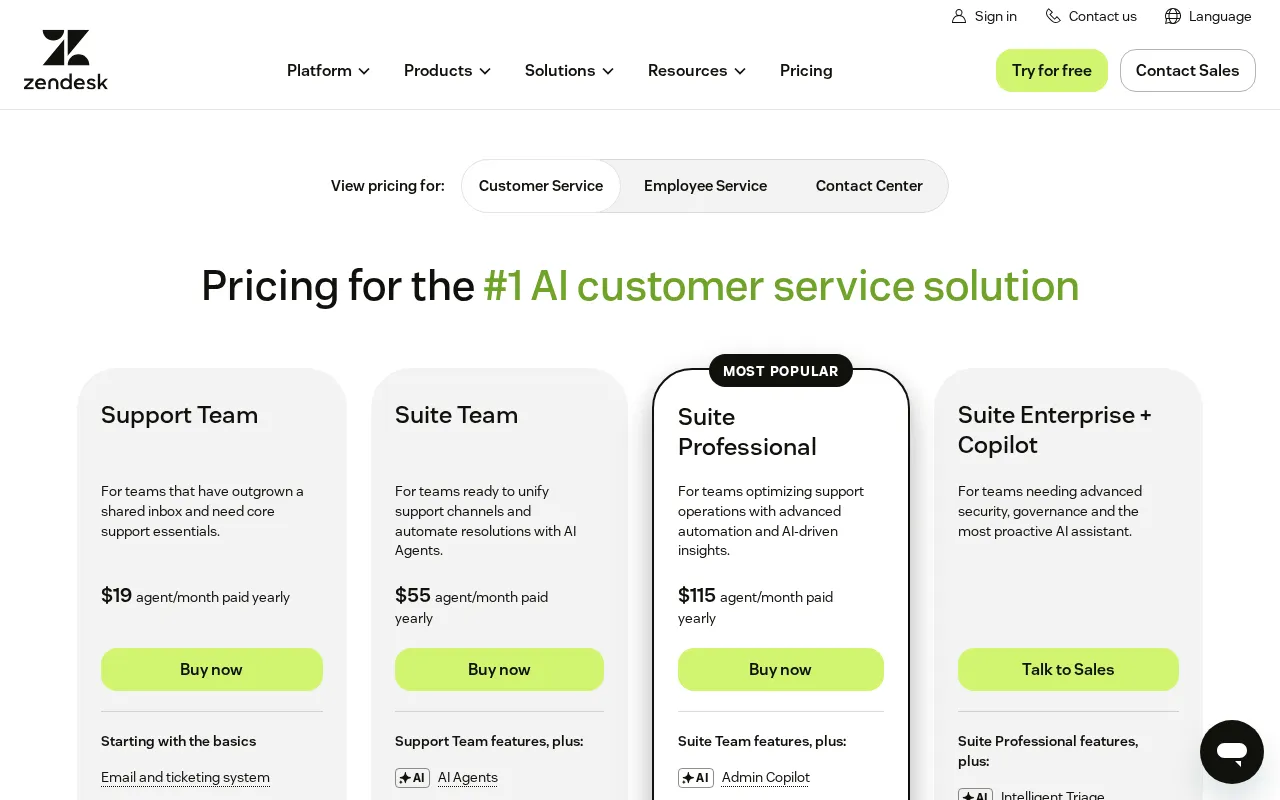
No. Zendesk now makes AI agents a standard part of every plan and says you no longer have to buy the “AI agents - Advanced” add-on to use all their features. The featured add-ons on the pricing page are Copilot, the Workforce Engagement Bundle and “Contact Center”, with no AI agent tier among them.
Is Copilot part of Zendesk’s AI agents?
No. AI agents answer your customers and come with the plan, while Copilot helps your teammates and is a separate add-on at $50 an agent a month. Copilot uses no automated resolutions, and Zendesk sells it for Suite Professional and above, or for Support with “Knowledge Professional” or above.
When does a conversation turn into a paid resolution?
When the AI agent resolves it with no handoff to a person, and an LLM reading the conversation agrees the request was resolved. Zendesk waits for the conversation to end first: 72 hours after the first email, 2 hours after the first message on messaging by default, and at hang-up on a call.
Can I stop Zendesk AI from running up overage?
Yes. Pick “Don’t allow overage” on the “Overage” page in “Admin Center”, and AI agents pause once the allowance runs out, sending new requests to your team. The default, “Allow overage”, keeps them answering and bills each extra resolution.
Which plan do I need for an AI agent on chat?
Any plan with messaging. Suite plans include it, while Support plans need the “Live chat and messaging” add-on before their AI agents can take chats. Each AI agent works on one type of channel, so a team covering chat and email sets up one for each.
Can I use Zendesk’s AI agents without moving to Zendesk?
Yes. Zendesk sells standalone AI agents through Forethought by Zendesk, which work with the help desk you already run. Those plans are sold through sales and come with no default resolution allowance.