Start free

Botpress vs Chatbase (2026): pricing, AI and features

By , founder of Rinhelp, which appears in this comparison · Facts checked

The short answer

Botpress suits a team with someone technical who wants to build its own AI agent, with multi-step workflows designed by prompt, on a visual canvas or in TypeScript, and a help desk with unlimited seats on Team. Chatbase suits a team of up to 5 that wants a chatbot trained on its website and documents, answering on WhatsApp, Messenger, Instagram and the phone, on a model it picks from OpenAI, Anthropic, Gemini and others. With AI answering 1,000 conversations a month, a team of 5 pays $400 a month on Chatbase Business, billed annually, and $750 or more on Botpress Team, since Plus stops at 3 seats.

See Rinhelp on your own site. Enter your website and Rin builds your help desk from it: a chat widget, a help center and an inbox.

Free. No sign-up to look. Ready in a minute or two.

Is your help center somewhere else?

Rin will read . If your help articles or docs live at another address, like help. or a Notion page, Rin can read those too.

Where is your help center?

Rin reads it along with and turns it into your help center.

Botpress vs Chatbase at a glance

ToolBest forHow it billsFree plan3 people, 300 AI replies
BotpressTeams with someone technical who want to build custom AI agents with multi-step workflows across many channels, and pay by conversation rather than by seat.Per conversation, with AI spend at costYes: 3 seats, 100 conversations, no top-ups$215 or more
ChatbaseTeams that want a chatbot on their website and messaging apps first, with a choice of models from OpenAI, Anthropic, Gemini and others, and a help desk second.Per plan, in message creditsNot on the pricing page: Basic and Business each start with a 7-day trial$120
RinhelpSmall teams that want AI on every conversation at one flat price, and want their own AI agents working in the inbox.One price per workspaceYes: 3 teammates, 50 AI replies to try Rin$49

Key differences

Botpress is built to be designed, Chatbase to be trained

On Botpress you shape the agent yourself: describe it to Botpress Viber, lay out its steps on Botpress Studio’s drag-and-drop canvas, or write it in TypeScript with the ADK once the logic grows. Chatbase starts from your content instead. You give it your website and documents, choose the model each chatbot runs on, and add a set number of AI actions and procedures, 8 actions on Basic up to 12 on Business.

Chatbase caps members by plan

Chatbase counts members by plan: 3 on Basic and 5 on Business, and unlimited only on a quoted Enterprise contract, with extra member slots the pricing page doesn’t price. Botpress caps Free and Plus at 3 seats, then Team at $750 a month on annual billing takes any number, along with routing, roles and team analytics.

Two meters that fail differently

Botpress counts conversations and, separately, the AI’s spend. Near the quota it adds a pack of 100 conversations by itself, $65 on Plus or $50 on Team, with no way to turn that off, and AI spend past the allowance is bought at cost in $10 credit grants. Chatbase counts message credits, 1 to 5 a message depending on the model, and unused credits don’t carry over. When they run out its chatbots go quiet until the reset, unless auto recharge buys more at $40 per 1,000.

Chatbase takes phone calls from Basic

Chatbase Basic, at $120 a month on annual billing, includes voice and telephony with 10 calls at once, and Business raises that to 20. Botpress’s pricing page lists its voice channel on Enterprise, priced by sales, though Botpress Viber and the Hub can connect a Twilio number for calls. Both reach WhatsApp, Messenger, Instagram and Slack, and Botpress adds Telegram and Discord.

Chatbase documents its MCP tools in full

From Basic, Chatbase’s official MCP server lets Claude or ChatGPT search conversations, reply to Helpdesk tickets or leave internal notes on them, assign them and close or reopen them. Botpress lists an MCP server for Botpress Desk, and its changelog mentions the ticket details the server returns, but we found no page that lists its tools, and the one in its ADK is for building agents rather than working tickets.

Pricing at three sizes

What each tool costs a month in US dollars, with AI answering, and how each total adds up. Each AI reply counts as one resolved conversation.

Tool3 people, 300 AI replies5 people, 1,000 AI replies10 people, 3,000 AI replies
Botpress$215 or morePlus at $150 a month on annual billing ($189 monthly), with 3 seats and 250 conversations, plus one $65 pack of 100 for the other 50. AI spend past Plus’s $25 is extra, at cost.$750 or moreTeam at $750 a month on annual billing ($939 monthly), since Plus stops at 3 seats. Its 1,500 conversations cover 1,000, and AI spend past the included $150 is billed at cost.$1,500 or moreTeam at $750 a month on annual billing, plus 15 packs of 100 conversations at $50 each for the 1,500 past its quota: $1,500 a month ($1,689 monthly), with AI spend past $150 at cost.
Chatbase$120Basic at $120 a month on annual billing ($150 monthly), the cheapest plan, with 3 members. Its 4,000 message credits cover 300 replies even at 5 credits each.$400Business at $400 a month on annual billing ($500 monthly), the first plan with 5 members. Its 15,000 credits cover 1,000 replies on any recommended model.$400 or moreBusiness at $400 a month on annual billing, whose 15,000 credits cover 3,000 replies at up to 5 credits each. It includes 5 members, and the other 5 need extra member slots, whose price the pricing page doesn’t show.
Rinhelp$49Pro for the whole workspace, using 300 of its 5,000 AI replies; Free covers your team if you don’t need AI replies.$49Pro for the whole workspace, using 1,000 of its 5,000 AI replies.$49Pro for the whole workspace, using 3,000 of its 5,000 AI replies.

Features compared

A check means the vendor’s own pages say a plan includes it.

ToolEmailLive chatWhatsAppVoiceHelp centerAI that answers customersShopifyStripeFree planSignup without a sales call
Botpress
Chatbase
Rinhelp

What your AI can do in each tool

Connect Claude, ChatGPT or your own AI agent through the vendor’s official MCP server, and this is what it can do of 11 everyday actions: search and read conversations, reply to a customer, add an internal note, assign, close or reopen, search the help center, write or update an article, publish an article, create a saved reply, look up an order, refund or cancel.

ToolThrough official MCPWhat it can doMoney moves wait for a teammate
Botpress0 of 11No official MCP server, or nothing from this listNo refunds or cancellations through MCP
Chatbase5 of 11Search and read conversations, reply to a customer, add an internal note, assign, close or reopenNo refunds or cancellations through MCP
Rinhelp11 of 11Search and read conversations, reply to a customer, add an internal note, assign, close or reopen, search the help center, write or update an article, publish an article, create a saved reply, look up an order, refund or cancelYes, a teammate approves first

More on each MCP server, and connectors from other companies, which don’t count:

  • Botpress: Botpress lists an MCP server that exposes Botpress Desk’s help desk operations as tools for Claude Code, Claude Desktop and Cursor, but we found no page that lists its tools, so none are counted. Its ADK also runs an MCP server, for building agents rather than working in Desk.
  • Chatbase: The MCP server needs a paid plan, Basic or higher, and returns an error on a trial that signed up with a personal email address. Its tools cover chatbots, their sources, conversations and Helpdesk tickets, and a ticket message can be a reply the customer receives or an internal note only your team sees.

Botpress

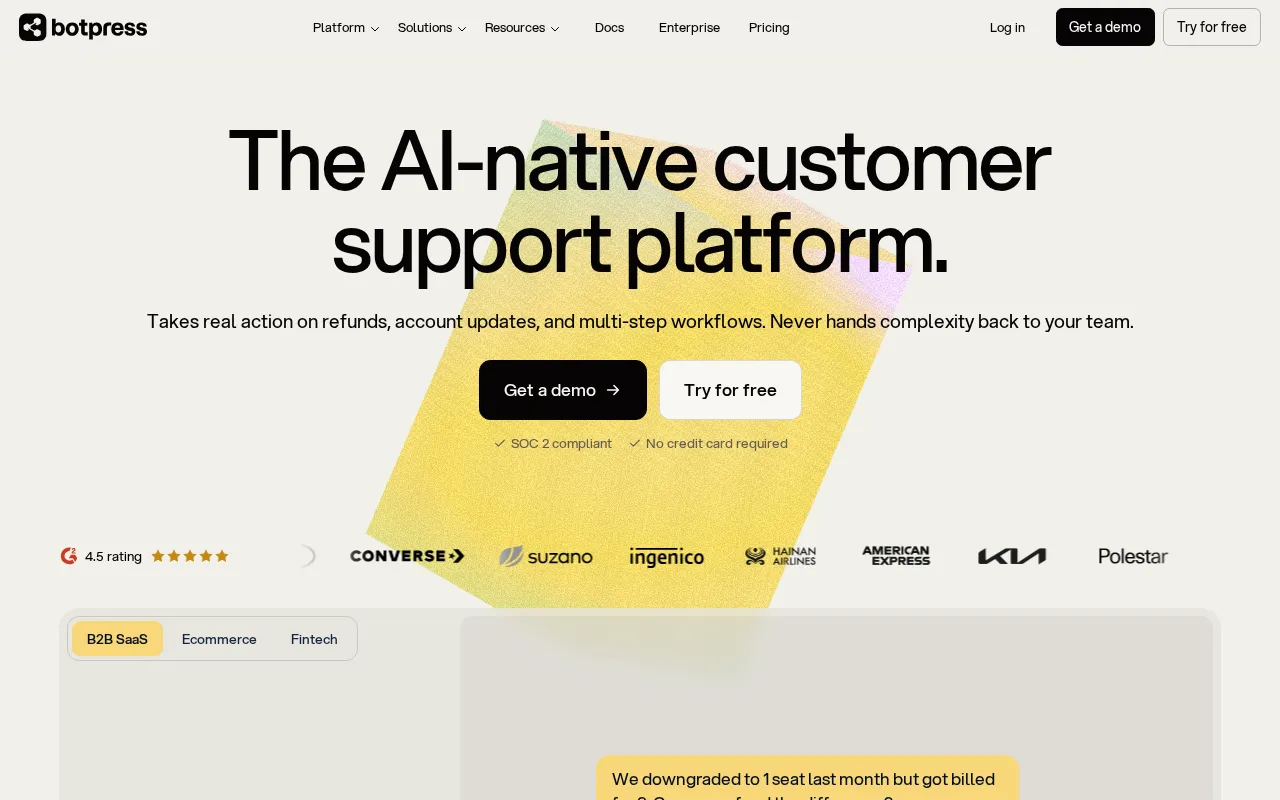
Botpress homepage, November 2026

Botpress is a platform for building AI agents: from a prompt in Botpress Viber, on a visual canvas in Botpress Studio, or in TypeScript with its ADK. Its agents answer on web chat, WhatsApp, email and other messaging apps, and Botpress Desk, its built-in help desk, gives your team an inbox for handoffs and a help center.

Best for
Teams with someone technical who want to build custom AI agents with multi-step workflows across many channels, and pay by conversation rather than by seat.
How it bills
Free has 3 seats and 100 conversations. Plus is $150 and Team $750 a month on annual billing ($189 and $939 monthly), with 250 and 1,500 conversations, $25 and $150 of AI usage, and 3 seats on Plus or unlimited on Team. More conversations come in packs of 100, $65 on Plus or $50 on Team, added automatically, and AI spend past the allowance is bought at cost in $10 credit grants. Voice is on Enterprise only, priced by sales.
Free plan
Yes: 3 seats, 100 conversations, no top-ups
3 people, 300 AI replies
$215 or more a month: Plus at $150 a month on annual billing ($189 monthly), with 3 seats and 250 conversations, plus one $65 pack of 100 for the other 50. AI spend past Plus’s $25 is extra, at cost.

Pros

  • Build an agent by describing it to Botpress Viber, on Botpress Studio’s drag-and-drop canvas, or in TypeScript with the ADK, and switch to code when logic gets complex.
  • Botpress Desk answers web chat, email and WhatsApp, with voice on Enterprise, and adds a help center the AI answers from.
  • Team includes unlimited seats, with routing, roles and team analytics.
  • The agent can work on top of Zendesk or Intercom instead, with no help desk to move.

Cons

  • Plus stops at 3 seats, so a fourth teammate means Team at $750 a month on annual billing.
  • Conversation packs are added automatically at 95% of the quota, and you can’t turn that off.
  • AI spend past the plan’s allowance is billed at cost, so the bill moves with how much the model works.
  • Shopify order lookups come from third-party integrations, and refunds are actions your team connects to its own systems.

Already on Botpress? See the best Botpress alternatives.
Chatbase

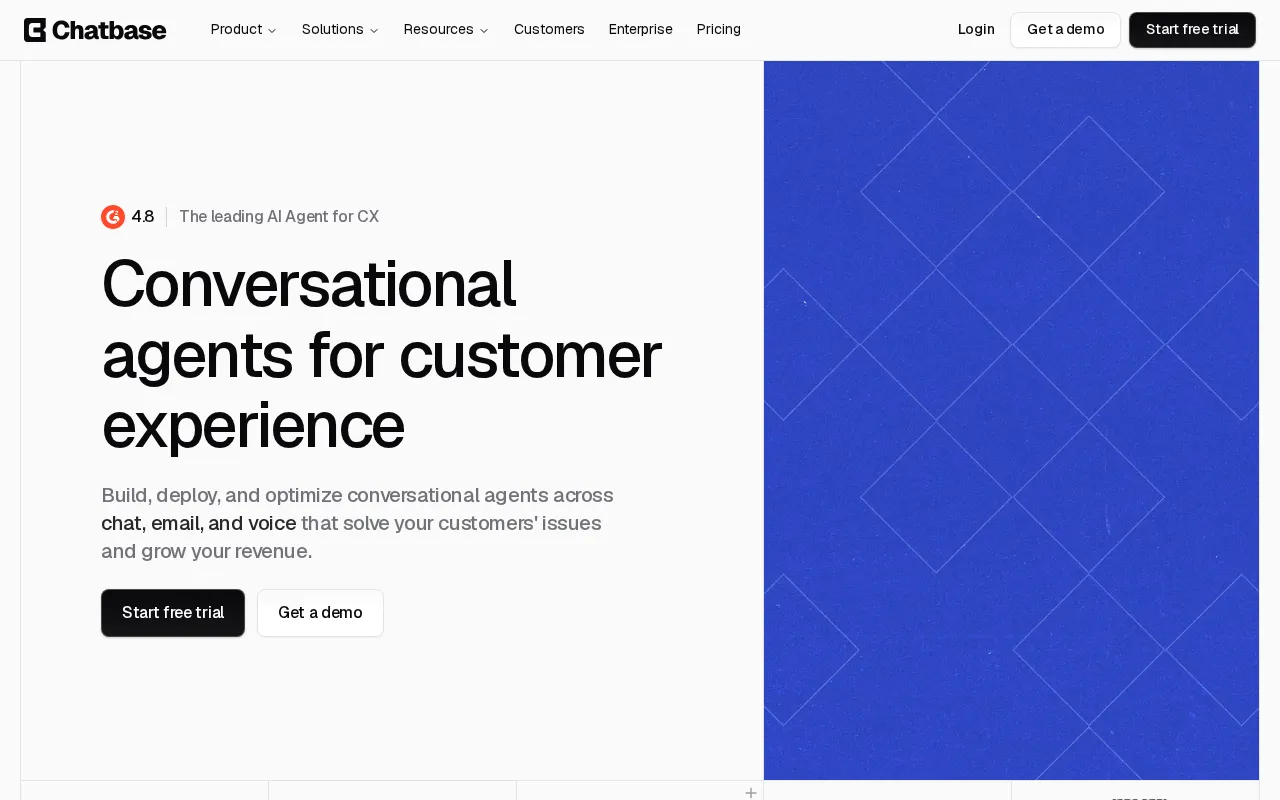
Chatbase homepage, November 2026

Chatbase builds an AI agent trained on your own content, such as your website and documents, and puts it on your site, WhatsApp, Messenger, Instagram, Slack, email and the phone. Its Helpdesk inbox, included from Basic, its cheapest plan, lets your team take over what the AI can’t solve.

Best for
Teams that want a chatbot on their website and messaging apps first, with a choice of models from OpenAI, Anthropic, Gemini and others, and a help desk second.
How it bills
Basic is $150 and Business $500 a month on monthly billing ($120 and $400 a month on annual billing), with 4,000 and 15,000 message credits and 3 and 5 members. The recommended models use 1 to 5 credits a message, unused credits don’t carry over, and auto recharge adds credits at $40 per 1,000.
Free plan
Not on the pricing page: Basic and Business each start with a 7-day trial
3 people, 300 AI replies
$120 a month: Basic at $120 a month on annual billing ($150 monthly), the cheapest plan, with 3 members. Its 4,000 message credits cover 300 replies even at 5 credits each.

Pros

  • Every plan includes advanced models from OpenAI, Anthropic, Gemini, DeepSeek, Mistral and others, so you choose the one each chatbot runs on.
  • The chatbot answers on your website, WhatsApp, Messenger, Instagram, Slack, email and the phone.
  • A teammate can take over a live AI conversation from the Helpdesk, which turns it into a ticket with an AI-written summary.
  • Its AI can escalate a conversation as a ticket to Zendesk, Salesforce, Intercom, Zoho Desk, Freshdesk, HubSpot, Help Scout, Gorgias or Odoo, with the customer’s details.
  • Its official MCP server lets Claude or ChatGPT search conversations, reply to Helpdesk tickets or leave internal notes on them, and assign or close them.

Cons

  • Members are capped by plan: 3 on Basic and 5 on Business.
  • When message credits run out, the chatbots stop responding until the credits reset, unless auto recharge buys more.
  • An action can make the chatbot send 2 or more requests to the model for one reply, and each one uses credits.
  • Removing “Powered By Chatbase” is a $99 a month add-on.

Already on Chatbase? See the best Chatbase alternatives.

Pick Botpress if

  • Someone on your team writes TypeScript, and your agent’s logic branches across many steps.
  • You’d like to sketch an agent by describing it, then refine it on a canvas without starting over.
  • More than 5 people answer customers, and you want routing and roles at a published price.
  • Your team stays in Zendesk or Intercom, and the agent should work on top of it.
  • You want to try it for real on a free plan, with 3 seats and 100 conversations.

Pick Chatbase if

  • You’d rather hand over your website and documents than map out a flow.
  • Customers phone you, and you want voice and telephony listed on a self-serve plan, with 10 calls at once on Basic.
  • You are 3 to 5 people and want the help desk and chatbot for less than Botpress Team costs.
  • Claude or ChatGPT should reply to Helpdesk tickets, leave notes on them and close them through a documented MCP server.

When to consider Rinhelp instead

Consider Rinhelp if you are a small team answering email and live chat, and you want an AI that answers from your help center and website, with nothing to design and no model to pick. Pro is $49 a month for the whole workspace with 5,000 AI replies, Free covers up to 3 teammates, and your own AI agent works the inbox through MCP while anything that moves money waits for a teammate’s approval. It isn’t the fit if your agent needs custom multi-step logic, customers reach you by phone, WhatsApp, Messenger, Instagram or Slack, or you need routing rules and reports. Botpress is the one for building and routing; Chatbase is the one for phone calls below an enterprise price.

Start free

Questions about Botpress vs Chatbase

Which one can I set up without a developer?

Chatbase asks less of you: point it at your website and documents, pick a model, and put the chatbot on your site. Botpress lets you begin by describing the agent to Viber in plain words, but it shines on multi-step workflows refined in Studio or written in TypeScript, so it rewards having someone technical to look after it.

What happens when we use up the month’s allowance?

On Botpress the agent keeps answering and the bill grows: packs of 100 conversations are added for you, and extra AI spend is bought at cost. Botpress Free is the exception, with no top-ups at all. On Chatbase the chatbots stop replying once credits are gone, so either turn on auto recharge or watch usage near the end of the month.

Can a teammate step in when the AI gets stuck?

Yes, on both. In Chatbase a teammate takes over a live AI conversation from the Helpdesk, which turns it into a ticket with a summary the AI wrote, and the Helpdesk is included from Basic, the cheapest plan. Botpress hands conversations to Botpress Desk, its built-in help desk, where your team also keeps a help center the AI answers from.

Can I keep Zendesk and add one of these?

Botpress is made for that: its agent can work on top of Zendesk or Intercom, so there is no help desk to move. Chatbase can too, from Basic: it answers your Zendesk tickets itself, and when it needs your team it opens a Zendesk ticket with the full transcript.

How we checked

We compared Botpress and Chatbase using the facts we keep on each, checked against the vendor’s own pages on the date shown beside its sources. Rinhelp is in every table because it is our product and we wrote this page, so check each figure against the vendor’s own page before you decide.

Costs are list prices in US dollars for three team sizes, on the cheapest plan that covers them, counting each AI reply as one resolved conversation. Features count only when the vendor’s own pages say a plan includes them. The AI column counts actions an official MCP server from the vendor can take, out of 11, and leaves third-party connectors out.

Try Rinhelp next to Botpress or Chatbase.

Start free with up to 3 teammates and 50 AI replies.

Start free