Start free

FreeScout vs Zendesk (2026): pricing, AI and features

By , founder of Rinhelp, which appears in this comparison · Facts checked

The short answer

FreeScout suits an email-first team that has someone happy to look after a PHP server, wants to add agents without adding to a bill, and buys the few extras it needs once. Zendesk suits a team that would rather subscribe than self-host, wants AI answering customers on its own, and expects to add a phone line, social channels or marketplace apps as it grows. A team of 5 pays nothing for FreeScout itself, only a server from $3.10 a month on PikaPods, plus $29.99 once for live chat, a knowledge base and saved replies, though no AI answers customers there. On Zendesk Support Team, billed yearly, the same 5 pay about $1,558 a month once its AI resolves 1,000 emails, and that plan covers email only.

See Rinhelp on your own site. Enter your website and Rin builds your help desk from it: a chat widget, a help center and an inbox.

Free. No sign-up to look. Ready in a minute or two.

Is your help center somewhere else?

Rin will read . If your help articles or docs live at another address, like help. or a Notion page, Rin can read those too.

Where is your help center?

Rin reads it along with and turns it into your help center.

FreeScout vs Zendesk at a glance

ToolBest forHow it billsFree plan3 people, 300 AI replies
FreeScoutTeams with someone to run a PHP server who want an email help desk for any number of agents without a monthly bill.Free software you host, plus one-time modulesYes: free and open source for unlimited agents, on your own server$0 or more
ZendeskGrowing and large teams that need voice, many channels, 1,800+ apps and integrations, and enterprise controls to grow into.Per agent, plus each automated resolutionNo, 14-day trial$485
RinhelpSmall teams that want AI on every conversation at one flat price, and want their own AI agents working in the inbox.One price per workspaceYes: 3 teammates, 50 AI replies to try Rin$49

Key differences

Someone has to run FreeScout

FreeScout is software rather than a service, with no cloud version from its makers. You install it on a server and keep it current with its web installer and updater, or you rent a managed host such as PikaPods from the one-click list on FreeScout’s GitHub wiki. Zendesk is a subscription you start with a 14-day trial and no sales call. What FreeScout gives back for the upkeep is control: each conversation lives on a machine you pick.

One payment per feature against one bill per agent

FreeScout never charges by agent, ticket or mailbox. Extras are lifetime licenses for one install, among 71 paid modules priced $1.99 to $24.00: tags for $6.99, workflows for $14.99, API & Webhooks for $12.99. None comes with a trial or a refund. Zendesk prices every seat every month: $19 on Support Team, $55 on Suite Team and $115 on Suite Professional with annual billing, or $25, $69 and $149 paid monthly, and it gives nothing back when you remove a seat or cancel early.

Zendesk’s AI talks to customers, FreeScout’s helps your team write

Zendesk’s AI agents reply to customers by email, messaging or voice. Each seat comes with 5 automated resolutions monthly, 10 on Suite Professional, and each one beyond that costs $1.50 when you commit to a volume and $2.00 otherwise, while Copilot for your teammates adds $50 an agent. FreeScout’s AI module is free and runs on your own key from an AI provider, OpenAI, Claude, Gemini, DeepSeek or Mistral among them, or on a local model through Ollama. It drafts replies, summarizes conversations and cleans up grammar, and a person still sends every answer.

Zendesk gathers calls and social channels in one Suite

From Suite Team, Zendesk adds messaging, live chat, telephony, a knowledge base and omnichannel routing to email, and its Suite also takes WhatsApp and social messages. Suite Professional brings skills-based routing and an IVR phone menu. FreeScout begins as a shared inbox over SMTP, IMAP or POP3, and live chat, WhatsApp, Telegram, Facebook and SMS through Twilio each arrive as a separate module.

Zendesk lists 1,800+ apps, partners and integrations, FreeScout links through Zapier, Make and its API

Zendesk’s marketplace lists 1,800+ apps, partners and integrations, and teammates can refund or cancel a Shopify order from inside a ticket. An admin can also connect Zendesk to Stripe’s MCP server, so its AI agents can use Stripe’s tools in action flows. MCP is the open standard that lets AI tools work in other apps. FreeScout links to other software through Zapier and Make, or through its REST API once you buy the API & Webhooks module, which lets a script add replies and notes, assign conversations and change their status.

Pricing at three sizes

What each tool costs a month in US dollars, with AI answering, and how each total adds up. Each AI reply counts as one resolved conversation.

Tool3 people, 300 AI replies5 people, 1,000 AI replies10 people, 3,000 AI replies
FreeScout$0 or more3 agents on the free FreeScout app, on a server you run from $3.10 a month on PikaPods in FreeScout’s one-click list. Live chat ($13), knowledge base ($12) and saved replies ($4.99) are one-time modules, $29.99 together, and no AI answers customers.$0 or more5 agents on the free FreeScout app, on a server you run from $3.10 a month on PikaPods in FreeScout’s one-click list. Live chat ($13), knowledge base ($12) and saved replies ($4.99) are one-time modules, $29.99 together, and no AI answers customers.$0 or more10 agents on the free FreeScout app, on a server you run from $3.10 a month on PikaPods in FreeScout’s one-click list. Live chat ($13), knowledge base ($12) and saved replies ($4.99) are one-time modules, $29.99 together, and no AI answers customers.
Zendesk$4853 Support Team agents at $19 on annual billing, plus 285 automated resolutions at $1.50 committed beyond the 15 included, on email only.$1,5585 Support Team agents at $19 on annual billing, plus 975 automated resolutions at $1.50 committed beyond the 25 included, on email only.$4,61510 Support Team agents at $19 on annual billing, plus 2,950 automated resolutions at $1.50 committed beyond the 50 included, on email only.
Rinhelp$49Pro for the whole workspace, using 300 of its 5,000 AI replies; Free covers your team if you don’t need AI replies.$49Pro for the whole workspace, using 1,000 of its 5,000 AI replies.$49Pro for the whole workspace, using 3,000 of its 5,000 AI replies.

Features compared

A check means the vendor’s own pages say a plan includes it.

ToolEmailLive chatWhatsAppVoiceHelp centerAI that answers customersShopifyStripeFree planSignup without a sales call
FreeScout
Zendesk
Rinhelp

What your AI can do in each tool

Connect Claude, ChatGPT or your own AI agent through the vendor’s official MCP server, and this is what it can do of 11 everyday actions: search and read conversations, reply to a customer, add an internal note, assign, close or reopen, search the help center, write or update an article, publish an article, create a saved reply, look up an order, refund or cancel.

ToolThrough official MCPWhat it can doMoney moves wait for a teammate
FreeScout0 of 11No official MCP server, or nothing from this listNo refunds or cancellations through MCP
Zendesk0 of 11No official MCP server, or nothing from this listNo refunds or cancellations through MCP
Rinhelp11 of 11Search and read conversations, reply to a customer, add an internal note, assign, close or reopen, search the help center, write or update an article, publish an article, create a saved reply, look up an order, refund or cancelYes, a teammate approves first

More on each MCP server, and connectors from other companies, which don’t count:

  • FreeScout: FreeScout has no MCP server of its own, though its community modules list includes a third-party one. With the API & Webhooks module, its REST API can add replies and notes, assign and change a conversation’s status, and FreeScout connects to Zapier and Make.
  • Zendesk: Zendesk’s announced MCP server has no published docs or tool list yet.

FreeScout

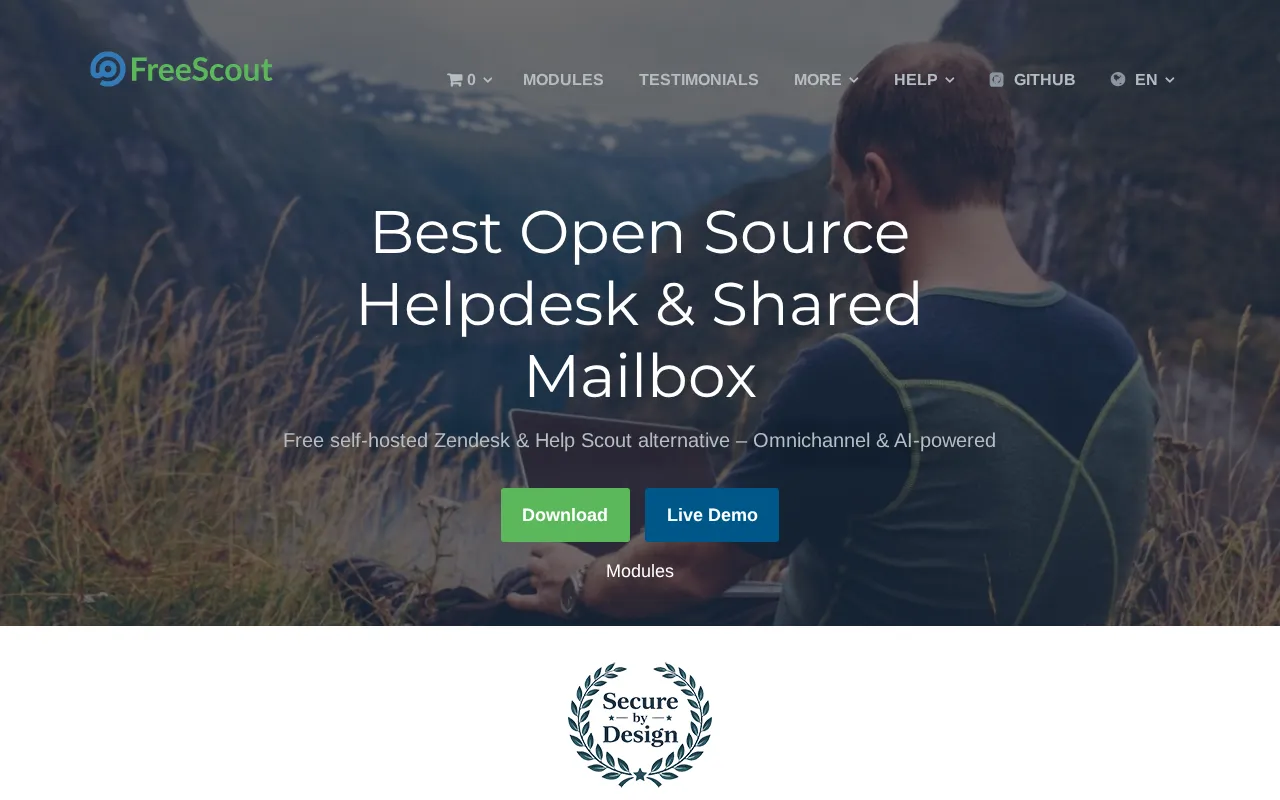
FreeScout homepage, November 2026

FreeScout is a free, open-source help desk and shared mailbox built with PHP and Laravel, which you install on your own server. Features beyond the core, from live chat to a knowledge base, come as modules sold once.

Best for
Teams with someone to run a PHP server who want an email help desk for any number of agents without a monthly bill.
How it bills
FreeScout is free and open source for unlimited agents, tickets and mailboxes, and you host it yourself: FreeScout offers no cloud version of its own. Features such as live chat ($13), a knowledge base ($12), saved replies ($4.99), tags ($6.99), workflows ($14.99) and API & Webhooks ($12.99) are modules, each a one-time lifetime license for one FreeScout instance, with no trials and no refunds. The AI module is free and runs on your own AI provider.
Free plan
Yes: free and open source for unlimited agents, on your own server
3 people, 300 AI replies
$0 or more a month: 3 agents on the free FreeScout app, on a server you run from $3.10 a month on PikaPods in FreeScout’s one-click list. Live chat ($13), knowledge base ($12) and saved replies ($4.99) are one-time modules, $29.99 together, and no AI answers customers.

Pros

  • Free for unlimited agents, tickets and mailboxes, and every conversation stays on a server you control.
  • Modules are paid once, with lifetime updates, and their source code is open under AGPL-3.0.
  • The free AI module drafts and summarizes with OpenAI, Claude, Gemini or a local model through Ollama.
  • Beside email, live chat, WhatsApp, Telegram, Facebook and SMS through Twilio can join the same inbox, each through a module.

Cons

  • FreeScout sells no hosted version, so you run the server yourself or pay another company to host it.
  • No AI answers customers: the AI module only drafts, summarizes and polishes replies for an agent.
  • Saved replies, tags, workflows, live chat and the knowledge base are each a paid module, with no trial and no refund.
  • Help with a module is limited to fixing confirmed bugs, and FreeScout points you to a developer for anything else.

Already on FreeScout? See the best FreeScout alternatives.
Zendesk

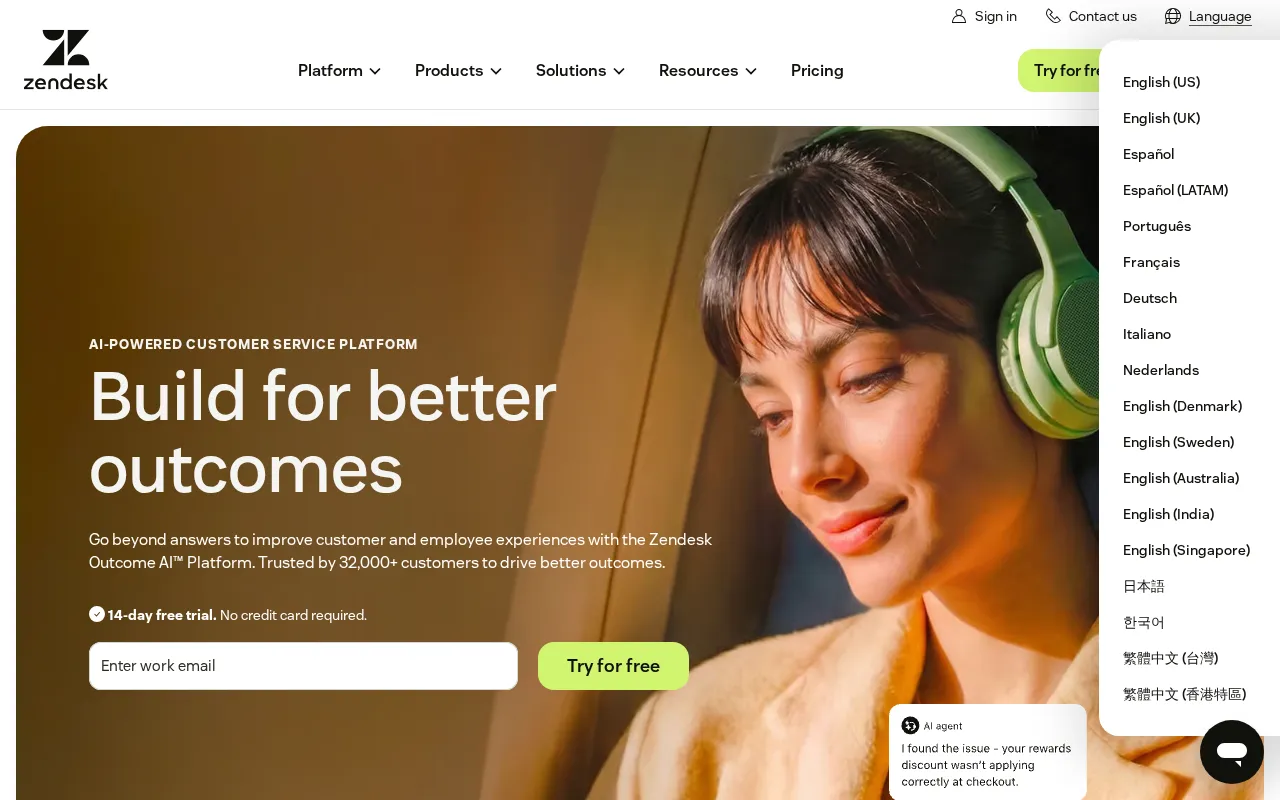
Zendesk homepage, November 2026

Zendesk is a customer service suite for email, messaging, live chat, social and voice, with AI agents that answer customers and are billed per automated resolution.

Best for
Growing and large teams that need voice, many channels, 1,800+ apps and integrations, and enterprise controls to grow into.
How it bills
Per agent: Support Team is $19, Suite Team $55 and Suite Professional $115 a month on annual billing ($25, $69 and $149 monthly). Each agent brings 5 automated resolutions a month (10 on Professional), then each costs $1.50 committed or $2.00 pay as you go. Copilot is $50 more an agent.
Free plan
No, 14-day trial
3 people, 300 AI replies
$485 a month: 3 Support Team agents at $19 on annual billing, plus 285 automated resolutions at $1.50 committed beyond the 15 included, on email only.

Pros

  • Email, messaging, live chat, WhatsApp, social and voice sit in one Suite, and AI agents can answer on email, messaging or voice.
  • Its marketplace lists 1,800+ apps, partners and integrations.
  • Agents refund and cancel Shopify orders inside a ticket, and an admin can connect Zendesk’s AI agents to Stripe’s MCP server.
  • The 14-day trial opens every Suite Professional feature, Copilot included, and startups can get 6 months of Suite free for up to 50 agents.

Cons

  • Every agent is a seat, and each automated resolution past the 5 per agent a plan includes costs $1.50 to $2.00.
  • No official MCP server for outside AI tools yet: Zendesk announced one in May 2026 for early access and has published no tools for it.
  • Data exports are off until the account owner asks support, and the export tools aren’t on Team plans.
  • Zendesk gives no refunds or credits for unused seats or time.

Already on Zendesk? See the best Zendesk alternatives.

Pick FreeScout if

  • Most of your support is email, and hiring the next agent shouldn’t raise what you pay each month.
  • Someone on the team already looks after PHP apps, or you’re happy to rent a host like PikaPods from $3.10 a month.
  • Customer conversations must stay on a server you run or pick, not in a help desk vendor’s cloud.
  • Your teammates write every reply themselves and want AI drafts and summaries from a key you already hold, or from a model running in LM Studio.
  • You’d rather spend $14.99 once on workflows and $6.99 on tags than pay a monthly seat price for features.

Pick Zendesk if

  • Nobody wants to install, patch or back up a help desk, and paying per agent each month is fine.
  • AI should answer customers by itself on email, messaging or the phone, and you can budget for resolutions past the 5 each seat includes.
  • You want phone support in the same plan as chat, and Suite Team includes telephony at $55 an agent on annual billing.
  • Your stack leans on other software, and you want to choose from 1,800+ apps, partners and integrations in Zendesk’s marketplace, with Shopify refunds and cancellations done inside the ticket.
  • Your startup qualifies for Zendesk’s offer of 6 months of Suite without charge, for as many as 50 agents.

When to consider Rinhelp instead

Consider Rinhelp if 2 to 10 of you answer email and live chat and want AI writing back to customers, which FreeScout’s AI module doesn’t do, without Zendesk’s price on every seat and on every resolution past the ones each seat includes. Rin, our built-in AI, answers first from your help center and website and hands the conversation to a teammate when it can’t help. Pro costs $49 a month for everyone in the workspace and includes 5,000 AI replies, Free covers up to 3 teammates, and there is no server to run or module to buy. Your own AI agent, whether Claude, ChatGPT or one you built, works the inbox through our MCP server, and anything that moves money or can’t be undone waits for a teammate’s approval. Rinhelp lives only in our cloud, so if conversations have to stay on hardware you control, FreeScout is the better pick. Nor does Rinhelp fit a large team, or one that takes phone calls, WhatsApp, SMS or social messages, needs routing rules or reports, or depends on integrations other than Shopify and Stripe. Zendesk handles calls, social channels, routing, reports and a big marketplace.

Start free

Moving to Rinhelp

From FreeScout

FreeScout conversations, with each thread, note and attachment, come straight off your own server through the REST API that FreeScout’s API & Webhooks module adds. Name every status you want: the conversation list hands back only active ones unless told otherwise. See the full move from FreeScout.

From Zendesk

Zendesk tickets with their comments and internal notes, your macros and your “Help Center” articles all come across. Plan your login first: Zendesk is retiring API tokens in favour of OAuth. See the full move from Zendesk.

Questions about FreeScout vs Zendesk

Is FreeScout a free alternative to Zendesk?

For an email help desk, it can be. The app costs nothing for any number of agents, and you pay only for hosting and the modules you pick. It won’t stand in for all of Zendesk: no AI there answers customers, it has no phone line of its own, FreeScout sells no hosted plan to take the upkeep off your hands, and tags, workflows, the knowledge base and each extra channel are separate purchases.

Can my AI agent work in FreeScout or Zendesk?

Through APIs and third-party tools, not an official MCP server. FreeScout’s REST API comes with its API & Webhooks module, and a third-party MCP server appears on its community modules list. Zendesk announced its own server in May 2026 for early access with no published tools, so for now you’d reach for a marketplace app such as Swifteq’s MCP Server for Zendesk.

Which is easier to leave?

FreeScout, mostly, because your conversations already sit on a server you control. Zendesk only switches data exports on once the account owner requests it from support, leaves the export tools out of Team plans, and refunds no unused seats or time. Reading FreeScout conversations out through its API takes the $12.99 API & Webhooks module, and that API doesn’t reach saved replies or knowledge base articles. FreeScout won’t refund a module either, but each is one small payment rather than a recurring bill.

Can I try either before I pay?

Yes for Zendesk, whose 14-day trial opens every Suite Professional feature, Copilot included. FreeScout’s core app is free to install and keep, but its paid modules have no trial, and its help with them stops at fixing confirmed bugs, with a developer suggested for anything more, so read each module’s page closely before buying.

How we checked

We compared FreeScout and Zendesk using the facts we keep on each, checked against the vendor’s own pages on the date shown beside its sources. Rinhelp is in every table because it is our product and we wrote this page, so check each figure against the vendor’s own page before you decide.

Costs are list prices in US dollars for three team sizes, on the cheapest plan that covers them, counting each AI reply as one resolved conversation. Features count only when the vendor’s own pages say a plan includes them. The AI column counts actions an official MCP server from the vendor can take, out of 11, and leaves third-party connectors out.

Try Rinhelp next to FreeScout or Zendesk.

Start free with up to 3 teammates and 50 AI replies.

Start free