Microsoft 365 shared mailbox pricing questions
Which Microsoft 365 plan does a support team need to use a shared mailbox?
Any plan with Exchange business email, which means every Business plan, with or without Teams. Each person who opens the shared mailbox needs their own licensed Exchange Online mailbox, while the shared mailbox itself needs no license. Apps for business has no business email in Microsoft’s table, so it won’t do.
Is it better to pay for Microsoft 365 monthly or yearly?
A monthly subscription can be cancelled at any time, which suits a team whose size keeps changing. The paid-yearly price is lower per seat, and Microsoft also offers a 1-year commitment paid month by month. On the newer billing accounts, a switch between monthly and yearly billing waits until renewal.
What happens when the Microsoft 365 free trial ends?
The 1-month trial needs a credit card and turns into a paid subscription on an annual term by default. To stop it, turn off recurring billing in the Microsoft 365 admin center before the month is up. A trial comes with 25 licenses and 300 GB of storage shared by everyone.
Can we get money back after buying Microsoft 365?
On the newer Microsoft Customer Agreement accounts, cancelling within 7 days of starting or renewing gives a prorated refund or credit within a day or two. After that, you can only turn off recurring billing and keep access to the end of the term. Older accounts get a prorated credit or refund whenever they cancel.
Should we pick a plan with Teams or without?
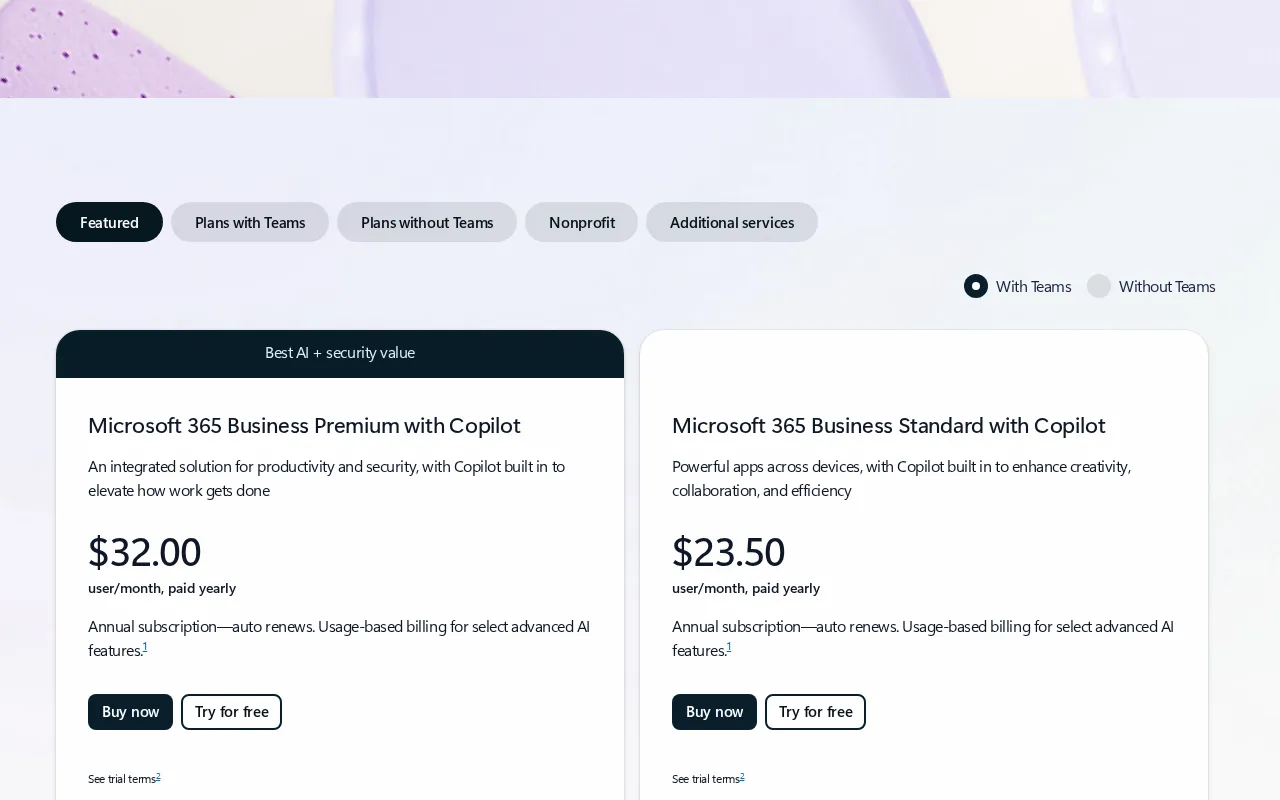
Without Teams is cheaper, $5.40 instead of $7.00 a seat for Basic paid yearly, and fits a team that already chats and calls in another tool. Choose the version with Teams if you want meetings, chat, Bookings and Shifts in the same bill.
Can different people be on different Microsoft 365 plans?
Yes. You can buy several plans in one organization and give each person the license they need, as long as the business plans add up to no more than 300 licenses in total.