1. Rinhelp
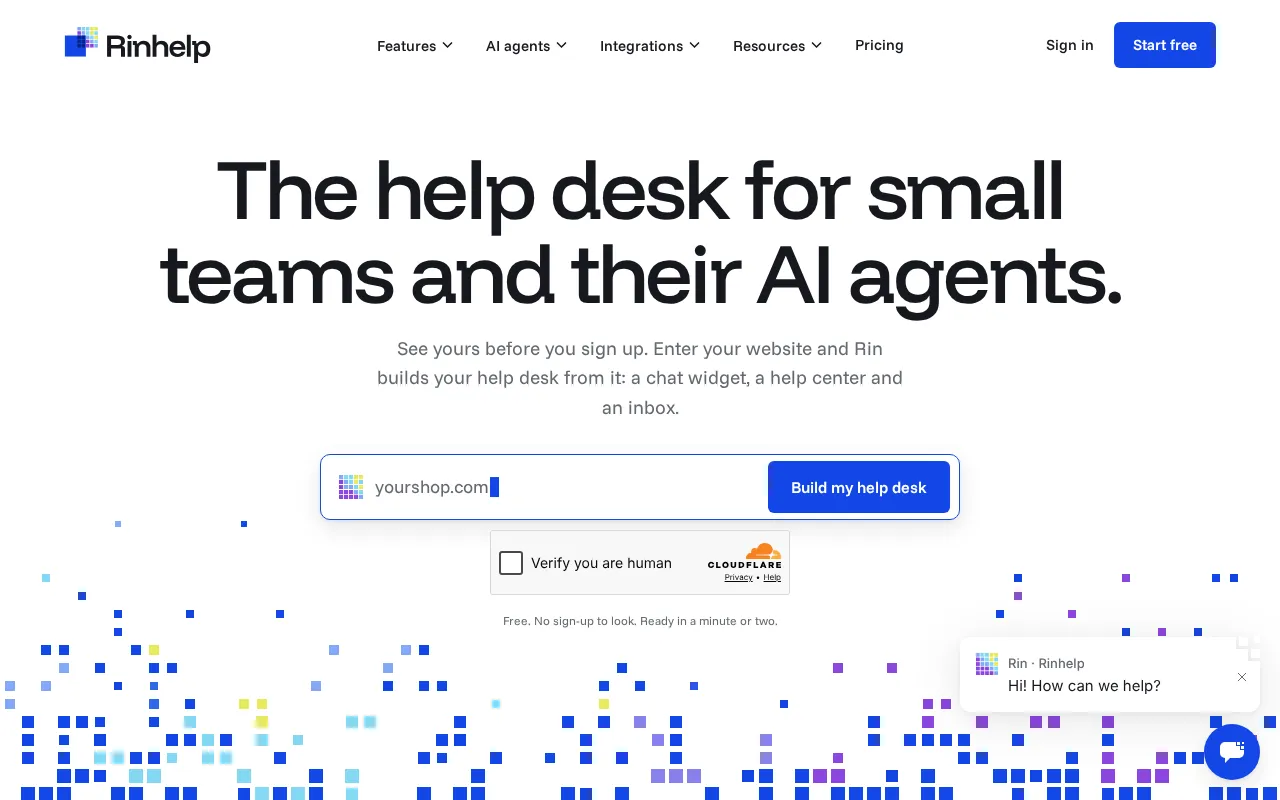
Two limits come first for a UK charity: Rinhelp lists its prices in dollars and bills monthly, so the sterling cost moves with the exchange rate, and its pricing page names no UK or EU hosting option. Past those, one price covers the workspace, so a volunteer who joins for an appeal costs nothing, and Free covers up to 3 teammates. Rin answers from your help center and website, so a page on Gift Aid becomes an answer it can give, and it hands the conversation to your team when your pages don’t hold one. With Stripe connected, a supporter’s payments and subscriptions sit in the conversation. Rin shares them only once the supporter passes the purchase check, and a refund or cancellation Rin or an AI agent asks for waits until a teammate checks it against your policy. Any teammate can approve one, so agree who decides. Rinhelp’s pricing page lists no discount, and it has no phone, WhatsApp, SMS, social inbox, reports, SLA or routing rules; Shopify and Stripe are its only integrations.
- Best for
- Small UK charities that can live with dollar billing and a pricing page that names no UK hosting, whose staff and volunteers answer supporters by email and website chat about Gift Aid, regular gifts and events.
- How it bills
- Free for up to 3 teammates. Pro is $49 a month for the whole workspace, with 5,000 AI replies from Rin. No per-seat or per-resolution fees.
- Free plan
- Yes: 3 teammates, 50 AI replies to try Rin
- 3 people, 300 AI replies
- $49 a month: Pro for the whole workspace, using 300 of its 5,000 AI replies; Free covers your team if you don’t need AI replies.
Pros
- Pro is $49 a month for the workspace with 5,000 AI replies, so a volunteer joining for a busy appeal adds nothing to the bill.
- Rin can answer Gift Aid questions from a page you publish, and passes the conversation on when your pages don’t hold the answer.
- A refund Rin asks for waits until a teammate checks it against your refund policy, and any teammate can approve it.
Cons
- Email and live chat only: there is no phone, WhatsApp, SMS or social inbox.
- Shopify and Stripe are the only integrations.
- No reports, SLA rules or routing rules: Rin hands a conversation to the teammate with the fewest open ones.
- The free plan has no Rin beyond 50 AI replies to try it.
2. Deskpro
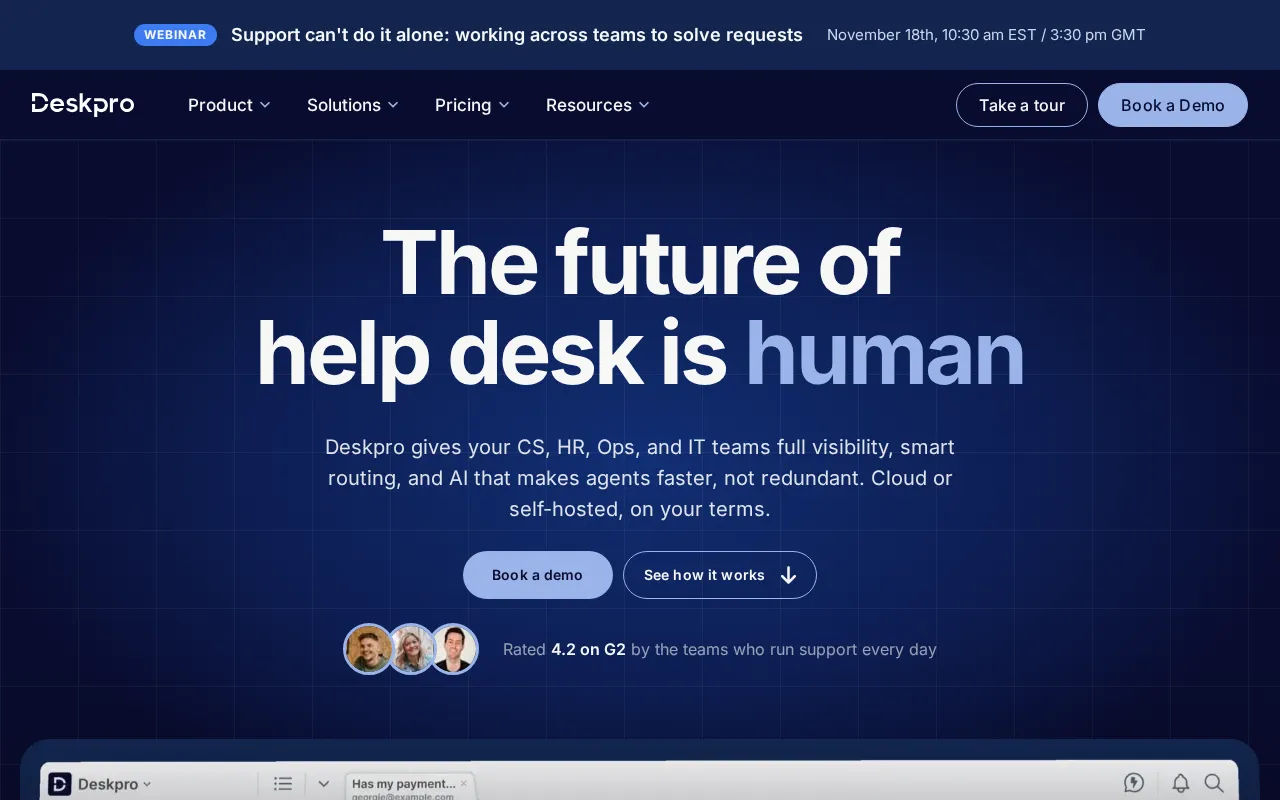
Deskpro is a help desk from Deskpro Ltd in London for customer support, IT, HR and internal operations teams. It sells Deskpro Cloud, and Deskpro Private, which you host on-premise or in your own private cloud.
Deskpro is made by Deskpro Ltd in London, and its security page says a Cloud account’s data can be hosted exclusively in the US, EU or UK region you choose. Email, chat, phone, WhatsApp and SMS come on every plan, but each has a seat minimum: Team is $39 an agent for at least 5, and the AI chatbot needs Professional at $59 for at least 10. Its pricing page says non-profit discounts are available if you ask.
- Best for
- Organizations that run support for several departments and need the help desk, and its AI, inside their own infrastructure.
- How it bills
- Deskpro Cloud is per agent a month: Team is $39 with at least 5 agents, Professional $59 with at least 10, and Enterprise $99 with at least 25. AI features and the AI chatbot start on Professional, and the tokens they use are billed by OpenAI or your own AI provider, with no Deskpro markup. Deskpro Private is priced on request.
- Free plan
- No, 14-day trial with no card
- 3 people, 300 AI replies
- $592 or more a month: 10 Professional agents at $59, the plan’s minimum and the first with the AI chatbot, plus about $2 of AI tokens for 300 AI answers, which Deskpro estimates at $0.0067 each.
Pros
- Email, live chat, phone, WhatsApp, SMS, social media, Slack and Microsoft Teams come on every plan, Team included.
- Deskpro Private runs the same help desk on-premise or in your own private cloud, and its AI can use a model you host.
- AI is billed by the tokens it uses, never per resolution, and you can bring your own AI provider.
- Every plan’s help center has a knowledge base, guides, news and a community forum.
Cons
- Every plan has a seat minimum: a team of 3 pays for 5 agents on Team.
- The AI chatbot, AI drafts and summaries need Professional, at least $590 a month before tokens.
- No official MCP server for your own AI agent, and no Stripe app in its marketplace.
- Cancelling means emailing support, with no refund for unused time, and Deskpro then deletes your data.
Already on Deskpro? See the best Deskpro alternatives.
3. HelpSpot
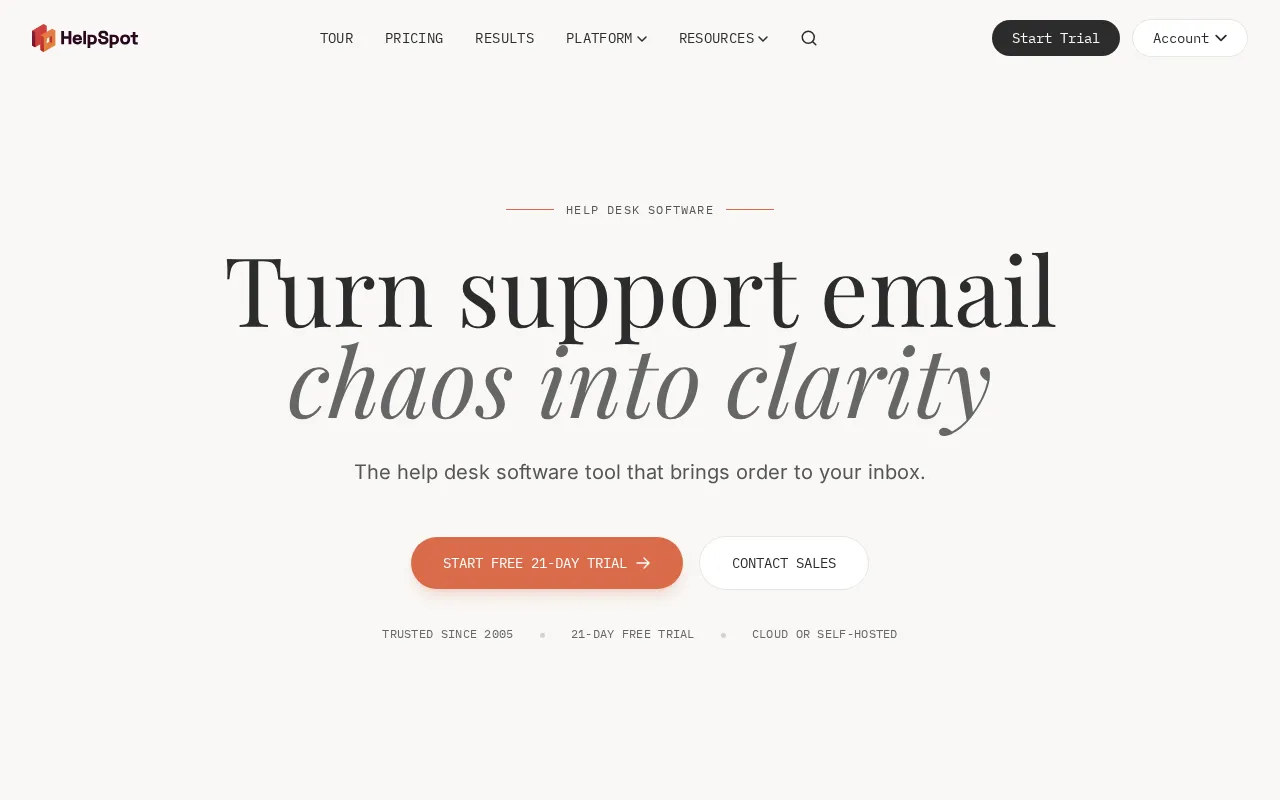
HelpSpot is an email help desk from UserScape in Poughkeepsie, New York, around since 2005 and used by IT, HR, maintenance and customer support teams. It runs in HelpSpot’s US or EU cloud, or on your own Windows or Linux servers, at the same price.
HelpSpot’s EU Cloud runs in Frankfurt with every record kept inside the EU, at the same yearly price as its US cloud, and qualified non-profits take 15% off. 3 agents are $899 a year before that discount. It’s email and a portal only, with no live chat, and its AI drafts replies a person sends.
- Best for
- IT, HR and support departments that work from email, want every feature and AI drafting at one yearly price, and may need the help desk on their own servers.
- How it bills
- One yearly price by number of agents, sold in tiers: 3 agents are $899 a year, 5 are $1,299, 7 are $1,799 and 10 are $2,199. Every feature, AI included, comes in every tier, cloud or self-hosted, with no per-ticket or per-token fees. Qualified non-profits and academic institutions get 15% off.
- Free plan
- No, 21-day trial with no card
- 3 people, 300 AI replies
- $75 a month: 3 agents, HelpSpot’s smallest tier, at $899 a year. HelpSpot’s AI drafts for agents and never sends, so no AI answers customers.
Pros
- One price covers every feature, unlimited tickets and mailboxes, and AI, with free onboarding.
- The same price buys HelpSpot’s US or EU cloud, or a copy you run on your own servers with direct SQL access.
- An official MCP server lets Claude or ChatGPT search, update and close requests and edit knowledge base pages.
- A 90-day money-back guarantee, and phone support from HelpSpot’s own team on every plan.
Cons
- No AI answers customers: the AI Composer drafts replies, and an agent reviews and sends every one.
- No live chat, WhatsApp or voice. Requests come in by email, the portal or the API.
- Sold a year at a time, and only in tiers: a fourth agent moves you from $899 to $1,299 a year.
- No free plan, no Stripe integration, and Shopify only through a sample script you set up yourself.
Already on HelpSpot? See the best HelpSpot alternatives.
4. Zammad
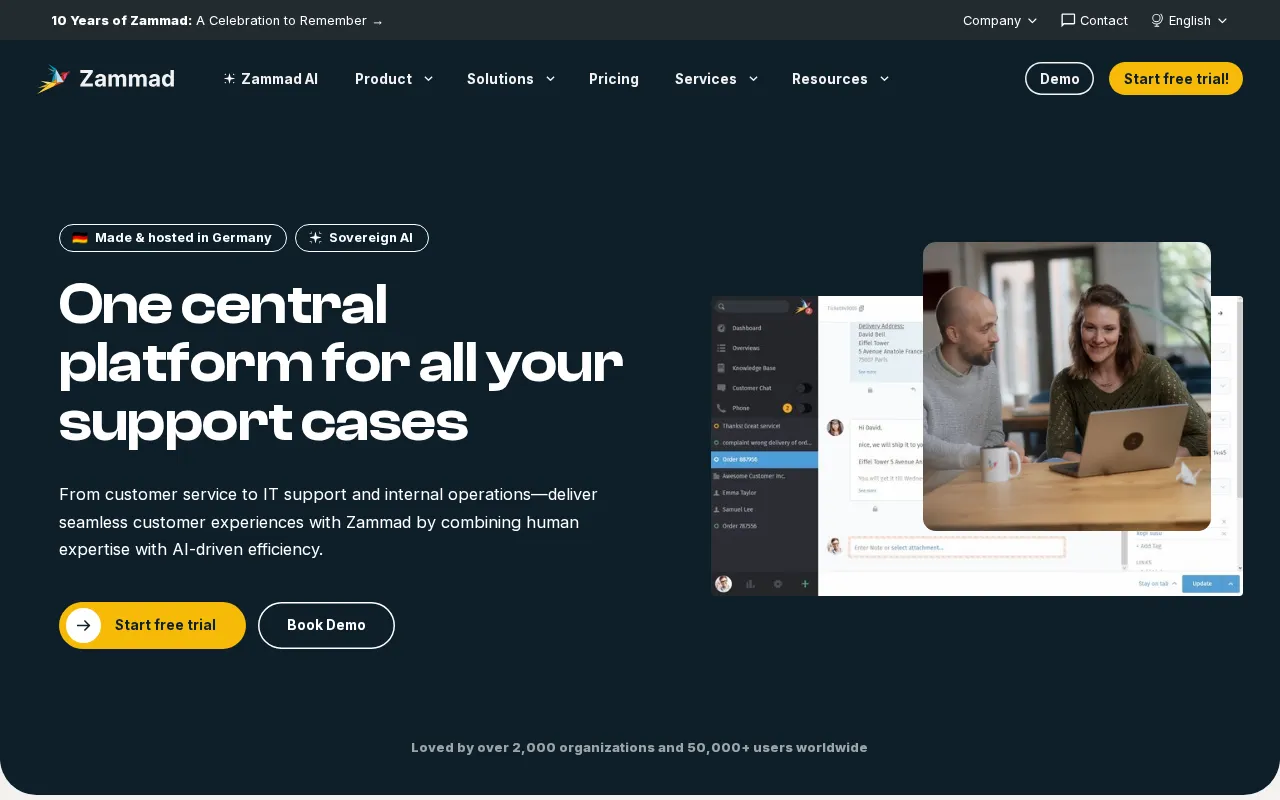
Zammad is an open-source ticketing help desk from Zammad GmbH in Germany, founded in 2014 by Martin Edenhofer, who earlier created OTRS. Email, chat, SMS, Telegram, Facebook and WhatsApp share one ticket queue with a knowledge base, on your own server for free or hosted by Zammad in Germany.
Zammad comes from Zammad GmbH in Germany and is open source, so a charity can run it free on its own server or have Zammad host it in ISO 27001-certified German data centers. Hosted Starter is €7 an agent for up to 5, chat and a knowledge base start on Professional at €16, and its AI tidies tickets rather than answering supporters.
- Best for
- Teams that want an open-source ticketing system they can run themselves, or have hosted in Germany, with AI that sorts and summarizes tickets rather than answering customers.
- How it bills
- Hosted plans are per agent a month in euros, excluding VAT: Starter v2 is €7 for up to 5 agents, Professional v2 €16 for up to 35 and Plus v2 €25 for any number on annual billing (€9, €18 and €27 monthly). Chat and the knowledge base start on Professional v2, WhatsApp and Facebook on Plus v2. AI needs Professional v2 or Plus v2, and Zammad AI costs €0.03 per AI call, or you connect your own provider. Self-hosting is free, with support contracts from €2,999 a year.
- Free plan
- Yes: free and open source on your own server, and a 30-day hosted trial on Professional v2
- 3 people, 300 AI replies
- $54 a month: 3 Professional v2 agents at €16 on annual billing, the first plan with chat and a knowledge base: €48, about $54 at $1.12 to the euro. No Zammad AI answers customers, so your team answers every conversation.
Pros
- Open source with the full feature set, so you can run it yourself for free and keep every ticket on your own servers.
- Email, chat, SMS, Telegram, Facebook and WhatsApp share one ticket queue, with SLAs, triggers and a knowledge base.
- Its AI runs on Zammad AI, your own OpenAI, Anthropic or Azure account, or a local model through Ollama.
- The hosted version runs in ISO 27001-certified data centers in Germany, and monthly billing can be cancelled any month.
Cons
- No AI answers customers: it summarizes tickets, polishes drafts and sets fields, and a person sends every reply.
- Hosted chat and the knowledge base need Professional at €16 an agent, and WhatsApp needs Plus at €25.
- Running it yourself takes at least 2 CPU cores and 6 GB of RAM, plus 4 GB for Elasticsearch on the same server.
- No Shopify or Stripe integration, and its phone integrations only log calls: you can’t call from inside Zammad.
Already on Zammad? See the best Zammad alternatives.
5. HappyFox
HappyFox Help Desk is a ticketing help desk with a knowledge base and support portal, used for customer support and for internal teams such as IT and HR. Live chat, AI, a chatbot and voice are separate HappyFox products that plug into it.
HappyFox lists an optional EU data center on Team, $49 an agent a month on annual billing, which also brings Stripe. Basic at $24 stops at 5 agents, and live chat and AI are separate HappyFox products bought on top, so the total climbs quickly for a small team.
- Best for
- Teams that run customer, IT or HR requests through one ticket queue with SLAs, several brands and asset tracking, and want HappyFox to handle the move for them.
- How it bills
- Per agent: Basic is $24, Team $49 and Pro $99 a month on annual billing ($29, $69 and $119 monthly), and Basic stops at 5 agents. Live chat (HappyFox Messaging) starts at $19 an agent, HappyFox AI at $14 to $39 an agent, and the Chatbot at $0.33 per resolution. Unlimited-agent plans start at $1,999 a month on annual billing for 20,000 tickets a year, and Scale is $3,999 for 150,000.
- Free plan
- No, 14-day trial requested through the demo form
- 3 people, 300 AI replies
- $171 or more a month: 3 Basic agents at $24 on annual billing, plus 300 Chatbot resolutions at $0.33. HappyFox’s Chatbot page says each price is set in the order form.
Pros
- Free white-glove migration with any annual plan: HappyFox maps your tickets, rebuilds rules and SLAs, and helps for 30 days after launch.
- One account can serve customer support, IT, HR and facilities, with separate queues, SLAs and knowledge bases, and assets on Pro.
- Team runs up to 5 brands, each with its own support center and domain, and Pro up to 15.
- Large teams can skip per-agent pricing: Growth is $1,999 a month on annual billing for unlimited agents and 20,000 tickets a year.
Cons
- Live chat, AI, the Chatbot and voice are each sold separately, on top of the per-agent help desk.
- Basic stops at 5 agents and leaves out WhatsApp and Stripe, so a sixth agent moves everyone to Team at $49.
- No free plan, and even the trial starts from a demo form.
- No MCP server for the help desk, and API access can be switched off on new accounts until you email support.
- An annual plan ended early refunds no prepaid fees, and HappyFox may delete your data as soon as the subscription ends.
Already on HappyFox? See the best HappyFox alternatives.
6. Enchant
Enchant is a help desk from Senvee, a Canadian company that launched it in 2012. Email, live chat, phone calls, SMS, WhatsApp, Facebook Messenger and Instagram share one inbox, with knowledge bases and an AI add-on that mostly drafts for agents.
Enchant, a Canadian company, says on its GDPR page that it relies on the European Commission’s adequacy decision for data sent from the EU to Canada, so a UK charity should ask how it covers transfers from the UK. An account owner can sign its data processing addendum inside the app. It’s $20 a user, billed monthly with no annual contract, and its free plan covers 2 users on the chat widget.
- Best for
- Small and growing teams that want every channel, phone calls included, in one shared inbox at one price per user, month to month.
- How it bills
- The paid plan is $20 a user a month, billed monthly with no annual contract. Enchant AI Standard is $30 per 500 customers helped, averaged over the past three months and counting every customer, with or without AI. Advanced Security is $5 a user and removing branding $50 a month. Free covers 2 users on the chat widget.
- Free plan
- Yes: 2 users, chat widget only, plus a 30-day trial of the paid plan with no card
- 3 people, 300 AI replies
- $90 a month: 3 users at $20 a month on Enchant’s one paid plan, billed monthly, plus $30 for Enchant AI Standard at 300 customers helped, $30 per 500. Its AI agent, a beta, answers live chat only and at most 100 chats a month, so your team answers the rest.
Pros
- One price per user covers every channel, phone calls, SMS, WhatsApp and Instagram included, billed monthly with no annual contract.
- A built-in call center records calls and runs queues over your own Twilio number, and Enchant adds no fee per call.
- A free plan for 2 users with the chat widget, knowledge bases and a newsletter, and a 30-day trial of the paid plan with no card.
- Paid plans include a free import of your history from your old help desk, done by Enchant’s team.
Cons
- Its AI agent is a beta that answers live chat only, up to 100 chats a month. Email and other channels get AI drafts for agents to send.
- Enchant AI Standard is billed on every customer your team helps, not only the ones AI answers.
- No MCP server, and no Stripe among its integrations. Shopify shows a customer’s details and recent orders beside the conversation.
- Phone calls run on your own Twilio account, which bills its own rates.
Already on Enchant? See the best Enchant alternatives.
7. Trengo
Trengo is a customer engagement platform with one inbox for WhatsApp, email, live chat, social and voice. Its AI agents, including Dessa for online stores, answer customers and act on orders.
Trengo prices in euros and puts WhatsApp, email, chat and voice in one inbox, handy for a charity whose service users message on WhatsApp. Base is €119 a month on annual billing for 3 users with 1,200 conversations a year, each AI conversation adds €0.25 to €0.30, and fees aren’t refundable.
- Best for
- Ecommerce and hospitality teams that run support and sales over WhatsApp and social as well as email.
- How it bills
- Priced in euros: Base is €119 a month on annual billing, about $133 (€149 monthly), for 3 users (up to 5) and 1,200 conversations a year (100 a month billed monthly), with AI Journeys €588 a year on top. Boost is €299, about $335 (€349), for 10 users and 6,000 conversations a year (500 a month), and Pro €499 (€599) for 20 users and 18,000 (1,500). Extra users are €25 to €30 on Base and Boost, extra conversations €15 to €18 per 100, and each AI conversation adds €0.25 to €0.30.
- Free plan
- No, 7-day trial
- 3 people, 300 AI replies
- $306 a month: Base on annual billing at €119 for 3 users and 1,200 conversations a year, 100 a month, plus 200 extra conversations at €15 per 100, AI Journeys at €49 a month and 300 AI conversations at €0.25: €273, about $306 at $1.12 to the euro.
Pros
- WhatsApp, Instagram, Facebook, TikTok, SMS, email, live chat and voice in one inbox.
- Base starts at €119 a month on annual billing for 3 users, and Boost includes 10.
- Dessa, its ecommerce AI agent, tracks orders, handles returns, and cancels or changes orders that haven’t shipped.
- WhatsApp broadcasting and voice calls are available as add-ons.
Cons
- Base covers only 100 conversations a month, stops at 5 users, and its AI agent is Playground only: AI answers need the AI Journeys add-on or Boost at €299.
- Every AI conversation costs €0.25 to €0.30 on top, and conversations past the plan’s allowance cost €15 to €18 per 100.
- AI actions that call other tools’ APIs need Boost or Pro.
- No official MCP server, and fees are non-refundable with 60 days’ notice needed before an annual renewal.
Already on Trengo? See the best Trengo alternatives.
8. Customerly
Customerly is customer support and marketing software: a live chat messenger, one inbox for chat, email, WhatsApp and Facebook Messenger, a help center, and Aura, its AI agent, alongside email campaigns, in-app surveys and NPS.
Customerly bills companies in Europe in euros, from €16 a seat, and its Aura AI answers from your help center with the sources behind each reply. View-only Lite users are free, but every Aura conversation past the plan’s 10 to 50 costs extra with no way to cap it, which is risky on a fixed grant.
- Best for
- Software companies that want chat support, onboarding emails and NPS surveys in one tool, with an AI agent they pay for by the conversation.
- How it bills
- Per seat in US dollars: Core is $16 a seat a month, Growth $59 and Ultimate $84 on annual billing, which gives 2 months off, or $19, $69 and $99 paid monthly, with 10, 20 or 50 AI conversations a month. Each further conversation Aura handles is $0.45 bought in advance or $0.50 on demand. Interactions past a plan’s 500, 1,000 or 5,000 a month cost down to $0.99 per 1,000 at volume, and AI Companion, which drafts and summarizes for your team, is $19 an agent a month billed annually. Companies in Europe are billed in euros at the same figures, from €16 a seat, with extra interactions at €0.005 down to €0.00099 each. Every plan starts with a 14-day free trial.
- Free plan
- No, 14-day free trial; view-only Lite users are free
- 3 people, 300 AI replies
- $200 a month: 3 Core seats at €16 on annual billing, plus 290 AI conversations past the 10 included at €0.45 each: €178.50, about $200 at $1.12 to the euro.
Pros
- Aura answers from your help center and canned responses, lists the sources behind each reply, and hands a conversation to your team when it should.
- Live chat, email, WhatsApp and Facebook Messenger share one inbox, and Customerly adds no fee for WhatsApp.
- Its official MCP server lets Claude read conversations, reply and draft help center articles, with each resource set to no access, read only or full access.
- Email campaigns, workflows, in-app surveys and NPS sit beside support, and view-only Lite users are free.
Cons
- Each conversation Aura handles past the plan’s 10 to 50 a month costs $0.45 bought in advance or $0.50 on demand, and there is no setting to cap AI spending.
- Core keeps 30 days of conversation history and 2 canned responses; unlimited history starts on Growth at $59 a seat.
- AI drafts, summaries and article writing for your team need AI Companion at $19 a seat a month.
- Cancelling deletes the project, conversations and help center at once, and no fees are refunded.
Already on Customerly? See the best Customerly alternatives.
9. Microsoft 365 shared mailbox
Microsoft 365 is Microsoft’s business email and office suite. A shared mailbox gives a team one address, such as support@, that everyone with access reads and answers in Outlook.
If your charity already uses Microsoft 365, a shared mailbox needs no extra license up to 50 GB and everyone answers supporters from Outlook. Microsoft caps it at 25 users and describes no assignment, status, live chat or help center, so it holds a quiet inbox rather than a busy one.
- Best for
- Small teams already on Microsoft 365 that answer a modest amount of support email in Outlook.
- How it bills
- Per user: Business Basic is $7, Standard $14 and Premium $22 a user a month paid yearly, and Basic is $8.40 monthly. A shared mailbox needs no license up to 50 GB, Copilot Business is $21 a user more ($18 for the first year on orders by December 31, 2026), and agents for customers bill Copilot Studio credits.
- Free plan
- No, one-month trial
- 3 people, 300 AI replies
- $21 a month: 3 Business Basic users at $7 paid yearly. The shared mailbox needs no license, and Copilot Chat doesn’t answer customers.
Pros
- Most teams already pay for it, and a shared mailbox costs nothing extra up to 50 GB.
- Everyone answers as the shared address from Outlook on the web, desktop or phone.
- Copilot Studio can build agents across Microsoft 365 data, for teams with the skills to set them up.
- Microsoft’s Work IQ MCP server can read and send mail for an AI agent.
Cons
- A shared mailbox supports at most 25 users, and too many at once can duplicate messages.
- Microsoft’s shared mailbox page describes no assignment, status, live chat or help center.
- Anyone with access can delete messages, and mail sent from it can’t be encrypted.
- An agent that answers customers needs a Copilot Studio license and an Azure subscription, billed by use.
Already on Microsoft 365 shared mailbox? See the best Microsoft 365 shared mailbox alternatives.
10. Freshchat
Freshchat is Freshworks’ live chat and messaging tool for websites, mobile apps, WhatsApp and social messengers. Its Freddy AI agent answers customers and is billed per session.
Freshchat’s free plan covers up to 10 agents with the chat widget, a shared inbox and email, the most free seats of any chat tool here for a volunteer roster. That plan has no AI agent or WhatsApp; Growth is $19 an agent and Freddy AI sessions $49 per 100 once the first 500 are gone.
- Best for
- Teams that support customers mostly over web and in-app chat, WhatsApp and social messengers, and want a free plan for up to 10 agents to start on.
- How it bills
- Per agent on annual billing: Growth is $19, Pro $49 and Enterprise $79 a month, and Free covers up to 10 agents without AI. Freddy AI agent sessions cost $49 per 100 after 500 free ones, once per account. Copilot is $29 an agent, and voice through Freshcaller starts at $15 an agent.
- Free plan
- Yes: up to 10 agents, chat and email, no AI
- 3 people, 300 AI replies
- $204 a month: 3 Growth agents at $19 on annual billing, with 300 chats answered by its AI agent in packs of 100 at $49.
Pros
- Chat works on your website and inside mobile apps, and Growth adds WhatsApp, SMS, Messenger, Instagram, Line and Google’s business messaging.
- The free plan covers up to 10 agents with the chat widget, a shared inbox and email.
- Pro and Enterprise translate conversations with customers in more than 45 languages.
- Free apps from Freshworks let its AI agent look up Shopify orders, refund or cancel them, and cancel Stripe subscriptions.
Cons
- The free plan has no AI agent, no WhatsApp and no social messengers.
- AI sessions went from 10 cents to 49 cents each in late 2025.
- No official MCP server, and the conversation API comes only with Pro and Enterprise.
- No help center: FAQ articles show only inside the chat widget.
Already on Freshchat? See the best Freshchat alternatives.
11. Brevo Conversations
Brevo Conversations is the live chat, chatbot and shared inbox inside Brevo, a marketing and CRM suite. Chat, email, Instagram, Messenger and WhatsApp land in one inbox, and its AI chatbot, still in beta, answers visitors from pages and files you give it.
If your supporter newsletters already go out through Brevo, it says adding live chat to your website is completely free, and chat visitors join the same contact list. More agents need sales seats, and the AI chatbot needs Sales Advanced, which comes with Professional, from $449.08 a month on annual billing, or Enterprise.
- Best for
- Teams that already send campaigns from Brevo and want website chats to become contacts and deals in the same CRM.
- How it bills
- Live chat is free on every Brevo plan for 1 user. Sales Essentials adds chatbot scenarios, Instagram and Messenger for $27.92 a seat a month on annual billing ($31 monthly), with up to 5 seats on Standard at $16.17 ($18 monthly). The AI chatbot, WhatsApp replies, routing and phone need Sales Advanced at $58.50 a seat on annual billing ($65 monthly), sold only with Professional, from $449.08 a month on annual billing ($499 monthly), and Enterprise.
- Free plan
- Yes: 1 user, live chat with Brevo branding on the widget
- 3 people, 300 AI replies
- $625 a month: Professional at $449.08 on annual billing, plus 3 Sales Advanced seats at $58.50 for the AI chatbot, which is in beta and has no separate price on Brevo’s pages.
Pros
- Website chat, email, Instagram, Messenger and WhatsApp share one inbox, and chat visitors are added to Brevo’s CRM as contacts.
- Live chat, the Brevo Conversations mobile app and Aura’s reply help, which summarizes chats and fixes the tone of a draft, come free on every plan.
- The AI chatbot answers on the chat widget, Facebook, Instagram and WhatsApp from web pages, files and text, and can hand a chat to a person with a summary note.
- From Sales Essentials, live visitor insights show each visitor’s page activity, their Shopify cart and what they are typing before they send.
Cons
- The AI chatbot needs Sales Advanced, which Brevo sells only with Professional, from $449.08 a month on annual billing before seats, and Enterprise.
- Every agent needs a sales seat: Free and Starter allow only the account owner, and Standard caps a team at 5 seats.
- Routing rules, ticketing and WhatsApp replies also sit in Sales Advanced.
- Brevo’s official MCP server has no module for its inbox, and the Brevo Conversations API can’t list past conversations.
Already on Brevo Conversations? See the best Brevo Conversations alternatives.
12. LiveAgent
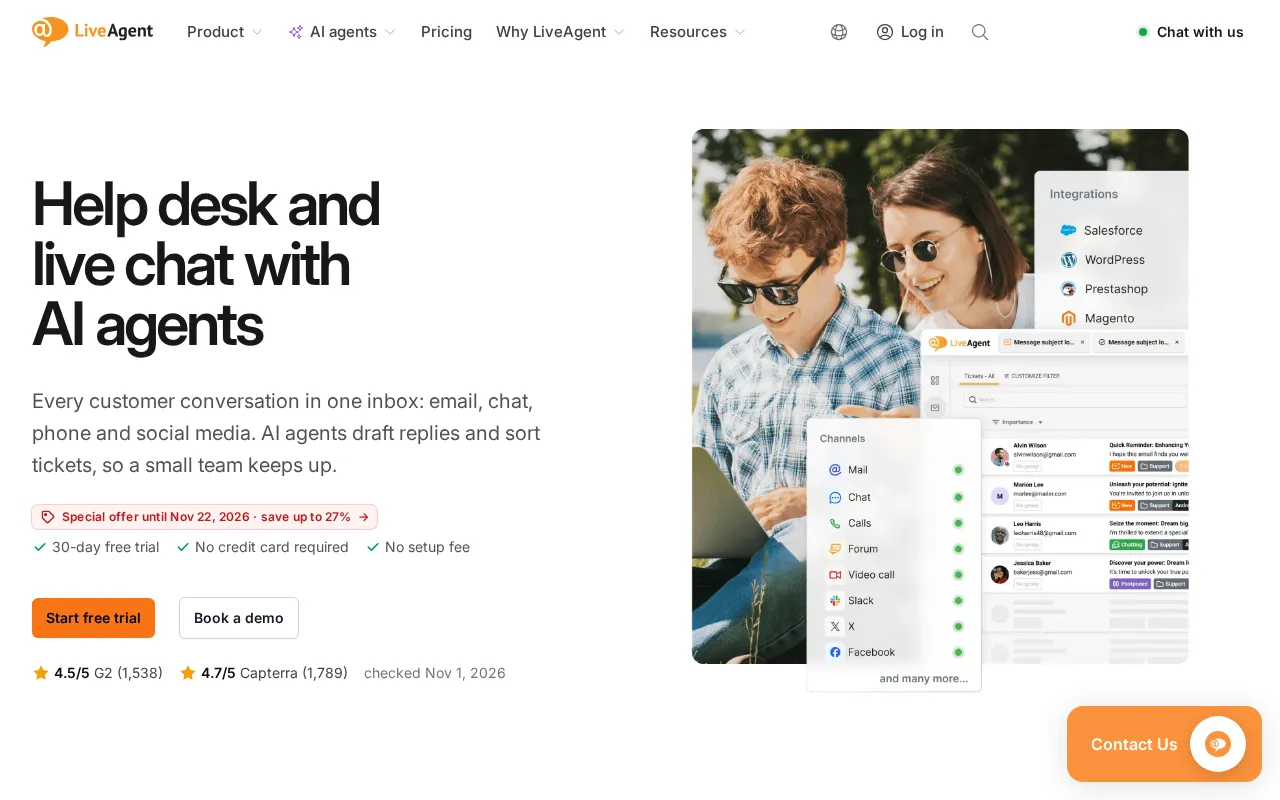
LiveAgent is help desk and call center software from Quality Unit, sold since 2004. Email, live chat, phone, social media and WhatsApp share one inbox, with a knowledge base and AI agents that run on your own AI provider.
LiveAgent adds no AI fee: its AI agents run on your own OpenAI, Anthropic or Google account, so you choose which provider reads supporters’ messages and pay it directly. Starter is $15 an agent on annual billing for up to 5, while calls, WhatsApp and social channels need Team at $29, and it refunds nothing for a downgrade or unused months.
- Best for
- Small and growing teams that take phone calls and social messages beside email and chat, and want AI without a per-resolution fee.
- How it bills
- Per agent on annual billing: Starter is $15 for up to 5 agents, Team $29 for up to 15 and Business $49 for any size ($19, $35 and $59 monthly). Enterprise is $3,199 a month for 80 agents on annual billing ($3,999 monthly). LiveAgent adds no AI fee: you pay OpenAI, Anthropic, Google or FlowHunt directly.
- Free plan
- No, 30-day trial without a card
- 3 people, 300 AI replies
- $78 a month: 3 Starter agents at $15 on annual billing, plus about $33 at your own AI provider for 300 AI chats at $0.11, the typical chat on LiveAgent’s pricing page.
Pros
- From Team, calls, Facebook, Instagram, X, Viber, WhatsApp and Telegram arrive in the same inbox as email and chat.
- LiveAgent adds nothing for AI: every AI feature runs on your own OpenAI, Anthropic, Google Gemini or FlowHunt account, at its prices.
- AI agents can answer new chats, emails, WhatsApp and Instagram messages first, and a voice AI agent can answer calls.
- Its official MCP server has 33 tools, so Claude can search, assign, resolve and reopen tickets and write knowledge base articles.
Cons
- Starter stops at 5 agents and leaves out calls, social channels, WhatsApp and reports, so a sixth agent moves everyone to Team.
- AI needs an account with an AI provider, billed separately and by the model you choose, so the full cost arrives in two bills.
- The MCP server needs Business, and it replies to customers only on WhatsApp.
- Stripe connects only through Zapier, and LiveAgent gives no refunds or credits for downgrades or unused months.
Already on LiveAgent? See the best LiveAgent alternatives.
13. Smartsupp
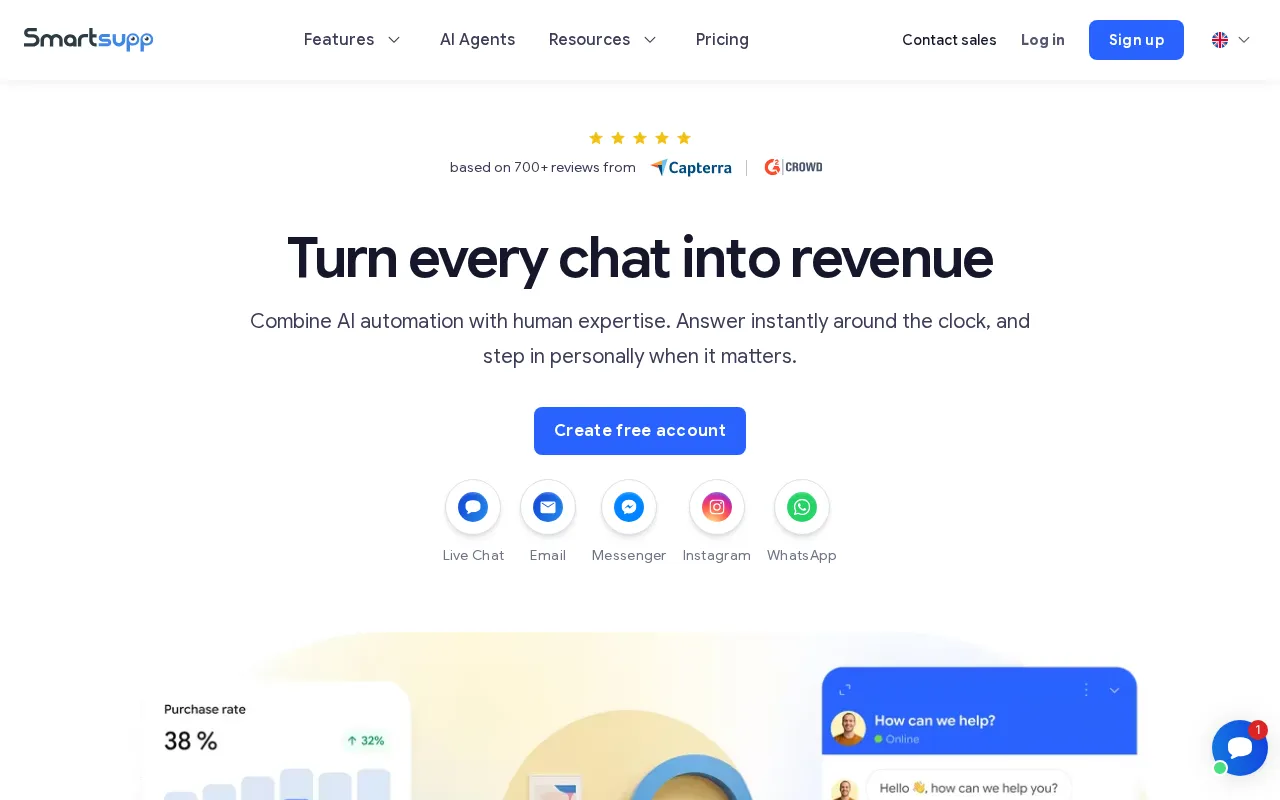
Smartsupp is live chat and chatbot software for online stores, with email, WhatsApp, Messenger and Instagram in the same inbox. Its AI agent, Mira AI, is a separate add-on that answers chat on your website and recommends products from your product feed.
Smartsupp sells its chat to online stores, so it suits a charity shop’s website more than supporter care. Its free plan gives 1 operator 25 conversations a month, and Plus is $25 a month for 3 operators on annual billing with WhatsApp and email in the same inbox. Mira AI, a shopping assistant, answers website chat only, at $16 per 100 conversations.
- Best for
- Small online stores that want website chat built to sell, with an AI shopping assistant that knows their catalog.
- How it bills
- Solo is $17 a month for 1 operator, Plus $25 for 3 and Expert $83 for 5 on annual billing ($24, $35 and $117 monthly), and extra operators on Expert start at $24 each, while Ultimate starts at $280 through sales. The Mira AI agent is an add-on at $16 per 100 conversations a month on annual billing ($20 monthly), from 100 up to 5,000.
- Free plan
- Yes: 1 operator, 25 conversations a month, 14 days of history
- 3 people, 300 AI replies
- $73 a month: Plus at $25 on annual billing for 3 operators, plus 300 Mira AI conversations at $16 per 100.
Pros
- Website chat, email, WhatsApp, Messenger and Instagram share one inbox on every paid plan.
- Mira AI learns from your website and a product feed of up to 30,000 products, and recommends products in the chat.
- An official MCP server lets Claude, ChatGPT or Gemini search, reply, assign and close conversations.
- Paid plans have no cap on live chat conversations, and a Mira AI conversation counts once per visitor session.
Cons
- The “Powered by Smartsupp” branding stays on the chat box on every plan, paid ones included.
- Mira AI plans cover support on your website only, not email or social channels.
- Once Mira AI’s monthly conversations are used, it stops answering until you top up or the month resets.
- API and MCP access start on Plus, and a full XML export of your history needs Expert.
Already on Smartsupp? See the best Smartsupp alternatives.
14. JivoChat
JivoChat is live chat software that brings website chat, WhatsApp, Instagram, Facebook, Telegram, Apple Business Chat, email and phone calls into one app for agents. Its AI agent, a paid module, answers from your website and uploaded files and hands a chat to a person when it should.
JivoChat’s free plan takes Facebook, Instagram, Telegram and Viber chat, handy if supporters message you there. Paid plans start at $28 an agent a month on annual billing, with VAT added at checkout. Its AI agent is a separate module at $69 per agent, and exporting chats needs Professional or Enterprise.
- Best for
- Small sales teams that talk to customers mostly on WhatsApp, Instagram and Telegram, and want every messenger in one app.
- How it bills
- Per agent a month on annual billing: Basic is $28, Professional $42 and Enterprise $56, and the calculator takes 30% off for a year and 10% for 3 months. Each license is 1 teammate signed in at a time. Modules cost extra on annual billing: the AI agent is $69 per agent a month, WhatsApp $27 a month, the AI assistant for replies $13, Jivo Marketing $6, and Telephony Plus $4. VAT is added at checkout.
- Free plan
- Yes: 5 agents online at once, or 2 by its comparison table’s agent row, and 2 months of chat history
- 3 people, 300 AI replies
- $153 or more a month: Basic at $28 a seat on annual billing for 3 teammates, plus 1 AI agent at $69 a month on annual billing, which the pricing page sets no conversation limit for. The page prices it “per agent”, so it costs more if that means each teammate.
Pros
- WhatsApp, Instagram, Facebook, Telegram, Viber and Apple Business Chat sit beside website chat in one app.
- The free plan keeps Telegram, Facebook, Instagram and Viber, with callback requests and offline forms.
- The AI agent builds its settings by scanning your website, learns from up to 5 uploaded files, and passes a chat to a person by rules you write.
- Unlimited websites and conversations on every plan, with the chat widget in 25 languages.
Cons
- The AI agent is a separate module at $69 a month on annual billing, on top of every teammate’s seat.
- Hiding the JivoChat logo and exporting chats need Professional or Enterprise.
- No official MCP server, and no API documented for reading past chats: the Chat API, on Enterprise only, brings new chats in.
- Only a first payment is refunded, within 10 days and if unused past the trial, and cancelling ends access at once.
Already on JivoChat? See the best JivoChat alternatives.
15. Chatwoot
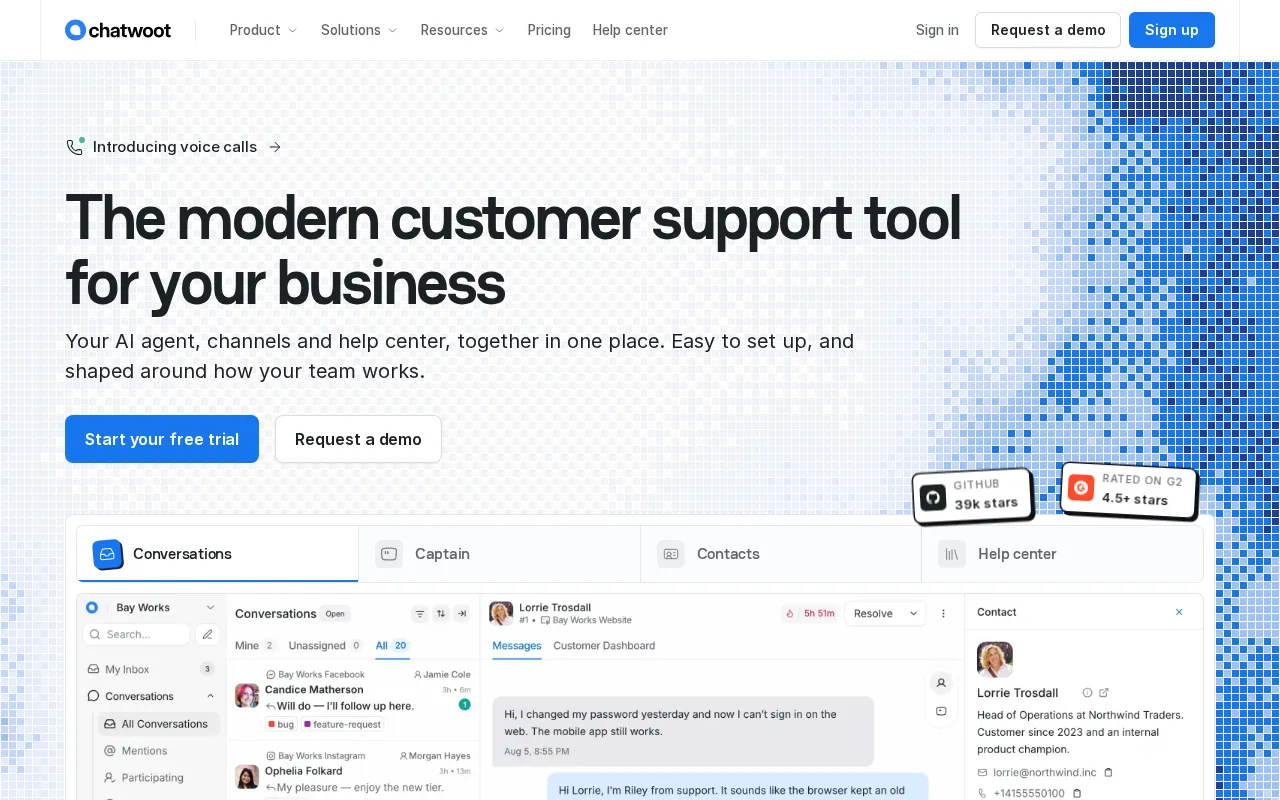
Chatwoot is open-source support software with one inbox for live chat, email, WhatsApp, social and voice, a help center, and Captain, its AI agent. You can use Chatwoot Cloud or host it yourself.
Chatwoot’s Community Edition is free to host yourself, so supporters’ messages never leave your servers, and Cloud starts with a free plan for 2 agents on live chat. Startups at $19 an agent adds email, WhatsApp and a help center, and Captain uses a credit for every AI reply.
- Best for
- Teams that want many channels at a low seat price, or want to run their help desk on their own servers.
- How it bills
- Cloud is per agent a month: Startups $19, Business $39 and Enterprise $99, with 300, 500 or 800 Captain credits for the account. Each Captain reply uses a credit, extra credits are $20 per 1,000, and no annual price is published. Credits never top up by themselves: once they run out, new conversations go straight to your team with no Captain reply.
- Free plan
- Yes: 2 agents, live chat only, 500 conversations a month
- 3 people, 300 AI replies
- $57 a month: 3 Startups agents at $19, with the 300 included Captain credits covering 300 AI replies.
Pros
- Open source: the self-hosted Community Edition is free, and your data stays on your own servers.
- One inbox for live chat, email, WhatsApp, Instagram, Messenger, TikTok and, from Business, voice calls.
- Startups includes every channel but voice, plus a help center, at $19 an agent a month.
- An official CLI and agent skill let coding agents such as Claude Code work in Chatwoot.
Cons
- Startups has no automation rules or teams; those start on Business at $39 an agent.
- Captain uses a credit for every reply, and bought credits expire after 6 months and aren’t refunded.
- Since July 2026 the free Cloud plan has no API or webhook access.
- No official MCP server, and Captain’s custom tools have no built-in approval step for actions like refunds.
Already on Chatwoot? See the best Chatwoot alternatives.
16. Landbot
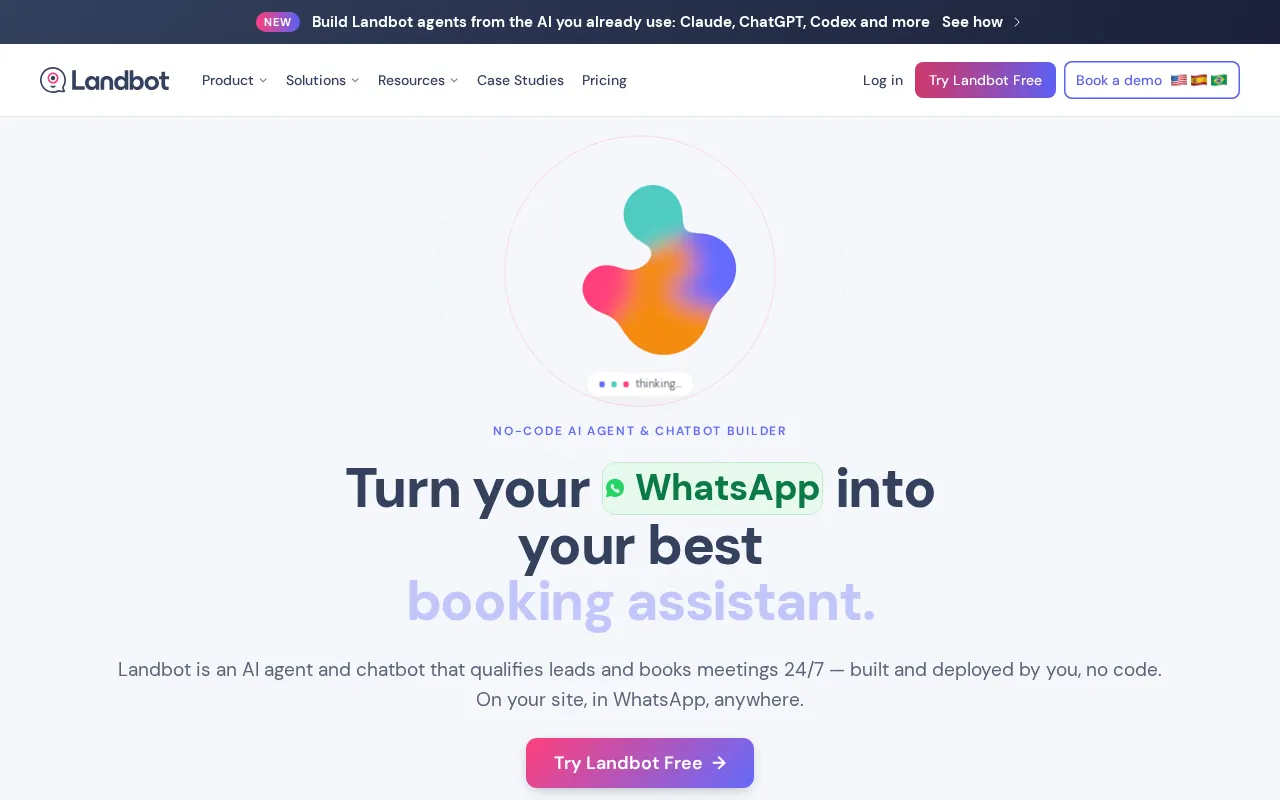
Landbot is a no-code builder for chatbots and AI agents on your website, WhatsApp and Facebook Messenger. You lay out a flow of buttons and questions on a visual canvas, drop in AI agent blocks that answer from a knowledge base you give them, and hand chats to your team in its shared inbox. Its homepage pitches it for qualifying leads and booking meetings.
Landbot bills Europe in euros, Starter at €32 a month on annual billing, and builds button flows and AI agents for a website, WhatsApp and Messenger that hand chats to a person. It has no email channel or help center, so it suits an appeal sign-up bot more than a supporter care inbox.
- Best for
- Marketing and sales teams that want to design their own lead capture and qualification flows on the website and WhatsApp, with AI only on the steps where it helps.
- How it bills
- Starter is $36 and Professional $88 a month on annual billing ($45 and $110 monthly), with 2 and 3 seats, 500 and 2,500 chats, and 100 and 300 AI chats. Professional WA, with a WhatsApp number and 500 AI chats, is $176 ($220 monthly), and Business is priced by contract. Extra seats are $25 a month, extra chats come in packs of 500 for $25, and each AI chat past the allowance is $0.10. In Europe the prices are in euros: Starter €32 and Professional €80 on annual billing.
- Free plan
- Yes: 1 seat, 100 chats a month on the web, WhatsApp only on a test number, no AI chats
- 3 people, 300 AI replies
- $81 a month: Starter at $36 a month on annual billing ($45 monthly) with 2 seats, 500 chats and 100 AI chats, plus a third seat at $25 and 200 more AI chats at $0.10.
Pros
- Button flows, forms and AI agent blocks sit on one canvas, so scripted steps and open questions share a flow.
- One builder publishes to website chat, WhatsApp and Messenger, and a Human takeover block passes a chat to whoever on the team is online.
- Every overage has a published price: $25 for 500 more chats, $0.10 an AI chat and $25 a seat.
- Its official MCP server lets Claude, ChatGPT, Codex or Cursor build, test and publish bots and AI agents, and nothing goes live without your yes.
Cons
- No email channel or help center: Landbot answers on the web, WhatsApp, Messenger and its chat API.
- Starter includes 2 seats and 100 AI chats, and WhatsApp on a number of your own starts on Professional.
- The free plan publishes to the web only, with WhatsApp on a test number, 1 seat and no AI agent block.
- Its MCP server works on bots, not conversations: it can’t read, answer or close a chat.
Already on Landbot? See the best Landbot alternatives.
17. Kommo
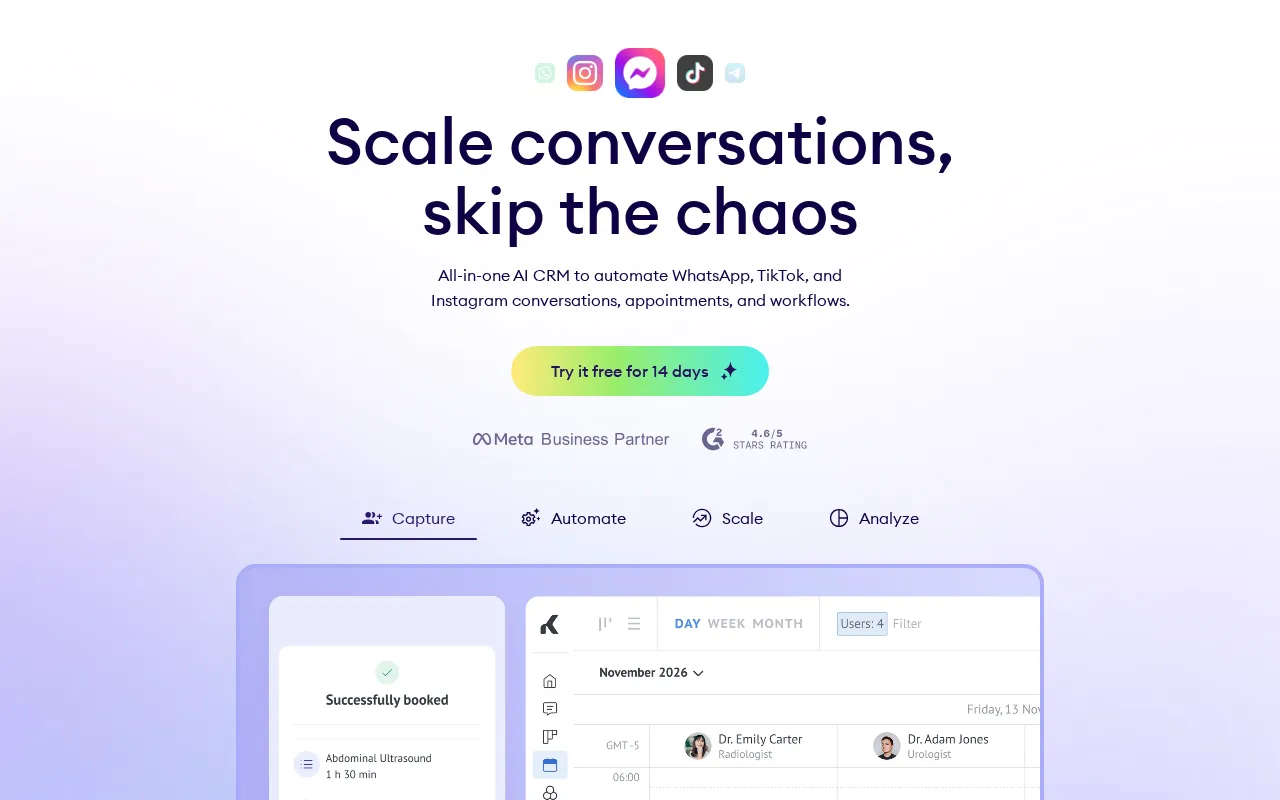
Kommo is a messenger-based sales CRM: one inbox for WhatsApp, Instagram, Facebook, TikTok, Telegram, email and website chat, where each chat becomes a lead in a sales pipeline, with Salesbots, broadcasts and AI agents that answer and qualify leads.
Kommo is a sales CRM built on messaging, where each WhatsApp or Instagram chat becomes a lead in a pipeline, a fit for a fundraising team chasing major-gift prospects. Since September 1, 2026 new customers’ Base and Advanced prices depend on their billing country, the shortest term is 6 months, and it has no help center.
- Best for
- Sales teams that sell over WhatsApp and social messengers and want each chat tracked as a lead through a pipeline.
- How it bills
- Per user a month on a 6-month subscription, the shortest Kommo sells: Base is $25, Advanced $35 and Pro $45, or $20.84, $29.17 and $37.50 on a 1-year subscription, with no monthly payment. Since September 1, 2026, Base and Advanced prices for new customers depend on their billing country. Each seat adds AI credits a month, 750 on Base, 1,250 on Advanced and 2,250 on Pro, shared by every AI feature, and more can be bought in blocks of 5,000.
- Free plan
- No, 14-day trial of every Pro feature without a card
- 3 people, 300 AI replies
- $88 or more a month: 3 Advanced seats at $29.17 on a 1-year subscription, the first plan with the AI agent, with 3,750 AI credits a month; Kommo doesn’t say how many credits a reply uses, so 300 AI replies may need more.
Pros
- WhatsApp, Instagram, Facebook, TikTok and Telegram chats, email and website chat in one inbox, next to a sales pipeline.
- AI agents answer chats from your own sources, qualify leads and book meetings, with 3 active at once on Advanced and 50 on Pro.
- Broadcasts, Salesbots and workflow automations start on Advanced.
- A 14-day trial of every Pro feature without a card, and checkout by card or PayPal without a sales call.
Cons
- No monthly payment: the shortest subscription is 6 months, and payments aren’t refunded for unused time except in special cases.
- Every AI feature shares one pool of credits that expires each month, and AI agents stop responding when it runs out.
- The AI agent reads Shopify data without changing it, and orders can’t be cancelled from Kommo.
- No help center for customers and no official MCP server, and the API reads chat history only on Pro or Enterprise.
Already on Kommo? See the best Kommo alternatives.