Start free

12 best Customerly alternatives (2026)

By , founder of Rinhelp · Facts checked

The short answer

The best Customerly alternatives are Rinhelp when you want AI answering every conversation at one price, Intercom for the same mix of messenger, help center and AI agent with phone added, and Crisp when one workspace price should cover the seats. Customerly charges €0.45 for each conversation Aura, its AI agent, handles past a plan’s 10 to 50 a month, so 3 people with 300 AI conversations pay about $200 a month on Core; Rin, Rinhelp’s built-in AI, answers email and chat first for $49 a month for the whole team. Pick Brevo Conversations to keep email campaigns beside chat, Help Scout for shared email inboxes, Tidio for a small store, LiveChat for chat that sells, Chatwoot to self-host, tawk.to when chat must cost nothing, Zoho SalesIQ for $7 seats, and Freshchat to seat 10 agents free.

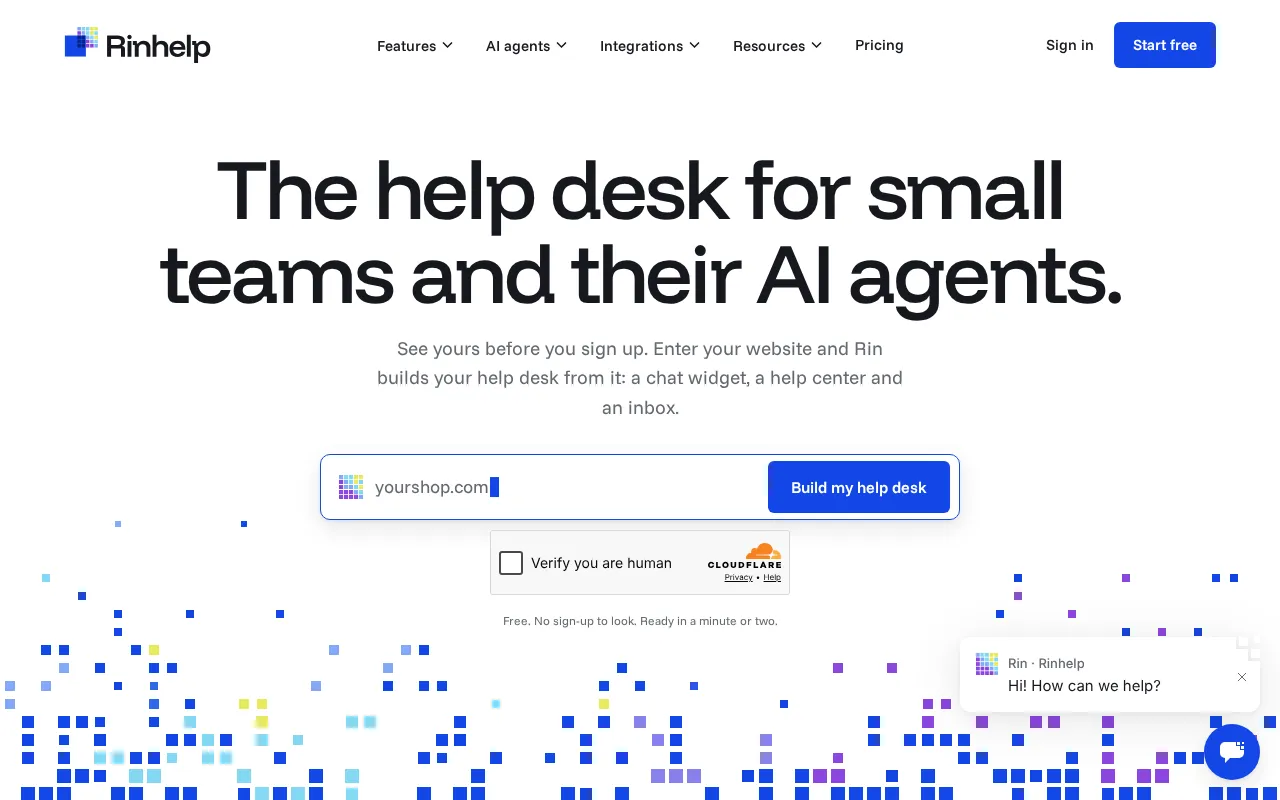
See Rinhelp on your own site. Enter your website and Rin builds your help desk from it: a chat widget, a help center and an inbox.

Free. No sign-up to look. Ready in a minute or two.

Is your help center somewhere else?

Rin will read . If your help articles or docs live at another address, like help. or a Notion page, Rin can read those too.

Where is your help center?

Rin reads it along with and turns it into your help center.

Customerly alternatives at a glance

ToolBest forHow it billsFree plan3 people, 300 AI replies
RinhelpCustomerly teams that use it for support rather than email campaigns, and want AI on every conversation without paying for each one.One price per workspaceYes: 3 teammates, 50 AI replies to try Rin$49
IntercomSoftware and app companies that want chat, email, phone, WhatsApp and SMS in one inbox, with Fin answering across them.Per seat, plus each Fin outcomeNo, 14-day trial$354
CrispSmall teams that start with free website chat and want WhatsApp, Instagram, SMS and phone in the same inbox later.Per workspace, plus AI usageYes: 2 seats, chat only, no AI$66 or more
Brevo ConversationsTeams that already send campaigns from Brevo and want website chats to become contacts and deals in the same CRM.Marketing plan, plus a Sales package per seatYes: 1 user, live chat with Brevo branding on the widget$625
Help ScoutSupport teams that think in tickets and want a calm shared inbox, a help center and live chat, with a free plan to start on.Per user, plus each AI resolutionYes: 5 users, 1 inbox, 100 contacts a month$300
TidioShopify and WooCommerce stores that want chat, WhatsApp and Instagram in one inbox and an AI that recommends products.By conversation, plus each Lyro conversationYes: 10 seats, 50 conversations a month$199 or more
LiveChatOnline stores and sales teams that live in website chat and want to see who is browsing before they reach out.Per user, plus each AI resolutionNo, 14-day trial without a card$336
ChatwootTeams that want many channels at a low seat price, or want to run their help desk on their own servers.Per agent, plus AI creditsYes: 2 agents, live chat only, 500 conversations a month$57
tawk.toSmall businesses that want website chat for any number of agents at no cost, and don’t mind the tawk.to badge.Free, plus add-ons per websiteYes: unlimited agents and chats, about 33 AI replies a month$24
Zoho SalesIQSales and marketing teams on Zoho CRM that want to see who is browsing, score leads and start the chat themselves.Per operator, plus AI tokensYes: 3 operators, 100 operator chats a month, 30 days of history, no AI$21 or more
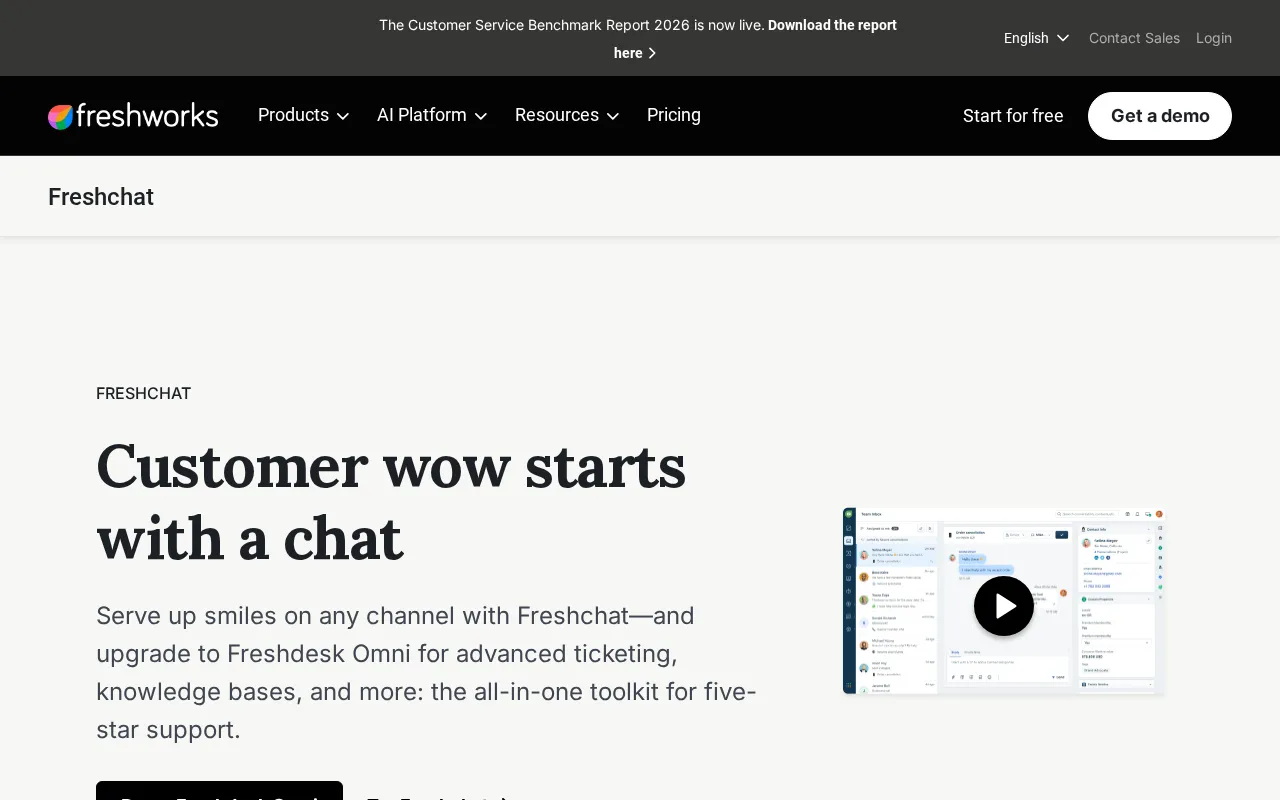
FreshchatTeams that support customers mostly over web and in-app chat, WhatsApp and social messengers, and want a free plan for up to 10 agents to start on.Per agent, plus each AI sessionYes: up to 10 agents, chat and email, no AI$204
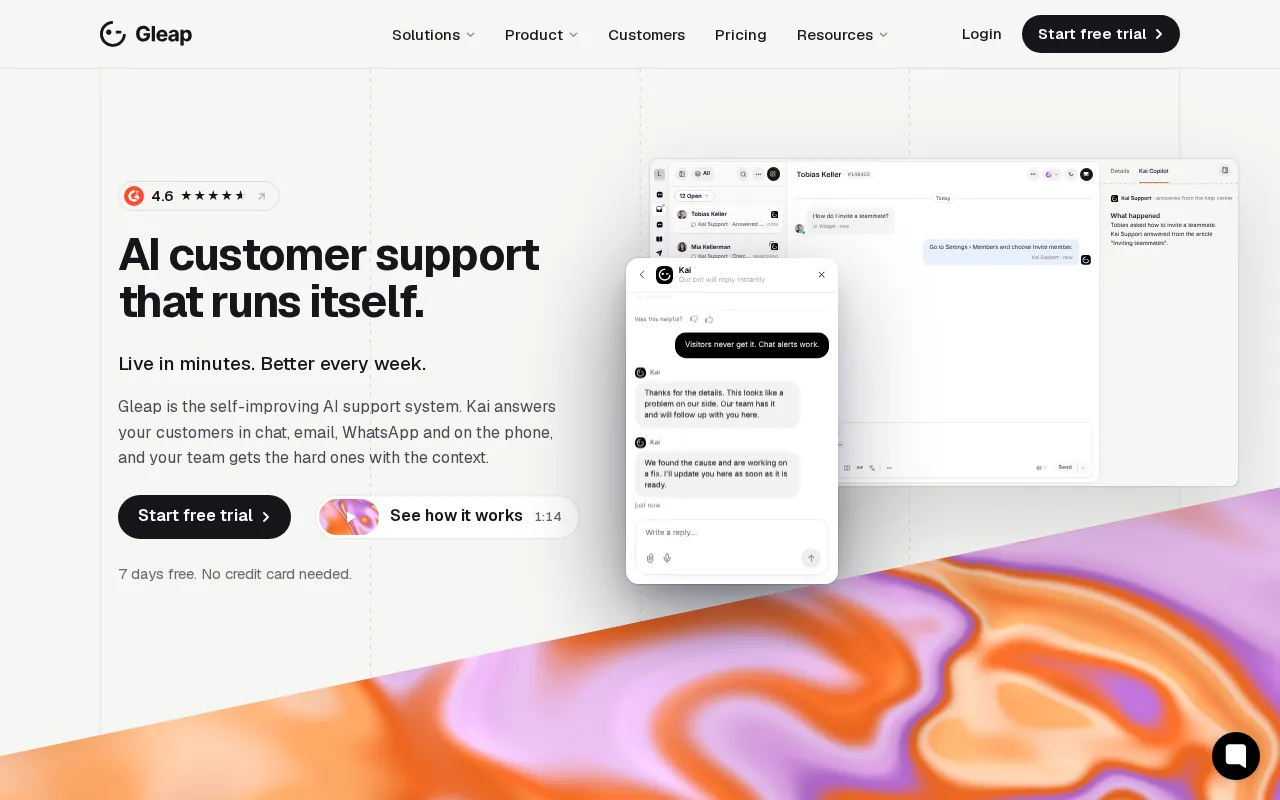
GleapSoftware and app teams that want customer support, in-app bug reports with logs and replays, and feature requests in one tool, with AI that can turn a confirmed bug into a pull request.Per plan, plus AI from a prepaid balanceNo, 7-day trial with up to $25 of AI credit$114
Customerly, for comparisonSoftware companies that want chat support, onboarding emails and NPS surveys in one tool, with an AI agent they pay for by the conversation.Per seat, plus each AI conversation and interactionsNo, 14-day free trial; view-only Lite users are free$200

1. Rinhelp

Rinhelp homepage, November 2026

Customerly sells support and marketing together: a messenger, an inbox, a help center, email campaigns and surveys, priced per seat, with Aura billed for each conversation it takes over. Rinhelp does support only. Rin answers email and live chat from your help center and website, hands the rest to your team, and Claude or ChatGPT can work the same inbox through MCP. Pro is $49 a month for any number of teammates, with 5,000 AI replies.

Best for
Customerly teams that use it for support rather than email campaigns, and want AI on every conversation without paying for each one.
How it bills
Free for up to 3 teammates. Pro is $49 a month for the whole workspace, with 5,000 AI replies from Rin. No per-seat or per-resolution fees.
Free plan
Yes: 3 teammates, 50 AI replies to try Rin
3 people, 300 AI replies
$49 a month: Pro for the whole workspace, using 300 of its 5,000 AI replies; Free covers your team if you don’t need AI replies.

Pros

  • 3 people with 300 AI conversations a month pay about $200 on Customerly Core; Rinhelp Pro is $49 with 5,000 AI replies for the whole team.
  • Rin learns from your website as well as your help center, where Customerly advises against crawling a site and trains Aura on articles and canned responses.
  • Your own AI agent can assign, close, add notes and saved replies, and publish articles through MCP, beyond the reading, replying and drafting Customerly describes for its server.
  • Shopify orders and Stripe payments sit beside each conversation, and a refund or cancellation an AI files waits for a teammate’s approval.

Cons

  • Email and live chat only: there is no phone, WhatsApp, SMS or social inbox.
  • Shopify and Stripe are the only integrations.
  • No reports, SLA rules or routing rules: Rin hands a conversation to the teammate with the fewest open ones.
  • The free plan has no Rin beyond 50 AI replies to try it.
Start free

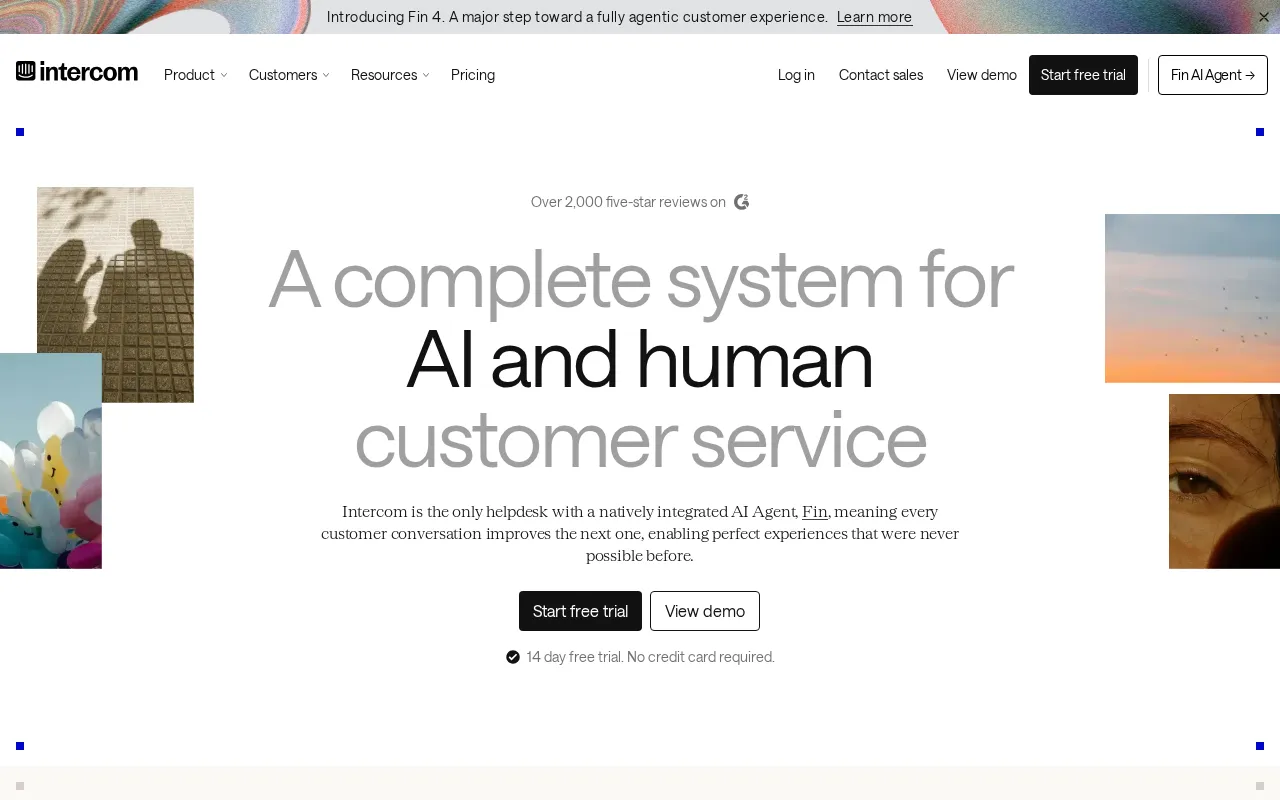
2. Intercom

Intercom homepage, November 2026

Intercom is a customer service help desk with a chat Messenger, a shared inbox, a help center and Fin, its AI agent. Its company renamed itself Fin in May 2026, and Salesforce bought it that September.

Best for
Software and app companies that want chat, email, phone, WhatsApp and SMS in one inbox, with Fin answering across them.
How it bills
Per seat: Essential is $29, Advanced $85 and Expert $132 a seat a month on annual billing ($39, $99 and $139 monthly), and new customers pay $19 for Essential on annual billing. Fin costs $0.99 for each outcome, and WhatsApp, SMS and phone are billed by use.
Free plan
No, 14-day trial
3 people, 300 AI replies
$354 a month: 3 Essential seats at $19, the new-customer price on annual billing (list $29), plus 300 Fin outcomes at $0.99.

Pros

  • Chat, email, phone, WhatsApp, SMS, Slack, Facebook and Instagram all arrive in one inbox.
  • Fin answers on email, live chat and phone, and is charged once per conversation however many questions it answers.
  • Agents can refund or cancel a Shopify order from the inbox sidebar, and the Stripe app shows subscriptions mid-conversation.
  • Its official MCP server can add internal notes and write and publish help center articles, not only read.

Cons

  • Every teammate who replies needs a paid seat, and Fin adds $0.99 an outcome on top.
  • An outcome also counts when a customer simply stops asking after Fin’s answer, or when a Fin workflow hands the conversation to your team.
  • Its MCP server can’t reply to customers, assign or close conversations, and doesn’t serve workspaces hosted in Australia.
  • No free plan, and an annual plan cancelled early gets no prorated refund.

Already on Intercom? See the best Intercom alternatives.

3. Crisp

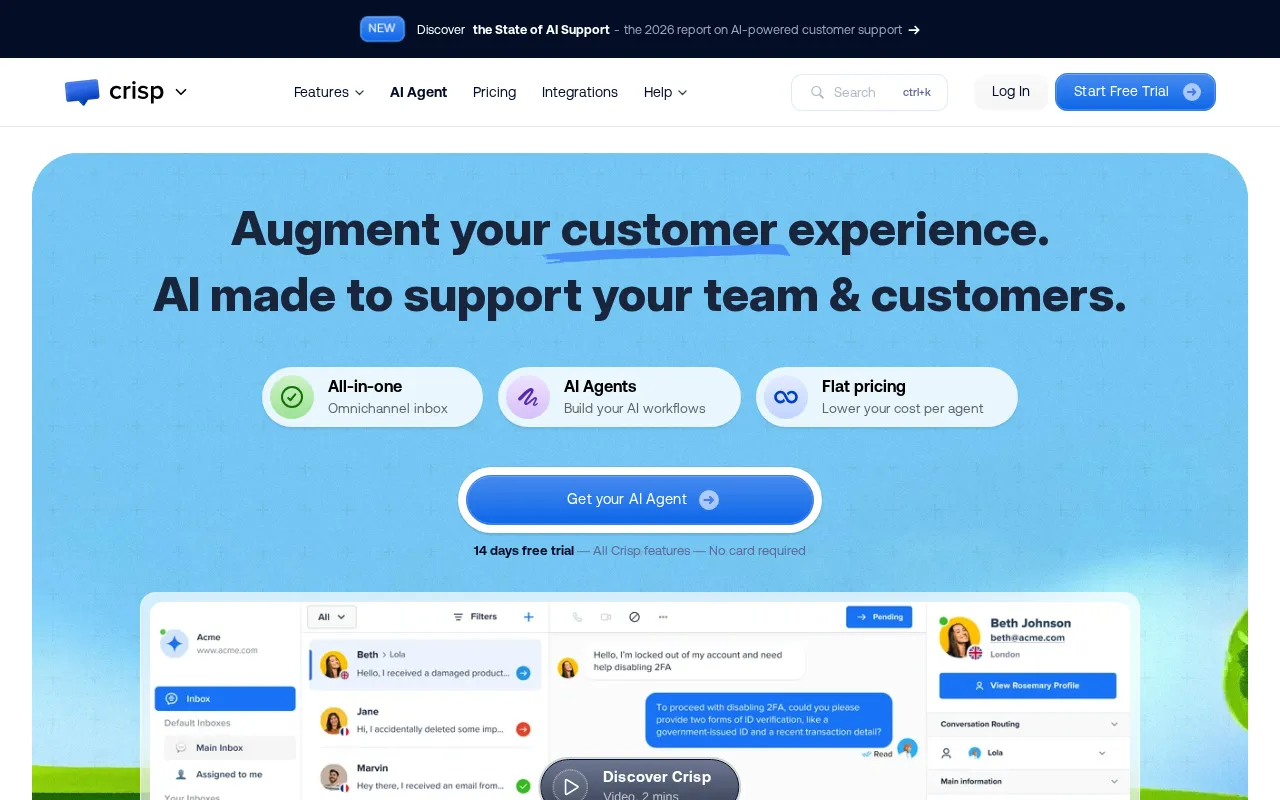
Crisp homepage, November 2026

Crisp is a French customer support platform built around a website chat widget, with a shared inbox, many messaging channels and Hugo, its AI agent.

Best for
Small teams that start with free website chat and want WhatsApp, Instagram, SMS and phone in the same inbox later.
How it bills
Per workspace a month: Mini is $45 with 4 seats, Essentials $95 with 10 and Plus $295 with 20, including $5, $25 and $75 of AI credits (about 90, 450 and 1,350 Hugo conversations). Extra seats are $10 each, sold on Plus only, and Hugo past the credits runs on Pay-As-You-Go at about $0.05 to $0.10 a conversation.
Free plan
Yes: 2 seats, chat only, no AI
3 people, 300 AI replies
$66 or more a month: Mini at $45 for 4 seats with about 90 Hugo conversations in its credits, plus about 210 more at about $0.10 each.

Pros

  • One price per workspace, with 10 seats on Essentials for $95 a month.
  • WhatsApp, Instagram, Messenger, SMS, Telegram and phone sit in the same inbox from Essentials.
  • Its official MCP server can read, reply, add notes, resolve and write help center articles.
  • Hugo can look up orders and refund through Shopify, WooCommerce, PrestaShop and Stripe, after a one-time code checks the customer.

Cons

  • The free plan has no email inbox and no AI, and Mini has no help center, WhatsApp or MCP server.
  • Hugo stops answering when the month’s credits run out unless you turn on Pay-As-You-Go, whose rates aren’t published.
  • Stripe data in the inbox comes only with Plus at $295 a month.
  • Crisp’s terms refund no fees, monthly or yearly.

Already on Crisp? See the best Crisp alternatives.

4. Brevo Conversations

Brevo Conversations homepage, November 2026

Brevo Conversations is the live chat, chatbot and shared inbox inside Brevo, a marketing and CRM suite. Chat, email, Instagram, Messenger and WhatsApp land in one inbox, and its AI chatbot, still in beta, answers visitors from pages and files you give it.

Best for
Teams that already send campaigns from Brevo and want website chats to become contacts and deals in the same CRM.
How it bills
Live chat is free on every Brevo plan for 1 user. Sales Essentials adds chatbot scenarios, Instagram and Messenger for $27.92 a seat a month on annual billing ($31 monthly), with up to 5 seats on Standard at $16.17 ($18 monthly). The AI chatbot, WhatsApp replies, routing and phone need Sales Advanced at $58.50 a seat on annual billing ($65 monthly), sold only with Professional, from $449.08 a month on annual billing ($499 monthly), and Enterprise.
Free plan
Yes: 1 user, live chat with Brevo branding on the widget
3 people, 300 AI replies
$625 a month: Professional at $449.08 on annual billing, plus 3 Sales Advanced seats at $58.50 for the AI chatbot, which is in beta and has no separate price on Brevo’s pages.

Pros

  • Website chat, email, Instagram, Messenger and WhatsApp share one inbox, and chat visitors are added to Brevo’s CRM as contacts.
  • Live chat, the Brevo Conversations mobile app and Aura’s reply help, which summarizes chats and fixes the tone of a draft, come free on every plan.
  • The AI chatbot answers on the chat widget, Facebook, Instagram and WhatsApp from web pages, files and text, and can hand a chat to a person with a summary note.
  • From Sales Essentials, live visitor insights show each visitor’s page activity, their Shopify cart and what they are typing before they send.

Cons

  • The AI chatbot needs Sales Advanced, which Brevo sells only with Professional, from $449.08 a month on annual billing before seats, and Enterprise.
  • Every agent needs a sales seat: Free and Starter allow only the account owner, and Standard caps a team at 5 seats.
  • Routing rules, ticketing and WhatsApp replies also sit in Sales Advanced.
  • Brevo’s official MCP server has no module for its inbox, and the Brevo Conversations API can’t list past conversations.

Already on Brevo Conversations? See the best Brevo Conversations alternatives.

5. Help Scout

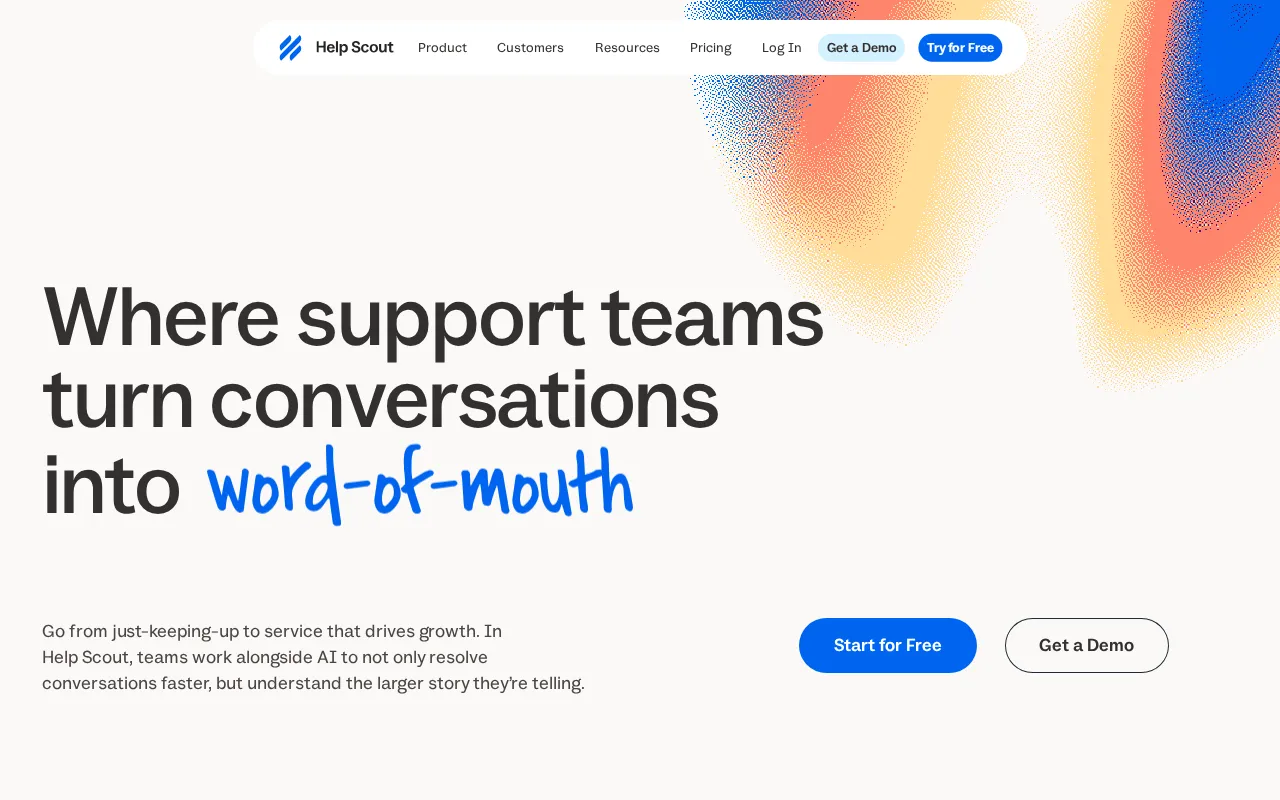
Help Scout homepage, November 2026

Help Scout is a help desk with shared inboxes, a Docs help center and Beacon, a widget for chat and help articles. Scout, its AI agent, answers chat from your help content and is billed per resolution.

Best for
Support teams that think in tickets and want a calm shared inbox, a help center and live chat, with a free plan to start on.
How it bills
Standard is $25, Plus $45 and Pro $75 a user a month on annual billing, which saves 16%. Pro needs at least 10 users and a demo. Scout costs $0.75 per resolution, free for a new account’s first 3 months.
Free plan
Yes: 5 users, 1 inbox, 100 contacts a month
3 people, 300 AI replies
$300 a month: 3 Standard users at $25 on annual billing, plus 300 AI resolutions at $0.75.

Pros

  • A free plan for up to 5 users, with 1 inbox, a Docs site and 100 contacts a month.
  • Agents can refund, cancel or edit recent Shopify orders, and refund Stripe payments or cancel subscriptions, from the sidebar.
  • Standard brings email, live chat, SMS, WhatsApp, Instagram and Messenger into one inbox.
  • You can cap AI spending each month, and Scout switches off when it reaches the cap.

Cons

  • Its official MCP server is read-only: your own AI can search conversations and Docs, but can’t reply, add notes or close.
  • Scout answers website and in-app chat only, and lists email as “Coming Soon”.
  • Scout can’t look up orders or act in other tools yet: its connection to payment processors and CRMs is still to come.
  • Seats and AI are billed separately, so the bill grows with every user and every resolution.

Already on Help Scout? See the best Help Scout alternatives.

6. Tidio

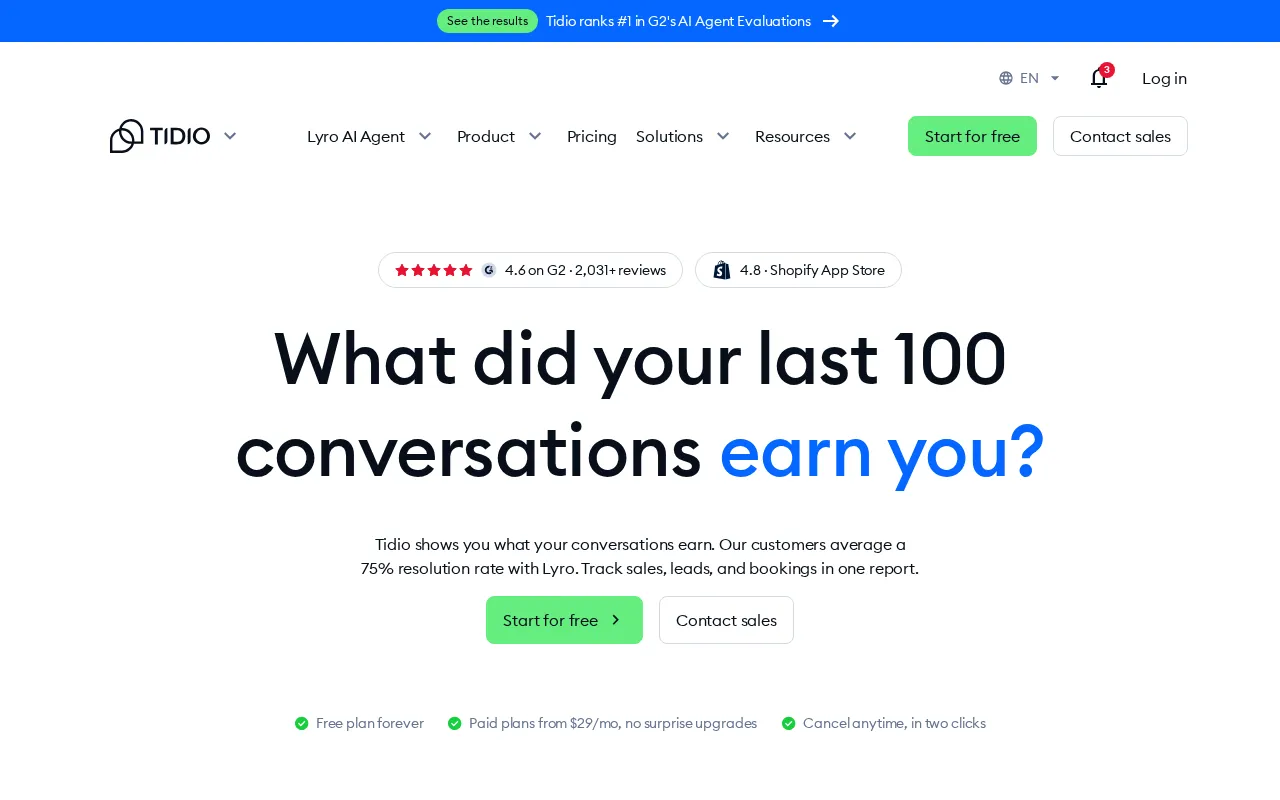
Tidio homepage, November 2026

Tidio is a live chat and help desk tool built for online stores, especially Shopify, with Lyro, an AI agent sold as an add-on, and a help center since 2026.

Best for
Shopify and WooCommerce stores that want chat, WhatsApp and Instagram in one inbox and an AI that recommends products.
How it bills
Plans are priced by the conversations your team answers, with 10 seats: Starter is $24.17 a month on annual billing ($29 monthly) for 100, and Growth runs from $49.17 for 250 ($59 monthly) to $349 monthly for 2,000. Lyro is an add-on from $32.50 a month for 50 conversations to $583.33 for 1,000 on annual billing ($39 for 50, $210 for 300 and $700 for 1,000 monthly), and Plus starts at $300 a month plus usage.
Free plan
Yes: 10 seats, 50 conversations a month
3 people, 300 AI replies
$199 or more a month: Starter at $24.17 on annual billing plus 300 Lyro conversations at $175. Starter covers 100 conversations your team answers, and more needs Growth.

Pros

  • Up to 10 seats on Free, Starter and Growth, so the bill doesn’t grow as you add teammates.
  • WhatsApp, Instagram, Messenger and email on every plan, including Free.
  • Lyro recommends products and adds them to the cart on Shopify and WooCommerce.
  • Lyro’s actions can check orders, cancel or change them and refund, and Lyro can call your own MCP servers.

Cons

  • Lyro is a separate add-on billed per conversation, about $0.58 to $0.78 each by tier and billing, and over 1,000 a month is priced by sales.
  • The API and Stripe integration need Plus, from $300 a month.
  • Its official MCP server only reads analytics data, loaded once a day, so your own AI can’t reply or close.
  • No refunds for time left after you cancel.

Already on Tidio? See the best Tidio alternatives.

7. LiveChat

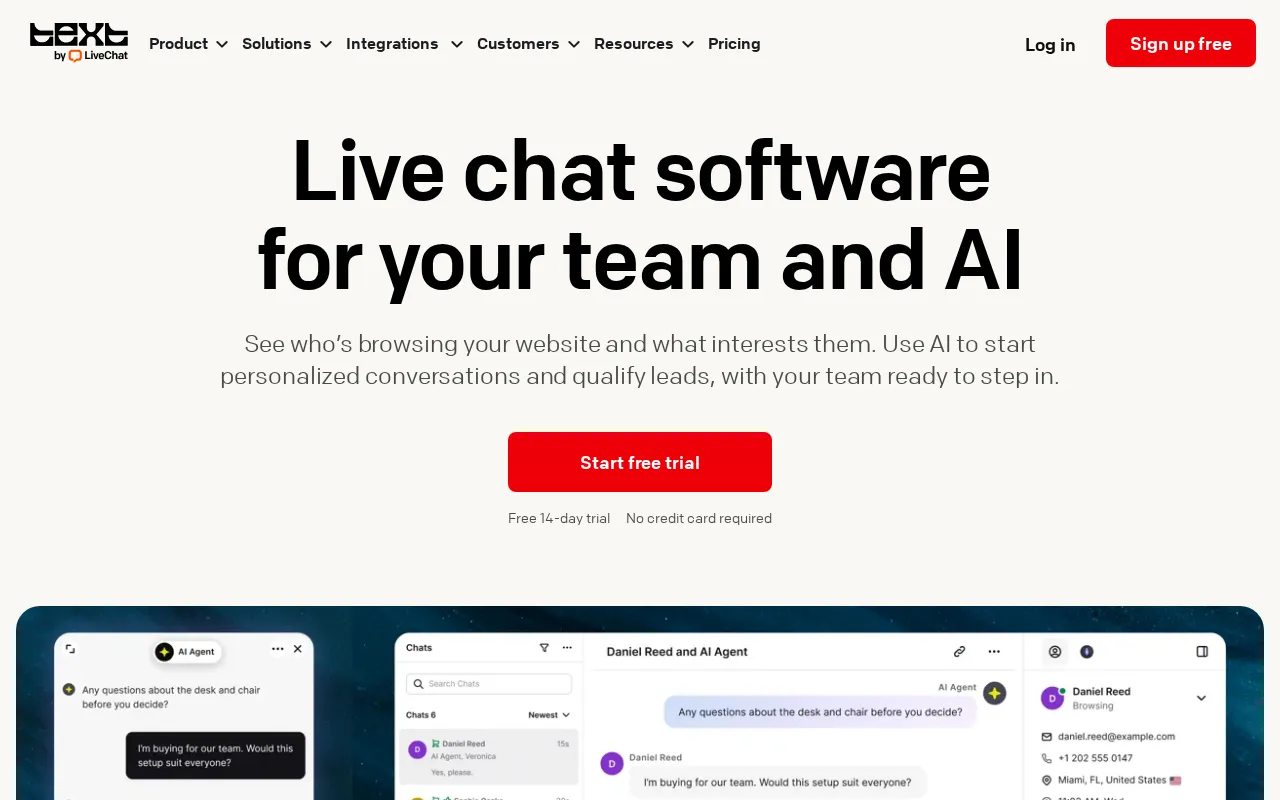
LiveChat homepage, November 2026

LiveChat is website chat software from Text, Inc., built to turn chats into sales. New LiveChat accounts now start on Text plans, which add tickets and an AI agent that answers chats, while existing customers keep their old plan.

Best for
Online stores and sales teams that live in website chat and want to see who is browsing before they reach out.
How it bills
Per user: Essential is $19 and Growth $79 a user a month on annual billing ($25 and $99 monthly). Essential includes 10 AI resolutions a month and Growth 200, then packs of 50 at $49.50.
Free plan
No, 14-day trial without a card
3 people, 300 AI replies
$336 a month: 3 Growth users at $79 on annual billing, which include 200 AI resolutions, plus 2 packs of 50 at $49.50.

Pros

  • Real-time visitor tracking shows who is on your site and which pages they browse, so you can start the chat yourself.
  • WhatsApp comes on every paid plan, next to Messenger and SMS through Twilio.
  • Apps for Windows, Mac, iOS and Android, and a marketplace with Shopify, WooCommerce, BigCommerce and WordPress.
  • An AI resolution is counted once per chat, however many questions the customer asks in it.

Cons

  • Every person who answers needs a seat, and AI resolutions beyond the plan’s allowance cost $0.99 each.
  • Essential keeps conversation and file history for 60 days only.
  • Text’s official MCP can read chats and tickets but can’t reply, close or assign.
  • LiveChat doesn’t refund payments it has already processed.

Already on LiveChat? See the best LiveChat alternatives.

8. Chatwoot

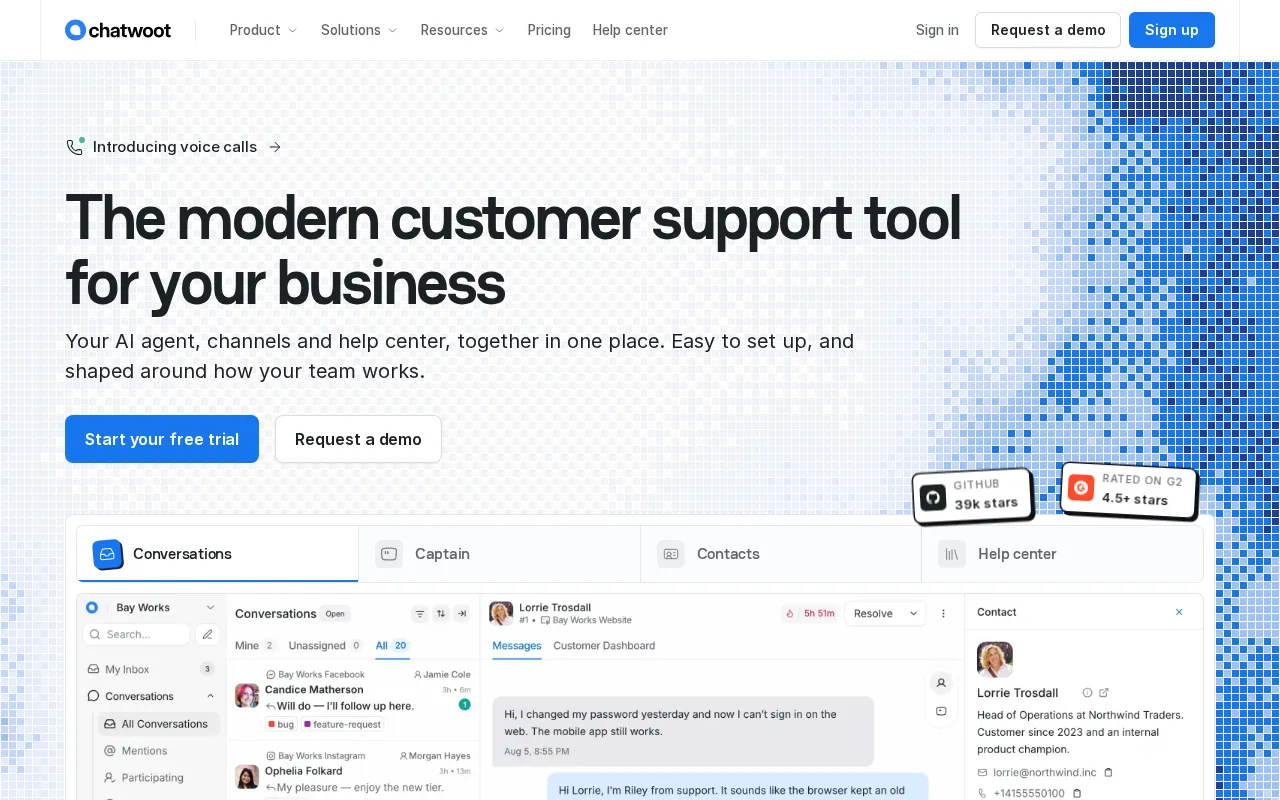
Chatwoot homepage, November 2026

Chatwoot is open-source support software with one inbox for live chat, email, WhatsApp, social and voice, a help center, and Captain, its AI agent. You can use Chatwoot Cloud or host it yourself.

Best for
Teams that want many channels at a low seat price, or want to run their help desk on their own servers.
How it bills
Cloud is per agent a month: Startups $19, Business $39 and Enterprise $99, with 300, 500 or 800 Captain credits for the account. Each Captain reply uses a credit, extra credits are $20 per 1,000, and no annual price is published. Credits never top up by themselves: once they run out, new conversations go straight to your team with no Captain reply.
Free plan
Yes: 2 agents, live chat only, 500 conversations a month
3 people, 300 AI replies
$57 a month: 3 Startups agents at $19, with the 300 included Captain credits covering 300 AI replies.

Pros

  • Open source: the self-hosted Community Edition is free, and your data stays on your own servers.
  • One inbox for live chat, email, WhatsApp, Instagram, Messenger, TikTok and, from Business, voice calls.
  • Startups includes every channel but voice, plus a help center, at $19 an agent a month.
  • An official CLI and agent skill let coding agents such as Claude Code work in Chatwoot.

Cons

  • Startups has no automation rules or teams; those start on Business at $39 an agent.
  • Captain uses a credit for every reply, and bought credits expire after 6 months and aren’t refunded.
  • Since July 2026 the free Cloud plan has no API or webhook access.
  • No official MCP server, and Captain’s custom tools have no built-in approval step for actions like refunds.

Already on Chatwoot? See the best Chatwoot alternatives.

9. tawk.to

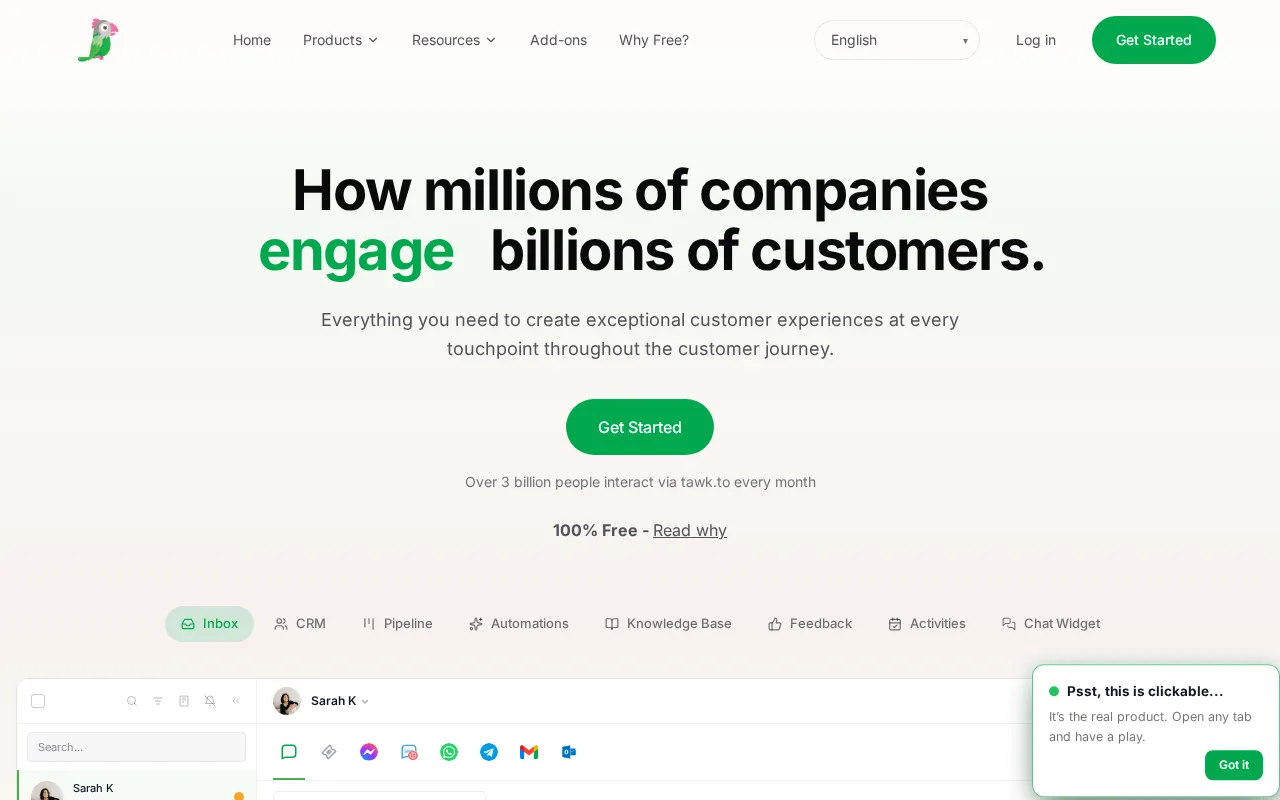
tawk.to homepage, November 2026

tawk.to is free live chat and ticketing software for websites, with a hosted knowledge base. It makes its money from paid add-ons, such as AI Assist, white label and hired chat agents, billed per website.

Best for
Small businesses that want website chat for any number of agents at no cost, and don’t mind the tawk.to badge.
How it bills
Chat, ticketing and the knowledge base are free for any number of agents. AI Assist is free for 100 credits a month, then $29, $99 or $399 a month ($290, $990 or $3,990 a year) for 1,000, 5,000 or 20,000 credits, and a reply on the default Auto model uses 3.
Free plan
Yes: unlimited agents and chats, about 33 AI replies a month
3 people, 300 AI replies
$24 a month: AI Assist Growth at $290 a year, whose 1,000 monthly credits cover 300 replies at 3 credits each on the Auto model. Seats are free.

Pros

  • Free for any number of agents, chats and websites, with ticketing and a hosted knowledge base.
  • WhatsApp, Messenger, SMS through Twilio and email share one inbox, and the AI answers on chat, WhatsApp, SMS and Messenger.
  • Its Shopify app adds a tab where agents check orders, refund and cancel during a chat.
  • Hired chat agents start at $1 an hour if you want someone else to answer.

Cons

  • AI Assist charges per reply, and once credits run out it stops joining new conversations.
  • The “Powered by tawk.to” badge stays unless you pay for white label, $39 a month or $348 a year for each website.
  • No official MCP server, and REST API access must be requested and approved first.
  • Add-ons are billed per website, so each extra site pays again.

Already on tawk.to? See the best tawk.to alternatives.

10. Zoho SalesIQ

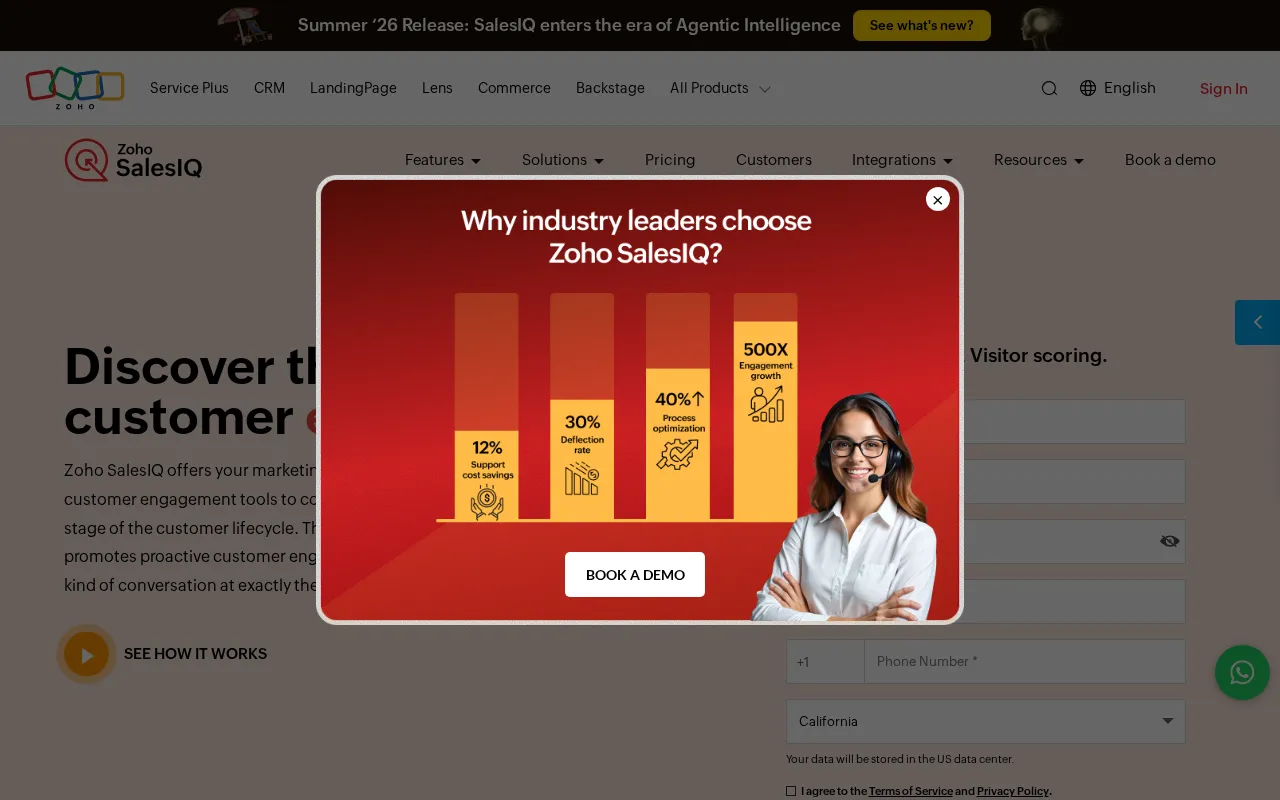
Zoho SalesIQ homepage, November 2026

Zoho SalesIQ is Zoho’s live chat and visitor tracking app for marketing, sales and support teams, with chatbots, messaging apps, lead scoring and Zia agents, Zoho’s AI agents that can pick up chats.

Best for
Sales and marketing teams on Zoho CRM that want to see who is browsing, score leads and start the chat themselves.
How it bills
Per operator a month: Basic is $7, Professional $12.75 and Enterprise $20 on annual billing ($10, $17 and $25 monthly). Zia agents cost nothing to deploy, 1 on Basic, 3 on Professional and 10 on Enterprise, and on Zoho’s Standard hosted models the first 30 million tokens a month are free, then $1 per million. Answer Bot needs Enterprise. Add-ons on annual billing: another brand is $16, a chatbot $8, 5,000 more bot chats $8 and 100,000 more tracked visitors $90 a month.
Free plan
Yes: 3 operators, 100 operator chats a month, 30 days of history, no AI
3 people, 300 AI replies
$21 or more a month: 3 Basic operators at $7 on annual billing, with 1 Zia agent answering on a Zoho-hosted model, plus any tokens past the 30 million free each month at $1 per million.

Pros

  • Cheap seats: Basic is $7 an operator a month on annual billing, and the free plan covers 3 operators.
  • Live visitor tracking, lead scoring and company scoring show who is on your site, and proactive triggers open the chat.
  • WhatsApp, Instagram, Messenger, Telegram, LINE and WeChat from Basic, with audio calls, video calls and screen sharing in the chat window.
  • Zia agents can pull records from Zoho CRM, Shopify or Stripe, and pass a chat to an operator with its context.

Cons

  • No email inbox and no public help center: articles and FAQs open inside the chat window.
  • Answer Bot, which answers from your articles with Zoho’s built-in AI, needs Enterprise at $20 an operator.
  • Basic caps operator chats at 1,000 a month, and the free plan at 100 with 30 days of history.
  • Zoho MCP lists SalesIQ but publishes no list of its SalesIQ tools.

Already on Zoho SalesIQ? See the best Zoho SalesIQ alternatives.

11. Freshchat

Freshchat homepage, November 2026

Freshchat is Freshworks’ live chat and messaging tool for websites, mobile apps, WhatsApp and social messengers. Its Freddy AI agent answers customers and is billed per session.

Best for
Teams that support customers mostly over web and in-app chat, WhatsApp and social messengers, and want a free plan for up to 10 agents to start on.
How it bills
Per agent on annual billing: Growth is $19, Pro $49 and Enterprise $79 a month, and Free covers up to 10 agents without AI. Freddy AI agent sessions cost $49 per 100 after 500 free ones, once per account. Copilot is $29 an agent, and voice through Freshcaller starts at $15 an agent.
Free plan
Yes: up to 10 agents, chat and email, no AI
3 people, 300 AI replies
$204 a month: 3 Growth agents at $19 on annual billing, with 300 chats answered by its AI agent in packs of 100 at $49.

Pros

  • Chat works on your website and inside mobile apps, and Growth adds WhatsApp, SMS, Messenger, Instagram, Line and Google’s business messaging.
  • The free plan covers up to 10 agents with the chat widget, a shared inbox and email.
  • Pro and Enterprise translate conversations with customers in more than 45 languages.
  • Free apps from Freshworks let its AI agent look up Shopify orders, refund or cancel them, and cancel Stripe subscriptions.

Cons

  • The free plan has no AI agent, no WhatsApp and no social messengers.
  • AI sessions went from 10 cents to 49 cents each in late 2025.
  • No official MCP server, and the conversation API comes only with Pro and Enterprise.
  • No help center: FAQ articles show only inside the chat widget.

Already on Freshchat? See the best Freshchat alternatives.

12. Gleap

Gleap homepage, November 2026

Gleap is an AI customer support platform from Austria: live chat, one inbox for email, WhatsApp, social channels and phone calls, a help center, and Kai, its AI agents, alongside in-app bug reporting, session replay, surveys and product tours.

Best for
Software and app teams that want customer support, in-app bug reports with logs and replays, and feature requests in one tool, with AI that can turn a confirmed bug into a pull request.
How it bills
Per workspace a month on annual billing: Hobby is $29 for 1 seat, Growth $99 with 4 seats and Pro $299 with unlimited seats ($35, $119 and $359 monthly), and Enterprise starts at $999 ($1,199 monthly). Extra Growth seats are $25 a month or $250 a year. No plan includes AI: Kai Support costs about $0.05 a conversation by Gleap’s estimate, paid from a prepaid balance, and emails past 1,000 a month cost $2 per 1,000.
Free plan
No, 7-day trial with up to $25 of AI credit
3 people, 300 AI replies
$114 a month: Growth at $99 a month on annual billing with 4 seats, plus 300 Kai Support conversations at about $0.05, Gleap’s estimate.

Pros

  • Kai Support costs about $0.05 a conversation by Gleap’s estimate, counted once whether it resolves the conversation or hands it to your team.
  • Customers report bugs from inside your app with a screenshot and console logs, and from Growth, Kai Code turns a confirmed bug into a pull request your engineers review.
  • Live chat, email, WhatsApp, Instagram, Messenger, Slack, Telegram and phone calls share one inbox from Growth.
  • Its official MCP server reads tickets, searches the help center, writes articles and sends replies after you say yes.
  • Refunds and cancellations Kai prepares through Stripe or Shopify wait for a teammate to approve them in one click.

Cons

  • No plan includes AI: every Kai conversation, translation and summary comes out of a prepaid balance that tops itself up by default.
  • Hobby has 1 seat and no help center, integrations, API or MCP, so a team starts at Growth.
  • Growth includes 4 seats and charges $25 a month for each extra one, until Pro at $299 removes the count.
  • Conversations only Kai handled are deleted about 33 days after they start, and refunds come only at Gleap’s discretion, within 7 days of the first purchase.

Already on Gleap? See the best Gleap alternatives.

Why people leave Customerly

Aura bills each conversation it handles

Core includes 10 AI conversations a month, Growth 20 and Ultimate 50. Every further conversation assigned to Aura or an AI Mission costs €0.45, however long it runs, and is billed at the end of the month. Customerly AI pricing, .

No cap on AI spending

Customerly’s help center says there is no setting to cap AI usage. Its advice is to monitor usage and plan the budget as AI use grows. Customerly AI usage cap, .

Core keeps 30 days of history

Core shows 30 days of conversation history, with 2 canned responses and 1 chatflow. Unlimited history starts on Growth at €59 a seat a month on annual billing, and CSAT and team analytics on Ultimate at €84. How Customerly pricing works, .

Drafting help is an add-on

AI Reply, Write for Me, Summarize and AI article writing for your team come only with AI Companion, at €19 a seat a month on top of the plan. Customerly AI pricing, .

Cancelling deletes everything at once

Cancelling the subscription deletes the project immediately, with its teammates, help center content, conversations and settings. There is no option to keep it running until the paid period ends. Cancelling a Customerly subscription, .

Features compared

A check means the vendor’s own pages say a plan includes it. Customerly is in the last row for comparison.

ToolEmailLive chatWhatsAppVoiceHelp centerAI that answers customersShopifyStripeFree planSignup without a sales call
Rinhelp
Intercom
Crisp
Brevo Conversations
Help Scout
Tidio
LiveChat
Chatwoot
tawk.to
Zoho SalesIQ
Freshchat
Gleap
Customerly

What your AI can do in each tool

Connect Claude, ChatGPT or your own AI agent through the vendor’s official MCP server, and this is what it can do of 11 everyday actions: search and read conversations, reply to a customer, add an internal note, assign, close or reopen, search the help center, write or update an article, publish an article, create a saved reply, look up an order, refund or cancel.

ToolThrough official MCPWhat it can doMoney moves wait for a teammate
Rinhelp11 of 11Search and read conversations, reply to a customer, add an internal note, assign, close or reopen, search the help center, write or update an article, publish an article, create a saved reply, look up an order, refund or cancelYes, a teammate approves first
Intercom5 of 11Search and read conversations, add an internal note, search the help center, write or update an article, publish an articleNo refunds or cancellations through MCP
Crisp6 of 11Search and read conversations, reply to a customer, add an internal note, close or reopen, search the help center, write or update an articleNo refunds or cancellations through MCP
Brevo Conversations0 of 11No official MCP server, or nothing from this listNo refunds or cancellations through MCP
Help Scout2 of 11Search and read conversations, search the help centerNo refunds or cancellations through MCP
Tidio1 of 11Search and read conversationsNo refunds or cancellations through MCP
LiveChat1 of 11Search and read conversationsNo refunds or cancellations through MCP
Chatwoot0 of 11No official MCP server, or nothing from this listNo refunds or cancellations through MCP
tawk.to0 of 11No official MCP server, or nothing from this listNo refunds or cancellations through MCP
Zoho SalesIQ0 of 11No official MCP server, or nothing from this listNo refunds or cancellations through MCP
Freshchat0 of 11No official MCP server, or nothing from this listNo refunds or cancellations through MCP
Gleap4 of 11Search and read conversations, reply to a customer, search the help center, write or update an articleNo refunds or cancellations through MCP
Customerly3 of 11Search and read conversations, reply to a customer, write or update an articleNo refunds or cancellations through MCP

More on each MCP server, and connectors from other companies, which don’t count:

  • Intercom: Workspaces with Fin Operator get five more MCP tools, which change Fin’s setup rather than conversations.
  • Crisp: The MCP server comes with Essentials and Plus. Hugo can call your own MCP servers too, and its refund tools ask the customer for a one-time code, not a teammate.
  • Brevo Conversations: Brevo’s official MCP server covers 27 modules, such as contacts, campaigns, deals, tasks and notes, but none for the inbox, so it can’t read or answer chats. Stripe connects to Brevo through Zapier or n8n.
  • Help Scout: A few accounts from Help Scout’s MCP beta kept write tools, but new connections are read-only and write actions have no date. Phone calls need Aircall or another integration.
  • Tidio: The MCP server reads the Analytics API’s chat and ticket messages. Replying to and solving tickets goes through the OpenAPI on Plus and Premium, not MCP.
  • LiveChat: Text’s REST API can send messages and close chats, but its MCP only reads. In ChatGPT, only its search and fetch tools work, and deep research must be on.
  • Chatwoot: Only community MCP servers exist. Chatwoot’s official CLI and agent skill let coding agents work in Chatwoot, but aren’t MCP.
  • tawk.to: tawk.to has no MCP server of its own. Its AI agents can call MCP servers you connect, and third parties sell MCP wrappers around its API.
  • Zoho SalesIQ: Zoho MCP lists SalesIQ among the Zoho apps it connects, without saying which SalesIQ tools it offers. The REST API can list chats, read transcripts, send operator messages and close chats.
  • Freshchat: Freshworks’ official MCP server covers Freshdesk, not Freshchat, and its developer MCP server only helps build Freshworks apps.
  • Customerly: Its MCP server also connects to Claude Code with an API token. The REST API lists, reads, replies to and closes conversations and manages help center articles, and webhooks report new leads, users and tags.

Pricing at three sizes

What each tool costs a month in US dollars, with AI answering, and how each total adds up. Each AI reply counts as one resolved conversation.

Tool3 people, 300 AI replies5 people, 1,000 AI replies10 people, 3,000 AI replies
Rinhelp$49Pro for the whole workspace, using 300 of its 5,000 AI replies; Free covers your team if you don’t need AI replies.$49Pro for the whole workspace, using 1,000 of its 5,000 AI replies.$49Pro for the whole workspace, using 3,000 of its 5,000 AI replies.
Intercom$3543 Essential seats at $19, the new-customer price on annual billing (list $29), plus 300 Fin outcomes at $0.99.$1,0855 Essential seats at $19, the new-customer price on annual billing (list $29), plus 1,000 Fin outcomes at $0.99.$3,16010 Essential seats at $19, the new-customer price on annual billing (list $29), plus 3,000 Fin outcomes at $0.99.
Crisp$66 or moreMini at $45 for 4 seats with about 90 Hugo conversations in its credits, plus about 210 more at about $0.10 each.$150 or moreEssentials at $95 for 10 seats with about 450 Hugo conversations, plus about 550 more at about $0.10 each.$350 or moreEssentials at $95 for 10 seats, plus about 2,550 Hugo conversations at about $0.10 each, since Crisp bills AI by tokens.
Brevo Conversations$625Professional at $449.08 on annual billing, plus 3 Sales Advanced seats at $58.50 for the AI chatbot, which is in beta and has no separate price on Brevo’s pages.$742Professional at $449.08 on annual billing, plus 5 Sales Advanced seats at $58.50.$1,034Professional at $449.08 on annual billing, plus 10 Sales Advanced seats at $58.50.
Help Scout$3003 Standard users at $25 on annual billing, plus 300 AI resolutions at $0.75.$8755 Standard users at $25 on annual billing, plus 1,000 AI resolutions at $0.75.$2,50010 Standard users at $25 on annual billing, plus 3,000 AI resolutions at $0.75.
Tidio$199 or moreStarter at $24.17 on annual billing plus 300 Lyro conversations at $175. Starter covers 100 conversations your team answers, and more needs Growth.$608 or moreStarter at $24.17 plus 1,000 Lyro conversations at $583.33, both on annual billing, before any move to Growth for your team’s own conversations.$300 or morePlus from $300 a month plus usage, since Lyro above 1,000 conversations is priced only by sales.
LiveChat$3363 Growth users at $79 on annual billing, which include 200 AI resolutions, plus 2 packs of 50 at $49.50.$1,0855 Essential users at $19 on annual billing, which include 10 AI resolutions, plus 20 packs of 50 at $49.50.$3,16010 Essential users at $19 on annual billing, which include 10 AI resolutions, plus 60 packs of 50 at $49.50.
Chatwoot$573 Startups agents at $19, with the 300 included Captain credits covering 300 AI replies.$1155 Startups agents at $19, plus 1,000 extra Captain credits at $20.$25010 Startups agents at $19, plus 3,000 extra Captain credits at $20 per 1,000.
tawk.to$24AI Assist Growth at $290 a year, whose 1,000 monthly credits cover 300 replies at 3 credits each on the Auto model. Seats are free.$83AI Assist Business at $990 a year, whose 5,000 monthly credits cover 1,000 replies at 3 credits each.$203AI Assist Business at $990 a year plus 4,000 extra credits at $30 per 1,000, for 3,000 replies at 3 credits each.
Zoho SalesIQ$21 or more3 Basic operators at $7 on annual billing, with 1 Zia agent answering on a Zoho-hosted model, plus any tokens past the 30 million free each month at $1 per million.$35 or more5 Basic operators at $7, with the Zia agent inside the 30 million free tokens a month, or $1 per million beyond them.$70 or more10 Basic operators at $7, with the Zia agent; Zoho doesn’t say how many tokens a chat uses, so more AI chats can pass the free 30 million.
Freshchat$2043 Growth agents at $19 on annual billing, with 300 chats answered by its AI agent in packs of 100 at $49.$5855 Growth agents at $19, with 1,000 AI-answered chats in packs of 100 at $49.$1,66010 Growth agents at $19, with 3,000 AI-answered chats in packs of 100 at $49.
Gleap$114Growth at $99 a month on annual billing with 4 seats, plus 300 Kai Support conversations at about $0.05, Gleap’s estimate.$170Growth at $99 a month on annual billing with 4 seats, plus 1 extra seat at $250 a year a seat, plus 1,000 Kai Support conversations at about $0.05, Gleap’s estimate.$374Growth at $99 a month on annual billing with 4 seats, plus 6 extra seats at $250 a year a seat, plus 3,000 Kai Support conversations at about $0.05, Gleap’s estimate.
Customerly$2003 Core seats at €16 on annual billing, plus 290 AI conversations past the 10 included at €0.45 each: €178.50, about $200 at $1.12 to the euro.$5915 Core seats at €16 on annual billing, 990 AI conversations past the 10 included at €0.45, and 500 interactions over Core’s 500 at €0.005: €528, about $591.$1,69710 Core seats at €16 on annual billing, 2,990 AI conversations past the 10 included at €0.45, and about €10 for 2,500 interactions over Core’s 500: about €1,515.50, or $1,697.

The best Customerly alternative for each kind of team

Best Customerly alternative for support teams paying for each AI conversation: Rinhelp

Aura costs €0.45 for every conversation it takes over past the plan’s allowance, and Customerly offers no cap on that spend. Rin’s 5,000 AI replies come with Pro at $49 a month, and a top-up adds 5,000 more for $49.

Best Customerly alternative for the same suite with phone added: Intercom

Customerly publishes a switching guide and importer for Intercom customers, since the two cover much the same ground: messenger, inbox, help center and an AI agent. Intercom adds phone and SMS, and bills Fin at $0.99 per outcome on top of seats, which new customers get from $19 a month on annual billing.

Best Customerly alternative for one price for the workspace: Crisp

Crisp bills the workspace, not each seat: Essentials is $95 a month for 10 seats with a help center, WhatsApp and an MCP server, and $25 of AI credits a month for its Hugo AI.

Best Customerly alternative for email campaigns next to chat: Brevo Conversations

Customerly counts every newsletter and workflow email against its interactions. Brevo is built for email marketing first, Brevo Conversations gives 1 user live chat free, and chatbot scenarios come with Sales Essentials at $27.92 a seat a month on annual billing.

Best Customerly alternative for shared email inboxes: Help Scout

Help Scout began as shared inboxes for email and adds Beacon chat and a Docs help center. Scout answers chat for $0.75 per resolution, free for a new account’s first 3 months, and Standard is $25 a user a month on annual billing.

Best Customerly alternative for hosting it yourself: Chatwoot

Chatwoot’s Community Edition runs free on your own server. Chatwoot Cloud’s first plan with Captain AI is $19 an agent a month, with 300 Captain credits a month shared by the account and $20 for each extra 1,000.

Best Customerly alternative for chat without a bill: tawk.to

Customerly has no free plan after its 14-day trial, while tawk.to charges nothing for chat, ticketing or a knowledge base, whatever the team size. AI Assist is free for 100 credits a month, then $29 a month for 1,000.

Best Customerly alternative for cheap seats with AI: Zoho SalesIQ

Zoho SalesIQ’s Basic is $7 an operator a month on annual billing, less than half of Customerly Core at €16, and its Zia agents run on Zoho’s hosted models with 30 million free tokens a month.

When Customerly is still the right choice

Stay with Customerly ifSwitch if
You send newsletters, onboarding emails and NPS surveys from the tool that answers chat.Your support tool only needs to answer customers, and marketing email lives elsewhere.
You build chatflows and AI Missions that walk each visitor through set steps.You want AI to answer from your docs without designing flows first.
Your customers reach you on WhatsApp and Facebook Messenger as much as on chat.Your customers write by email or through the chat on your website.
Aura takes only a handful of conversations a month, inside your plan’s allowance.You want AI on most conversations without a charge for each one.

Moving from Customerly to Rinhelp

Customerly conversations come out through its REST API: one call lists them a page at a time, and another returns each conversation’s messages, internal notes included, up to 100 a page. Help center articles come out the same way, each with its full HTML body. Move before you cancel, because cancelling deletes the project and every conversation at once.

  1. Start Rinhelp free and keep Customerly running until you’re sure.
  2. An admin copies the API access token from “Public API” in the project settings and gives it to the AI agent. The API has no endpoint for canned responses, so the admin also pastes those in from “Canned responses” under “Inbox” in the settings.
  3. Paste this prompt into Claude or ChatGPT: “Connect Customerly’s official MCP server with read only access to “Inbox”, “Inbox complete access” and “Help Center”, and follow https://rinhelp.com/migrate/customerly.md. Bring each conversation into Rinhelp with its messages and notes, then the published help center articles, and add the canned responses I paste as saved replies.”
  4. Your AI agent brings the history over, no per-minute limit to time it by for 10,000 conversations. Importing is free and never emails your customers.
  5. Switch your support email to Rinhelp.
  6. Replace your chat widget.
See the full move from Customerly

Questions about Customerly and switching

Is Customerly free?

No. Every plan starts with a 14-day free trial, and billing begins when it ends. View-only Lite users are free, but anyone who replies to customers needs a paid seat.

How much does Customerly cost?

On annual billing, Core is $16, Growth $59 and Ultimate $84 a seat a month, or $19, $69 and $99 paid monthly, with 10, 20 or 50 AI conversations and 500, 1,000 or 5,000 interactions. Companies in Europe pay the same figures in euros.

What is an interaction in Customerly?

A conversation your team replies to, each email sent, a transcript, a CSAT rating or a survey response counts once. Allowances reset every month, and extra interactions cost from €0.005 down to €0.00099 each, 20% more when bought on demand.

How much does Aura cost?

Training is included, and each plan includes 10 to 50 AI conversations a month. Past those, every conversation Aura or an AI Mission handles is €0.45, and the credits you buy never expire.

What does Aura learn from?

Customerly trains Aura on help center articles and canned responses, and advises against training it by crawling your website. Rin, Rinhelp’s built-in AI, answers from your help center and website.

Does Customerly have WhatsApp?

Yes. You connect a verified WhatsApp Business Account, and its conversations land in the shared inbox. Customerly adds no fee, though WhatsApp may charge for sessions. Rinhelp has no WhatsApp.

Does Customerly give refunds?

No. Its help center says all subscription fees, monthly or annual, are non-refundable.

How do I cancel Customerly?

Open “Project Settings” → “Billing” → “Subscription” and click “Cancel Subscription”. That deletes the project at once, conversations and help center included, so move what you need first.

Can I connect Claude or ChatGPT to Customerly?

Claude, yes: Customerly’s official MCP server works as a custom connector in Claude on the web and desktop, and in Claude Code with an API token. You set no access, read only or full access for the inbox, help center and other resources.

Does Customerly work with Shopify?

Customerly’s help center describes no Shopify app that shows orders in the inbox. Rinhelp shows Shopify orders and Stripe payments beside each conversation, and a refund an AI asks for waits for a teammate to approve it.

What is the cheapest Customerly alternative?

If people answer every chat, tawk.to is free however many agents you add. With AI included, Rinhelp is free for 3 teammates with 50 AI replies to try Rin, and Pro covers the whole team with 5,000 AI replies for $49 a month.

How long does moving from Customerly to Rinhelp take?

Customerly publishes no rate limit. The AI agent lists conversations a page at a time and makes about one more request per conversation for its messages, so the time depends mostly on how many conversations you have.

How we picked and checked

We listed the tools a team leaving Customerly weighs most often, and only tools we keep checked facts for. Rinhelp is first because it is our product and we wrote this page, so check each figure against the vendor’s own page before you decide.

Costs are list prices in US dollars for three team sizes, on the cheapest plan that covers them, counting each AI reply as one resolved conversation. Features count only when the vendor’s own pages say a plan includes them. The AI column counts actions an official MCP server from the vendor can take, out of 11, and leaves third-party connectors out.

We checked every source below on 10 November 2026 unless it shows another date.

Why people leave Customerly

Rinhelp

Checked

Intercom

Checked

Crisp

Checked

Brevo Conversations

Checked

Help Scout

Checked

Tidio

Checked

LiveChat

Checked

Chatwoot

Checked

tawk.to

Checked

Zoho SalesIQ

Checked

Freshchat

Checked

Gleap

Checked

Customerly

Try Rinhelp next to Customerly.

Start free with up to 3 teammates and 50 AI replies. Keep Customerly running until you’re sure.

Start free