Start free

12 best LiveChat alternatives (2026)

By , founder of Rinhelp · Facts checked

The short answer

LiveChat is turning into Text: new accounts start on Text plans, older plans lost their grandfathered prices in April 2026, and Text expects 2027 to be a migration year. If you have to move anyway and mostly answer support questions, pick Rinhelp, free for 3 teammates and $49 a month for the whole team with Rin answering first. Pick tawk.to for free website chat, Tidio or Gorgias for an online store, Crisp for a flat workspace price, Intercom for AI at scale, and Chatwoot if you want to host it yourself.

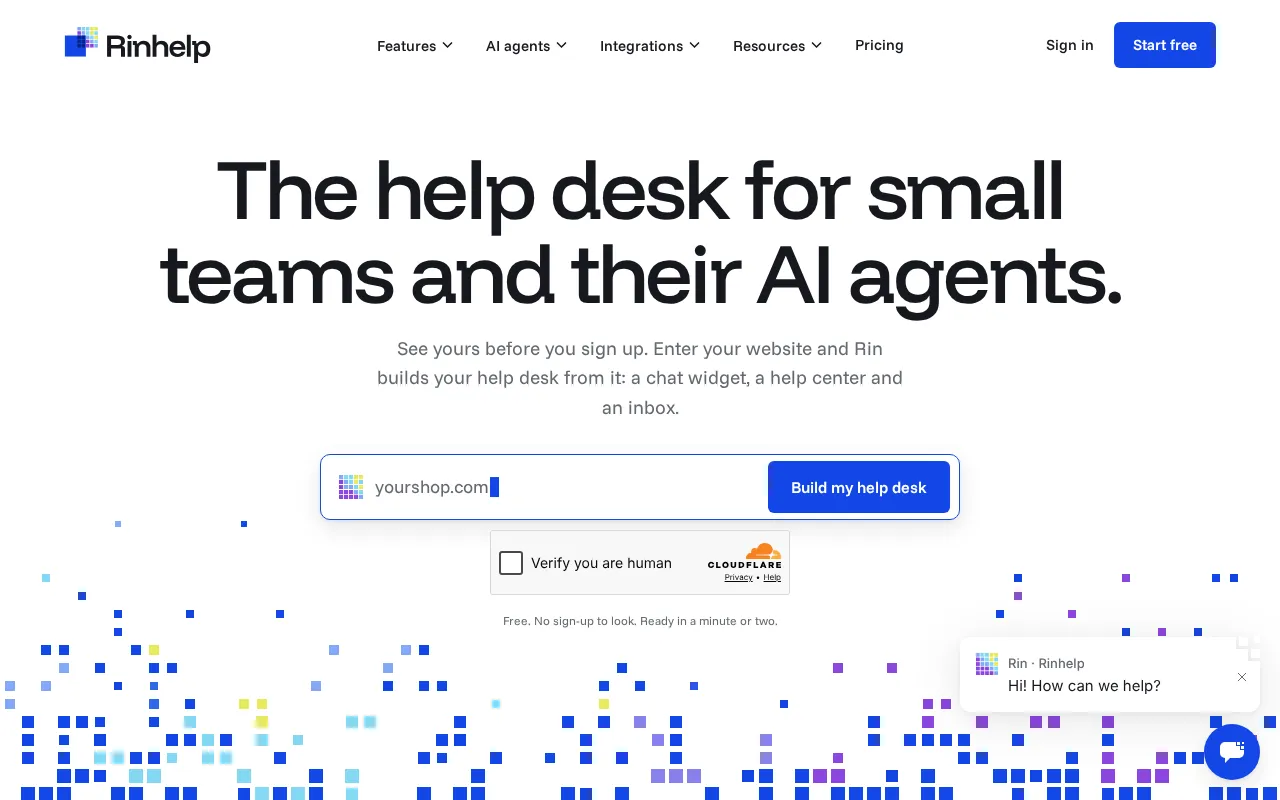
See Rinhelp on your own site. Enter your website and Rin builds your help desk from it: a chat widget, a help center and an inbox.

Free. No sign-up to look. Ready in a minute or two.

Is your help center somewhere else?

Rin will read . If your help articles or docs live at another address, like help. or a Notion page, Rin can read those too.

Where is your help center?

Rin reads it along with and turns it into your help center.

LiveChat alternatives at a glance

ToolBest forHow it billsFree plan3 people, 300 AI replies
RinhelpSmall LiveChat teams that mostly answer support questions and want AI on every chat without a bill per resolution.One price per workspaceYes: 3 teammates, 50 AI replies to try Rin$49
tawk.toSmall businesses that want website chat for any number of agents at no cost, and don’t mind the tawk.to badge.Free, plus add-ons per websiteYes: unlimited agents and chats, about 33 AI replies a month$24
TidioShopify and WooCommerce stores that want chat, WhatsApp and Instagram in one inbox and an AI that recommends products.By conversation, plus each Lyro conversationYes: 10 seats, 50 conversations a month$199 or more
CrispSmall teams that start with free website chat and want WhatsApp, Instagram, SMS and phone in the same inbox later.Per workspace, plus AI usageYes: 2 seats, chat only, no AI$66 or more
IntercomSoftware and app companies that want chat, email, phone, WhatsApp and SMS in one inbox, with Fin answering across them.Per seat, plus each Fin outcomeNo, 14-day trial$354
GorgiasShopify brands with a large team that answer on email, chat, SMS, WhatsApp, social and phone from one inbox.Per ticket, plus each AI interactionNo, 7-day trial$320 or more
ChatwootTeams that want many channels at a low seat price, or want to run their help desk on their own servers.Per agent, plus AI creditsYes: 2 agents, live chat only, 500 conversations a month$57
FreshchatTeams that support customers mostly over web and in-app chat, WhatsApp and social messengers, and want a free plan for up to 10 agents to start on.Per agent, plus each AI sessionYes: up to 10 agents, chat and email, no AI$204
ZendeskGrowing and large teams that need voice, many channels, 1,800+ apps and integrations, and enterprise controls to grow into.Per agent, plus each automated resolutionNo, 14-day trial$485
Comm100Universities, banks, healthcare and government teams that want live chat at the center of one console, with messaging apps, calls and AI added as they grow.Per agent for live chat and most add-ons, with AI through salesNo, 30-day trial$293
Zoho SalesIQSales and marketing teams on Zoho CRM that want to see who is browsing, score leads and start the chat themselves.Per operator, plus AI tokensYes: 3 operators, 100 operator chats a month, 30 days of history, no AI$21 or more
OlarkMarketing and sales teams that want an AI agent answering and qualifying website visitors at a flat price, with no usage caps.Flat AI agent price, plus per seatYes, though only the FAQ lists it: after the 14-day trial without a card, an account can drop to 1 agent and 20 chats a month$458
LiveChat, for comparisonOnline stores and sales teams that live in website chat and want to see who is browsing before they reach out.Per user, plus each AI resolutionNo, 14-day trial without a card$336

1. Rinhelp

Rinhelp homepage, November 2026

LiveChat is becoming Text, so staying means moving to a new app anyway. Rinhelp is a smaller step sideways: email and live chat in one inbox, Rin answering first from your help center, and Claude or ChatGPT able to reply and close through MCP. It costs $49 a month for the whole team, with no seat for each person and no charge per resolution.

Best for
Small LiveChat teams that mostly answer support questions and want AI on every chat without a bill per resolution.
How it bills
Free for up to 3 teammates. Pro is $49 a month for the whole workspace, with 5,000 AI replies from Rin. No per-seat or per-resolution fees.
Free plan
Yes: 3 teammates, 50 AI replies to try Rin
3 people, 300 AI replies
$49 a month: Pro for the whole workspace, using 300 of its 5,000 AI replies; Free covers your team if you don’t need AI replies.

Pros

  • $49 a month covers every teammate and 5,000 AI replies, where 3 LiveChat Growth users with 300 AI resolutions come to $336.
  • A help center for your customers comes with every plan, and Rin answers from it.
  • Your own AI agent can reply, assign, close and publish through MCP, where Text’s MCP can only read.
  • Refunds and cancellations through Shopify or Stripe wait for a teammate’s approval.

Cons

  • Email and live chat only: there is no phone, WhatsApp, SMS or social inbox.
  • Shopify and Stripe are the only integrations.
  • No reports, SLA rules or routing rules: Rin hands a conversation to the teammate with the fewest open ones.
  • The free plan has no Rin beyond 50 AI replies to try it.
Start free

2. tawk.to

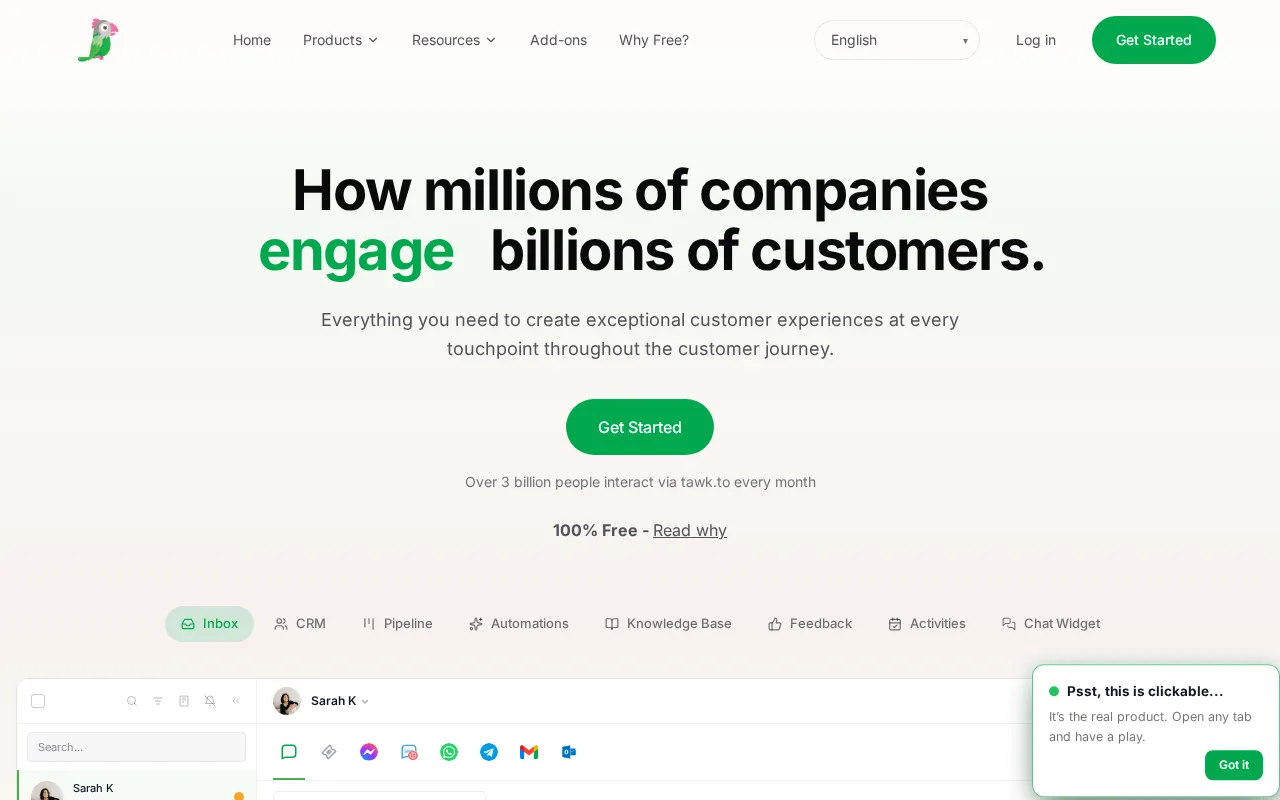
tawk.to homepage, November 2026

tawk.to is free live chat and ticketing software for websites, with a hosted knowledge base. It makes its money from paid add-ons, such as AI Assist, white label and hired chat agents, billed per website.

Best for
Small businesses that want website chat for any number of agents at no cost, and don’t mind the tawk.to badge.
How it bills
Chat, ticketing and the knowledge base are free for any number of agents. AI Assist is free for 100 credits a month, then $29, $99 or $399 a month ($290, $990 or $3,990 a year) for 1,000, 5,000 or 20,000 credits, and a reply on the default Auto model uses 3.
Free plan
Yes: unlimited agents and chats, about 33 AI replies a month
3 people, 300 AI replies
$24 a month: AI Assist Growth at $290 a year, whose 1,000 monthly credits cover 300 replies at 3 credits each on the Auto model. Seats are free.

Pros

  • Free for any number of agents, chats and websites, with ticketing and a hosted knowledge base.
  • WhatsApp, Messenger, SMS through Twilio and email share one inbox, and the AI answers on chat, WhatsApp, SMS and Messenger.
  • Its Shopify app adds a tab where agents check orders, refund and cancel during a chat.
  • Hired chat agents start at $1 an hour if you want someone else to answer.

Cons

  • AI Assist charges per reply, and once credits run out it stops joining new conversations.
  • The “Powered by tawk.to” badge stays unless you pay for white label, $39 a month or $348 a year for each website.
  • No official MCP server, and REST API access must be requested and approved first.
  • Add-ons are billed per website, so each extra site pays again.

Already on tawk.to? See the best tawk.to alternatives.

3. Tidio

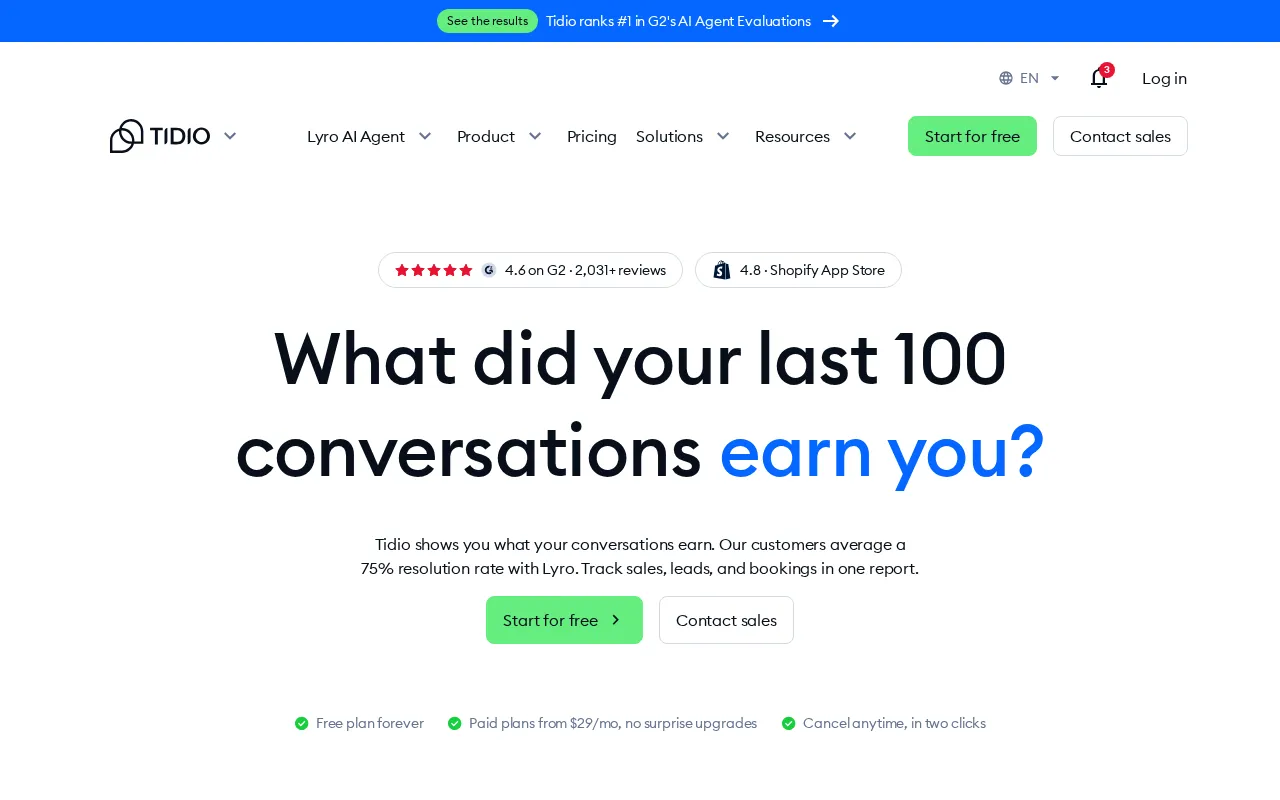
Tidio homepage, November 2026

Tidio is a live chat and help desk tool built for online stores, especially Shopify, with Lyro, an AI agent sold as an add-on, and a help center since 2026.

Best for
Shopify and WooCommerce stores that want chat, WhatsApp and Instagram in one inbox and an AI that recommends products.
How it bills
Plans are priced by the conversations your team answers, with 10 seats: Starter is $24.17 a month on annual billing ($29 monthly) for 100, and Growth runs from $49.17 for 250 ($59 monthly) to $349 monthly for 2,000. Lyro is an add-on from $32.50 a month for 50 conversations to $583.33 for 1,000 on annual billing ($39 for 50, $210 for 300 and $700 for 1,000 monthly), and Plus starts at $300 a month plus usage.
Free plan
Yes: 10 seats, 50 conversations a month
3 people, 300 AI replies
$199 or more a month: Starter at $24.17 on annual billing plus 300 Lyro conversations at $175. Starter covers 100 conversations your team answers, and more needs Growth.

Pros

  • Up to 10 seats on Free, Starter and Growth, so the bill doesn’t grow as you add teammates.
  • WhatsApp, Instagram, Messenger and email on every plan, including Free.
  • Lyro recommends products and adds them to the cart on Shopify and WooCommerce.
  • Lyro’s actions can check orders, cancel or change them and refund, and Lyro can call your own MCP servers.

Cons

  • Lyro is a separate add-on billed per conversation, about $0.58 to $0.78 each by tier and billing, and over 1,000 a month is priced by sales.
  • The API and Stripe integration need Plus, from $300 a month.
  • Its official MCP server only reads analytics data, loaded once a day, so your own AI can’t reply or close.
  • No refunds for time left after you cancel.

Already on Tidio? See the best Tidio alternatives.

4. Crisp

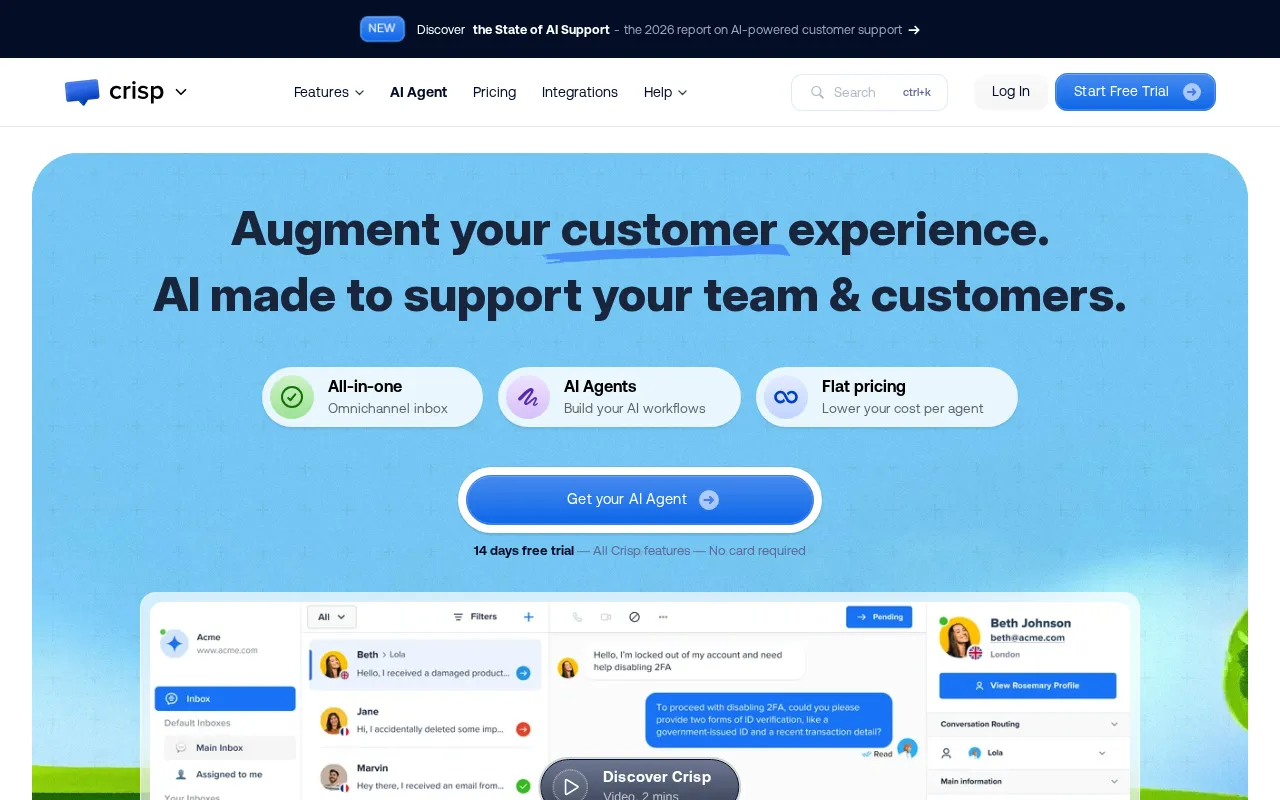
Crisp homepage, November 2026

Crisp is a French customer support platform built around a website chat widget, with a shared inbox, many messaging channels and Hugo, its AI agent.

Best for
Small teams that start with free website chat and want WhatsApp, Instagram, SMS and phone in the same inbox later.
How it bills
Per workspace a month: Mini is $45 with 4 seats, Essentials $95 with 10 and Plus $295 with 20, including $5, $25 and $75 of AI credits (about 90, 450 and 1,350 Hugo conversations). Extra seats are $10 each, sold on Plus only, and Hugo past the credits runs on Pay-As-You-Go at about $0.05 to $0.10 a conversation.
Free plan
Yes: 2 seats, chat only, no AI
3 people, 300 AI replies
$66 or more a month: Mini at $45 for 4 seats with about 90 Hugo conversations in its credits, plus about 210 more at about $0.10 each.

Pros

  • One price per workspace, with 10 seats on Essentials for $95 a month.
  • WhatsApp, Instagram, Messenger, SMS, Telegram and phone sit in the same inbox from Essentials.
  • Its official MCP server can read, reply, add notes, resolve and write help center articles.
  • Hugo can look up orders and refund through Shopify, WooCommerce, PrestaShop and Stripe, after a one-time code checks the customer.

Cons

  • The free plan has no email inbox and no AI, and Mini has no help center, WhatsApp or MCP server.
  • Hugo stops answering when the month’s credits run out unless you turn on Pay-As-You-Go, whose rates aren’t published.
  • Stripe data in the inbox comes only with Plus at $295 a month.
  • Crisp’s terms refund no fees, monthly or yearly.

Already on Crisp? See the best Crisp alternatives.

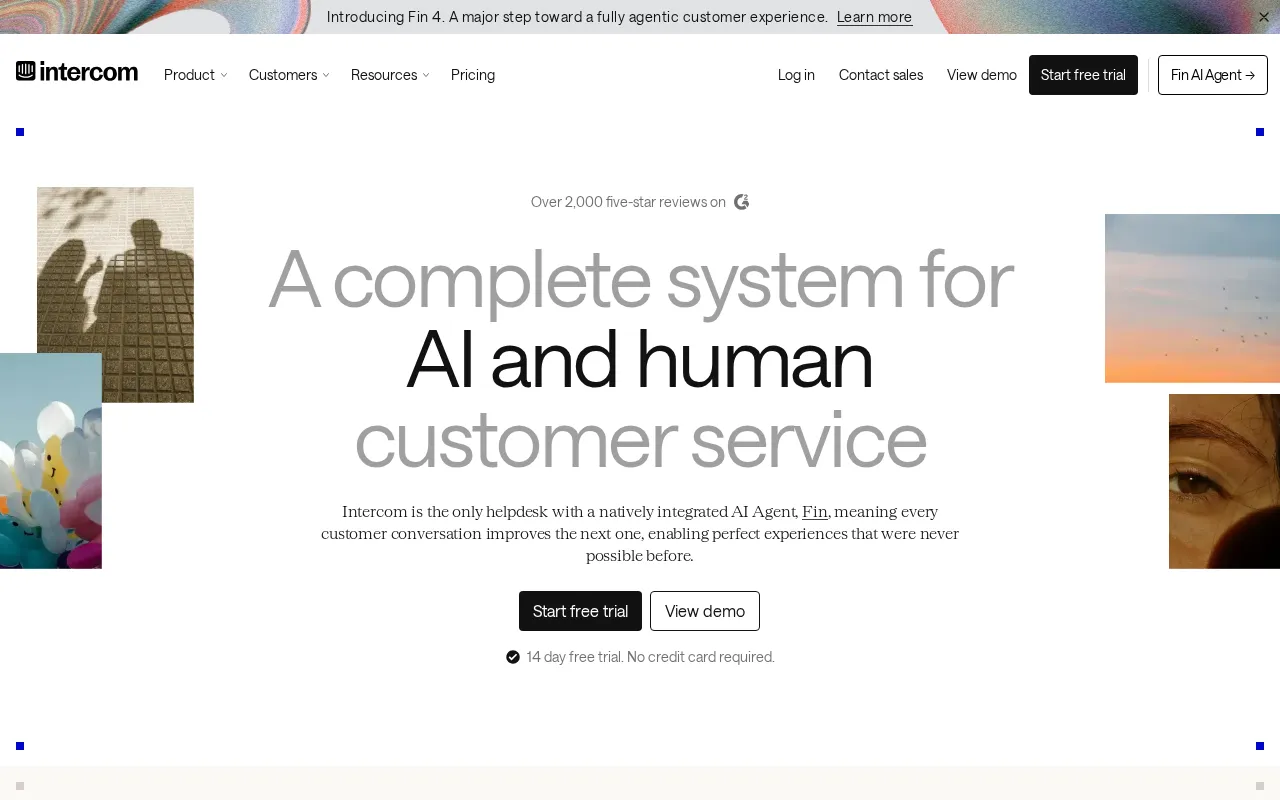
5. Intercom

Intercom homepage, November 2026

Intercom is a customer service help desk with a chat Messenger, a shared inbox, a help center and Fin, its AI agent. Its company renamed itself Fin in May 2026, and Salesforce bought it that September.

Best for
Software and app companies that want chat, email, phone, WhatsApp and SMS in one inbox, with Fin answering across them.
How it bills
Per seat: Essential is $29, Advanced $85 and Expert $132 a seat a month on annual billing ($39, $99 and $139 monthly), and new customers pay $19 for Essential on annual billing. Fin costs $0.99 for each outcome, and WhatsApp, SMS and phone are billed by use.
Free plan
No, 14-day trial
3 people, 300 AI replies
$354 a month: 3 Essential seats at $19, the new-customer price on annual billing (list $29), plus 300 Fin outcomes at $0.99.

Pros

  • Chat, email, phone, WhatsApp, SMS, Slack, Facebook and Instagram all arrive in one inbox.
  • Fin answers on email, live chat and phone, and is charged once per conversation however many questions it answers.
  • Agents can refund or cancel a Shopify order from the inbox sidebar, and the Stripe app shows subscriptions mid-conversation.
  • Its official MCP server can add internal notes and write and publish help center articles, not only read.

Cons

  • Every teammate who replies needs a paid seat, and Fin adds $0.99 an outcome on top.
  • An outcome also counts when a customer simply stops asking after Fin’s answer, or when a Fin workflow hands the conversation to your team.
  • Its MCP server can’t reply to customers, assign or close conversations, and doesn’t serve workspaces hosted in Australia.
  • No free plan, and an annual plan cancelled early gets no prorated refund.

Already on Intercom? See the best Intercom alternatives.

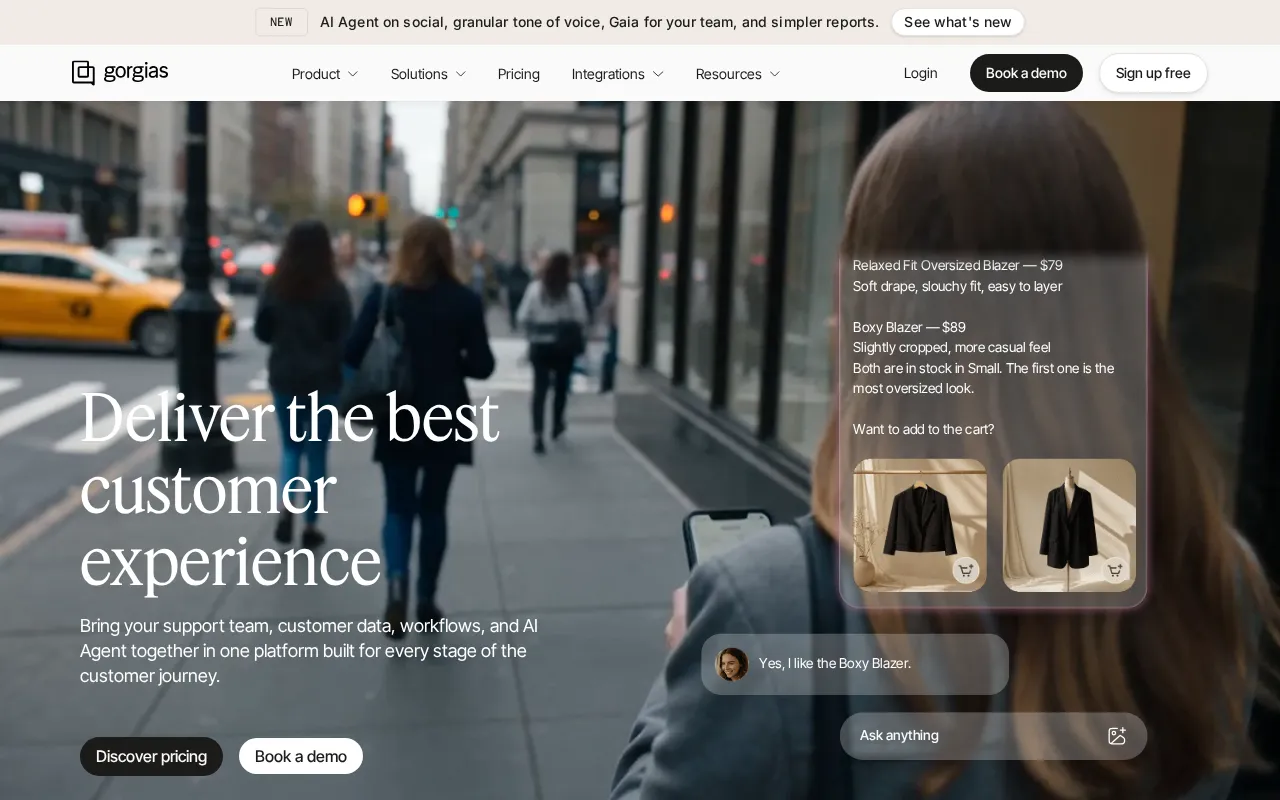
6. Gorgias

Gorgias homepage, November 2026

Gorgias is a help desk for ecommerce brands, built around Shopify, with an AI that answers shoppers and can cancel orders or edit addresses. It bills by tickets, not by agents.

Best for
Shopify brands with a large team that answer on email, chat, SMS, WhatsApp, social and phone from one inbox.
How it bills
By the ticket, never per agent: Starter is $10 a month for 50 tickets, and Basic $50 for 300, Pro $300 for 2,000 and Advanced $750 for 5,000 on annual billing ($60, $360 and $900 monthly). Gorgias AI Agent costs $0.90 per automated interaction on annual billing or $1.00 monthly, $1.50 past your tier, and each one also counts as a ticket.
Free plan
No, 7-day trial
3 people, 300 AI replies
$320 or more a month: Basic at $50 on annual billing for 300 tickets, plus 300 AI interactions at $0.90 with the AI limit raised to cover them, each also counted as a ticket and $1.50 past that limit.

Pros

  • Shopify orders, customers and products show inside every ticket, and Gorgias says 40% of Shopify brands use it.
  • Email, chat, SMS, WhatsApp, Instagram, Facebook and phone land in one inbox.
  • No seat price: Basic and above allow up to 500 users.
  • Its official MCP server lets Claude or ChatGPT reply, assign, close, write macros and publish help center articles on every Helpdesk plan.

Cons

  • A ticket the AI resolves on its own is billed twice, as a ticket and as an automated interaction.
  • Interactions past your AI tier cost $1.50 each, and tickets past your plan $0.36 to $0.40.
  • Cancelling takes written notice 30 days before the term ends, even on monthly billing, and fees aren’t refunded.
  • The MCP server is in open beta and has no tool to look up or refund an order.

Already on Gorgias? See the best Gorgias alternatives.

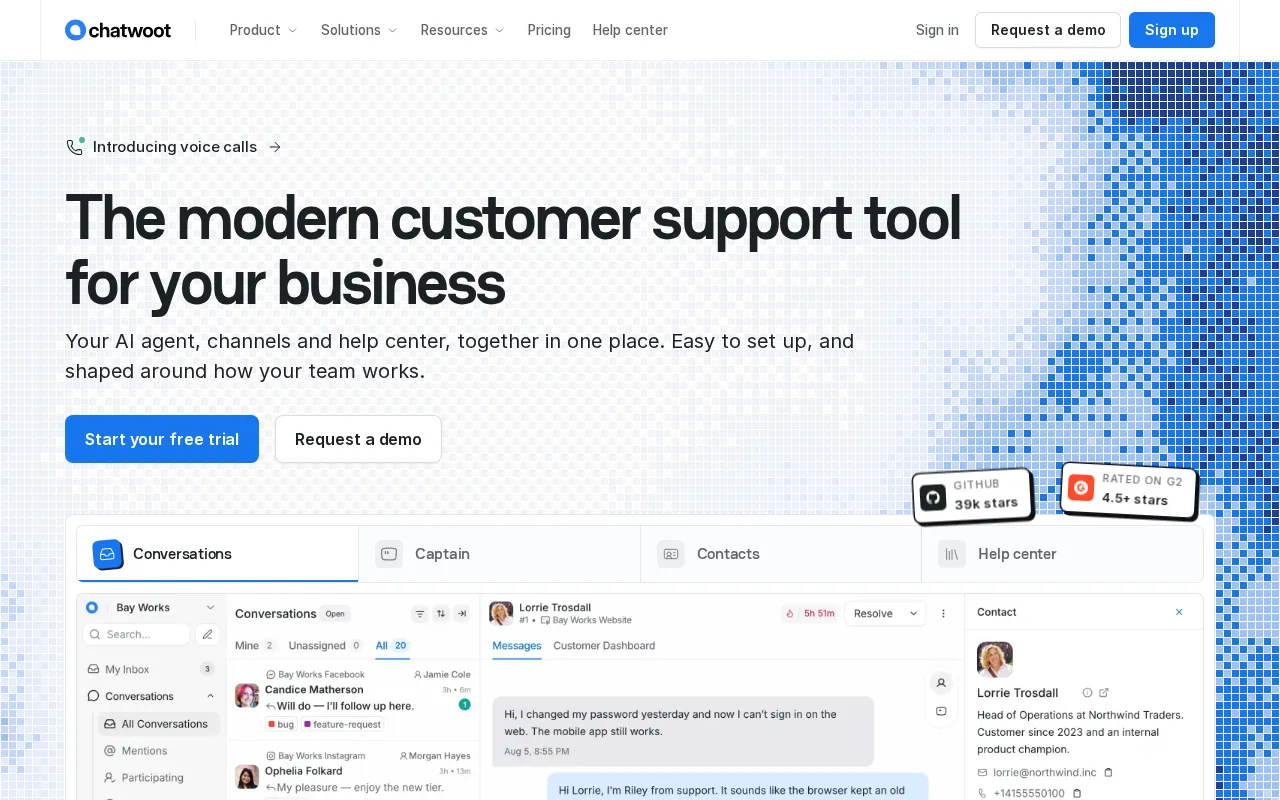
7. Chatwoot

Chatwoot homepage, November 2026

Chatwoot is open-source support software with one inbox for live chat, email, WhatsApp, social and voice, a help center, and Captain, its AI agent. You can use Chatwoot Cloud or host it yourself.

Best for
Teams that want many channels at a low seat price, or want to run their help desk on their own servers.
How it bills
Cloud is per agent a month: Startups $19, Business $39 and Enterprise $99, with 300, 500 or 800 Captain credits for the account. Each Captain reply uses a credit, extra credits are $20 per 1,000, and no annual price is published. Credits never top up by themselves: once they run out, new conversations go straight to your team with no Captain reply.
Free plan
Yes: 2 agents, live chat only, 500 conversations a month
3 people, 300 AI replies
$57 a month: 3 Startups agents at $19, with the 300 included Captain credits covering 300 AI replies.

Pros

  • Open source: the self-hosted Community Edition is free, and your data stays on your own servers.
  • One inbox for live chat, email, WhatsApp, Instagram, Messenger, TikTok and, from Business, voice calls.
  • Startups includes every channel but voice, plus a help center, at $19 an agent a month.
  • An official CLI and agent skill let coding agents such as Claude Code work in Chatwoot.

Cons

  • Startups has no automation rules or teams; those start on Business at $39 an agent.
  • Captain uses a credit for every reply, and bought credits expire after 6 months and aren’t refunded.
  • Since July 2026 the free Cloud plan has no API or webhook access.
  • No official MCP server, and Captain’s custom tools have no built-in approval step for actions like refunds.

Already on Chatwoot? See the best Chatwoot alternatives.

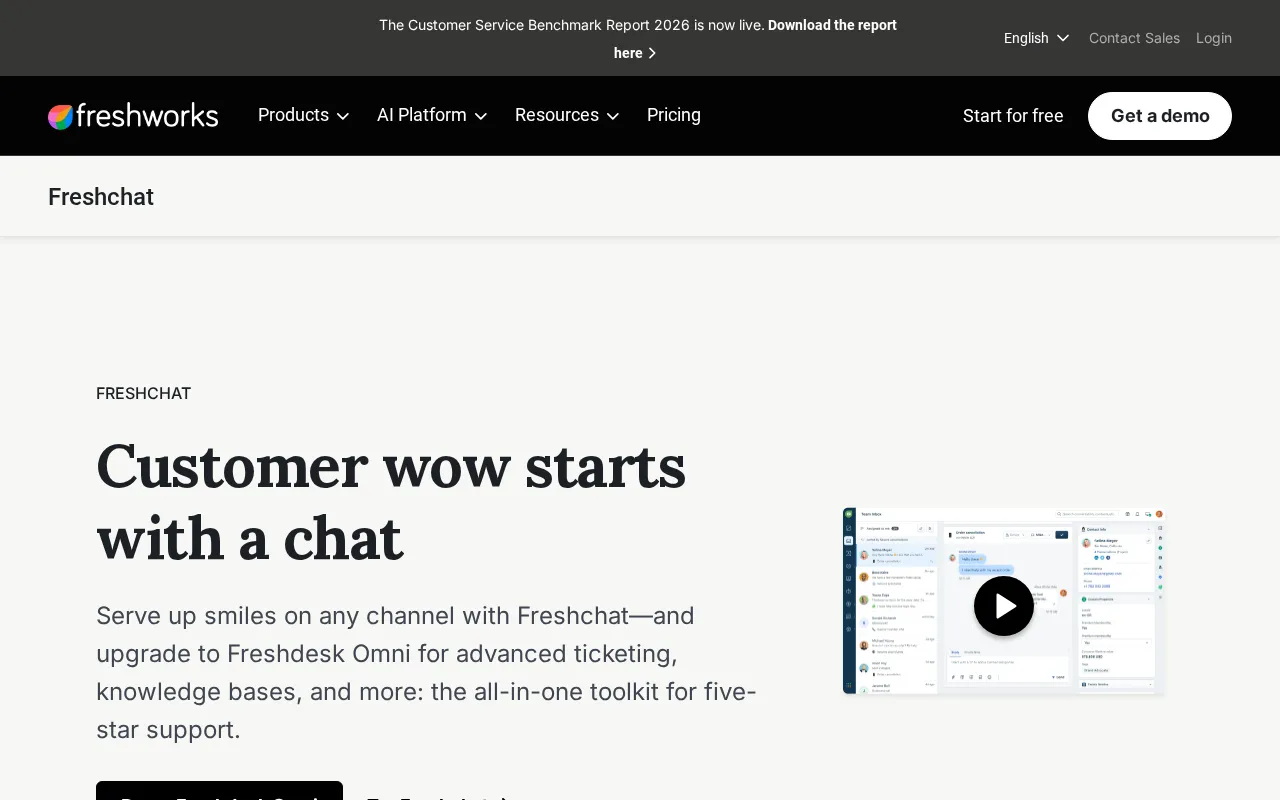
8. Freshchat

Freshchat homepage, November 2026

Freshchat is Freshworks’ live chat and messaging tool for websites, mobile apps, WhatsApp and social messengers. Its Freddy AI agent answers customers and is billed per session.

Best for
Teams that support customers mostly over web and in-app chat, WhatsApp and social messengers, and want a free plan for up to 10 agents to start on.
How it bills
Per agent on annual billing: Growth is $19, Pro $49 and Enterprise $79 a month, and Free covers up to 10 agents without AI. Freddy AI agent sessions cost $49 per 100 after 500 free ones, once per account. Copilot is $29 an agent, and voice through Freshcaller starts at $15 an agent.
Free plan
Yes: up to 10 agents, chat and email, no AI
3 people, 300 AI replies
$204 a month: 3 Growth agents at $19 on annual billing, with 300 chats answered by its AI agent in packs of 100 at $49.

Pros

  • Chat works on your website and inside mobile apps, and Growth adds WhatsApp, SMS, Messenger, Instagram, Line and Google’s business messaging.
  • The free plan covers up to 10 agents with the chat widget, a shared inbox and email.
  • Pro and Enterprise translate conversations with customers in more than 45 languages.
  • Free apps from Freshworks let its AI agent look up Shopify orders, refund or cancel them, and cancel Stripe subscriptions.

Cons

  • The free plan has no AI agent, no WhatsApp and no social messengers.
  • AI sessions went from 10 cents to 49 cents each in late 2025.
  • No official MCP server, and the conversation API comes only with Pro and Enterprise.
  • No help center: FAQ articles show only inside the chat widget.

Already on Freshchat? See the best Freshchat alternatives.

9. Zendesk

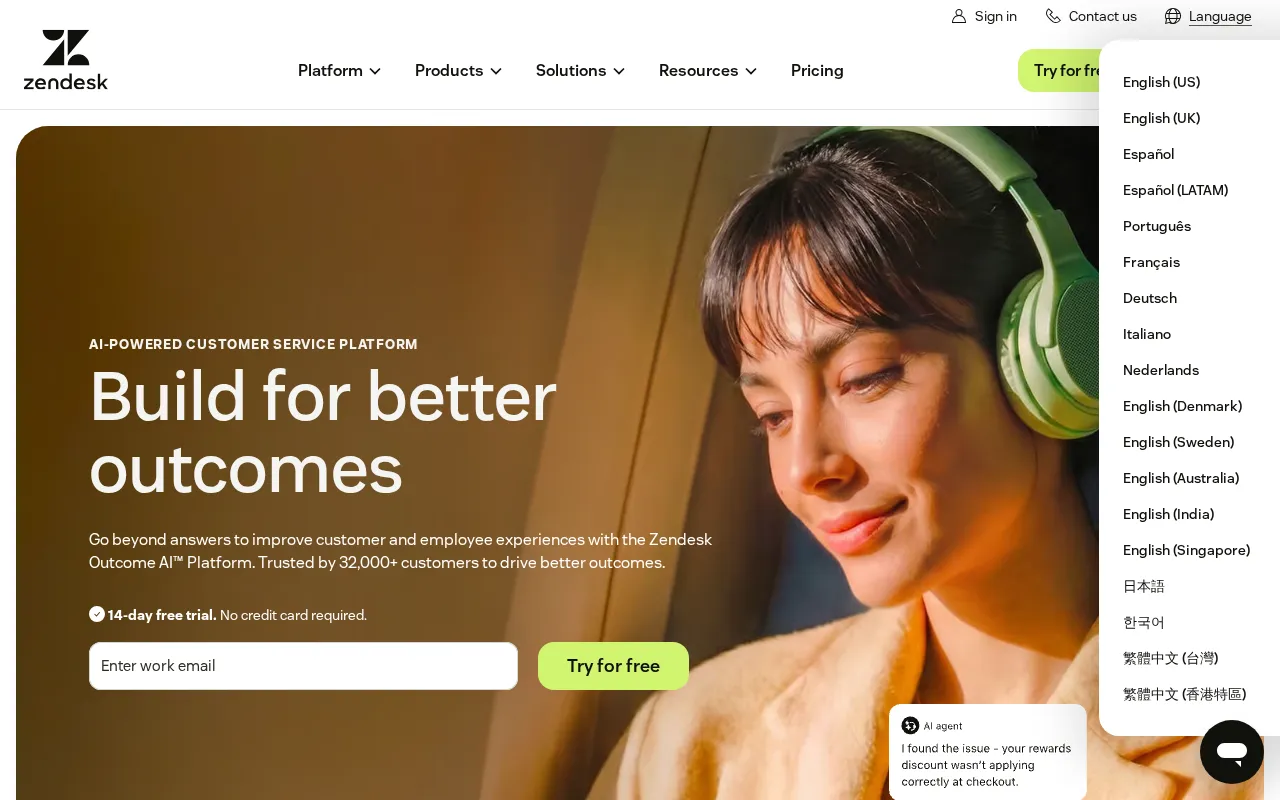
Zendesk homepage, November 2026

Zendesk is a customer service suite for email, messaging, live chat, social and voice, with AI agents that answer customers and are billed per automated resolution.

Best for
Growing and large teams that need voice, many channels, 1,800+ apps and integrations, and enterprise controls to grow into.
How it bills
Per agent: Support Team is $19, Suite Team $55 and Suite Professional $115 a month on annual billing ($25, $69 and $149 monthly). Each agent brings 5 automated resolutions a month (10 on Professional), then each costs $1.50 committed or $2.00 pay as you go. Copilot is $50 more an agent.
Free plan
No, 14-day trial
3 people, 300 AI replies
$485 a month: 3 Support Team agents at $19 on annual billing, plus 285 automated resolutions at $1.50 committed beyond the 15 included, on email only.

Pros

  • Email, messaging, live chat, WhatsApp, social and voice sit in one Suite, and AI agents can answer on email, messaging or voice.
  • Its marketplace lists 1,800+ apps, partners and integrations.
  • Agents refund and cancel Shopify orders inside a ticket, and an admin can connect Zendesk’s AI agents to Stripe’s MCP server.
  • The 14-day trial opens every Suite Professional feature, Copilot included, and startups can get 6 months of Suite free for up to 50 agents.

Cons

  • Every agent is a seat, and each automated resolution past the 5 per agent a plan includes costs $1.50 to $2.00.
  • No official MCP server for outside AI tools yet: Zendesk announced one in May 2026 for early access and has published no tools for it.
  • Data exports are off until the account owner asks support, and the export tools aren’t on Team plans.
  • Zendesk gives no refunds or credits for unused seats or time.

Already on Zendesk? See the best Zendesk alternatives.

10. Comm100

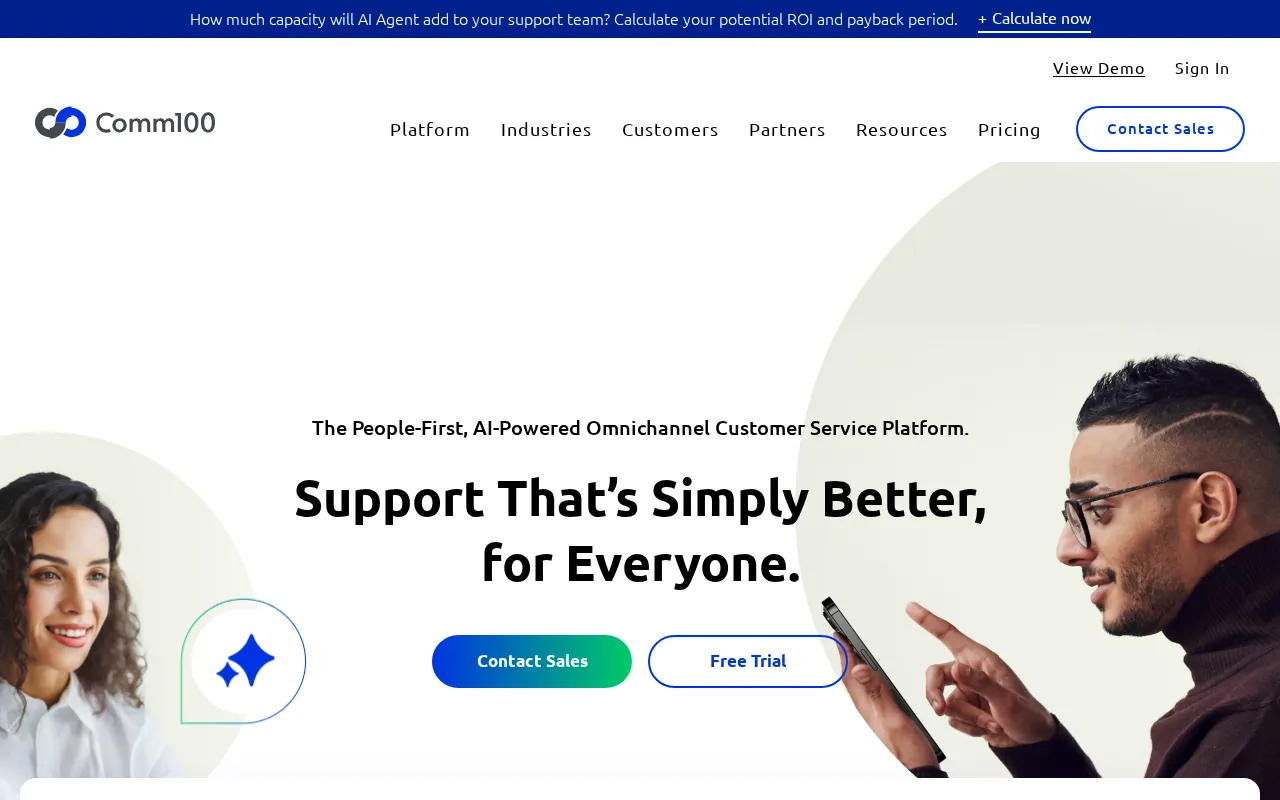
Comm100 homepage, November 2026

Comm100 is customer service software from Vancouver, Canada, built around live chat. Ticketing and messaging for email, SMS and social apps, voice, a knowledge base and an AI agent are sold as separate products that share one agent console.

Best for
Universities, banks, healthcare and government teams that want live chat at the center of one console, with messaging apps, calls and AI added as they grow.
How it bills
Per agent: Live Chat Startup is $31 and Live Chat Plus $55 an agent a month on annual billing ($39 and $69 monthly), and Live Chat Ultra is priced by sales. Ticketing & Messaging starts at $47 an agent ($59 monthly). AI agent is bought through sales, at a listed $2,400 a year for 37,500 AI Replies, about 400 conversations a month.
Free plan
No, 30-day trial
3 people, 300 AI replies
$293 a month: 3 Live Chat Startup agents at $31 on annual billing, plus AI agent at $2,400 a year ($200 a month), bought through sales. Its 37,500 AI Replies a year cover 300 conversations a month at the 8 visitor messages each that Comm100’s calculator assumes.

Pros

  • Live chat, email, SMS, WhatsApp, social apps and voice calls can all be answered from one agent console.
  • Its AI agent answers on live chat, SMS and messaging apps, and hands a conversation to your team with a summary of what was said.
  • Live Chat Plus adds audio and video chat, and Ultra adds screen sharing and agent shift management.
  • Ultra brings HIPAA and PCI DSS compliance, audit logs and on-premises deployment, for regulated teams such as banks and healthcare.

Cons

  • Live chat is licensed per agent, from $31 a month on annual billing, and email or WhatsApp need Ticketing & Messaging, licensed per agent from $47.
  • AI agent is bought through sales, at a listed $2,400 a year for 37,500 AI Replies, and each visitor message it answers uses one.
  • Live Chat Startup keeps the “Powered by Comm100” label and has no internal notes, departments or chat transcript export.
  • There is no MCP server for your own AI agent: Comm100’s MCP connects its AI agent to other systems, and the API and webhooks need Ultra.

Already on Comm100? See the best Comm100 alternatives.

11. Zoho SalesIQ

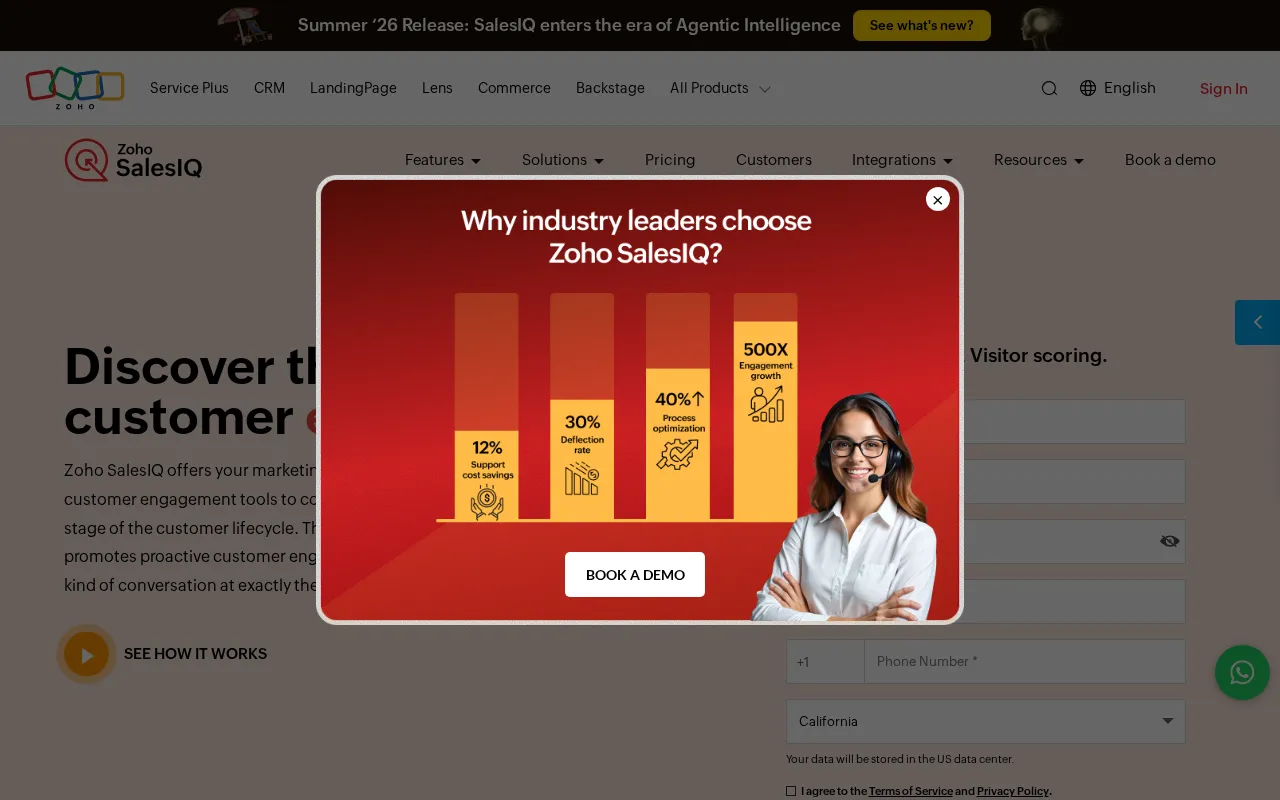
Zoho SalesIQ homepage, November 2026

Zoho SalesIQ is Zoho’s live chat and visitor tracking app for marketing, sales and support teams, with chatbots, messaging apps, lead scoring and Zia agents, Zoho’s AI agents that can pick up chats.

Best for
Sales and marketing teams on Zoho CRM that want to see who is browsing, score leads and start the chat themselves.
How it bills
Per operator a month: Basic is $7, Professional $12.75 and Enterprise $20 on annual billing ($10, $17 and $25 monthly). Zia agents cost nothing to deploy, 1 on Basic, 3 on Professional and 10 on Enterprise, and on Zoho’s Standard hosted models the first 30 million tokens a month are free, then $1 per million. Answer Bot needs Enterprise. Add-ons on annual billing: another brand is $16, a chatbot $8, 5,000 more bot chats $8 and 100,000 more tracked visitors $90 a month.
Free plan
Yes: 3 operators, 100 operator chats a month, 30 days of history, no AI
3 people, 300 AI replies
$21 or more a month: 3 Basic operators at $7 on annual billing, with 1 Zia agent answering on a Zoho-hosted model, plus any tokens past the 30 million free each month at $1 per million.

Pros

  • Cheap seats: Basic is $7 an operator a month on annual billing, and the free plan covers 3 operators.
  • Live visitor tracking, lead scoring and company scoring show who is on your site, and proactive triggers open the chat.
  • WhatsApp, Instagram, Messenger, Telegram, LINE and WeChat from Basic, with audio calls, video calls and screen sharing in the chat window.
  • Zia agents can pull records from Zoho CRM, Shopify or Stripe, and pass a chat to an operator with its context.

Cons

  • No email inbox and no public help center: articles and FAQs open inside the chat window.
  • Answer Bot, which answers from your articles with Zoho’s built-in AI, needs Enterprise at $20 an operator.
  • Basic caps operator chats at 1,000 a month, and the free plan at 100 with 30 days of history.
  • Zoho MCP lists SalesIQ but publishes no list of its SalesIQ tools.

Already on Zoho SalesIQ? See the best Zoho SalesIQ alternatives.

12. Olark

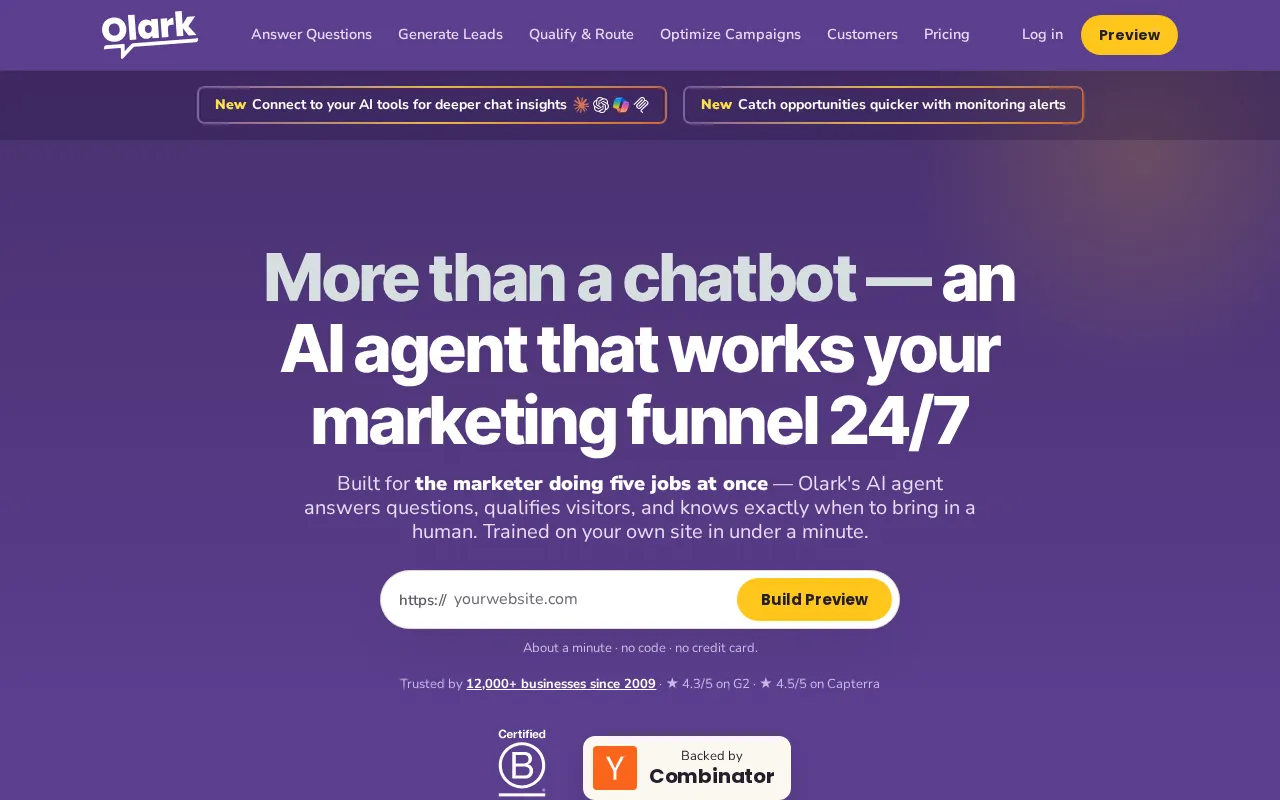
Olark homepage, November 2026

Olark is website live chat software, sold since 2009, that now puts an AI website agent in front of its human chat. The agent trains on your site, answers and qualifies visitors, and hands a chat to a person in the same thread.

Best for
Marketing and sales teams that want an AI agent answering and qualifying website visitors at a flat price, with no usage caps.
How it bills
The Standard AI website agent is $400 a month billed annually ($4,800 a year), with unlimited AI conversations and 1 human seat. Each extra agent is $29 a month. Human-only live chat is $29 an agent a month, $23 on a 1-year contract or $19 on a 2-year one.
Free plan
Yes, though only the FAQ lists it: after the 14-day trial without a card, an account can drop to 1 agent and 20 chats a month
3 people, 300 AI replies
$458 a month: The Standard AI website agent at $400 a month billed annually, with 1 seat included, plus 2 extra agents at $29. AI conversations are unlimited.

Pros

  • AI conversations are unlimited at one flat price, with no token costs, caps or overages.
  • The AI agent learns your live website in about a minute and hands off to a person inside the same chat.
  • Proactive triggers open a chat from pages viewed, time on site, scroll depth, return visits or UTM source.
  • An official MCP server lets Claude, ChatGPT or Copilot search transcripts and edit draft bots.

Cons

  • The AI agent is $400 a month on an annual bill, $4,800 a year, before any extra seats.
  • WhatsApp, SMS and chat ratings are listed for Olark Classic only.
  • Its MCP server only reads chats: it can’t send messages to visitors or edit chats, and reporting is capped at 60 requests an hour per site.
  • No partial refunds when you cancel a 1-year or 2-year plan early, and no native mobile app.

Already on Olark? See the best Olark alternatives.

Why people leave LiveChat

New accounts are sold as Text

LiveChat’s pricing page now sells Text plans to new trials and says nothing changes for existing customers. Text is the next product from the team behind LiveChat, so the plan you are on is no longer the one the company sells. LiveChat pricing, .

Grandfathered prices ended

Text raised LiveChat prices for new customers by about 20% on average in September 2025, and moved existing customers to the new prices at the start of April 2026. Only Text customers and annual contracts running past 2026 were spared, and Text expects 2027 to be the year customers move from LiveChat to Text. PAP Biznes via Bankier.pl, .

AI is billed per resolution, on top of seats

Essential includes 10 AI resolutions a month and Growth 200. After that, packs of 50 cost $49.50, about $0.99 each, and every person who answers still needs a seat. LiveChat pricing, .

Essential forgets after 60 days

The cheaper Text plan keeps conversation and file history for 60 days. Unlimited history starts on Growth at $79 a user a month on annual billing. LiveChat pricing, .

Your own AI can only read

Text’s official MCP lists archived chats, reads transcripts and finds tickets, but has no tool to reply, assign or close. Doing those from Claude or ChatGPT means writing code against the API. Text MCP server, .

What users say about LiveChat

LiveChat is rated 2.1 out of 5 on Trustpilot from 10 reviews, checked 5 November 2026. Read the reviews on Trustpilot

  • Charges people didn’t expect. Reviewers describe renewals and charges they say they didn’t agree to, and refund credits they couldn’t get back.

Features compared

A check means the vendor’s own pages say a plan includes it. LiveChat is in the last row for comparison.

ToolEmailLive chatWhatsAppVoiceHelp centerAI that answers customersShopifyStripeFree planSignup without a sales call
Rinhelp
tawk.to
Tidio
Crisp
Intercom
Gorgias
Chatwoot
Freshchat
Zendesk
Comm100
Zoho SalesIQ
Olark
LiveChat

What your AI can do in each tool

Connect Claude, ChatGPT or your own AI agent through the vendor’s official MCP server, and this is what it can do of 11 everyday actions: search and read conversations, reply to a customer, add an internal note, assign, close or reopen, search the help center, write or update an article, publish an article, create a saved reply, look up an order, refund or cancel.

ToolThrough official MCPWhat it can doMoney moves wait for a teammate
Rinhelp11 of 11Search and read conversations, reply to a customer, add an internal note, assign, close or reopen, search the help center, write or update an article, publish an article, create a saved reply, look up an order, refund or cancelYes, a teammate approves first
tawk.to0 of 11No official MCP server, or nothing from this listNo refunds or cancellations through MCP
Tidio1 of 11Search and read conversationsNo refunds or cancellations through MCP
Crisp6 of 11Search and read conversations, reply to a customer, add an internal note, close or reopen, search the help center, write or update an articleNo refunds or cancellations through MCP
Intercom5 of 11Search and read conversations, add an internal note, search the help center, write or update an article, publish an articleNo refunds or cancellations through MCP
Gorgias9 of 11Search and read conversations, reply to a customer, add an internal note, assign, close or reopen, search the help center, write or update an article, publish an article, create a saved replyNo refunds or cancellations through MCP
Chatwoot0 of 11No official MCP server, or nothing from this listNo refunds or cancellations through MCP
Freshchat0 of 11No official MCP server, or nothing from this listNo refunds or cancellations through MCP
Zendesk0 of 11No official MCP server, or nothing from this listNo refunds or cancellations through MCP
Comm1000 of 11No official MCP server, or nothing from this listNo refunds or cancellations through MCP
Zoho SalesIQ0 of 11No official MCP server, or nothing from this listNo refunds or cancellations through MCP
Olark1 of 11Search and read conversationsNo refunds or cancellations through MCP
LiveChat1 of 11Search and read conversationsNo refunds or cancellations through MCP

More on each MCP server, and connectors from other companies, which don’t count:

  • tawk.to: tawk.to has no MCP server of its own. Its AI agents can call MCP servers you connect, and third parties sell MCP wrappers around its API.
  • Tidio: The MCP server reads the Analytics API’s chat and ticket messages. Replying to and solving tickets goes through the OpenAPI on Plus and Premium, not MCP.
  • Crisp: The MCP server comes with Essentials and Plus. Hugo can call your own MCP servers too, and its refund tools ask the customer for a one-time code, not a teammate.
  • Intercom: Workspaces with Fin Operator get five more MCP tools, which change Fin’s setup rather than conversations.
  • Gorgias: The Gorgias MCP is in open beta. It can’t look up or refund an order, but its live tests of the AI run real order changes in your store.
  • Chatwoot: Only community MCP servers exist. Chatwoot’s official CLI and agent skill let coding agents work in Chatwoot, but aren’t MCP.
  • Freshchat: Freshworks’ official MCP server covers Freshdesk, not Freshchat, and its developer MCP server only helps build Freshworks apps.
  • Zendesk: Zendesk’s announced MCP server has no published docs or tool list yet.
  • Zoho SalesIQ: Zoho MCP lists SalesIQ among the Zoho apps it connects, without saying which SalesIQ tools it offers. The REST API can list chats, read transcripts, send operator messages and close chats.
  • Olark: Olark’s MCP server reads transcripts and agent reports for the whole site and edits draft bots, but it can’t send messages, edit chats or put a bot live.
  • LiveChat: Text’s REST API can send messages and close chats, but its MCP only reads. In ChatGPT, only its search and fetch tools work, and deep research must be on.

Pricing at three sizes

What each tool costs a month in US dollars, with AI answering, and how each total adds up. Each AI reply counts as one resolved conversation.

Tool3 people, 300 AI replies5 people, 1,000 AI replies10 people, 3,000 AI replies
Rinhelp$49Pro for the whole workspace, using 300 of its 5,000 AI replies; Free covers your team if you don’t need AI replies.$49Pro for the whole workspace, using 1,000 of its 5,000 AI replies.$49Pro for the whole workspace, using 3,000 of its 5,000 AI replies.
tawk.to$24AI Assist Growth at $290 a year, whose 1,000 monthly credits cover 300 replies at 3 credits each on the Auto model. Seats are free.$83AI Assist Business at $990 a year, whose 5,000 monthly credits cover 1,000 replies at 3 credits each.$203AI Assist Business at $990 a year plus 4,000 extra credits at $30 per 1,000, for 3,000 replies at 3 credits each.
Tidio$199 or moreStarter at $24.17 on annual billing plus 300 Lyro conversations at $175. Starter covers 100 conversations your team answers, and more needs Growth.$608 or moreStarter at $24.17 plus 1,000 Lyro conversations at $583.33, both on annual billing, before any move to Growth for your team’s own conversations.$300 or morePlus from $300 a month plus usage, since Lyro above 1,000 conversations is priced only by sales.
Crisp$66 or moreMini at $45 for 4 seats with about 90 Hugo conversations in its credits, plus about 210 more at about $0.10 each.$150 or moreEssentials at $95 for 10 seats with about 450 Hugo conversations, plus about 550 more at about $0.10 each.$350 or moreEssentials at $95 for 10 seats, plus about 2,550 Hugo conversations at about $0.10 each, since Crisp bills AI by tokens.
Intercom$3543 Essential seats at $19, the new-customer price on annual billing (list $29), plus 300 Fin outcomes at $0.99.$1,0855 Essential seats at $19, the new-customer price on annual billing (list $29), plus 1,000 Fin outcomes at $0.99.$3,16010 Essential seats at $19, the new-customer price on annual billing (list $29), plus 3,000 Fin outcomes at $0.99.
Gorgias$320 or moreBasic at $50 on annual billing for 300 tickets, plus 300 AI interactions at $0.90 with the AI limit raised to cover them, each also counted as a ticket and $1.50 past that limit.$1,200 or morePro at $300 on annual billing for 2,000 tickets, plus 1,000 AI interactions at $0.90 with the AI limit raised to cover them, each also counted as a ticket and $1.50 past that limit.$3,360 or morePro at $300 on annual billing for 2,000 tickets, 1,000 tickets past them at $0.36, plus 3,000 AI interactions at $0.90 with the AI limit raised to cover them, each also counted as a ticket and $1.50 past that limit.
Chatwoot$573 Startups agents at $19, with the 300 included Captain credits covering 300 AI replies.$1155 Startups agents at $19, plus 1,000 extra Captain credits at $20.$25010 Startups agents at $19, plus 3,000 extra Captain credits at $20 per 1,000.
Freshchat$2043 Growth agents at $19 on annual billing, with 300 chats answered by its AI agent in packs of 100 at $49.$5855 Growth agents at $19, with 1,000 AI-answered chats in packs of 100 at $49.$1,66010 Growth agents at $19, with 3,000 AI-answered chats in packs of 100 at $49.
Zendesk$4853 Support Team agents at $19 on annual billing, plus 285 automated resolutions at $1.50 committed beyond the 15 included, on email only.$1,5585 Support Team agents at $19 on annual billing, plus 975 automated resolutions at $1.50 committed beyond the 25 included, on email only.$4,61510 Support Team agents at $19 on annual billing, plus 2,950 automated resolutions at $1.50 committed beyond the 50 included, on email only.
Comm100$2933 Live Chat Startup agents at $31 on annual billing, plus AI agent at $2,400 a year ($200 a month), bought through sales. Its 37,500 AI Replies a year cover 300 conversations a month at the 8 visitor messages each that Comm100’s calculator assumes.$8885 Live Chat Startup agents at $31 on annual billing ($155), plus AI agent through sales at $8,800 a year ($733.33 a month): the $2,400 plan and a top-up of 100,000 AI Replies at $6,400, which Comm100’s calculator picks for 1,000 conversations a month.Quote only10 Live Chat Startup agents at $31 on annual billing come to $310, but Comm100’s calculator sends 3,000 AI conversations a month, 288,000 AI Replies a year, to its sales team for a custom package.
Zoho SalesIQ$21 or more3 Basic operators at $7 on annual billing, with 1 Zia agent answering on a Zoho-hosted model, plus any tokens past the 30 million free each month at $1 per million.$35 or more5 Basic operators at $7, with the Zia agent inside the 30 million free tokens a month, or $1 per million beyond them.$70 or more10 Basic operators at $7, with the Zia agent; Zoho doesn’t say how many tokens a chat uses, so more AI chats can pass the free 30 million.
Olark$458The Standard AI website agent at $400 a month billed annually, with 1 seat included, plus 2 extra agents at $29. AI conversations are unlimited.$516The Standard AI website agent at $400 a month billed annually, plus 4 extra agents at $29, with unlimited AI conversations.$661The Standard AI website agent at $400 a month billed annually, plus 9 extra agents at $29, with unlimited AI conversations.
LiveChat$3363 Growth users at $79 on annual billing, which include 200 AI resolutions, plus 2 packs of 50 at $49.50.$1,0855 Essential users at $19 on annual billing, which include 10 AI resolutions, plus 20 packs of 50 at $49.50.$3,16010 Essential users at $19 on annual billing, which include 10 AI resolutions, plus 60 packs of 50 at $49.50.

The best LiveChat alternative for each kind of team

Best LiveChat alternative for small support teams that want AI to answer: Rinhelp

LiveChat’s Essential plan includes 10 AI resolutions a month, so a busy chat runs into $49.50 packs fast. Rin answers email and chat first for $49 a month with 5,000 AI replies, however many teammates you add.

Best LiveChat alternative for free website chat: tawk.to

tawk.to is free with no limit on agents or chats, and earns its money from add-ons. Its AI is billed in credits per reply, from $29 a month, and the “Powered by tawk.to” badge stays unless you pay.

Best LiveChat alternative for small online stores: Tidio

Tidio bills by conversation rather than seat, with 10 seats on Starter. Its Lyro AI is an add-on priced by the conversations it joins.

Best LiveChat alternative for a flat price per workspace: Crisp

Crisp charges per workspace, not per seat: Essentials is $95 a month for 10 seats with AI credits for around 450 automated conversations, plus WhatsApp and a knowledge base.

Best LiveChat alternative for Shopify brands with a busy queue: Gorgias

Gorgias is a help desk for online stores, with Shopify orders and customers inside the inbox. It bills by ticket volume rather than by seat, plus each automated interaction.

Best LiveChat alternative for AI that resolves at scale: Intercom

Intercom’s Fin answers on chat, email and more, and is billed per outcome on top of each seat. Pick it when volume is high and you want AI and messaging from one large vendor.

Best LiveChat alternative for teams that want to host it themselves: Chatwoot

Chatwoot is open source: the self-hosted Community Edition is free, and its cloud starts at $19 an agent with 300 credits for Captain, its AI.

When LiveChat is still the right choice

Stay with LiveChat ifSwitch if
You sell through chat and rely on visitor tracking to start conversations yourself.Most of your chats are support questions that an AI could answer first.
Your annual contract runs past 2026, so the April price change doesn’t reach you yet.Your renewal brings the new price, or a move to Text you didn’t plan.
You need WhatsApp, Messenger and SMS in the same app.Email and live chat cover your customers, and you want one price for the team.
Your team depends on the Windows and Mac desktop apps.You want Claude or ChatGPT to reply and close through an official MCP server.

Moving from LiveChat to Rinhelp

LiveChat archived chats, their staff-only events and canned responses move through Text’s APIs or Text’s read-only MCP. Count your API calls first: Essential includes 10,000 a month and Growth 20,000, and Essential keeps only 60 days of history.

  1. Start Rinhelp free and keep LiveChat running until you’re sure.
  2. Create a Personal Access Token for the AI agent, and buy an extra API call pack if your monthly allowance won’t cover the archive. To connect the MCP from ChatGPT you need a Pro, Team, Enterprise or Edu plan with deep research turned on.
  3. Paste this prompt into Claude or ChatGPT: “Connect the official Text MCP for my LiveChat account, then follow https://rinhelp.com/migrate/livechat.md. List my archived chats, read each full transcript and bring it into Rinhelp, keeping events marked visibility:agents as notes.”
  4. Your AI agent brings the history over, no per-minute limit to time it by for 10,000 conversations. Importing is free and never emails your customers.
  5. Switch your support email to Rinhelp.
  6. Replace your chat widget.
See the full move from LiveChat

Questions about LiveChat and switching

Is LiveChat becoming Text?

For new customers, yes: LiveChat’s pricing page now sells Text plans. Existing LiveChat customers keep their account, plan and price for now, and Text has told investors it expects 2027 to be the year customers move over.

Does moving from LiveChat to Text change my price?

Text says moving doesn’t change your subscription price, and most accounts get 200 AI resolutions a month. Extra packs of 50 cost $49.50, and you book a migration call to move.

How much does LiveChat cost?

New accounts pay Text prices: Essential is $19 and Growth $79 a user a month on annual billing, or $25 and $99 monthly. Enterprise is priced on a call, and AI resolutions beyond the plan cost $49.50 for 50.

Does LiveChat have a free plan or a free trial?

There is no free plan. Essential and Growth start with a 14-day trial without a card, so you aren’t charged when it ends unless you subscribe. Rinhelp has a free plan for up to 3 teammates.

How do I cancel LiveChat?

LiveChat’s subscription policy says to ask for cancellation under the “Billing” tab, which opens a chat with support. Your subscription stays active until the end of the period you paid for.

Does LiveChat give refunds?

LiveChat’s subscription policy says it doesn’t refund payments it has already processed. Cancel before your renewal date if you don’t want another charge.

How do I export my chats from LiveChat?

You can email or download one transcript at a time. For the whole archive, use Text’s chat API, which lists archived chats 100 at a time.

What counts as an AI resolution in LiveChat?

A resolution is a chat where the AI directly solved the customer’s question. Several questions in one chat count as one resolution.

Does LiveChat have a help center for customers?

Text plans train the AI on knowledge sources such as help docs, your website and FAQs, but the plan table lists no help center you publish for customers. Rinhelp includes one, and Rin answers from it.

Can I connect Claude or ChatGPT to LiveChat?

Yes, read-only. Text’s official MCP lists chats, reads transcripts and finds tickets, but can’t reply or close, and in ChatGPT it needs a paid plan with deep research on.

Can LiveChat’s AI refund a Shopify order?

No. LiveChat’s Shopify page says its AI agent doesn’t process refunds, cancellations or returns, and order changes happen in the Shopify admin. In Rinhelp, an AI agent can ask for a refund, and it runs once a teammate approves.

What is the cheapest LiveChat alternative?

tawk.to is free for any number of agents if you don’t need much AI. Rinhelp is free for up to 3 teammates, and Pro is $49 a month for any team size with 5,000 AI replies.

How long does moving from LiveChat to Rinhelp take?

Each API call brings 100 archived chats, so 20,000 chats take about 200 of your monthly calls. On Essential, only the last 60 days are still there, so move soon.

Will my customers notice the switch?

Only the chat widget changes. Importing never emails anyone, and once you swap the widget and forward your support address, Rin answers first and hands off what it can’t solve.

Can I run Rinhelp and LiveChat side by side?

Yes. Start free, import your archive and set up Rin, and keep LiveChat on your site until you are ready to swap the widget.

How we picked and checked

We listed the tools a team leaving LiveChat weighs most often, and only tools we keep checked facts for. Rinhelp is first because it is our product and we wrote this page, so check each figure against the vendor’s own page before you decide.

Costs are list prices in US dollars for three team sizes, on the cheapest plan that covers them, counting each AI reply as one resolved conversation. Features count only when the vendor’s own pages say a plan includes them. The AI column counts actions an official MCP server from the vendor can take, out of 11, and leaves third-party connectors out.

We checked every source below on 5 November 2026 unless it shows another date.

Why people leave LiveChat

Rinhelp

tawk.to

Tidio

Crisp

Intercom

Checked

Gorgias

Checked

Chatwoot

Freshchat

Zendesk

Checked

Comm100

Checked

Zoho SalesIQ

Checked

Olark

Checked

LiveChat

Try Rinhelp next to LiveChat.

Start free with up to 3 teammates and 50 AI replies. Keep LiveChat running until you’re sure.

Start free