Start free

Salesforce Service Cloud vs Zendesk (2026): pricing, AI and features

By , founder of Rinhelp, which appears in this comparison · Facts checked

The short answer

Salesforce Service Cloud suits a large service team whose accounts and sales already live in Salesforce, with admins to shape the platform and budget for contact center seats and voice on top of $195 a user. Zendesk suits a support team buying a help desk on its own, from $19 an agent for email tickets or $55 with messaging, live chat and telephony in one seat, plugged into the rest of its tools through 1,800+ marketplace apps. If AI settles 1,000 conversations a month for a team of 5, the bill comes to $2,975 on Service Cloud Core and about $1,558 on email-only Zendesk Support Team.

See Rinhelp on your own site. Enter your website and Rin builds your help desk from it: a chat widget, a help center and an inbox.

Free. No sign-up to look. Ready in a minute or two.

Is your help center somewhere else?

Rin will read . If your help articles or docs live at another address, like help. or a Notion page, Rin can read those too.

Where is your help center?

Rin reads it along with and turns it into your help center.

Salesforce Service Cloud vs Zendesk at a glance

ToolBest forHow it billsFree plan3 people, 300 AI replies
Salesforce Service CloudLarge service teams already on Salesforce that need contact center seats, voice, routing and admins who customize the platform.Per user on annual billing, plus each AI resolutionNo, free trial$1,185
ZendeskGrowing and large teams that need voice, many channels, 1,800+ apps and integrations, and enterprise controls to grow into.Per agent, plus each automated resolutionNo, 14-day trial$485
RinhelpSmall teams that want AI on every conversation at one flat price, and want their own AI agents working in the inbox.One price per workspaceYes: 3 teammates, 50 AI replies to try Rin$49

Key differences

A Core seat costs about ten times Zendesk’s entry seat, and only yearly

Service Cloud’s editions start at $195 a user for Core, then $395 for Advanced and $550 for Max, all billed annually. Zendesk’s most expensive plan with a listed price, Suite Professional at $115, still costs less than Core, and every Zendesk plan with a listed price can be paid monthly instead, at $25, $69 or $149. On Salesforce, only Starter Suite, a $25 bundle of sales, service and marketing with transaction fees on top, runs month to month.

Salesforce bills each help agent resolution; Zendesk includes a few per seat

Agentforce’s help agent charges $2 each time it settles an issue without a person. Zendesk folds 5 automated resolutions into each agent’s month, rising to 10 per agent on Suite Professional, before billing $1.50 apiece on a committed volume or $2.00 without one. Salesforce also lets you run Agentforce on Flex Credits at $500 per 100,000 instead, but credits left unused don’t roll over, and an org can’t mix them with per-conversation pricing.

Zendesk’s AI answers email; Salesforce’s launch list skips it

Salesforce announced its help agent for voice, web, portal and messaging, answering from your Salesforce knowledge base, and email isn’t on that list. Zendesk’s AI agents answer on email, messaging or voice. For your own reps, Agentforce for Service costs $125 more a user a month outside Max, while Zendesk’s Copilot adds $50 an agent.

Channels come in one Zendesk seat but as Salesforce add-ons

Suite Team at $55 puts messaging, live chat and telephony alongside email in a single seat. On Service Cloud, Core brings case management and a self-service help center, web chat arrives with Advanced, and the rest is priced per user: Enhanced Messaging $75, contact center seats $125 and voice from $50. Max folds in digital channels, a partner contact center and workforce and quality management.

Claude can already edit cases in Salesforce

Salesforce hosts MCP servers, the standard way AI agents connect to tools, that let Claude search and update cases, add case comments, close or reopen them and write knowledge articles, limited to what the signed-in user may see. They are general record tools rather than help desk ones, and the Headless 360 server is still a beta. Zendesk announced its own server in May 2026 for early access and has published no tools for it yet.

Pricing at three sizes

What each tool costs a month in US dollars, with AI answering, and how each total adds up. Each AI reply counts as one resolved conversation.

Tool3 people, 300 AI replies5 people, 1,000 AI replies10 people, 3,000 AI replies
Salesforce Service Cloud$1,1853 Core users at $195 on annual billing, plus 300 help agent resolutions at $2.$2,9755 Core users at $195, plus 1,000 help agent resolutions at $2.$7,95010 Core users at $195, plus 3,000 help agent resolutions at $2.
Zendesk$4853 Support Team agents at $19 on annual billing, plus 285 automated resolutions at $1.50 committed beyond the 15 included, on email only.$1,5585 Support Team agents at $19 on annual billing, plus 975 automated resolutions at $1.50 committed beyond the 25 included, on email only.$4,61510 Support Team agents at $19 on annual billing, plus 2,950 automated resolutions at $1.50 committed beyond the 50 included, on email only.
Rinhelp$49Pro for the whole workspace, using 300 of its 5,000 AI replies; Free covers your team if you don’t need AI replies.$49Pro for the whole workspace, using 1,000 of its 5,000 AI replies.$49Pro for the whole workspace, using 3,000 of its 5,000 AI replies.

Features compared

A check means the vendor’s own pages say a plan includes it.

ToolEmailLive chatWhatsAppVoiceHelp centerAI that answers customersShopifyStripeFree planSignup without a sales call
Salesforce Service Cloud
Zendesk
Rinhelp

What your AI can do in each tool

Connect Claude, ChatGPT or your own AI agent through the vendor’s official MCP server, and this is what it can do of 11 everyday actions: search and read conversations, reply to a customer, add an internal note, assign, close or reopen, search the help center, write or update an article, publish an article, create a saved reply, look up an order, refund or cancel.

ToolThrough official MCPWhat it can doMoney moves wait for a teammate
Salesforce Service Cloud6 of 11Search and read conversations, add an internal note, assign, close or reopen, search the help center, write or update an articleNo refunds or cancellations through MCP
Zendesk0 of 11No official MCP server, or nothing from this listNo refunds or cancellations through MCP
Rinhelp11 of 11Search and read conversations, reply to a customer, add an internal note, assign, close or reopen, search the help center, write or update an article, publish an article, create a saved reply, look up an order, refund or cancelYes, a teammate approves first

More on each MCP server, and connectors from other companies, which don’t count:

  • Salesforce Service Cloud: Salesforce’s hosted SObject servers work on any record the user can reach, so cases, case comments and knowledge articles go through general record tools rather than help desk ones. The Headless 360 server is in beta.
  • Zendesk: Zendesk’s announced MCP server has no published docs or tool list yet.

Salesforce Service Cloud

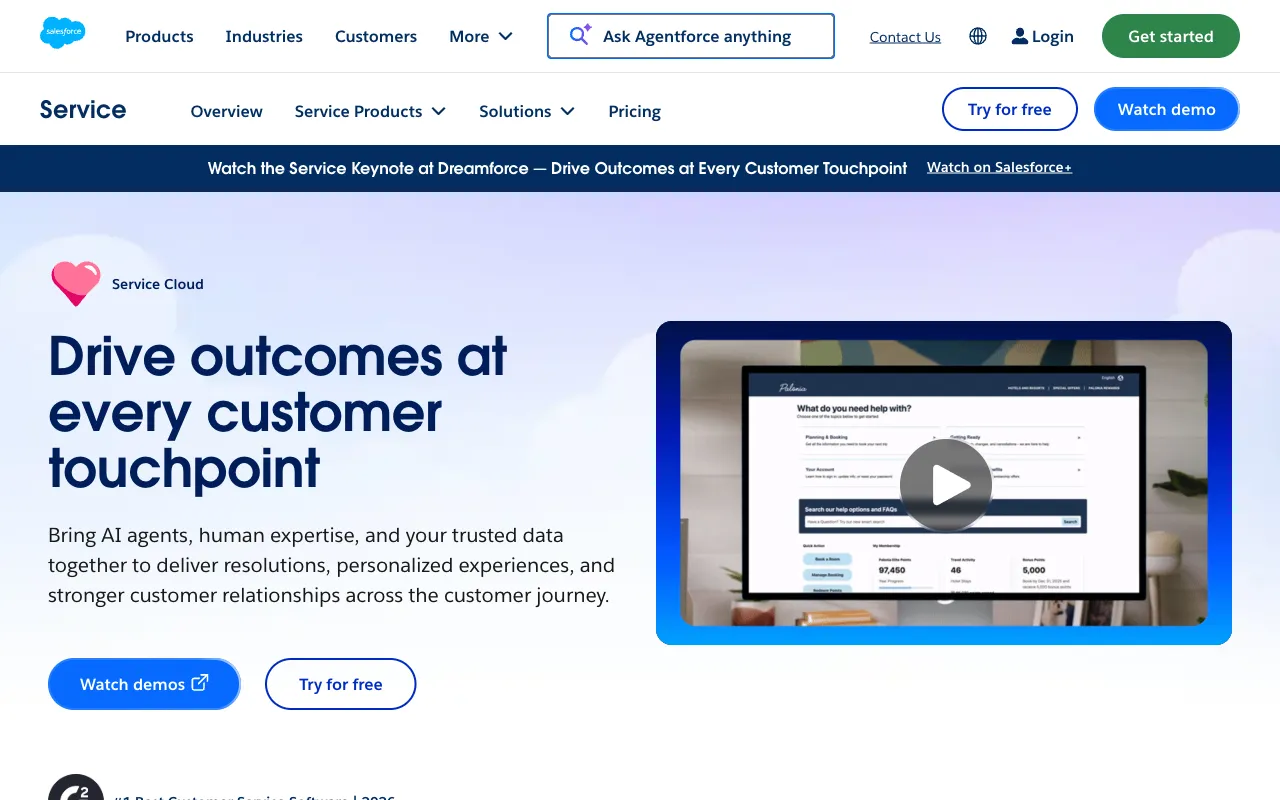
Salesforce Service Cloud homepage, November 2026

Salesforce Service Cloud is an enterprise customer service platform on the Salesforce CRM, with case management, a self-service help center, contact center add-ons, and Agentforce AI agents billed per resolution or conversation.

Best for
Large service teams already on Salesforce that need contact center seats, voice, routing and admins who customize the platform.
How it bills
Per user a month on annual billing: Core is $195, Advanced $395 and Max $550. Starter Suite at $25 and Pro Suite at $100 bundle sales, service and marketing, and transaction fees apply. Agentforce’s help agent costs $2 per resolution, Agentforce for Service $125 more a user, contact center seats $125 a user and voice from $50 a user. Agentforce can instead run on Flex Credits at $500 per 100,000.
Free plan
No, free trial
3 people, 300 AI replies
$1,185 a month: 3 Core users at $195 on annual billing, plus 300 help agent resolutions at $2.

Pros

  • Core brings case management and a self-service help center, and voice and contact center seats can be added on top.
  • Agentforce’s help agent answers on web, portal, messaging and voice from your Salesforce knowledge base, and bills only when it resolves an issue on its own.
  • Hosted MCP servers let Claude query, create and update cases, comments and articles, within the signed-in user’s permissions.
  • AppExchange lists Stripe’s own app and Shopify sync apps tested with Service Cloud.

Cons

  • Core starts at $195 a user a month, billed annually, before any AI.
  • Salesforce’s help agent announcement lists voice, web, portal and messaging, but not email.
  • Agentforce for your reps costs $125 more a user a month, and Enhanced Messaging $75.
  • Unused Flex Credits don’t roll over, and an org can’t mix Flex Credits with per-conversation pricing.

Already on Salesforce Service Cloud? See the best Salesforce Service Cloud alternatives.
Zendesk

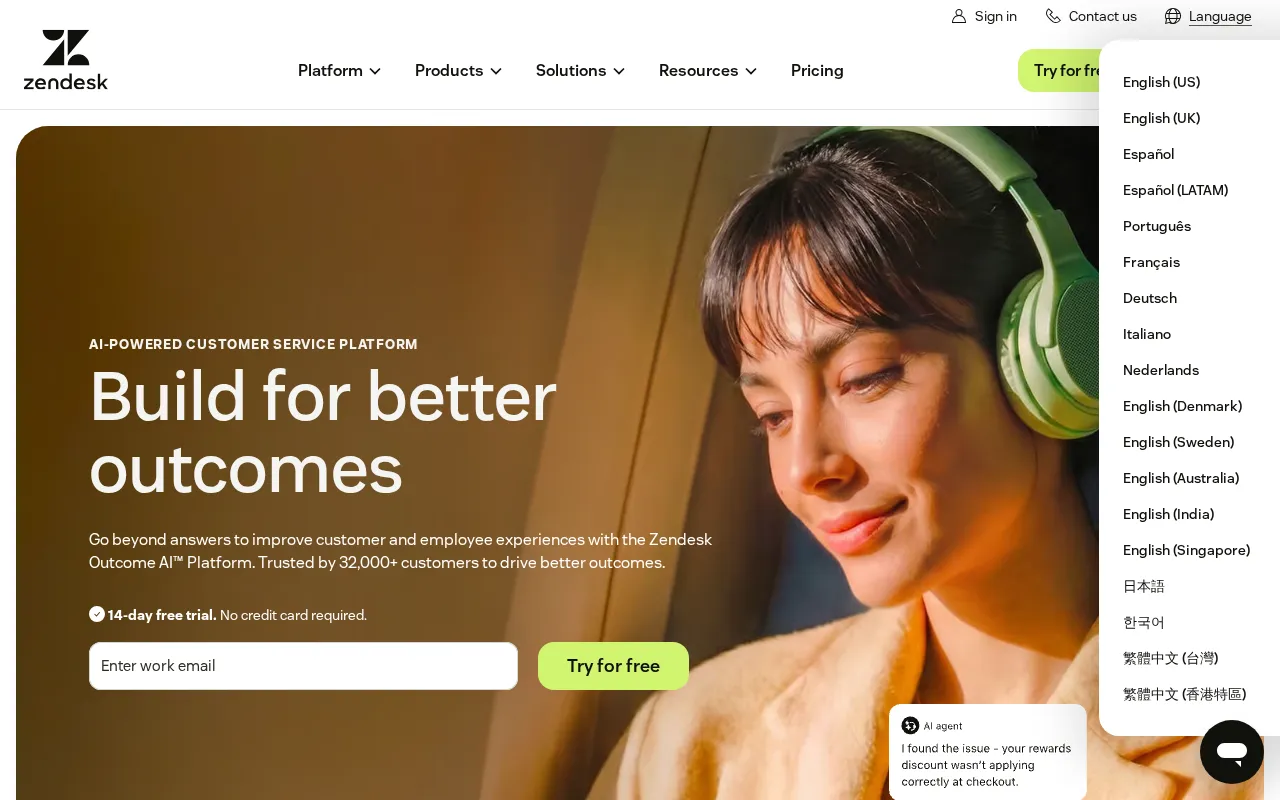
Zendesk homepage, November 2026

Zendesk is a customer service suite for email, messaging, live chat, social and voice, with AI agents that answer customers and are billed per automated resolution.

Best for
Growing and large teams that need voice, many channels, 1,800+ apps and integrations, and enterprise controls to grow into.
How it bills
Per agent: Support Team is $19, Suite Team $55 and Suite Professional $115 a month on annual billing ($25, $69 and $149 monthly). Each agent brings 5 automated resolutions a month (10 on Professional), then each costs $1.50 committed or $2.00 pay as you go. Copilot is $50 more an agent.
Free plan
No, 14-day trial
3 people, 300 AI replies
$485 a month: 3 Support Team agents at $19 on annual billing, plus 285 automated resolutions at $1.50 committed beyond the 15 included, on email only.

Pros

  • Email, messaging, live chat, WhatsApp, social and voice sit in one Suite, and AI agents can answer on email, messaging or voice.
  • Its marketplace lists 1,800+ apps, partners and integrations.
  • Agents refund and cancel Shopify orders inside a ticket, and an admin can connect Zendesk’s AI agents to Stripe’s MCP server.
  • The 14-day trial opens every Suite Professional feature, Copilot included, and startups can get 6 months of Suite free for up to 50 agents.

Cons

  • Every agent is a seat, and each automated resolution past the 5 per agent a plan includes costs $1.50 to $2.00.
  • No official MCP server for outside AI tools yet: Zendesk announced one in May 2026 for early access and has published no tools for it.
  • Data exports are off until the account owner asks support, and the export tools aren’t on Team plans.
  • Zendesk gives no refunds or credits for unused seats or time.

Already on Zendesk? See the best Zendesk alternatives.

Pick Salesforce Service Cloud if

  • Accounts, contacts and opportunities already sit in Salesforce, and support should work on those same records.
  • You run a contact center and want contact center seats, voice and, on Max, workforce and quality management from one vendor.
  • Salesforce admins customize your processes, and you want a full sandbox to test their changes, which Advanced includes.
  • Claude should read and update cases, comments and knowledge articles today through hosted MCP servers that stay within each user’s permissions.
  • Sales, service and marketing for a few users should come in one bundle you can pay month to month, on Starter Suite from $25 a user plus transaction fees.

Pick Zendesk if

  • Support buys its own tool, and you want listed prices you can pay monthly, from $25 an agent, without a yearly commitment.
  • Messaging, live chat and telephony should come with a $55 seat rather than as add-ons priced per user.
  • Customers write in by email, and your AI should answer there as well as on messaging and voice.
  • Your AI resolves only some of the queue, so 5 included resolutions per agent each month keep the bill near the seat price.
  • Your startup qualifies for Suite free for 6 months, covering up to 50 agents.

When to consider Rinhelp instead

Consider Rinhelp if 2 to 10 people answer customers by email and live chat and there is no Salesforce admin, contact center or yearly contract to justify. One Pro plan at $49 a month covers every teammate and 5,000 AI replies written by Rin, the AI built into Rinhelp, so you pay nothing per user or per resolution, and teams of up to 3 can stay on Free. An outside AI agent such as Claude or ChatGPT works the inbox through MCP with help desk tools rather than raw records, and a refund or cancellation it asks for waits until a teammate approves. Look elsewhere if you need phone calls, WhatsApp or social messages, reports, SLAs or routing rules, a CRM behind support, or integrations past Shopify and Stripe. Then Zendesk is the lighter buy for a growing team with a phone line, and Service Cloud the one for a large operation already run on Salesforce.

Start free

Moving to Rinhelp

From Salesforce Service Cloud

Salesforce cases become conversations in Rinhelp, with their emails as messages and private case comments as notes, while quick text becomes saved replies and knowledge articles move to your help center. There is no per-minute cap to wait on, only a daily allocation the whole org shares, so the import competes with your other integrations. See the full move from Salesforce Service Cloud.

From Zendesk

Zendesk tickets with their comments and internal notes, your macros and your “Help Center” articles all come across. Plan your login first: Zendesk is retiring API tokens in favour of OAuth. See the full move from Zendesk.

Questions about Salesforce Service Cloud vs Zendesk

Why does Salesforce Service Cloud cost so much more than Zendesk?

Service Cloud sits on the Salesforce CRM platform, and even Core bundles Slack Business+, Premier Success and 500,000 Flex Credits per org into its $195 seat. Zendesk sells the help desk alone, so an email-only seat is $19 and the full Suite Team is $55.

Can a small team use Salesforce for support without a $195 seat?

Yes, through Starter Suite at $25 a user or Pro Suite at $100, both with transaction fees. Each bundles sales, service and marketing tools. Pro Suite adds enhanced, real-time chat but needs an annual contract.

Which is easier to trial before signing?

Both offer a free trial and let you sign up without a sales call, except Max, which Salesforce sells through its team. Zendesk’s 14-day trial opens every Suite Professional feature, Copilot included. After either trial, Service Cloud’s editions are billed annually, while Zendesk lets you pay month to month, though it refunds no unused seats or time.

Do they connect to Shopify and Stripe?

Both do, in different ways. In Zendesk, teammates issue refunds on Shopify orders or cancel them inside a ticket, and an admin can connect its AI agents to Stripe’s MCP server. Service Cloud leans on AppExchange, which lists Stripe’s own app and Shopify sync apps tested with it.

How we checked

We compared Salesforce Service Cloud and Zendesk using the facts we keep on each, checked against the vendor’s own pages on the date shown beside its sources. Rinhelp is in every table because it is our product and we wrote this page, so check each figure against the vendor’s own page before you decide.

Costs are list prices in US dollars for three team sizes, on the cheapest plan that covers them, counting each AI reply as one resolved conversation. Features count only when the vendor’s own pages say a plan includes them. The AI column counts actions an official MCP server from the vendor can take, out of 11, and leaves third-party connectors out.

Try Rinhelp next to Salesforce Service Cloud or Zendesk.

Start free with up to 3 teammates and 50 AI replies.

Start free