Start free

Shopify Inbox vs Tidio (2026): pricing, AI and features

By , founder of Rinhelp, which appears in this comparison · Facts checked

The short answer

Shopify Inbox suits a Shopify store where shoppers ask their questions in the store’s chat, one or two people answer, and paying nothing beyond the Shopify plan matters most. Tidio suits a Shopify or WooCommerce store that also hears from customers by email, WhatsApp, Instagram or Messenger, and wants Lyro, its paid AI, to recommend products and act on orders. A team of 5 pays nothing for Inbox, its AI agent included, on top of the paid Shopify plan the app needs, and $607.50 or more a month on Tidio for Starter plus 1,000 Lyro conversations on annual billing.

See Rinhelp on your own site. Enter your website and Rin builds your help desk from it: a chat widget, a help center and an inbox.

Free. No sign-up to look. Ready in a minute or two.

Is your help center somewhere else?

Rin will read . If your help articles or docs live at another address, like help. or a Notion page, Rin can read those too.

Where is your help center?

Rin reads it along with and turns it into your help center.

Shopify Inbox vs Tidio at a glance

ToolBest forHow it billsFree plan3 people, 300 AI replies
Shopify InboxShopify stores where shoppers reach you through the store’s chat and one or two people answer.Free with a paid Shopify planYes, a free app on a paid Shopify plan$0
TidioShopify and WooCommerce stores that want chat, WhatsApp and Instagram in one inbox and an AI that recommends products.By conversation, plus each Lyro conversationYes: 10 seats, 50 conversations a month$199 or more
RinhelpSmall teams that want AI on every conversation at one flat price, and want their own AI agents working in the inbox.One price per workspaceYes: 3 teammates, 50 AI replies to try Rin$49

Key differences

A free app on your Shopify bill against a plan priced by volume

Inbox has no price of its own: no seats, no tiers and no fee for its AI agent, but Shopify offers it only to stores on Basic, Grow, Advanced or Plus. Tidio charges for the conversations your teammates answer, 50 a month on Free, 100 on Starter for $29 a month or $24.17 on annual billing, and up to 2,000 on Growth for $349 a month. A busy month costs nothing extra on Inbox and can move you up a tier on Tidio.

Inbox’s agent comes with the app, Lyro is bought by the conversation

The Inbox agent connects to your catalog, inventory and store policies on its own, reads your published pages, and hands a chat to your staff along with what it already told the shopper. You set its tone and rules and rate its chats to train it. Lyro is a separate add-on, from $32.50 a month for 50 conversations to $583.33 for 1,000 on annual billing, with more than that priced by sales. In return it puts products in the shopper’s cart on Shopify and WooCommerce, and its actions look up, change, cancel and refund orders.

Inbox stays inside the store’s chat window, Tidio gathers your channels

Inbox answers the chat on your online store and nothing else: email, WhatsApp, social messages and phone calls need another tool. Every Tidio plan, the free one too, brings live chat, tickets, email, WhatsApp, Instagram and Messenger into one inbox, and since 2026 a help center on your own domain.

Neither has an official way for your own AI agent to answer

Shopify’s help pages describe no API or export for Inbox conversations, and Sidekick, Shopify’s assistant, can read them but can’t reply, assign or close. Tidio’s official MCP server reads analytics data loaded once a day, so Claude or ChatGPT can study yesterday’s chats there but not answer today’s. That server signs in with the same credentials as the OpenAPI, which comes only with Plus, from $300 a month plus usage, or Premium.

Inbox lives in Shopify, Tidio also works for WooCommerce

Inbox chats sit in the Shopify admin and in its apps for desktop, iOS and Android, and the app works only for a store on a paid Shopify plan. Tidio connects Shopify and WooCommerce alike, so a store that changes platform keeps its inbox, and Growth adds native Shopify actions, macros and automatic chat assignment.

Pricing at three sizes

What each tool costs a month in US dollars, with AI answering, and how each total adds up. Each AI reply counts as one resolved conversation.

Tool3 people, 300 AI replies5 people, 1,000 AI replies10 people, 3,000 AI replies
Shopify Inbox$0Free for 3 people, AI agent included, on top of the paid Shopify plan Inbox needs.$0Free for 5 people, AI agent included, on top of the paid Shopify plan Inbox needs.$0Free for 10 people, AI agent included, on top of the paid Shopify plan Inbox needs.
Tidio$199 or moreStarter at $24.17 on annual billing plus 300 Lyro conversations at $175. Starter covers 100 conversations your team answers, and more needs Growth.$608 or moreStarter at $24.17 plus 1,000 Lyro conversations at $583.33, both on annual billing, before any move to Growth for your team’s own conversations.$300 or morePlus from $300 a month plus usage, since Lyro above 1,000 conversations is priced only by sales.
Rinhelp$49Pro for the whole workspace, using 300 of its 5,000 AI replies; Free covers your team if you don’t need AI replies.$49Pro for the whole workspace, using 1,000 of its 5,000 AI replies.$49Pro for the whole workspace, using 3,000 of its 5,000 AI replies.

Features compared

A check means the vendor’s own pages say a plan includes it.

ToolEmailLive chatWhatsAppVoiceHelp centerAI that answers customersShopifyStripeFree planSignup without a sales call
Shopify Inbox
Tidio
Rinhelp

What your AI can do in each tool

Connect Claude, ChatGPT or your own AI agent through the vendor’s official MCP server, and this is what it can do of 11 everyday actions: search and read conversations, reply to a customer, add an internal note, assign, close or reopen, search the help center, write or update an article, publish an article, create a saved reply, look up an order, refund or cancel.

ToolThrough official MCPWhat it can doMoney moves wait for a teammate
Shopify Inbox0 of 11No official MCP server, or nothing from this listNo refunds or cancellations through MCP
Tidio1 of 11Search and read conversationsNo refunds or cancellations through MCP
Rinhelp11 of 11Search and read conversations, reply to a customer, add an internal note, assign, close or reopen, search the help center, write or update an article, publish an article, create a saved reply, look up an order, refund or cancelYes, a teammate approves first

More on each MCP server, and connectors from other companies, which don’t count:

  • Tidio: The MCP server reads the Analytics API’s chat and ticket messages. Replying to and solving tickets goes through the OpenAPI on Plus and Premium, not MCP.

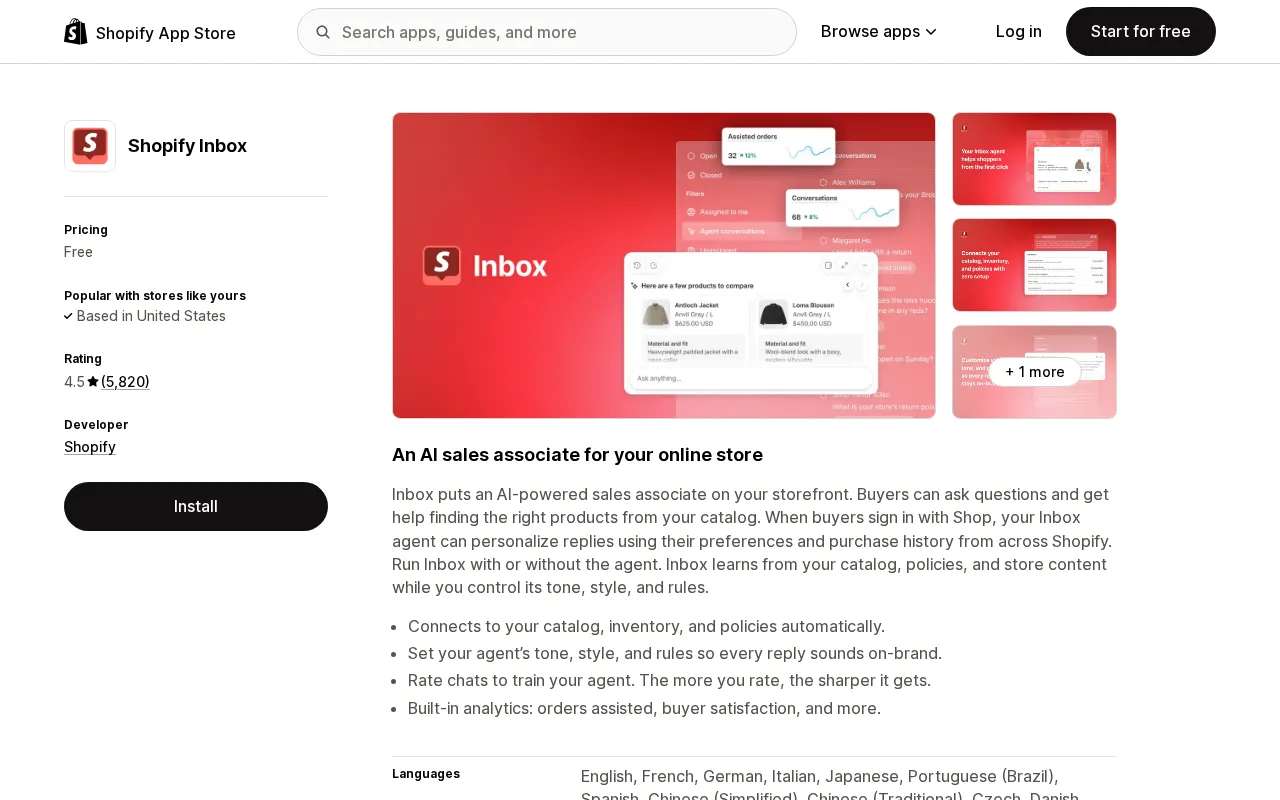
Shopify Inbox

Shopify Inbox homepage, November 2026

Shopify Inbox is Shopify’s own free chat app for an online store, with an AI agent that answers shoppers in the store’s chat and hands them to staff.

Best for
Shopify stores where shoppers reach you through the store’s chat and one or two people answer.
How it bills
The app is free, with no seat price and no charge for its AI agent. It works only for stores on Shopify’s Basic, Grow, Advanced or Plus plans.
Free plan
Yes, a free app on a paid Shopify plan
3 people, 300 AI replies
$0 a month: Free for 3 people, AI agent included, on top of the paid Shopify plan Inbox needs.

Pros

  • Free, with its AI agent included and no seat price.
  • The AI answers from your catalog, store policies and published pages, and hands a chat to your staff with what it already said.
  • Chats live in the Shopify admin and in apps for desktop, iOS and Android.
  • It replies to shoppers in their own language.

Cons

  • Chat in your online store only: no email inbox, WhatsApp, social messages or phone.
  • Shopify’s help pages describe no API or export for its conversations, and its Sidekick can read them but can’t reply, assign or close.
  • The AI agent needs new customer accounts and doesn’t work with legacy ones.
  • Suggested replies for staff are in English only.

Already on Shopify Inbox? See the best Shopify Inbox alternatives.
Tidio

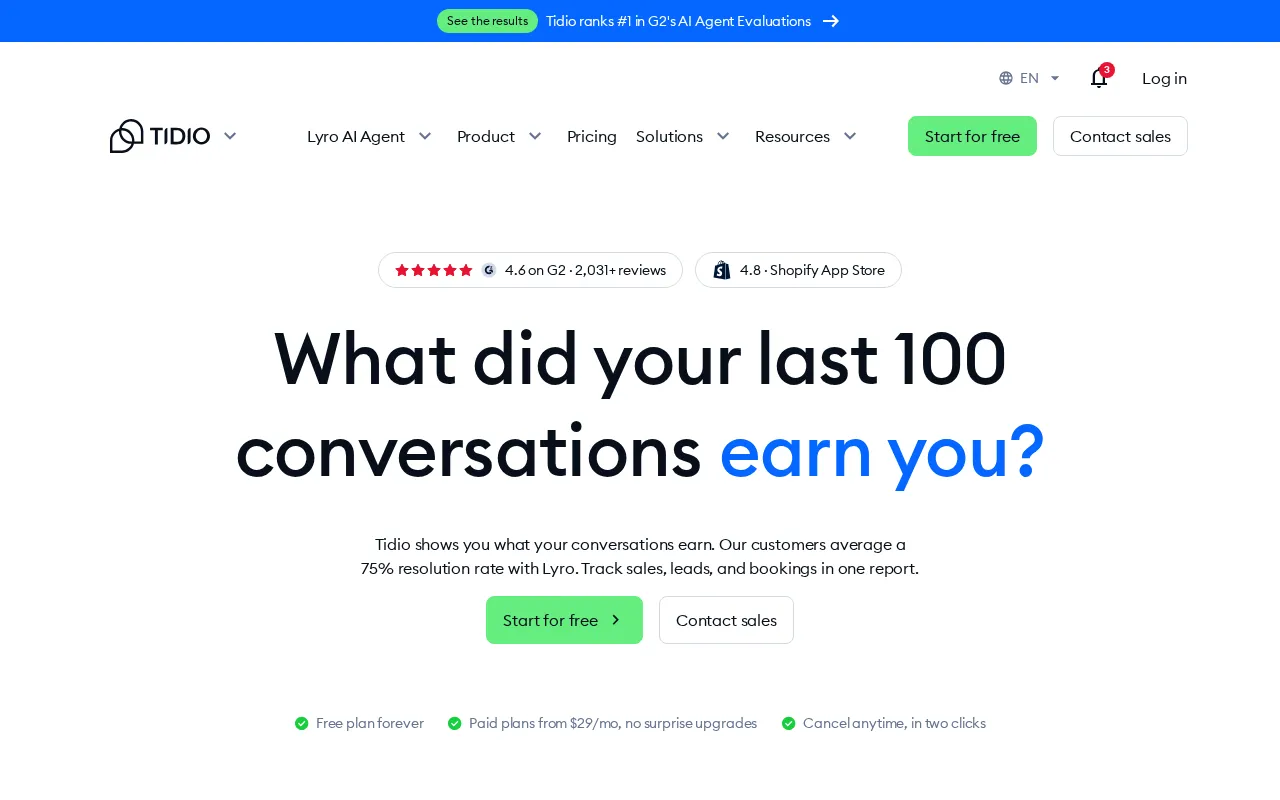
Tidio homepage, November 2026

Tidio is a live chat and help desk tool built for online stores, especially Shopify, with Lyro, an AI agent sold as an add-on, and a help center since 2026.

Best for
Shopify and WooCommerce stores that want chat, WhatsApp and Instagram in one inbox and an AI that recommends products.
How it bills
Plans are priced by the conversations your team answers, with 10 seats: Starter is $24.17 a month on annual billing ($29 monthly) for 100, and Growth runs from $49.17 for 250 ($59 monthly) to $349 monthly for 2,000. Lyro is an add-on from $32.50 a month for 50 conversations to $583.33 for 1,000 on annual billing ($39 for 50, $210 for 300 and $700 for 1,000 monthly), and Plus starts at $300 a month plus usage.
Free plan
Yes: 10 seats, 50 conversations a month
3 people, 300 AI replies
$199 or more a month: Starter at $24.17 on annual billing plus 300 Lyro conversations at $175. Starter covers 100 conversations your team answers, and more needs Growth.

Pros

  • Up to 10 seats on Free, Starter and Growth, so the bill doesn’t grow as you add teammates.
  • WhatsApp, Instagram, Messenger and email on every plan, including Free.
  • Lyro recommends products and adds them to the cart on Shopify and WooCommerce.
  • Lyro’s actions can check orders, cancel or change them and refund, and Lyro can call your own MCP servers.

Cons

  • Lyro is a separate add-on billed per conversation, about $0.58 to $0.78 each by tier and billing, and over 1,000 a month is priced by sales.
  • The API and Stripe integration need Plus, from $300 a month.
  • Its official MCP server only reads analytics data, loaded once a day, so your own AI can’t reply or close.
  • No refunds for time left after you cancel.

Already on Tidio? See the best Tidio alternatives.

Pick Shopify Inbox if

  • Your store is on Shopify and almost every question reaches you through the store’s chat.
  • One or two people answer, and you’d rather pay nothing on top of your Shopify plan.
  • You want an AI answering from your catalog, inventory and policies without counting its conversations.
  • You pick up handoffs in the Inbox app, on desktop or on your phone.
  • Shoppers write in many languages, and the agent should answer each in their own.

Pick Tidio if

  • Customers also email you or message you on WhatsApp, Instagram or Messenger, and all of it should land in one inbox.
  • You sell on WooCommerce, or want an inbox that would survive a move away from Shopify.
  • You want a help center your customers can read, on your own domain.
  • Your AI should change, cancel or refund orders, through Lyro’s actions.
  • You want the vendor’s logo off your chat, which the “No Tidio branding” add-on does on Growth for $20 a month, or $16.67 on annual billing.

When to consider Rinhelp instead

Consider Rinhelp if 2 to 10 people answer a Shopify store’s email as well as its chat, and you want one AI on both instead of a free chat that ignores your inbox or an AI bought by the conversation. Pro is $49 a month for the whole workspace with 5,000 AI replies from Rin, our built-in AI, and Free covers up to 3 teammates. Claude, ChatGPT or your own AI agent can work the inbox through MCP, and a refund or cancellation it asks for waits until a teammate approves it. Stay on Shopify Inbox if your store’s chat is the only place shoppers reach you and free matters most. Pick Tidio if WhatsApp, Instagram or Messenger bring in your work, or if your chat should recommend products, since Rinhelp does neither. If you need advanced analytics, Tidio’s Growth plan has them and Rinhelp has no reports, and if shoppers phone you, none of the three takes calls.

Start free

Moving to Rinhelp

From Tidio

Tidio chats and tickets, with internal messages and attachment links, come over its API, which only the Plus and Premium plans include. No way to list Canned Responses was found. Tidio’s help center, open to every plan since 2026, has no API either, so the AI agent reads your published help center pages. See the full move from Tidio.

Questions about Shopify Inbox vs Tidio

What’s the catch with Shopify Inbox being free?

You pay for it through Shopify: the app works only for a store on Basic, Grow, Advanced or Plus. Its agent also needs new customer accounts and won’t run on legacy ones, the replies it suggests to your staff are in English only, and everything it does stays inside your store’s chat.

Does Tidio’s AI cost extra the way Inbox’s doesn’t?

Yes. Free and Starter come with 50 Lyro conversations once, enough to watch it work. After that Lyro is a paid add-on billed by its own conversations, on top of a plan priced by the conversations your teammates answer.

Which one can refund a shopper on its own?

Lyro, once you set up its actions, can refund and cancel orders, and Tidio’s pages describe no step where a teammate approves first. Inbox’s agent is built to sell and answer questions from your catalog and policies, and hands the chat to your staff, with what it already said, when it can’t help.

How we checked

We compared Shopify Inbox and Tidio using the facts we keep on each, checked against the vendor’s own pages on the date shown beside its sources. Rinhelp is in every table because it is our product and we wrote this page, so check each figure against the vendor’s own page before you decide.

Costs are list prices in US dollars for three team sizes, on the cheapest plan that covers them, counting each AI reply as one resolved conversation. Features count only when the vendor’s own pages say a plan includes them. The AI column counts actions an official MCP server from the vendor can take, out of 11, and leaves third-party connectors out.

Try Rinhelp next to Shopify Inbox or Tidio.

Start free with up to 3 teammates and 50 AI replies.

Start free