1. Rinhelp
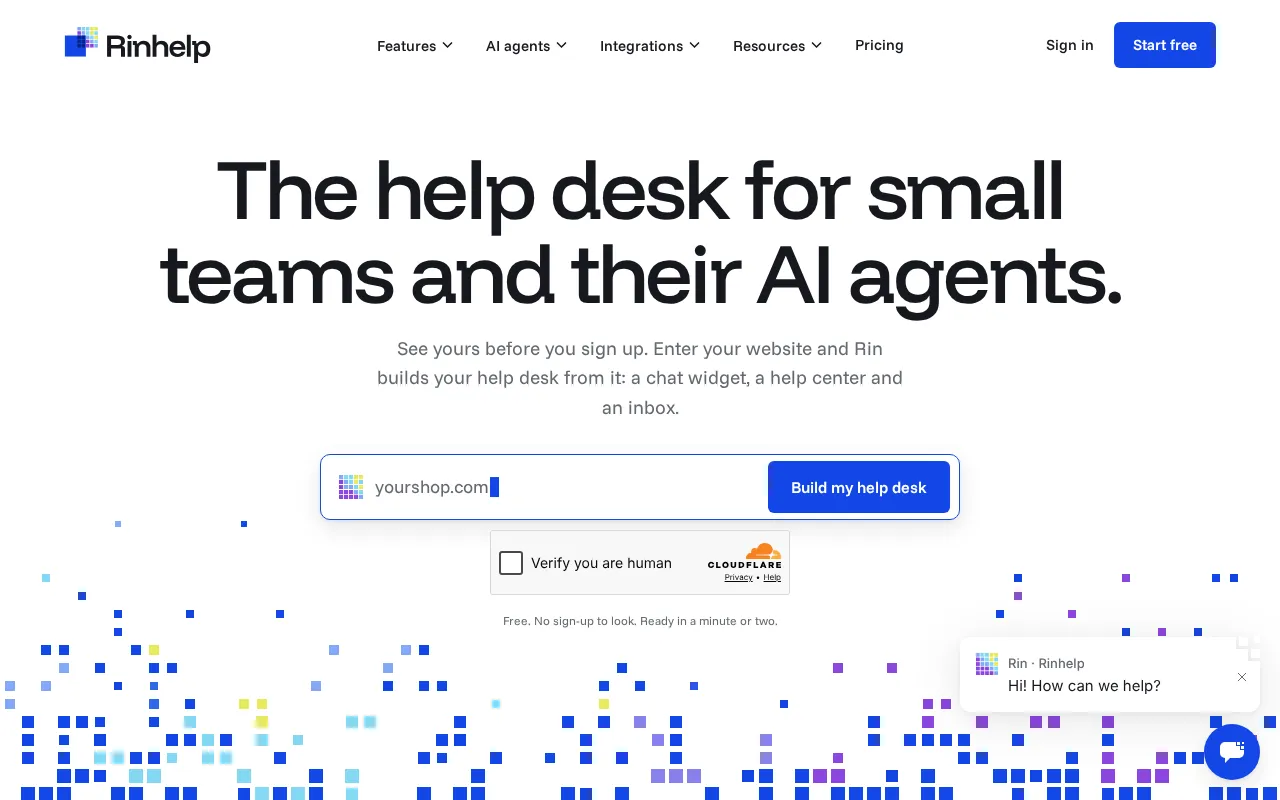
A build agency often ends up answering for the store or app it shipped. In Rinhelp, a workspace connects one client’s Shopify store, through a small app made in that store’s own Shopify account, and its Stripe account, through a restricted key that reads customers, charges, invoices and payment intents and writes only refunds and subscriptions. Orders, subscriptions and payments then show beside each conversation. Rin can look them up, and so can your AI agents, which connect through MCP, the standard that lets an AI app such as Claude work inside another tool. A refund or cancellation either asks for becomes an approval that waits for a teammate. Email goes out from the client’s domain, and the help center can sit on it too. Pro is $49 a month per workspace with 5,000 AI replies from Rin. There’s no phone, WhatsApp, SMS or social inbox, no reports, SLA or routing rules, and nothing connects beyond Shopify and Stripe. Chat, email and the help center carry a Rinhelp badge unless a Pro workspace pays $49 a month more to remove it.
- Best for
- Web, Shopify and SaaS agencies that build a client’s store or app and keep answering its customers by email and chat, with that client’s orders or payments in view.
- How it bills
- Free for up to 3 teammates. Pro is $49 a month for the whole workspace, with 5,000 AI replies from Rin. No per-seat or per-resolution fees.
- Free plan
- Yes: 3 teammates, 50 AI replies to try Rin
- 3 people, 300 AI replies
- $49 a month: Pro for the whole workspace, using 300 of its 5,000 AI replies; Free covers your team if you don’t need AI replies.
Pros
- Shopify orders, with their items, fulfillment and tracking links, and Stripe subscriptions, invoices and payments appear in every conversation.
- Rin and AI agents can ask for a refund or cancellation, and only a teammate’s approval carries it out.
- A Shopify cancellation works only before fulfillment and restocks the items; a Stripe one takes effect when the paid period ends.
- Rin never shares a purchase just because someone asks: the customer passes the purchase check by giving the receipt number and the email on it, which must match, and a signed-in customer passes it for their own orders.
Cons
- Email and live chat only: there is no phone, WhatsApp, SMS or social inbox.
- Shopify and Stripe are the only integrations.
- No reports, SLA rules or routing rules: Rin hands a conversation to the teammate with the fewest open ones.
- The free plan has no Rin beyond 50 AI replies to try it.
2. Gorgias
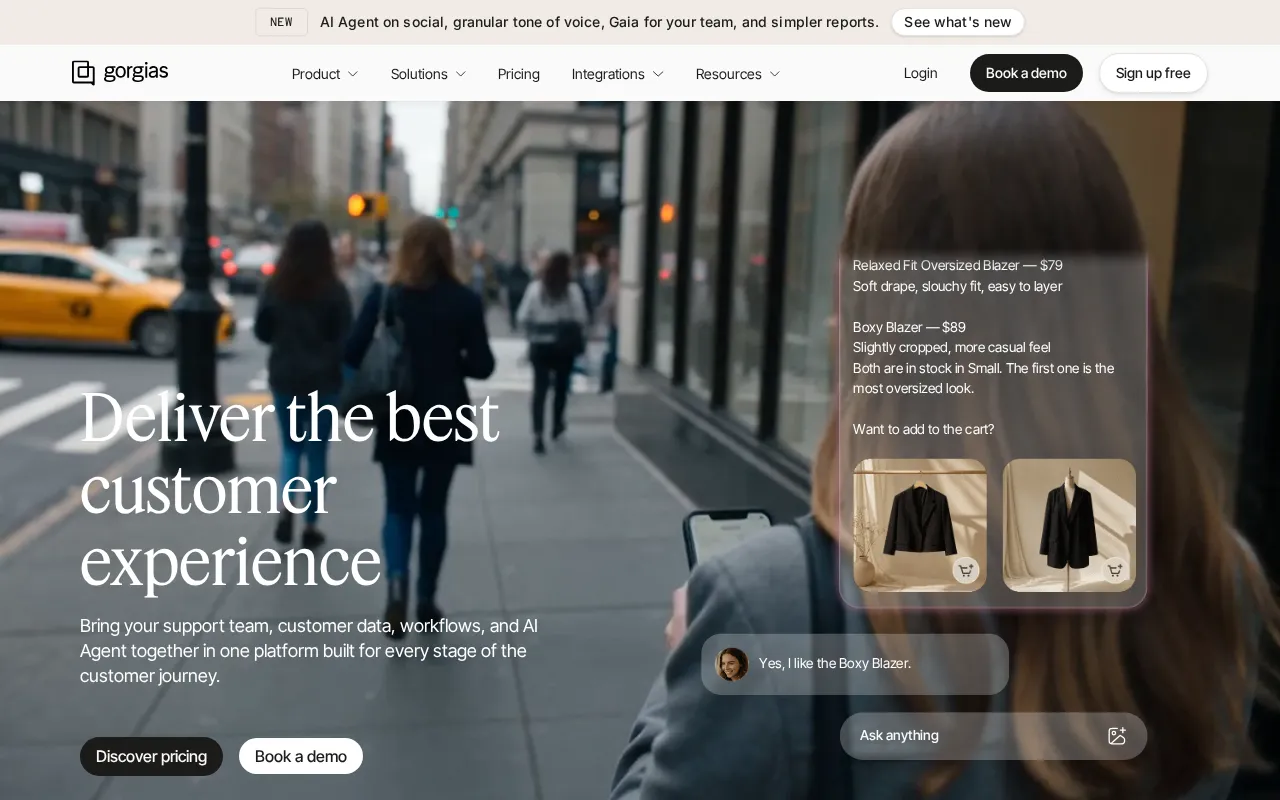
Gorgias is a help desk for ecommerce brands, built around Shopify, with an AI that answers shoppers and can cancel orders or edit addresses. It bills by tickets, not by agents.
Gorgias says 40% of Shopify brands use it, so many store clients arrive with it already, and it shows orders, customers and products inside each ticket. It bills by ticket rather than seat, with up to 500 users from Basic, but a ticket its AI closes counts twice, its MCP server is in open beta with no tool to look up or refund an order, and cancelling takes written notice 30 days before the term ends.
- Best for
- Shopify brands with a large team that answer on email, chat, SMS, WhatsApp, social and phone from one inbox.
- How it bills
- By the ticket, never per agent: Starter is $10 a month for 50 tickets, and Basic $50 for 300, Pro $300 for 2,000 and Advanced $750 for 5,000 on annual billing ($60, $360 and $900 monthly). Gorgias AI Agent costs $0.90 per automated interaction on annual billing or $1.00 monthly, $1.50 past your tier, and each one also counts as a ticket.
- Free plan
- No, 7-day trial
- 3 people, 300 AI replies
- $320 or more a month: Basic at $50 on annual billing for 300 tickets, plus 300 AI interactions at $0.90 with the AI limit raised to cover them, each also counted as a ticket and $1.50 past that limit.
Pros
- Shopify orders, customers and products show inside every ticket, and Gorgias says 40% of Shopify brands use it.
- Email, chat, SMS, WhatsApp, Instagram, Facebook and phone land in one inbox.
- No seat price: Basic and above allow up to 500 users.
- Its official MCP server lets Claude or ChatGPT reply, assign, close, write macros and publish help center articles on every Helpdesk plan.
Cons
- A ticket the AI resolves on its own is billed twice, as a ticket and as an automated interaction.
- Interactions past your AI tier cost $1.50 each, and tickets past your plan $0.36 to $0.40.
- Cancelling takes written notice 30 days before the term ends, even on monthly billing, and fees aren’t refunded.
- The MCP server is in open beta and has no tool to look up or refund an order.
Already on Gorgias? See the best Gorgias alternatives.
3. Voiceflow
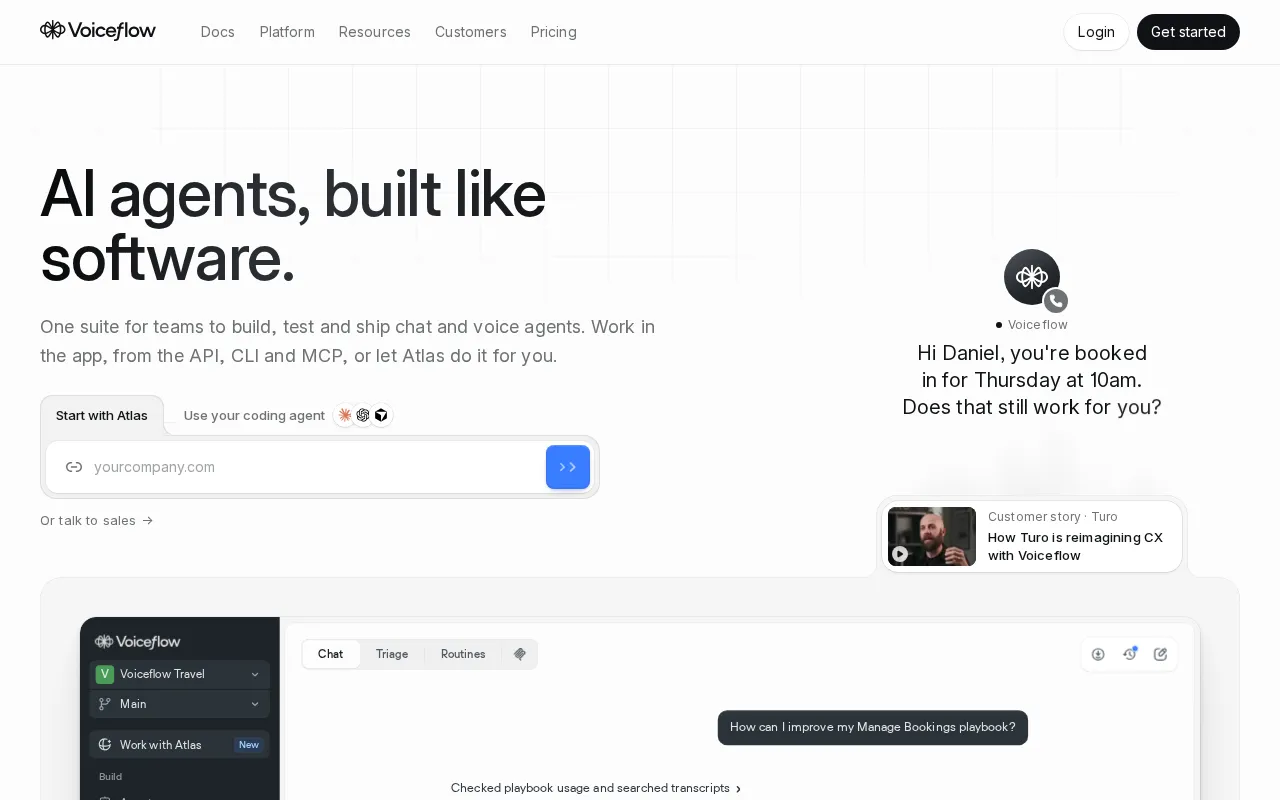
Voiceflow is a platform for building AI agents that answer customers on web chat, phone and SMS. Your team writes each agent’s instructions, playbooks and workflows, connects knowledge and tools, and Voiceflow hands customers who need a person to a support platform such as Zendesk or Kustomer.
Voiceflow is for the agency whose deliverable is the AI agent itself: you write its playbooks and workflows, choose its model, and ship it to a client’s web chat, phone line or SMS, while its MCP server lets Claude Code edit and test the agent. It isn’t a help desk, so customers who need a person go to Zendesk, Kustomer or another platform the client pays for, and plan prices appear only inside the app.
- Best for
- Product and CX teams, and agencies building for clients, that have people to design, test and ship their own chat and voice agents.
- How it bills
- Free, Pro, Business and Enterprise plans. The pricing page shows no prices: plan, add-on and credit bundle prices appear in “Plans and Billing” inside Voiceflow, and businesses are offered a demo. Each paid plan includes some free editor seats and a monthly credit allotment, and more editor seats and phone numbers are add-ons. Credits pay for usage: $0.005 for each customer message, $0.05 a phone minute, and the model’s tokens on top.
- Free plan
- Yes: a one-time credit grant that doesn’t renew, not meant for production
- 3 people, 300 AI replies
- Quote only: Voiceflow publishes no plan fee, so the base price shows only in the app. On top of it, 300 customer messages use $1.50 of credits at $0.005 each, plus the model’s tokens, and 3 editors need enough editor seats.
Pros
- One agent answers in a website chat widget with text or voice input, on phone calls, and by SMS through Twilio.
- You pick the model each agent runs on, from Anthropic, OpenAI, Google, Groq, xAI or Voiceflow’s own, and pay its token rate in credits.
- Handoffs reach Genesys, UJET, Kustomer, Dixa and Zendesk natively, and other support platforms through a service you host.
- Its official MCP server lets Claude Code or another MCP client edit agents, run tests and evaluations, and fetch and search transcripts.
Cons
- No prices on the pricing page: plan fees, editor seats and credit bundles are priced inside the app.
- It isn’t a help desk: people answer handed-off conversations in another support platform that bills separately.
- Credits pay for every customer message, the model’s tokens and phone minutes, so the bill moves with how long replies and calls run.
- Its docs list web chat, phone and SMS as channels: the Gmail tool sends mail, but customers can’t write to the agent by email.
Already on Voiceflow? See the best Voiceflow alternatives.
4. Botpress
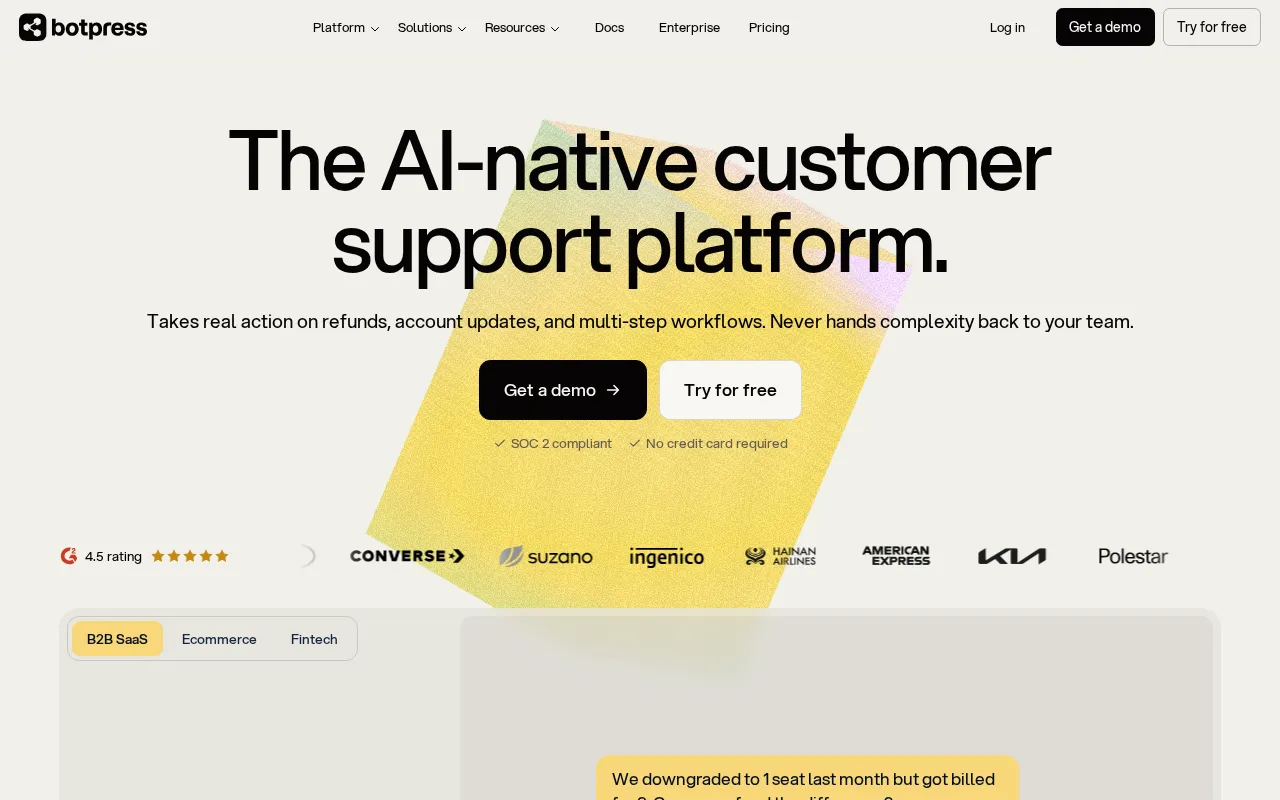
Botpress is a platform for building AI agents: from a prompt in Botpress Viber, on a visual canvas in Botpress Studio, or in TypeScript with its ADK. Its agents answer on web chat, WhatsApp, email and other messaging apps, and Botpress Desk, its built-in help desk, gives your team an inbox for handoffs and a help center.
Botpress lets a developer build a client’s agent in TypeScript with its ADK or on the Studio canvas, and Botpress Desk adds an inbox and help center for handoffs. Plus is $150 a month on annual billing with 3 seats and Team $750, conversation packs are added automatically at 95% of the quota, and refunds are actions you wire to the client’s own systems.
- Best for
- Teams with someone technical who want to build custom AI agents with multi-step workflows across many channels, and pay by conversation rather than by seat.
- How it bills
- Free has 3 seats and 100 conversations. Plus is $150 and Team $750 a month on annual billing ($189 and $939 monthly), with 250 and 1,500 conversations, $25 and $150 of AI usage, and 3 seats on Plus or unlimited on Team. More conversations come in packs of 100, $65 on Plus or $50 on Team, added automatically, and AI spend past the allowance is bought at cost in $10 credit grants. Voice is on Enterprise only, priced by sales.
- Free plan
- Yes: 3 seats, 100 conversations, no top-ups
- 3 people, 300 AI replies
- $215 or more a month: Plus at $150 a month on annual billing ($189 monthly), with 3 seats and 250 conversations, plus one $65 pack of 100 for the other 50. AI spend past Plus’s $25 is extra, at cost.
Pros
- Build an agent by describing it to Botpress Viber, on Botpress Studio’s drag-and-drop canvas, or in TypeScript with the ADK, and switch to code when logic gets complex.
- Botpress Desk answers web chat, email and WhatsApp, with voice on Enterprise, and adds a help center the AI answers from.
- Team includes unlimited seats, with routing, roles and team analytics.
- The agent can work on top of Zendesk or Intercom instead, with no help desk to move.
Cons
- Plus stops at 3 seats, so a fourth teammate means Team at $750 a month on annual billing.
- Conversation packs are added automatically at 95% of the quota, and you can’t turn that off.
- AI spend past the plan’s allowance is billed at cost, so the bill moves with how much the model works.
- Shopify order lookups come from third-party integrations, and refunds are actions your team connects to its own systems.
Already on Botpress? See the best Botpress alternatives.
5. Re:amaze
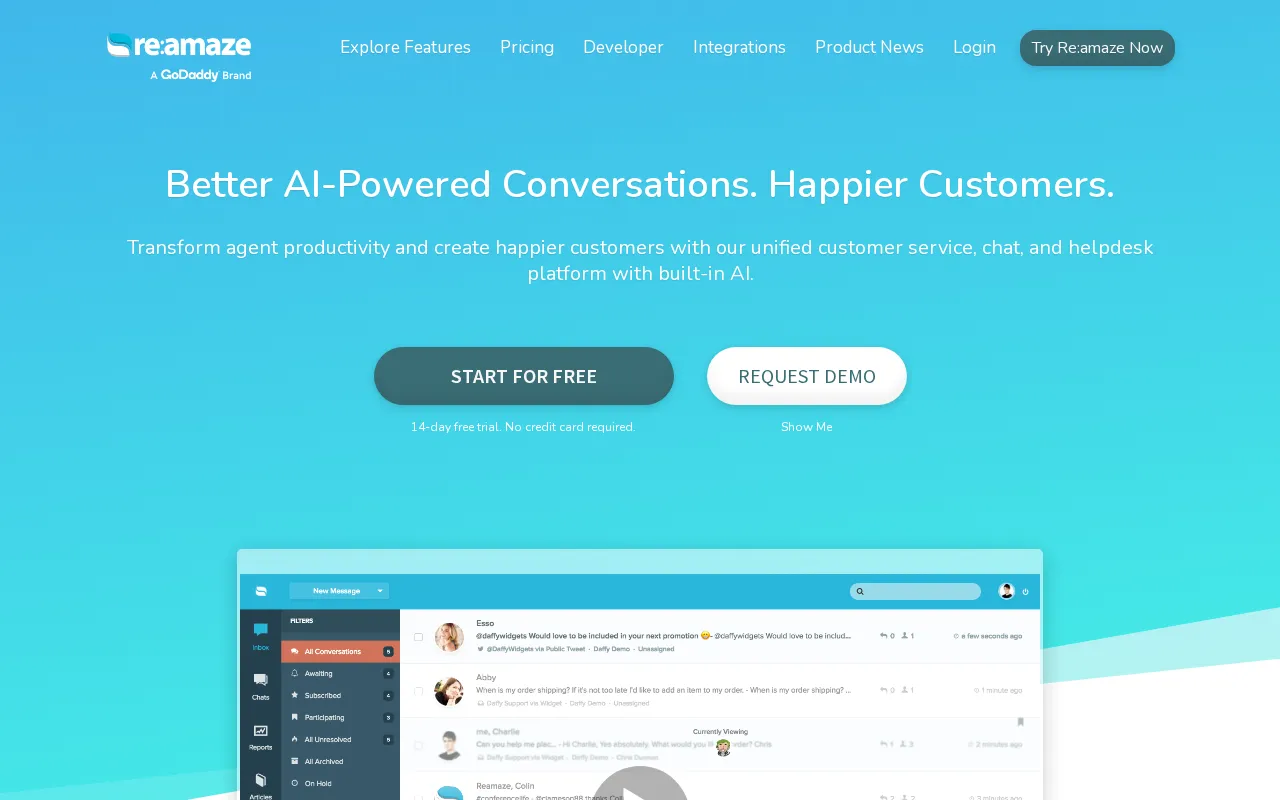
Re:amaze is a help desk for online stores, owned by GoDaddy, with email, live chat, social, SMS and voice in one inbox and an AI agent that answers from your FAQ and store data.
Re:amaze runs unlimited brands from one account on Pro, $49 a team member, with a custom hosted domain, which suits an agency answering for several stores. Agents refund and cancel Shopify orders and refund Stripe payments inside a conversation, but each AI resolution past Pro’s 10 per seat costs $0.85, and there’s no official MCP server.
- Best for
- Shopify and WooCommerce stores that run several brands and want social, SMS and voice next to email and chat.
- How it bills
- Basic is $29, Pro $49 and Plus $69 a team member a month ($26.10, $44.10 and $62.10 on annual billing), with 5, 10 or 20 AI agent resolutions per seat, then $0.85 each. Starter is $59 a month for unlimited team members and up to 500 responded conversations, with no published AI allowance.
- Free plan
- No, 14-day trial
- 3 people, 300 AI replies
- $321 a month: 3 Basic seats at $26.10 on annual billing, plus 285 AI agent resolutions at $0.85 after the 15 included.
Pros
- Email, live chat and social channels on every plan, with SMS and voice from Pro.
- Pro and Plus run unlimited brands from one account.
- Agents can refund and cancel Shopify orders and refund Stripe payments from inside a conversation.
- Starter gives unlimited team members for $59 a month, up to 500 responded conversations.
Cons
- Each AI resolution past the 5 to 20 per seat costs $0.85, so a busy month adds up fast.
- The AI agent is still labeled beta on the homepage, and no page says it can refund or cancel.
- No official MCP server, so Claude or ChatGPT can only reach it through the REST API or third-party connectors.
- All fees are non-refundable, and closing the account permanently deletes every conversation.
Already on Re:amaze? See the best Re:amaze alternatives.
6. Intercom
Intercom is a customer service help desk with a chat Messenger, a shared inbox, a help center and Fin, its AI agent. Its company renamed itself Fin in May 2026, and Salesforce bought it that September.
Intercom fits a SaaS client best: the Stripe app shows subscriptions mid-conversation, agents refund or cancel Shopify orders from the sidebar, and Fin answers on email, chat and phone. Each teammate who replies is a seat, $29 on Essential billed yearly, Fin charges $0.99 an outcome, and its MCP server can’t reply, assign or close.
- Best for
- Software and app companies that want chat, email, phone, WhatsApp and SMS in one inbox, with Fin answering across them.
- How it bills
- Per seat: Essential is $29, Advanced $85 and Expert $132 a seat a month on annual billing ($39, $99 and $139 monthly), and new customers pay $19 for Essential on annual billing. Fin costs $0.99 for each outcome, and WhatsApp, SMS and phone are billed by use.
- Free plan
- No, 14-day trial
- 3 people, 300 AI replies
- $354 a month: 3 Essential seats at $19, the new-customer price on annual billing (list $29), plus 300 Fin outcomes at $0.99.
Pros
- Chat, email, phone, WhatsApp, SMS, Slack, Facebook and Instagram all arrive in one inbox.
- Fin answers on email, live chat and phone, and is charged once per conversation however many questions it answers.
- Agents can refund or cancel a Shopify order from the inbox sidebar, and the Stripe app shows subscriptions mid-conversation.
- Its official MCP server can add internal notes and write and publish help center articles, not only read.
Cons
- Every teammate who replies needs a paid seat, and Fin adds $0.99 an outcome on top.
- An outcome also counts when a customer simply stops asking after Fin’s answer, or when a Fin workflow hands the conversation to your team.
- Its MCP server can’t reply to customers, assign or close conversations, and doesn’t serve workspaces hosted in Australia.
- No free plan, and an annual plan cancelled early gets no prorated refund.
Already on Intercom? See the best Intercom alternatives.
7. Zendesk
Zendesk is a customer service suite for email, messaging, live chat, social and voice, with AI agents that answer customers and are billed per automated resolution.
A client already on Zendesk can stay there: agents refund and cancel Shopify orders in a ticket, and an admin can connect its AI agents to Stripe’s MCP server. Each agent is a seat from $19 on annual billing, automated resolutions past the included ones cost $1.50 to $2.00, and its own MCP server for outside AI tools is only in early access.
- Best for
- Growing and large teams that need voice, many channels, 1,800+ apps and integrations, and enterprise controls to grow into.
- How it bills
- Per agent: Support Team is $19, Suite Team $55 and Suite Professional $115 a month on annual billing ($25, $69 and $149 monthly). Each agent brings 5 automated resolutions a month (10 on Professional), then each costs $1.50 committed or $2.00 pay as you go. Copilot is $50 more an agent.
- Free plan
- No, 14-day trial
- 3 people, 300 AI replies
- $485 a month: 3 Support Team agents at $19 on annual billing, plus 285 automated resolutions at $1.50 committed beyond the 15 included, on email only.
Pros
- Email, messaging, live chat, WhatsApp, social and voice sit in one Suite, and AI agents can answer on email, messaging or voice.
- Its marketplace lists 1,800+ apps, partners and integrations.
- Agents refund and cancel Shopify orders inside a ticket, and an admin can connect Zendesk’s AI agents to Stripe’s MCP server.
- The 14-day trial opens every Suite Professional feature, Copilot included, and startups can get 6 months of Suite free for up to 50 agents.
Cons
- Every agent is a seat, and each automated resolution past the 5 per agent a plan includes costs $1.50 to $2.00.
- No official MCP server for outside AI tools yet: Zendesk announced one in May 2026 for early access and has published no tools for it.
- Data exports are off until the account owner asks support, and the export tools aren’t on Team plans.
- Zendesk gives no refunds or credits for unused seats or time.
Already on Zendesk? See the best Zendesk alternatives.
8. Richpanel

Richpanel is an AI help desk for ecommerce brands. One inbox takes email, chat, social, SMS, WhatsApp and phone, and its AI answers customers and acts on orders, returns and subscriptions.
Richpanel’s AI reaches Recharge and ShipHero as well as Shopify, apps Rinhelp can’t connect to, and you choose which of its actions run on their own and which a teammate approves. Each brand gets its own AI voice and policies in one inbox. One seat with the AI minimum starts at $299 a month on annual billing, and the developer API is for Enterprise only.
- Best for
- Ecommerce brands with a support team that want AI to change orders and subscriptions across many channels.
- How it bills
- One plan with no tiers: $99 a seat a month on annual billing or $119 monthly, plus AI credits at $0.50 each annually or $0.60 monthly, with a $200 monthly AI minimum on annual billing ($240 monthly in Richpanel’s calculator). Richpanel puts a whole AI conversation at about $0.20, and one seat with the minimum starts at $299 a month.
- Free plan
- No, demo only
- 3 people, 300 AI replies
- $497 or more a month: 3 seats at $99 on annual billing plus the $200 AI minimum, which more than covers 300 AI conversations at about $0.20.
Pros
- Its AI changes addresses, swaps items, gives store credit and pauses subscriptions, while cancellations, refunds and discounts wait for approval by default.
- Email, chat, SMS, WhatsApp, Instagram, Facebook, TikTok and phone share one inbox.
- It connects to subscription and shipping apps such as Recharge, Subscribfy and ShipHero, not only Shopify.
- A written guarantee: if AI doesn’t resolve half of eligible conversations in the first 30 days, you can claim that month’s subscription fee back.
Cons
- One seat with the AI minimum starts at $299 a month on annual billing, and each extra seat is $99.
- No free plan or trial: you book a demo first.
- The developer API is only for Enterprise, and the MCP shares 60 requests a minute across your whole company.
- Voice is still in beta and billed on usage.
Already on Richpanel? See the best Richpanel alternatives.
9. Tidio
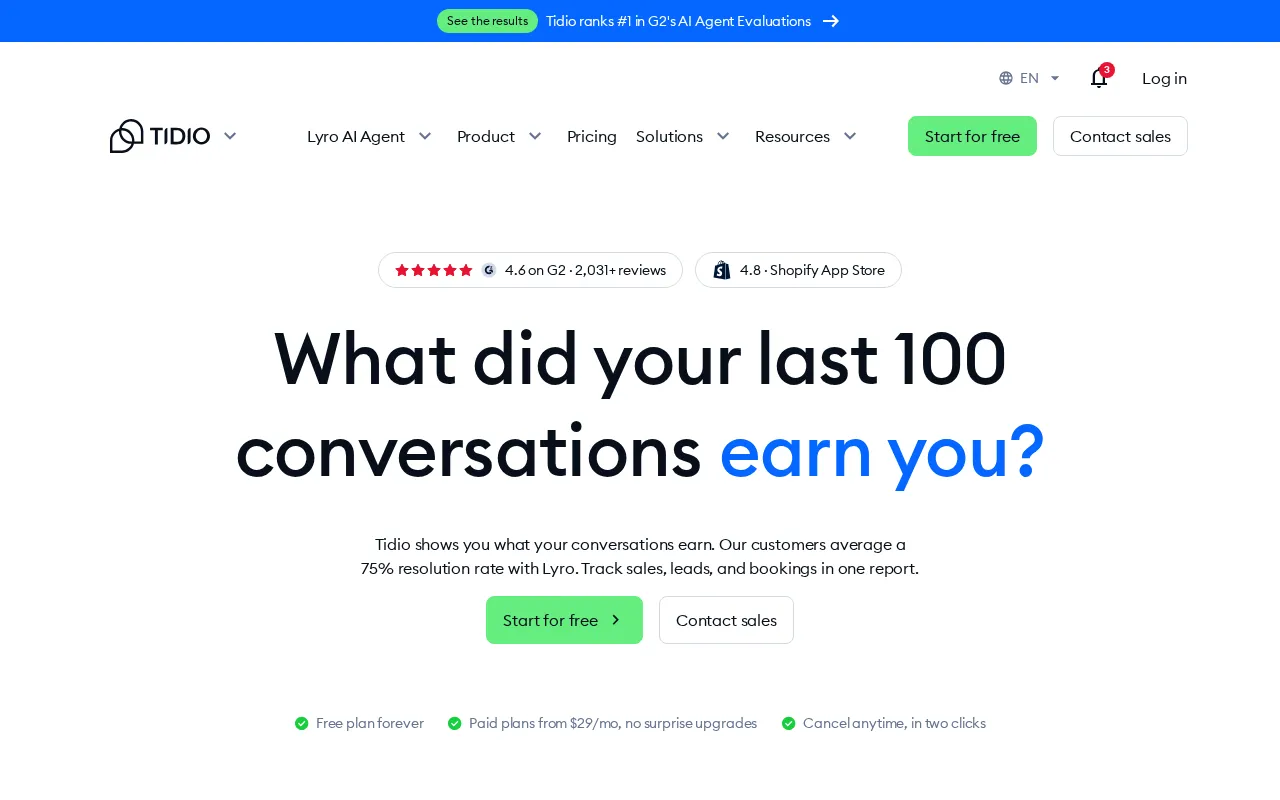
Tidio is a live chat and help desk tool built for online stores, especially Shopify, with Lyro, an AI agent sold as an add-on, and a help center since 2026.
Tidio includes 10 seats on its lower plans, and Lyro can check, cancel, change or refund orders and call your own MCP servers, so an agency can wire it into a client’s backend. Lyro is billed per conversation on top, and Stripe and the API need Plus, from $300 a month.
- Best for
- Shopify and WooCommerce stores that want chat, WhatsApp and Instagram in one inbox and an AI that recommends products.
- How it bills
- Plans are priced by the conversations your team answers, with 10 seats: Starter is $24.17 a month on annual billing ($29 monthly) for 100, and Growth runs from $49.17 for 250 ($59 monthly) to $349 monthly for 2,000. Lyro is an add-on from $32.50 a month for 50 conversations to $583.33 for 1,000 on annual billing ($39 for 50, $210 for 300 and $700 for 1,000 monthly), and Plus starts at $300 a month plus usage.
- Free plan
- Yes: 10 seats, 50 conversations a month
- 3 people, 300 AI replies
- $199 or more a month: Starter at $24.17 on annual billing plus 300 Lyro conversations at $175. Starter covers 100 conversations your team answers, and more needs Growth.
Pros
- Up to 10 seats on Free, Starter and Growth, so the bill doesn’t grow as you add teammates.
- WhatsApp, Instagram, Messenger and email on every plan, including Free.
- Lyro recommends products and adds them to the cart on Shopify and WooCommerce.
- Lyro’s actions can check orders, cancel or change them and refund, and Lyro can call your own MCP servers.
Cons
- Lyro is a separate add-on billed per conversation, about $0.58 to $0.78 each by tier and billing, and over 1,000 a month is priced by sales.
- The API and Stripe integration need Plus, from $300 a month.
- Its official MCP server only reads analytics data, loaded once a day, so your own AI can’t reply or close.
- No refunds for time left after you cancel.
Already on Tidio? See the best Tidio alternatives.
10. Shopify Inbox
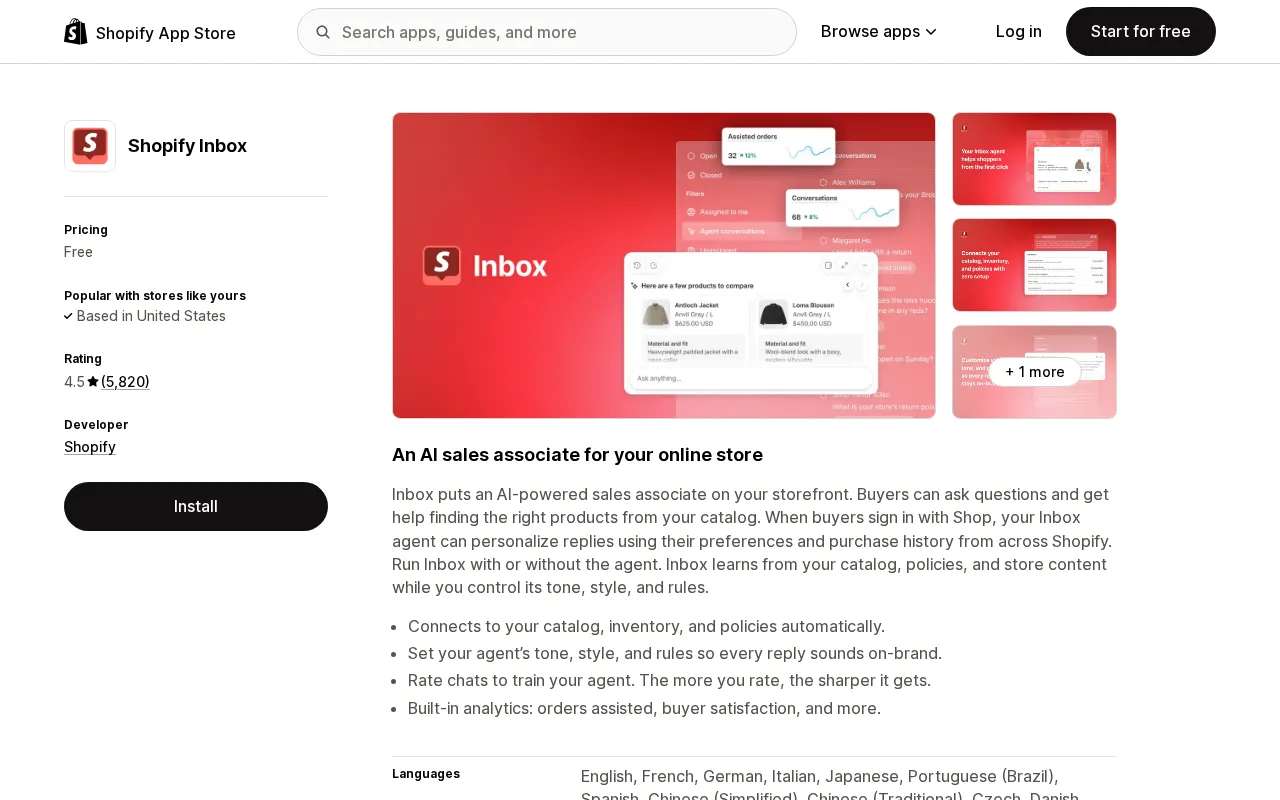
Shopify Inbox is Shopify’s own free chat app for an online store, with an AI agent that answers shoppers in the store’s chat and hands them to staff.
Shopify Inbox is the free baseline a store client will measure you against: chat inside the store, an AI agent answering from the catalog and policies, and no seat price. It has no email inbox, Shopify’s help pages describe no API or export for its chats, and the AI agent needs new customer accounts.
- Best for
- Shopify stores where shoppers reach you through the store’s chat and one or two people answer.
- How it bills
- The app is free, with no seat price and no charge for its AI agent. It works only for stores on Shopify’s Basic, Grow, Advanced or Plus plans.
- Free plan
- Yes, a free app on a paid Shopify plan
- 3 people, 300 AI replies
- $0 a month: Free for 3 people, AI agent included, on top of the paid Shopify plan Inbox needs.
Pros
- Free, with its AI agent included and no seat price.
- The AI answers from your catalog, store policies and published pages, and hands a chat to your staff with what it already said.
- Chats live in the Shopify admin and in apps for desktop, iOS and Android.
- It replies to shoppers in their own language.
Cons
- Chat in your online store only: no email inbox, WhatsApp, social messages or phone.
- Shopify’s help pages describe no API or export for its conversations, and its Sidekick can read them but can’t reply, assign or close.
- The AI agent needs new customer accounts and doesn’t work with legacy ones.
- Suggested replies for staff are in English only.
Already on Shopify Inbox? See the best Shopify Inbox alternatives.
11. Willdesk
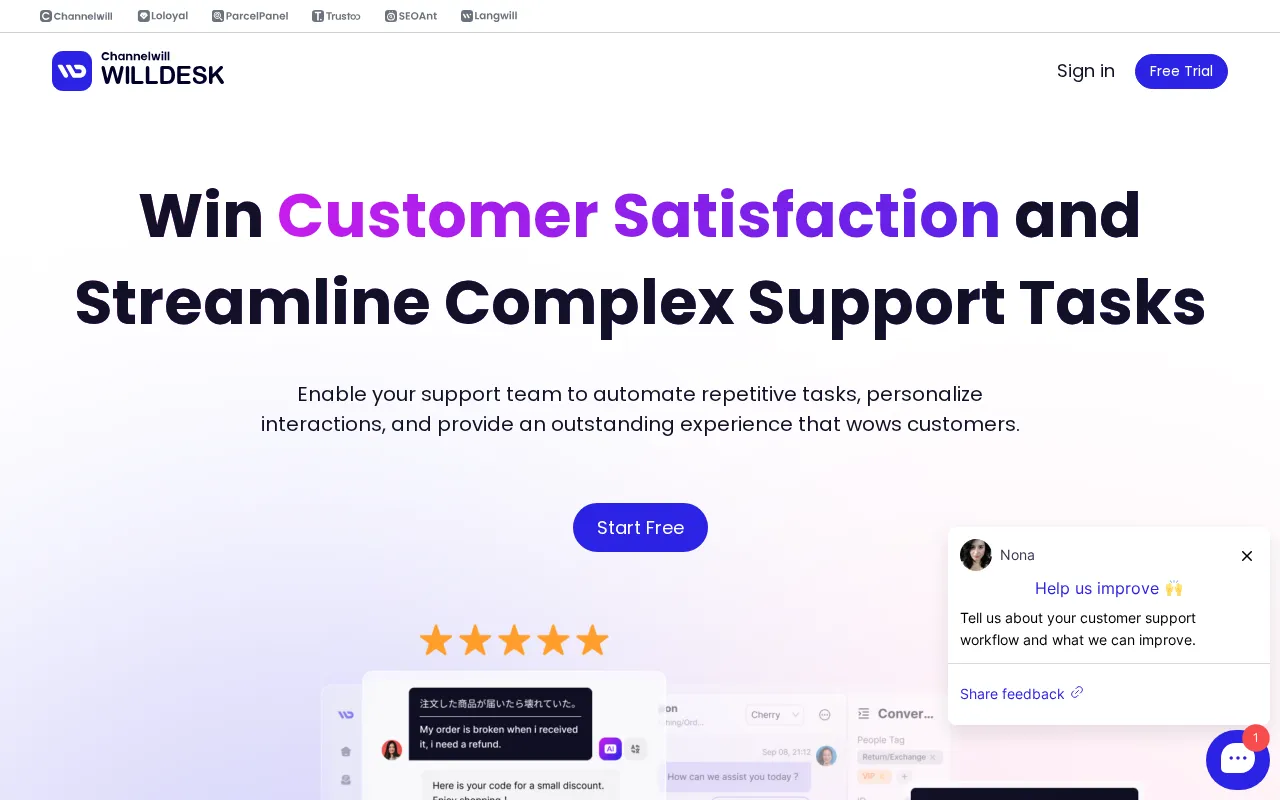
Willdesk is a help desk for Shopify stores from Channelwill: email, live chat, WhatsApp, Instagram and Messenger in one inbox, with a help center and an AI agent sold by the conversation.
Willdesk’s pages describe it only for Shopify stores, which makes it an inexpensive pick for a Shopify-only client: unlimited seats on every plan and shopper order tracking through TrackingMore, from $16.90 a month for 100 conversations. For an address change, a cancellation or a return, its AI guides the shopper and then hands the request to your team. Its pages list no Stripe, API or MCP.
- Best for
- Shopify stores that want a cheap multichannel inbox with unlimited seats and order tracking built in.
- How it bills
- Seats are unlimited on every plan. Free covers 20 conversations a month, Basic runs from $16.90 for 100 to $42.90 for 500, and Pro from $89.90 for 1,000 to $629.90 for 10,000, with 30% off the first year on annual billing. The AI agent is an add-on at $0.20 for each conversation in your quota, and WhatsApp is $10 per 100.
- Free plan
- Yes: 20 conversations a month, unlimited seats
- 3 people, 300 AI replies
- $90 a month: Basic for 300 conversations at $29.90 plus 300 AI conversations at $0.20.
Pros
- Unlimited seats on every plan, including Free, so the bill doesn’t grow as you hire.
- Email, live chat, Instagram and Messenger on every plan, and WhatsApp on paid ones.
- Its AI agent answers on chat, email, WhatsApp, Instagram and Messenger from your FAQ articles, products and store policies.
- Order tracking for shoppers is built in, through TrackingMore.
Cons
- The AI agent is an add-on at $0.20 a conversation, so turning it on can triple the bill.
- For a changed address, a cancellation or a return, the AI guides the shopper and then hands the request to your team.
- Its pages describe it only for Shopify stores, and list no Stripe integration.
- Its pages and help center describe no API, MCP server or conversation export.
Already on Willdesk? See the best Willdesk alternatives.
12. Plain
Plain is a support platform for B2B software companies. It answers customers in Slack, Microsoft Teams, Discord, email, chat and a help center, with an AI customer agent and a GraphQL API that does everything its app can.
Plain suits a B2B SaaS client that supports customers in shared Slack or Teams channels, and its MCP server can reply, add notes, assign and close as your own user, so an agency’s engineers can build on it. It has no Shopify or Stripe, and Foundation stops at 5 seats at $45.
- Best for
- B2B software teams that support customers in shared Slack or Teams channels and want engineers and AI agents building on its API.
- How it bills
- Per member seat: Foundation is $45 a month on annual billing ($55 monthly) for up to 5 seats with 1,000 credits, and Horizon $99 ($139 monthly) for 3 to 10 seats with 2,500 credits; Frontier is quoted. Each customer agent resolution uses 100 credits, extra credits are $10 per 1,000, and viewer seats are free.
- Free plan
- No, 7-day trial
- 3 people, 300 AI replies
- $425 a month: 3 Foundation seats at $45 on annual billing, plus 29,000 credits at $10 per 1,000 for 300 customer agent resolutions beyond the 1,000 credits included.
Pros
- Slack, Microsoft Teams and Discord work as support channels next to email, which suits B2B customers.
- Its official MCP server can reply, add notes, assign, close and write help center articles, signed in as your own user.
- A customer agent resolution is charged only after the thread stays done for 7 days with no teammate stepping in.
- Viewer seats are free and unlimited, and Linear, Jira, GitHub and incident.io link to threads.
Cons
- Its price list has changed four times since December 2025, most recently raising Foundation’s seat price and halving its included credits.
- No free plan, and the trial shrank from 14 days to 7 in 2026.
- No phone, WhatsApp, SMS, Shopify or Stripe.
- Foundation stops at 5 seats and 2 email addresses, so a sixth teammate means Horizon at $99 a seat.
Already on Plain? See the best Plain alternatives.
13. Wonderchat
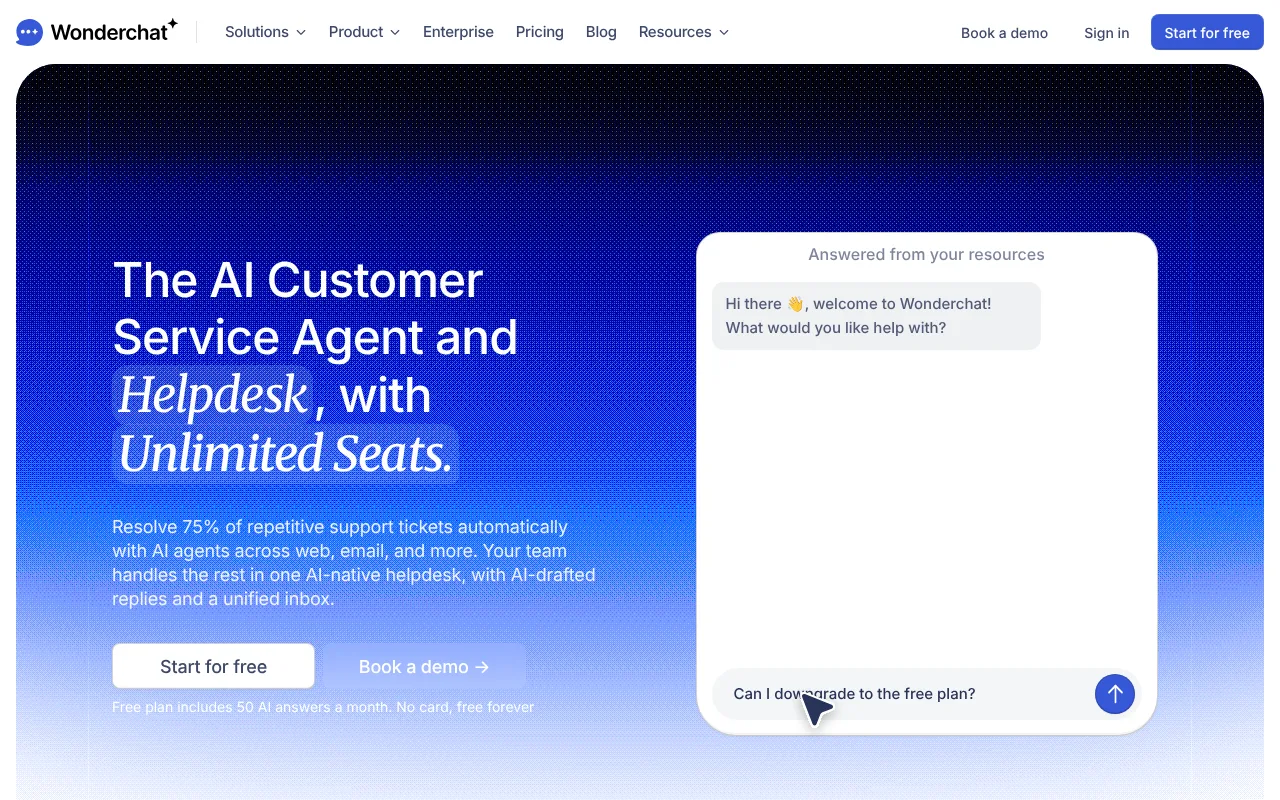
Wonderchat is an AI agent that answers customers from your website pages and files, on a chat widget, email and messaging apps. Every plan includes a help desk with a shared inbox, where your team takes over live chats and tickets the AI hands on.
Wonderchat answers on a client’s site, email and messaging apps with unlimited team seats on paid plans, and in its inbox a refund or other action that can’t be undone waits for one of that action’s approvers. When the month’s credits run out the chatbot pauses, its badge comes off only on Enterprise, and it isn’t an MCP server an outside agent can work in.
- Best for
- Teams that want one AI agent on their website and messaging apps, with as many teammates as they like in its inbox, and lead capture from the same chat.
- How it bills
- Starter is $32.50, Basic $125 and Scale $417 a month billed yearly ($39, $149 and $499 billed monthly), with 500, 3,000 and 10,000 AI replies a month and unlimited team seats. A reply on a fast model uses 1 credit, and one on a frontier model can use more. Unused credits expire at the end of each billing period, and Enterprise has tailored pricing.
- Free plan
- Yes: 2 seats, 50 AI replies a month
- 3 people, 300 AI replies
- $33 a month: Starter at $32.50 a month billed yearly ($39 monthly), with unlimited seats and 500 AI replies at 1 credit each on its fast models.
Pros
- Unlimited team seats on every paid plan, and the help desk and shared inbox come free, with 2 seats on Free.
- It answers on your website, email, Messenger, Instagram, Discord and Telegram on every plan, and on WhatsApp from Starter.
- In the inbox, an action that can’t be undone, such as a refund, waits until one of that action’s approvers approves it.
- You can switch the AI model behind your agent at any time, with fast models on every plan and frontier models from Basic.
Cons
- When the month’s credits run out, the chatbot pauses and stops responding until you upgrade or buy more.
- A reply from a frontier model, or with a deeper answer setting, can use more than 1 credit, so the same plan covers fewer replies.
- The “Powered by Wonderchat” badge comes off only on Enterprise.
- Its MCP Connector lets the chatbot call other servers’ tools, but Wonderchat isn’t an MCP server your own AI agent can work in.
Already on Wonderchat? See the best Wonderchat alternatives.
14. Landbot
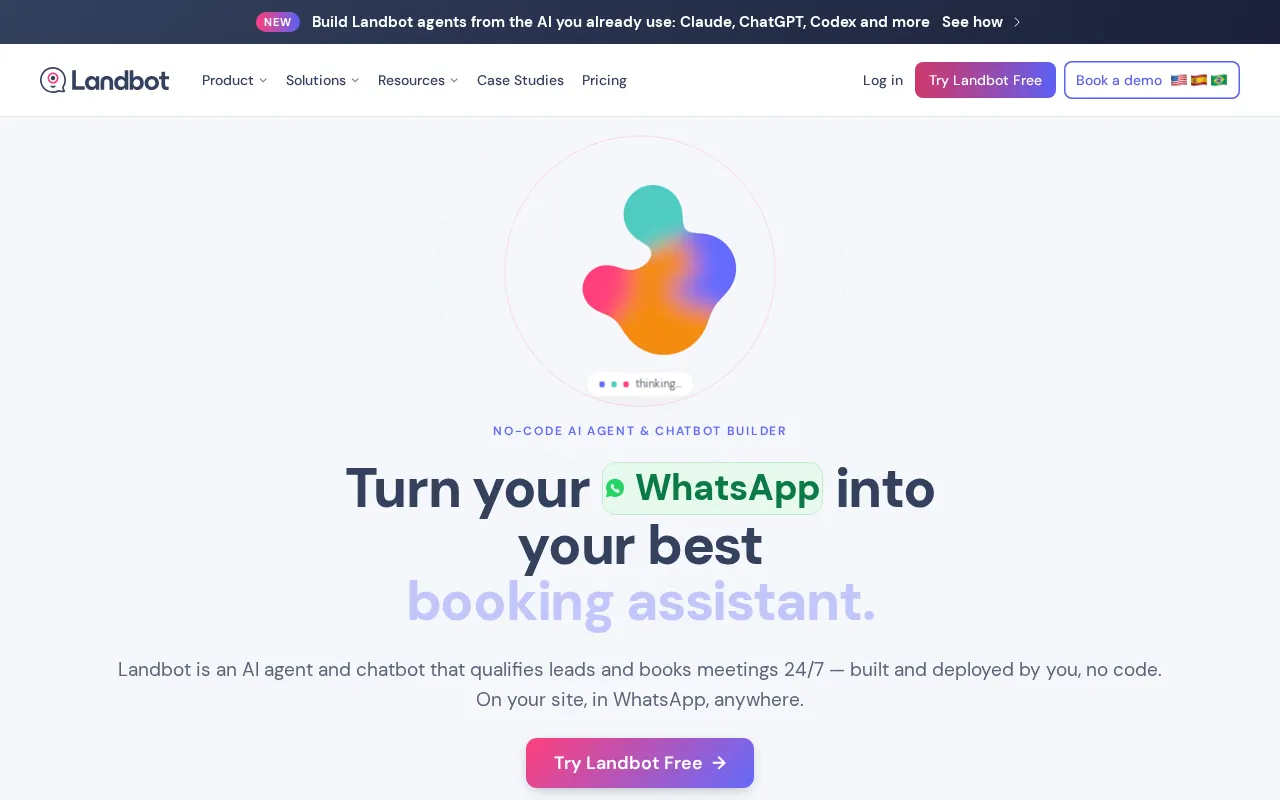
Landbot is a no-code builder for chatbots and AI agents on your website, WhatsApp and Facebook Messenger. You lay out a flow of buttons and questions on a visual canvas, drop in AI agent blocks that answer from a knowledge base you give them, and hand chats to your team in its shared inbox. Its homepage pitches it for qualifying leads and booking meetings.
Landbot’s MCP server lets Claude, ChatGPT, Codex or Cursor build, test and publish a client’s bots, and nothing goes live until you say yes. It leans toward lead capture on the web and WhatsApp: there’s no email channel or help center, and the MCP can’t read or answer a chat.
- Best for
- Marketing and sales teams that want to design their own lead capture and qualification flows on the website and WhatsApp, with AI only on the steps where it helps.
- How it bills
- Starter is $36 and Professional $88 a month on annual billing ($45 and $110 monthly), with 2 and 3 seats, 500 and 2,500 chats, and 100 and 300 AI chats. Professional WA, with a WhatsApp number and 500 AI chats, is $176 ($220 monthly), and Business is priced by contract. Extra seats are $25 a month, extra chats come in packs of 500 for $25, and each AI chat past the allowance is $0.10. In Europe the prices are in euros: Starter €32 and Professional €80 on annual billing.
- Free plan
- Yes: 1 seat, 100 chats a month on the web, WhatsApp only on a test number, no AI chats
- 3 people, 300 AI replies
- $81 a month: Starter at $36 a month on annual billing ($45 monthly) with 2 seats, 500 chats and 100 AI chats, plus a third seat at $25 and 200 more AI chats at $0.10.
Pros
- Button flows, forms and AI agent blocks sit on one canvas, so scripted steps and open questions share a flow.
- One builder publishes to website chat, WhatsApp and Messenger, and a Human takeover block passes a chat to whoever on the team is online.
- Every overage has a published price: $25 for 500 more chats, $0.10 an AI chat and $25 a seat.
- Its official MCP server lets Claude, ChatGPT, Codex or Cursor build, test and publish bots and AI agents, and nothing goes live without your yes.
Cons
- No email channel or help center: Landbot answers on the web, WhatsApp, Messenger and its chat API.
- Starter includes 2 seats and 100 AI chats, and WhatsApp on a number of your own starts on Professional.
- The free plan publishes to the web only, with WhatsApp on a test number, 1 seat and no AI agent block.
- Its MCP server works on bots, not conversations: it can’t read, answer or close a chat.
Already on Landbot? See the best Landbot alternatives.
15. SiteGPT
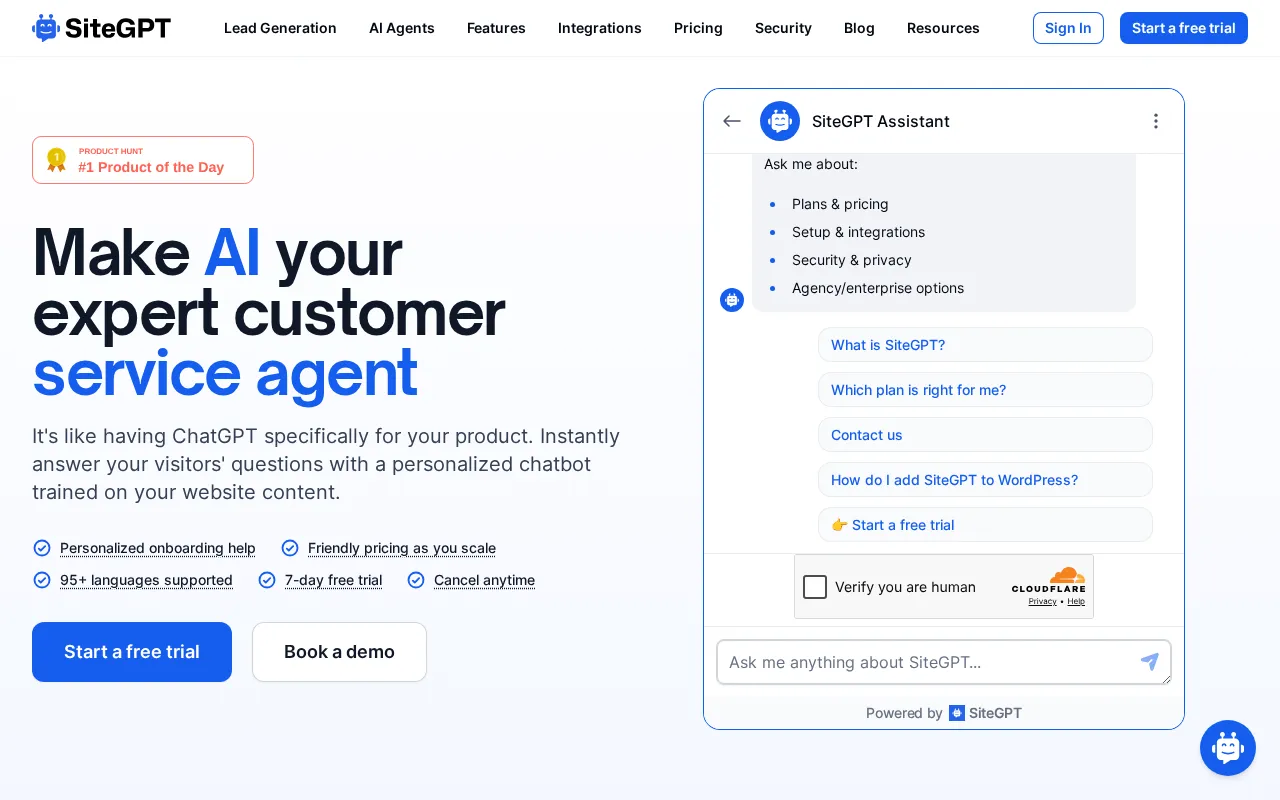
SiteGPT is an AI chatbot trained on your website, files and other content. It answers on your site and in tools like Slack, Crisp and Zendesk, and hands a chat to your team when a customer needs a person.
SiteGPT trains a chatbot on a client’s pages and files, and its MCP server lets Claude or ChatGPT read conversations and reply, or stay read-only if you limit it. Growth, $79 on annual billing, caps the team at 4, both sides of a chat count against the allowance, and once a subscription ends its chatbots stop answering.
- Best for
- Sites that want a chatbot answering from their own pages and docs, with a person stepping in now and then.
- How it bills
- On annual billing, Starter is $39 a month for 1 member and 4,000 GPT-4.1 mini messages, Growth $79 for 4 team members and 10,000, and Scale $259 for 10 and 40,000 ($59, $129 and $429 monthly). A customer’s question and the chatbot’s answer count as 2 messages, and a GPT-4.1 message uses as much as 10 on GPT-4.1 mini. Email and WhatsApp are add-ons, each $59 a month per inbox or number, or $468 a year.
- Free plan
- No, 7-day trial with a credit card
- 3 people, 300 AI replies
- $79 a month: Growth at $79 on annual billing ($948 a year, or $129 monthly), with 4 team members. 300 answers use 600 messages, inside its 10,000 on GPT-4.1 mini or 1,000 on GPT-4.1.
Pros
- Your team can reply, take over and resolve chats from Chat History or the iPhone app, and the chatbot stays quiet while a person has the conversation.
- One chatbot answers on your website, WhatsApp, Messenger, Slack and email, and replies from the dashboard reach customers on WhatsApp, Messenger and email.
- On Scale it can be the AI agent inside Zendesk Messaging, handing conversations to your Zendesk agents with full history.
- Its official MCP server lets Claude or ChatGPT read conversations, reply to customers and change chatbot settings, and you can limit a connection to read-only.
Cons
- Team members are capped by plan: 1 on Starter, 4 on Growth and 10 on Scale.
- Both sides of a chat count against your allowance, and new chatbots start on GPT-4.1, whose messages use 10 times as much as GPT-4.1 mini.
- Email and WhatsApp are paid add-ons per inbox and per number, and Slack, Messenger, MCP and the API need Growth or above.
- Once a subscription ends, its chatbots stop answering, and their conversations, documents and leads are scheduled for deletion no earlier than 30 days later.
Already on SiteGPT? See the best SiteGPT alternatives.
16. Chatwoot
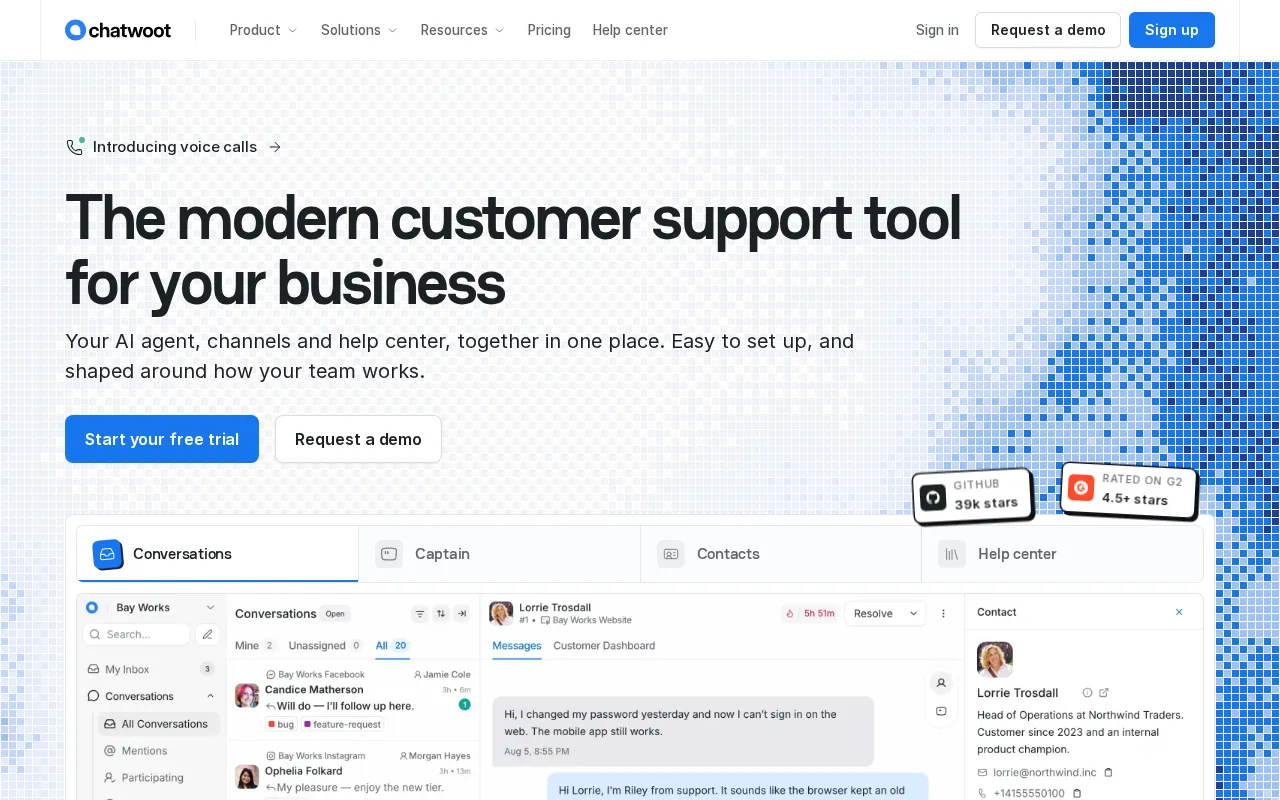
Chatwoot is open-source support software with one inbox for live chat, email, WhatsApp, social and voice, a help center, and Captain, its AI agent. You can use Chatwoot Cloud or host it yourself.
Chatwoot’s Community Edition can be hosted for a client with no license fee, with live chat, email, WhatsApp and a help center in one inbox, and an official CLI lets Claude Code work in it. Cloud is $19 an agent with 300 Captain credits, Captain’s custom tools have no built-in approval step for refunds, and there’s no official MCP server.
- Best for
- Teams that want many channels at a low seat price, or want to run their help desk on their own servers.
- How it bills
- Cloud is per agent a month: Startups $19, Business $39 and Enterprise $99, with 300, 500 or 800 Captain credits for the account. Each Captain reply uses a credit, extra credits are $20 per 1,000, and no annual price is published. Credits never top up by themselves: once they run out, new conversations go straight to your team with no Captain reply.
- Free plan
- Yes: 2 agents, live chat only, 500 conversations a month
- 3 people, 300 AI replies
- $57 a month: 3 Startups agents at $19, with the 300 included Captain credits covering 300 AI replies.
Pros
- Open source: the self-hosted Community Edition is free, and your data stays on your own servers.
- One inbox for live chat, email, WhatsApp, Instagram, Messenger, TikTok and, from Business, voice calls.
- Startups includes every channel but voice, plus a help center, at $19 an agent a month.
- An official CLI and agent skill let coding agents such as Claude Code work in Chatwoot.
Cons
- Startups has no automation rules or teams; those start on Business at $39 an agent.
- Captain uses a credit for every reply, and bought credits expire after 6 months and aren’t refunded.
- Since July 2026 the free Cloud plan has no API or webhook access.
- No official MCP server, and Captain’s custom tools have no built-in approval step for actions like refunds.
Already on Chatwoot? See the best Chatwoot alternatives.
17. Botsonic
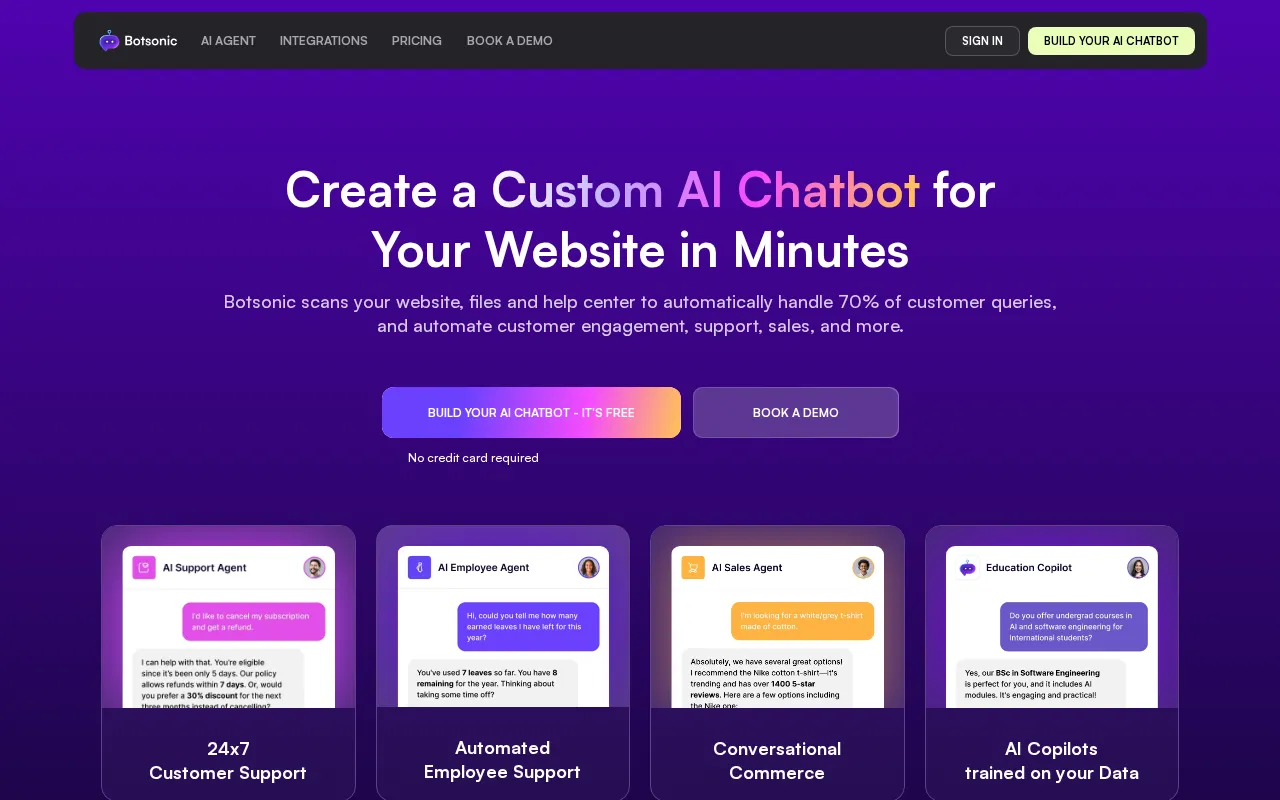
Botsonic is Writesonic’s no-code AI chatbot builder. It trains a chatbot on your website, files and help content, puts it on your site and messaging apps such as WhatsApp, Messenger and Telegram, and hands a customer who needs a person to Zendesk.
Botsonic’s “Actions” call a client’s own APIs mid-chat, to cancel an order for instance, after asking the customer for any detail still missing. A chat that needs a person goes to the client’s Zendesk or Freshdesk, and handoff to Zendesk is a $199 a month add-on.
- Best for
- Teams that want a chatbot answering from their own content on the website and messaging apps, with Zendesk handling the conversations it passes on.
- How it bills
- On annual billing, Starter is $16, Professional $41 and Advanced $249 a month ($19, $49 and $299 monthly), with 1, 2 and 5 team members and 1,000, 3,000 and 12,000 messages a month, and Enterprise is priced by sales. A GPT-4o mini reply uses 1 message and a GPT-4o reply 2. Extra team members are $25 a month each, and 2,000 to 16,000 more messages cost $25 to $200 a month. Removing the Botsonic badge is $49 a month, API access $49 below Advanced, 3 more chatbots $99, and Zendesk handoff $199.
- Free plan
- Not on the pricing page: each plan starts with a 7-day trial, no credit card needed
- 3 people, 300 AI replies
- $66 a month: Professional at $41 a month on annual billing ($49 monthly) with 2 team members, plus a third at $25. 300 replies on GPT-4o mini use 300 of its 3,000 messages.
Pros
- It learns from your website, PDFs, Word and Excel files, and syncs from Google Drive, Confluence and Notion.
- One chatbot answers on your website, WhatsApp, Messenger and Telegram from Starter, and in Slack and Google Chat from Professional.
- Actions let the chatbot call your own APIs mid-chat, such as to cancel an order, asking the customer for any detail it still needs first.
- Botsonic is SOC 2 Type II compliant and GDPR compliant, and only uses AI models that aren’t retrained on your data.
Cons
- Starter includes 1 team member and Professional 2, and each extra one costs $25 a month.
- A person takes over only in Zendesk, through a $199 a month add-on or Enterprise, which also hands tickets to Freshdesk and Salesforce.
- A GPT-4o reply uses 2 messages, so Professional’s 3,000 cover 1,500 of them.
- Removing “Powered by Botsonic” is a $49 a month add-on, and so is API access below Advanced.
Already on Botsonic? See the best Botsonic alternatives.
18. Zipchat
Zipchat is an AI agent for online stores that sells and supports in the same conversation. It answers in on-site search, on product pages, in website chat, WhatsApp, Instagram, Messenger and email, acts in your tools through Agentic Skills, and hands chats to your team in its own conversations inbox or in a help desk such as Zendesk or Gorgias.
Zipchat sells and supports in one conversation for a store client, with unlimited team members and prices on the page from $64 a month on annual billing. Its built-in Shopify lookup only reads, so refunds and returns need a skill you connect, and every message it sends counts as a reply.
- Best for
- Online stores that want one AI recommending products, recovering carts and answering support across chat, WhatsApp, Instagram and email, at a price on the page.
- How it bills
- Starter is $64, Pro $240, Scale $480 and Scale Plus $960 a month on annual billing ($80, $300, $600 and $1,200 monthly), with 750, 3,000, 6,000 and 14,000 AI replies, which Zipchat puts at around 300, 1,250, 2,500 and 6,000 conversations. Every message the AI sends counts as one reply, extra replies are $49 for 250 ($49 for 500 on Scale Plus), and every plan has unlimited team members. The Unlimited plan starts at $2,100 a month through sales.
- Free plan
- Yes, on the Shopify App Store: 120 AI replies a month, around 50 conversations. Otherwise a 7-day trial
- 3 people, 300 AI replies
- $64 a month: Starter at $64 a month on annual billing ($80 monthly), whose 750 AI replies Zipchat puts at around 300 conversations, with unlimited team members.
Pros
- Prices are on the page, from $64 a month on annual billing, with unlimited team members on every plan.
- One agent answers in on-site search, on product pages, in chat, WhatsApp, Instagram, Messenger and email, and remembers each shopper across them.
- It sells as well as supports: product recommendations, single-use Shopify discount codes and cart recovery on WhatsApp.
- Agentic Skills connect any tool with an API, with ready templates for Zendesk, Freshdesk, WooCommerce, Judge.me and Cal.com.
Cons
- Every message the AI sends counts as a reply, so one conversation uses several: Zipchat puts 750 replies at around 300 conversations.
- Its built-in Shopify order lookup only reads: it never cancels, edits or refunds an order, so returns and refunds need a custom skill you connect.
- No phone channel yet, since voice is marked coming soon, and no Stripe integration.
Already on Zipchat? See the best Zipchat alternatives.
19. eDesk
eDesk is a help desk for online sellers. It brings messages from marketplaces like Amazon, eBay and Walmart, web stores like Shopify, and social channels into one inbox, with an AI that answers and acts.
eDesk fits a store client that also sells on Amazon, eBay or Walmart, putting those messages beside Shopify’s, and its AI is billed $0.99 once per ticket it answers or acts on. Essential connects one store at $45 an agent, and there’s no official MCP server.
- Best for
- Sellers on Amazon, eBay and other marketplaces who need every marketplace message and order in one place.
- How it bills
- Per agent: Essential is $45, Growth $99 and Professional $129 a month, the lower prices eDesk shows with its 20% annual discount ($55, $125 and $159 otherwise), connecting 1, 5 or 10 stores. Its AI costs $0.99 per outcome, once per ticket, and Enterprise is priced by sales.
- Free plan
- No, 14-day trial
- 3 people, 300 AI replies
- $432 a month: 3 Essential agents at $45 on annual billing, plus 300 AI outcomes at $0.99.
Pros
- Amazon, eBay, Walmart, Mirakl and TikTok Shop messages share an inbox with Shopify, Magento and WooCommerce, among 300+ integrations.
- Its AI is billed only when it answers a customer or takes an action, once per ticket however many messages it takes.
- WhatsApp, Instagram, Facebook and eDesk Talk, its own phone line, sit in the same inbox.
- A 30-day promise: if eDesk doesn’t start reducing your support workload, you don’t pay.
Cons
- Seats start at $45 an agent, and AI Assist, which drafts replies, is another $39 an agent.
- Essential connects only one store or marketplace; five need Growth at $99 an agent.
- API tokens are only for Enterprise accounts, and there is no official MCP server.
- The trial runs in Safe Mode, so messages aren’t stored or sent, and cancelling or downgrading earns no refund.
Already on eDesk? See the best eDesk alternatives.