Start free

Desk365 vs Freshdesk (2026): pricing, AI and features

By , founder of Rinhelp, which appears in this comparison · Facts checked

The short answer

Desk365 suits an IT or support team that lives in Microsoft 365, wants employees raising tickets from Teams from $12 a seat, with change approvals from $22 and asset tracking at $32. Freshdesk suits a customer support team that wants an AI agent answering email on its cheapest plan, SLA policies and routing as the queue grows, and the option to add live chat, WhatsApp and phone through Freshdesk Omni. When AI sends 1,000 replies a month for 5 agents, Desk365 Plus costs at most $360 a month on annual billing, with credit packs the larger share, and Freshdesk Growth costs $585 for email alone, mostly in Freddy session packs.

See Rinhelp on your own site. Enter your website and Rin builds your help desk from it: a chat widget, a help center and an inbox.

Free. No sign-up to look. Ready in a minute or two.

Is your help center somewhere else?

Rin will read . If your help articles or docs live at another address, like help. or a Notion page, Rin can read those too.

Where is your help center?

Rin reads it along with and turns it into your help center.

Desk365 vs Freshdesk at a glance

ToolBest forHow it billsFree plan3 people, 300 AI replies
Desk365Small and mid-sized teams on Microsoft 365, often internal IT, that want tickets, assets and an AI agent inside Microsoft Teams at a low price per agent.Per agent, plus AI agent creditsYes: 50 tickets a month, with a 21-day trial and no card$166
FreshdeskTeams that want a full ticketing help desk with SLAs, routing and a knowledge base, and chat and messaging for less per agent than Zendesk’s Suite Team.Per agent, plus each AI sessionNo, 14-day trial$204
RinhelpSmall teams that want AI on every conversation at one flat price, and want their own AI agents working in the inbox.One price per workspaceYes: 3 teammates, 50 AI replies to try Rin$49

Key differences

Desk365 charges less for every seat

Paying yearly, a Desk365 agent costs $12 on Standard, $22 on Plus and $32 on Premium, while Freshdesk asks $19 on Growth, $55 on Pro and $89 on Enterprise. Month to month the gap holds: $16, $28 and $39 against $23, $66 and $107. Freshdesk narrows it for occasional helpers with day passes, from $2 on Growth, and Desk365 keeps a free plan for 50 tickets a month.

Credits that keep, against free sessions that run out

Desk365 leaves its AI agent off Standard. Plus includes 100 credits a month and Premium 200, each AI message uses up to 5, and extra credits cost $50 per 1,000 and never expire, so a single reply tops out at $0.25. Freshdesk puts Freddy AI Agent on every plan, Growth included, with 500 sessions free once per account and $49 for each 100 after that. Desk365 bills by the message, Freshdesk by the session.

Microsoft Teams on one side, customer channels on the other

Desk365 takes tickets from email, Microsoft Teams, a support portal, a web form and a web widget. Inside Teams, employees raise and follow tickets with the “Support Bot”, agents work them from the “Agent Bot”, and the AI agent answers there as well. It has no live chat with your team and no WhatsApp, voice or social channels. Freshdesk Growth covers email and a customer portal, Freshdesk Omni from $29 an agent brings chat, WhatsApp, Messenger, Instagram and Line into the same tickets, and voice costs $15 to $69 more per agent.

IT tools against support routing

Desk365 leans toward internal IT. Plus adds change and approval management with Microsoft Entra ID sync, and Premium adds asset management synced from Microsoft Intune, software tracking, audit logs and HIPAA-ready controls that encrypt PII and PHI. Freshdesk leans toward customer queues. Pro brings a multilingual helpdesk, intelligent routing, multiple SLA policies and custom dashboards, and Enterprise adds skill-based routing, a sandbox, audit logs and IP whitelisting. Desk365 does cover SLA reminders and escalations from Standard.

Freshdesk opens to your AI agent, Desk365 to Microsoft’s

Freshdesk’s official MCP server lets your own AI agent reply, add notes, assign, close, and write or publish knowledge base articles, but each call draws on an allowance of 1,200 a year on Growth, then $15 per 1,000. Desk365 has no MCP server: its Copilot Studio connector only lists and creates tickets, a Microsoft 365 Copilot plugin sits beside it, and its REST API, held to 100 calls an hour on Standard, can reply, add notes and update tickets. For online stores, on Freshdesk Omni, Freddy reaches Shopify and Stripe through apps Freshworks made for its AI agents, and Desk365 has neither.

Pricing at three sizes

What each tool costs a month in US dollars, with AI answering, and how each total adds up. Each AI reply counts as one resolved conversation.

Tool3 people, 300 AI replies5 people, 1,000 AI replies10 people, 3,000 AI replies
Desk365$1663 Plus agents at $22 on annual billing, plus 2 AI agent credit packs of 1,000 at $50, for 300 AI replies at the 5 credits a message can use at most, after Plus’s 100 free credits a month. Standard, at $12, has no AI agent.$3605 Plus agents at $22 on annual billing, plus 5 AI agent credit packs of 1,000 at $50, for 1,000 AI replies at the 5 credits a message can use at most, after Plus’s 100 free credits a month. Standard, at $12, has no AI agent.$97010 Plus agents at $22 on annual billing, plus 15 AI agent credit packs of 1,000 at $50, for 3,000 AI replies at the 5 credits a message can use at most, after Plus’s 100 free credits a month. Standard, at $12, has no AI agent.
Freshdesk$2043 Growth agents at $19 on annual billing, plus 3 packs of 100 AI sessions at $49, on email only.$5855 Growth agents at $19 on annual billing, plus 10 packs of 100 AI sessions at $49, on email only.$1,66010 Growth agents at $19 on annual billing, plus 30 packs of 100 AI sessions at $49, on email only.
Rinhelp$49Pro for the whole workspace, using 300 of its 5,000 AI replies; Free covers your team if you don’t need AI replies.$49Pro for the whole workspace, using 1,000 of its 5,000 AI replies.$49Pro for the whole workspace, using 3,000 of its 5,000 AI replies.

Features compared

A check means the vendor’s own pages say a plan includes it.

ToolEmailLive chatWhatsAppVoiceHelp centerAI that answers customersShopifyStripeFree planSignup without a sales call
Desk365
Freshdesk
Rinhelp

What your AI can do in each tool

Connect Claude, ChatGPT or your own AI agent through the vendor’s official MCP server, and this is what it can do of 11 everyday actions: search and read conversations, reply to a customer, add an internal note, assign, close or reopen, search the help center, write or update an article, publish an article, create a saved reply, look up an order, refund or cancel.

ToolThrough official MCPWhat it can doMoney moves wait for a teammate
Desk3650 of 11No official MCP server, or nothing from this listNo refunds or cancellations through MCP
Freshdesk7 of 11Search and read conversations, reply to a customer, add an internal note, assign, close or reopen, write or update an article, publish an articleNo refunds or cancellations through MCP
Rinhelp11 of 11Search and read conversations, reply to a customer, add an internal note, assign, close or reopen, search the help center, write or update an article, publish an article, create a saved reply, look up an order, refund or cancelYes, a teammate approves first

More on each MCP server, and connectors from other companies, which don’t count:

  • Desk365: Desk365 has no MCP server. Its Copilot Studio connector can list tickets and create one, and its REST API can reply, add notes and update tickets.
  • Freshdesk: Assigning, closing and publishing go through the general ticket and article tools, and there is no tool to search the knowledge base or read canned responses. Every call is metered.

Desk365

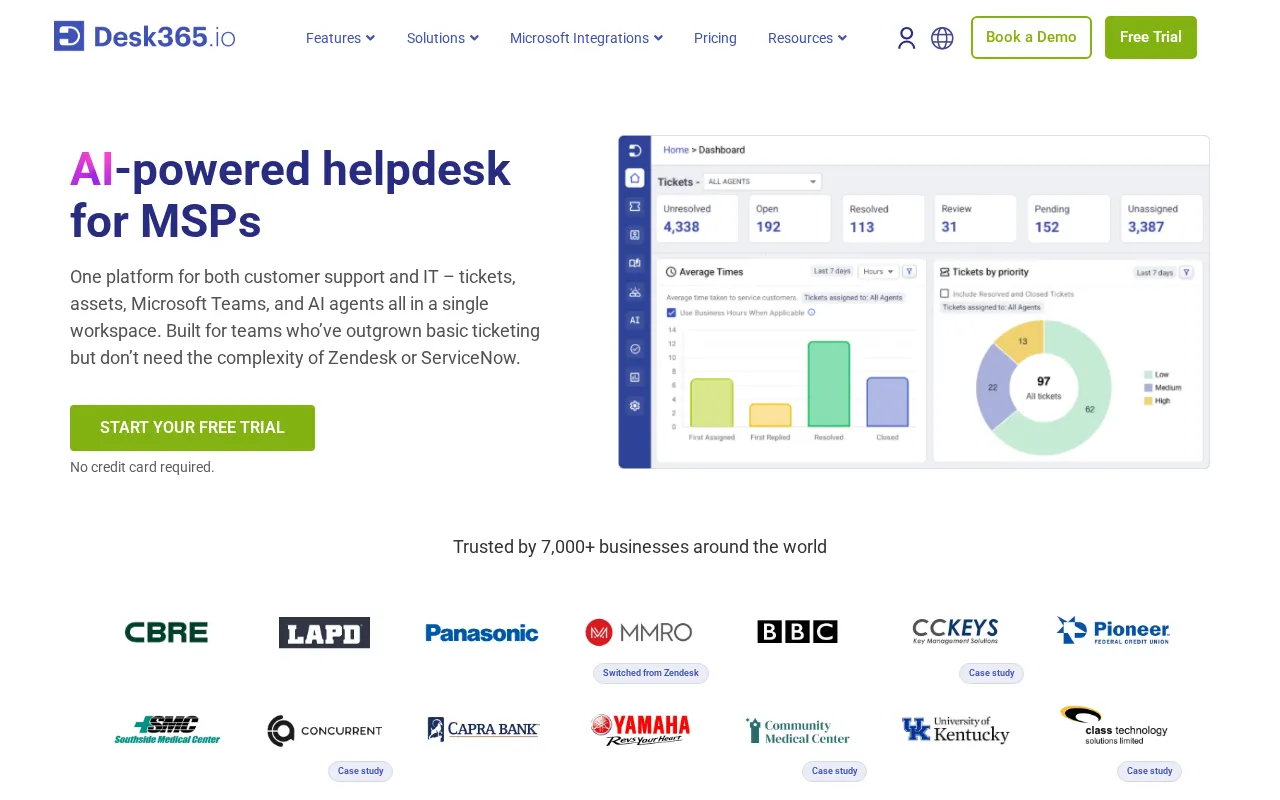
Desk365 homepage, November 2026

Desk365 is a help desk and IT service desk from Kani Technologies, built around Microsoft 365. Tickets come in by email, Microsoft Teams, a support portal, a web form and a web widget, and its AI agent add-on answers on the website, the portal and Teams.

Best for
Small and mid-sized teams on Microsoft 365, often internal IT, that want tickets, assets and an AI agent inside Microsoft Teams at a low price per agent.
How it bills
Standard is $12 an agent a month on annual billing ($16 monthly), Plus $22 ($28) and Premium $32 ($39). The AI agent comes with Plus and Premium, which include 100 and 200 credits a month, and more cost $50 per 1,000, never expiring. A message uses up to 5 credits.
Free plan
Yes: 50 tickets a month, with a 21-day trial and no card
3 people, 300 AI replies
$166 a month: 3 Plus agents at $22 on annual billing, plus 2 AI agent credit packs of 1,000 at $50, for 300 AI replies at the 5 credits a message can use at most, after Plus’s 100 free credits a month. Standard, at $12, has no AI agent.

Pros

  • Microsoft Teams is a full channel: employees raise and follow tickets with the “Support Bot”, agents answer from the “Agent Bot”, and the AI agent answers in Teams too.
  • Low agent prices, from $12 on annual billing, and a free plan for 50 tickets a month with no end date.
  • IT tools sit beside the tickets: change approvals from Plus, and asset management with Microsoft Intune sync on Premium.
  • An AI agent message uses at most 5 credits, and credits you buy never expire.

Cons

  • No live chat with your team: the web widget takes tickets, and only the AI agent chats, handing off by creating a ticket.
  • Standard has no AI agent. It starts on Plus, $22 an agent on annual billing, with 100 credits a month and $50 per 1,000 after that.
  • No WhatsApp, voice or social channels, and no Shopify or Stripe integration.
  • No MCP server: AI reaches Desk365 through Microsoft tools, a Copilot Studio connector that lists and creates tickets and a Microsoft 365 Copilot plugin.

Already on Desk365? See the best Desk365 alternatives.
Freshdesk

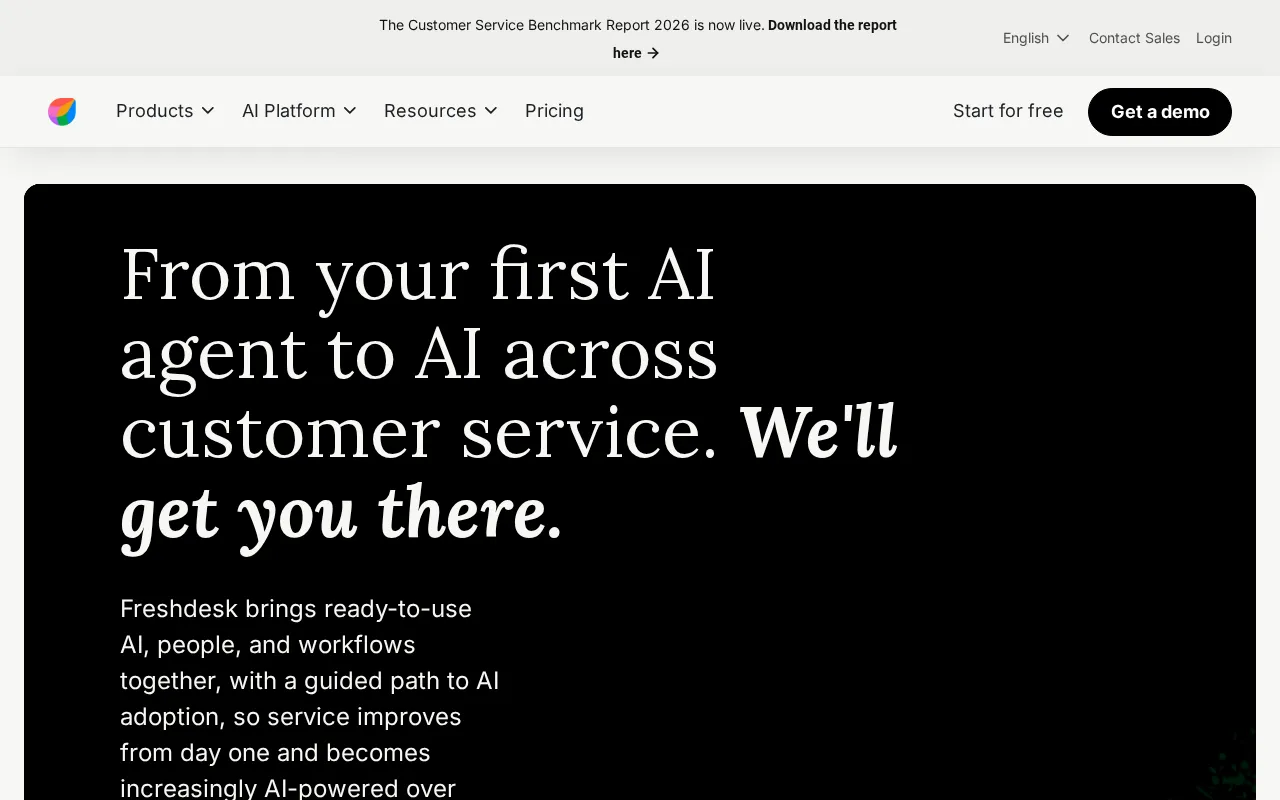
Freshdesk homepage, November 2026

Freshdesk is Freshworks’ help desk: email ticketing with a customer portal and knowledge base, with Freshdesk Omni adding chat, phone and messaging. Its Freddy AI agent answers customers and is billed per session.

Best for
Teams that want a full ticketing help desk with SLAs, routing and a knowledge base, and chat and messaging for less per agent than Zendesk’s Suite Team.
How it bills
Per agent on annual billing: Growth is $19, Pro $55 and Enterprise $89 a month, or $29, $79 and $119 on Freshdesk Omni with chat and messaging. Freddy AI agent sessions cost $49 per 100 after 500 free ones, once per account. Voice is $15 to $69 more an agent, and MCP actions $15 per 1,000.
Free plan
No, 14-day trial
3 people, 300 AI replies
$204 a month: 3 Growth agents at $19 on annual billing, plus 3 packs of 100 AI sessions at $49, on email only.

Pros

  • SLA policies, custom dashboards, skill-based routing and audit logs come on its higher plans, with skill-based routing at $89 an agent where Zendesk asks $115.
  • Freshdesk Omni adds chat, phone, WhatsApp, Messenger, Instagram and Line to the same tickets.
  • Day passes from $2 let occasional helpers answer without a full seat.
  • Its official MCP server can reply, add notes, update tickets and write knowledge base articles.

Cons

  • List prices rose early in 2026, from $15 to $19 an agent on Growth, and the free plan is gone.
  • Freddy AI agent costs 49 cents a session after the first 500, which never come back.
  • Every MCP call counts as an action, and Growth includes only 1,200 a year.
  • Fees are non-refundable, and a cancellation only takes effect at the end of your term.

Already on Freshdesk? See the best Freshdesk alternatives.

Pick Desk365 if

  • Your colleagues already spend the day in Microsoft Teams, and their requests should start and be tracked there.
  • You keep laptops on file beside the tickets, and Intune sync on Premium, $32 a seat, saves doing it by hand.
  • Records you handle include health or personal data that has to be encrypted and redacted, which Premium does.
  • A $12 seat with email, Teams and portal tickets, SLA reminders and a knowledge base covers what you need today.
  • You run a personal project or work alone, and under 50 tickets a month fits the free plan with no end date.

Pick Freshdesk if

  • Customers expect to chat with a person, or to message you on WhatsApp, Instagram, Messenger or Line.
  • Freddy should start answering customer email on the cheapest plan, without a seat upgrade first.
  • Your own AI agent should assign tickets and publish help articles through an official MCP server.
  • You serve customers in several languages and want SLA policies and routing to match, which Pro adds at $55 an agent.
  • A few helpers pitch in on busy days only, and a day pass from $2 beats paying them a full seat.

When to consider Rinhelp instead

Rinhelp is for a small team answering customers by email and live chat that wants AI on every new conversation and one bill however many teammates join. Pro is $49 a month for the workspace with 5,000 AI replies, and Free covers 3 teammates. Rin, our built-in AI, answers from your help center and website and hands a conversation to your team when it can’t help, and your own AI agent works the inbox through MCP, where a Shopify or Stripe refund or cancellation waits for a teammate’s approval. Neither Rinhelp nor Desk365 suits a team that takes phone calls or answers WhatsApp or social messages: Freshdesk covers that through Omni and its voice add-on. If your tickets come from employees in Microsoft Teams, or you track assets and changes, pick Desk365, since Rinhelp works only by email and live chat.

Start free

Moving to Rinhelp

From Desk365

Desk365 tickets come over with every contact reply, agent reply, public note and private note, along with the live knowledge base articles, through Desk365’s v3 REST API. Plus and Premium allow 50 calls a minute, while Standard allows only 100 an hour, which turns a move of minutes into one of hours. See the full move from Desk365.

From Freshdesk

Freshdesk tickets, replies, private notes, canned responses and solution articles move to Rinhelp. Freshdesk’s ticket list only looks back 30 days and stops at 30,000 tickets, so your AI agent filters by updated_since and works in date slices. Freshdesk’s MCP server has been generally available since September 10, 2026, but it meters every call, so a full history goes faster and cheaper through the API. See the full move from Freshdesk.

Questions about Desk365 vs Freshdesk

Can customers chat live with a person on Desk365 or Freshdesk?

Not on Desk365. Its web widget takes tickets, and only the AI agent chats, handing off by opening a ticket your team answers later. Freshdesk has live chat once you move to Freshdesk Omni, $29 an agent on annual billing instead of $19 on Growth, which also brings WhatsApp, Messenger, Instagram and Line into the same tickets.

Can my own AI agent work inside either help desk?

In Freshdesk Standalone 2021 or Unified Omni 2026, through its official MCP server, which replies, adds notes, updates tickets and writes knowledge base articles, with each call using one of your plan’s MCP actions: 1,200 a year on Growth and 6,000 on Pro. Desk365 has no MCP server. Its AI hooks are Microsoft’s, a Copilot Studio connector that lists and creates tickets and a Microsoft 365 Copilot plugin, so replying or adding notes from your own AI agent means code against its REST API.

What happens to my plan when I cancel?

A Desk365 subscription cancelled in “Plan & Billing” keeps running to the end of the current billing cycle, and renewing it there undoes the cancellation. Freshdesk likewise ends service only when your term runs out, and keeps the fees you have paid, since they are non-refundable.

Can I keep using either one without paying?

Desk365, yes, within limits: after a 21-day trial with no card, an account that hasn’t bought a plan moves to the free plan, which handles 50 tickets a month with no end date. Freshdesk no longer has a free plan, so once its 14-day trial ends you pick Growth, Pro or Enterprise.

How we checked

We compared Desk365 and Freshdesk using the facts we keep on each, checked against the vendor’s own pages on the date shown beside its sources. Rinhelp is in every table because it is our product and we wrote this page, so check each figure against the vendor’s own page before you decide.

Costs are list prices in US dollars for three team sizes, on the cheapest plan that covers them, counting each AI reply as one resolved conversation. Features count only when the vendor’s own pages say a plan includes them. The AI column counts actions an official MCP server from the vendor can take, out of 11, and leaves third-party connectors out.

Try Rinhelp next to Desk365 or Freshdesk.

Start free with up to 3 teammates and 50 AI replies.

Start free