Start free

JivoChat vs tawk.to (2026): pricing, AI and features

By , founder of Rinhelp, which appears in this comparison · Facts checked

The short answer

JivoChat suits a sales team whose customers write on WhatsApp, Telegram, Instagram or Viber and sometimes call, and which will pay for each seat to keep every messenger and phone line in one app. tawk.to suits a team that wants website chat, tickets and a knowledge base free for any number of teammates, and pays nothing until its AI goes past 100 free credits a month, about 33 replies. When AI sends 1,000 replies a month, five teammates pay $209 or more on JivoChat, 5 Basic seats plus the AI agent module on annual billing, and $82.50 on tawk.to, where seats are free and AI Assist Business costs $990 a year.

See Rinhelp on your own site. Enter your website and Rin builds your help desk from it: a chat widget, a help center and an inbox.

Free. No sign-up to look. Ready in a minute or two.

Is your help center somewhere else?

Rin will read . If your help articles or docs live at another address, like help. or a Notion page, Rin can read those too.

Where is your help center?

Rin reads it along with and turns it into your help center.

JivoChat vs tawk.to at a glance

ToolBest forHow it billsFree plan3 people, 300 AI replies
JivoChatSmall sales teams that talk to customers mostly on WhatsApp, Instagram and Telegram, and want every messenger in one app.Per agent, plus paid modulesYes: 5 agents online at once, or 2 by its comparison table’s agent row, and 2 months of chat history$153 or more
tawk.toSmall businesses that want website chat for any number of agents at no cost, and don’t mind the tawk.to badge.Free, plus add-ons per websiteYes: unlimited agents and chats, about 33 AI replies a month$24
RinhelpSmall teams that want AI on every conversation at one flat price, and want their own AI agents working in the inbox.One price per workspaceYes: 3 teammates, 50 AI replies to try Rin$49

Key differences

JivoChat charges for every seat, tawk.to for none

On JivoChat, each license covers 1 teammate signed in at a time: Basic is $28 a seat a month on annual billing or $40 month to month, Professional $42 and Enterprise $56. Its free plan stops at 5 teammates online at once by the comparison table’s header, or 2 by its agent row, and keeps chats for 2 months. tawk.to gives chat, ticketing and its knowledge base to any number of teammates at no cost, and earns from add-ons instead.

A $69 AI module against credits spent per reply

JivoChat’s AI agent is a module at $69 a month on annual billing, and its pricing page sets no conversation limit, though it prices the module “per agent”, which could mean each teammate. tawk.to’s AI Assist gives 100 free credits a month, then sells 1,000, 5,000 or 20,000 for $29, $99 or $399 a month, and a reply on the default Auto model spends 3. When the credits are gone, AI Assist stops joining new conversations until you buy extra credits at $30 per 1,000 or move to a bigger plan.

JivoChat supports more messengers and puts your team on the phone

JivoChat brings WhatsApp, Instagram, Facebook, Telegram, Viber and Apple Business Chat into one app with website chat, email and calls, and its free plan already keeps Telegram, Facebook, Instagram and Viber. WhatsApp is a $27-a-month module on annual billing, and Professional adds Telephony Plus with an IVR menu. tawk.to lists WhatsApp, Messenger, SMS through Twilio and email in one inbox, and its phone offer is AI: voice agents from $49 a month plus usage answer calls and pass them warm to a person.

tawk.to’s AI answers from a free knowledge base, and its Shopify tab refunds

AI Assist learns from the knowledge base tawk.to hosts for free, and its answers change when you edit an article. During a chat, tawk.to’s Shopify app shows orders in a tab where teammates refund or cancel them. JivoChat’s AI agent sets itself up by scanning your website, learns from up to 5 uploaded files, and hands a chat to a person by the rules you write.

Hiding the logo: a higher plan on JivoChat, a per-site fee on tawk.to

JivoChat lets you hide its logo and export chats only on Professional or Enterprise, and every plan covers unlimited websites. tawk.to keeps its “Powered by tawk.to” badge until you buy white label, at $39 a month or $348 a year for each website, and all its add-ons bill per website, so a second site pays again.

Pricing at three sizes

What each tool costs a month in US dollars, with AI answering, and how each total adds up. Each AI reply counts as one resolved conversation.

Tool3 people, 300 AI replies5 people, 1,000 AI replies10 people, 3,000 AI replies
JivoChat$153 or moreBasic at $28 a seat on annual billing for 3 teammates, plus 1 AI agent at $69 a month on annual billing, which the pricing page sets no conversation limit for. The page prices it “per agent”, so it costs more if that means each teammate.$209 or moreBasic at $28 a seat on annual billing for 5 teammates, plus 1 AI agent at $69 a month on annual billing.$349 or moreBasic at $28 a seat on annual billing for 10 teammates, plus 1 AI agent at $69 a month on annual billing.
tawk.to$24AI Assist Growth at $290 a year, whose 1,000 monthly credits cover 300 replies at 3 credits each on the Auto model. Seats are free.$83AI Assist Business at $990 a year, whose 5,000 monthly credits cover 1,000 replies at 3 credits each.$203AI Assist Business at $990 a year plus 4,000 extra credits at $30 per 1,000, for 3,000 replies at 3 credits each.
Rinhelp$49Pro for the whole workspace, using 300 of its 5,000 AI replies; Free covers your team if you don’t need AI replies.$49Pro for the whole workspace, using 1,000 of its 5,000 AI replies.$49Pro for the whole workspace, using 3,000 of its 5,000 AI replies.

Features compared

A check means the vendor’s own pages say a plan includes it.

ToolEmailLive chatWhatsAppVoiceHelp centerAI that answers customersShopifyStripeFree planSignup without a sales call
JivoChat
tawk.to
Rinhelp

What your AI can do in each tool

Connect Claude, ChatGPT or your own AI agent through the vendor’s official MCP server, and this is what it can do of 11 everyday actions: search and read conversations, reply to a customer, add an internal note, assign, close or reopen, search the help center, write or update an article, publish an article, create a saved reply, look up an order, refund or cancel.

ToolThrough official MCPWhat it can doMoney moves wait for a teammate
JivoChat0 of 11No official MCP server, or nothing from this listNo refunds or cancellations through MCP
tawk.to0 of 11No official MCP server, or nothing from this listNo refunds or cancellations through MCP
Rinhelp11 of 11Search and read conversations, reply to a customer, add an internal note, assign, close or reopen, search the help center, write or update an article, publish an article, create a saved reply, look up an order, refund or cancelYes, a teammate approves first

More on each MCP server, and connectors from other companies, which don’t count:

  • tawk.to: tawk.to has no MCP server of its own. Its AI agents can call MCP servers you connect, and third parties sell MCP wrappers around its API.

JivoChat

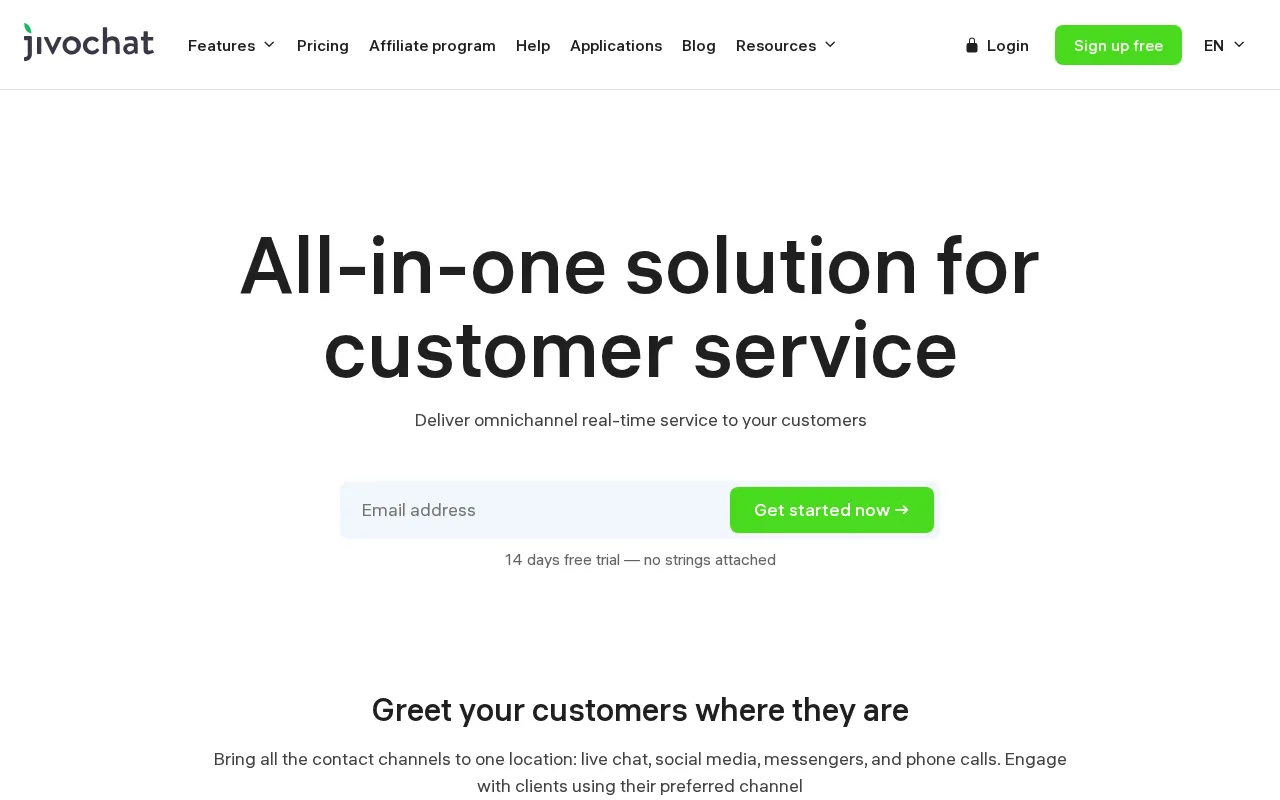
JivoChat homepage, November 2026

JivoChat is live chat software that brings website chat, WhatsApp, Instagram, Facebook, Telegram, Apple Business Chat, email and phone calls into one app for agents. Its AI agent, a paid module, answers from your website and uploaded files and hands a chat to a person when it should.

Best for
Small sales teams that talk to customers mostly on WhatsApp, Instagram and Telegram, and want every messenger in one app.
How it bills
Per agent a month on annual billing: Basic is $28, Professional $42 and Enterprise $56, and the calculator takes 30% off for a year and 10% for 3 months. Each license is 1 teammate signed in at a time. Modules cost extra on annual billing: the AI agent is $69 per agent a month, WhatsApp $27 a month, the AI assistant for replies $13, Jivo Marketing $6, and Telephony Plus $4. VAT is added at checkout.
Free plan
Yes: 5 agents online at once, or 2 by its comparison table’s agent row, and 2 months of chat history
3 people, 300 AI replies
$153 or more a month: Basic at $28 a seat on annual billing for 3 teammates, plus 1 AI agent at $69 a month on annual billing, which the pricing page sets no conversation limit for. The page prices it “per agent”, so it costs more if that means each teammate.

Pros

  • WhatsApp, Instagram, Facebook, Telegram, Viber and Apple Business Chat sit beside website chat in one app.
  • The free plan keeps Telegram, Facebook, Instagram and Viber, with callback requests and offline forms.
  • The AI agent builds its settings by scanning your website, learns from up to 5 uploaded files, and passes a chat to a person by rules you write.
  • Unlimited websites and conversations on every plan, with the chat widget in 25 languages.

Cons

  • The AI agent is a separate module at $69 a month on annual billing, on top of every teammate’s seat.
  • Hiding the JivoChat logo and exporting chats need Professional or Enterprise.
  • No official MCP server, and no API documented for reading past chats: the Chat API, on Enterprise only, brings new chats in.
  • Only a first payment is refunded, within 10 days and if unused past the trial, and cancelling ends access at once.

Already on JivoChat? See the best JivoChat alternatives.
tawk.to

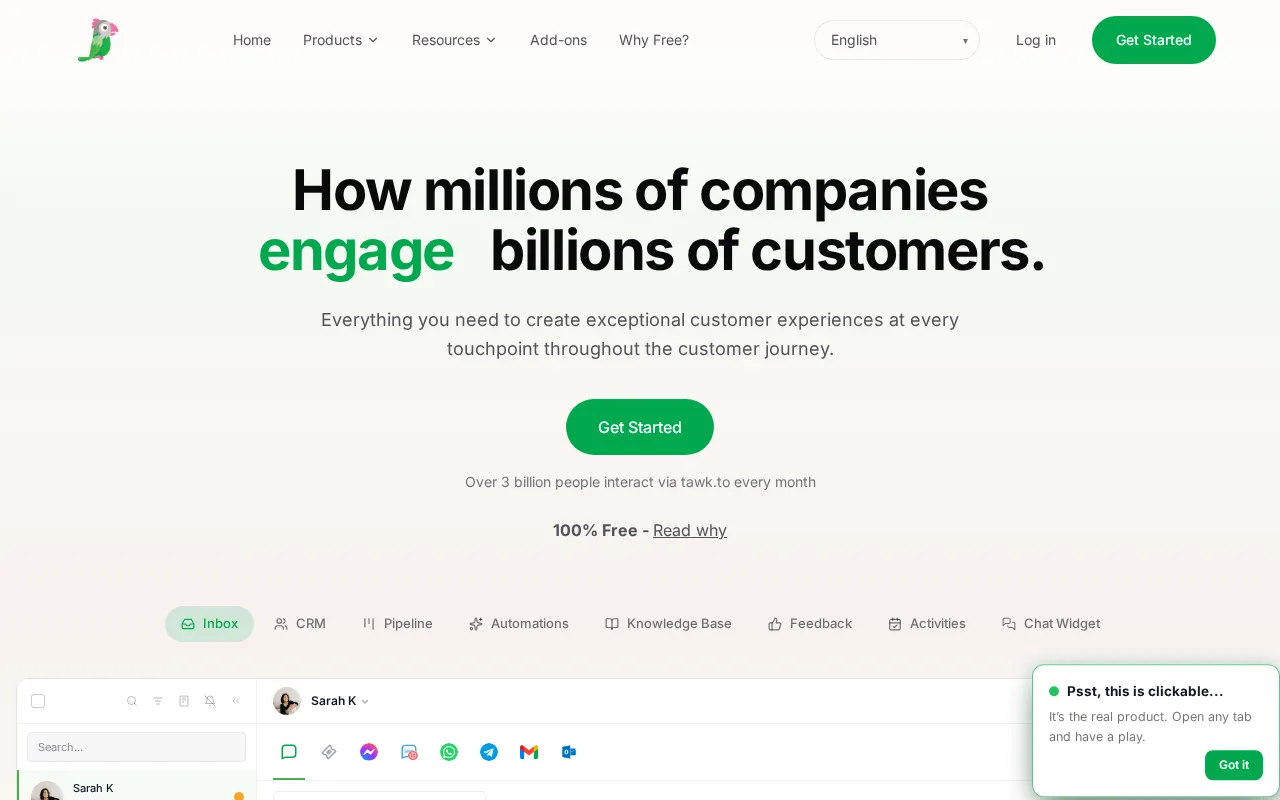
tawk.to homepage, November 2026

tawk.to is free live chat and ticketing software for websites, with a hosted knowledge base. It makes its money from paid add-ons, such as AI Assist, white label and hired chat agents, billed per website.

Best for
Small businesses that want website chat for any number of agents at no cost, and don’t mind the tawk.to badge.
How it bills
Chat, ticketing and the knowledge base are free for any number of agents. AI Assist is free for 100 credits a month, then $29, $99 or $399 a month ($290, $990 or $3,990 a year) for 1,000, 5,000 or 20,000 credits, and a reply on the default Auto model uses 3.
Free plan
Yes: unlimited agents and chats, about 33 AI replies a month
3 people, 300 AI replies
$24 a month: AI Assist Growth at $290 a year, whose 1,000 monthly credits cover 300 replies at 3 credits each on the Auto model. Seats are free.

Pros

  • Free for any number of agents, chats and websites, with ticketing and a hosted knowledge base.
  • WhatsApp, Messenger, SMS through Twilio and email share one inbox, and the AI answers on chat, WhatsApp, SMS and Messenger.
  • Its Shopify app adds a tab where agents check orders, refund and cancel during a chat.
  • Hired chat agents start at $1 an hour if you want someone else to answer.

Cons

  • AI Assist charges per reply, and once credits run out it stops joining new conversations.
  • The “Powered by tawk.to” badge stays unless you pay for white label, $39 a month or $348 a year for each website.
  • No official MCP server, and REST API access must be requested and approved first.
  • Add-ons are billed per website, so each extra site pays again.

Already on tawk.to? See the best tawk.to alternatives.

Pick JivoChat if

  • Customers find you on Telegram, Viber or Apple Business Chat as well as WhatsApp and Instagram.
  • Your team answers phone calls with an IVR menu, or video calls, a module included on Enterprise and $23 a seat a month elsewhere, from the same app as chat.
  • Your AI handles a lot of chats, and a $69 module with no published conversation limit beats counting credits.
  • You run several websites and want one plan to cover them all, where tawk.to bills each add-on per site.
  • You invite visitors into a chat and watch who is browsing right now, which Basic includes.

Pick tawk.to if

  • You want any number of teammates on chat and tickets without paying for a single seat.
  • Your AI sends only a few dozen replies a month, which the 100 free credits cover at about 33.
  • You want a hosted knowledge base for customers, and an AI that answers from it, at no cost.
  • Your store runs on Shopify and teammates should refund or cancel an order without leaving the chat.
  • You would rather pay people tawk.to finds to answer your website’s chats, from $1 an hour.

When to consider Rinhelp instead

Consider Rinhelp if 2 to 10 people answer email and website chat, and you’d like AI to answer each conversation without paying for each teammate’s seat, as on JivoChat, or watching a credit balance, as on tawk.to. Pro is $49 a month for the whole workspace with 5,000 AI replies from Rin, our built-in AI, a help center included, and Free covers up to 3 teammates. Your own AI agent can reply, assign and close through an official MCP server, which neither JivoChat nor tawk.to offers, and anything that moves money or can’t be undone waits for a teammate’s approval. Look elsewhere if your customers write on WhatsApp, Telegram or Instagram or call you: JivoChat covers those messengers and calls. If a person answers every chat and you need no AI at all, tawk.to costs nothing for the whole team.

Start free

Moving to Rinhelp

From tawk.to

tawk.to chats, tickets and knowledge base articles can move through its REST API, but that API isn’t self-serve. Ask tawk.to for access before you pick a switch date, since credentials only arrive once it approves you. See the full move from tawk.to.

Questions about JivoChat vs tawk.to

Is tawk.to really free?

The chat, ticketing and knowledge base are, for any number of teammates, chats and websites. You pay once AI Assist needs more than its 100 free credits a month, or for add-ons such as white label, voice agents or Data Enrichment from $59 a month, each billed for one website.

Which free plan goes further, JivoChat’s or tawk.to’s?

For a team that only chats on its website, tawk.to’s: it caps neither teammates nor chats. JivoChat Free allows 5 teammates online at once by its comparison table’s header, or 2 by its agent row, and keeps 2 months of history. It does connect Telegram, Facebook, Instagram and Viber and offers callback requests, which matters if customers write there.

Can my own AI agent work in JivoChat or tawk.to?

Not through an official MCP server: neither has one. tawk.to’s REST API opens only after it approves your request, and its own AI agents can call MCP servers you connect. JivoChat documents no API for reading past chats, and its Chat API, on Enterprise, only brings new chats in.

How hard is it to leave either one?

On JivoChat, exporting chats needs Professional or Enterprise, only a first payment is refunded within 10 days, and cancelling cuts access at once. On tawk.to, an admin exports chats from the Inbox 50 at a time, and a larger history needs the REST API, after tawk.to approves access.

How we checked

We compared JivoChat and tawk.to using the facts we keep on each, checked against the vendor’s own pages on the date shown beside its sources. Rinhelp is in every table because it is our product and we wrote this page, so check each figure against the vendor’s own page before you decide.

Costs are list prices in US dollars for three team sizes, on the cheapest plan that covers them, counting each AI reply as one resolved conversation. Features count only when the vendor’s own pages say a plan includes them. The AI column counts actions an official MCP server from the vendor can take, out of 11, and leaves third-party connectors out.

Try Rinhelp next to JivoChat or tawk.to.

Start free with up to 3 teammates and 50 AI replies.

Start free