Start free

11 best Yuma AI alternatives (2026)

By , founder of Rinhelp · Facts checked

The short answer

The best Yuma AI alternatives are Rinhelp, for a store that wants its help desk and AI in one tool at $49 a month, and Gorgias, Zendesk AI or Fin for a brand that wants an AI resolving tickets without a year paid upfront. Yuma AI is built for big ecommerce queues: its smallest published plan is $14,400 a year for 12,000 resolutions, on top of the help desk it works in. A brand that size, or one that takes many phone calls, is better served by Yuma AI itself, Decagon or Sierra than by Rinhelp, which answers email and live chat only. Below that size, Rinhelp is free for 3 teammates, and Pro covers 5,000 AI replies for the whole team. Siena AI is the closest like-for-like swap at a listed monthly fee, Richpanel suits a store whose AI should change orders with approvals, Manifest AI one that wants the vendor’s team to build its agent, eesel AI a monthly AI inside your current help desk, and Fini a fintech or other regulated team that pays per resolution.

See Rinhelp on your own site. Enter your website and Rin builds your help desk from it: a chat widget, a help center and an inbox.

Free. No sign-up to look. Ready in a minute or two.

Is your help center somewhere else?

Rin will read . If your help articles or docs live at another address, like help. or a Notion page, Rin can read those too.

Where is your help center?

Rin reads it along with and turns it into your help center.

Yuma AI alternatives at a glance

ToolBest forHow it billsFree plan3 people, 300 AI replies
RinhelpStores answering a few hundred to about a thousand emails and chats a month, below the 12,000 resolutions a year in Yuma’s smallest bundle, that want AI without a sales call.One price per workspaceYes: 3 teammates, 50 AI replies to try Rin$49
Siena AIConsumer brands with a heavy load of order, return and subscription questions that want Siena’s team to set the AI up, and can pay a monthly platform fee before the first automated ticket.Platform fee plus each automated ticketNo, any trial is set in your quote$1,020 or more
GorgiasShopify brands with a large team that answer on email, chat, SMS, WhatsApp, social and phone from one inbox.Per ticket, plus each AI interactionNo, 7-day trial$320 or more
Zendesk AITeams settled on Zendesk that want an AI answering inside it, beside the tickets, triggers and reports they already run.Per automated resolution, on top of Zendesk seatsNo, 14-day trial$428 or more
FinTeams with a large queue on Zendesk, Salesforce, HubSpot or Freshdesk that want a strong AI answering customers without changing help desks.Per outcome, $49 a month minimumNo, 14-day trial$297 or more
RichpanelEcommerce brands with a support team that want AI to change orders and subscriptions across many channels.Per seat, plus metered AI creditsNo, demo only$497 or more
Manifest AIOnline stores that want one AI to sell and support on chat, WhatsApp and Instagram, with the vendor’s team building the agents.Per AI reply, $500 a month minimumNo, 30-day free trial$500
eesel AITeams keeping Zendesk, Freshdesk, Intercom or another help desk that want an AI to draft or send replies there, with each action set to run, ask first or stay off.Monthly credits, from $299No, 7-day trial with 100 credits$299 or more
FiniFintech, banking, insurance and healthcare teams with a high volume of conversations that want an AI resolving tickets inside the help desk they already use.Per resolution, plan price through salesNo, a 90-day free pilot on Enterprise onlyQuote only
DecagonEnterprises with a high-volume queue across chat, email and phone, and a support operations team to build and test the AI with Decagon’s engineers.Quoted by sales, per conversation or resolutionNo, buying starts with a demoQuote only
SierraLarge brands with a contact center, many systems to connect, and a team ready to build and tune an AI agent with Sierra’s own deployment team over several weeks.Quoted by sales, per outcomeNo, buying starts with Sierra’s teamQuote only
Yuma AI, for comparisonEcommerce brands on Gorgias, Zendesk or Kustomer with thousands of order, return and subscription tickets a month, and the budget for a yearly contract.Per full resolution, on a 12-month commitmentNo, a free 30-day trial on your live tickets$1,200 or more

1. Rinhelp

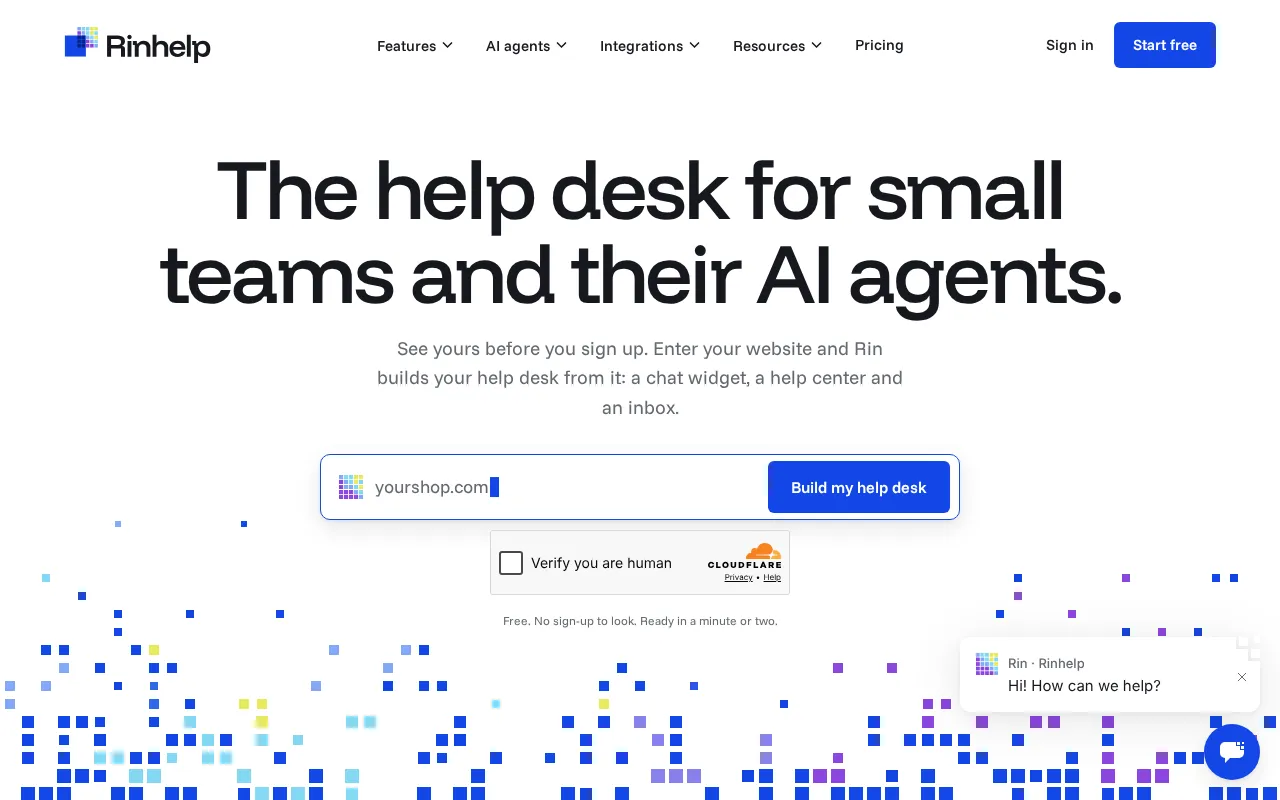
Rinhelp homepage, November 2026

Yuma AI sits on top of a help desk, sells a year of resolutions upfront and pauses when they run out. Rinhelp is the help desk itself, with email, live chat and a help center, and Rin, our built-in AI, answers each new conversation first. Pro is $49 a month for the whole team with 5,000 AI replies, more come in packs of 5,000 for $49, and you set Rin up yourself from your help center and website.

Best for
Stores answering a few hundred to about a thousand emails and chats a month, below the 12,000 resolutions a year in Yuma’s smallest bundle, that want AI without a sales call.
How it bills
Free for up to 3 teammates. Pro is $49 a month for the whole workspace, with 5,000 AI replies from Rin. No per-seat or per-resolution fees.
Free plan
Yes: 3 teammates, 50 AI replies to try Rin
3 people, 300 AI replies
$49 a month: Pro for the whole workspace, using 300 of its 5,000 AI replies; Free covers your team if you don’t need AI replies.

Pros

  • $49 a month covers the workspace and 5,000 AI replies, where Yuma’s Starter is $14,400 a year paid upfront.
  • The help desk and the AI are one tool, so there are no Gorgias or Zendesk seats to pay on top.
  • Shopify orders and Stripe payments show beside each conversation, and a refund or cancellation an AI agent asks for waits for a teammate to approve it.
  • Claude, ChatGPT or your own agent can reply, assign, close and publish articles through MCP, where Yuma’s MCP server tunes its Handbook.

Cons

  • Email and live chat only: there is no phone, WhatsApp, SMS or social inbox.
  • Shopify and Stripe are the only integrations.
  • No reports, SLA rules or routing rules: Rin hands a conversation to the teammate with the fewest open ones.
  • The free plan has no Rin beyond 50 AI replies to try it.
Start free

2. Siena AI

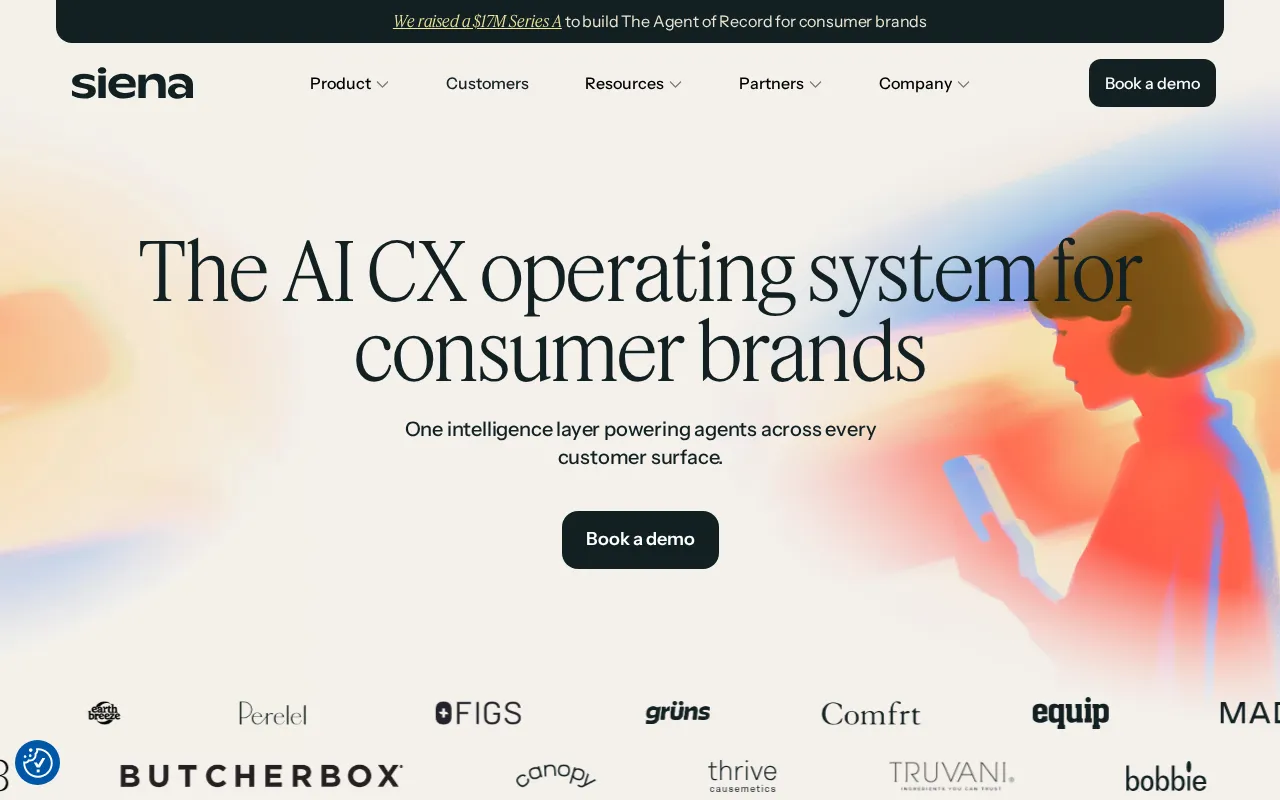
Siena AI homepage, November 2026

Siena AI is an AI agent platform for consumer brands that answers customers on email, chat, SMS, WhatsApp, social media and voice, and takes the action in Shopify, Stripe, Recharge or Loop Returns. It sits on top of a help desk such as Zendesk, Gorgias, Kustomer or Gladly, and adds shopping, social, review and QA agents.

Best for
Consumer brands with a heavy load of order, return and subscription questions that want Siena’s team to set the AI up, and can pay a monthly platform fee before the first automated ticket.
How it bills
Siena lists a platform fee of $750 a month for its AI engine and an unlimited sandbox, plus $0.90 per automated ticket. Onboarding and dedicated Slack support come with no listed price, and the final figure arrives after you fill in a form. It charges no seat fees, use past your contracted volume is billed later as overage, and fees are not refundable.
Free plan
No, any trial is set in your quote
3 people, 300 AI replies
$1,020 or more a month: $750 platform fee plus 300 automated tickets at $0.90. Siena confirms the price after a form, and a help desk it sits on, such as Zendesk, bills its own seats.

Pros

  • It answers on email, chat, SMS, WhatsApp, Instagram, Facebook, TikTok and voice, on top of Zendesk, Gorgias, Kustomer, Gladly, Intercom or Dixa, so it moves with you if you change help desks.
  • In Shopify it cancels orders, refunds, sends replacements and edits addresses mid-conversation, and in Stripe it cancels or resumes subscriptions and sends invoices.
  • Siena Docs, included in the plan, holds an internal wiki and a public help center on your own subdomain, and the Siena MCP lets Claude search, edit and publish its pages.
  • The same platform runs a shopping agent, a social media agent that replies to and moderates comments and DMs, review replies, and QA on every conversation.

Cons

  • The platform costs $750 a month before the first automated ticket, and each ticket adds $0.90.
  • No free plan and no self-serve signup: pricing comes after a form or a demo, and its implementation team does the setup.
  • Use past your contracted volume is invoiced afterwards as overage, and fees are not refundable.
  • Its published MCP tools work on Siena Docs pages. We found nothing showing your AI agent replying to or closing conversations through it.

Already on Siena AI? See the best Siena AI alternatives.

3. Gorgias

Gorgias homepage, November 2026

Gorgias is a help desk for ecommerce brands, built around Shopify, with an AI that answers shoppers and can cancel orders or edit addresses. It bills by tickets, not by agents.

Best for
Shopify brands with a large team that answer on email, chat, SMS, WhatsApp, social and phone from one inbox.
How it bills
By the ticket, never per agent: Starter is $10 a month for 50 tickets, and Basic $50 for 300, Pro $300 for 2,000 and Advanced $750 for 5,000 on annual billing ($60, $360 and $900 monthly). Gorgias AI Agent costs $0.90 per automated interaction on annual billing or $1.00 monthly, $1.50 past your tier, and each one also counts as a ticket.
Free plan
No, 7-day trial
3 people, 300 AI replies
$320 or more a month: Basic at $50 on annual billing for 300 tickets, plus 300 AI interactions at $0.90 with the AI limit raised to cover them, each also counted as a ticket and $1.50 past that limit.

Pros

  • Shopify orders, customers and products show inside every ticket, and Gorgias says 40% of Shopify brands use it.
  • Email, chat, SMS, WhatsApp, Instagram, Facebook and phone land in one inbox.
  • No seat price: Basic and above allow up to 500 users.
  • Its official MCP server lets Claude or ChatGPT reply, assign, close, write macros and publish help center articles on every Helpdesk plan.

Cons

  • A ticket the AI resolves on its own is billed twice, as a ticket and as an automated interaction.
  • Interactions past your AI tier cost $1.50 each, and tickets past your plan $0.36 to $0.40.
  • Cancelling takes written notice 30 days before the term ends, even on monthly billing, and fees aren’t refunded.
  • The MCP server is in open beta and has no tool to look up or refund an order.

Already on Gorgias? See the best Gorgias alternatives.

4. Zendesk AI

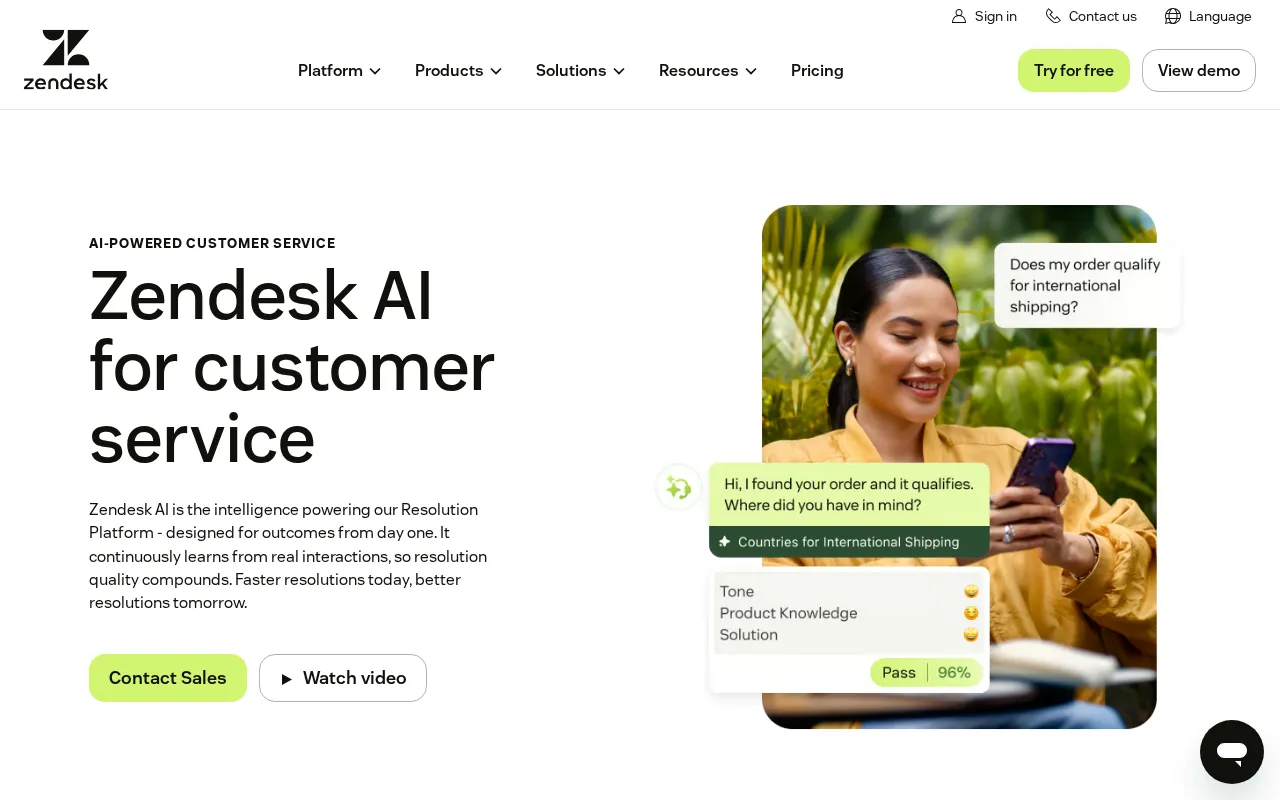
Zendesk AI homepage, November 2026

Zendesk AI is the AI built into Zendesk: AI agents that answer customers on messaging, email and voice, and Copilot, which helps your team. The AI agents come with a Zendesk plan and bill per automated resolution, while Forethought, which Zendesk bought, sells AI agents for other help desks through sales.

Best for
Teams settled on Zendesk that want an AI answering inside it, beside the tickets, triggers and reports they already run.
How it bills
AI agents come with every Zendesk plan, so each teammate needs a seat: $19 on Support Team or $55 on Suite Team, which adds messaging and voice, on annual billing. Each seat includes 5 automated resolutions a month on Team plans and 10 on Suite Professional, up to 10,000 a year, then each costs $1.50 committed or $2.00 pay as you go. Copilot is $50 more an agent.
Free plan
No, 14-day trial
3 people, 300 AI replies
$428 or more a month: 285 automated resolutions at $1.50 committed, past the 15 that 3 seats on a Team plan include. The seats come on top: $19 each on Support Team for email, or $55 on Suite Team for chat.

Pros

  • It answers inside the Zendesk you already run, so tickets, routing, triggers and reports stay where they are.
  • Escalations aren’t billed, and an LLM checks each conversation before it counts as a paid resolution.
  • AI agents answer from your help center, a web crawler or sources like Google Drive, on messaging, email and voice.
  • You can cap the bill by pausing AI agents at your limit, and through the MCP client they can use tools from Stripe’s and other MCP servers.

Cons

  • Zendesk’s own AI agents can’t be bought alone: every teammate needs a Zendesk seat, and resolutions come on top.
  • Accounts are moving to resolution tiers, paid from an allowance of $2 a seat a month on Team plans, up to $5,000 a year, and Zendesk gives tier prices through sales.
  • Each AI agent works on one kind of channel, and AI agents on Support Team need messaging for chat, which comes with Suite Team at $55 a seat.
  • AI agent tickets can’t be exported with Zendesk’s export tools, and it refunds no unused seats or time.

Already on Zendesk AI? See the best Zendesk AI alternatives.

5. Fin

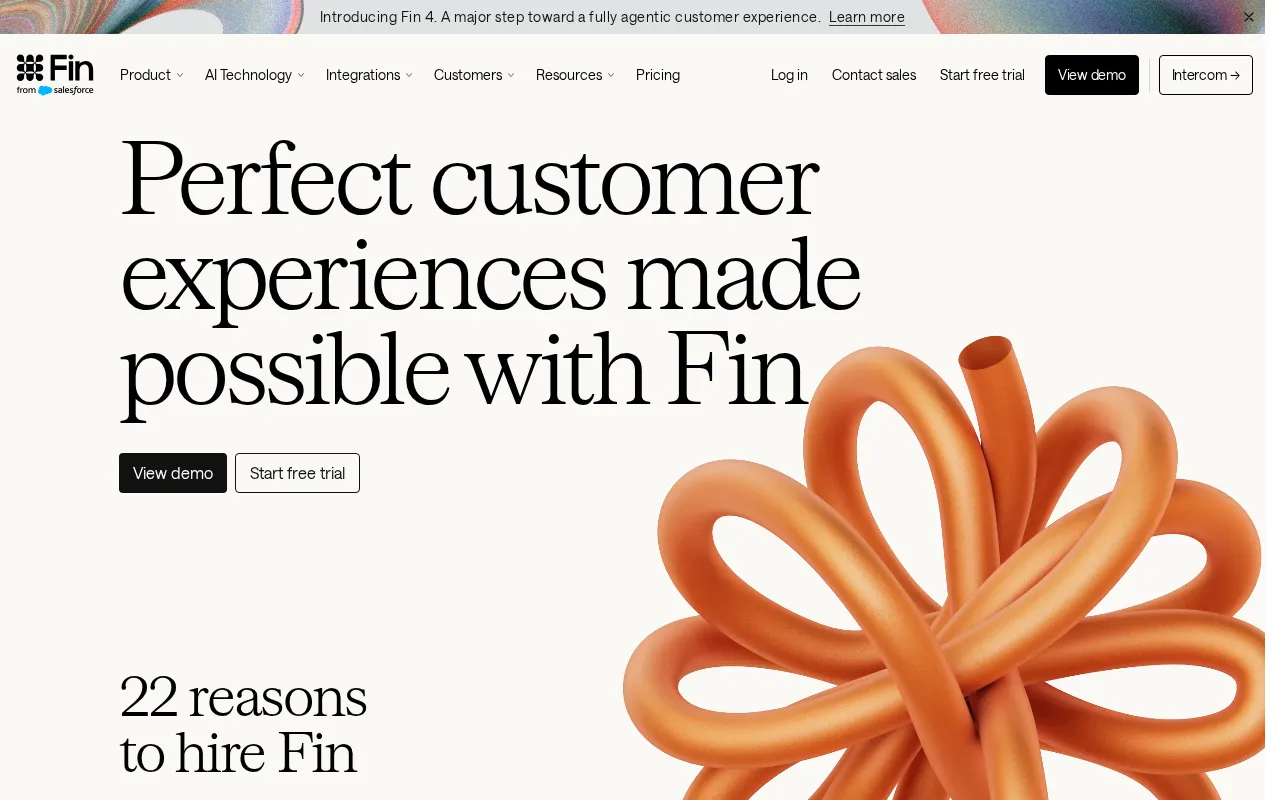
Fin homepage, November 2026

Fin is an AI that answers customers on chat, email, voice and social. It runs inside Intercom, or on top of a help desk you already use, such as Zendesk, Salesforce, HubSpot or Freshdesk, and hands your team what it can’t solve.

Best for
Teams with a large queue on Zendesk, Salesforce, HubSpot or Freshdesk that want a strong AI answering customers without changing help desks.
How it bills
A $49 base plan covers the first 50 outcomes a month, then each costs $0.99, charged at most once per conversation. Unused outcomes don’t carry over. Fin Voice is $1.99 a voice outcome through sales, and your help desk’s seats are billed separately.
Free plan
No, 14-day trial
3 people, 300 AI replies
$297 or more a month: 300 outcomes: $49 for the first 50, then 250 at $0.99. Your help desk’s seats come on top.

Pros

  • It works inside the help desk you already have, so your team keeps it as the system of record.
  • You pay at most once per conversation, and nothing when a customer asks for a person or a Procedure fails.
  • Procedures connect Fin to Stripe and Shopify, so it can check an order and refund it in the same conversation.
  • It answers on chat, email, voice, social and Slack, and on WhatsApp through Freshdesk, with spending limits you set.

Cons

  • Fin is an AI, not a help desk, so its outcomes come on top of your help desk’s seats.
  • An outcome counts when a customer stays silent for 24 hours after Fin’s answer, and when a Procedure ends in a handoff to your team.
  • A Procedure can refund on its own under a threshold you set, with no person approving it.
  • Buying Fin for another help desk starts with “Contact sales” on its pricing page.

Already on Fin? See the best Fin alternatives.

6. Richpanel

Richpanel homepage, November 2026

Richpanel is an AI help desk for ecommerce brands. One inbox takes email, chat, social, SMS, WhatsApp and phone, and its AI answers customers and acts on orders, returns and subscriptions.

Best for
Ecommerce brands with a support team that want AI to change orders and subscriptions across many channels.
How it bills
One plan with no tiers: $99 a seat a month on annual billing or $119 monthly, plus AI credits at $0.50 each annually or $0.60 monthly, with a $200 monthly AI minimum on annual billing ($240 monthly in Richpanel’s calculator). Richpanel puts a whole AI conversation at about $0.20, and one seat with the minimum starts at $299 a month.
Free plan
No, demo only
3 people, 300 AI replies
$497 or more a month: 3 seats at $99 on annual billing plus the $200 AI minimum, which more than covers 300 AI conversations at about $0.20.

Pros

  • Its AI changes addresses, swaps items, gives store credit and pauses subscriptions, while cancellations, refunds and discounts wait for approval by default.
  • Email, chat, SMS, WhatsApp, Instagram, Facebook, TikTok and phone share one inbox.
  • It connects to subscription and shipping apps such as Recharge, Subscribfy and ShipHero, not only Shopify.
  • A written guarantee: if AI doesn’t resolve half of eligible conversations in the first 30 days, you can claim that month’s subscription fee back.

Cons

  • One seat with the AI minimum starts at $299 a month on annual billing, and each extra seat is $99.
  • No free plan or trial: you book a demo first.
  • The developer API is only for Enterprise, and the MCP shares 60 requests a minute across your whole company.
  • Voice is still in beta and billed on usage.

Already on Richpanel? See the best Richpanel alternatives.

7. Manifest AI

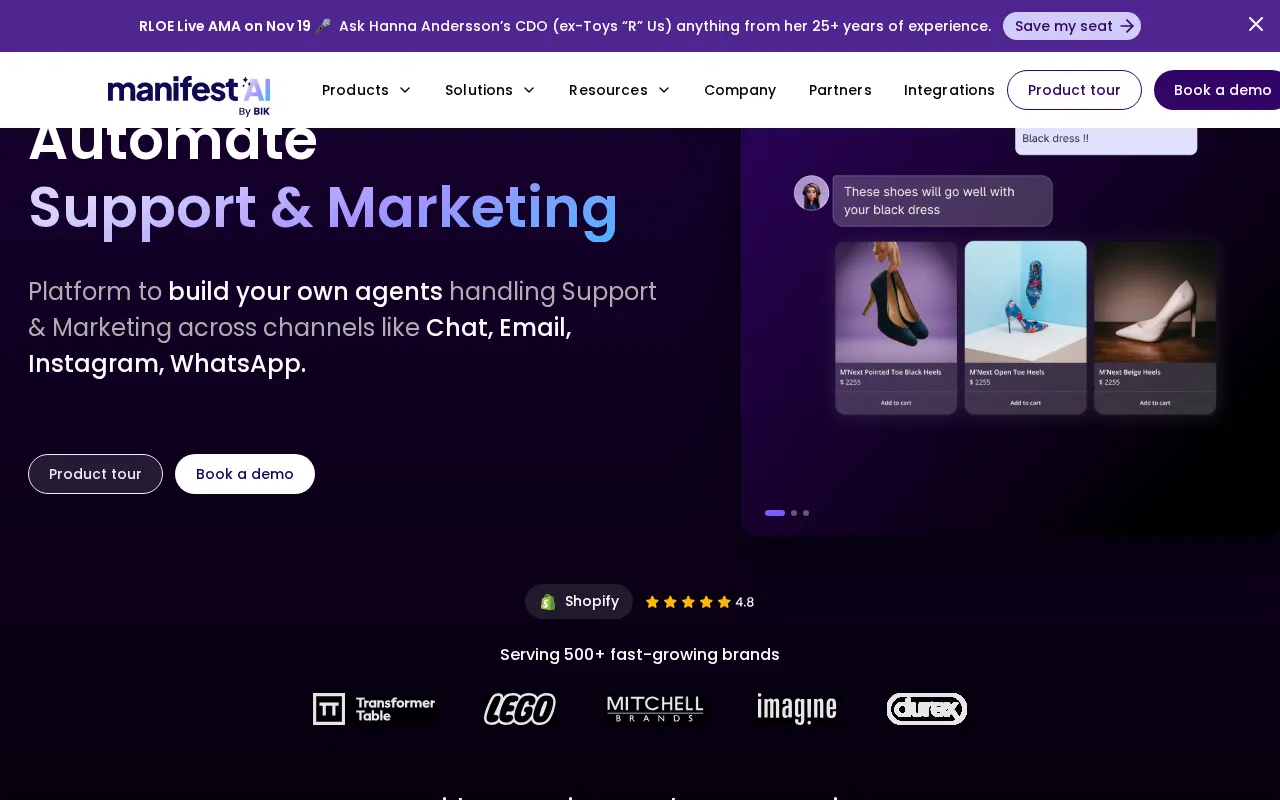
Manifest AI homepage, November 2026

Manifest AI is an AI agent platform from BIK that automates ecommerce support and marketing. One agent answers pre-sale questions, recommends products and resolves order status and returns on website chat, WhatsApp, Instagram, email and voice, and hands customers to its own help desk, Gorgias or Zendesk.

Best for
Online stores that want one AI to sell and support on chat, WhatsApp and Instagram, with the vendor’s team building the agents.
How it bills
Each AI reply is $0.05, with a minimum of 10,000 replies, $500, a month. Manifest AI puts an average conversation at 3 AI replies, about $0.15. An annual contract fixes one price for unlimited AI replies for 12 months. There are no seat or resolution fees, and the BIK help desk is free with it.
Free plan
No, 30-day free trial
3 people, 300 AI replies
$500 a month: About 900 AI replies at 3 a conversation, under the $500 monthly minimum, which buys 10,000 AI replies at $0.05 each.

Pros

  • One agent handles sales and support in the same conversation, from product questions to order status and returns.
  • It answers on website chat, WhatsApp, Instagram, email and voice calls, and runs on Shopify, WooCommerce and BigCommerce.
  • Its team builds your agents and automations for you, and it guarantees 80%+ automation within 30 days or your money back.
  • No seat fees, and the BIK help desk comes free with unlimited seats and tickets.

Cons

  • AI replies cost at least $500 a month, the price of 10,000 replies, however few you use.
  • Its site sends you to book a demo, and its Shopify app lists no price beyond a free trial.
  • Outbound calls, such as ringing a shopper about a stalled checkout, are still coming soon, behind a waitlist.

Already on Manifest AI? See the best Manifest AI alternatives.

8. eesel AI

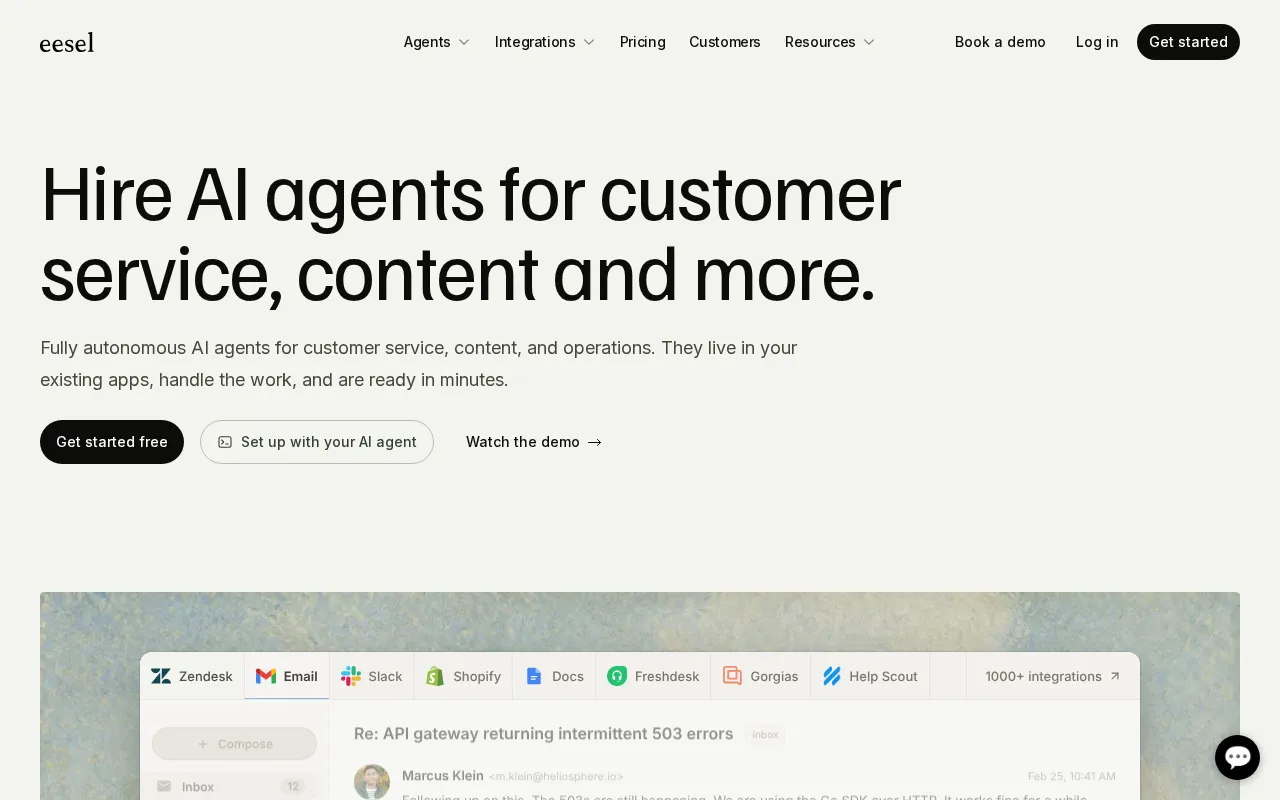
eesel AI homepage, November 2026

eesel AI is an AI agent that works inside the help desk you already use, such as Zendesk, Freshdesk, Intercom or Gorgias, and in your website chat, Slack and email. It drafts or sends replies from your help center, past tickets and documents.

Best for
Teams keeping Zendesk, Freshdesk, Intercom or another help desk that want an AI to draft or send replies there, with each action set to run, ask first or stay off.
How it bills
Teammate plans are monthly batches of credits: 500 for $299, 1,000 for $499 and 3,000 for $1,149, up to 5,000 for $1,749. A ticket or a chat is 1 credit however long it runs, and extra credits are $0.80 each up to a monthly cap you set, which starts at $200. Unused credits don’t roll over. Enterprise adds $1,000 a month, and priority support starts at $299 a month.
Free plan
No, 7-day trial with 100 credits
3 people, 300 AI replies
$299 or more a month: 300 tickets and chats fit the 500-credit plan at $299. The help desk eesel AI works in bills its seats on top.

Pros

  • It works inside the help desk you already use, so your tickets, macros and workflows stay where they are.
  • Each action, from a reply to a refund, can run on its own, wait for a person to approve it, or stay off.
  • A ticket is 1 credit however many replies go back and forth, with no seat fees and no limit on agents.
  • One agent covers Zendesk, Freshdesk, Intercom, Gorgias, HubSpot, Help Scout, Front and Salesforce, plus a website chat bubble, Slack and WhatsApp.

Cons

  • It isn’t a help desk: it works inside the one you keep, so that help desk stays on your bill.
  • A ticket that wakes the agent uses 1 credit even when the agent decides not to act.
  • The smallest plan is $299 a month for 500 credits, and unused credits reset each billing month.
  • Default support is eesel AI first, then a human within a few days. Same-day replies need priority support.

Already on eesel AI? See the best eesel AI alternatives.

9. Fini

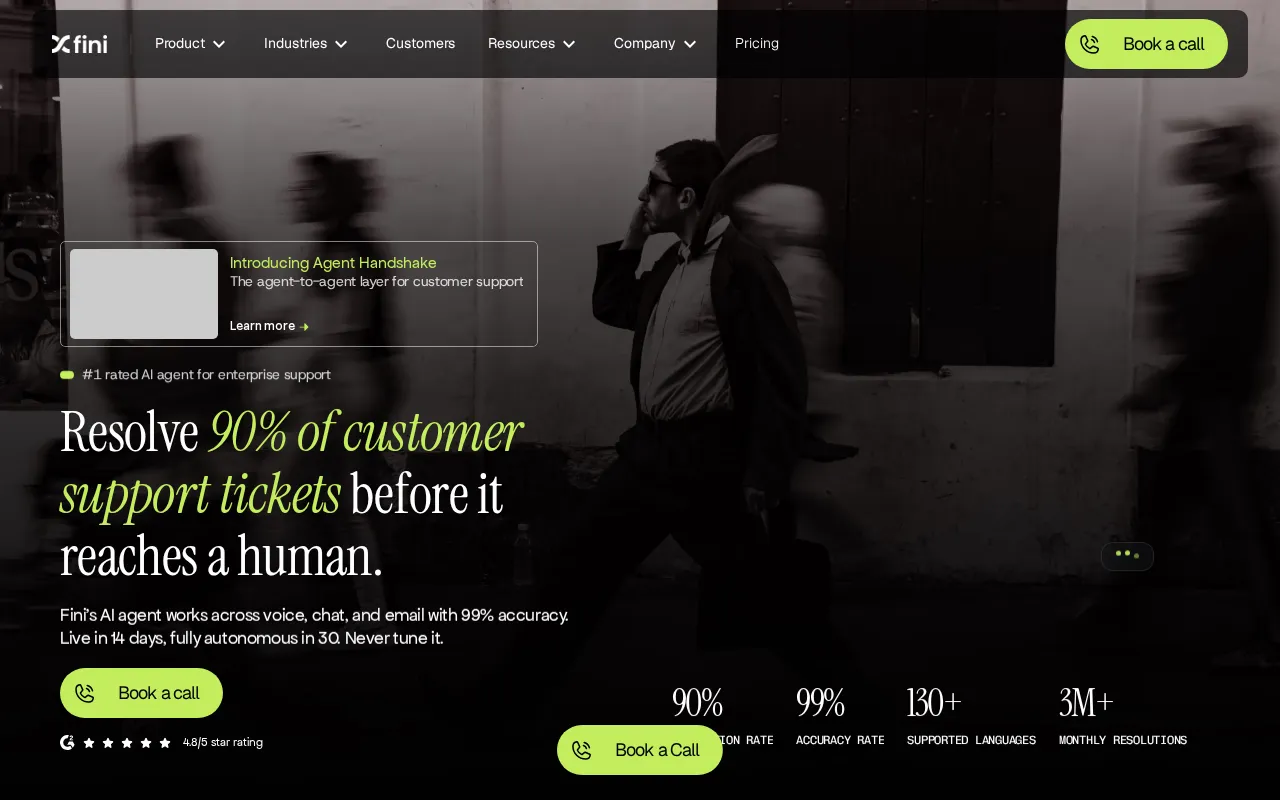
Fini homepage, November 2026

Fini is an AI agent for customer support that answers on chat, email and voice from approved knowledge and takes actions in your systems. It runs on top of a help desk you keep, such as Zendesk, Intercom, Salesforce or Gorgias. It’s made by Fini Technologies Inc. and isn’t fini.ai.

Best for
Fintech, banking, insurance and healthcare teams with a high volume of conversations that want an AI resolving tickets inside the help desk they already use.
How it bills
Each plan covers the platform, implementation and a monthly allowance of tickets, at a price Fini doesn’t publish. Past the allowance, a resolution costs $0.89 on Growth, $0.69 on Scale or $0.49 on Enterprise. There are no per-seat fees, and voice is billed per answered call.
Free plan
No, a 90-day free pilot on Enterprise only
3 people, 300 AI replies
Quote only: Growth covers up to 3,000 tickets a month at a price Fini quotes through sales, so 300 fit inside it.

Pros

  • It runs on top of Zendesk, Intercom, Front, HubSpot, Salesforce, Gorgias, LiveChat and Microsoft 365, so your tickets, queues and team stay where they are.
  • You pay only for resolutions: escalations, greetings, spam, abandoned sessions and conversations a teammate touched are never charged, and there are no per-seat fees.
  • Actions call your APIs mid-conversation, and Rulebook workflows run refunds, cancellations and identity checks the same way every time.
  • It answers in 130+ languages on chat, email and voice, and holds SOC 2 Type II, ISO 27001:2022 and PCI DSS Level 1.

Cons

  • The pricing page lists rates per resolution but no plan price, and the 90-day free pilot is for Enterprise only.
  • A conversation Fini solves is billed once the customer hasn’t replied for 72 hours, and Fini’s own status decides whether it was solved.
  • A refund under the auto-approve limit you set goes out with no person approving it.
  • The money-back guarantee is for new enterprise customers with 1M+ annual tickets.

Already on Fini? See the best Fini alternatives.

10. Decagon

Decagon homepage, November 2026

Decagon is an AI agent platform for large companies that answers customers on chat, email and voice. It works through the help desk or CRM you already run, such as Zendesk, Intercom or Salesforce, and escalates what it can’t solve to your team there.

Best for
Enterprises with a high-volume queue across chat, email and phone, and a support operations team to build and test the AI with Decagon’s engineers.
How it bills
Decagon publishes no prices. Its own pricing post describes two options: a fixed rate for every incoming conversation, or a higher one for each fully resolved conversation, with lower rates for bigger volumes or commitments. Buying starts with “Get a demo”, and the help desk it answers in bills separately.
Free plan
No, buying starts with a demo
3 people, 300 AI replies
Quote only: No published rate: 300 conversations are priced per conversation or per resolution through Decagon’s sales team, and your help desk’s seats come on top.

Pros

  • One AI answers on web chat, SMS, WhatsApp, email and phone, and its voice agent speaks 70+ languages.
  • Your support team writes the AI’s workflows in plain language, as procedures Decagon calls AOPs, then tests and A/B tests changes before rolling them out.
  • Pre-built connections reach Zendesk, Intercom, Salesforce, Gorgias, Kustomer and Gladly, plus Shopify and Stripe Billing for orders and subscriptions.
  • Decagon’s own team works alongside yours during rollout, as its case studies with Rippling and 1-800-Flowers.com describe.

Cons

  • No published price, no free plan and no trial: every path to buying starts with “Get a demo”.
  • It answers inside your help desk, so Decagon is a second bill beside that help desk’s seats.
  • Going live takes weeks: Duolingo was live a month after its first conversations with Decagon, which Decagon calls a quick implementation.
  • On per-conversation pricing, which Decagon says most customers choose, conversations the AI escalates to your team are billed too.

Already on Decagon? See the best Decagon alternatives.

11. Sierra

Sierra homepage, November 2026

Sierra is a conversational AI platform that large companies use to build their own branded AI agent for chat, SMS, WhatsApp, email, voice and ChatGPT. The agent connects to systems such as order management and CRM, and routes what it can’t handle to the company’s contact center with a summary.

Best for
Large brands with a contact center, many systems to connect, and a team ready to build and tune an AI agent with Sierra’s own deployment team over several weeks.
How it bills
Sierra lists no prices. It charges by outcome, such as a resolved conversation, a saved cancellation or a sale, against criteria agreed before launch, and says escalated conversations are usually free. Routing or greeter conversations can be billed per conversation instead, in a blended deal.
Free plan
No, buying starts with Sierra’s team
3 people, 300 AI replies
Quote only: Sierra prints no rate, so the outcomes in 300 conversations are priced in a deal with its team, and the contact center your people answer handoffs in costs extra.

Pros

  • One agent answers on chat, SMS, WhatsApp, email, voice and ChatGPT, and its voice agent speaks over 55 languages.
  • Support teams build without code in Sierra’s visual studio or by describing what they want to Ghostwriter, while developers can write journeys as code with its SDK.
  • You pay for outcomes, such as a resolved conversation or a saved cancellation, and escalations are usually not charged.
  • Its voice agent takes card payments during the call, and Sierra is listed in the Stripe App Marketplace.

Cons

  • No price, plan or trial on the site: every path leads to Sierra’s team.
  • Launch takes weeks: Sierra promises to deploy “in weeks”, and Airtable went live on chat after four.
  • Handoffs go to a contact center your team already runs, so that software is a second bill.
  • It is built for the largest companies, with 40% of the Fortune 50 as partners, and expects a team to keep improving the agent.

Already on Sierra? See the best Sierra alternatives.

Why people leave Yuma AI

A year paid upfront

Every plan carries a 12-month commitment, and the figures Yuma prints are annual prices paid upfront, from $14,400 for Starter. Buying any of them starts with “Book a demo”. Yuma AI pricing, .

The AI stops when the bundle runs out

On an annual plan there is no overage: usage simply pauses when you reach your bundle and resumes at renewal. Yuma AI pricing, .

A help desk to pay for as well

Yuma works inside the help desk you already use, such as Gorgias, Zendesk or Salesforce, and hands that help desk the tickets its Handbook doesn’t cover, so you keep paying for both. Yuma AI FAQ, .

Two price lists

Its Shopify App Store listing shows Small Merchant at $850 and Medium Merchant at $1,200 a month, each with a package of automated tickets, overage fees and a 14-day trial, while yuma.ai shows yearly bundles and a 30-day trial. Yuma AI on the Shopify App Store, .

Voice and social cost extra

Voice AI, Social AI and Sales AI are add-ons whose price depends on scope, and Sales AI runs on its own subscription. Yuma AI pricing, .

Refunds go out without a person

Yuma issues refunds within Hard Limits that cap the amount, with no teammate approving each one once a playbook is fully live. Yuma AI FAQ, .

What users say about Yuma AI

Yuma AI has no reviews on Trustpilot yet, checked 9 November 2026, so these themes come from reviews elsewhere. Read the reviews on Trustpilot

  • A hands-on account team. Many recent reviews praise the account team, three naming the same manager, for calls that clear up questions, add new processes and act on suggestions.
  • Accurate on the tickets it is built for. Reviewers credit Yuma building for specific use cases, such as order status, with keeping its answers accurate.
  • Automation builds up over months. Reviewers report rates well below the 89% on Yuma’s homepage: Tediber closes 30% of tickets without a person, and MESHKI reached 35% in under six months.

Features compared

A check means the vendor’s own pages say a plan includes it. Yuma AI is in the last row for comparison.

ToolEmailLive chatWhatsAppVoiceHelp centerAI that answers customersShopifyStripeFree planSignup without a sales call
Rinhelp
Siena AI
Gorgias
Zendesk AI
Fin
Richpanel
Manifest AI
eesel AI
Fini
Decagon
Sierra
Yuma AI

What your AI can do in each tool

Connect Claude, ChatGPT or your own AI agent through the vendor’s official MCP server, and this is what it can do of 11 everyday actions: search and read conversations, reply to a customer, add an internal note, assign, close or reopen, search the help center, write or update an article, publish an article, create a saved reply, look up an order, refund or cancel.

ToolThrough official MCPWhat it can doMoney moves wait for a teammate
Rinhelp11 of 11Search and read conversations, reply to a customer, add an internal note, assign, close or reopen, search the help center, write or update an article, publish an article, create a saved reply, look up an order, refund or cancelYes, a teammate approves first
Siena AI3 of 11Search the help center, write or update an article, publish an articleNo refunds or cancellations through MCP
Gorgias9 of 11Search and read conversations, reply to a customer, add an internal note, assign, close or reopen, search the help center, write or update an article, publish an article, create a saved replyNo refunds or cancellations through MCP
Zendesk AI0 of 11No official MCP server, or nothing from this listNo refunds or cancellations through MCP
Fin0 of 11No official MCP server, or nothing from this listNo refunds or cancellations through MCP
Richpanel5 of 11Search and read conversations, reply to a customer, add an internal note, assign, close or reopenNo refunds or cancellations through MCP
Manifest AI0 of 11No official MCP server, or nothing from this listNo refunds or cancellations through MCP
eesel AI0 of 11No official MCP server, or nothing from this listNo refunds or cancellations through MCP
Fini1 of 11Search and read conversationsNo refunds or cancellations through MCP
Decagon0 of 11No official MCP server, or nothing from this listNo refunds or cancellations through MCP
Sierra0 of 11No official MCP server, or nothing from this listNo refunds or cancellations through MCP
Yuma AI1 of 11Search and read conversationsNo refunds or cancellations through MCP

More on each MCP server, and connectors from other companies, which don’t count:

  • Siena AI: Siena says other tools and agents can draw on its customer context through MCP, but its pages describe tools only for Siena Docs.
  • Gorgias: The Gorgias MCP is in open beta. It can’t look up or refund an order, but its live tests of the AI run real order changes in your store.
  • Zendesk AI: Zendesk announced an MCP server for outside AI tools in May 2026, for early access that summer, and has published no docs for it. Its MCP client, generally available since August 10, 2026, works the other way, letting Zendesk’s AI agents call tools on other MCP servers.
  • Fin: Intercom’s MCP server reads Intercom data in US and EU workspaces. We found no official MCP server for Fin on another help desk.
  • Richpanel: Richpanel’s MCP page gives examples rather than a full tool list, and mentions no help center, order or refund tools.
  • eesel AI: Your eesel AI workspace is an MCP server for Claude, ChatGPT and other clients. Its tools chat with your eesel AI agent, read its activity and decide approvals. Tickets and articles aren’t reachable directly: the agent works on them when you ask it in chat.
  • Fini: Fini’s Claude plugin connects to its MCP server on a paid Claude plan. It reads agents, conversations and knowledge, and its write tools draft knowledge, prompt, rule and tag changes that wait for your approval.
  • Decagon: Decagon’s AI calls MCP servers your company runs to look up data and take actions. We found no official MCP server that lets Claude or ChatGPT work in Decagon itself.
  • Sierra: Sierra can publish your agent to ChatGPT as an app over MCP, so customers reach it there. We found no official MCP server that lets Claude or ChatGPT work in Sierra’s conversations for your team.
  • Yuma AI: Yuma’s MCP server brings Ask Yuma into Claude and ChatGPT: it pulls metrics, explains how a ticket was handled, and drafts changes to the Handbook and its tests for your team to publish. We found no tool in it that replies to a customer or acts on a ticket.

Pricing at three sizes

What each tool costs a month in US dollars, with AI answering, and how each total adds up. Each AI reply counts as one resolved conversation.

Tool3 people, 300 AI replies5 people, 1,000 AI replies10 people, 3,000 AI replies
Rinhelp$49Pro for the whole workspace, using 300 of its 5,000 AI replies; Free covers your team if you don’t need AI replies.$49Pro for the whole workspace, using 1,000 of its 5,000 AI replies.$49Pro for the whole workspace, using 3,000 of its 5,000 AI replies.
Siena AI$1,020 or more$750 platform fee plus 300 automated tickets at $0.90. Siena confirms the price after a form, and a help desk it sits on, such as Zendesk, bills its own seats.$1,650 or moreThe $750 platform fee and 1,000 automated tickets at $0.90, before any help desk seats.$3,450 or more3,000 automated tickets at $0.90 on top of the $750 platform fee, with the help desk billed separately.
Gorgias$320 or moreBasic at $50 on annual billing for 300 tickets, plus 300 AI interactions at $0.90 with the AI limit raised to cover them, each also counted as a ticket and $1.50 past that limit.$1,200 or morePro at $300 on annual billing for 2,000 tickets, plus 1,000 AI interactions at $0.90 with the AI limit raised to cover them, each also counted as a ticket and $1.50 past that limit.$3,360 or morePro at $300 on annual billing for 2,000 tickets, 1,000 tickets past them at $0.36, plus 3,000 AI interactions at $0.90 with the AI limit raised to cover them, each also counted as a ticket and $1.50 past that limit.
Zendesk AI$428 or more285 automated resolutions at $1.50 committed, past the 15 that 3 seats on a Team plan include. The seats come on top: $19 each on Support Team for email, or $55 on Suite Team for chat.$1,463 or more975 automated resolutions at $1.50 beyond the 25 included with 5 Team seats, which are billed on top.$4,425 or more2,950 automated resolutions at $1.50 beyond the 50 that 10 Team seats include. Seats are extra, from $19 an agent on annual billing.
Fin$297 or more300 outcomes: $49 for the first 50, then 250 at $0.99. Your help desk’s seats come on top.$990 or more1,000 outcomes: $49 for the first 50, then 950 at $0.99, plus the seats your help desk charges.$2,970 or more3,000 outcomes: $49 for the first 50, then 2,950 at $0.99. The help desk Fin answers in bills its seats on top.
Richpanel$497 or more3 seats at $99 on annual billing plus the $200 AI minimum, which more than covers 300 AI conversations at about $0.20.$695 or more5 seats at $99 plus 1,000 AI conversations at about $0.20, which meets the $200 minimum.$1,590 or more10 seats at $99 plus 3,000 AI conversations at about $0.20, Richpanel’s own estimate rather than a fixed rate.
Manifest AI$500About 900 AI replies at 3 a conversation, under the $500 monthly minimum, which buys 10,000 AI replies at $0.05 each.$500About 3,000 AI replies at $0.05 is $150, so the $500 minimum applies.$500About 9,000 AI replies, $450 at $0.05 each, still under the 10,000-reply minimum of $500.
eesel AI$299 or more300 tickets and chats fit the 500-credit plan at $299. The help desk eesel AI works in bills its seats on top.$499 or more1,000 credits for 1,000 tickets and chats, plus what your help desk charges.$1,149 or more3,000 credits at $1,149, with your help desk’s seats still to pay.
FiniQuote onlyGrowth covers up to 3,000 tickets a month at a price Fini quotes through sales, so 300 fit inside it.Quote onlyThrough sales: 1,000 tickets fit in Growth’s allowance of up to 3,000, and Fini publishes no plan price.Quote only3,000 tickets fill Growth’s allowance, priced by Fini’s sales team, with $0.89 for each resolution past it.
DecagonQuote onlyNo published rate: 300 conversations are priced per conversation or per resolution through Decagon’s sales team, and your help desk’s seats come on top.Quote only1,000 conversations are quoted after a demo, with no price on Decagon’s site, plus the seats of the help desk it escalates to.Quote onlyDecagon sets the rate for 3,000 conversations in a sales conversation, and the help desk your team works in is billed separately.
SierraQuote onlySierra prints no rate, so the outcomes in 300 conversations are priced in a deal with its team, and the contact center your people answer handoffs in costs extra.Quote only1,000 conversations are billed per agreed outcome at a rate only Sierra’s team quotes, on top of the tools your care team uses for handoffs.Quote onlyFor 3,000 conversations Sierra sets the outcome rate in its sales process, and your contact center stays a bill of its own.
Yuma AI$1,200 or moreStarter, $14,400 a year paid upfront, or $1,200 a month, for 12,000 full resolutions a year, of which 300 a month use 3,600. Its Shopify listing starts at $850 a month without saying how many tickets that covers, and your help desk’s seats come on top.$1,200 or moreStarter’s 12,000 resolutions a year are exactly 1,000 a month, at $14,400 a year paid upfront, plus the help desk Yuma works in.$3,333 or moreGrowth, $40,000 a year paid upfront for about 48,000 resolutions, of which 3,000 a month use 36,000. The help desk bills its seats separately.

The best Yuma AI alternative for each kind of team

Best Yuma AI alternative for stores below Yuma’s smallest bundle: Rinhelp

Yuma’s Starter plan is 12,000 resolutions a year, paid upfront. Rinhelp is $49 a month with 5,000 AI replies for the whole team, and Rin reads your help center and website, so there is no account team to brief before it answers.

Best Yuma AI alternative for the closest like-for-like swap: Siena AI

Siena AI also sits on Gorgias, Zendesk, Kustomer or Gladly, acts in Shopify, Stripe, Recharge or Loop Returns, and has its team set it up. It lists a $750 monthly platform fee plus $0.90 per automated ticket, in place of a yearly bundle paid upfront.

Best Yuma AI alternative for teams already on Gorgias: Gorgias

Gorgias AI Agent cancels orders and edits addresses in the same inbox, for $0.90 per automated interaction on annual billing or $1.00 monthly. Each one also counts as a ticket, but there is no second vendor and no yearly bundle to size.

Best Yuma AI alternative for teams already on Zendesk: Zendesk AI

Zendesk’s AI agents ship with its plans. Every $19 Support Team seat on annual billing includes 5 automated resolutions a month, and past those you pay $1.50 committed or $2.00 pay as you go, with escalations free, as on Yuma.

Best Yuma AI alternative for a low, published starting price: Fin

Fin answers on top of Zendesk, Salesforce, HubSpot or Freshdesk at a rate printed on its site: $49 a month covers 50 outcomes, then $0.99 each. Its Procedures can check a Shopify order and refund it through Stripe in one conversation.

Best Yuma AI alternative for refunds that wait for approval: Richpanel

Richpanel is a help desk and AI in one, so it replaces Gorgias or Zendesk as well as Yuma. Its AI changes addresses, swaps items and pauses subscriptions, and you can set an action such as a refund to need your team’s approval first, from $99 a seat plus at least $200 a month of AI credits.

Best Yuma AI alternative for an agent its vendor builds, for less: Manifest AI

Manifest AI’s team also builds your agents, and it promises 80%+ automation within 30 days or your money back. It charges $0.05 per AI reply with a $500 monthly minimum, and its BIK help desk comes free.

Best Yuma AI alternative for an AI in your help desk, billed monthly: eesel AI

eesel AI works inside Gorgias, Zendesk, Freshdesk or Intercom from $299 a month for 500 credits, one per ticket, and you choose whether each action, refunds included, runs alone, waits for a person or stays off.

Best Yuma AI alternative for regulated teams paying per resolution: Fini

Fini bills per resolution or per conversation, whichever costs you less, with no seat fees, and runs on top of Gorgias, Zendesk or Intercom. Past Growth’s allowance each one is $0.89, and it holds SOC 2 Type II, ISO 27001:2022 and PCI DSS Level 1 for teams with an audit to pass.

Best Yuma AI alternative for an enterprise build with engineers: Decagon

Decagon’s support teams write procedures in plain language and test them before rollout, much like Yuma’s Handbook, and Decagon’s engineers work alongside yours. It answers on chat, email, SMS, WhatsApp and phone, priced after a demo.

Best Yuma AI alternative for large brands with a contact center: Sierra

Sierra builds a branded agent for chat, SMS, WhatsApp, email, voice and ChatGPT with its own deployment team, and charges for outcomes agreed before launch, such as a saved cancellation, with escalations usually free.

When Yuma AI is still the right choice

Stay with Yuma AI ifSwitch if
Thousands of order, return and subscription tickets reach you each month, and you want them resolved inside Gorgias or Zendesk.A few hundred conversations reach you each month.
A yearly contract paid upfront fits your budget, and you’d rather pay per resolution than per seat.You want to pay month by month for the inbox and the AI together.
Phone, WhatsApp, Instagram and Facebook carry a big share of your support.Customers write to you by email and live chat.
You want an account manager to write and tune your playbooks for you.You’d rather point an AI at your help center and start today.

Moving from Yuma AI to Rinhelp

Yuma AI answers inside your help desk, and your conversation history lives there, so you move it from that help desk.

Find your help desk’s move

Questions about Yuma AI and switching

How much does Yuma AI cost?

Yuma’s pricing page shows yearly bundles paid upfront, which it calls illustrative: Starter at $14,400 for 12,000 full resolutions, Growth at $40,000 for about 48,000 and Scale at $90,000 for about 120,000. There is no seat or setup fee, Voice, Social and Sales AI cost extra, and its Shopify App Store listing starts at $850 a month.

Does Yuma AI have a free trial?

Yes, though not one you start alone: every contract opens with a free 30-day trial on your live tickets, set up by Yuma’s team, with a target automation rate agreed upfront. Its Shopify App Store listing shows a 14-day trial instead. Rinhelp is free for 3 teammates with 50 AI replies to try Rin.

What counts as a full resolution?

A ticket Yuma handled from start to finish with nobody, customer or agent, stepping in, counted once however many actions it took. If an agent touches it, or it is escalated, it isn’t billed.

What happens when I use up my Yuma AI resolutions?

On an annual plan, usage pauses at the end of your bundle and picks up again at renewal, with no overage charge. On a monthly plan, each extra full resolution is $1.50.

Is Yuma AI a help desk?

No. It works inside Gorgias, Zendesk, Kustomer, Gladly, Re:amaze, Salesforce Service Cloud or Front, where your team still sees every ticket and gets the ones Yuma can’t resolve, with the context attached.

Which channels does Yuma AI answer on?

Email, live chat, SMS, WhatsApp, contact forms, Instagram and Facebook messages and comments, and phone calls through Yuma Voice, an add-on. It can also start email and SMS conversations when an order is placed or delivered. Rinhelp answers email and live chat only.

Can Yuma AI refund or cancel an order?

Yes. It refunds within Hard Limits you set, cancels orders and subscriptions, and changes addresses in Shopify, Recharge or Stripe without a person approving each one. A new playbook can start on 10% of matching tickets, with the rest left as drafts for your team. In Rinhelp, anything that moves money or can’t be undone, such as a refund or cancellation, waits for a teammate when Rin or an AI agent asks for it.

Can I connect Claude or ChatGPT to Yuma AI?

Yes, through Yuma’s MCP server. Ask about metrics, how a ticket was handled or how a playbook is set up, and draft Handbook changes that your team reviews and publishes. We found no tool in it that replies to a customer.

How long does Yuma AI take to set up?

Yuma says it goes live in hours, with an account manager connecting your help desk and Shopify and writing the first playbooks with you. Its Growth plan aims for 30% automation in 30 days, depending on your processes. Rinhelp needs no account manager: you connect your email, paste the chat widget, and Rin starts from your help center.

Where is my conversation history if I leave Yuma AI?

In your help desk. Yuma answers inside Gorgias, Zendesk or whichever one you run, so every ticket it resolved or passed on is already there when you leave.

What is the cheapest Yuma AI alternative?

Rinhelp, if you can move the inbox too: 3 teammates are free, and Pro is $49 a month for everyone with 5,000 AI replies. Keeping Gorgias or Zendesk, Fin’s $49 base covers 50 outcomes, and Manifest AI’s minimum is $500 a month.

How we picked and checked

We listed the tools a team leaving Yuma AI weighs most often, and only tools we keep checked facts for. Rinhelp is first because it is our product and we wrote this page, so check each figure against the vendor’s own page before you decide.

Costs are list prices in US dollars for three team sizes, on the cheapest plan that covers them, counting each AI reply as one resolved conversation. Features count only when the vendor’s own pages say a plan includes them. The AI column counts actions an official MCP server from the vendor can take, out of 11, and leaves third-party connectors out.

We checked every source below on 9 November 2026 unless it shows another date.

Why people leave Yuma AI

Rinhelp

Checked

Siena AI

Gorgias

Zendesk AI

Checked

Fin

Checked

Richpanel

Checked

Manifest AI

eesel AI

Checked

Fini

Checked

Decagon

Sierra

Yuma AI

Try Rinhelp next to Yuma AI.

Start free with up to 3 teammates and 50 AI replies. Keep Yuma AI running until you’re sure.

Start free