1. Rinhelp
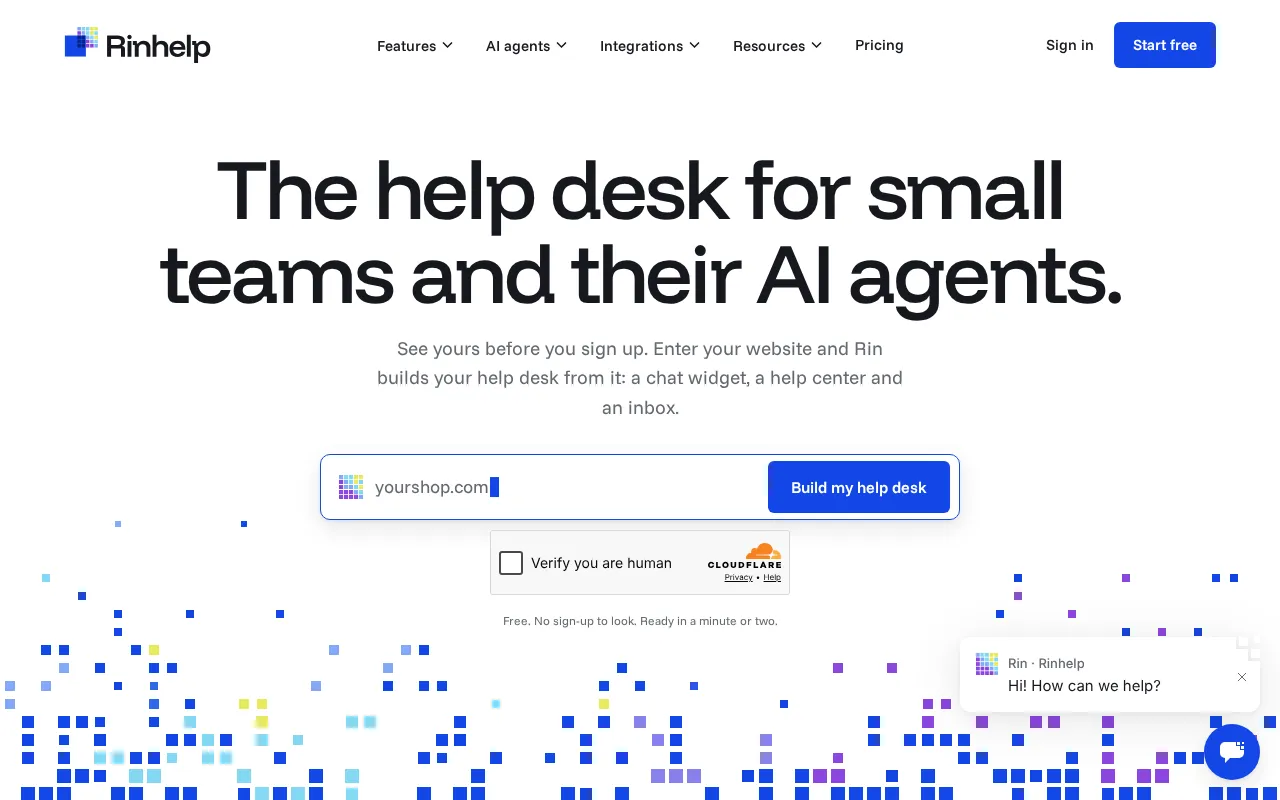
A print-on-demand store’s hardest messages are about timing and money: a cancel that has to beat production, or a partial refund for a crooked print while the reprint claim is open. Rinhelp puts the customer’s Shopify orders, with fulfillment status and tracking links, next to the conversation, and a teammate refunds part or all of an order, or cancels one that isn’t fulfilled yet, right there. Rin, our built-in AI, answers from your help center and website, so your made-to-order returns page does the explaining, and it files any refund or cancellation for a teammate to approve. Its only order actions are refund and cancel, so it can’t edit a shipping address, and it doesn’t connect to Printful or Printify, so holds, reprint claims and address fixes at the provider stay in their dashboards. Pro costs $49 a month per workspace and brings 5,000 AI replies.
- Best for
- Print-on-demand sellers of 1 to 10 people on Shopify who answer by email and chat, and want a teammate to check each refund or cancel before it goes out.
- How it bills
- Free for up to 3 teammates. Pro is $49 a month for the whole workspace, with 5,000 AI replies from Rin. No per-seat or per-resolution fees.
- Free plan
- Yes: 3 teammates, 50 AI replies to try Rin
- 3 people, 300 AI replies
- $49 a month: Pro for the whole workspace, using 300 of its 5,000 AI replies; Free covers your team if you don’t need AI replies.
Pros
- Pro is $49 a month per workspace, so a helper for the holiday rush adds nothing, and Free covers 3 teammates with 50 AI replies to try Rin.
- Each order shows its fulfillment and tracking links in the conversation, so “has it shipped yet?” is answered from one lookup.
- A partial refund for one misprinted item, or a full cancel on an unfulfilled order, starts from the conversation, and when Rin or an AI agent asks for one, a teammate approves it first.
- Rin shares an order only after the customer passes a purchase check, then hands the conversation over for anything it can’t do.
Cons
- Email and live chat only: there is no phone, WhatsApp, SMS or social inbox.
- Shopify and Stripe are the only integrations.
- No reports, SLA rules or routing rules: Rin hands a conversation to the teammate with the fewest open ones.
- The free plan has no Rin beyond 50 AI replies to try it.
2. Help Scout
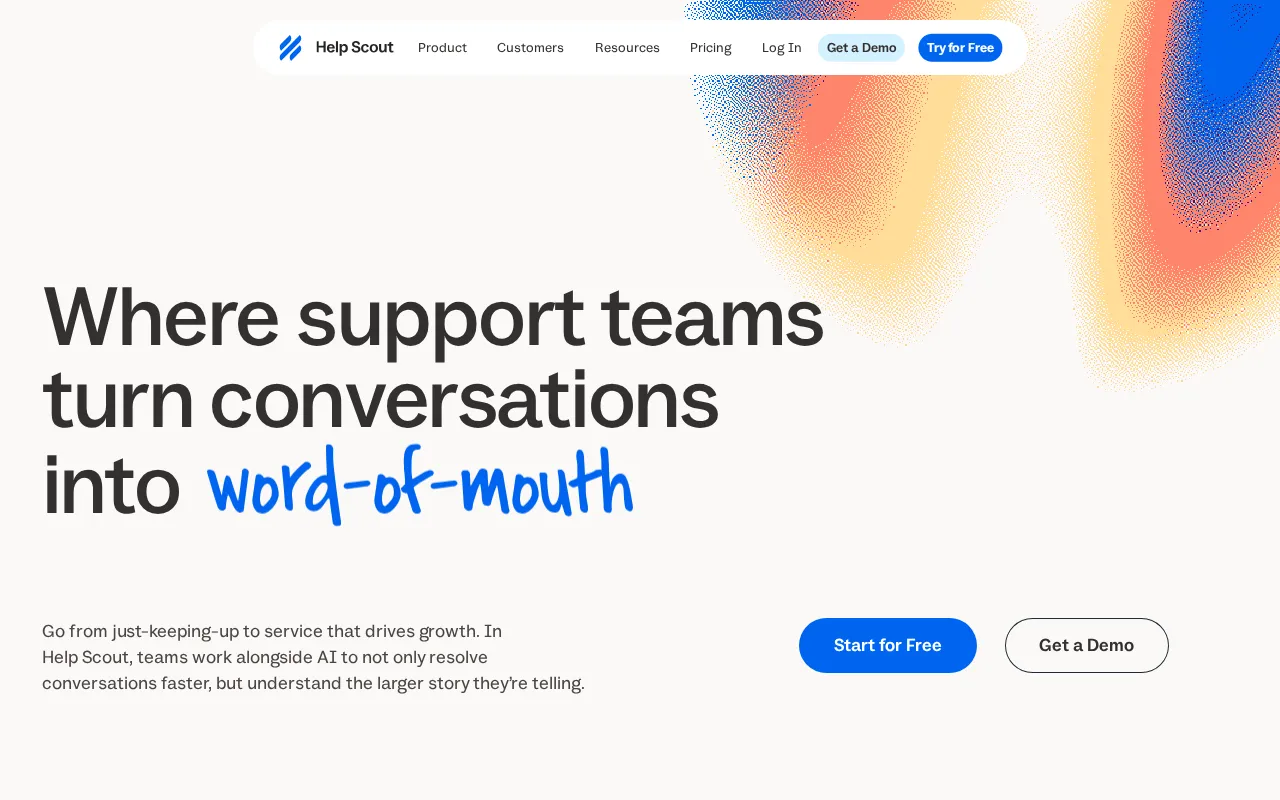
Help Scout is a help desk with shared inboxes, a Docs help center and Beacon, a widget for chat and help articles. Scout, its AI agent, answers chat from your help content and is billed per resolution.
An agent can edit, refund or cancel a recent Shopify order from the sidebar, so the refund for a misprinted shirt happens on the same screen as the customer’s photo of it. The free plan holds 5 users, though Scout, its AI, can’t look orders up yet.
- Best for
- Support teams that think in tickets and want a calm shared inbox, a help center and live chat, with a free plan to start on.
- How it bills
- Standard is $25, Plus $45 and Pro $75 a user a month on annual billing, which saves 16%. Pro needs at least 10 users and a demo. Scout costs $0.75 per resolution, free for a new account’s first 3 months.
- Free plan
- Yes: 5 users, 1 inbox, 100 contacts a month
- 3 people, 300 AI replies
- $300 a month: 3 Standard users at $25 on annual billing, plus 300 AI resolutions at $0.75.
Pros
- A free plan for up to 5 users, with 1 inbox, a Docs site and 100 contacts a month.
- Agents can refund, cancel or edit recent Shopify orders, and refund Stripe payments or cancel subscriptions, from the sidebar.
- Standard brings email, live chat, SMS, WhatsApp, Instagram and Messenger into one inbox.
- You can cap AI spending each month, and Scout switches off when it reaches the cap.
Cons
- Its official MCP server is read-only: your own AI can search conversations and Docs, but can’t reply, add notes or close.
- Scout answers website and in-app chat only, and lists email as “Coming Soon”.
- Scout can’t look up orders or act in other tools yet: its connection to payment processors and CRMs is still to come.
- Seats and AI are billed separately, so the bill grows with every user and every resolution.
Already on Help Scout? See the best Help Scout alternatives.
3. tawk.to
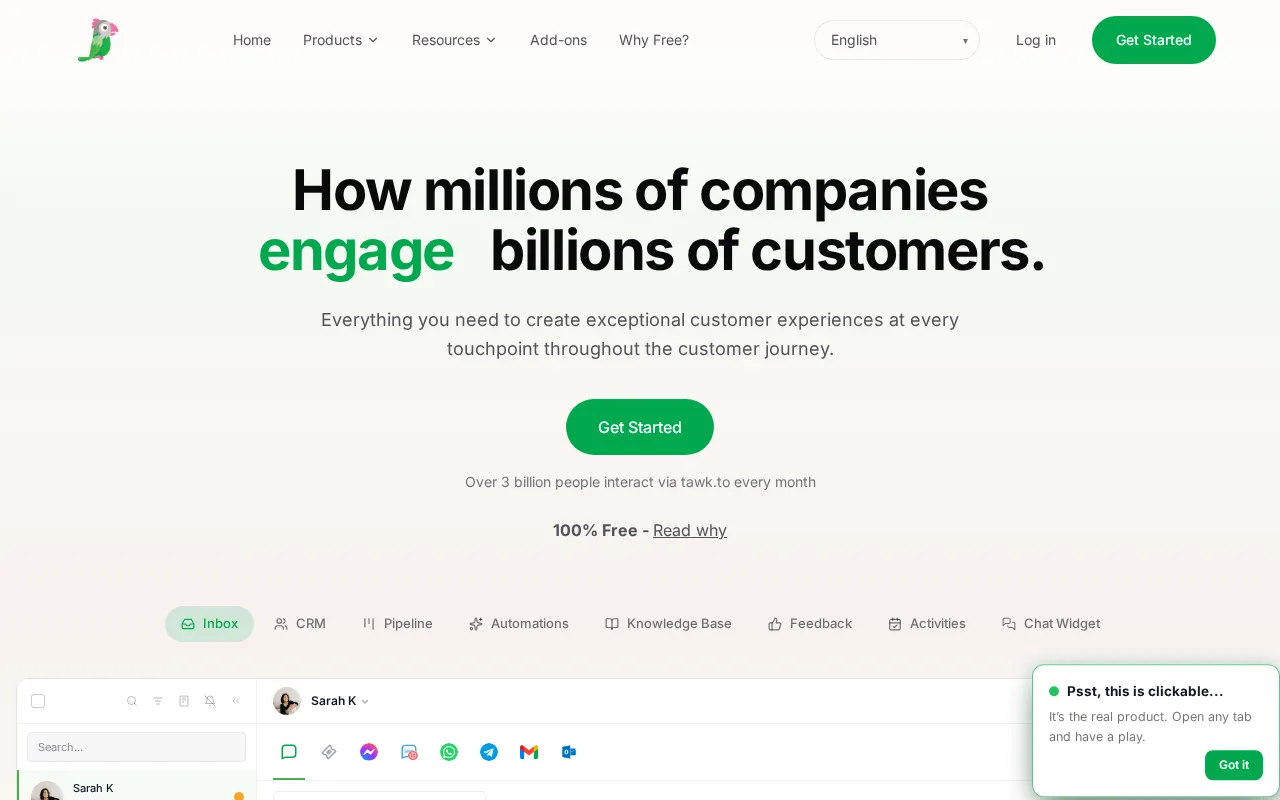
tawk.to is free live chat and ticketing software for websites, with a hosted knowledge base. It makes its money from paid add-ons, such as AI Assist, white label and hired chat agents, billed per website.
Chat and ticketing cost nothing for any number of agents, and its Shopify app adds a tab for checking, refunding and cancelling orders mid-chat, which suits a shop on thin margins. AI Assist is free for 100 credits a month, then from $29 a month for 1,000, and a reply on the default Auto model uses 3, and the tawk.to badge stays unless you pay per website.
- Best for
- Small businesses that want website chat for any number of agents at no cost, and don’t mind the tawk.to badge.
- How it bills
- Chat, ticketing and the knowledge base are free for any number of agents. AI Assist is free for 100 credits a month, then $29, $99 or $399 a month ($290, $990 or $3,990 a year) for 1,000, 5,000 or 20,000 credits, and a reply on the default Auto model uses 3.
- Free plan
- Yes: unlimited agents and chats, about 33 AI replies a month
- 3 people, 300 AI replies
- $24 a month: AI Assist Growth at $290 a year, whose 1,000 monthly credits cover 300 replies at 3 credits each on the Auto model. Seats are free.
Pros
- Free for any number of agents, chats and websites, with ticketing and a hosted knowledge base.
- WhatsApp, Messenger, SMS through Twilio and email share one inbox, and the AI answers on chat, WhatsApp, SMS and Messenger.
- Its Shopify app adds a tab where agents check orders, refund and cancel during a chat.
- Hired chat agents start at $1 an hour if you want someone else to answer.
Cons
- AI Assist charges per reply, and once credits run out it stops joining new conversations.
- The “Powered by tawk.to” badge stays unless you pay for white label, $39 a month or $348 a year for each website.
- No official MCP server, and REST API access must be requested and approved first.
- Add-ons are billed per website, so each extra site pays again.
Already on tawk.to? See the best tawk.to alternatives.
4. Willdesk
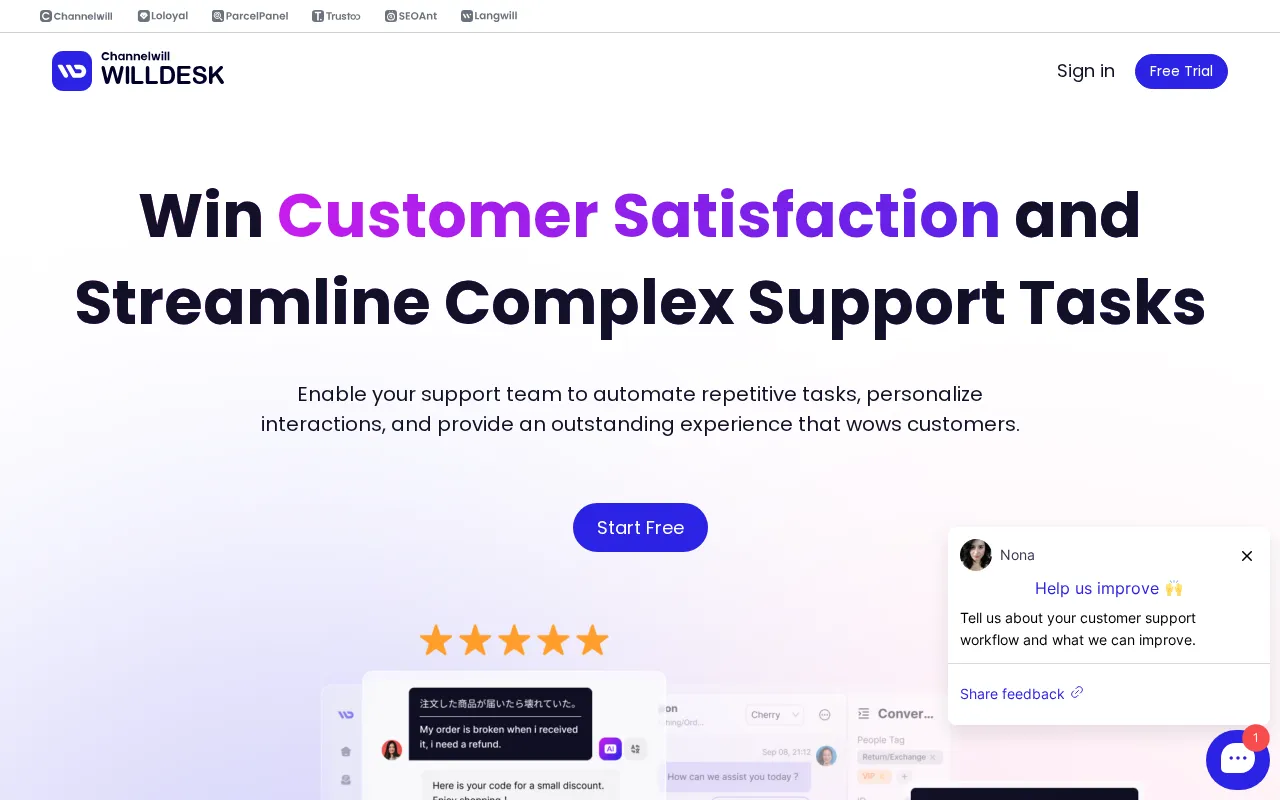
Willdesk is a help desk for Shopify stores from Channelwill: email, live chat, WhatsApp, Instagram and Messenger in one inbox, with a help center and an AI agent sold by the conversation.
Customers follow their parcel through tracking built in with TrackingMore, which saves a message while a made-to-order item waits in production. Seats are unlimited on every plan, but its AI is $0.20 a conversation and passes address changes and cancellations to your team.
- Best for
- Shopify stores that want a cheap multichannel inbox with unlimited seats and order tracking built in.
- How it bills
- Seats are unlimited on every plan. Free covers 20 conversations a month, Basic runs from $16.90 for 100 to $42.90 for 500, and Pro from $89.90 for 1,000 to $629.90 for 10,000, with 30% off the first year on annual billing. The AI agent is an add-on at $0.20 for each conversation in your quota, and WhatsApp is $10 per 100.
- Free plan
- Yes: 20 conversations a month, unlimited seats
- 3 people, 300 AI replies
- $90 a month: Basic for 300 conversations at $29.90 plus 300 AI conversations at $0.20.
Pros
- Unlimited seats on every plan, including Free, so the bill doesn’t grow as you hire.
- Email, live chat, Instagram and Messenger on every plan, and WhatsApp on paid ones.
- Its AI agent answers on chat, email, WhatsApp, Instagram and Messenger from your FAQ articles, products and store policies.
- Order tracking for shoppers is built in, through TrackingMore.
Cons
- The AI agent is an add-on at $0.20 a conversation, so turning it on can triple the bill.
- For a changed address, a cancellation or a return, the AI guides the shopper and then hands the request to your team.
- Its pages describe it only for Shopify stores, and list no Stripe integration.
- Its pages and help center describe no API, MCP server or conversation export.
Already on Willdesk? See the best Willdesk alternatives.
5. Crisp
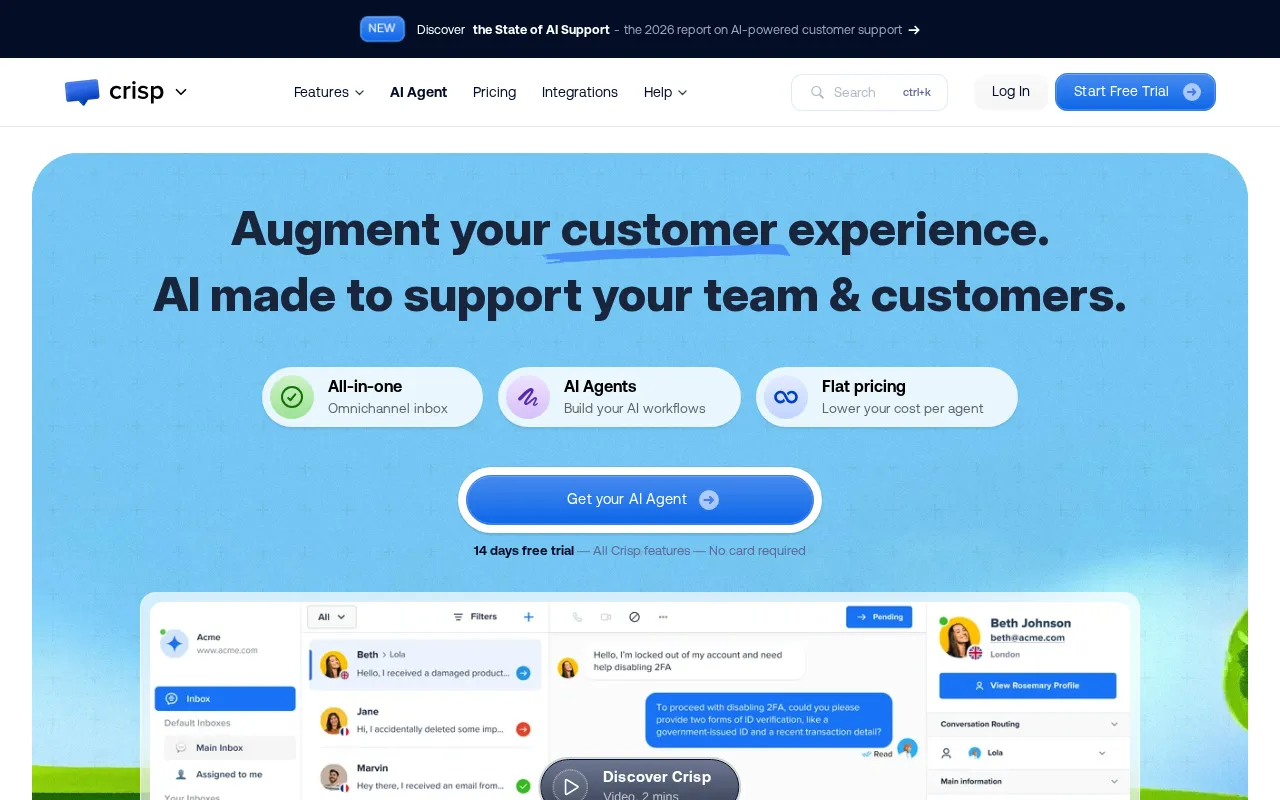
Crisp is a French customer support platform built around a website chat widget, with a shared inbox, many messaging channels and Hugo, its AI agent.
Crisp ships a ready-made Shopify connection for Hugo, its AI, and through the integrations you connect Hugo can track an order or issue a refund within the rules you set, and an optional setting has it send the customer a one-time code before any tool runs. Mini covers 4 seats for one workspace price. Mini has no help center to publish a made-to-order returns page on, so that waits for Essentials at $95 a month.
- Best for
- Small teams that start with free website chat and want WhatsApp, Instagram, SMS and phone in the same inbox later.
- How it bills
- Per workspace a month: Mini is $45 with 4 seats, Essentials $95 with 10 and Plus $295 with 20, including $5, $25 and $75 of AI credits (about 90, 450 and 1,350 Hugo conversations). Extra seats are $10 each, sold on Plus only, and Hugo past the credits runs on Pay-As-You-Go at about $0.05 to $0.10 a conversation.
- Free plan
- Yes: 2 seats, chat only, no AI
- 3 people, 300 AI replies
- $66 or more a month: Mini at $45 for 4 seats with about 90 Hugo conversations in its credits, plus about 210 more at about $0.10 each.
Pros
- One price per workspace, with 10 seats on Essentials for $95 a month.
- WhatsApp, Instagram, Messenger, SMS, Telegram and phone sit in the same inbox from Essentials.
- Its official MCP server can read, reply, add notes, resolve and write help center articles.
- Hugo can look up orders and refund through Shopify, WooCommerce, PrestaShop and Stripe, after a one-time code checks the customer.
Cons
- The free plan has no email inbox and no AI, and Mini has no help center, WhatsApp or MCP server.
- Hugo stops answering when the month’s credits run out unless you turn on Pay-As-You-Go, whose rates aren’t published.
- Stripe data in the inbox comes only with Plus at $295 a month.
- Crisp’s terms refund no fees, monthly or yearly.
Already on Crisp? See the best Crisp alternatives.
6. Shopify Inbox
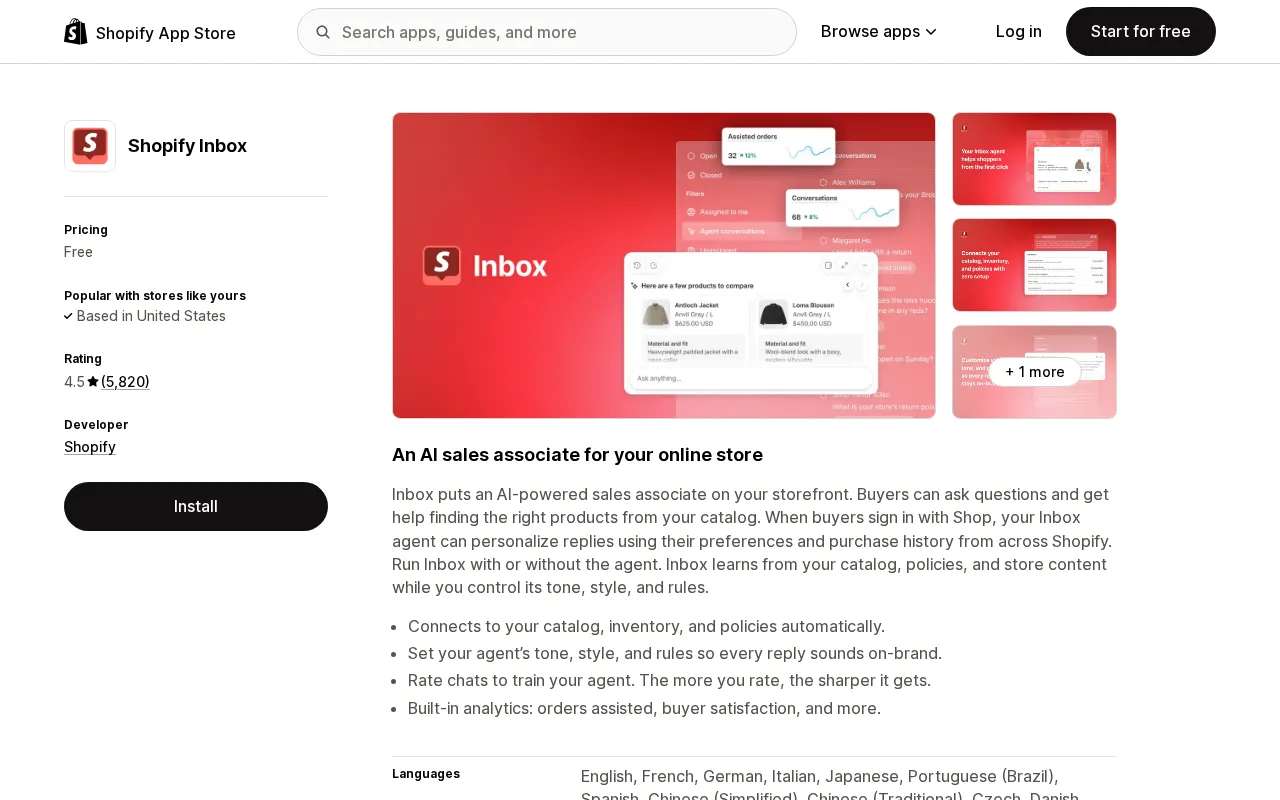
Shopify Inbox is Shopify’s own free chat app for an online store, with an AI agent that answers shoppers in the store’s chat and hands them to staff.
Free, and its AI answers from your store policies, so a clear page on misprints and sizing settles most questions in chat. The Inbox agent can’t send email, so when no one is free to take over a chat, it gives the customer your store’s email address to write to instead.
- Best for
- Shopify stores where shoppers reach you through the store’s chat and one or two people answer.
- How it bills
- The app is free, with no seat price and no charge for its AI agent. It works only for stores on Shopify’s Basic, Grow, Advanced or Plus plans.
- Free plan
- Yes, a free app on a paid Shopify plan
- 3 people, 300 AI replies
- $0 a month: Free for 3 people, AI agent included, on top of the paid Shopify plan Inbox needs.
Pros
- Free, with its AI agent included and no seat price.
- The AI answers from your catalog, store policies and published pages, and hands a chat to your staff with what it already said.
- Chats live in the Shopify admin and in apps for desktop, iOS and Android.
- It replies to shoppers in their own language.
Cons
- Chat in your online store only: no email inbox, WhatsApp, social messages or phone.
- Shopify’s help pages describe no API or export for its conversations, and its Sidekick can read them but can’t reply, assign or close.
- The AI agent needs new customer accounts and doesn’t work with legacy ones.
- Suggested replies for staff are in English only.
Already on Shopify Inbox? See the best Shopify Inbox alternatives.
7. Tidio
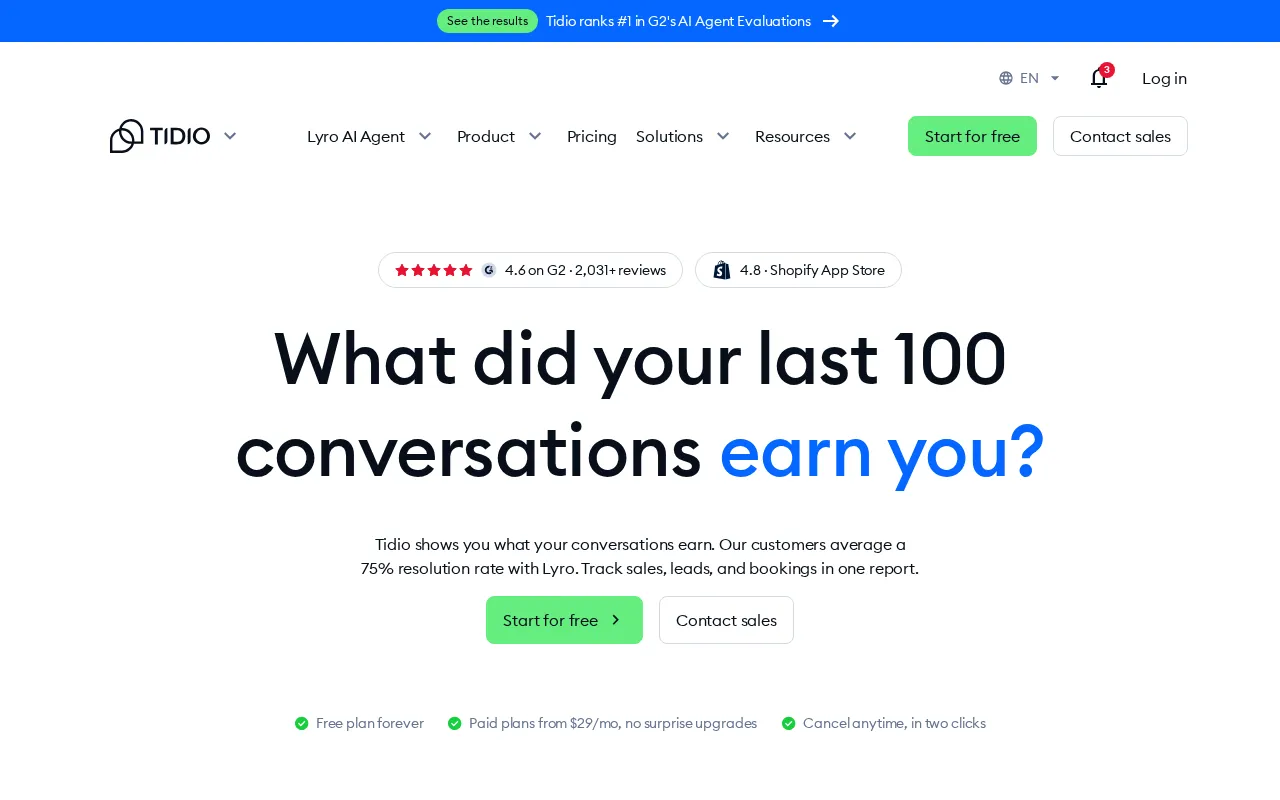
Tidio is a live chat and help desk tool built for online stores, especially Shopify, with Lyro, an AI agent sold as an add-on, and a help center since 2026.
Lyro’s actions check, change or cancel an order and refund it, which helps when a customer writes minutes after checkout to swap a size. Lyro is billed apart from the plan, from $32.50 a month for 50 conversations on annual billing.
- Best for
- Shopify and WooCommerce stores that want chat, WhatsApp and Instagram in one inbox and an AI that recommends products.
- How it bills
- Plans are priced by the conversations your team answers, with 10 seats: Starter is $24.17 a month on annual billing ($29 monthly) for 100, and Growth runs from $49.17 for 250 ($59 monthly) to $349 monthly for 2,000. Lyro is an add-on from $32.50 a month for 50 conversations to $583.33 for 1,000 on annual billing ($39 for 50, $210 for 300 and $700 for 1,000 monthly), and Plus starts at $300 a month plus usage.
- Free plan
- Yes: 10 seats, 50 conversations a month
- 3 people, 300 AI replies
- $199 or more a month: Starter at $24.17 on annual billing plus 300 Lyro conversations at $175. Starter covers 100 conversations your team answers, and more needs Growth.
Pros
- Up to 10 seats on Free, Starter and Growth, so the bill doesn’t grow as you add teammates.
- WhatsApp, Instagram, Messenger and email on every plan, including Free.
- Lyro recommends products and adds them to the cart on Shopify and WooCommerce.
- Lyro’s actions can check orders, cancel or change them and refund, and Lyro can call your own MCP servers.
Cons
- Lyro is a separate add-on billed per conversation, about $0.58 to $0.78 each by tier and billing, and over 1,000 a month is priced by sales.
- The API and Stripe integration need Plus, from $300 a month.
- Its official MCP server only reads analytics data, loaded once a day, so your own AI can’t reply or close.
- No refunds for time left after you cancel.
Already on Tidio? See the best Tidio alternatives.
8. Re:amaze
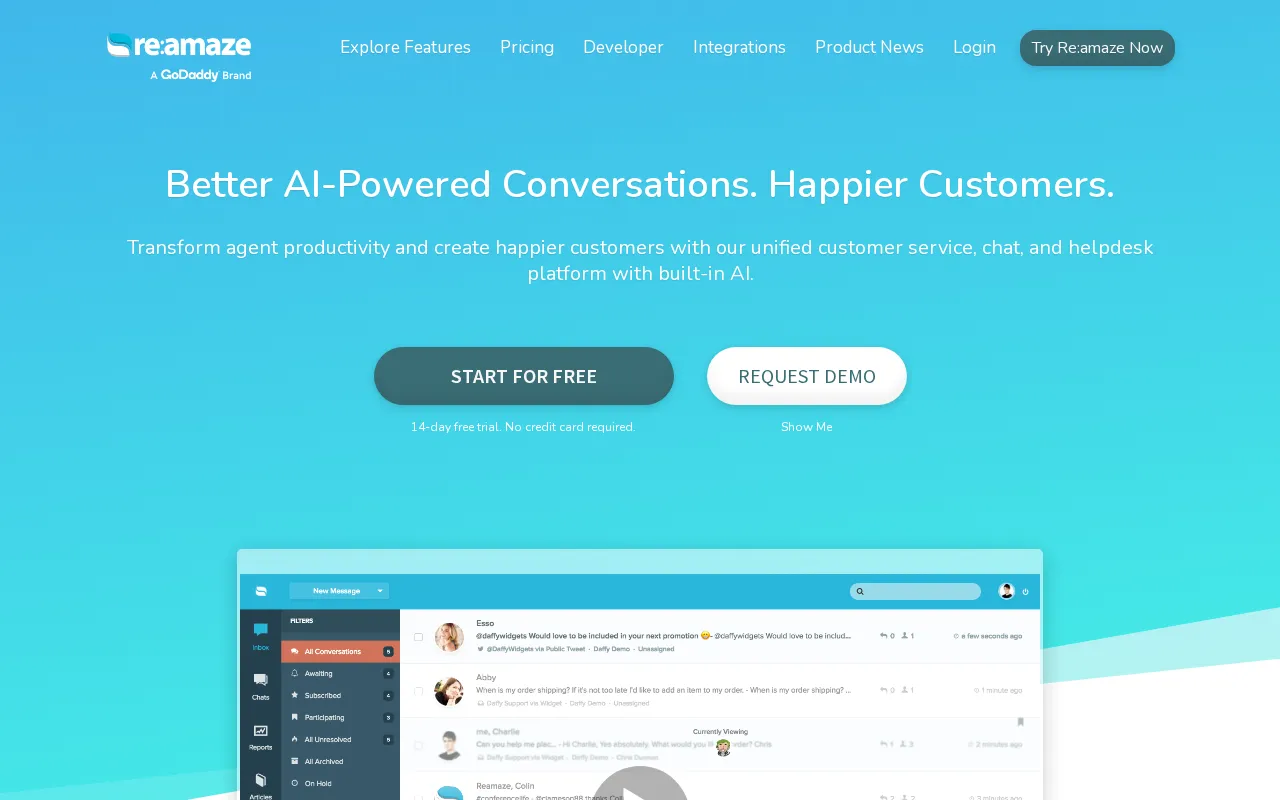
Re:amaze is a help desk for online stores, owned by GoDaddy, with email, live chat, social, SMS and voice in one inbox and an AI agent that answers from your FAQ and store data.
A seller who runs a separate storefront for each design niche can keep all of them in one Re:amaze account on Pro or Plus, which allow unlimited brands. Starter is $59 a month for unlimited team members, up to 500 responded conversations.
- Best for
- Shopify and WooCommerce stores that run several brands and want social, SMS and voice next to email and chat.
- How it bills
- Basic is $29, Pro $49 and Plus $69 a team member a month ($26.10, $44.10 and $62.10 on annual billing), with 5, 10 or 20 AI agent resolutions per seat, then $0.85 each. Starter is $59 a month for unlimited team members and up to 500 responded conversations, with no published AI allowance.
- Free plan
- No, 14-day trial
- 3 people, 300 AI replies
- $321 a month: 3 Basic seats at $26.10 on annual billing, plus 285 AI agent resolutions at $0.85 after the 15 included.
Pros
- Email, live chat and social channels on every plan, with SMS and voice from Pro.
- Pro and Plus run unlimited brands from one account.
- Agents can refund and cancel Shopify orders and refund Stripe payments from inside a conversation.
- Starter gives unlimited team members for $59 a month, up to 500 responded conversations.
Cons
- Each AI resolution past the 5 to 20 per seat costs $0.85, so a busy month adds up fast.
- The AI agent is still labeled beta on the homepage, and no page says it can refund or cancel.
- No official MCP server, so Claude or ChatGPT can only reach it through the REST API or third-party connectors.
- All fees are non-refundable, and closing the account permanently deletes every conversation.
Already on Re:amaze? See the best Re:amaze alternatives.
9. Gorgias
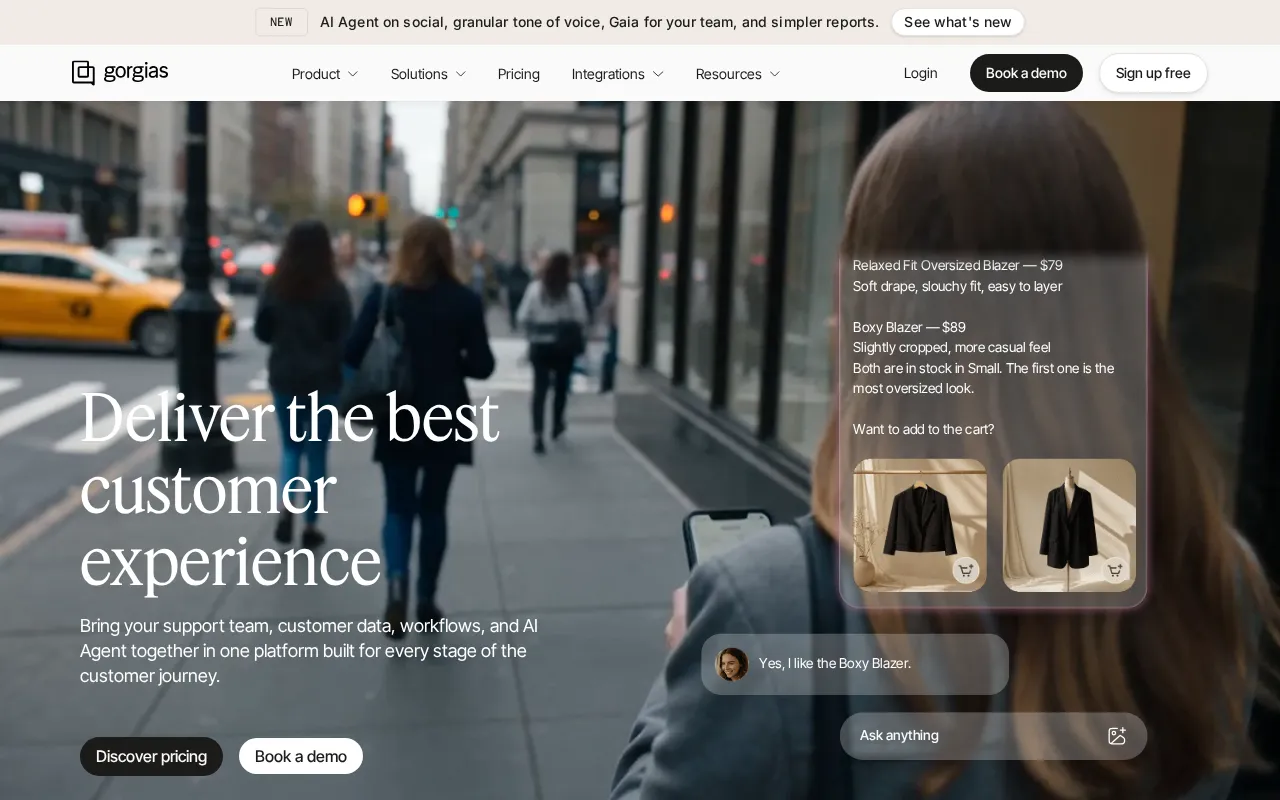
Gorgias is a help desk for ecommerce brands, built around Shopify, with an AI that answers shoppers and can cancel orders or edit addresses. It bills by tickets, not by agents.
Its AI can cancel an order or edit an address, the two requests that only help before production begins, and SMS, WhatsApp, social and phone share the inbox. It’s priced for bigger brands: you pay per ticket, and one its AI resolves also counts as an automated interaction.
- Best for
- Shopify brands with a large team that answer on email, chat, SMS, WhatsApp, social and phone from one inbox.
- How it bills
- By the ticket, never per agent: Starter is $10 a month for 50 tickets, and Basic $50 for 300, Pro $300 for 2,000 and Advanced $750 for 5,000 on annual billing ($60, $360 and $900 monthly). Gorgias AI Agent costs $0.90 per automated interaction on annual billing or $1.00 monthly, $1.50 past your tier, and each one also counts as a ticket.
- Free plan
- No, 7-day trial
- 3 people, 300 AI replies
- $320 or more a month: Basic at $50 on annual billing for 300 tickets, plus 300 AI interactions at $0.90 with the AI limit raised to cover them, each also counted as a ticket and $1.50 past that limit.
Pros
- Shopify orders, customers and products show inside every ticket, and Gorgias says 40% of Shopify brands use it.
- Email, chat, SMS, WhatsApp, Instagram, Facebook and phone land in one inbox.
- No seat price: Basic and above allow up to 500 users.
- Its official MCP server lets Claude or ChatGPT reply, assign, close, write macros and publish help center articles on every Helpdesk plan.
Cons
- A ticket the AI resolves on its own is billed twice, as a ticket and as an automated interaction.
- Interactions past your AI tier cost $1.50 each, and tickets past your plan $0.36 to $0.40.
- Cancelling takes written notice 30 days before the term ends, even on monthly billing, and fees aren’t refunded.
- The MCP server is in open beta and has no tool to look up or refund an order.
Already on Gorgias? See the best Gorgias alternatives.
10. Richpanel

Richpanel is an AI help desk for ecommerce brands. One inbox takes email, chat, social, SMS, WhatsApp and phone, and its AI answers customers and acts on orders, returns and subscriptions.
You choose which of its AI’s actions run on their own and which a teammate approves in one click, so an address fix before production or a refund for a bad print can wait for a person. One seat with the AI minimum starts at $299 a month on annual billing, after a demo.
- Best for
- Ecommerce brands with a support team that want AI to change orders and subscriptions across many channels.
- How it bills
- One plan with no tiers: $99 a seat a month on annual billing or $119 monthly, plus AI credits at $0.50 each annually or $0.60 monthly, with a $200 monthly AI minimum on annual billing ($240 monthly in Richpanel’s calculator). Richpanel puts a whole AI conversation at about $0.20, and one seat with the minimum starts at $299 a month.
- Free plan
- No, demo only
- 3 people, 300 AI replies
- $497 or more a month: 3 seats at $99 on annual billing plus the $200 AI minimum, which more than covers 300 AI conversations at about $0.20.
Pros
- Its AI changes addresses, swaps items, gives store credit and pauses subscriptions, while cancellations, refunds and discounts wait for approval by default.
- Email, chat, SMS, WhatsApp, Instagram, Facebook, TikTok and phone share one inbox.
- It connects to subscription and shipping apps such as Recharge, Subscribfy and ShipHero, not only Shopify.
- A written guarantee: if AI doesn’t resolve half of eligible conversations in the first 30 days, you can claim that month’s subscription fee back.
Cons
- One seat with the AI minimum starts at $299 a month on annual billing, and each extra seat is $99.
- No free plan or trial: you book a demo first.
- The developer API is only for Enterprise, and the MCP shares 60 requests a minute across your whole company.
- Voice is still in beta and billed on usage.
Already on Richpanel? See the best Richpanel alternatives.
11. Enchant
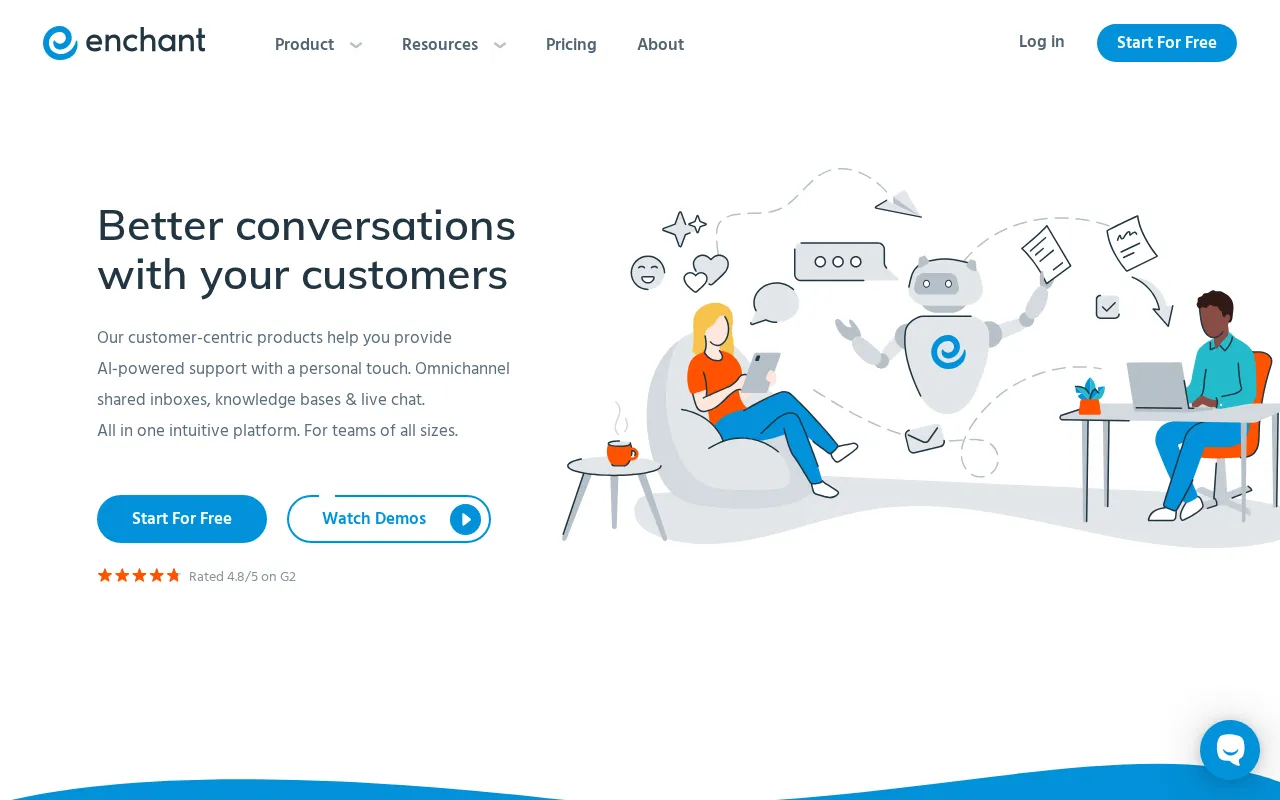
Enchant is a help desk from Senvee, a Canadian company that launched it in 2012. Email, live chat, phone calls, SMS, WhatsApp, Facebook Messenger and Instagram share one inbox, with knowledge bases and an AI add-on that mostly drafts for agents.
One $20 per-user price, month to month, covers email, chat, SMS, WhatsApp and phone calls, and Shopify puts a customer’s recent orders beside the conversation, so the order behind a misprint photo is on screen. Its AI mostly drafts for agents, and AI Standard is billed on every customer your team helps.
- Best for
- Small and growing teams that want every channel, phone calls included, in one shared inbox at one price per user, month to month.
- How it bills
- The paid plan is $20 a user a month, billed monthly with no annual contract. Enchant AI Standard is $30 per 500 customers helped, averaged over the past three months and counting every customer, with or without AI. Advanced Security is $5 a user and removing branding $50 a month. Free covers 2 users on the chat widget.
- Free plan
- Yes: 2 users, chat widget only, plus a 30-day trial of the paid plan with no card
- 3 people, 300 AI replies
- $90 a month: 3 users at $20 a month on Enchant’s one paid plan, billed monthly, plus $30 for Enchant AI Standard at 300 customers helped, $30 per 500. Its AI agent, a beta, answers live chat only and at most 100 chats a month, so your team answers the rest.
Pros
- One price per user covers every channel, phone calls, SMS, WhatsApp and Instagram included, billed monthly with no annual contract.
- A built-in call center records calls and runs queues over your own Twilio number, and Enchant adds no fee per call.
- A free plan for 2 users with the chat widget, knowledge bases and a newsletter, and a 30-day trial of the paid plan with no card.
- Paid plans include a free import of your history from your old help desk, done by Enchant’s team.
Cons
- Its AI agent is a beta that answers live chat only, up to 100 chats a month. Email and other channels get AI drafts for agents to send.
- Enchant AI Standard is billed on every customer your team helps, not only the ones AI answers.
- No MCP server, and no Stripe among its integrations. Shopify shows a customer’s details and recent orders beside the conversation.
- Phone calls run on your own Twilio account, which bills its own rates.
Already on Enchant? See the best Enchant alternatives.
12. Zoho Desk
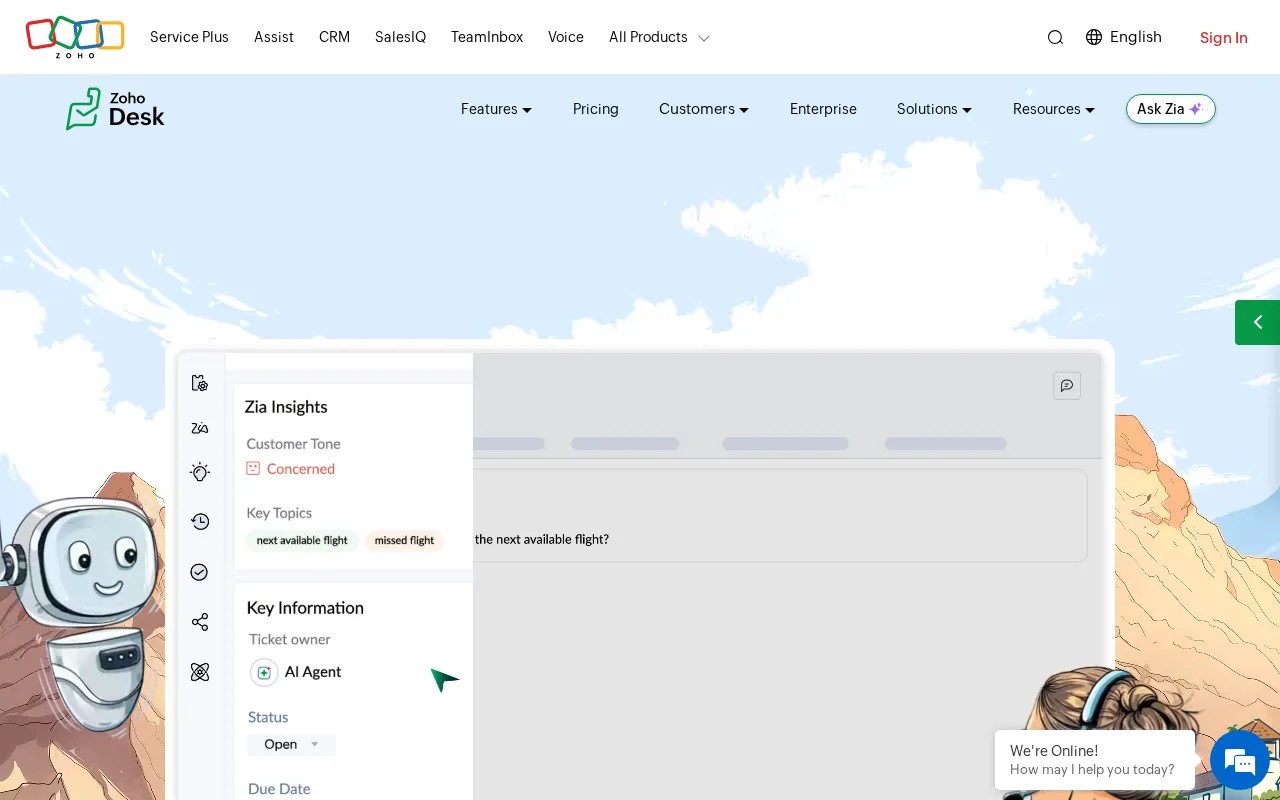
Zoho Desk is the help desk in Zoho’s suite of business apps, with tickets from email, social media, chat, WhatsApp and phone, a multilingual help center, and Zia, Zoho’s AI.
Express seats are $7 a user on annual billing and the free plan takes 3 users on email, a cheap way to track each misprint claim until the reprint arrives. Express stops at 5 users and has no live chat for sizing questions.
- Best for
- Budget-minded teams that want a full ticketing suite with workflows and SLAs, especially if they already use other Zoho apps.
- How it bills
- Per user: Express is $7, Standard $14, Professional $23 and Enterprise $40 a month on annual billing ($9, $20, $35 and $50 monthly), and light agents are $6 each. Express allows up to 5 users; Standard and above have no user limit. AI agents include up to 30 million free tokens a month. Other generative features run on a key you bring from an AI provider, and Professional and Enterprise add Zia’s own.
- Free plan
- Yes: 3 users, email only
- 3 people, 300 AI replies
- $42 a month: 3 Standard users at $14 on annual billing, the first plan with live chat and Answer Bot, which answers customers from your help center. Zoho publishes no per-answer fee.
Pros
- Low seat prices: Express is $7 a user and Standard $14 on annual billing, with a free plan for 3 users.
- Standard adds live chat, WhatsApp, Telegram and other messaging apps, and Professional adds phone support.
- Workflows, SLAs and several departments, with a help center you can publish in over 40 languages on Professional.
- Zoho’s official MCP server is free and can read tickets, send replies and add comments.
Cons
- Express stops at 5 users, so a sixth teammate moves everyone to Standard at $14.
- Zia’s full AI needs Professional, and the agent that answers email tickets is open only to selected accounts.
- The MCP server has no tools for help center articles or saved replies, and every call uses daily API credits.
- Express has no live chat, and the free plan covers email only.
Already on Zoho Desk? See the best Zoho Desk alternatives.
13. DelightChat
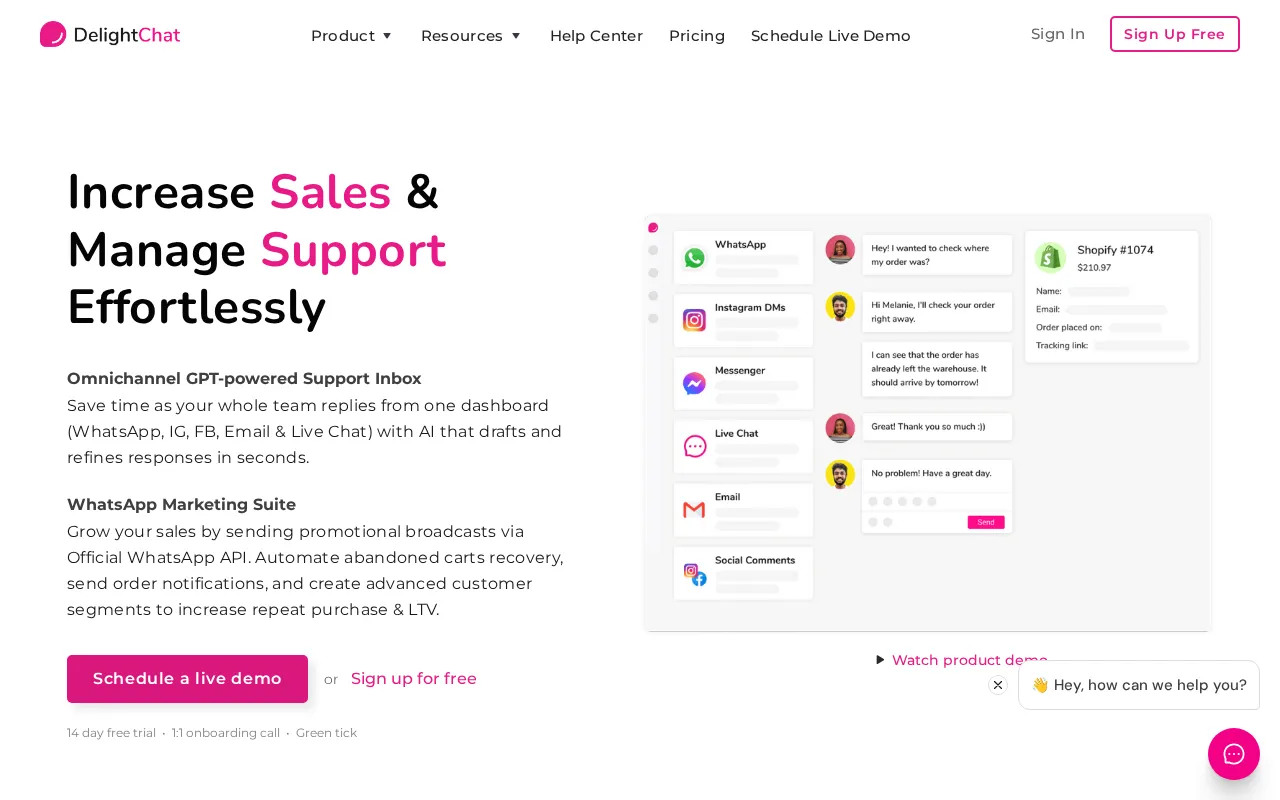
DelightChat is a help desk and WhatsApp marketing tool for Shopify brands: one inbox for WhatsApp, Instagram, Facebook, email and live chat, with an AI agent and WhatsApp broadcasts and automations.
From $29 a month, and a ticket only counts once a person replies, so chats its AI closes on WhatsApp or the website don’t use the plan. Refunds and cancels open the Shopify admin to finish, an extra step when a cancel has to beat production, and the AI doesn’t answer email.
- Best for
- Shopify brands that sell and support on WhatsApp and want marketing broadcasts in the same tool as the inbox.
- How it bills
- Startup is $29 a month for 500 tickets and 5 team members, Scale $99 for 2,000 tickets and 20, and Growth $299 for 6,000 and 50. Extra tickets cost $10, $8 or $5 per 100, and a ticket counts only when a person replies. AI includes 10K free tokens a month, then $1 per 100K. WhatsApp’s own fees come on top, and each WhatsApp number after the first is $25 a month.
- Free plan
- No, 14-day trial without a card
- 3 people, 300 AI replies
- $29 or more a month: Startup for up to 5 team members; AI replies don’t count as tickets, but tokens past the free 10K cost $1 per 100K, and DelightChat doesn’t say how many a reply uses.
Pros
- From $29 a month, and only tickets a person replies to count toward the plan.
- WhatsApp Business API, Instagram, Facebook, email and live chat on every plan, with WhatsApp’s fees passed on without markup.
- WhatsApp broadcasts, abandoned cart recovery and order updates in the same tool as the inbox.
- An official MCP server and API read tickets and messages, and can tag, assign, change status and add notes.
Cons
- Its AI agent answers on WhatsApp, Instagram, Messenger and live chat, but email isn’t among its channels.
- The AI agent doesn’t cancel orders or refund, and refunds and cancellations in the inbox open the Shopify admin to finish.
- Its MCP and API can’t send or draft replies.
- No phone channel and no Stripe integration.
Already on DelightChat? See the best DelightChat alternatives.
14. Smartsupp
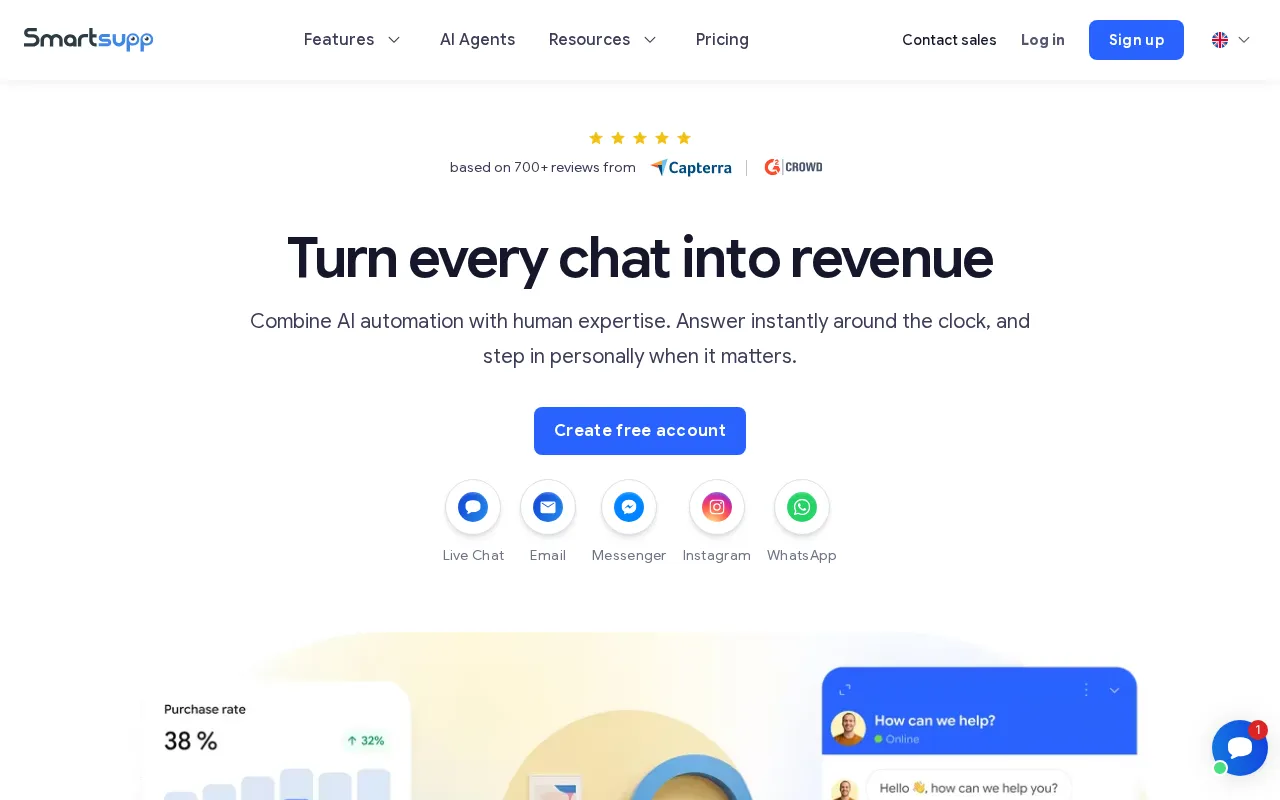
Smartsupp is live chat and chatbot software for online stores, with email, WhatsApp, Messenger and Instagram in the same inbox. Its AI agent, Mira AI, is a separate add-on that answers chat on your website and recommends products from your product feed.
Mira AI learns a product feed of up to 30,000 products and recommends from it in website chat, handy when one design comes in many colors and sizes. Its AI agent plans cover support on your website, and the Smartsupp branding stays on paid plans too.
- Best for
- Small online stores that want website chat built to sell, with an AI shopping assistant that knows their catalog.
- How it bills
- Solo is $17 a month for 1 operator, Plus $25 for 3 and Expert $83 for 5 on annual billing ($24, $35 and $117 monthly), and extra operators on Expert start at $24 each, while Ultimate starts at $280 through sales. The Mira AI agent is an add-on at $16 per 100 conversations a month on annual billing ($20 monthly), from 100 up to 5,000.
- Free plan
- Yes: 1 operator, 25 conversations a month, 14 days of history
- 3 people, 300 AI replies
- $73 a month: Plus at $25 on annual billing for 3 operators, plus 300 Mira AI conversations at $16 per 100.
Pros
- Website chat, email, WhatsApp, Messenger and Instagram share one inbox on every paid plan.
- Mira AI learns from your website and a product feed of up to 30,000 products, and recommends products in the chat.
- An official MCP server lets Claude, ChatGPT or Gemini search, reply, assign and close conversations.
- Paid plans have no cap on live chat conversations, and a Mira AI conversation counts once per visitor session.
Cons
- The “Powered by Smartsupp” branding stays on the chat box on every plan, paid ones included.
- Mira AI plans cover support on your website only, not email or social channels.
- Once Mira AI’s monthly conversations are used, it stops answering until you top up or the month resets.
- API and MCP access start on Plus, and a full XML export of your history needs Expert.
Already on Smartsupp? See the best Smartsupp alternatives.
15. Chatwoot
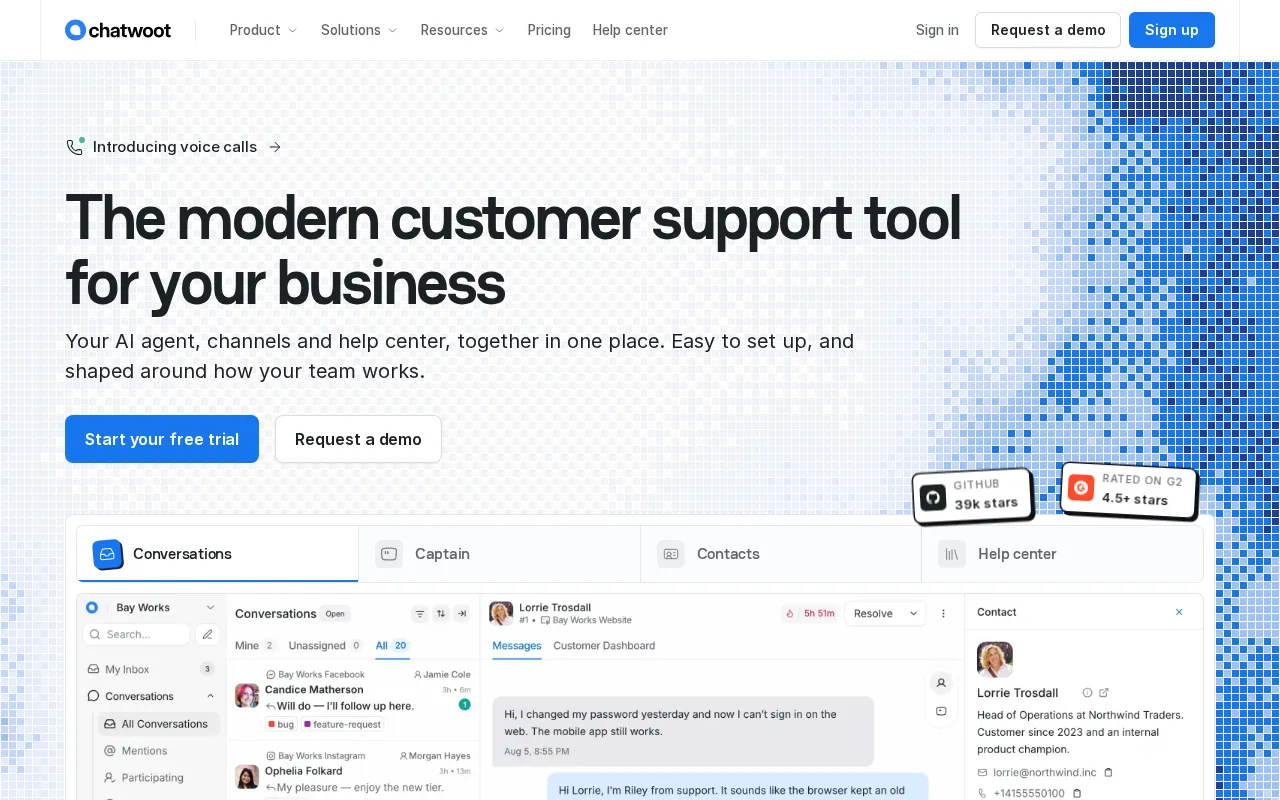
Chatwoot is open-source support software with one inbox for live chat, email, WhatsApp, social and voice, a help center, and Captain, its AI agent. You can use Chatwoot Cloud or host it yourself.
Open source, so a technical seller can host it free, or pay $19 an agent on Startups for every channel but voice, with a help center for your made-to-order returns page. Captain spends a credit on each reply and has no built-in approval step before an action like a refund, so keep the reprint-or-refund call with a person.
- Best for
- Teams that want many channels at a low seat price, or want to run their help desk on their own servers.
- How it bills
- Cloud is per agent a month: Startups $19, Business $39 and Enterprise $99, with 300, 500 or 800 Captain credits for the account. Each Captain reply uses a credit, extra credits are $20 per 1,000, and no annual price is published. Credits never top up by themselves: once they run out, new conversations go straight to your team with no Captain reply.
- Free plan
- Yes: 2 agents, live chat only, 500 conversations a month
- 3 people, 300 AI replies
- $57 a month: 3 Startups agents at $19, with the 300 included Captain credits covering 300 AI replies.
Pros
- Open source: the self-hosted Community Edition is free, and your data stays on your own servers.
- One inbox for live chat, email, WhatsApp, Instagram, Messenger, TikTok and, from Business, voice calls.
- Startups includes every channel but voice, plus a help center, at $19 an agent a month.
- An official CLI and agent skill let coding agents such as Claude Code work in Chatwoot.
Cons
- Startups has no automation rules or teams; those start on Business at $39 an agent.
- Captain uses a credit for every reply, and bought credits expire after 6 months and aren’t refunded.
- Since July 2026 the free Cloud plan has no API or webhook access.
- No official MCP server, and Captain’s custom tools have no built-in approval step for actions like refunds.
Already on Chatwoot? See the best Chatwoot alternatives.
16. Zipchat

Zipchat is an AI agent for online stores that sells and supports in the same conversation. It answers in on-site search, on product pages, in website chat, WhatsApp, Instagram, Messenger and email, acts in your tools through Agentic Skills, and hands chats to your team in its own conversations inbox or in a help desk such as Zendesk or Gorgias.
It sells as well as supports, with single-use Shopify discount codes and WhatsApp cart recovery, and every plan has unlimited team members. Its Shopify lookup only reads, so a refund for a bad print needs a custom skill or a person.
- Best for
- Online stores that want one AI recommending products, recovering carts and answering support across chat, WhatsApp, Instagram and email, at a price on the page.
- How it bills
- Starter is $64, Pro $240, Scale $480 and Scale Plus $960 a month on annual billing ($80, $300, $600 and $1,200 monthly), with 750, 3,000, 6,000 and 14,000 AI replies, which Zipchat puts at around 300, 1,250, 2,500 and 6,000 conversations. Every message the AI sends counts as one reply, extra replies are $49 for 250 ($49 for 500 on Scale Plus), and every plan has unlimited team members. The Unlimited plan starts at $2,100 a month through sales.
- Free plan
- Yes, on the Shopify App Store: 120 AI replies a month, around 50 conversations. Otherwise a 7-day trial
- 3 people, 300 AI replies
- $64 a month: Starter at $64 a month on annual billing ($80 monthly), whose 750 AI replies Zipchat puts at around 300 conversations, with unlimited team members.
Pros
- Prices are on the page, from $64 a month on annual billing, with unlimited team members on every plan.
- One agent answers in on-site search, on product pages, in chat, WhatsApp, Instagram, Messenger and email, and remembers each shopper across them.
- It sells as well as supports: product recommendations, single-use Shopify discount codes and cart recovery on WhatsApp.
- Agentic Skills connect any tool with an API, with ready templates for Zendesk, Freshdesk, WooCommerce, Judge.me and Cal.com.
Cons
- Every message the AI sends counts as a reply, so one conversation uses several: Zipchat puts 750 replies at around 300 conversations.
- Its built-in Shopify order lookup only reads: it never cancels, edits or refunds an order, so returns and refunds need a custom skill you connect.
- No phone channel yet, since voice is marked coming soon, and no Stripe integration.
Already on Zipchat? See the best Zipchat alternatives.
17. Keeping
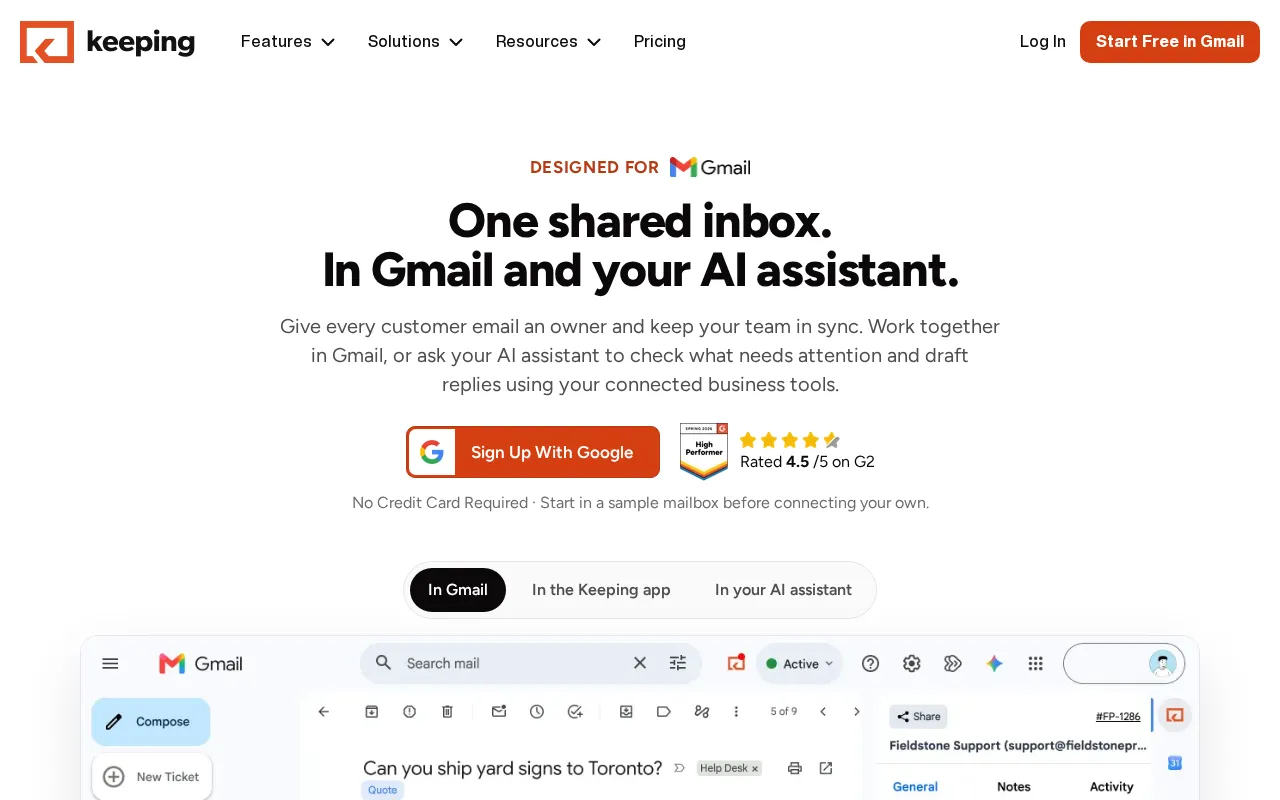
Keeping turns a shared Gmail address such as support@ into a shared inbox inside Gmail, where every email gets an owner, a status and internal notes. It adds a web and mobile app, workflows, reports and an MCP server, but no live chat, help center or AI that answers customers.
For a seller who answers from a support@ Gmail address, Keeping gives each email an owner, a status and notes without leaving Gmail. Shopify needs Advanced at $24 a user on annual billing, and no AI answers customers.
- Best for
- Teams on Google Workspace that answer email from Gmail and want clear owners and no double replies.
- How it bills
- Essentials is $14 a user a month on annual billing ($19 monthly), with 2 shared mailboxes and up to 10 users. Advanced is $24 ($29 monthly) and adds unlimited mailboxes, CSAT, SLAs, round robin and integrations such as Shopify. HIPAA is $49 ($59 monthly) with a signed BAA. Every plan has a 2-user minimum.
- Free plan
- No, 14-day trial with no card
- 3 people, 300 AI replies
- $42 a month: 3 Essentials users at $14 on annual billing, with no AI answering customers.
Pros
- Emails stay in your Google Workspace mailbox, and customers get a normal reply from the shared address.
- Collision detection shows when a teammate is reading or already replying to an email.
- Its official MCP server has more than 80 tools for Claude, ChatGPT and other AI assistants, and drafts replies for a person to send.
- A HIPAA plan comes with a signed BAA.
Cons
- Keeping is for Gmail and Google Workspace: it isn’t for teams that work in Outlook.
- Email only: no live chat, phone or social channels, and no help center.
- No AI answers customers, and the MCP server creates drafts but never sends.
- Shopify, CSAT, SLAs and the full MCP need Advanced at $24 a user on annual billing.
Already on Keeping? See the best Keeping alternatives.
18. Gmail / Google Workspace
Google Workspace is Google’s business email and office suite. A support team answers from a shared Gmail address, a Google Group set up as a collaborative inbox, or delegated access to one mailbox.
If you already pay for Google Workspace, a Google Group set up as a collaborative inbox costs nothing extra. It has no order view, chat or help center, so every tracking question and misprint photo is answered by a person unless you build a “Workspace Studio” flow that replies on its own.
- Best for
- Very small teams already on Google Workspace that answer a modest amount of email and need no live chat or help center.
- How it bills
- Per user: Business Starter is $7, Standard $14 and Plus $22 a user a month with a 1-year commitment, and Starter is $8.40 on the monthly “Flexible” plan. Gemini comes with every plan, and a Google Group costs nothing extra.
- Free plan
- No, 14-day trial
- 3 people, 300 AI replies
- $21 a month: 3 Business Starter users at $7 with a 1-year commitment. Gemini is included, but nothing in Gmail answers customers on its own.
Pros
- Most teams already pay for it, and $7 a user covers email, calendar, Meet, Drive and Gemini.
- A collaborative inbox lets members take, assign and resolve conversations at no extra cost.
- Google’s official Gmail MCP server lets an AI client search and read threads and save drafts.
- Since September 2026, Google Workspace Studio flows can act on new mail, including sending replies within a thread.
Cons
- Assigning and resolving happen in Google Groups, not in Gmail itself.
- There is no live chat, help center, Shopify or Stripe for support.
- Gemini helps the person writing, and delegates in a shared mailbox lose Gemini in Gmail.
- The Gmail MCP server is still in early access for developers and can’t send a reply.
Already on Gmail / Google Workspace? See the best Gmail / Google Workspace alternatives.