Start free

Crisp vs Help Scout (2026): pricing, AI and features

By , founder of Rinhelp, which appears in this comparison · Facts checked

The short answer

Crisp suits a small team whose customers start in the website chat bubble, on WhatsApp, by SMS or on the phone, and that wants one monthly price for up to 10 seats with AI credits built in. Help Scout suits a team whose work begins in email, that wants to start free with up to 5 users, and that will pay per user for Docs help centers, SLA policies and Shopify and Stripe actions beside each conversation. At list prices, 5 people with AI handling 1,000 conversations a month pay about $150 or more on Crisp, Essentials at $95 plus roughly 550 conversations for Hugo, Crisp’s AI, past its credits at about $0.10 each, and $875 on Help Scout, 5 Standard users at $25 on annual billing plus 1,000 resolutions by Scout, Help Scout’s AI, at $0.75. Scout answers chat only, not email yet, and a new Help Scout account pays nothing for its resolutions for the first 3 months.

See Rinhelp on your own site. Enter your website and Rin builds your help desk from it: a chat widget, a help center and an inbox.

Free. No sign-up to look. Ready in a minute or two.

Is your help center somewhere else?

Rin will read . If your help articles or docs live at another address, like help. or a Notion page, Rin can read those too.

Where is your help center?

Rin reads it along with and turns it into your help center.

Crisp vs Help Scout at a glance

ToolBest forHow it billsFree plan3 people, 300 AI replies
CrispSmall teams that start with free website chat and want WhatsApp, Instagram, SMS and phone in the same inbox later.Per workspace, plus AI usageYes: 2 seats, chat only, no AI$66 or more
Help ScoutSupport teams that think in tickets and want a calm shared inbox, a help center and live chat, with a free plan to start on.Per user, plus each AI resolutionYes: 5 users, 1 inbox, 100 contacts a month$300
RinhelpSmall teams that want AI on every conversation at one flat price, and want their own AI agents working in the inbox.One price per workspaceYes: 3 teammates, 50 AI replies to try Rin$49

Key differences

Crisp charges by workspace, Help Scout by user

Crisp sells plans with a set number of seats: Mini holds 4 for $45 a month, Essentials 10 for $95 and Plus 20 for $295, and only Plus takes extra seats, at $10 each. Help Scout bills every user, at $25 on Standard, $45 on Plus and $75 on Pro when you pay annually, which saves 16%. So 5 people on Help Scout Standard already cost more than 10 on Crisp Essentials, though Help Scout lets a team grow to 25 users before it has to change plan.

Crisp’s free plan is a chat widget, Help Scout’s an email inbox

Crisp Free gives 2 seats a website chat widget, a contact form, a shared inbox and the mobile apps, with no email inbox and no AI. Help Scout Free lets up to 5 users work 1 inbox and 1 Docs site for 100 contacts a month, with 10 saved replies, 10 tags and 10 articles, while Beacon, Help Scout’s website widget, offers a contact form and your help articles, and live chat waits for Standard. Free’s reports reach back 30 days.

Hugo spends monthly credits, Scout bills each resolution

Every paid Crisp plan comes with AI credits each month: $5 on Mini, $25 on Essentials and $75 on Plus, which Crisp puts at about 90, 450 and 1,350 Hugo conversations. When they’re gone, Hugo stops answering unless you switch on “Pay-As-You-Go”, metered in tokens at about $0.05 to $0.10 a conversation. Each conversation Scout resolves costs $0.75, or nothing in a new account’s first 3 months, and Scout switches off at a monthly cap you choose. Scout works in website and in-app chat only, with email still marked “Coming Soon”.

Crisp takes phone calls in the inbox, Help Scout leaves them to Aircall

From Essentials, Crisp puts WhatsApp, Instagram, Messenger, SMS, Telegram and phone in the same inbox as chat and email, and you answer and place calls right from Crisp. Help Scout Standard brings live chat, WhatsApp, Instagram and Messenger in beside email, with SMS through an integration until Plus builds it in, but has no phone line of its own: calls come through Aircall, an app that brings calls and texts into Help Scout, or another integration, and Pro gets preferred pricing on Aircall.

Crisp’s MCP server can answer, Help Scout’s only reads

MCP is the standard way Claude, ChatGPT or another AI app connects to a tool and works in it. On Crisp Essentials or Plus, an AI agent connected to Crisp’s official MCP server can read conversations, reply, add notes, close or reopen them, search the help center and write or update articles. Help Scout’s official server is read-only for new connections, from Standard up: it can look up conversations, customers, inboxes, saved replies and Docs articles, and pull reports on Plus or Pro, but it can’t reply, add notes or close, and Help Scout has given no date for write actions.

Pricing at three sizes

What each tool costs a month in US dollars, with AI answering, and how each total adds up. Each AI reply counts as one resolved conversation.

Tool3 people, 300 AI replies5 people, 1,000 AI replies10 people, 3,000 AI replies
Crisp$66 or moreMini at $45 for 4 seats with about 90 Hugo conversations in its credits, plus about 210 more at about $0.10 each.$150 or moreEssentials at $95 for 10 seats with about 450 Hugo conversations, plus about 550 more at about $0.10 each.$350 or moreEssentials at $95 for 10 seats, plus about 2,550 Hugo conversations at about $0.10 each, since Crisp bills AI by tokens.
Help Scout$3003 Standard users at $25 on annual billing, plus 300 AI resolutions at $0.75.$8755 Standard users at $25 on annual billing, plus 1,000 AI resolutions at $0.75.$2,50010 Standard users at $25 on annual billing, plus 3,000 AI resolutions at $0.75.
Rinhelp$49Pro for the whole workspace, using 300 of its 5,000 AI replies; Free covers your team if you don’t need AI replies.$49Pro for the whole workspace, using 1,000 of its 5,000 AI replies.$49Pro for the whole workspace, using 3,000 of its 5,000 AI replies.

Features compared

A check means the vendor’s own pages say a plan includes it.

ToolEmailLive chatWhatsAppVoiceHelp centerAI that answers customersShopifyStripeFree planSignup without a sales call
Crisp
Help Scout
Rinhelp

What your AI can do in each tool

Connect Claude, ChatGPT or your own AI agent through the vendor’s official MCP server, and this is what it can do of 11 everyday actions: search and read conversations, reply to a customer, add an internal note, assign, close or reopen, search the help center, write or update an article, publish an article, create a saved reply, look up an order, refund or cancel.

ToolThrough official MCPWhat it can doMoney moves wait for a teammate
Crisp6 of 11Search and read conversations, reply to a customer, add an internal note, close or reopen, search the help center, write or update an articleNo refunds or cancellations through MCP
Help Scout2 of 11Search and read conversations, search the help centerNo refunds or cancellations through MCP
Rinhelp11 of 11Search and read conversations, reply to a customer, add an internal note, assign, close or reopen, search the help center, write or update an article, publish an article, create a saved reply, look up an order, refund or cancelYes, a teammate approves first

More on each MCP server, and connectors from other companies, which don’t count:

  • Crisp: The MCP server comes with Essentials and Plus. Hugo can call your own MCP servers too, and its refund tools ask the customer for a one-time code, not a teammate.
  • Help Scout: A few accounts from Help Scout’s MCP beta kept write tools, but new connections are read-only and write actions have no date. Phone calls need Aircall or another integration.

Crisp

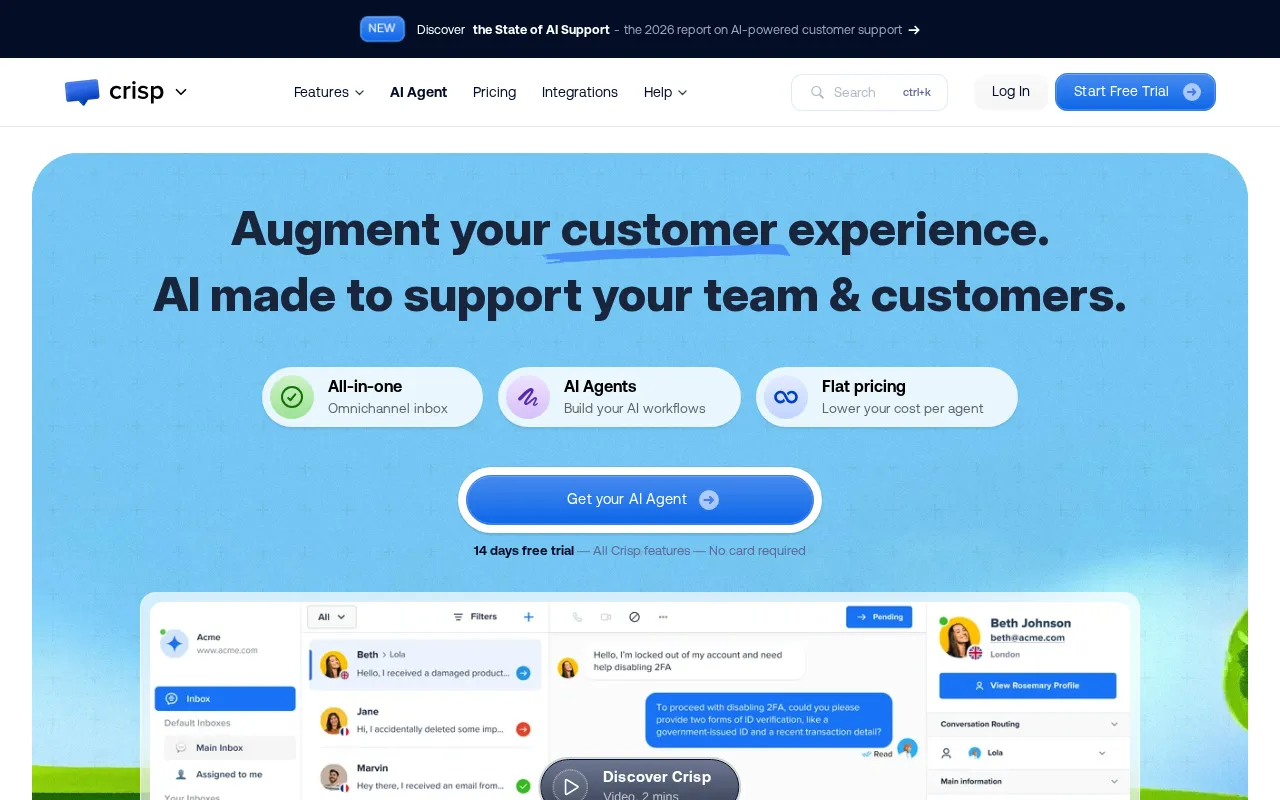
Crisp homepage, November 2026

Crisp is a French customer support platform built around a website chat widget, with a shared inbox, many messaging channels and Hugo, its AI agent.

Best for
Small teams that start with free website chat and want WhatsApp, Instagram, SMS and phone in the same inbox later.
How it bills
Per workspace a month: Mini is $45 with 4 seats, Essentials $95 with 10 and Plus $295 with 20, including $5, $25 and $75 of AI credits (about 90, 450 and 1,350 Hugo conversations). Extra seats are $10 each, sold on Plus only, and Hugo past the credits runs on Pay-As-You-Go at about $0.05 to $0.10 a conversation.
Free plan
Yes: 2 seats, chat only, no AI
3 people, 300 AI replies
$66 or more a month: Mini at $45 for 4 seats with about 90 Hugo conversations in its credits, plus about 210 more at about $0.10 each.

Pros

  • One price per workspace, with 10 seats on Essentials for $95 a month.
  • WhatsApp, Instagram, Messenger, SMS, Telegram and phone sit in the same inbox from Essentials.
  • Its official MCP server can read, reply, add notes, resolve and write help center articles.
  • Hugo can look up orders and refund through Shopify, WooCommerce, PrestaShop and Stripe, after a one-time code checks the customer.

Cons

  • The free plan has no email inbox and no AI, and Mini has no help center, WhatsApp or MCP server.
  • Hugo stops answering when the month’s credits run out unless you turn on Pay-As-You-Go, whose rates aren’t published.
  • Stripe data in the inbox comes only with Plus at $295 a month.
  • Crisp’s terms refund no fees, monthly or yearly.

Already on Crisp? See the best Crisp alternatives.
Help Scout

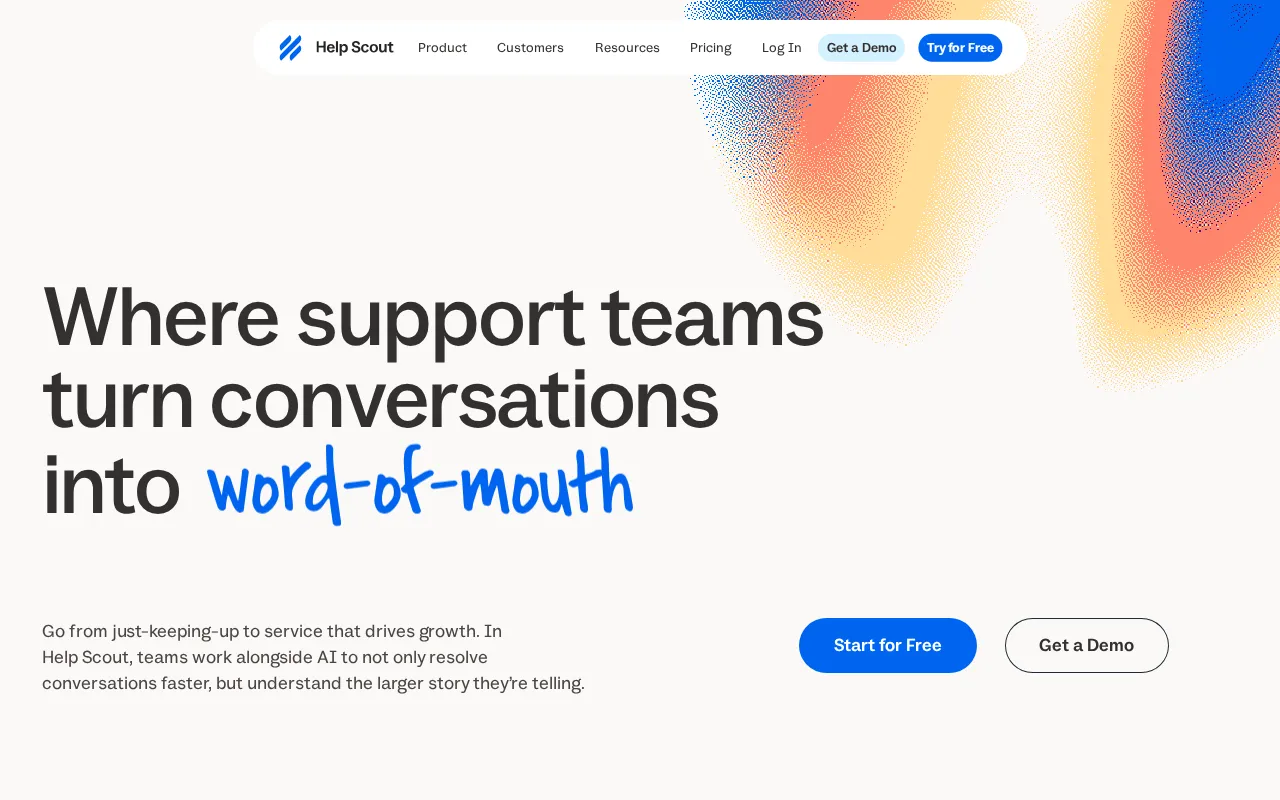
Help Scout homepage, November 2026

Help Scout is a help desk with shared inboxes, a Docs help center and Beacon, a widget for chat and help articles. Scout, its AI agent, answers chat from your help content and is billed per resolution.

Best for
Support teams that think in tickets and want a calm shared inbox, a help center and live chat, with a free plan to start on.
How it bills
Standard is $25, Plus $45 and Pro $75 a user a month on annual billing, which saves 16%. Pro needs at least 10 users and a demo. Scout costs $0.75 per resolution, free for a new account’s first 3 months.
Free plan
Yes: 5 users, 1 inbox, 100 contacts a month
3 people, 300 AI replies
$300 a month: 3 Standard users at $25 on annual billing, plus 300 AI resolutions at $0.75.

Pros

  • A free plan for up to 5 users, with 1 inbox, a Docs site and 100 contacts a month.
  • Agents can refund, cancel or edit recent Shopify orders, and refund Stripe payments or cancel subscriptions, from the sidebar.
  • Standard brings email, live chat, SMS, WhatsApp, Instagram and Messenger into one inbox.
  • You can cap AI spending each month, and Scout switches off when it reaches the cap.

Cons

  • Its official MCP server is read-only: your own AI can search conversations and Docs, but can’t reply, add notes or close.
  • Scout answers website and in-app chat only, and lists email as “Coming Soon”.
  • Scout can’t look up orders or act in other tools yet: its connection to payment processors and CRMs is still to come.
  • Seats and AI are billed separately, so the bill grows with every user and every resolution.

Already on Help Scout? See the best Help Scout alternatives.

Pick Crisp if

  • Customers call, text or message you on WhatsApp, Telegram or Instagram, and you want those conversations beside your website chats, with calls answered and placed right from Crisp on Essentials or Plus.
  • Between 5 and 10 people share the inbox, and one $95 Essentials bill for all of them costs less than paying Help Scout $25 a head.
  • Hugo should issue refunds through Shopify, WooCommerce, PrestaShop or Stripe within rules you set, with a one-time code you can require so the customer proves who they are, though Crisp’s pricing puts its Stripe integration on Plus.
  • Claude or another AI agent should answer, add notes, close conversations and keep help center articles current through an official MCP server.
  • Two of you only need a chat bubble on your website and the mobile apps for now, and the free plan covers that.

Pick Help Scout if

  • Most questions arrive by email, and up to 5 of you can share one free inbox and Docs site while you help no more than 100 people a month.
  • Teammates should refund a Stripe payment, cancel a subscription or refund, cancel or edit a recent Shopify order without leaving the conversation.
  • You promise reply times and want a basic SLA policy and 150 basic workflows from the first paid plan.
  • You’d rather pay for AI only when it resolves a chat, under a monthly limit that switches Scout off.
  • Your sales team lives in Salesforce or HubSpot, or engineering in Jira, and Plus at $45 a user on annual billing connects them.

When to consider Rinhelp instead

Consider Rinhelp if a small team answers email and website chat and wants AI on both from the first paid plan, since Scout doesn’t answer email yet. Rinhelp Pro is $49 a month for the whole workspace with 5,000 AI replies from Rin, our built-in AI, and when they run out Rin hands new conversations to your team until you buy a top-up of 5,000 for $49. Through Rinhelp’s MCP server, your own AI agent replies, assigns and closes, and anything that moves money or can’t be undone, such as a Shopify or Stripe refund, waits until a teammate approves it, where Hugo can refund within the rules you set, checked at most by a one-time code you can require from the customer. Rinhelp isn’t the pick if customers call, text or write on WhatsApp or social apps, or if your team depends on reporting, SLA policies, routing rules or tools other than Shopify and Stripe: Crisp gives a small team phone and messaging for one workspace price, and a team that needs HIPAA compliance or SSO/SAML should look at Help Scout Pro, which starts at 10 users. Rinhelp Free covers 3 teammates, so 4 to 5 people answering up to 100 customers a month without AI are better off on Help Scout Free.

Start free

Moving to Rinhelp

From Crisp

Crisp conversations, customer profiles and published “Knowledge Base” articles move through Crisp’s official MCP or its REST API, and shortcuts arrive from a CSV you export. Plan around Crisp’s daily API quota: it has no published number, and a long history may need more than one day. See the full move from Crisp.

From Help Scout

Help Scout conversations with every thread, their customers, your saved replies and your Docs articles move to Rinhelp. Mind the list call: without status=all it returns only active conversations, and closed history goes missing without a warning. See the full move from Help Scout.

Questions about Crisp vs Help Scout

What happens when the AI reaches its monthly limit?

On Crisp, Hugo goes quiet once the month’s credits are spent, unless you turned on “Pay-As-You-Go” to keep it answering at a cost per conversation. On Help Scout, you set the limit yourself: Scout switches off when its resolutions reach the monthly spending cap, and below the cap each one costs $0.75.

Can a refund happen without a teammate?

On Crisp, yes: Hugo can issue refunds through your integrations, including 1-click ones for Shopify, WooCommerce, PrestaShop and Stripe, within the rules you set, and you can require a one-time code by email or SMS to verify the customer before a tool runs. On Help Scout, Scout can’t look up orders or act in other tools yet, so a teammate refunds a Shopify order or a Stripe payment from the sidebar. Neither official MCP server gives your own AI agent a refund tool.

What changes once the team passes 10 people?

Crisp Essentials stops at 10 seats, so an eleventh person means Plus at $295 a month for 20 seats, then $10 for each seat beyond. Help Scout keeps charging per user: Standard holds up to 25 and Plus up to 50, and Pro, at $75 a user on annual billing, asks for at least 10 users and a demo before you buy.

Does paying for a year cost less?

On Help Scout, yes: annual billing saves 16%, so a Standard user costs $25 a month instead of $30, and Plus $45 instead of $54. Crisp publishes no yearly price at all. You switch a workspace to yearly in the app and pay the year up front, and Crisp’s terms refund no fees, monthly or yearly, if you leave early.

How we checked

We compared Crisp and Help Scout using the facts we keep on each, checked against the vendor’s own pages on the date shown beside its sources. Rinhelp is in every table because it is our product and we wrote this page, so check each figure against the vendor’s own page before you decide.

Costs are list prices in US dollars for three team sizes, on the cheapest plan that covers them, counting each AI reply as one resolved conversation. Features count only when the vendor’s own pages say a plan includes them. The AI column counts actions an official MCP server from the vendor can take, out of 11, and leaves third-party connectors out.

Try Rinhelp next to Crisp or Help Scout.

Start free with up to 3 teammates and 50 AI replies.

Start free