Start free

10 best Gmelius alternatives (2026)

By , founder of Rinhelp · Facts checked

The short answer

Gmelius charges a seat for every user, doesn’t say how many AI credits each plan holds, and covers email only, with no live chat or help center. If you want AI answering email and chat at one price, pick Rinhelp, free for 3 teammates and $49 a month for the whole team. Pick Hiver to stay in Gmail with more channels, Drag for a cheaper Gmail inbox with live chat and a help center, Help Scout for a shared inbox with a free plan, Front or Missive if your whole team shares email, and Zoho Desk or Freshdesk if you are growing into a full help desk.

See Rinhelp on your own site. Enter your website and Rin builds your help desk from it: a chat widget, a help center and an inbox.

Free. No sign-up to look. Ready in a minute or two.

Is your help center somewhere else?

Rin will read . If your help articles or docs live at another address, like help. or a Notion page, Rin can read those too.

Where is your help center?

Rin reads it along with and turns it into your help center.

Gmelius alternatives at a glance

ToolBest forHow it billsFree plan3 people, 300 AI replies
RinhelpTeams of 2 to 10 on Gmelius Growth that want live chat, a help center and AI answers at a price that doesn’t rise with each teammate.One price per workspaceYes: 3 teammates, 50 AI replies to try Rin$49
HiverTeams that run support from Gmail or Outlook and want shared inboxes, SLAs and AI agents that Hiver’s engineers set up with them.Per user, plus AI at an unpublished priceNo, 7-day trial of Elite$75 or more
DragSmall teams that run support from Gmail and want shared inboxes, boards and a help center at a low seat price.Per user, plus AI creditsNot on its pricing page, 7-day trial of Pro$162
KeepingTeams on Google Workspace that answer email from Gmail and want clear owners and no double replies.Per user, with a 2-user minimumNo, 14-day trial with no card$42
Help ScoutSupport teams that think in tickets and want a calm shared inbox, a help center and live chat, with a free plan to start on.Per user, plus each AI resolutionYes: 5 users, 1 inbox, 100 contacts a month$300
FrontTeams that run many shared addresses, bring in colleagues outside support, and want people and AI agents working one queue.Per seat, plus each Autopilot conversationNo, 14-day trial$342
MissiveSmall teams that answer email together and want internal chat and tasks beside their messages.Per user, plus AI creditsNo, 30-day trial$72 or more
HelpwiseSmall teams that want WhatsApp, SMS and calls beside email at a low seat price, and are happy writing every reply themselves.Per user, plus AI creditsNo, 7-day trial$69 or more
Zoho DeskBudget-minded teams that want a full ticketing suite with workflows and SLAs, especially if they already use other Zoho apps.Per userYes: 3 users, email only$42
FreshdeskTeams that want a full ticketing help desk with SLAs, routing and a knowledge base, and chat and messaging for less per agent than Zendesk’s Suite Team.Per agent, plus each AI sessionNo, 14-day trial$204
Gmelius, for comparisonTeams on Google Workspace that want shared inboxes and AI agents inside the Gmail they already use.Per user, with AI credits in each planNo, 7-day trial of Growth$75 or more

1. Rinhelp

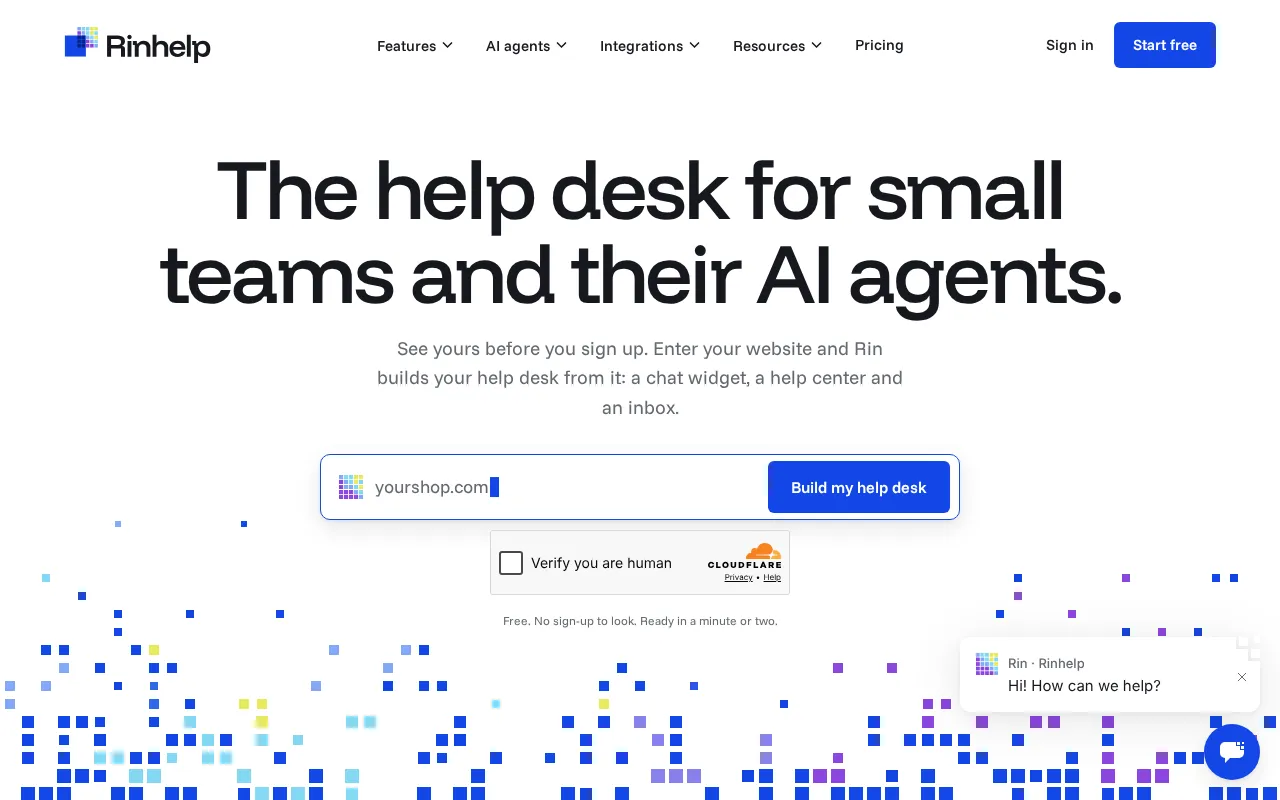
Rinhelp homepage, November 2026

Gmelius charges $25 a user on Growth, its AI runs on credits it doesn’t count out in public, and it stops at email. Rinhelp is $49 a month for the whole team with 5,000 AI replies from Rin, adds live chat and a help center, and lets Claude or ChatGPT send replies through MCP, where Gmelius’s MCP stops at drafts.

Best for
Teams of 2 to 10 on Gmelius Growth that want live chat, a help center and AI answers at a price that doesn’t rise with each teammate.
How it bills
Free for up to 3 teammates. Pro is $49 a month for the whole workspace, with 5,000 AI replies from Rin. No per-seat or per-resolution fees.
Free plan
Yes: 3 teammates, 50 AI replies to try Rin
3 people, 300 AI replies
$49 a month: Pro for the whole workspace, using 300 of its 5,000 AI replies; Free covers your team if you don’t need AI replies.

Pros

  • One price for any team size, where 10 Gmelius Growth users cost $250 a month on annual billing.
  • Live chat and a help center sit in the same inbox as email. Gmelius has neither.
  • Rin’s 5,000 AI replies are counted in the price, so you know what AI costs before the month starts.
  • Shopify orders and Stripe payments show beside each conversation, and Gmelius lists neither integration.

Cons

  • Email and live chat only: there is no phone, WhatsApp, SMS or social inbox.
  • Shopify and Stripe are the only integrations.
  • No reports, SLA rules or routing rules: Rin hands a conversation to the teammate with the fewest open ones.
  • The free plan has no Rin beyond 50 AI replies to try it.
Start free

2. Hiver

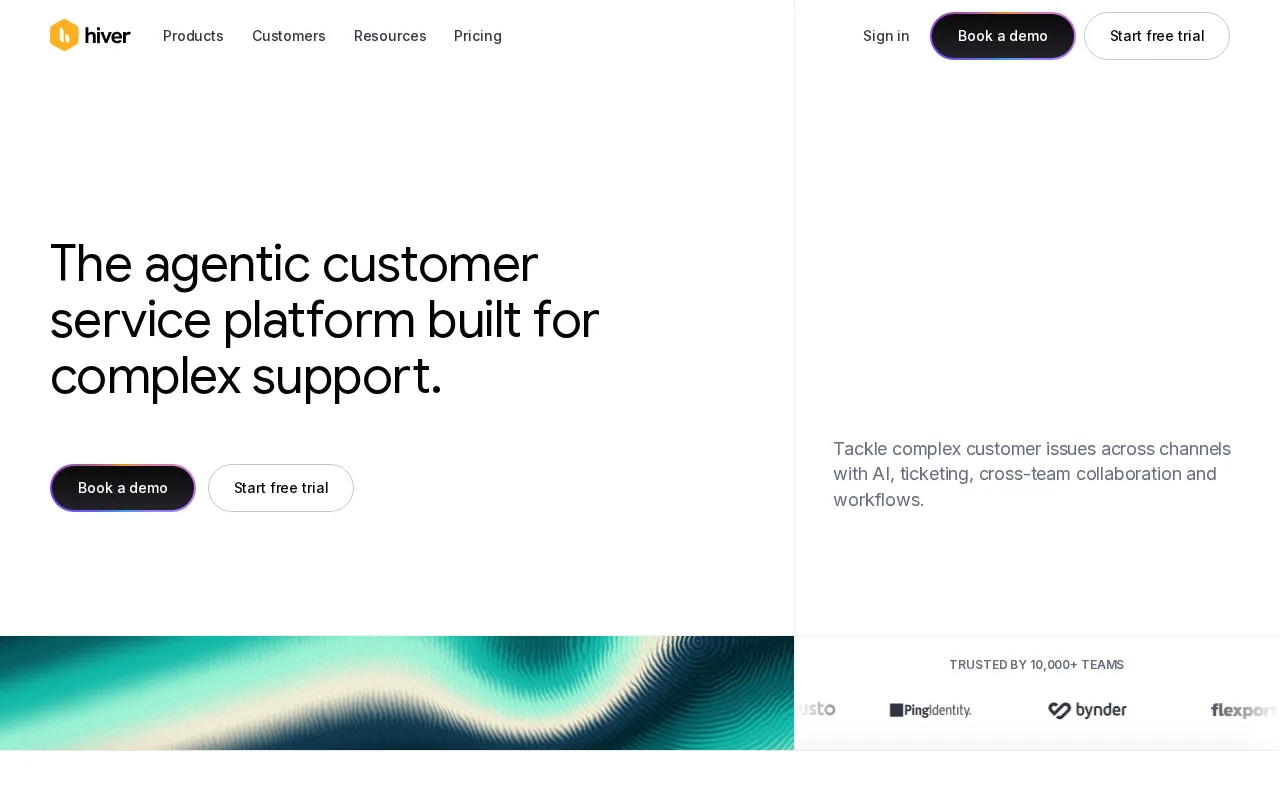
Hiver homepage, November 2026

Hiver is a help desk for teams that work from email. It sells two versions at the same prices: Hiver in Gmail, and Hiver Omni, a standalone app for email, live chat, WhatsApp, voice and Slack.

Best for
Teams that run support from Gmail or Outlook and want shared inboxes, SLAs and AI agents that Hiver’s engineers set up with them.
How it bills
Per user, from 2 seats: Growth is $25, Pro $55 and Elite $85 a user a month on annual billing ($35, $65 and $95 monthly). AI agents come on every plan with no published price, and voice is $30 a voice seat.
Free plan
No, 7-day trial of Elite
3 people, 300 AI replies
$75 or more a month: 3 Growth users at $25 on annual billing. AI agents come with every plan, but Hiver doesn’t publish what their work costs.

Pros

  • Hiver in Gmail keeps your team in the Gmail it knows, and Hiver Omni brings email, live chat, WhatsApp, voice and Slack into one app.
  • Its AI agents look up orders, issue refunds and update records in other systems, and pause for approval on actions you mark sensitive.
  • Hiver’s engineers build the agent’s integrations with your team, including tools that have no API.
  • Elite adds AI quality scoring, skill-based routing, SSO and HIPAA compliance.

Cons

  • Every user is a seat from 2 up, and Growth stops at 10 users and 2 shared inboxes.
  • The API starts at Pro, at $55 a user a month on annual billing.
  • Hiver doesn’t publish what its AI agents cost, saying only that you pay for work correctly delivered.
  • Its official MCP can assign, close and add notes, but can’t send a reply, only save a draft.

Already on Hiver? See the best Hiver alternatives.

3. Drag

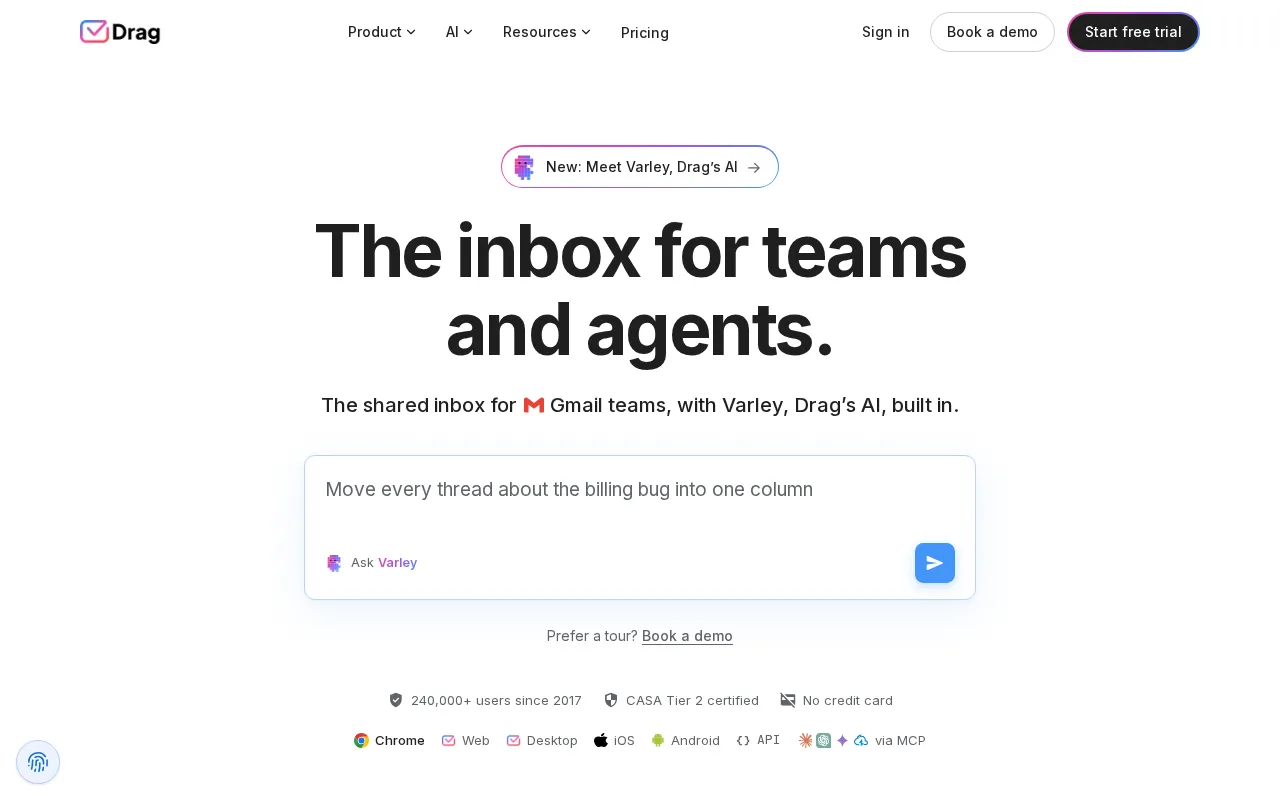
Drag homepage, November 2026

Drag turns Gmail into a shared inbox, with each email as a card on a board your team assigns and moves along. It adds live chat, a help center, WhatsApp on Pro, and Varley, an AI that drafts, answers chat visitors and resolves conversations on its own.

Best for
Small teams that run support from Gmail and want shared inboxes, boards and a help center at a low seat price.
How it bills
Starter is $12, Plus $18 and Pro $24 a user a month on annual billing ($16, $22 and $30 monthly), with no seat minimum. Plus includes 1,000 AI credits a seat each month and Pro 2,000, at $0.01 a credit. An AI agent resolving a conversation on its own costs 50 credits, or $0.50, and AI agents come with Pro.
Free plan
Not on its pricing page, 7-day trial of Pro
3 people, 300 AI replies
$162 a month: 3 Pro users at $24 on annual billing ($72), plus 300 AI agent resolutions at 50 credits each: 6,000 credits come with the seats and 9,000 more are $90.

Pros

  • Emails stay in Gmail, and Drag stores their sender and subject but not the body.
  • Live chat and a public help center come with every plan, even Starter at $12 a user on annual billing.
  • Drag prices every AI action, from $0.001 to tag an email to $0.50 for a resolved conversation.
  • Its official MCP server has 47 tools, and can send replies, add comments and write help center articles.

Cons

  • Every user is a seat, and one plan applies to every user on the subscription.
  • AI agents that resolve conversations, WhatsApp, the API and the MCP server need Pro.
  • Drag lists no Shopify integration, and its integrations page connects Stripe through Zapier.
  • Drag is a Google Workspace app: its shared inboxes are Gmail addresses and Google Groups.

Already on Drag? See the best Drag alternatives.

4. Keeping

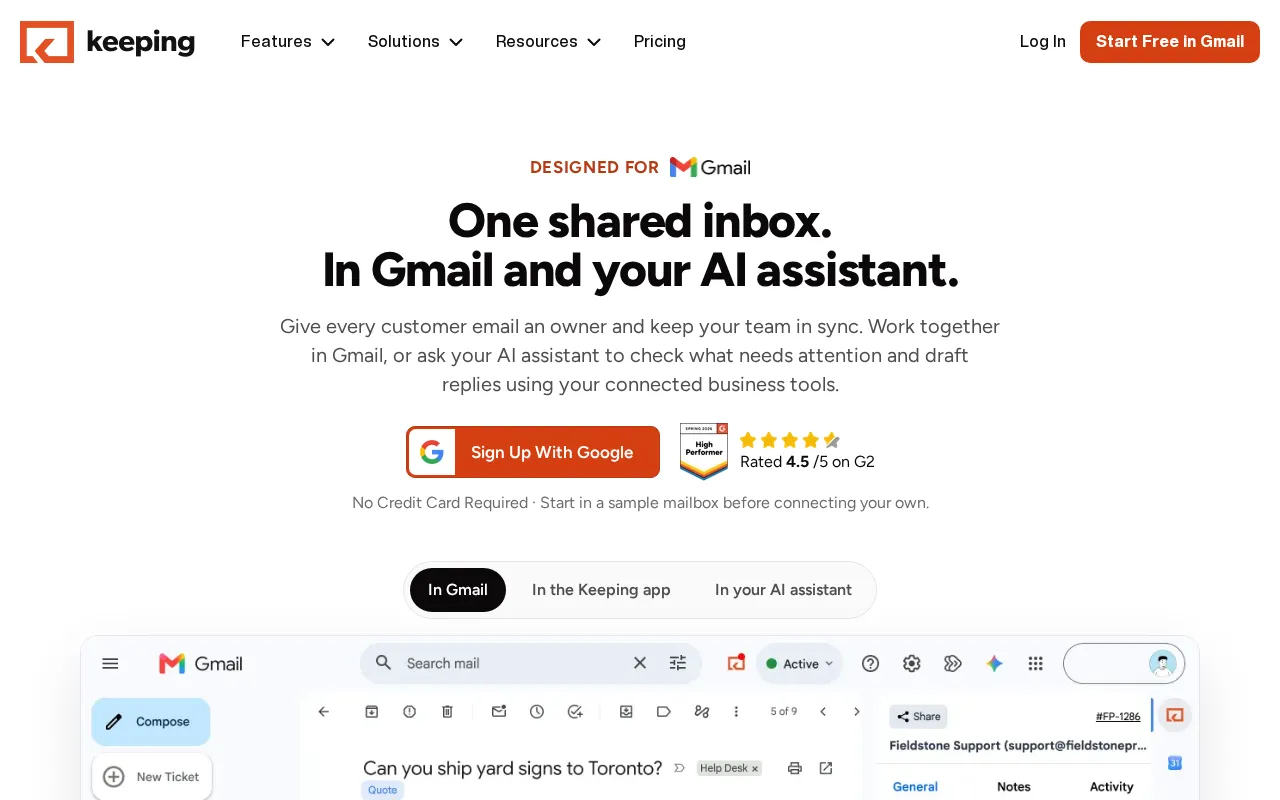
Keeping homepage, November 2026

Keeping turns a shared Gmail address such as support@ into a shared inbox inside Gmail, where every email gets an owner, a status and internal notes. It adds a web and mobile app, workflows, reports and an MCP server, but no live chat, help center or AI that answers customers.

Best for
Teams on Google Workspace that answer email from Gmail and want clear owners and no double replies.
How it bills
Essentials is $14 a user a month on annual billing ($19 monthly), with 2 shared mailboxes and up to 10 users. Advanced is $24 ($29 monthly) and adds unlimited mailboxes, CSAT, SLAs, round robin and integrations such as Shopify. HIPAA is $49 ($59 monthly) with a signed BAA. Every plan has a 2-user minimum.
Free plan
No, 14-day trial with no card
3 people, 300 AI replies
$42 a month: 3 Essentials users at $14 on annual billing, with no AI answering customers.

Pros

  • Emails stay in your Google Workspace mailbox, and customers get a normal reply from the shared address.
  • Collision detection shows when a teammate is reading or already replying to an email.
  • Its official MCP server has more than 80 tools for Claude, ChatGPT and other AI assistants, and drafts replies for a person to send.
  • A HIPAA plan comes with a signed BAA.

Cons

  • Keeping is for Gmail and Google Workspace: it isn’t for teams that work in Outlook.
  • Email only: no live chat, phone or social channels, and no help center.
  • No AI answers customers, and the MCP server creates drafts but never sends.
  • Shopify, CSAT, SLAs and the full MCP need Advanced at $24 a user on annual billing.

Already on Keeping? See the best Keeping alternatives.

5. Help Scout

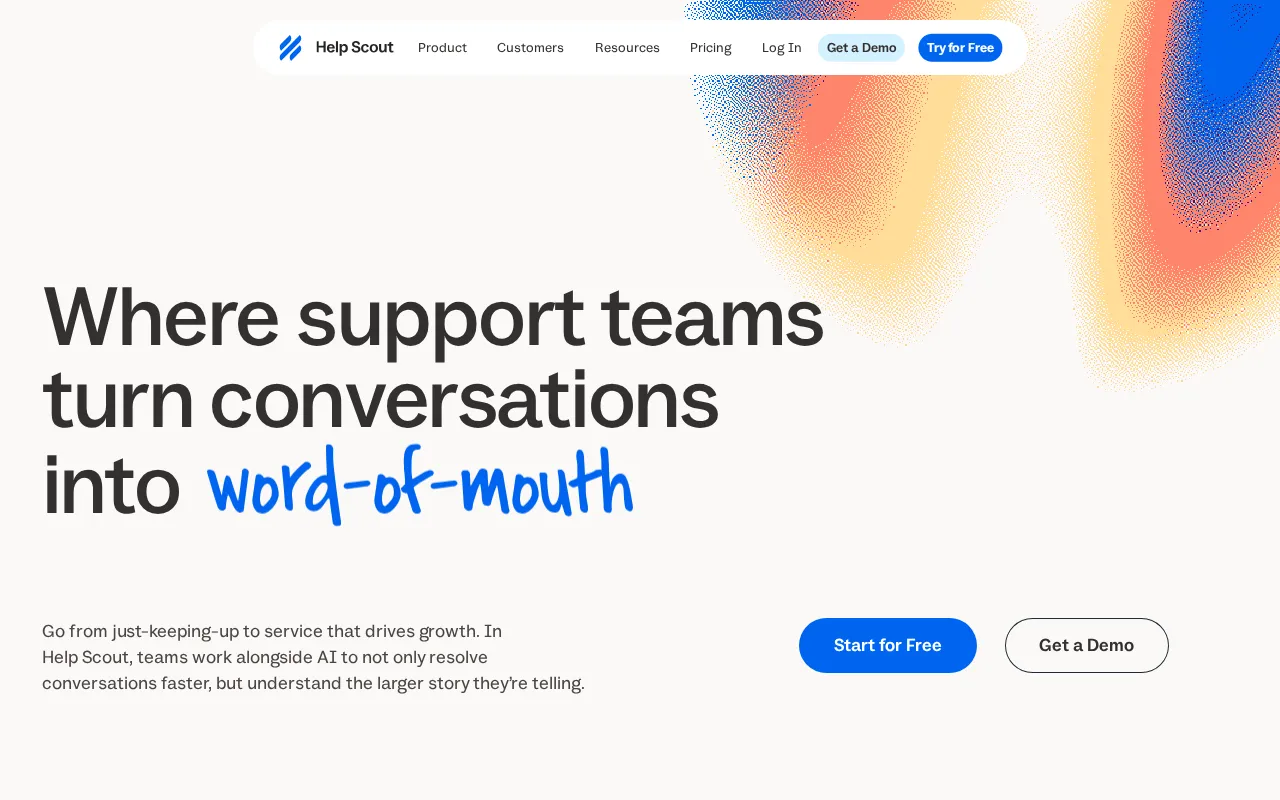
Help Scout homepage, November 2026

Help Scout is a help desk with shared inboxes, a Docs help center and Beacon, a widget for chat and help articles. Scout, its AI agent, answers chat from your help content and is billed per resolution.

Best for
Support teams that think in tickets and want a calm shared inbox, a help center and live chat, with a free plan to start on.
How it bills
Standard is $25, Plus $45 and Pro $75 a user a month on annual billing, which saves 16%. Pro needs at least 10 users and a demo. Scout costs $0.75 per resolution, free for a new account’s first 3 months.
Free plan
Yes: 5 users, 1 inbox, 100 contacts a month
3 people, 300 AI replies
$300 a month: 3 Standard users at $25 on annual billing, plus 300 AI resolutions at $0.75.

Pros

  • A free plan for up to 5 users, with 1 inbox, a Docs site and 100 contacts a month.
  • Agents can refund, cancel or edit recent Shopify orders, and refund Stripe payments or cancel subscriptions, from the sidebar.
  • Standard brings email, live chat, SMS, WhatsApp, Instagram and Messenger into one inbox.
  • You can cap AI spending each month, and Scout switches off when it reaches the cap.

Cons

  • Its official MCP server is read-only: your own AI can search conversations and Docs, but can’t reply, add notes or close.
  • Scout answers website and in-app chat only, and lists email as “Coming Soon”.
  • Scout can’t look up orders or act in other tools yet: its connection to payment processors and CRMs is still to come.
  • Seats and AI are billed separately, so the bill grows with every user and every resolution.

Already on Help Scout? See the best Help Scout alternatives.

6. Front

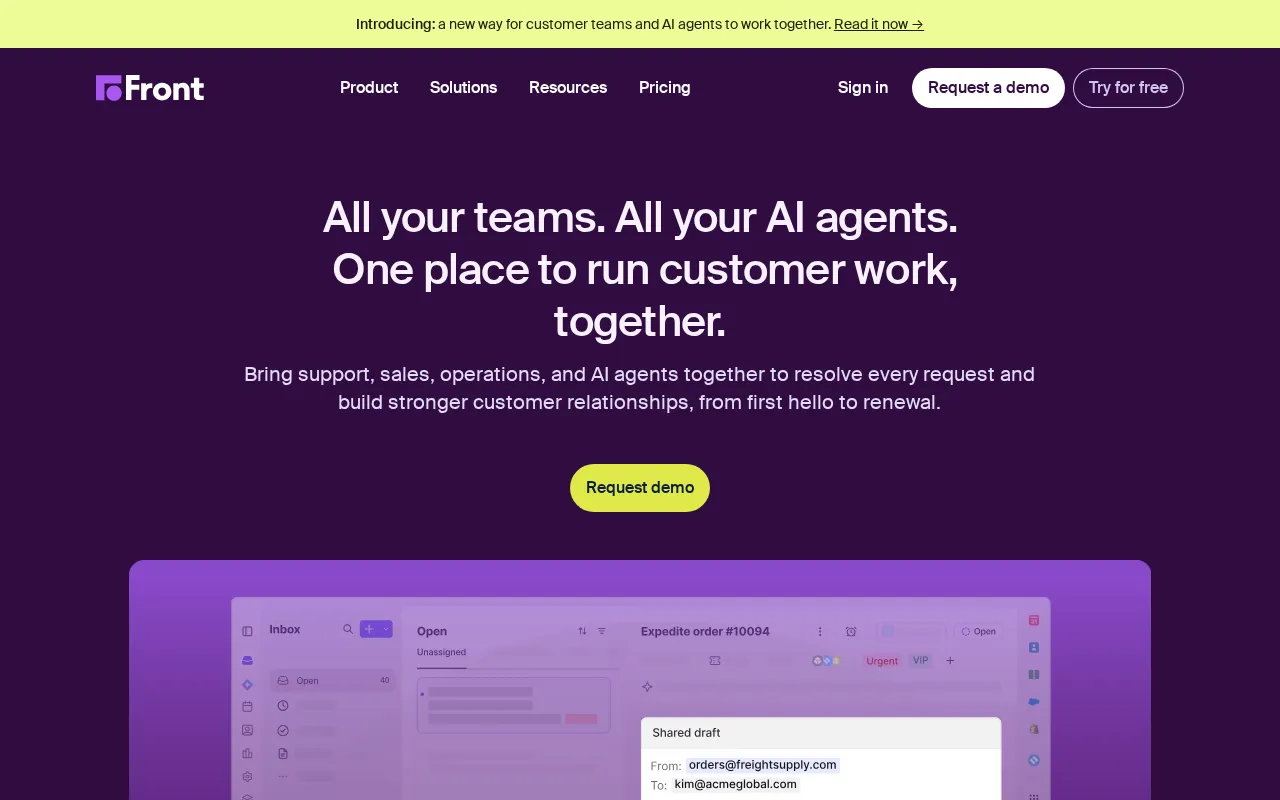
Front homepage, November 2026

Front is a customer service platform built on shared inboxes, where support, sales and operations teams handle email, chat, SMS and social together. Autopilot, its AI agent, is billed by what it does in each conversation.

Best for
Teams that run many shared addresses, bring in colleagues outside support, and want people and AI agents working one queue.
How it bills
Starter is $25 a seat a month for up to 10 seats, Professional $65 for up to 50 and Enterprise $105, on annual billing ($35 and $85 monthly; Enterprise is annual only). Autopilot charges $0.39 to hand off and $0.89 to resolve a conversation, and Copilot is $20 a seat.
Free plan
No, 14-day trial
3 people, 300 AI replies
$342 a month: 3 Starter seats at $25 on annual billing, plus 300 Autopilot resolutions at $0.89.

Pros

  • Its official MCP server can search, draft, send, comment, assign, tag and archive, with sending behind its own permission.
  • Guest accounts let colleagues outside support comment on a conversation without a paid seat.
  • Autopilot answers on email, chat, SMS, WhatsApp and Slack, and its 30-day trial covers up to 1,000 resolutions.
  • Outside AI agents built with Claude, OpenAI or Sierra can be assigned conversations like a teammate, on every plan.

Cons

  • Starter stops at 10 seats and one channel type, so an 11th seat or a second channel means Professional at $65 a seat.
  • Autopilot charges for handoffs too, not only for conversations it resolves.
  • There is no export you can run yourself: Support makes one, and it leaves out contacts, templates, tags and individual inboxes.
  • Monthly and annual payments are nonrefundable, even if you cancel early.

Already on Front? See the best Front alternatives.

7. Missive

Missive homepage, November 2026

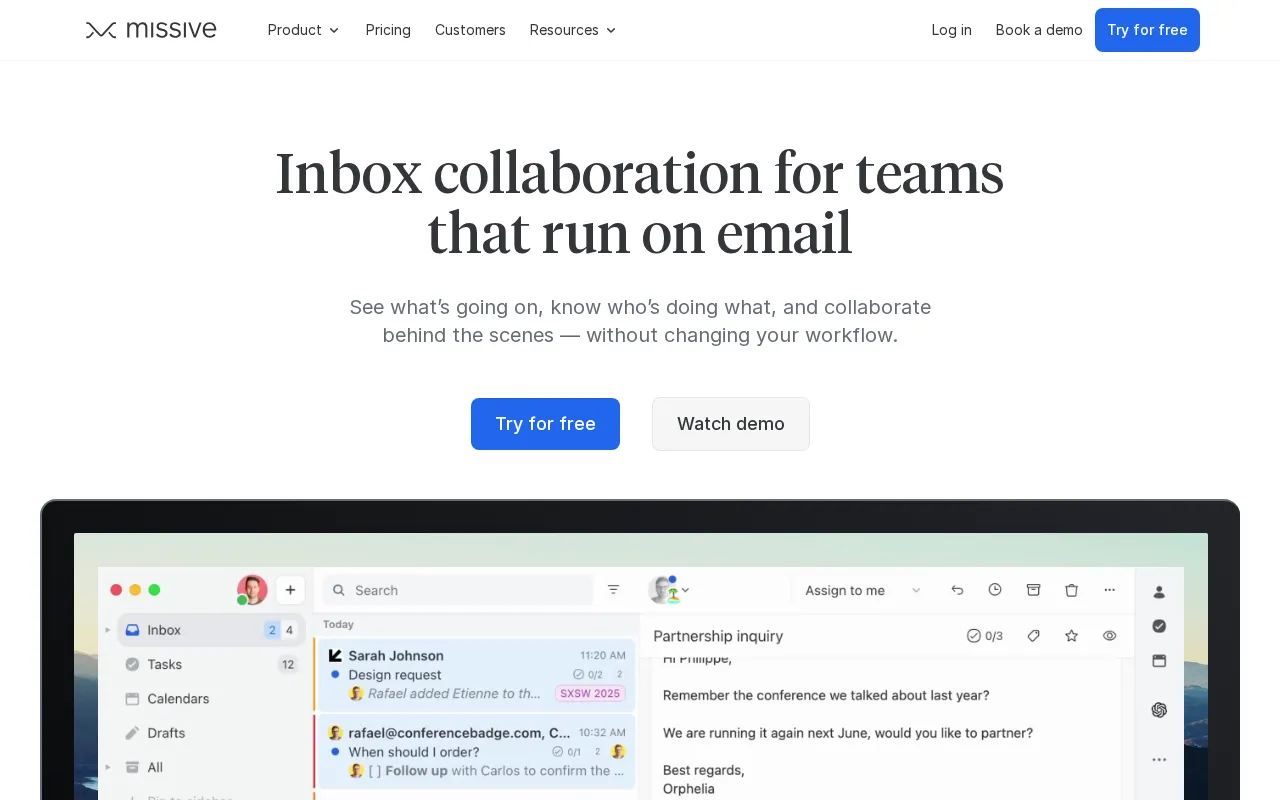
Missive is a team email app that puts personal and shared inboxes, comments, tasks, calendars and internal chat in one place. Its AI assistant drafts, summarizes and translates, but doesn’t answer customers on its own.

Best for
Small teams that answer email together and want internal chat and tasks beside their messages.
How it bills
Starter is $14 a user a month for up to 5 users, Productive $24 for up to 50 and Business $36, on annual billing ($18, $30 and $45 monthly). AI runs on Missive credits at the provider’s price plus 25%, or on your own key with no markup, and Productive and Business start with $5 of free credits. Each user adds 5 shared accounts to a pool, and every 5 past it cost $15 a month.
Free plan
No, 30-day trial
3 people, 300 AI replies
$72 or more a month: 3 Productive users at $24 on annual billing, plus AI drafts at token prices. No AI answers customers.

Pros

  • Personal and shared email, comments, tasks, calendars and internal chat live in one app.
  • Bring your own Anthropic, OpenAI or Gemini key and pay no markup on AI.
  • Its AI assistant reaches Stripe, Notion and Linear through MCP, and asks you to approve actions before anything happens.
  • Native apps for iOS, Android, macOS and Windows, with SMS, WhatsApp, Messenger and Instagram beside email.

Cons

  • No AI answers customers: AI rules can only create a draft for a teammate to send.
  • No help center, and live chat needs your own Twilio account.
  • The API and MCP need Productive.
  • No free plan: after the 30-day trial an unpaid organization is paused, and its data is eventually deleted.

Already on Missive? See the best Missive alternatives.

8. Helpwise

Helpwise homepage, November 2026

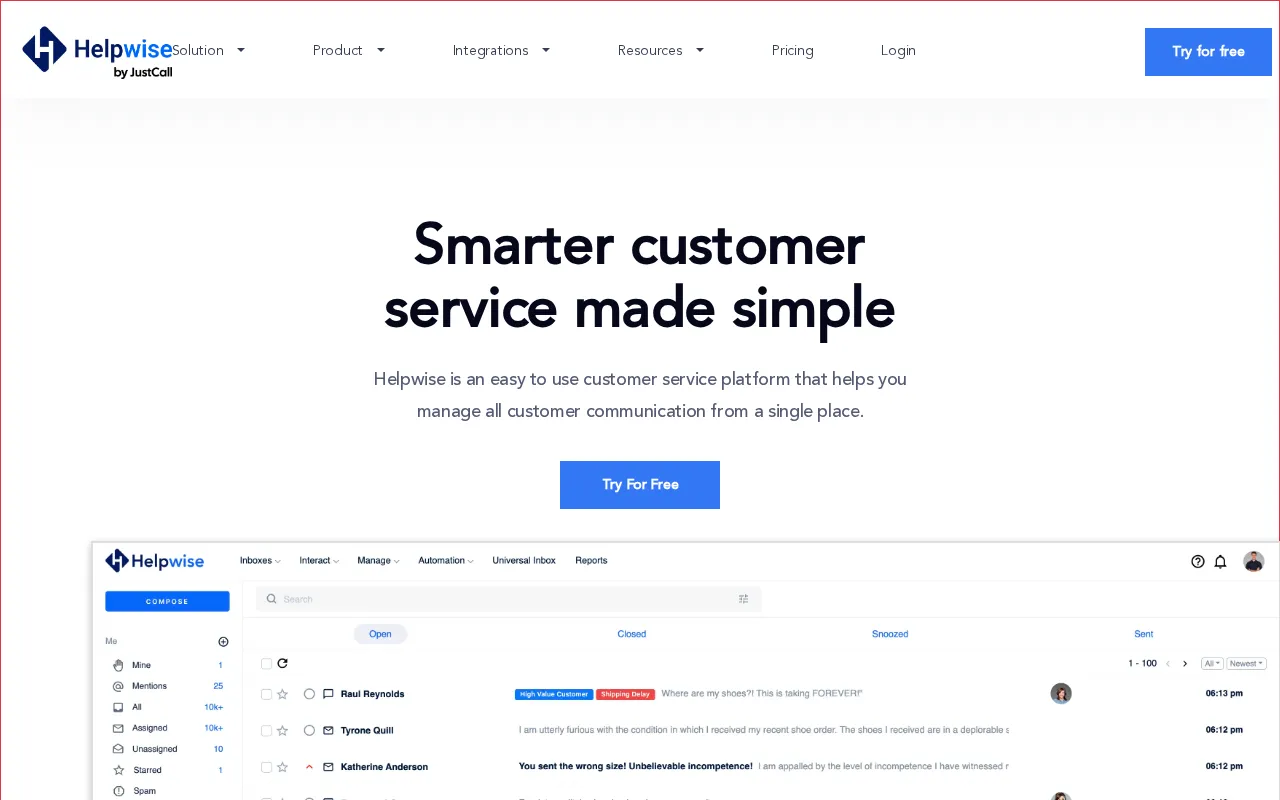
Helpwise is a shared inbox for email, live chat, WhatsApp, SMS, calling and social messages, made by SaaS Labs, the company behind JustCall. It includes help centers, a menu chatbot and an AI that drafts replies.

Best for
Small teams that want WhatsApp, SMS and calls beside email at a low seat price, and are happy writing every reply themselves.
How it bills
Per user: Standard is $12, Premium $23 and Advanced $39 a user a month on annual billing ($15, $29 and $49 monthly), with Standard for 2 to 10 users, Premium from 2 and Advanced from 3. Add-ons on annual billing: the chatbot is $8 a user on Premium ($10 monthly), 3 more inboxes are $42 ($49 monthly) and the cloud phone system is $4 an active user ($5 monthly). AI drafts use prepaid credits topped up from $5.
Free plan
No, 7-day trial
3 people, 300 AI replies
$69 or more a month: 3 Premium users at $23 on annual billing, plus prepaid credits for AI drafts, not counted here. No AI answers customers.

Pros

  • WhatsApp, SMS, calling, Facebook and Instagram sit in one inbox with email and live chat from Premium.
  • Standard is $12 a user a month on annual billing for a plain shared inbox with live chat and a help center.
  • Advanced holds up to 30 shared inboxes and 5 help centers, with the chatbot and calling included.
  • Shopify orders and Stripe subscriptions show beside each conversation.

Cons

  • Its AI drafts replies for agents but never answers a customer by itself.
  • There is no official MCP server, and the API needs Premium or above.
  • Every charge is non-refundable, and cancelling an annual plan only stops the renewal.
  • Standard caps saved replies at 15 and automation rules at 3, and has no API or Shopify.

Already on Helpwise? See the best Helpwise alternatives.

9. Zoho Desk

Zoho Desk homepage, November 2026

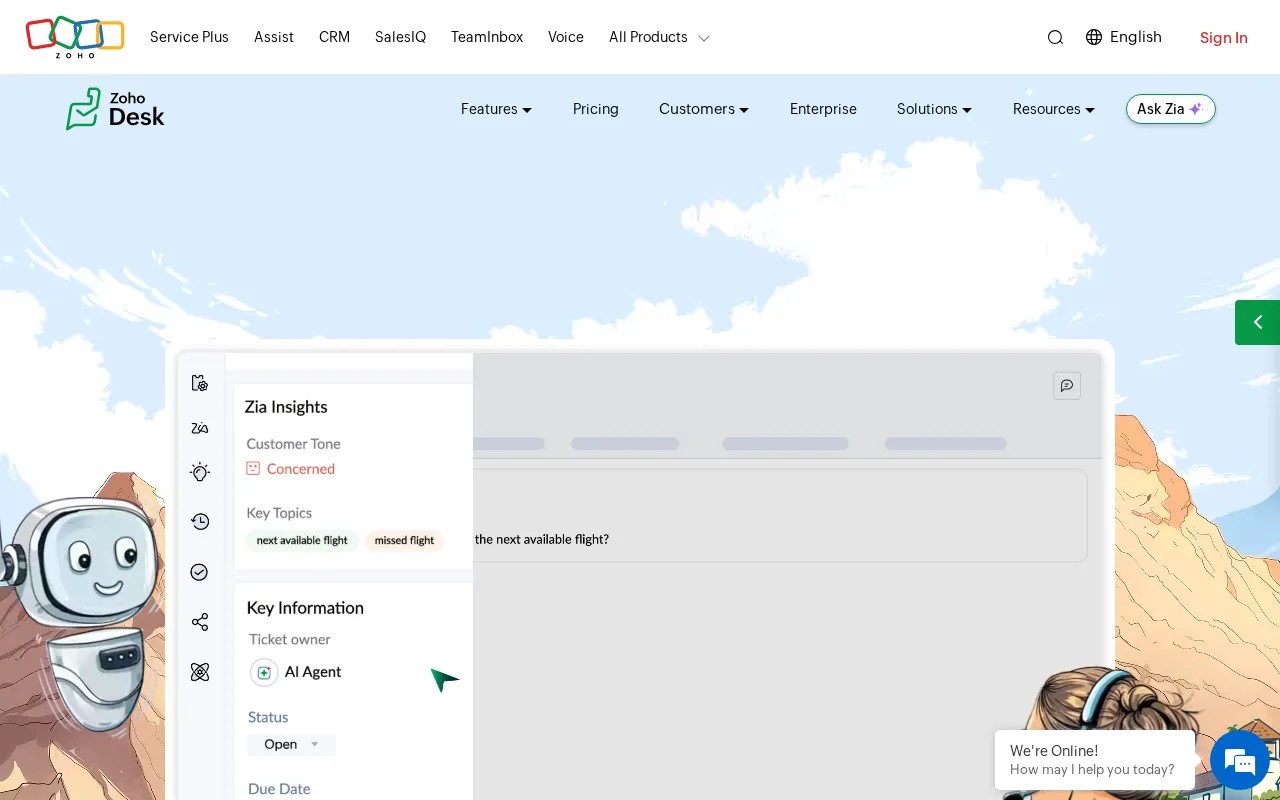
Zoho Desk is the help desk in Zoho’s suite of business apps, with tickets from email, social media, chat, WhatsApp and phone, a multilingual help center, and Zia, Zoho’s AI.

Best for
Budget-minded teams that want a full ticketing suite with workflows and SLAs, especially if they already use other Zoho apps.
How it bills
Per user: Express is $7, Standard $14, Professional $23 and Enterprise $40 a month on annual billing ($9, $20, $35 and $50 monthly), and light agents are $6 each. Express allows up to 5 users; Standard and above have no user limit. AI agents include up to 30 million free tokens a month. Other generative features run on a key you bring from an AI provider, and Professional and Enterprise add Zia’s own.
Free plan
Yes: 3 users, email only
3 people, 300 AI replies
$42 a month: 3 Standard users at $14 on annual billing, the first plan with live chat and Answer Bot, which answers customers from your help center. Zoho publishes no per-answer fee.

Pros

  • Low seat prices: Express is $7 a user and Standard $14 on annual billing, with a free plan for 3 users.
  • Standard adds live chat, WhatsApp, Telegram and other messaging apps, and Professional adds phone support.
  • Workflows, SLAs and several departments, with a help center you can publish in over 40 languages on Professional.
  • Zoho’s official MCP server is free and can read tickets, send replies and add comments.

Cons

  • Express stops at 5 users, so a sixth teammate moves everyone to Standard at $14.
  • Zia’s full AI needs Professional, and the agent that answers email tickets is open only to selected accounts.
  • The MCP server has no tools for help center articles or saved replies, and every call uses daily API credits.
  • Express has no live chat, and the free plan covers email only.

Already on Zoho Desk? See the best Zoho Desk alternatives.

10. Freshdesk

Freshdesk homepage, November 2026

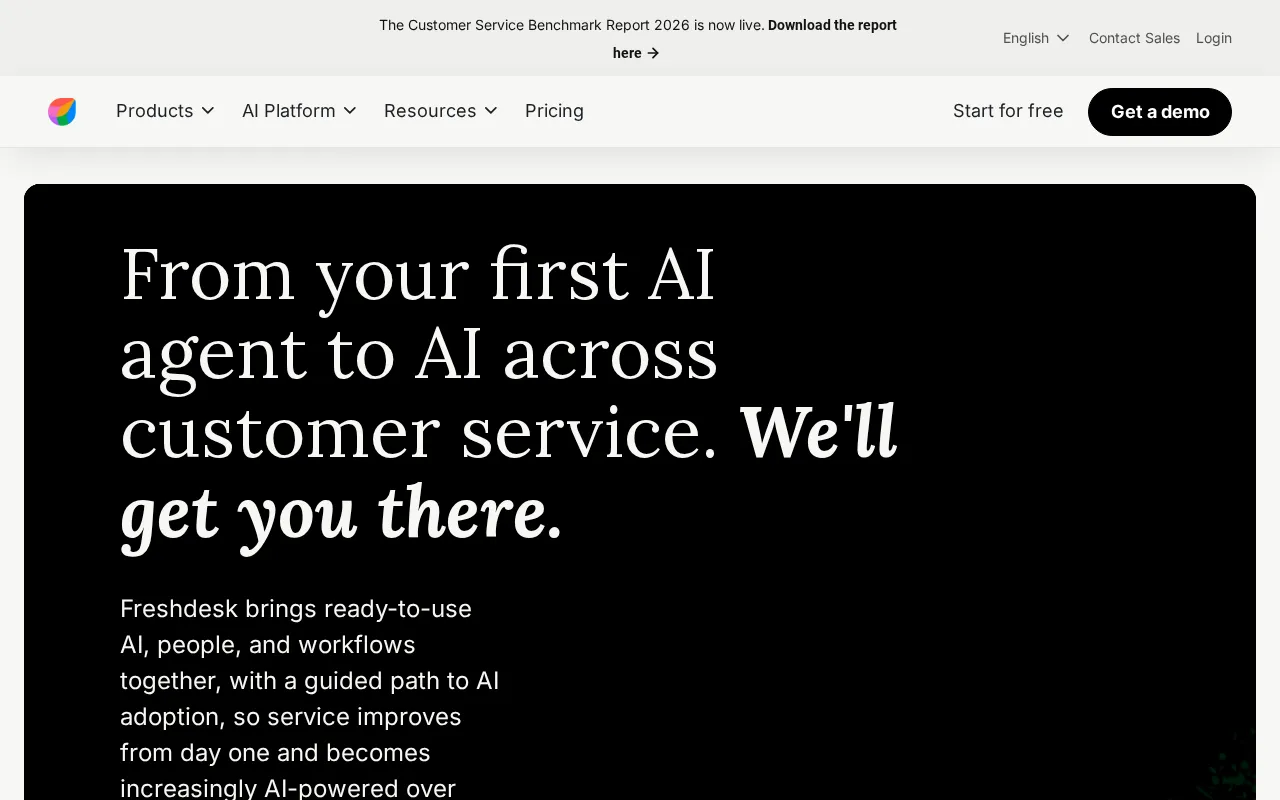
Freshdesk is Freshworks’ help desk: email ticketing with a customer portal and knowledge base, with Freshdesk Omni adding chat, phone and messaging. Its Freddy AI agent answers customers and is billed per session.

Best for
Teams that want a full ticketing help desk with SLAs, routing and a knowledge base, and chat and messaging for less per agent than Zendesk’s Suite Team.
How it bills
Per agent on annual billing: Growth is $19, Pro $55 and Enterprise $89 a month, or $29, $79 and $119 on Freshdesk Omni with chat and messaging. Freddy AI agent sessions cost $49 per 100 after 500 free ones, once per account. Voice is $15 to $69 more an agent, and MCP actions $15 per 1,000.
Free plan
No, 14-day trial
3 people, 300 AI replies
$204 a month: 3 Growth agents at $19 on annual billing, plus 3 packs of 100 AI sessions at $49, on email only.

Pros

  • SLA policies, custom dashboards, skill-based routing and audit logs come on its higher plans, with skill-based routing at $89 an agent where Zendesk asks $115.
  • Freshdesk Omni adds chat, phone, WhatsApp, Messenger, Instagram and Line to the same tickets.
  • Day passes from $2 let occasional helpers answer without a full seat.
  • Its official MCP server can reply, add notes, update tickets and write knowledge base articles.

Cons

  • List prices rose early in 2026, from $15 to $19 an agent on Growth, and the free plan is gone.
  • Freddy AI agent costs 49 cents a session after the first 500, which never come back.
  • Every MCP call counts as an action, and Growth includes only 1,200 a year.
  • Fees are non-refundable, and a cancellation only takes effect at the end of your term.

Already on Freshdesk? See the best Freshdesk alternatives.

Why people leave Gmelius

Every user is a seat, on one plan

Growth is $25 a user a month on annual billing and $33 monthly, and Pro is $40 or $50. All teammates must be on the same plan, so one person who needs Pro moves the whole team. Gmelius pricing, .

The AI allowance isn’t published

Gmelius calls its AI agents a paid feature and says each plan includes a monthly allocation of AI credits. Gmelius doesn’t say how many credits that is, or what more cost. Gmelius, .

Email is the only channel

Gmelius works on Gmail and Google Groups. Its integrations page lists Salesforce, HubSpot, Slack and Zapier, but no live chat, WhatsApp, voice or help center for customers. Gmelius integrations, .

Its MCP can’t send a reply

Gmelius’s official MCP reads conversations, assigns them, changes their status and adds notes and tags. Replies stay drafts: Gmelius says it never sends email, so a person sends each one from Gmail. Gmelius MCP server, .

Features compared

A check means the vendor’s own pages say a plan includes it. Gmelius is in the last row for comparison.

ToolEmailLive chatWhatsAppVoiceHelp centerAI that answers customersShopifyStripeFree planSignup without a sales call
Rinhelp
Hiver
Drag
Keeping
Help Scout
Front
Missive
Helpwise
Zoho Desk
Freshdesk
Gmelius

What your AI can do in each tool

Connect Claude, ChatGPT or your own AI agent through the vendor’s official MCP server, and this is what it can do of 11 everyday actions: search and read conversations, reply to a customer, add an internal note, assign, close or reopen, search the help center, write or update an article, publish an article, create a saved reply, look up an order, refund or cancel.

ToolThrough official MCPWhat it can doMoney moves wait for a teammate
Rinhelp11 of 11Search and read conversations, reply to a customer, add an internal note, assign, close or reopen, search the help center, write or update an article, publish an article, create a saved reply, look up an order, refund or cancelYes, a teammate approves first
Hiver4 of 11Search and read conversations, add an internal note, assign, close or reopenNo refunds or cancellations through MCP
Drag6 of 11Search and read conversations, reply to a customer, add an internal note, assign, search the help center, write or update an articleNo refunds or cancellations through MCP
Keeping5 of 11Search and read conversations, add an internal note, assign, close or reopen, create a saved replyNo refunds or cancellations through MCP
Help Scout2 of 11Search and read conversations, search the help centerNo refunds or cancellations through MCP
Front5 of 11Search and read conversations, reply to a customer, add an internal note, assign, close or reopenNo refunds or cancellations through MCP
Missive4 of 11Search and read conversations, reply to a customer, assign, close or reopenNo refunds or cancellations through MCP
Helpwise0 of 11No official MCP server, or nothing from this listNo refunds or cancellations through MCP
Zoho Desk3 of 11Search and read conversations, reply to a customer, add an internal noteNo refunds or cancellations through MCP
Freshdesk7 of 11Search and read conversations, reply to a customer, add an internal note, assign, close or reopen, write or update an article, publish an articleNo refunds or cancellations through MCP
Gmelius4 of 11Search and read conversations, add an internal note, assign, close or reopenNo refunds or cancellations through MCP

More on each MCP server, and connectors from other companies, which don’t count:

  • Help Scout: A few accounts from Help Scout’s MCP beta kept write tools, but new connections are read-only and write actions have no date. Phone calls need Aircall or another integration.
  • Front: Front’s own AI reaches Stripe through a connector that can create refunds, with each action off until someone turns it on. Your outside agent can’t use it through Front’s MCP server.
  • Missive: Missive’s own AI assistant connects out to Stripe, Notion, Linear and others through MCP. That is separate from the server your outside AI agent uses, and an admin must turn the server on.
  • Helpwise: Composio, Pipedream and Vinkius offer unofficial Helpwise connectors built on its API.
  • Zoho Desk: Zoho’s server also lists updateTicket, but the listing doesn’t say whether it can assign or close a ticket.
  • Freshdesk: Assigning, closing and publishing go through the general ticket and article tools, and there is no tool to search the knowledge base or read canned responses. Every call is metered.

Pricing at three sizes

What each tool costs a month in US dollars, with AI answering, and how each total adds up. Each AI reply counts as one resolved conversation.

Tool3 people, 300 AI replies5 people, 1,000 AI replies10 people, 3,000 AI replies
Rinhelp$49Pro for the whole workspace, using 300 of its 5,000 AI replies; Free covers your team if you don’t need AI replies.$49Pro for the whole workspace, using 1,000 of its 5,000 AI replies.$49Pro for the whole workspace, using 3,000 of its 5,000 AI replies.
Hiver$75 or more3 Growth users at $25 on annual billing. AI agents come with every plan, but Hiver doesn’t publish what their work costs.$125 or more5 Growth users at $25 on annual billing, plus AI agents at an unpublished price.$250 or more10 Growth users at $25, the most Growth allows, plus AI agents at an unpublished price.
Drag$1623 Pro users at $24 on annual billing ($72), plus 300 AI agent resolutions at 50 credits each: 6,000 credits come with the seats and 9,000 more are $90.$5205 Pro users at $24 ($120), plus 1,000 resolutions: 10,000 credits come with the seats and 40,000 more are $400.$1,54010 Pro users at $24 ($240), plus 3,000 resolutions: 20,000 credits come with the seats and 130,000 more are $1,300.
Keeping$423 Essentials users at $14 on annual billing, with no AI answering customers.$705 Essentials users at $14 on annual billing, with no AI answering customers.$14010 Essentials users at $14 on annual billing, Essentials’ limit, with no AI answering customers.
Help Scout$3003 Standard users at $25 on annual billing, plus 300 AI resolutions at $0.75.$8755 Standard users at $25 on annual billing, plus 1,000 AI resolutions at $0.75.$2,50010 Standard users at $25 on annual billing, plus 3,000 AI resolutions at $0.75.
Front$3423 Starter seats at $25 on annual billing, plus 300 Autopilot resolutions at $0.89.$1,0155 Starter seats at $25 on annual billing, plus 1,000 Autopilot resolutions at $0.89.$2,92010 Starter seats at $25 on annual billing, plus 3,000 Autopilot resolutions at $0.89.
Missive$72 or more3 Productive users at $24 on annual billing, plus AI drafts at token prices. No AI answers customers.$120 or more5 Productive users at $24 plus AI drafts, with no AI answering customers.$240 or more10 Productive users at $24 plus AI drafts, with no AI answering customers.
Helpwise$69 or more3 Premium users at $23 on annual billing, plus prepaid credits for AI drafts, not counted here. No AI answers customers.$115 or more5 Premium users at $23 plus AI draft credits, with no AI answering customers.$230 or more10 Premium users at $23 plus AI draft credits, with no AI answering customers.
Zoho Desk$423 Standard users at $14 on annual billing, the first plan with live chat and Answer Bot, which answers customers from your help center. Zoho publishes no per-answer fee.$705 Standard users at $14, with Answer Bot and no per-answer fee.$14010 Standard users at $14, as Zoho’s plan comparison sets no user limit on Standard, with no per-answer fee.
Freshdesk$2043 Growth agents at $19 on annual billing, plus 3 packs of 100 AI sessions at $49, on email only.$5855 Growth agents at $19 on annual billing, plus 10 packs of 100 AI sessions at $49, on email only.$1,66010 Growth agents at $19 on annual billing, plus 30 packs of 100 AI sessions at $49, on email only.
Gmelius$75 or more3 Growth users at $25 on annual billing. AI agents run on credits included in the plan, in an amount Gmelius doesn’t publish.$125 or more5 Growth users at $25 on annual billing, with AI agents on unpublished credits.$250 or more10 Growth users at $25 on annual billing, with AI agents on unpublished credits.

The best Gmelius alternative for each kind of team

Best Gmelius alternative for small teams that want AI answers at a known price: Rinhelp

Gmelius puts AI credits in every plan without saying how many. Rin answers email and live chat from your help center, hands off what it can’t solve, and costs $49 a month with 5,000 AI replies.

Best Gmelius alternative for staying in Gmail with more channels: Hiver

Hiver in Gmail keeps your team in Gmail as Gmelius does, and Hiver Omni adds live chat, WhatsApp and voice. Growth is $25 a user a month on annual billing, from 2 seats.

Best Gmelius alternative for a cheaper Gmail inbox with chat and a help center: Drag

Drag turns Gmail into a shared inbox with boards, and even its $12 Starter plan on annual billing has live chat and a help center. Its AI, Varley, comes with Plus and Pro.

Best Gmelius alternative for a shared inbox with a free plan: Help Scout

Help Scout moves support out of Gmail into a calm shared inbox with a Docs help center. Its free plan covers up to 5 users, 1 inbox and 100 contacts a month.

Best Gmelius alternative for teams that write email together: Missive

Missive brings shared and personal email, comments, tasks and internal chat into its own app, from $14 a user a month on annual billing for up to 5 users. No AI answers customers there.

Best Gmelius alternative for the cheapest full help desk: Zoho Desk

Zoho Desk is free for 3 users on email, and Express at $7 a user on annual billing adds AI agents, if your team is ready for tickets instead of Gmail threads.

When Gmelius is still the right choice

Stay with Gmelius ifSwitch if
Your team lives in Gmail and wants shared inboxes without opening another app.Your customers also want live chat or a help center, and Gmelius has neither.
You want AI agents that act in Salesforce, HubSpot and your other tools, with approval steps you set.You want to know what AI costs before the month starts.
You need a HIPAA agreement for the email your team shares.You want Claude or ChatGPT to send replies, not just drafts, through MCP.
Your whole company runs on Google Workspace and email is the only channel you answer.A small team pays more in seats than it wants, and nobody needs Gmail as the place they work.

Gmelius compared head to head

Moving from Gmelius to Rinhelp

Gmelius conversations come over through its official MCP, which reads their messages, tags and notes, or through its API. The API allows about 1 request a second, so 10,000 conversations take a few hours.

  1. Start Rinhelp free and keep Gmelius running until you’re sure.
  2. With the MCP, each teammate signs in with their own Gmelius account and sees the inboxes they can open in Gmelius, with no API key to copy. For the API, an admin or manager on Growth or Enterprise takes the API credentials from the account page. We found no way to read email templates, so you paste the ones you use.
  3. Paste this prompt into Claude or ChatGPT: “Follow https://rinhelp.com/migrate/gmelius.md, reading through Gmelius’s official MCP signed in as me. Bring the conversations from my shared inboxes into Rinhelp with their messages, notes, tags and status, and tell me which inboxes you couldn’t see.”
  4. Your AI agent brings the history over, about 3 hours for 10,000 conversations. Importing is free and never emails your customers.
  5. Switch your support email to Rinhelp.
  6. Replace your chat widget.
See the full move from Gmelius

Questions about Gmelius and switching

What is Gmelius?

Gmelius adds shared inboxes, shared labels, notes, email templates and AI agents to Gmail and Google Workspace. Each teammate works from their own Gmail account, and each conversation is a Gmail thread.

How much does Gmelius cost?

Meli, the AI assistant alone, is $19 a user a month on annual billing. Shared inboxes start on Growth at $25, and Pro is $40, or $21, $33 and $50 billed monthly. Enterprise is quoted, for 50 users or more.

Does Gmelius have a free plan?

No. Signing up opens Growth for 7 days, and Gmelius suspends the account if you don’t pick a plan when the trial ends.

How do I cancel Gmelius?

An admin cancels from the subscription page of their Gmelius account. The cancellation takes effect at the end of the billing period, and you still owe the whole period you signed up for.

Does Gmelius give refunds?

No refunds for monthly payments, downgrades, removed users or part of a month on an annual plan. If you’re charged after cancelling, Gmelius asks you to email support for a refund.

How do I export my data from Gmelius?

Click “download data” on your Gmelius account page before you delete it. Deleting the account cancels any subscription and permanently deletes your Gmelius data.

Can I connect Claude or ChatGPT to Gmelius?

Gmelius has an official MCP server that Claude and ChatGPT connect to. It reads conversations, assigns them, changes their status and adds notes and tags, but it saves replies as drafts that a person sends.

Does Gmelius integrate with Shopify and Stripe?

Its integrations page lists neither. Rinhelp shows Shopify orders and Stripe payments beside each conversation, and a refund waits for a teammate’s approval.

What is the cheapest Gmelius alternative?

Rinhelp is free for up to 3 teammates and $49 a month for any team. Zoho Desk is free for 3 users on email, and Drag and Helpwise start at $12 a user on annual billing.

Do we have to tell customers we switched from Gmelius?

No. Importing never emails them. Forward your support address to Rinhelp and they keep writing to the same address as before.

Can we try Rinhelp before leaving Gmelius?

Yes. Start on the free plan, import your Gmelius conversations and let Rin answer real questions while Gmelius keeps running. Gmelius bills to the end of the period you paid for, so switch near your renewal.

How we picked and checked

We listed the tools a team leaving Gmelius weighs most often, and only tools we keep checked facts for. Rinhelp is first because it is our product and we wrote this page, so check each figure against the vendor’s own page before you decide.

Costs are list prices in US dollars for three team sizes, on the cheapest plan that covers them, counting each AI reply as one resolved conversation. Features count only when the vendor’s own pages say a plan includes them. The AI column counts actions an official MCP server from the vendor can take, out of 11, and leaves third-party connectors out.

We checked every source below on 9 November 2026 unless it shows another date.

Why people leave Gmelius

Rinhelp

Checked

Hiver

Drag

Keeping

Help Scout

Front

Missive

Helpwise

Checked

Zoho Desk

Checked

Freshdesk

Gmelius

Try Rinhelp next to Gmelius.

Start free with up to 3 teammates and 50 AI replies. Keep Gmelius running until you’re sure.

Start free