Start free

Decagon vs Pylon (2026): pricing, AI and features

By , founder of Rinhelp, which appears in this comparison · Facts checked

The short answer

Decagon fits an enterprise handling heavy chat, email and phone volume that plans to keep its current desk, Salesforce or Zendesk for instance, and put a dedicated AI in front, tuned together with Decagon’s engineers. Pylon fits a B2B software vendor that supports its clients in shared Slack Connect channels and wants issues, a knowledge base and credit-funded AI agents under one roof. 5 Professional seats on Pylon come to at least $445 monthly on its standard annual contract, and credits for 1,000 AI answers are quoted on top. Decagon names no figure for 1,000 conversations until after the demo, and you still pay for the desk it escalates into.

See Rinhelp on your own site. Enter your website and Rin builds your help desk from it: a chat widget, a help center and an inbox.

Free. No sign-up to look. Ready in a minute or two.

Is your help center somewhere else?

Rin will read . If your help articles or docs live at another address, like help. or a Notion page, Rin can read those too.

Where is your help center?

Rin reads it along with and turns it into your help center.

Decagon vs Pylon at a glance

ToolBest forHow it billsFree plan3 people, 300 AI replies
DecagonEnterprises with a high-volume queue across chat, email and phone, and a support operations team to build and test the AI with Decagon’s engineers.Quoted by sales, per conversation or resolutionNo, buying starts with a demoQuote only
PylonB2B software companies whose customers ask for help in shared Slack channels, with a support team big enough for an annual contract.Per seat on a standard annual contract, plus credits for AINo, buying starts with a demo$267 or more
RinhelpSmall teams that want AI on every conversation at one flat price, and want their own AI agents working in the inbox.One price per workspaceYes: 3 teammates, 50 AI replies to try Rin$49

Key differences

Pylon is the help desk, Decagon needs one underneath

Pylon turns incoming messages into issues in a single queue your teammates clear, beside a knowledge base and AI agents that spend credits. Decagon never becomes your team’s workspace. The AI handles customers itself and hands unsolved cases to the desk you keep, and the desks it names for out-of-the-box connections include Gladly, Kustomer, Gorgias, Salesforce, Intercom and Zendesk. Buying Decagon leaves you with 2 vendors to pay; with Pylon it is one.

Shared Slack channels against a phone line in 70+ languages

Every Pylon plan pulls in Slack Connect and Slack Community, Discord and Telegram, plus WhatsApp, text messages, email and its own chat widget. Microsoft Teams and Google Chat join on Advanced, and phone is an add-on at $35 per seat a month. Decagon spreads a single AI over web chat, text, WhatsApp, email and calls, with a voice agent that speaks more than 70 languages.

Half a price list against none

Pylon publishes seat rates, $89 for Professional and $139 for Advanced per person each month under an annual contract, while Enterprise needs a quote. 2 things stay private until you meet sales: what AI credits cost and how many seats a newcomer has to buy at minimum. Decagon publishes no rates at all. Its blog post on pricing lays out a charge for each conversation that comes in or a steeper charge for each one fully resolved, and most customers take the former, meaning handoffs to your team still count.

An AI agent can work in Pylon, Decagon calls out to your servers

Through Pylon’s official MCP server, an outside AI agent can answer a customer, leave a note, assign or close an issue, draft and publish articles and store macros, acting as your own user or as an API token’s identity. Replies can’t be recalled once sent, which is why Pylon asks AI tools to preview each one with you. With Decagon the direction flips: its AI reaches into MCP servers you host for lookups and actions, and we found no official MCP server that lets an outside assistant work in Decagon itself.

Orders and subscriptions, or engineering tickets and CRMs

Decagon ships connections to Shopify and Stripe Billing, so its AI can take on questions about orders and subscriptions. Pylon connects toward engineers and account teams: an issue links to a ticket in Jira, Linear, Shortcut, Asana or GitHub, and account records stay in step with HubSpot, Pipedrive, Attio or Salesforce. No refund or order action exists in its MCP toolset.

Pricing at three sizes

What each tool costs a month in US dollars, with AI answering, and how each total adds up. Each AI reply counts as one resolved conversation.

Tool3 people, 300 AI replies5 people, 1,000 AI replies10 people, 3,000 AI replies
DecagonQuote onlyNo published rate: 300 conversations are priced per conversation or per resolution through Decagon’s sales team, and your help desk’s seats come on top.Quote only1,000 conversations are quoted after a demo, with no price on Decagon’s site, plus the seats of the help desk it escalates to.Quote onlyDecagon sets the rate for 3,000 conversations in a sales conversation, and the help desk your team works in is billed separately.
Pylon$267 or more3 Professional seats at $89 on an annual contract, plus credits for 300 answers from its AI that only sales price. Pylon’s minimum seat count is unpublished, so 3 may not be enough to buy.$445 or more5 Professional seats at $89, plus a credit quote for 1,000 AI answers. Pylon’s seat minimum is unpublished.$890 or more10 Professional seats at $89 a month on an annual contract, with credits for 3,000 AI answers priced on a sales call.
Rinhelp$49Pro for the whole workspace, using 300 of its 5,000 AI replies; Free covers your team if you don’t need AI replies.$49Pro for the whole workspace, using 1,000 of its 5,000 AI replies.$49Pro for the whole workspace, using 3,000 of its 5,000 AI replies.

Features compared

A check means the vendor’s own pages say a plan includes it.

ToolEmailLive chatWhatsAppVoiceHelp centerAI that answers customersShopifyStripeFree planSignup without a sales call
Decagon
Pylon
Rinhelp

What your AI can do in each tool

Connect Claude, ChatGPT or your own AI agent through the vendor’s official MCP server, and this is what it can do of 11 everyday actions: search and read conversations, reply to a customer, add an internal note, assign, close or reopen, search the help center, write or update an article, publish an article, create a saved reply, look up an order, refund or cancel.

ToolThrough official MCPWhat it can doMoney moves wait for a teammate
Decagon0 of 11No official MCP server, or nothing from this listNo refunds or cancellations through MCP
Pylon9 of 11Search and read conversations, reply to a customer, add an internal note, assign, close or reopen, search the help center, write or update an article, publish an article, create a saved replyNo refunds or cancellations through MCP
Rinhelp11 of 11Search and read conversations, reply to a customer, add an internal note, assign, close or reopen, search the help center, write or update an article, publish an article, create a saved reply, look up an order, refund or cancelYes, a teammate approves first

More on each MCP server, and connectors from other companies, which don’t count:

  • Decagon: Decagon’s AI calls MCP servers your company runs to look up data and take actions. We found no official MCP server that lets Claude or ChatGPT work in Decagon itself.
  • Pylon: Pylon’s MCP server saves macros, its saved replies, and has no order or refund tools. A reply it sends can’t be unsent, so Pylon tells AI tools to show you the message first.

Decagon

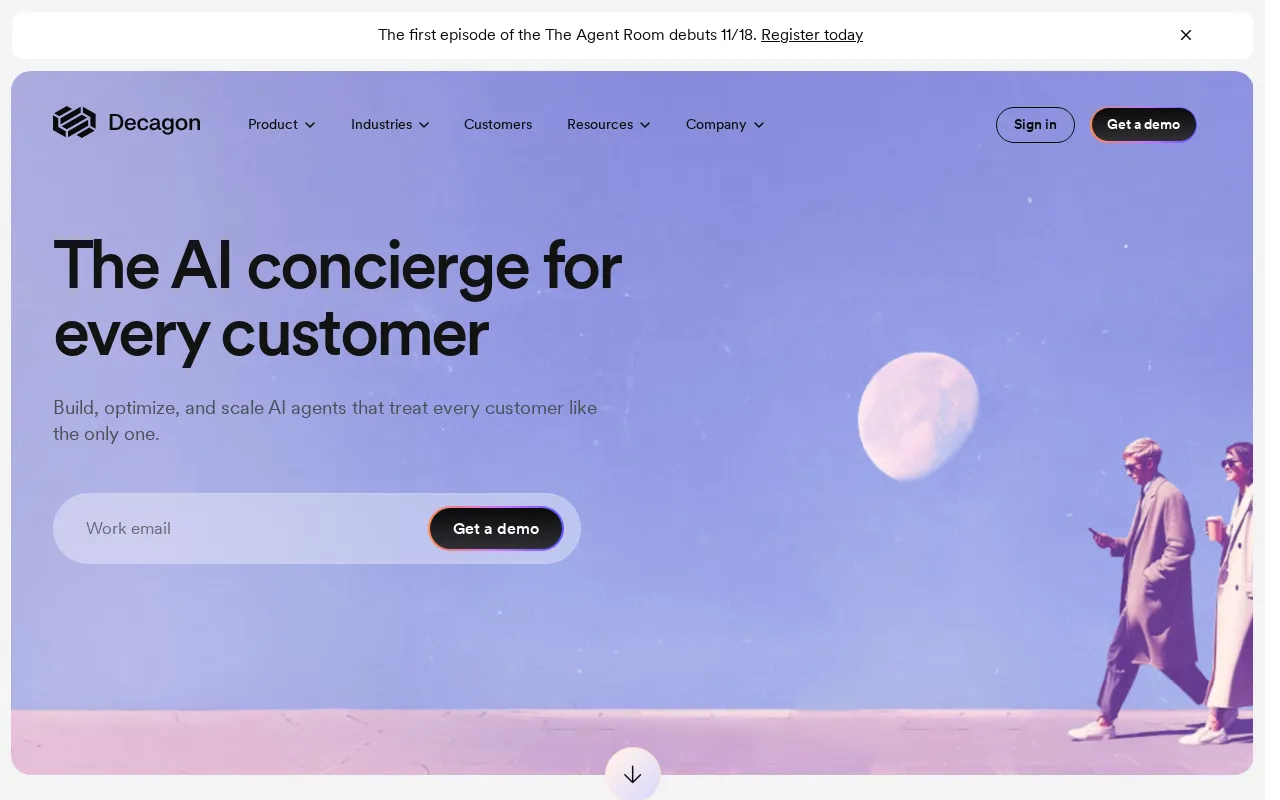
Decagon homepage, November 2026

Decagon is an AI agent platform for large companies that answers customers on chat, email and voice. It works through the help desk or CRM you already run, such as Zendesk, Intercom or Salesforce, and escalates what it can’t solve to your team there.

Best for
Enterprises with a high-volume queue across chat, email and phone, and a support operations team to build and test the AI with Decagon’s engineers.
How it bills
Decagon publishes no prices. Its own pricing post describes two options: a fixed rate for every incoming conversation, or a higher one for each fully resolved conversation, with lower rates for bigger volumes or commitments. Buying starts with “Get a demo”, and the help desk it answers in bills separately.
Free plan
No, buying starts with a demo
3 people, 300 AI replies
Quote only: No published rate: 300 conversations are priced per conversation or per resolution through Decagon’s sales team, and your help desk’s seats come on top.

Pros

  • One AI answers on web chat, SMS, WhatsApp, email and phone, and its voice agent speaks 70+ languages.
  • Your support team writes the AI’s workflows in plain language, as procedures Decagon calls AOPs, then tests and A/B tests changes before rolling them out.
  • Pre-built connections reach Zendesk, Intercom, Salesforce, Gorgias, Kustomer and Gladly, plus Shopify and Stripe Billing for orders and subscriptions.
  • Decagon’s own team works alongside yours during rollout, as its case studies with Rippling and 1-800-Flowers.com describe.

Cons

  • No published price, no free plan and no trial: every path to buying starts with “Get a demo”.
  • It answers inside your help desk, so Decagon is a second bill beside that help desk’s seats.
  • Going live takes weeks: Duolingo was live a month after its first conversations with Decagon, which Decagon calls a quick implementation.
  • On per-conversation pricing, which Decagon says most customers choose, conversations the AI escalates to your team are billed too.

Already on Decagon? See the best Decagon alternatives.
Pylon

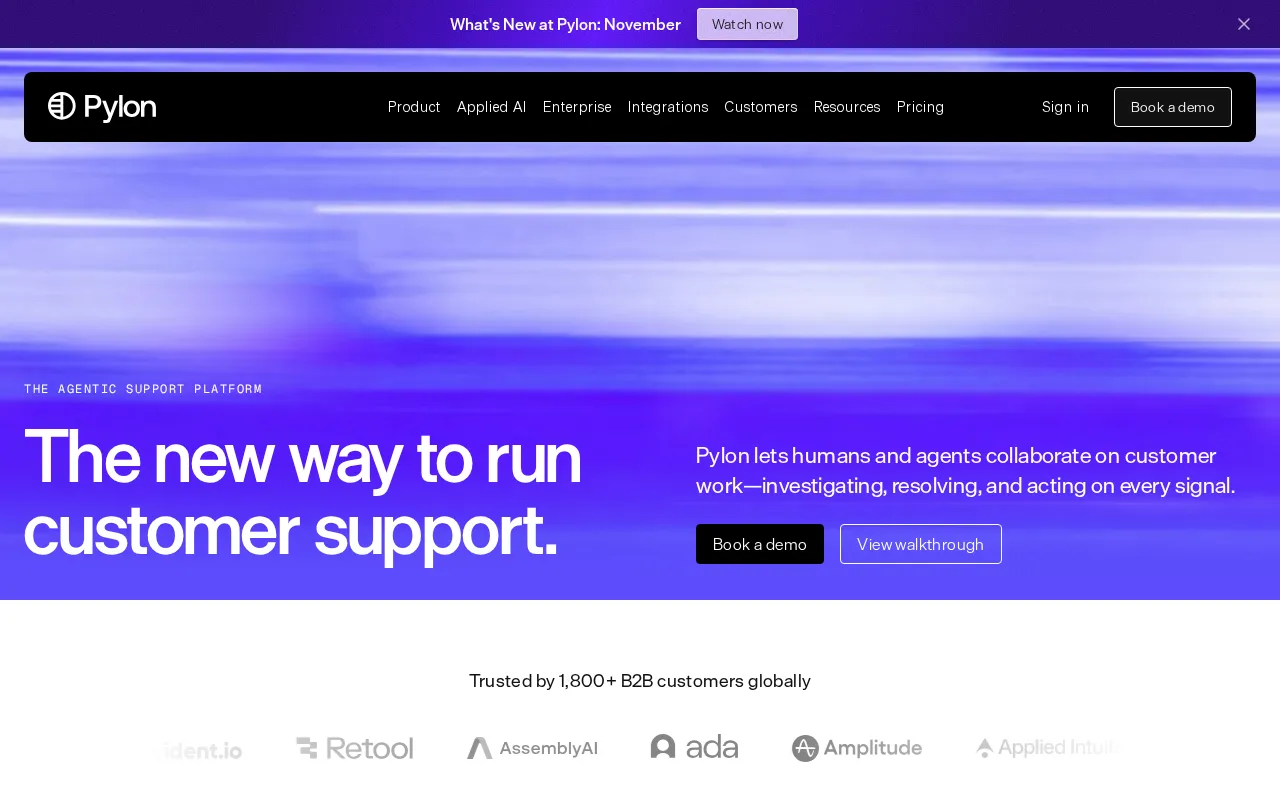
Pylon homepage, November 2026

Pylon is a support platform built for B2B companies. It turns messages from shared Slack Connect channels, email, a chat widget, WhatsApp and more into issues in one queue, with a knowledge base and AI agents that run on credits.

Best for
B2B software companies whose customers ask for help in shared Slack channels, with a support team big enough for an annual contract.
How it bills
Per seat: Professional is $89 and Advanced $139 a seat a month on an annual contract, and Enterprise is quoted. Pylon says monthly billing exists but lists no monthly price. AI agents spend credits, bought as you go or committed up front at rates only sales give. Phone is $35 a seat a month, Account Intelligence $10 per customer account a month, and SAML SSO on Advanced $125 a month. New customers buy a minimum number of seats, which Pylon doesn’t publish.
Free plan
No, buying starts with a demo
3 people, 300 AI replies
$267 or more a month: 3 Professional seats at $89 on an annual contract, plus credits for 300 answers from its AI that only sales price. Pylon’s minimum seat count is unpublished, so 3 may not be enough to buy.

Pros

  • Shared Slack Connect channels, Slack Community, Discord, Telegram, WhatsApp, SMS, email and a chat widget feed one queue on every plan, and phone is a $35 a seat add-on.
  • Its official MCP server can reply, add notes, assign, close, draft and publish knowledge base articles and save macros, acting as your own user or a token’s identity.
  • Pylon bills seats and AI credits, never each ticket.
  • Issues link to Linear, Jira, GitHub, Asana and Shortcut, and accounts sync with Salesforce, HubSpot, Attio and Pipedrive.

Cons

  • No self-serve signup: every plan starts with “Book a demo” or “Talk to sales”, and a sales representative sets up the trial.
  • Standard contracts are annual, and new customers buy a minimum number of seats that Pylon doesn’t publish.
  • AI agents spend credits that only sales put a price on, so the AI share of the bill is unknown before a call.
  • Fees are non-refundable, and an order renews for the period its order form sets unless either side gives written notice at least 30 days before the term ends.

Already on Pylon? See the best Pylon alternatives.

Pick Decagon if

  • Callers make up much of your volume, and they speak lots of different languages.
  • Your teammates will stay in Gladly, Kustomer, Gorgias, Salesforce, Intercom or Zendesk, and the AI should sit ahead of that desk.
  • You can staff people to author the AI’s plain-language procedures and A/B test every revision first.
  • Most questions concern Shopify orders or Stripe Billing plans, and the AI should look them up through ready-made connections.
  • A multi-week rollout with Decagon staff working beside your team sounds right; Duolingo needed about a month.

Pick Pylon if

  • Clients reach your support people inside Slack Connect channels you share, or on Discord and Telegram.
  • Customer bug reports end up with developers, so issues should connect to Jira, Linear, GitHub, Shortcut or Asana.
  • Seeing per-seat rates ahead of any meeting matters to you, and a standard annual contract is normal for your company.
  • Your AI agent should handle replies, assignment, closing and article publishing via an MCP server Pylon maintains.
  • Founders or engineers mostly just watch the queue, and Professional’s viewer seats, meant for people who only read, suit them.

When to consider Rinhelp instead

Rinhelp makes sense for a handful of people answering email and website chat who would rather start this afternoon than schedule a demo with either company. Our Pro plan costs $49 monthly per workspace, any headcount, bundling 5,000 AI replies from Rin, our built-in AI, and the Free plan seats up to 3 teammates. Claude, ChatGPT or an agent you built can work conversations over MCP, as an AI agent can in Pylon, and any Shopify or Stripe refund or cancellation that Rin or an AI agent requests sits waiting until a teammate approves it. Skip Rinhelp when your clients live in shared Slack, Discord or Telegram channels, which is Pylon’s home turf, or when a large multilingual call volume calls for an enterprise AI like Decagon. We also lack WhatsApp, SMS, reporting and routing rules, and connect only to Shopify and Stripe.

Start free

Moving to Rinhelp

From Pylon

Pylon’s REST API lists issues by the date they were created and returns each issue’s full message history, replies and internal notes, oldest first. Knowledge base articles and macros come from their own list calls. See the full move from Pylon.

Questions about Decagon vs Pylon

Can Decagon answer customers inside Pylon?

Pylon isn’t one of the desks Decagon names for its pre-built connections, which include Zendesk, Intercom, Salesforce, Gorgias, Kustomer and Gladly. Anyone running Pylon who wants Decagon up front should raise it during the demo. Pylon meanwhile offers AI agents of its own, funded by credits.

Can we try either one before signing?

Only through sales. Each Pylon plan routes you to “Book a demo” or “Talk to sales”, and its trial is configured by a sales rep. Decagon offers neither a free plan nor a trial; you begin with “Get a demo”.

Which one bills us when the AI hands a customer to a person?

Decagon, if you pick per-conversation billing, the option it says most buyers choose, since every arriving conversation is charged. Choosing per-resolution instead means paying a higher price but only for fully resolved ones. Pylon charges for seats and credits, never per issue, though credit prices come from sales alone.

Can we get money back from Pylon, or skip a renewal?

Pylon’s terms make fees non-refundable. Renewal is automatic for whatever period the order form sets, unless someone gives written notice 30 days or more before the term closes, so put that date on the calendar.

How we checked

We compared Decagon and Pylon using the facts we keep on each, checked against the vendor’s own pages on the date shown beside its sources. Rinhelp is in every table because it is our product and we wrote this page, so check each figure against the vendor’s own page before you decide.

Costs are list prices in US dollars for three team sizes, on the cheapest plan that covers them, counting each AI reply as one resolved conversation. Features count only when the vendor’s own pages say a plan includes them. The AI column counts actions an official MCP server from the vendor can take, out of 11, and leaves third-party connectors out.

Try Rinhelp next to Decagon or Pylon.

Start free with up to 3 teammates and 50 AI replies.

Start free