Start free

11 best TeamSupport alternatives (2026)

By , founder of Rinhelp · Facts checked

The short answer

TeamSupport is a help desk for B2B software companies, sold through a quote from $45 a user a month billed yearly, with live chat $15 more an agent. For a small team that wants AI answering email and live chat at a price it can read first, Rinhelp is the pick: $49 a month for the whole team with 5,000 AI replies, and free for 3 teammates. If your support team tracks ARR, renewals and account health around every ticket, Rinhelp isn’t the fit: stay, pick Plain for B2B support in Slack and email, or Salesforce Service Cloud to keep cases in your CRM. Pick Zendesk or Freshdesk for a fuller suite, Zoho Desk for the cheapest seats, HubSpot to keep tickets on contact records, Help Scout for a free plan, HappyFox for a similar ticket queue, Jira Service Management to keep requests beside Jira work, and Unthread to answer customers in shared Slack channels once a demo is done.

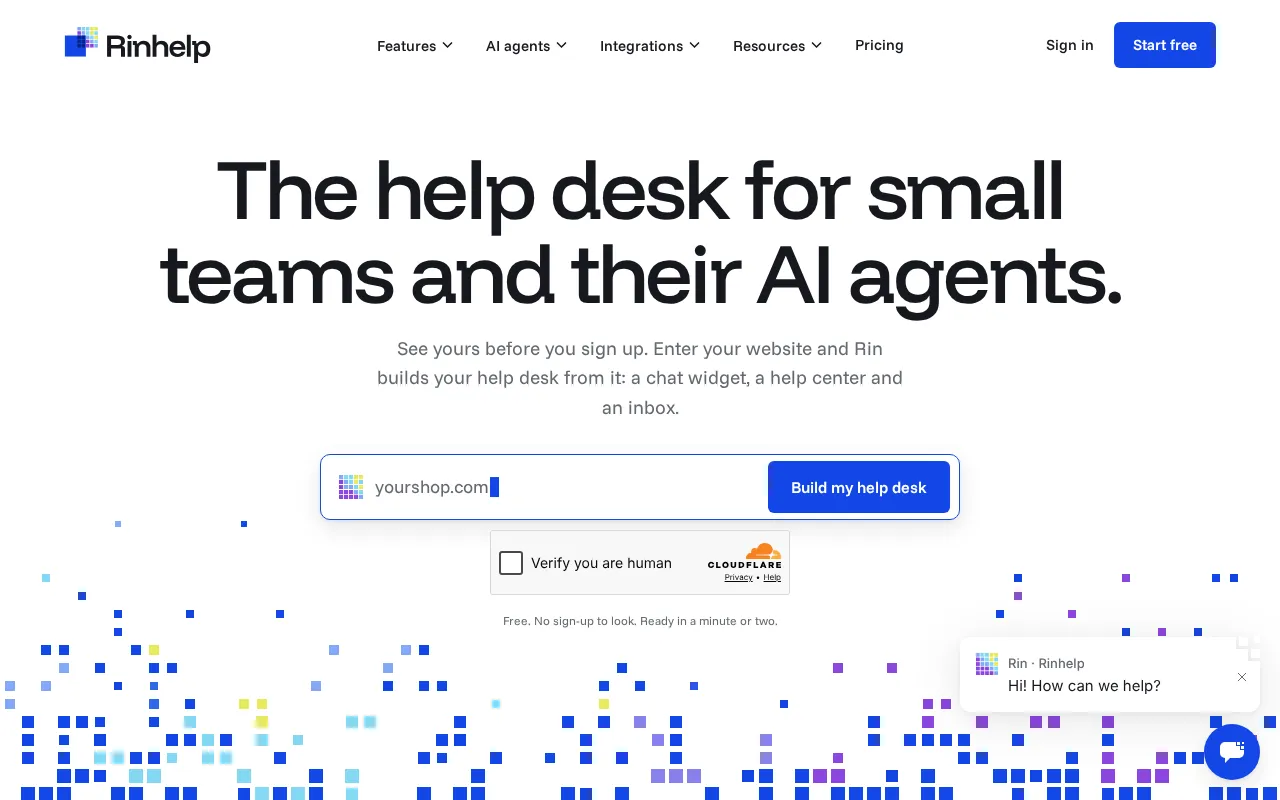
See Rinhelp on your own site. Enter your website and Rin builds your help desk from it: a chat widget, a help center and an inbox.

Free. No sign-up to look. Ready in a minute or two.

Is your help center somewhere else?

Rin will read . If your help articles or docs live at another address, like help. or a Notion page, Rin can read those too.

Where is your help center?

Rin reads it along with and turns it into your help center.

TeamSupport alternatives at a glance

ToolBest forHow it billsFree plan3 people, 300 AI replies
RinhelpTeams of 2 to 10 answering customers by email and live chat that want AI replying first and a price they can see before any sales call.One price per workspaceYes: 3 teammates, 50 AI replies to try Rin$49
PlainB2B software teams that support customers in shared Slack or Teams channels and want engineers and AI agents building on its API.Per member seat, plus credits for AINo, 7-day trial$425
Salesforce Service CloudLarge service teams already on Salesforce that need contact center seats, voice, routing and admins who customize the platform.Per user on annual billing, plus each AI resolutionNo, free trial$1,185
ZendeskGrowing and large teams that need voice, many channels, 1,800+ apps and integrations, and enterprise controls to grow into.Per agent, plus each automated resolutionNo, 14-day trial$485
FreshdeskTeams that want a full ticketing help desk with SLAs, routing and a knowledge base, and chat and messaging for less per agent than Zendesk’s Suite Team.Per agent, plus each AI sessionNo, 14-day trial$204
Zoho DeskBudget-minded teams that want a full ticketing suite with workflows and SLAs, especially if they already use other Zoho apps.Per userYes: 3 users, email only$42
HubSpotTeams already running sales or marketing on HubSpot that want support on the same customer records.Per seat, plus credits for each AI resolutionYes: 2 users, with HubSpot branding on chat and email$390
Help ScoutSupport teams that think in tickets and want a calm shared inbox, a help center and live chat, with a free plan to start on.Per user, plus each AI resolutionYes: 5 users, 1 inbox, 100 contacts a month$300
HappyFoxTeams that run customer, IT or HR requests through one ticket queue with SLAs, several brands and asset tracking, and want HappyFox to handle the move for them.Per agent, plus add-on products and each Chatbot resolutionNo, 14-day trial requested through the demo form$171 or more
Jira Service ManagementIT and engineering teams already on Jira and Confluence that run incidents, changes, problems, assets and on-call in one place.Per agent, plus each AI resolutionYes: 3 agents, no AI agent$367
UnthreadB2B companies that support customers in shared Slack channels, and internal IT or HR teams that take requests in Slack or Teams, ready to buy through a demo.Per agent, sold after a demoNo, buying starts with a demo, and Pro needs at least 5 seats$425 or more
TeamSupport, for comparisonB2B software companies whose support and customer success teams track account health, ARR and renewals around every ticket.Per user on a yearly contract, plus live chat per agentNo, trial requested through a form$180 or more

1. Rinhelp

Rinhelp homepage, November 2026

TeamSupport sells yearly contracts per user through a quote, adds live chat at $15 an agent, and builds around B2B account revenue. Rinhelp is $49 a month for the whole team, and Rin, our built-in AI, answers email and live chat first with 5,000 AI replies included. What Rinhelp lacks is TeamSupport’s account layer: ARR, renewals and health signals beside every ticket.

Best for
Teams of 2 to 10 answering customers by email and live chat that want AI replying first and a price they can see before any sales call.
How it bills
Free for up to 3 teammates. Pro is $49 a month for the whole workspace, with 5,000 AI replies from Rin. No per-seat or per-resolution fees.
Free plan
Yes: 3 teammates, 50 AI replies to try Rin
3 people, 300 AI replies
$49 a month: Pro for the whole workspace, using 300 of its 5,000 AI replies; Free covers your team if you don’t need AI replies.

Pros

  • Rin answers email and chat itself and hands off what it can’t. TeamSupport’s live chat includes Kevin at 3 chats a day per agent.
  • 3 teammates pay $49 a month with AI and live chat. On TeamSupport, 3 Starter users with live chat list at $180 a month billed yearly, and Starter has no knowledge base.
  • Shopify orders and Stripe payments sit beside each conversation, and a refund or cancellation Rin or your AI agent asks for waits for a teammate’s approval. TeamSupport has neither integration.

Cons

  • Email and live chat only: there is no phone, WhatsApp, SMS or social inbox.
  • Shopify and Stripe are the only integrations.
  • No reports, SLA rules or routing rules: Rin hands a conversation to the teammate with the fewest open ones.
  • The free plan has no Rin beyond 50 AI replies to try it.
Start free

2. Plain

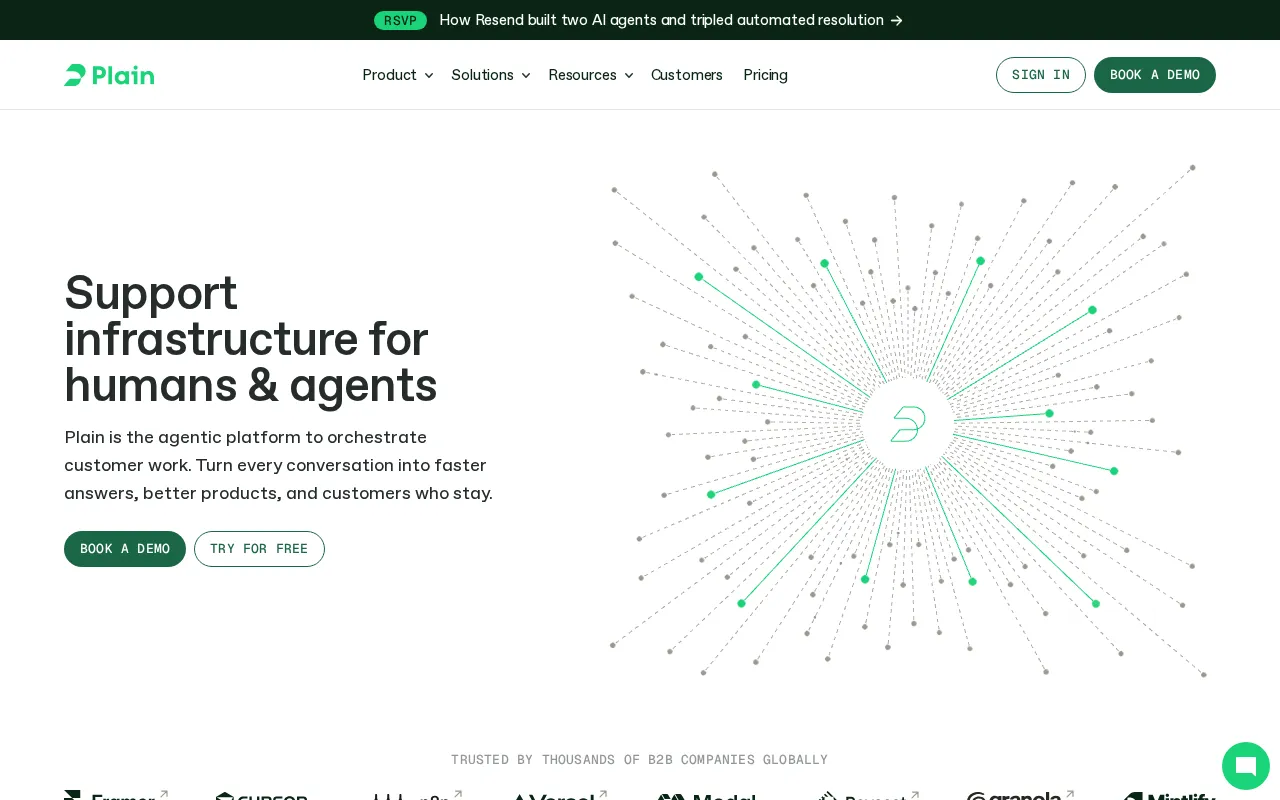
Plain homepage, November 2026

Plain is a support platform for B2B software companies. It answers customers in Slack, Microsoft Teams, Discord, email, chat and a help center, with an AI customer agent and a GraphQL API that does everything its app can.

Best for
B2B software teams that support customers in shared Slack or Teams channels and want engineers and AI agents building on its API.
How it bills
Per member seat: Foundation is $45 a month on annual billing ($55 monthly) for up to 5 seats with 1,000 credits, and Horizon $99 ($139 monthly) for 3 to 10 seats with 2,500 credits; Frontier is quoted. Each customer agent resolution uses 100 credits, extra credits are $10 per 1,000, and viewer seats are free.
Free plan
No, 7-day trial
3 people, 300 AI replies
$425 a month: 3 Foundation seats at $45 on annual billing, plus 29,000 credits at $10 per 1,000 for 300 customer agent resolutions beyond the 1,000 credits included.

Pros

  • Slack, Microsoft Teams and Discord work as support channels next to email, which suits B2B customers.
  • Its official MCP server can reply, add notes, assign, close and write help center articles, signed in as your own user.
  • A customer agent resolution is charged only after the thread stays done for 7 days with no teammate stepping in.
  • Viewer seats are free and unlimited, and Linear, Jira, GitHub and incident.io link to threads.

Cons

  • Its price list has changed four times since December 2025, most recently raising Foundation’s seat price and halving its included credits.
  • No free plan, and the trial shrank from 14 days to 7 in 2026.
  • No phone, WhatsApp, SMS, Shopify or Stripe.
  • Foundation stops at 5 seats and 2 email addresses, so a sixth teammate means Horizon at $99 a seat.

Already on Plain? See the best Plain alternatives.

3. Salesforce Service Cloud

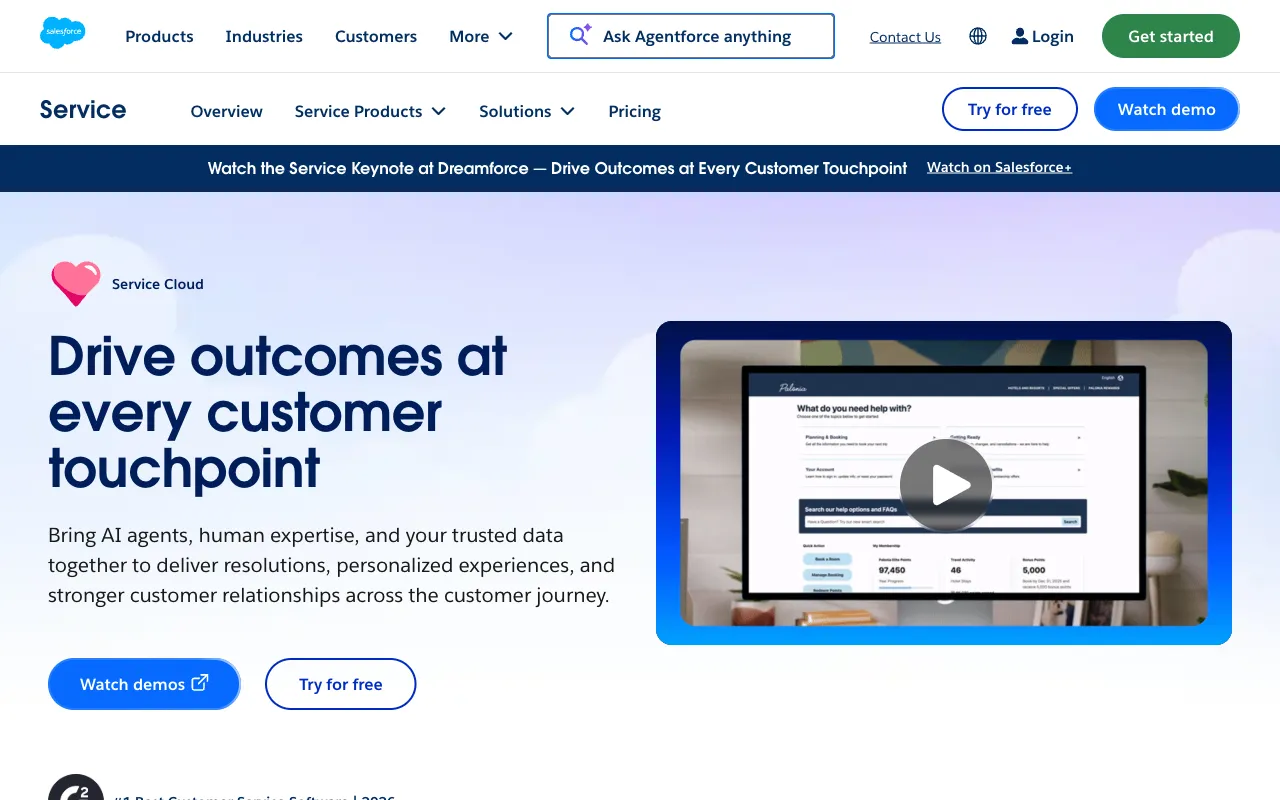
Salesforce Service Cloud homepage, November 2026

Salesforce Service Cloud is an enterprise customer service platform on the Salesforce CRM, with case management, a self-service help center, contact center add-ons, and Agentforce AI agents billed per resolution or conversation.

Best for
Large service teams already on Salesforce that need contact center seats, voice, routing and admins who customize the platform.
How it bills
Per user a month on annual billing: Core is $195, Advanced $395 and Max $550. Starter Suite at $25 and Pro Suite at $100 bundle sales, service and marketing, and transaction fees apply. Agentforce’s help agent costs $2 per resolution, Agentforce for Service $125 more a user, contact center seats $125 a user and voice from $50 a user. Agentforce can instead run on Flex Credits at $500 per 100,000.
Free plan
No, free trial
3 people, 300 AI replies
$1,185 a month: 3 Core users at $195 on annual billing, plus 300 help agent resolutions at $2.

Pros

  • Core brings case management and a self-service help center, and voice and contact center seats can be added on top.
  • Agentforce’s help agent answers on web, portal, messaging and voice from your Salesforce knowledge base, and bills only when it resolves an issue on its own.
  • Hosted MCP servers let Claude query, create and update cases, comments and articles, within the signed-in user’s permissions.
  • AppExchange lists Stripe’s own app and Shopify sync apps tested with Service Cloud.

Cons

  • Core starts at $195 a user a month, billed annually, before any AI.
  • Salesforce’s help agent announcement lists voice, web, portal and messaging, but not email.
  • Agentforce for your reps costs $125 more a user a month, and Enhanced Messaging $75.
  • Unused Flex Credits don’t roll over, and an org can’t mix Flex Credits with per-conversation pricing.

Already on Salesforce Service Cloud? See the best Salesforce Service Cloud alternatives.

4. Zendesk

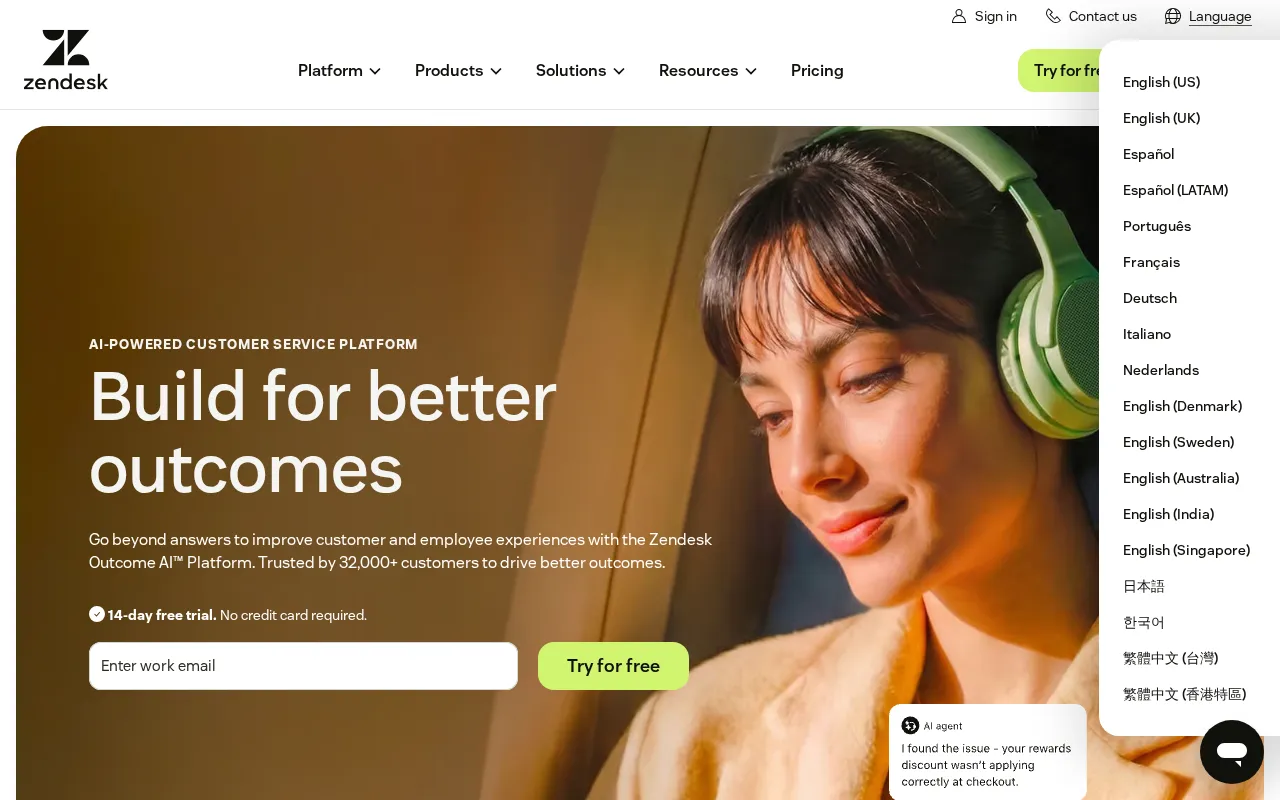
Zendesk homepage, November 2026

Zendesk is a customer service suite for email, messaging, live chat, social and voice, with AI agents that answer customers and are billed per automated resolution.

Best for
Growing and large teams that need voice, many channels, 1,800+ apps and integrations, and enterprise controls to grow into.
How it bills
Per agent: Support Team is $19, Suite Team $55 and Suite Professional $115 a month on annual billing ($25, $69 and $149 monthly). Each agent brings 5 automated resolutions a month (10 on Professional), then each costs $1.50 committed or $2.00 pay as you go. Copilot is $50 more an agent.
Free plan
No, 14-day trial
3 people, 300 AI replies
$485 a month: 3 Support Team agents at $19 on annual billing, plus 285 automated resolutions at $1.50 committed beyond the 15 included, on email only.

Pros

  • Email, messaging, live chat, WhatsApp, social and voice sit in one Suite, and AI agents can answer on email, messaging or voice.
  • Its marketplace lists 1,800+ apps, partners and integrations.
  • Agents refund and cancel Shopify orders inside a ticket, and an admin can connect Zendesk’s AI agents to Stripe’s MCP server.
  • The 14-day trial opens every Suite Professional feature, Copilot included, and startups can get 6 months of Suite free for up to 50 agents.

Cons

  • Every agent is a seat, and each automated resolution past the 5 per agent a plan includes costs $1.50 to $2.00.
  • No official MCP server for outside AI tools yet: Zendesk announced one in May 2026 for early access and has published no tools for it.
  • Data exports are off until the account owner asks support, and the export tools aren’t on Team plans.
  • Zendesk gives no refunds or credits for unused seats or time.

Already on Zendesk? See the best Zendesk alternatives.

5. Freshdesk

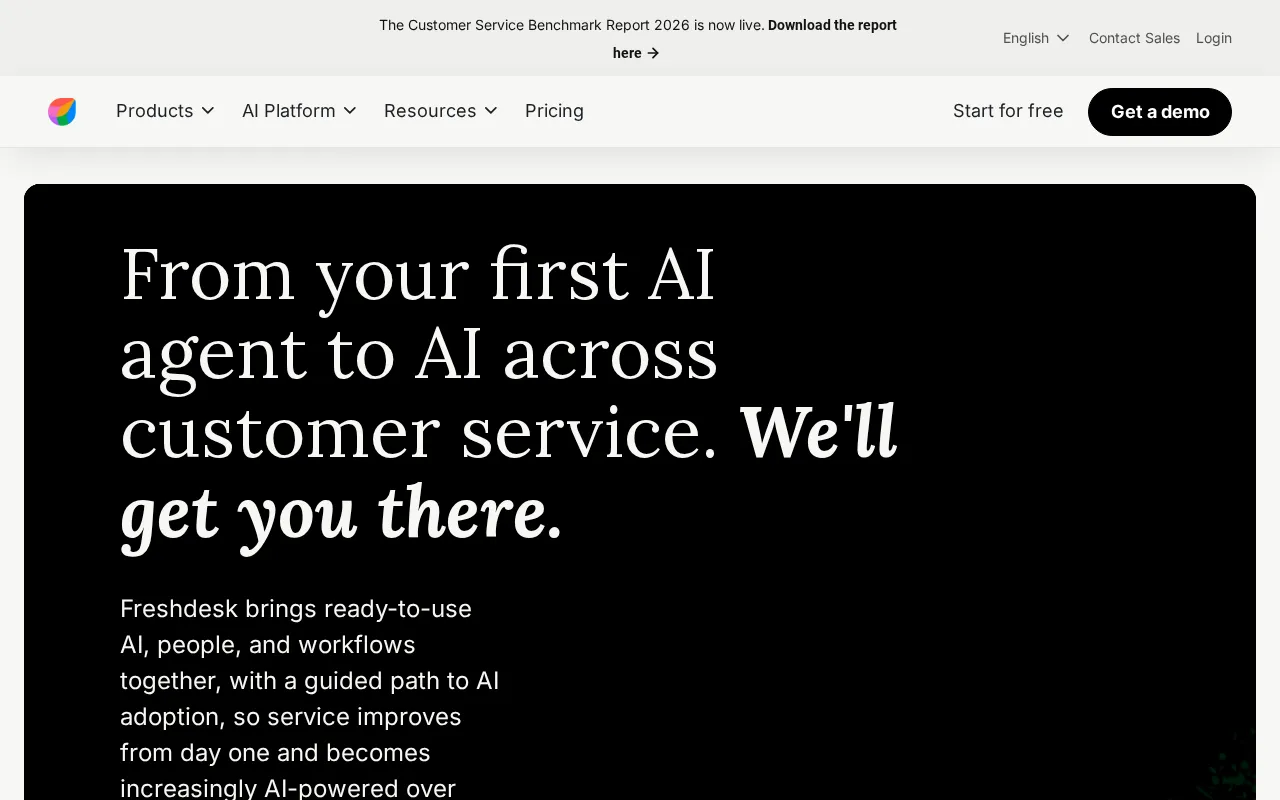
Freshdesk homepage, November 2026

Freshdesk is Freshworks’ help desk: email ticketing with a customer portal and knowledge base, with Freshdesk Omni adding chat, phone and messaging. Its Freddy AI agent answers customers and is billed per session.

Best for
Teams that want a full ticketing help desk with SLAs, routing and a knowledge base, and chat and messaging for less per agent than Zendesk’s Suite Team.
How it bills
Per agent on annual billing: Growth is $19, Pro $55 and Enterprise $89 a month, or $29, $79 and $119 on Freshdesk Omni with chat and messaging. Freddy AI agent sessions cost $49 per 100 after 500 free ones, once per account. Voice is $15 to $69 more an agent, and MCP actions $15 per 1,000.
Free plan
No, 14-day trial
3 people, 300 AI replies
$204 a month: 3 Growth agents at $19 on annual billing, plus 3 packs of 100 AI sessions at $49, on email only.

Pros

  • SLA policies, custom dashboards, skill-based routing and audit logs come on its higher plans, with skill-based routing at $89 an agent where Zendesk asks $115.
  • Freshdesk Omni adds chat, phone, WhatsApp, Messenger, Instagram and Line to the same tickets.
  • Day passes from $2 let occasional helpers answer without a full seat.
  • Its official MCP server can reply, add notes, update tickets and write knowledge base articles.

Cons

  • List prices rose early in 2026, from $15 to $19 an agent on Growth, and the free plan is gone.
  • Freddy AI agent costs 49 cents a session after the first 500, which never come back.
  • Every MCP call counts as an action, and Growth includes only 1,200 a year.
  • Fees are non-refundable, and a cancellation only takes effect at the end of your term.

Already on Freshdesk? See the best Freshdesk alternatives.

6. Zoho Desk

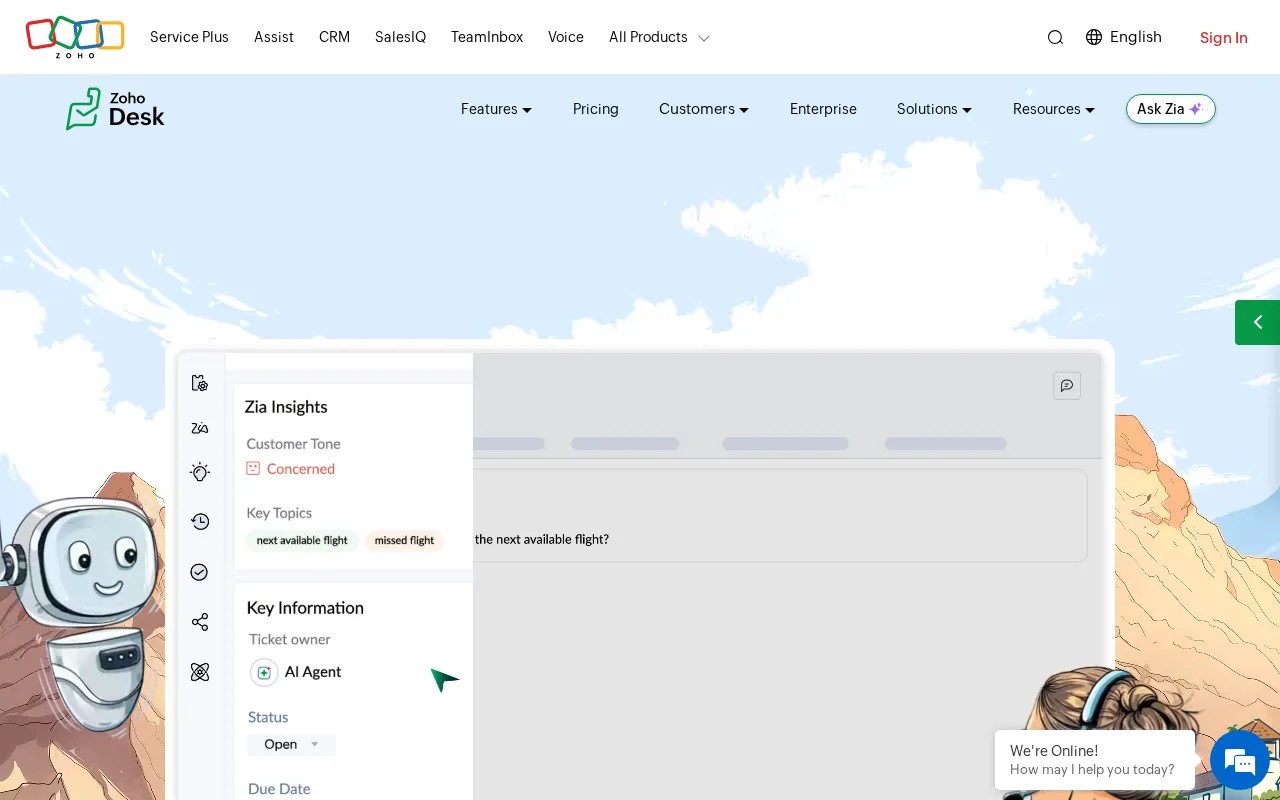
Zoho Desk homepage, November 2026

Zoho Desk is the help desk in Zoho’s suite of business apps, with tickets from email, social media, chat, WhatsApp and phone, a multilingual help center, and Zia, Zoho’s AI.

Best for
Budget-minded teams that want a full ticketing suite with workflows and SLAs, especially if they already use other Zoho apps.
How it bills
Per user: Express is $7, Standard $14, Professional $23 and Enterprise $40 a month on annual billing ($9, $20, $35 and $50 monthly), and light agents are $6 each. Express allows up to 5 users; Standard and above have no user limit. AI agents include up to 30 million free tokens a month. Other generative features run on a key you bring from an AI provider, and Professional and Enterprise add Zia’s own.
Free plan
Yes: 3 users, email only
3 people, 300 AI replies
$42 a month: 3 Standard users at $14 on annual billing, the first plan with live chat and Answer Bot, which answers customers from your help center. Zoho publishes no per-answer fee.

Pros

  • Low seat prices: Express is $7 a user and Standard $14 on annual billing, with a free plan for 3 users.
  • Standard adds live chat, WhatsApp, Telegram and other messaging apps, and Professional adds phone support.
  • Workflows, SLAs and several departments, with a help center you can publish in over 40 languages on Professional.
  • Zoho’s official MCP server is free and can read tickets, send replies and add comments.

Cons

  • Express stops at 5 users, so a sixth teammate moves everyone to Standard at $14.
  • Zia’s full AI needs Professional, and the agent that answers email tickets is open only to selected accounts.
  • The MCP server has no tools for help center articles or saved replies, and every call uses daily API credits.
  • Express has no live chat, and the free plan covers email only.

Already on Zoho Desk? See the best Zoho Desk alternatives.

7. HubSpot

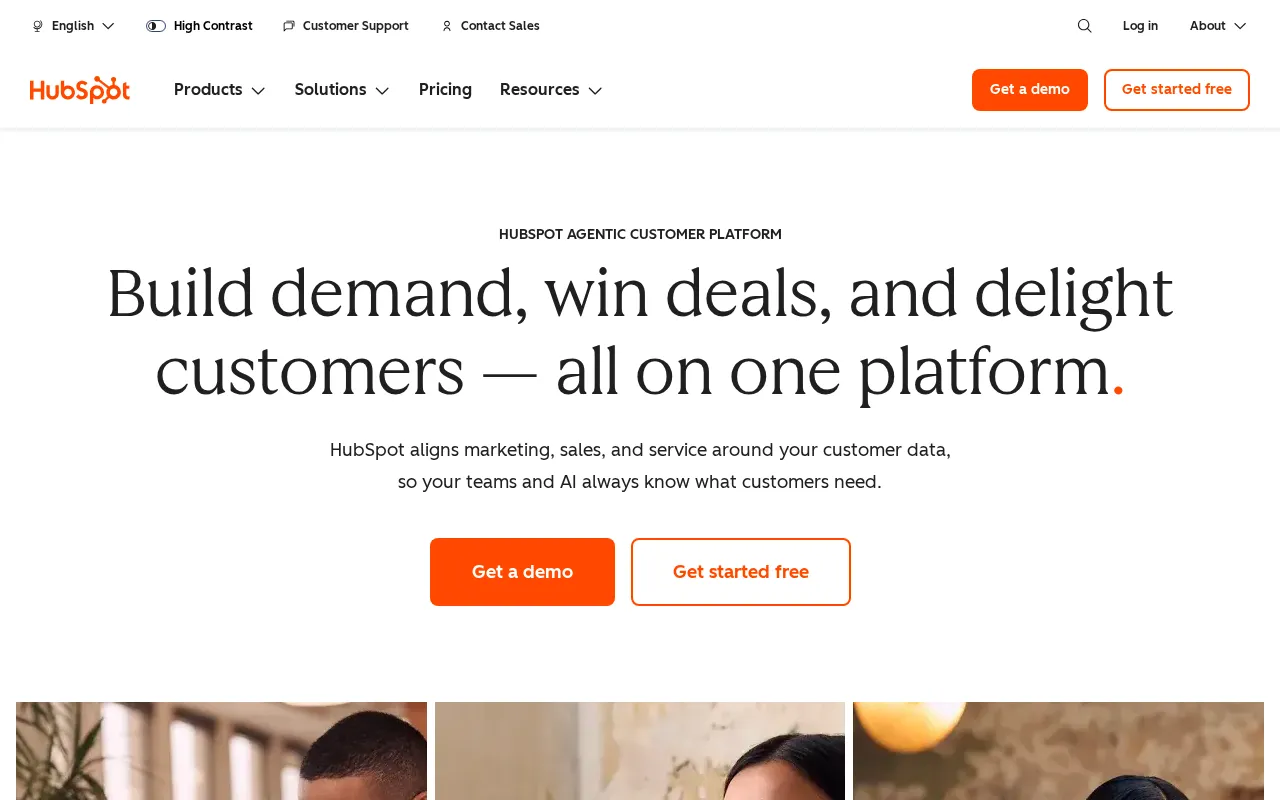
HubSpot homepage, November 2026

HubSpot Service Hub is the customer service part of HubSpot’s CRM: a help desk inbox for email, chat, WhatsApp and calls, a knowledge base, and the customer agent, an AI that answers customers.

Best for
Teams already running sales or marketing on HubSpot that want support on the same customer records.
How it bills
Per seat: Starter is $7 and Professional $90 a seat a month on annual billing ($10 and $100 paid monthly, with Professional still committed for a year), and Enterprise starts at $150. Starter’s prices are new-customer discounts on a $20 list price. Professional adds a required $1,500 onboarding fee, and Enterprise $3,500. The customer agent uses 50 credits, $0.50, per resolved conversation, after 3,000 credits a month included on Professional.
Free plan
Yes: 2 users, with HubSpot branding on chat and email
3 people, 300 AI replies
$390 a month: 3 Professional seats at $90 on annual billing, plus 300 resolutions by the customer agent at 50 credits each, $120 after the 3,000 included credits. A one-time $1,500 onboarding fee comes on top.

Pros

  • Support, sales and marketing share one CRM, so every ticket sits next to the customer’s deals and emails.
  • The customer agent is billed only when it resolves a conversation, and a handoff to a person costs nothing.
  • Professional puts calling, WhatsApp and Facebook Messenger in the same inbox as email and chat.
  • The official MCP server reads inbox conversations and writes tickets, notes and contacts, asking you to confirm each change.

Cons

  • The customer agent needs Professional at $90 a seat on annual billing, plus a required $1,500 onboarding fee.
  • AI credits are shared with every other credit feature, and the customer agent stops taking new conversations when they run out.
  • The MCP server can’t send a reply to a customer or reach the knowledge base.
  • HubSpot’s examples of customer agent actions are password resets and booking meetings, with no refunds or order changes.

Already on HubSpot? See the best HubSpot alternatives.

8. Help Scout

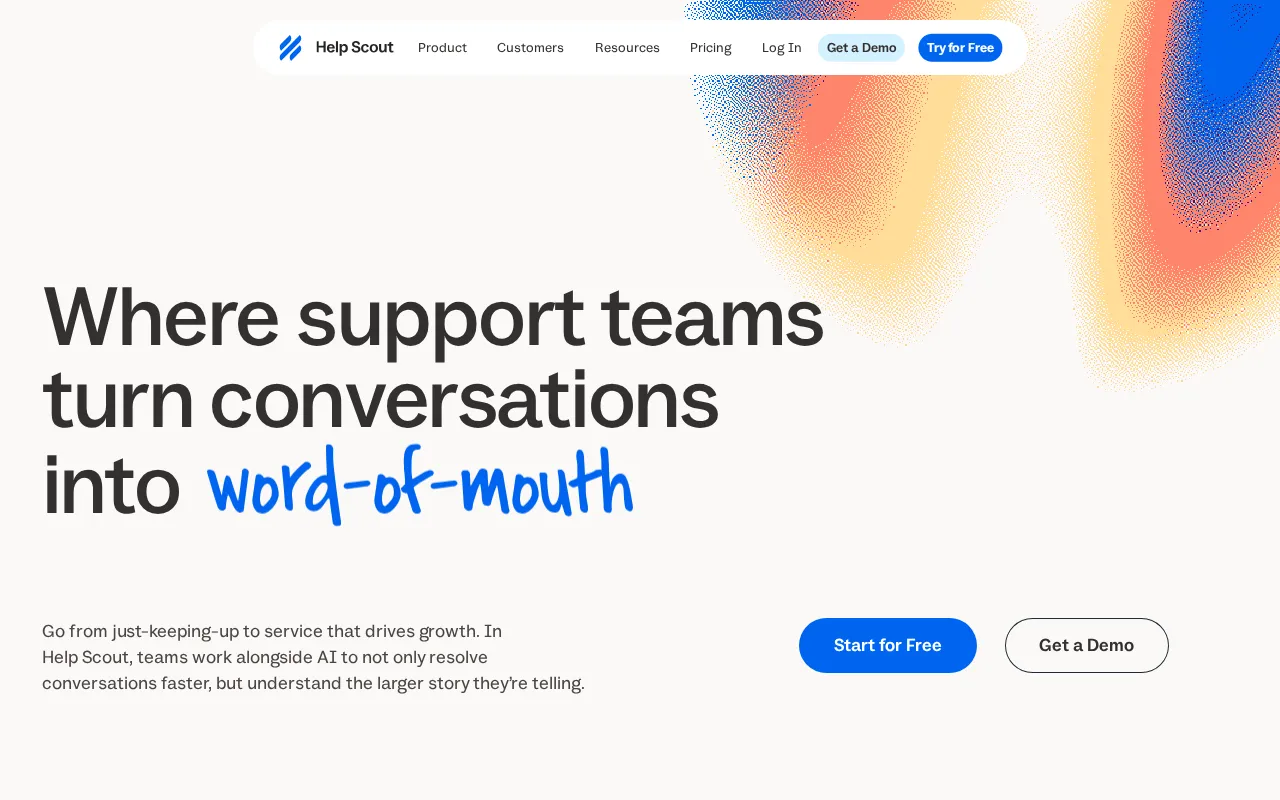
Help Scout homepage, November 2026

Help Scout is a help desk with shared inboxes, a Docs help center and Beacon, a widget for chat and help articles. Scout, its AI agent, answers chat from your help content and is billed per resolution.

Best for
Support teams that think in tickets and want a calm shared inbox, a help center and live chat, with a free plan to start on.
How it bills
Standard is $25, Plus $45 and Pro $75 a user a month on annual billing, which saves 16%. Pro needs at least 10 users and a demo. Scout costs $0.75 per resolution, free for a new account’s first 3 months.
Free plan
Yes: 5 users, 1 inbox, 100 contacts a month
3 people, 300 AI replies
$300 a month: 3 Standard users at $25 on annual billing, plus 300 AI resolutions at $0.75.

Pros

  • A free plan for up to 5 users, with 1 inbox, a Docs site and 100 contacts a month.
  • Agents can refund, cancel or edit recent Shopify orders, and refund Stripe payments or cancel subscriptions, from the sidebar.
  • Standard brings email, live chat, SMS, WhatsApp, Instagram and Messenger into one inbox.
  • You can cap AI spending each month, and Scout switches off when it reaches the cap.

Cons

  • Its official MCP server is read-only: your own AI can search conversations and Docs, but can’t reply, add notes or close.
  • Scout answers website and in-app chat only, and lists email as “Coming Soon”.
  • Scout can’t look up orders or act in other tools yet: its connection to payment processors and CRMs is still to come.
  • Seats and AI are billed separately, so the bill grows with every user and every resolution.

Already on Help Scout? See the best Help Scout alternatives.

9. HappyFox

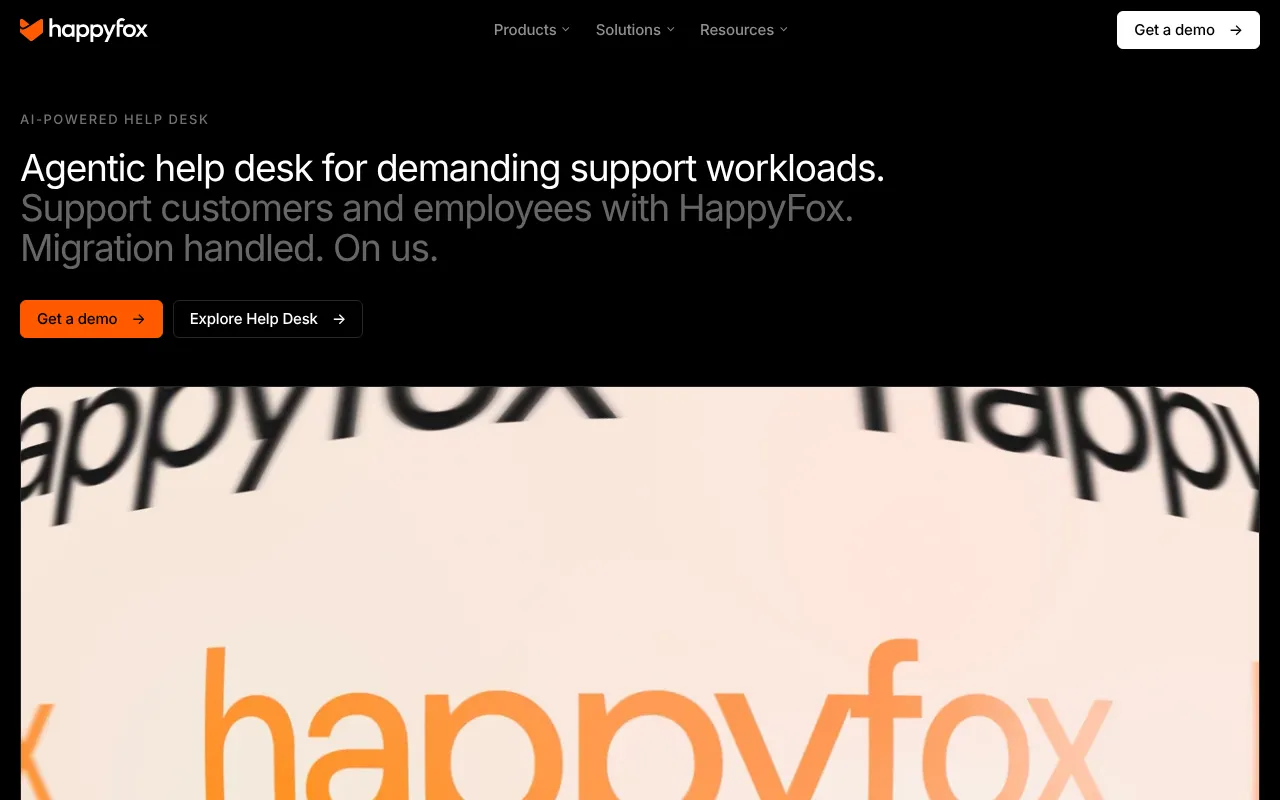
HappyFox homepage, November 2026

HappyFox Help Desk is a ticketing help desk with a knowledge base and support portal, used for customer support and for internal teams such as IT and HR. Live chat, AI, a chatbot and voice are separate HappyFox products that plug into it.

Best for
Teams that run customer, IT or HR requests through one ticket queue with SLAs, several brands and asset tracking, and want HappyFox to handle the move for them.
How it bills
Per agent: Basic is $24, Team $49 and Pro $99 a month on annual billing ($29, $69 and $119 monthly), and Basic stops at 5 agents. Live chat (HappyFox Messaging) starts at $19 an agent, HappyFox AI at $14 to $39 an agent, and the Chatbot at $0.33 per resolution. Unlimited-agent plans start at $1,999 a month on annual billing for 20,000 tickets a year, and Scale is $3,999 for 150,000.
Free plan
No, 14-day trial requested through the demo form
3 people, 300 AI replies
$171 or more a month: 3 Basic agents at $24 on annual billing, plus 300 Chatbot resolutions at $0.33. HappyFox’s Chatbot page says each price is set in the order form.

Pros

  • Free white-glove migration with any annual plan: HappyFox maps your tickets, rebuilds rules and SLAs, and helps for 30 days after launch.
  • One account can serve customer support, IT, HR and facilities, with separate queues, SLAs and knowledge bases, and assets on Pro.
  • Team runs up to 5 brands, each with its own support center and domain, and Pro up to 15.
  • Large teams can skip per-agent pricing: Growth is $1,999 a month on annual billing for unlimited agents and 20,000 tickets a year.

Cons

  • Live chat, AI, the Chatbot and voice are each sold separately, on top of the per-agent help desk.
  • Basic stops at 5 agents and leaves out WhatsApp and Stripe, so a sixth agent moves everyone to Team at $49.
  • No free plan, and even the trial starts from a demo form.
  • No MCP server for the help desk, and API access can be switched off on new accounts until you email support.
  • An annual plan ended early refunds no prepaid fees, and HappyFox may delete your data as soon as the subscription ends.

Already on HappyFox? See the best HappyFox alternatives.

10. Jira Service Management

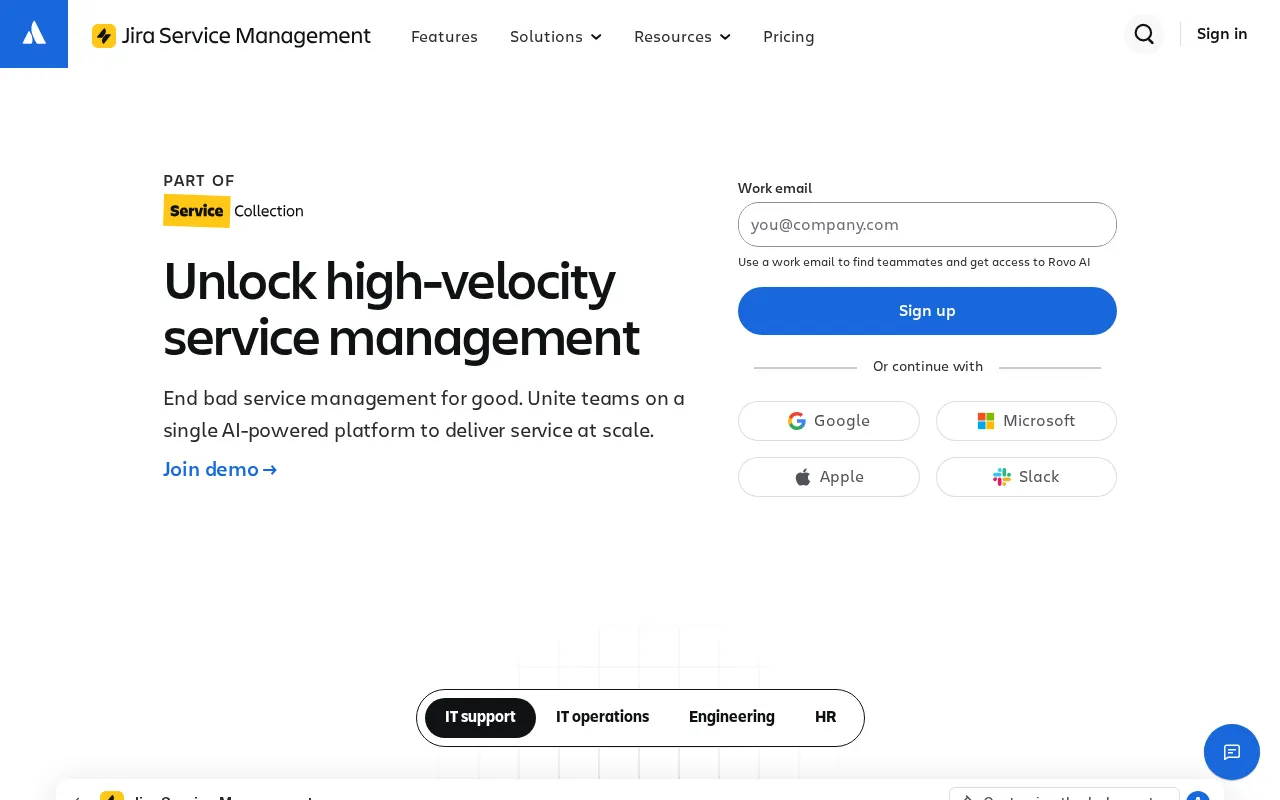
Jira Service Management homepage, November 2026

Jira Service Management is Atlassian’s service desk for IT, HR and other internal teams, sold in its Service Collection: requests by email, portal, widget, Slack and Microsoft Teams, with on-call schedules on every plan, assets on paid plans and change management from Premium, and an AI agent for customers billed per resolution.

Best for
IT and engineering teams already on Jira and Confluence that run incidents, changes, problems, assets and on-call in one place.
How it bills
Free for 3 agents. Up to 15 agents, Standard is $26.90 and Premium $61.60 an agent a month, or on annual billing Standard is $800 a year for 1 to 3 agents, $1,350 for 4 to 5 and $2,700 for 6 to 10. Enterprise is billed annually only, listed from 201 agents at $185,000 a year and bought through sales. The Customer Service AI Agent costs $1 per resolution from the first one, and Rovo credits past a plan’s allowance cost $0.01 each.
Free plan
Yes: 3 agents, no AI agent
3 people, 300 AI replies
$367 a month: Standard for 1 to 3 agents at $800 a year on annual billing, plus 300 AI agent resolutions at $1.

Pros

  • Incidents, problems, changes, assets and on-call sit next to Jira, where engineering already works.
  • Free for 3 agents with unlimited customers, a portal, email, Slack and Microsoft Teams.
  • The Customer Service AI Agent charges nothing when it fails to resolve a conversation.
  • Its knowledge base runs on Confluence without buying Confluence.

Cons

  • Live chat and the virtual service agent need Premium at $61.60 an agent.
  • The Customer Service AI Agent bills $1 for every resolution, with none included.
  • Extra Rovo credits and other usage are billed from December 3, 2026.
  • There is no official Shopify app, and Stripe comes only through third-party Marketplace apps.

Already on Jira Service Management? See the best Jira Service Management alternatives.

11. Unthread

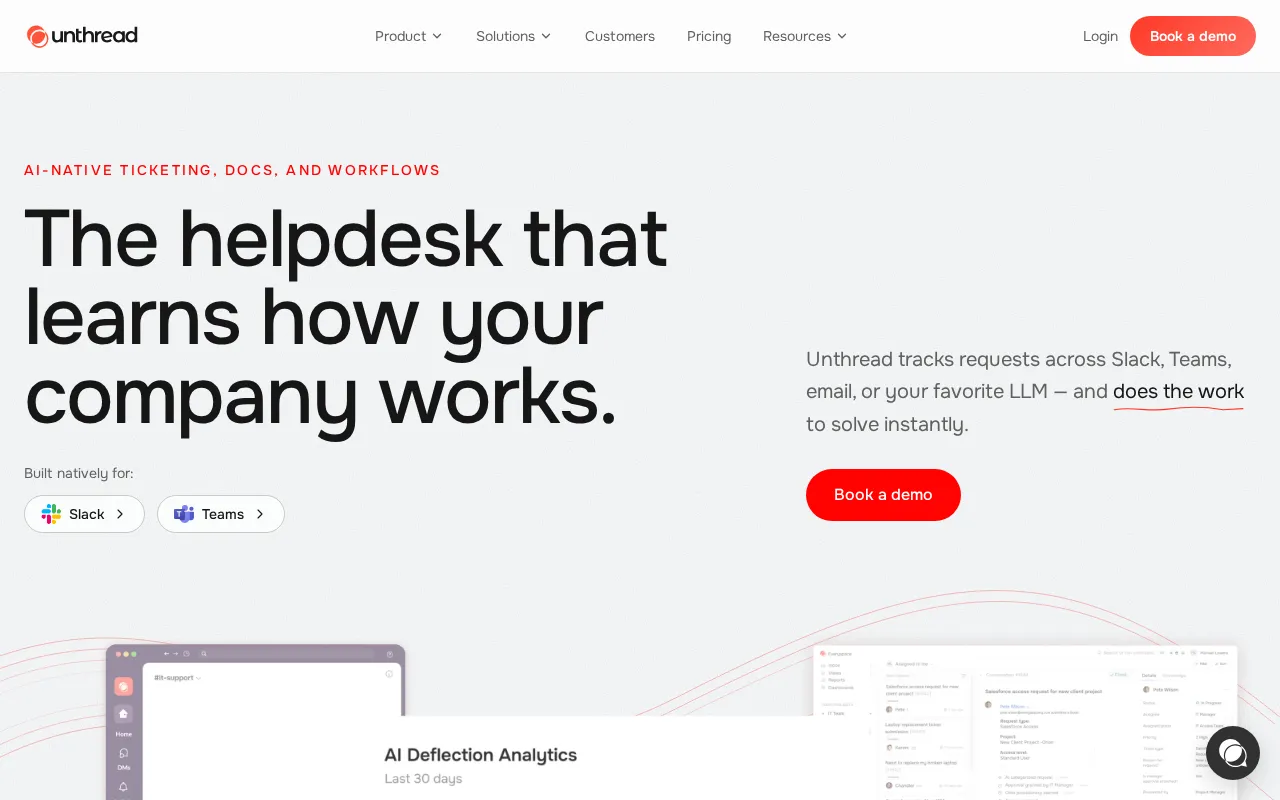
Unthread homepage, November 2026

Unthread is an AI-native help desk that turns conversations in Slack and Microsoft Teams into tickets. Customer support, IT, HR and RevOps teams use it, with email, live chat and a customer portal beside Slack, and an AI agent that answers from your knowledge base.

Best for
B2B companies that support customers in shared Slack channels, and internal IT or HR teams that take requests in Slack or Teams, ready to buy through a demo.
How it bills
Pro starts at $85 an agent a month on annual billing ($95 monthly), with a minimum of 5 seats and conversation limits Unthread doesn’t publish. Business and Enterprise are quoted. There is no self-serve signup: buying starts with a demo, then a 14-day trial and a signed order form.
Free plan
No, buying starts with a demo, and Pro needs at least 5 seats
3 people, 300 AI replies
$425 or more a month: Pro’s 5-seat minimum at its starting price of $85 an agent on annual billing, though only 3 people need a seat; its conversation limits aren’t published.

Pros

  • Messages in shared Slack channels with customers, and in Microsoft Teams, become tickets with SLAs and assignment, and customers never leave the channel.
  • Its AI agent answers in Slack, email and in-app chat from your knowledge base, and drafts help articles from resolved conversations.
  • One tool covers customer support and internal IT and HR requests, with CMDB, asset tracking and change approvals for IT.
  • Its official MCP server reads conversations, analytics and the knowledge base, and can update a conversation, comment on it and ask for an approval.

Cons

  • No self-serve signup and no free plan: buying starts with a demo, and the 14-day trial comes after it.
  • Pro bills at least 5 seats, so a team of 3 pays for 5, and its conversation limits aren’t published.
  • You buy through a signed order form that renews automatically, and fees are non-refundable, apart from a few early-end cases.
  • Its product pages show no phone or WhatsApp channel and no Shopify integration.

Already on Unthread? See the best Unthread alternatives.

Why people leave TeamSupport

Every plan goes through a quote

Each plan’s button leads to a quote form, where you meet a product expert who builds a custom quote for your company. TeamSupport get a quote, .

Live chat costs extra on every plan

Messaging & live chat is $15 a month per agent on Starter, Professional and Scale alike, on top of the plan, and includes Kevin at 3 chats a day per agent. TeamSupport pricing, .

Starter stops at 5 users

Starter allows at most 5 users and leaves out the knowledge base and customer portal. They start on Professional, $65 billed annually, and custom fields and automation on Scale at $85. TeamSupport pricing, .

Contracts renew themselves

The agreement renews for another term of the same length unless you give written notice at least 30 days before. All amounts paid are nonrefundable. TeamSupport terms of service, .

No connector for Claude

TeamSupport says it has no direct Claude connector, and its guide has you call the REST API for ticket, customer and contact data instead. Connecting Claude AI to TeamSupport, .

Features compared

A check means the vendor’s own pages say a plan includes it. TeamSupport is in the last row for comparison.

ToolEmailLive chatWhatsAppVoiceHelp centerAI that answers customersShopifyStripeFree planSignup without a sales call
Rinhelp
Plain
Salesforce Service Cloud
Zendesk
Freshdesk
Zoho Desk
HubSpot
Help Scout
HappyFox
Jira Service Management
Unthread
TeamSupport

What your AI can do in each tool

Connect Claude, ChatGPT or your own AI agent through the vendor’s official MCP server, and this is what it can do of 11 everyday actions: search and read conversations, reply to a customer, add an internal note, assign, close or reopen, search the help center, write or update an article, publish an article, create a saved reply, look up an order, refund or cancel.

ToolThrough official MCPWhat it can doMoney moves wait for a teammate
Rinhelp11 of 11Search and read conversations, reply to a customer, add an internal note, assign, close or reopen, search the help center, write or update an article, publish an article, create a saved reply, look up an order, refund or cancelYes, a teammate approves first
Plain7 of 11Search and read conversations, reply to a customer, add an internal note, assign, close or reopen, search the help center, write or update an articleNo refunds or cancellations through MCP
Salesforce Service Cloud6 of 11Search and read conversations, add an internal note, assign, close or reopen, search the help center, write or update an articleNo refunds or cancellations through MCP
Zendesk0 of 11No official MCP server, or nothing from this listNo refunds or cancellations through MCP
Freshdesk7 of 11Search and read conversations, reply to a customer, add an internal note, assign, close or reopen, write or update an article, publish an articleNo refunds or cancellations through MCP
Zoho Desk3 of 11Search and read conversations, reply to a customer, add an internal noteNo refunds or cancellations through MCP
HubSpot5 of 11Search and read conversations, add an internal note, assign, close or reopen, look up an orderNo refunds or cancellations through MCP
Help Scout2 of 11Search and read conversations, search the help centerNo refunds or cancellations through MCP
HappyFox0 of 11No official MCP server, or nothing from this listNo refunds or cancellations through MCP
Jira Service Management2 of 11Search and read conversations, close or reopenNo refunds or cancellations through MCP
Unthread2 of 11Search and read conversations, search the help centerNo refunds or cancellations through MCP
TeamSupport0 of 11No official MCP server, or nothing from this listNo refunds or cancellations through MCP

More on each MCP server, and connectors from other companies, which don’t count:

  • Plain: Its article tool creates or updates an article, and Plain’s docs don’t say whether that publishes it.
  • Salesforce Service Cloud: Salesforce’s hosted SObject servers work on any record the user can reach, so cases, case comments and knowledge articles go through general record tools rather than help desk ones. The Headless 360 server is in beta.
  • Zendesk: Zendesk’s announced MCP server has no published docs or tool list yet.
  • Freshdesk: Assigning, closing and publishing go through the general ticket and article tools, and there is no tool to search the knowledge base or read canned responses. Every call is metered.
  • Zoho Desk: Zoho’s server also lists updateTicket, but the listing doesn’t say whether it can assign or close a ticket.
  • HubSpot: HubSpot’s server assigns and closes tickets, not inbox threads, and reads orders only as a beta.
  • Help Scout: A few accounts from Help Scout’s MCP beta kept write tools, but new connections are read-only and write actions have no date. Phone calls need Aircall or another integration.
  • Jira Service Management: Atlassian’s Rovo MCP server can comment on and edit work items, but its docs don’t say whether a comment reaches the customer or stays internal. Articles are written as Confluence pages, and there is no tool for canned responses.
  • Unthread: Unthread’s MCP server also has update_conversation, create_conversation_comment and create_approval_request tools; its docs don’t say which fields an update changes or whether a comment reaches the customer.

Pricing at three sizes

What each tool costs a month in US dollars, with AI answering, and how each total adds up. Each AI reply counts as one resolved conversation.

Tool3 people, 300 AI replies5 people, 1,000 AI replies10 people, 3,000 AI replies
Rinhelp$49Pro for the whole workspace, using 300 of its 5,000 AI replies; Free covers your team if you don’t need AI replies.$49Pro for the whole workspace, using 1,000 of its 5,000 AI replies.$49Pro for the whole workspace, using 3,000 of its 5,000 AI replies.
Plain$4253 Foundation seats at $45 on annual billing, plus 29,000 credits at $10 per 1,000 for 300 customer agent resolutions beyond the 1,000 credits included.$1,2155 Foundation seats at $45 plus 99,000 extra credits for 1,000 resolutions.$3,96510 Horizon seats at $99, since Foundation stops at 5, plus 297,500 extra credits for 3,000 resolutions beyond the 2,500 included.
Salesforce Service Cloud$1,1853 Core users at $195 on annual billing, plus 300 help agent resolutions at $2.$2,9755 Core users at $195, plus 1,000 help agent resolutions at $2.$7,95010 Core users at $195, plus 3,000 help agent resolutions at $2.
Zendesk$4853 Support Team agents at $19 on annual billing, plus 285 automated resolutions at $1.50 committed beyond the 15 included, on email only.$1,5585 Support Team agents at $19 on annual billing, plus 975 automated resolutions at $1.50 committed beyond the 25 included, on email only.$4,61510 Support Team agents at $19 on annual billing, plus 2,950 automated resolutions at $1.50 committed beyond the 50 included, on email only.
Freshdesk$2043 Growth agents at $19 on annual billing, plus 3 packs of 100 AI sessions at $49, on email only.$5855 Growth agents at $19 on annual billing, plus 10 packs of 100 AI sessions at $49, on email only.$1,66010 Growth agents at $19 on annual billing, plus 30 packs of 100 AI sessions at $49, on email only.
Zoho Desk$423 Standard users at $14 on annual billing, the first plan with live chat and Answer Bot, which answers customers from your help center. Zoho publishes no per-answer fee.$705 Standard users at $14, with Answer Bot and no per-answer fee.$14010 Standard users at $14, as Zoho’s plan comparison sets no user limit on Standard, with no per-answer fee.
HubSpot$3903 Professional seats at $90 on annual billing, plus 300 resolutions by the customer agent at 50 credits each, $120 after the 3,000 included credits. A one-time $1,500 onboarding fee comes on top.$9205 Professional seats at $90, plus 1,000 resolutions, 47,000 credits beyond the included 3,000 at $0.01.$2,37010 Professional seats at $90, plus 3,000 resolutions, 147,000 credits beyond the included 3,000 at $0.01.
Help Scout$3003 Standard users at $25 on annual billing, plus 300 AI resolutions at $0.75.$8755 Standard users at $25 on annual billing, plus 1,000 AI resolutions at $0.75.$2,50010 Standard users at $25 on annual billing, plus 3,000 AI resolutions at $0.75.
HappyFox$171 or more3 Basic agents at $24 on annual billing, plus 300 Chatbot resolutions at $0.33. HappyFox’s Chatbot page says each price is set in the order form.$450 or more5 Basic agents at $24, Basic’s limit, plus 1,000 Chatbot resolutions at $0.33.$1,480 or more10 Team agents at $49, since Basic stops at 5, plus 3,000 Chatbot resolutions at $0.33.
Jira Service Management$367Standard for 1 to 3 agents at $800 a year on annual billing, plus 300 AI agent resolutions at $1.$1,113Standard for 4 to 5 agents at $1,350 a year, plus 1,000 AI agent resolutions at $1.$3,225Standard for 6 to 10 agents at $2,700 a year, plus 3,000 AI agent resolutions at $1.
Unthread$425 or morePro’s 5-seat minimum at its starting price of $85 an agent on annual billing, though only 3 people need a seat; its conversation limits aren’t published.$425 or more5 Pro seats from $85 an agent on annual billing, the smallest team Unthread sells Pro to, with conversation limits Unthread doesn’t publish.$850 or more10 Pro seats from $85 an agent on annual billing; Unthread doesn’t say how many conversations Pro covers.
TeamSupport$180 or more3 users on Starter at $45, billed yearly, plus Messaging & live chat at $15 an agent with Kevin at 3 chats a day per agent. More Kevin chats have no listed price.$300 or more5 users on Starter at $45, billed yearly, plus Messaging & live chat at $15 an agent with Kevin at 3 chats a day per agent. More Kevin chats have no listed price.$800 or more10 users on Professional at $65, billed yearly, since Starter stops at 5, plus Messaging & live chat at $15 an agent with Kevin at 3 chats a day per agent. More Kevin chats have no listed price.

The best TeamSupport alternative for each kind of team

Best TeamSupport alternative for AI that answers, priced up front: Rinhelp

Every TeamSupport plan starts with a quote, and its live chat, with Kevin at 3 chats a day per agent, costs $15 an agent on top. Rin answers email and chat from your help center and website, hands off what it can’t solve, and costs $49 a month however many teammates join.

Best TeamSupport alternative for B2B support in shared Slack channels: Plain

Plain is also built for B2B software companies, and answers customers in Slack, Microsoft Teams, Discord and email. Foundation is $45 a seat on annual billing for up to 5 seats, the same as TeamSupport Starter, and you can sign up without a sales call.

Best TeamSupport alternative for cases inside your CRM: Salesforce Service Cloud

Salesforce Service Cloud suits a large team already on Salesforce, with routing, voice and admins who customize the platform. Core is $195 a user a month on annual billing, and Agentforce’s help agent costs $2 per resolution.

Best TeamSupport alternative for more channels and apps: Zendesk

TeamSupport’s own comparison credits Zendesk with WhatsApp, Instagram and a marketplace with Shopify apps. Support Team is $19 an agent on annual billing, and each automated resolution beyond the 5 per agent is $1.50 committed or $2.00 pay as you go.

Best TeamSupport alternative for seats far below $45: Zoho Desk

Zoho Desk Express is $7 a user a month on annual billing, and its free plan covers 3 users on email. Like TeamSupport Starter, Express stops at 5 users, and Standard at $14 has no limit.

Best TeamSupport alternative for requests next to engineering work: Jira Service Management

Jira Service Management keeps customer requests in the same Jira your engineers already work in, and is free for 3 agents. Its Customer Service AI Agent costs $1 per resolution.

When TeamSupport is still the right choice

Stay with TeamSupport ifSwitch if
Support works from account ARR, renewal dates and distress signals to catch churn early.You answer each customer’s question and track revenue somewhere else.
Customer success runs playbooks and onboarding in the same tool as support.Support is its own job, and nobody runs adoption playbooks.
Tickets sync with Salesforce, Jira or Azure DevOps.Shopify orders and Stripe payments are what you need beside a conversation.
You need HIPAA-compliant chat for healthcare customers.Email and a chat widget on your website reach your customers.

Moving from TeamSupport to Rinhelp

TeamSupport tickets come over with every action through its REST API, one call a ticket for its actions, and actions kept private from customers become notes. A knowledge base article is a ticket with the “Knowledge Base” flag, so articles come through the same calls.

  1. Start Rinhelp free and keep TeamSupport running until you’re sure.
  2. In TeamSupport, an administrator finds your Organization ID under “Admin” → “My Company”, and the API token under “Admin” → “Integration” → “TeamSupport API”. Give both to your AI agent with the address of your TeamSupport app.
  3. Paste this prompt into Claude or ChatGPT: “Read https://rinhelp.com/migrate/teamsupport.md and use my TeamSupport API with the organization ID and token I give you. Copy my public knowledge base articles first, then a batch of recent tickets with their actions, private ones as notes.”
  4. Your AI agent brings the history over, no per-minute limit to time it by for 10,000 conversations. Importing is free and never emails your customers.
  5. Switch your support email to Rinhelp.
  6. Replace your chat widget.
See the full move from TeamSupport

Questions about TeamSupport and switching

How much does TeamSupport cost?

Billed yearly, Starter is $45 a user a month for up to 5 users, Professional $65 and Scale $85, each bought through a quote. Messaging & live chat adds $15 an agent, and basic training is listed at $2,000 on Starter.

Does TeamSupport have a free plan or a free trial?

No free plan. A trial starts from a request form on its site, not a signup page.

Does TeamSupport have an AI agent?

Yes. AI agents in Messaging & Live Chat answer website visitors from your sites, files and knowledge base, and create a TeamSupport ticket with the transcript when they hand off. Inside the help desk, Kevin gives agents ticket assist, ticket summaries and Ask Kevin.

How is TeamSupport’s AI billed?

Messaging & live chat, $15 an agent, includes Kevin at 3 chats a day per agent, and more Kevin chats can be bought. On the chat price list, an additional AI agent with 200 chats a month is $125.

Can I connect Claude or ChatGPT to TeamSupport?

Not directly. TeamSupport says it has no Claude connector, and its guide sends Claude to the REST API with an API token to read tickets, customers, contacts and actions.

Does TeamSupport work with Shopify and Stripe?

Neither is among its integrations, which center on Salesforce, HubSpot, Jira, Azure DevOps, Slack and Microsoft Teams. In Rinhelp, Shopify orders and Stripe payments sit beside the conversation, and a refund Rin or your AI agent asks for waits for a teammate’s approval.

How do I cancel TeamSupport?

Tell TeamSupport in writing at least 30 days before your next term starts, or the contract renews for a term of the same length. Fees already paid aren’t refunded.

How do I export my data from TeamSupport?

Build a Tabular Report with tickets as the primary table and ticket actions as the secondary, then export it to Excel or CSV. The REST API returns every ticket and its actions too.

What is the cheapest TeamSupport alternative?

Rinhelp costs nothing for 3 teammates and $49 a month for any bigger team, AI replies included. Zoho Desk Express is $7 a user on annual billing, HubSpot is free for 2 users, Help Scout is free for 5, and Jira Service Management is free for 3 agents.

How long does moving from TeamSupport to Rinhelp take?

TeamSupport mentions API rate limits but publishes no number, so there is none to time the move by. Each ticket’s actions take a single call.

Should I cancel TeamSupport before moving?

No. TeamSupport may delete your data 30 days after your term ends. Import conversations and articles, move your support email to Rinhelp, then give written notice at least 30 days before renewal.

How we picked and checked

We listed the tools a team leaving TeamSupport weighs most often, and only tools we keep checked facts for. Rinhelp is first because it is our product and we wrote this page, so check each figure against the vendor’s own page before you decide.

Costs are list prices in US dollars for three team sizes, on the cheapest plan that covers them, counting each AI reply as one resolved conversation. Features count only when the vendor’s own pages say a plan includes them. The AI column counts actions an official MCP server from the vendor can take, out of 11, and leaves third-party connectors out.

We checked every source below on 10 November 2026 unless it shows another date.

Why people leave TeamSupport

Rinhelp

Checked

Plain

Checked

Salesforce Service Cloud

Checked

Zendesk

Checked

Freshdesk

Checked

Zoho Desk

Checked

HubSpot

Checked

Help Scout

Checked

HappyFox

Checked

Jira Service Management

Checked

Unthread

Checked

TeamSupport

Try Rinhelp next to TeamSupport.

Start free with up to 3 teammates and 50 AI replies. Keep TeamSupport running until you’re sure.

Start free