1. Rinhelp
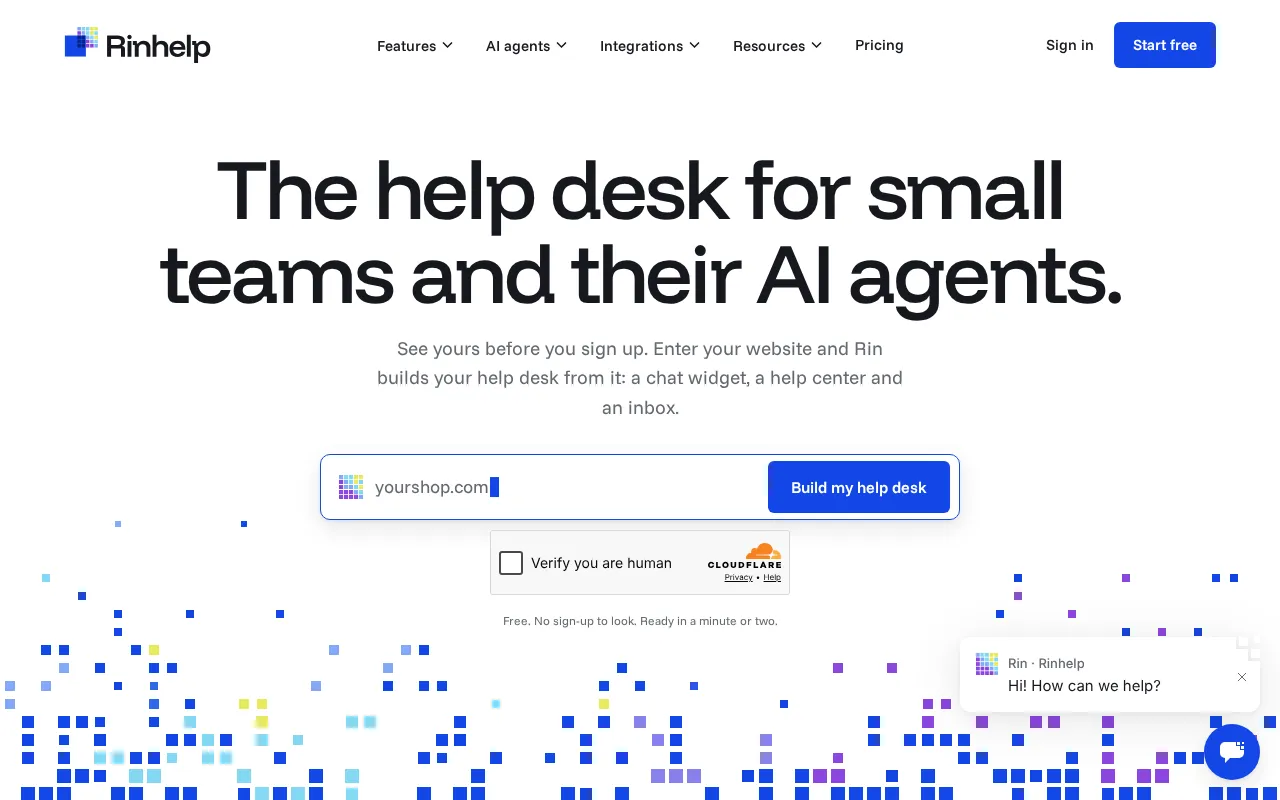
A customer on usage pricing usually writes when an invoice comes in higher than they expected. Rinhelp shows their Stripe invoices, each with its number, total, status and date, and their payments with what’s been refunded so far, beside the conversation, found by email, customer ID or invoice number. If you decide to waive part of a bill, a teammate refunds that part of the payment, up to what hasn’t been refunded yet. Rin, our built-in AI, shares a payment only once the customer gives an invoice or receipt number and the email on it, or is signed in on your site, and a refund it asks for waits for a teammate. Stripe and Shopify are Rinhelp’s only integrations, so the usage behind each total stays in your product and in Stripe, and credit notes and price changes happen in Stripe too. It’s $49 a month for the whole team, with 5,000 AI replies.
- Best for
- SaaS teams of 2 to 10 that meter usage through Stripe, answer billing questions by email and chat, and want a person to sign off before money goes back.
- How it bills
- Free for up to 3 teammates. Pro is $49 a month for the whole workspace, with 5,000 AI replies from Rin. No per-seat or per-resolution fees.
- Free plan
- Yes: 3 teammates, 50 AI replies to try Rin
- 3 people, 300 AI replies
- $49 a month: Pro for the whole workspace, using 300 of its 5,000 AI replies; Free covers your team if you don’t need AI replies.
Pros
- $49 a month for the workspace with 5,000 AI replies and no fee per resolution, so a wave of billing questions after a usage spike leaves your own bill where it was.
- Each invoice shows its number, total, status and date, and each payment its amount, refunds so far and a receipt link, next to the customer’s message.
- A refund covers a whole payment or any amount up to what hasn’t been refunded, which fits waiving part of an overage.
- Rin explains how your pricing works from your help center and website, and hands the conversation to your team when it can’t help.
Cons
- Email and live chat only: there is no phone, WhatsApp, SMS or social inbox.
- Shopify and Stripe are the only integrations.
- No reports, SLA rules or routing rules: Rin hands a conversation to the teammate with the fewest open ones.
- The free plan has no Rin beyond 50 AI replies to try it.
2. TeamSupport
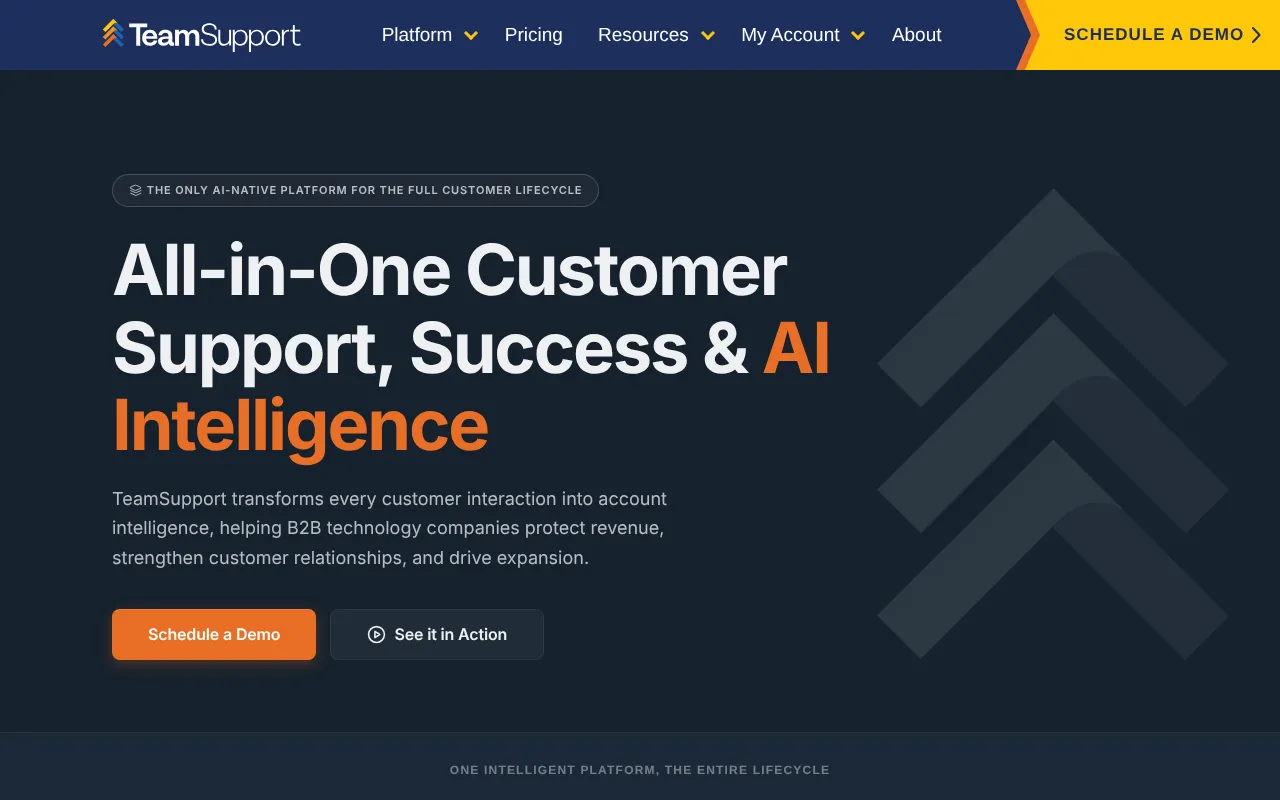
TeamSupport is a help desk for B2B software and technology companies, built around the customer account rather than the single ticket. Email becomes tickets beside the account’s ARR and renewal context, with Messaging & Live Chat, a Customer Hub with a knowledge base, and AI agents that answer chat.
Every ticket rolls up to a customer account that shows product usage, ARR and health signals, so whoever answers a question about a usage bill can see how much that account has been using. There’s no Stripe integration, and every plan, even the trial, starts from a quote or a request form.
- Best for
- B2B software companies whose support and customer success teams track account health, ARR and renewals around every ticket.
- How it bills
- Per user a month, billed yearly: Starter is $45 for up to 5 users, Professional $65 and Scale $85, each bought through a quote. Messaging & live chat is $15 more an agent and includes Kevin at 3 chats a day per agent. On the chat price list, an additional AI agent with 200 chats a month is $125. Basic training is listed at $2,000 on Starter, $1,500 on Professional and $1,000 on Scale.
- Free plan
- No, trial requested through a form
- 3 people, 300 AI replies
- $180 or more a month: 3 users on Starter at $45, billed yearly, plus Messaging & live chat at $15 an agent with Kevin at 3 chats a day per agent. More Kevin chats have no listed price.
Pros
- Tickets roll up to the customer account, with ARR, product usage, renewal timelines and health signals beside them.
- AI agents answer chat visitors from your sites, files, knowledge base and Confluence, and create a TeamSupport ticket with the transcript when they hand off.
- Ask Kevin looks up, creates, updates and assigns tickets, and adds notes, from plain-language requests.
- Integrations with Salesforce, HubSpot, Jira, Azure DevOps, Slack and Microsoft Teams, plus a REST API.
Cons
- Every plan is bought through a quote, and even the trial starts from a request form.
- Starter stops at 5 users and has no knowledge base or customer portal, which start on Professional at $65.
- Live chat is $15 more an agent on every plan.
- No Shopify or Stripe integration, and no MCP server: TeamSupport’s own guide connects Claude through the REST API.
- Contracts renew themselves unless you give written notice 30 days before, and fees are nonrefundable.
Already on TeamSupport? See the best TeamSupport alternatives.
3. BoldDesk
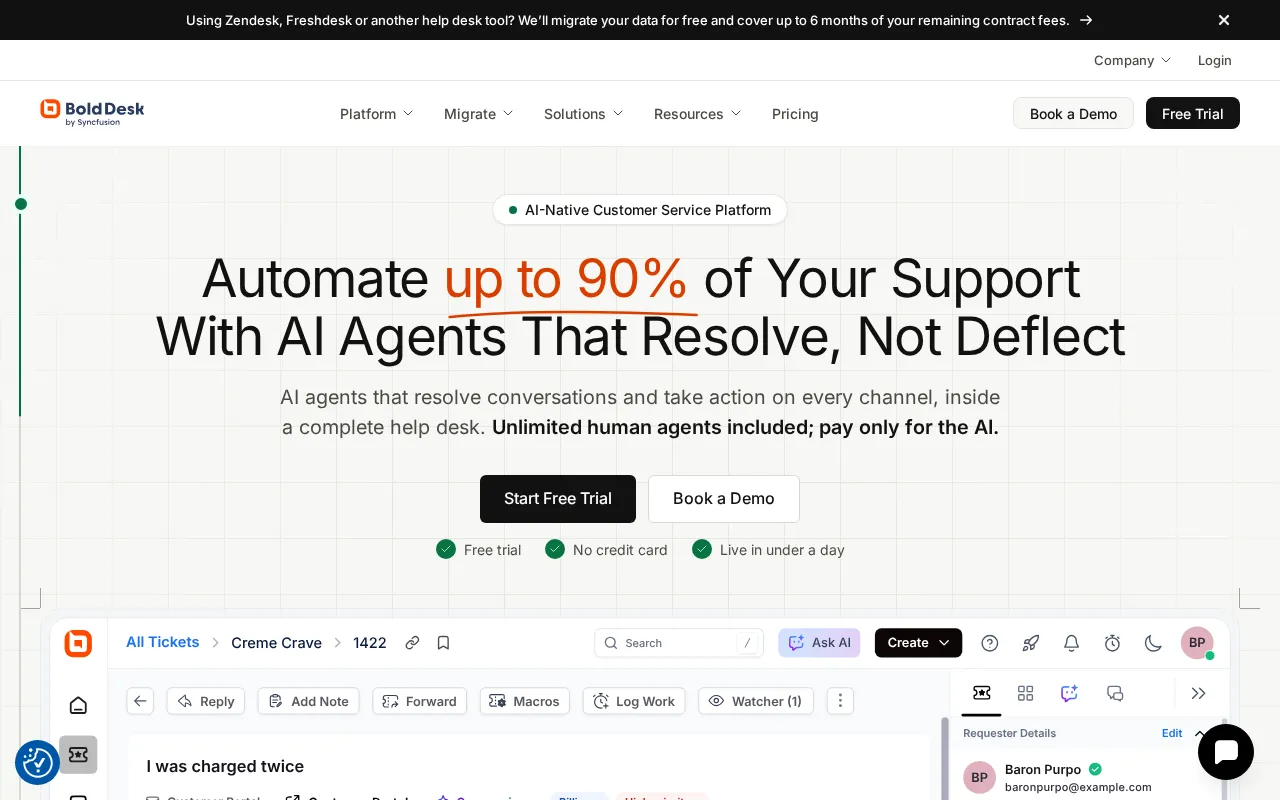
BoldDesk is a help desk and AI customer service platform from Syncfusion. Its AI agents answer on email, chat, WhatsApp, social media and SMS, and its AI plans include unlimited human agents.
For a usage question only your product can answer, BoldDesk’s AI agent can call your own APIs and MCP servers, with each action set to run alone or wait for a person. Agents see each requester’s Stripe invoices and payments on the ticket, but chat on the unlimited-agent plans starts at $499 a month on annual billing.
- Best for
- Large support teams, often running several brands, that want every agent in the help desk and to pay only for the work AI does.
- How it bills
- Enterprise is $35 an agent a month on annual billing ($40 monthly), with every help desk feature, live chat included. Its pricing page sells AI for it as an add-on, credits at $40 per 1,000 shared across every agent, while BoldDesk’s plan articles say Enterprise has no AI. AI plans instead include unlimited human agents and a monthly allowance of credits: Scale AI is $99 a month with 500, Momentum AI $499 with 1,000 and Enterprise AI $999 with 2,500, on annual billing ($116, $587 and $1,175 monthly). Bought credits never expire, while plan credits lapse at the end of each month.
- Free plan
- No, 15-day trial with no card
- 3 people, 300 AI replies
- $185 or more a month: 3 Enterprise agents at $35 on annual billing, plus 2 AI add-on credit packs of 1,000 at $40 for 300 AI answers at 5 credits each, the default in BoldDesk’s cost calculator, as its per-agent pricing page sells it. BoldDesk’s plan articles say Enterprise has no AI, which would leave Momentum AI at $499 as the first AI plan with chat.
Pros
- The AI plans include unlimited human agents, so on them adding a teammate never raises the bill.
- An official hosted MCP server lets Claude, ChatGPT or Copilot read tickets, reply, add notes, change status and assignee, and search or create knowledge base articles.
- Shopify order history and Stripe subscriptions show beside the ticket, and agents can issue Stripe refunds and cancellations from BoldDesk.
- Its own AI agent can call your APIs and MCP servers, with each action set to run on its own or wait for a person’s approval.
Cons
- On Enterprise every agent is $35 a month and AI credits come on top, and BoldDesk’s pricing page and plan articles disagree on whether that plan can have AI at all. The unlimited-agent plans with chat start at Momentum AI, $499 a month on annual billing, since Scale AI has no chat widget.
- Credits per answer vary with length and complexity, and BoldDesk says the cost of a response can’t be predicted or capped.
- Plan credits expire unused at the end of each cycle, and AI stops answering when the balance reaches zero.
- No free plan, and BoldDesk Voice is still launching soon, so phone calls come in through integrations such as Aircall.
Already on BoldDesk? See the best BoldDesk alternatives.
4. Help Scout
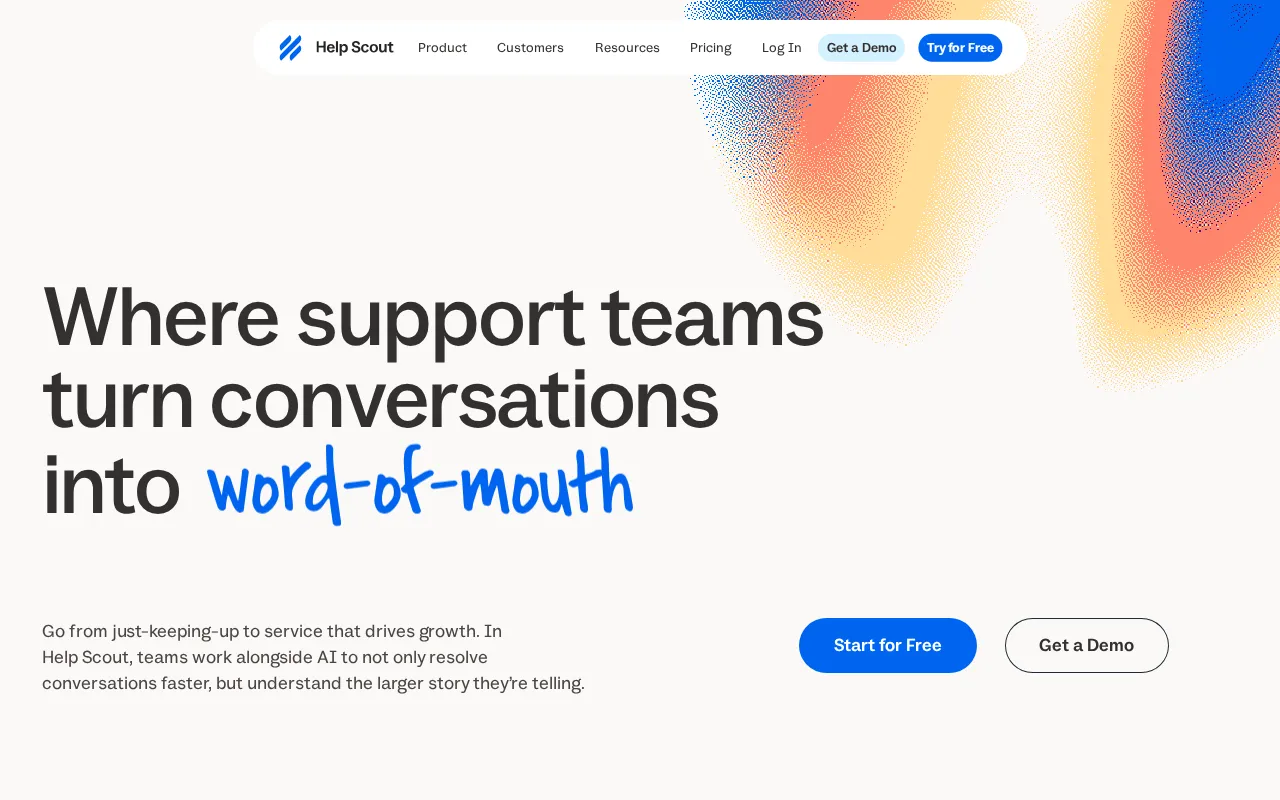
Help Scout is a help desk with shared inboxes, a Docs help center and Beacon, a widget for chat and help articles. Scout, its AI agent, answers chat from your help content and is billed per resolution.
Help Scout’s sidebar lists a customer’s recent Stripe invoices and payments and issues full or partial refunds in a few clicks, which suits waiving part of an overage. You can cap Scout’s AI spending each month, though Scout answers chat only.
- Best for
- Support teams that think in tickets and want a calm shared inbox, a help center and live chat, with a free plan to start on.
- How it bills
- Standard is $25, Plus $45 and Pro $75 a user a month on annual billing, which saves 16%. Pro needs at least 10 users and a demo. Scout costs $0.75 per resolution, free for a new account’s first 3 months.
- Free plan
- Yes: 5 users, 1 inbox, 100 contacts a month
- 3 people, 300 AI replies
- $300 a month: 3 Standard users at $25 on annual billing, plus 300 AI resolutions at $0.75.
Pros
- A free plan for up to 5 users, with 1 inbox, a Docs site and 100 contacts a month.
- Agents can refund, cancel or edit recent Shopify orders, and refund Stripe payments or cancel subscriptions, from the sidebar.
- Standard brings email, live chat, SMS, WhatsApp, Instagram and Messenger into one inbox.
- You can cap AI spending each month, and Scout switches off when it reaches the cap.
Cons
- Its official MCP server is read-only: your own AI can search conversations and Docs, but can’t reply, add notes or close.
- Scout answers website and in-app chat only, and lists email as “Coming Soon”.
- Scout can’t look up orders or act in other tools yet: its connection to payment processors and CRMs is still to come.
- Seats and AI are billed separately, so the bill grows with every user and every resolution.
Already on Help Scout? See the best Help Scout alternatives.
5. Chatbase
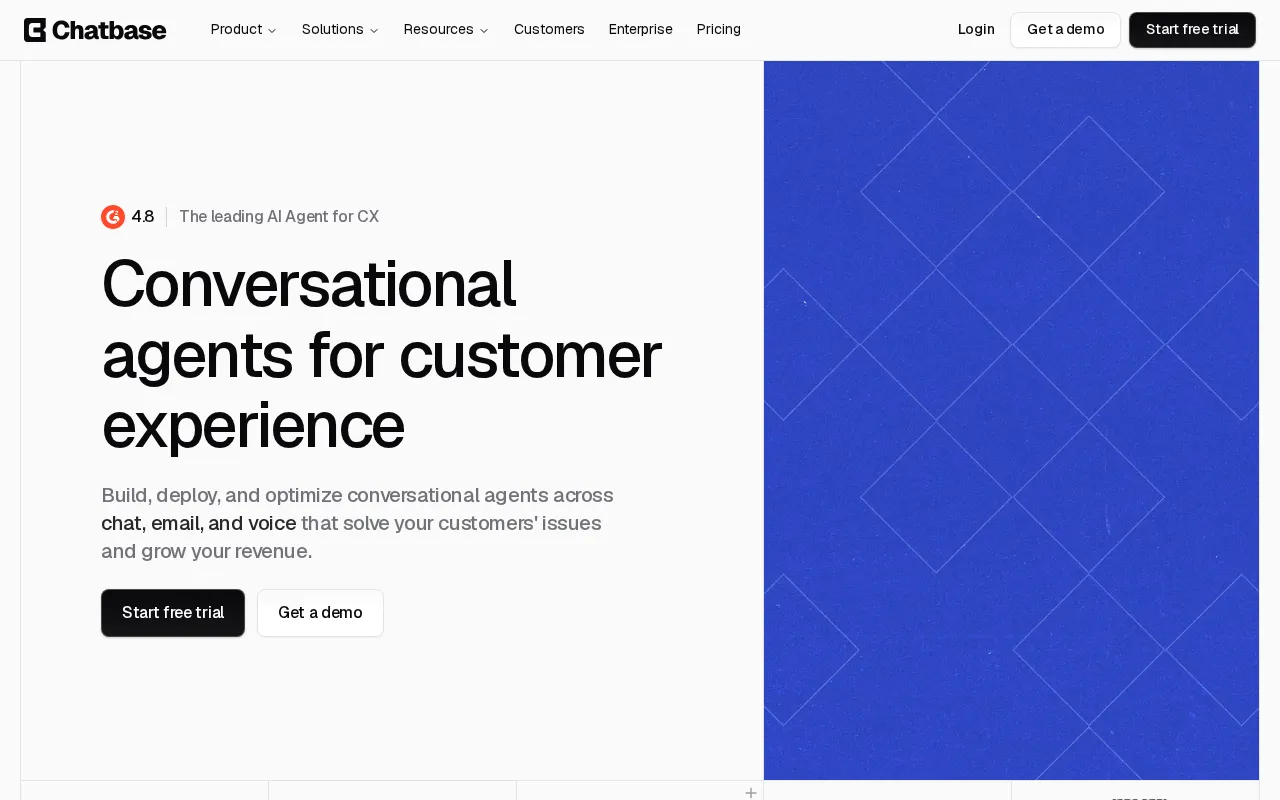
Chatbase builds an AI agent trained on your own content, such as your website and documents, and puts it on your site, WhatsApp, Messenger, Instagram, Slack, email and the phone. Its Helpdesk inbox, included from Basic, its cheapest plan, lets your team take over what the AI can’t solve.
Chatbase’s Stripe actions let a signed-in customer pull up their invoices and payment details in the chat bubble, which covers “Was my payment processed?” without a teammate. They work in the chat bubble only, and plans start at $120 a month on annual billing with 3 members.
- Best for
- Teams that want a chatbot on their website and messaging apps first, with a choice of models from OpenAI, Anthropic, Gemini and others, and a help desk second.
- How it bills
- Basic is $150 and Business $500 a month on monthly billing ($120 and $400 a month on annual billing), with 4,000 and 15,000 message credits and 3 and 5 members. The recommended models use 1 to 5 credits a message, unused credits don’t carry over, and auto recharge adds credits at $40 per 1,000.
- Free plan
- Not on the pricing page: Basic and Business each start with a 7-day trial
- 3 people, 300 AI replies
- $120 a month: Basic at $120 a month on annual billing ($150 monthly), the cheapest plan, with 3 members. Its 4,000 message credits cover 300 replies even at 5 credits each.
Pros
- Every plan includes advanced models from OpenAI, Anthropic, Gemini, DeepSeek, Mistral and others, so you choose the one each chatbot runs on.
- The chatbot answers on your website, WhatsApp, Messenger, Instagram, Slack, email and the phone.
- A teammate can take over a live AI conversation from the Helpdesk, which turns it into a ticket with an AI-written summary.
- Its AI can escalate a conversation as a ticket to Zendesk, Salesforce, Intercom, Zoho Desk, Freshdesk, HubSpot, Help Scout, Gorgias or Odoo, with the customer’s details.
- Its official MCP server lets Claude or ChatGPT search conversations, reply to Helpdesk tickets or leave internal notes on them, and assign or close them.
Cons
- Members are capped by plan: 3 on Basic and 5 on Business.
- When message credits run out, the chatbots stop responding until the credits reset, unless auto recharge buys more.
- An action can make the chatbot send 2 or more requests to the model for one reply, and each one uses credits.
- Removing “Powered By Chatbase” is a $99 a month add-on.
Already on Chatbase? See the best Chatbase alternatives.
6. Lorikeet
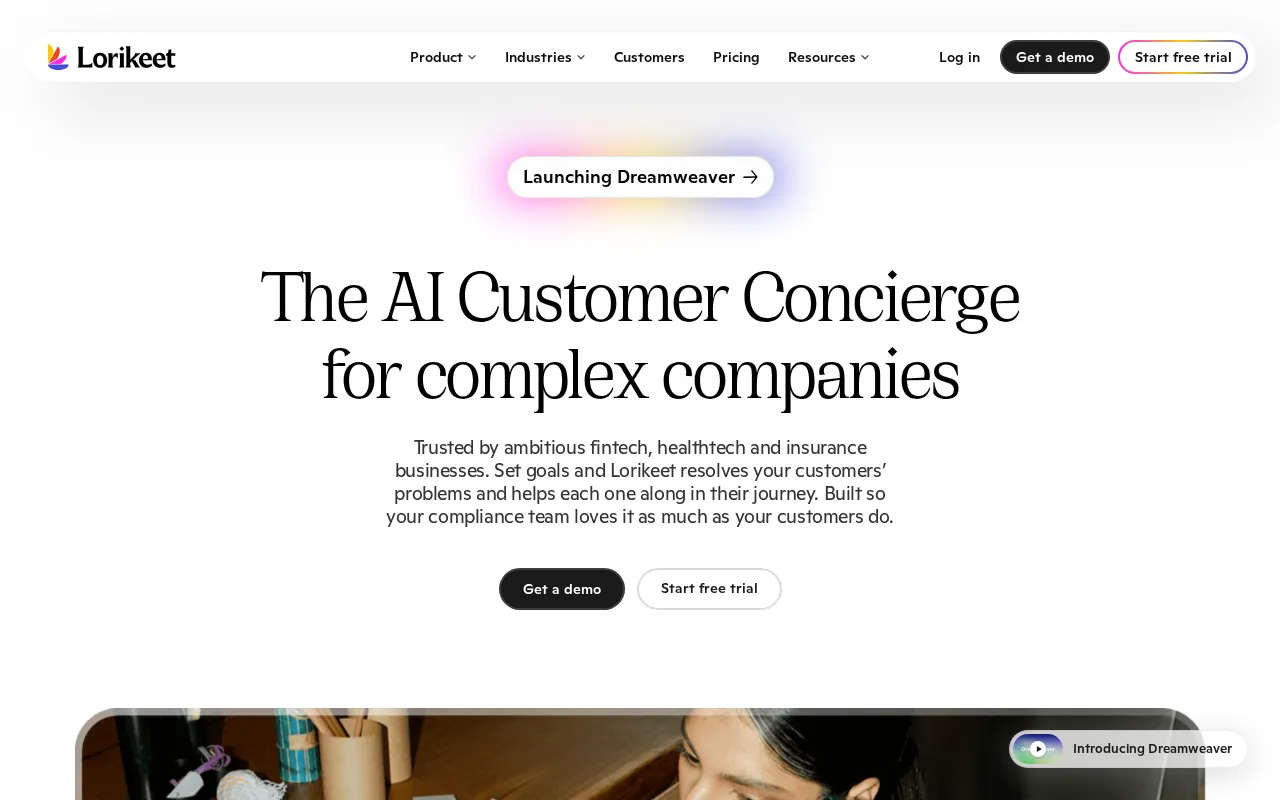
Lorikeet is an AI customer support platform for complex and regulated businesses, such as fintech, health tech and insurance. Its Concierge agent resolves customers’ issues on chat, email, voice, SMS and WhatsApp by acting through your own systems, inside the help desk you already run, such as Zendesk, Intercom, Salesforce or HubSpot, and hands what it can’t solve to your team there.
Lorikeet’s Concierge runs multi-step workflows through your APIs, webhooks and MCP servers, refunding through Stripe or updating an account, and hands over with what it already tried. It charges only for resolved tickets, but Start costs $2,100 a month paid annually before the first one, and your help desk bills separately.
- Best for
- Fintech, health tech and insurance companies with multi-step workflows to automate through their own APIs, a help desk they keep, and room for an annual plan from $2,100 a month.
- How it bills
- Start is $2,100 a month and Scale $5,100 a month, both paid annually, and each resolved chat, email or SMS ticket costs $0.99 or $0.90 on top, or $1.50 or $1.20 for a voice call. Escalations, unresolved tickets and tickets you mark bad aren’t charged, and there are no seat fees. Routing tags and automated QA cost $0.30 a ticket each on Start, Signature carries a $75K platform fee, and the help desk it answers in bills separately.
- Free plan
- No, a 30-day free trial with a card at checkout
- 3 people, 300 AI replies
- $2,397 or more a month: Start at $2,100 a month, paid annually, plus 300 resolutions at $0.99. Your help desk’s seats come on top.
Pros
- Concierge answers on chat, email, SMS, WhatsApp and voice, inbound and outbound, and workflows you train once run on every channel.
- It runs multi-step workflows through your APIs, webhooks and MCP servers, from a Stripe refund to an account update, and escalates to your team with what it already tried.
- Its prices are public, and you pay only for resolved tickets: never for escalations, failed attempts or tickets you mark bad, and never per seat.
- It holds SOC 2 Type 2 and ISO 27001, signs a Business Associate Agreement for HIPAA, and never trains AI models on your data.
Cons
- Start is $2,100 a month paid annually, or $25,200 a year, before the first resolution is billed.
- It isn’t a help desk: it works inside Zendesk, Intercom, Salesforce, HubSpot or another you keep, so that help desk stays on your bill.
- Time to the first live ticket averages under 29 days, while you build workflows and test them on your past tickets.
- Its voice agent can’t take a card payment on a call, because Lorikeet doesn’t hold PCI DSS.
Already on Lorikeet? See the best Lorikeet alternatives.
7. Intercom
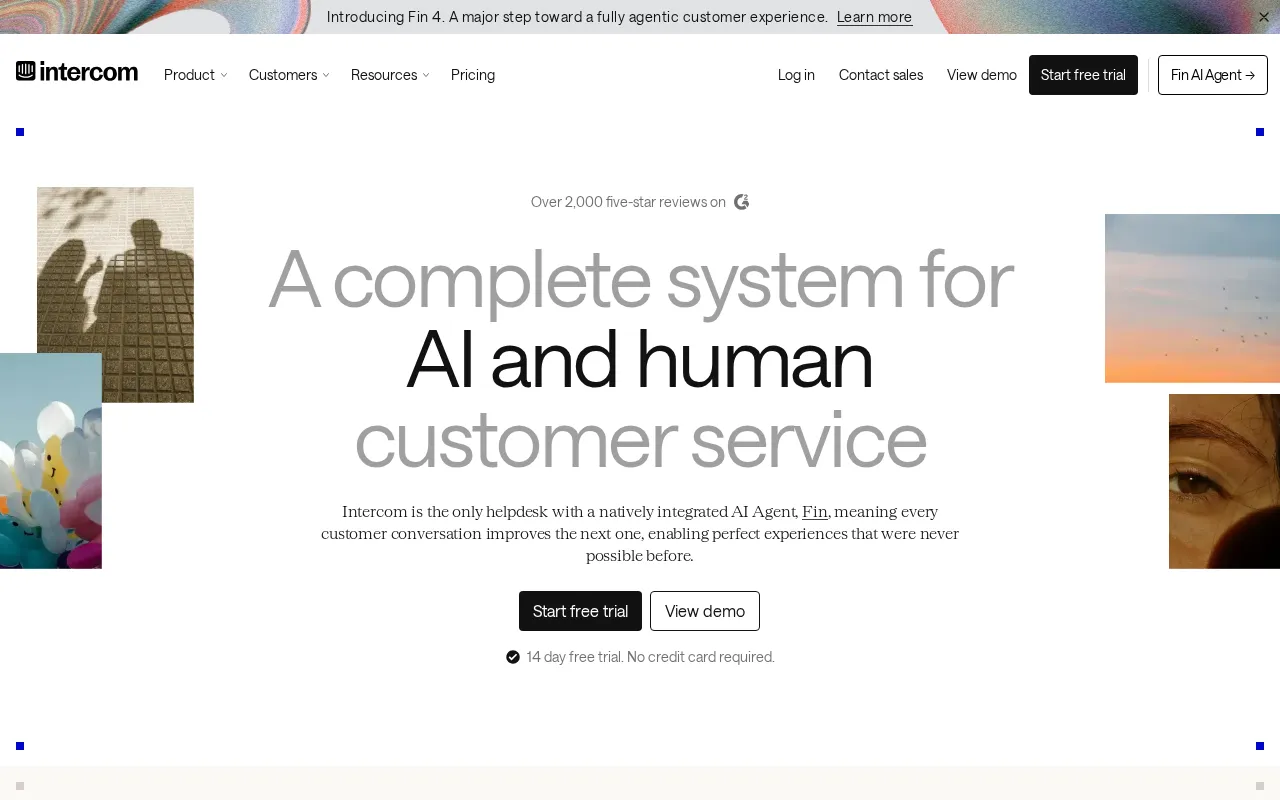
Intercom is a customer service help desk with a chat Messenger, a shared inbox, a help center and Fin, its AI agent. Its company renamed itself Fin in May 2026, and Salesforce bought it that September.
Intercom’s Stripe app sends events such as invoice_created, charged and charge_failed into Intercom, and Fin can read a customer’s recent payments when it answers a billing question. Every teammate who replies needs a seat, from $19 a month for new customers on Essential with annual billing ($29 list), and Fin adds $0.99 an outcome.
- Best for
- Software and app companies that want chat, email, phone, WhatsApp and SMS in one inbox, with Fin answering across them.
- How it bills
- Per seat: Essential is $29, Advanced $85 and Expert $132 a seat a month on annual billing ($39, $99 and $139 monthly), and new customers pay $19 for Essential on annual billing. Fin costs $0.99 for each outcome, and WhatsApp, SMS and phone are billed by use.
- Free plan
- No, 14-day trial
- 3 people, 300 AI replies
- $354 a month: 3 Essential seats at $19, the new-customer price on annual billing (list $29), plus 300 Fin outcomes at $0.99.
Pros
- Chat, email, phone, WhatsApp, SMS, Slack, Facebook and Instagram all arrive in one inbox.
- Fin answers on email, live chat and phone, and is charged once per conversation however many questions it answers.
- Agents can refund or cancel a Shopify order from the inbox sidebar, and the Stripe app shows subscriptions mid-conversation.
- Its official MCP server can add internal notes and write and publish help center articles, not only read.
Cons
- Every teammate who replies needs a paid seat, and Fin adds $0.99 an outcome on top.
- An outcome also counts when a customer simply stops asking after Fin’s answer, or when a Fin workflow hands the conversation to your team.
- Its MCP server can’t reply to customers, assign or close conversations, and doesn’t serve workspaces hosted in Australia.
- No free plan, and an annual plan cancelled early gets no prorated refund.
Already on Intercom? See the best Intercom alternatives.
8. Chatwoot
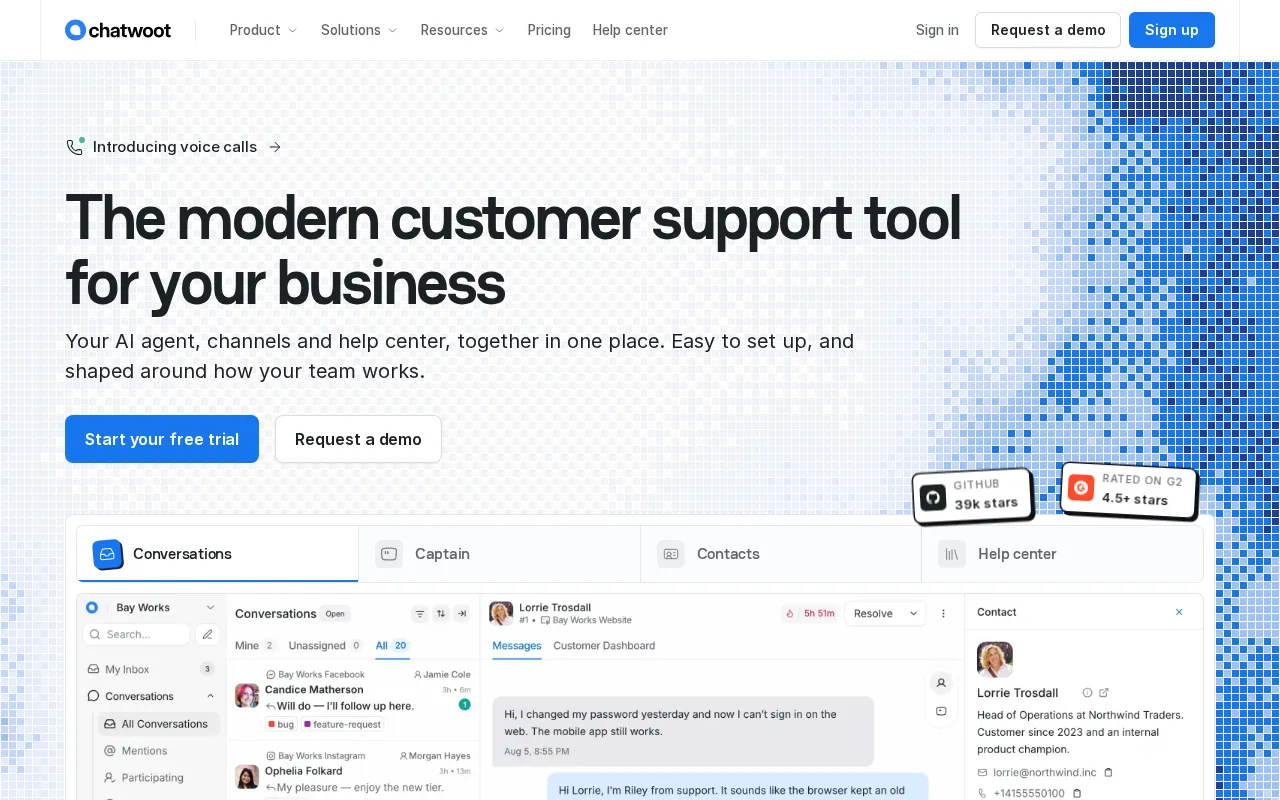
Chatwoot is open-source support software with one inbox for live chat, email, WhatsApp, social and voice, a help center, and Captain, its AI agent. You can use Chatwoot Cloud or host it yourself.
Captain, Chatwoot’s AI, can call up to 15 custom tools, HTTP endpoints you control, so it can reach the service that tracks usage. Those tools have no built-in approval step for actions like refunds. Cloud starts at $19 an agent, and the Community Edition is free to host yourself.
- Best for
- Teams that want many channels at a low seat price, or want to run their help desk on their own servers.
- How it bills
- Cloud is per agent a month: Startups $19, Business $39 and Enterprise $99, with 300, 500 or 800 Captain credits for the account. Each Captain reply uses a credit, extra credits are $20 per 1,000, and no annual price is published. Credits never top up by themselves: once they run out, new conversations go straight to your team with no Captain reply.
- Free plan
- Yes: 2 agents, live chat only, 500 conversations a month
- 3 people, 300 AI replies
- $57 a month: 3 Startups agents at $19, with the 300 included Captain credits covering 300 AI replies.
Pros
- Open source: the self-hosted Community Edition is free, and your data stays on your own servers.
- One inbox for live chat, email, WhatsApp, Instagram, Messenger, TikTok and, from Business, voice calls.
- Startups includes every channel but voice, plus a help center, at $19 an agent a month.
- An official CLI and agent skill let coding agents such as Claude Code work in Chatwoot.
Cons
- Startups has no automation rules or teams; those start on Business at $39 an agent.
- Captain uses a credit for every reply, and bought credits expire after 6 months and aren’t refunded.
- Since July 2026 the free Cloud plan has no API or webhook access.
- No official MCP server, and Captain’s custom tools have no built-in approval step for actions like refunds.
Already on Chatwoot? See the best Chatwoot alternatives.
9. Teamwork Desk
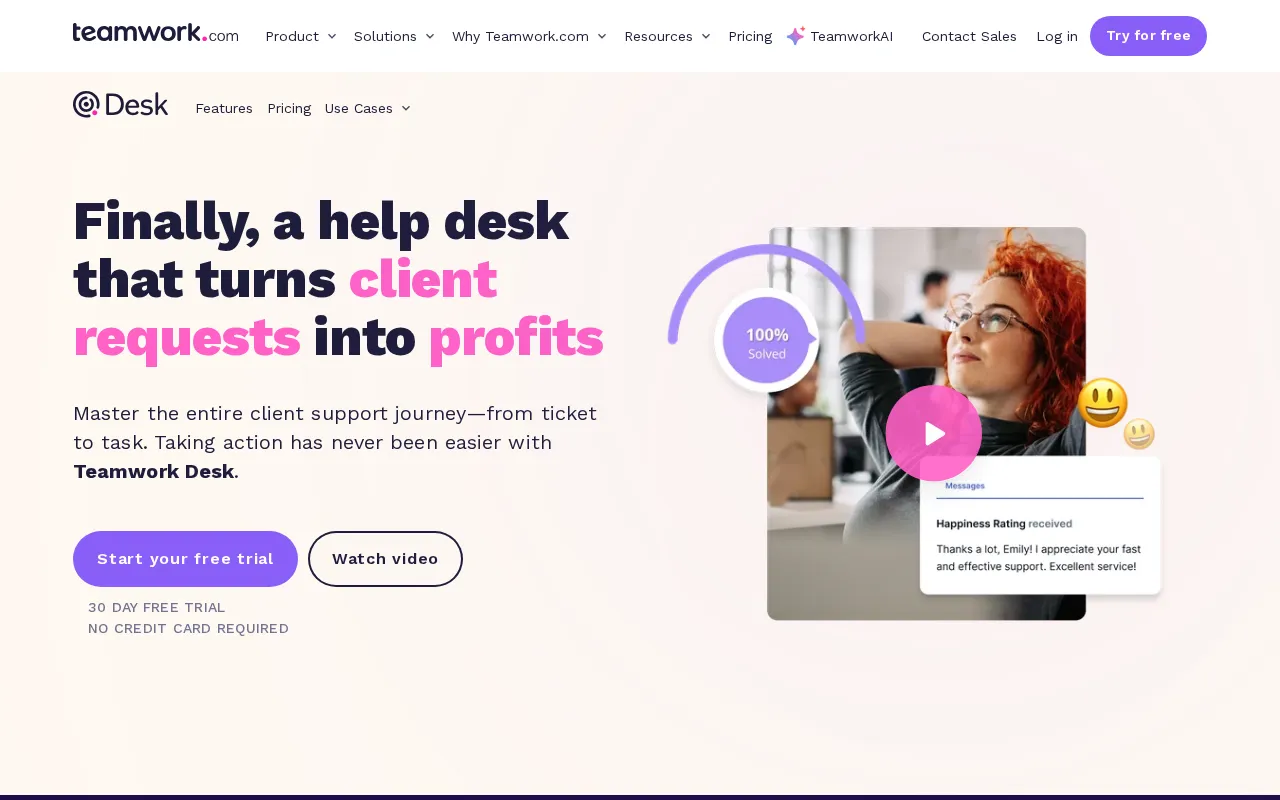
Teamwork Desk is the help desk from Teamwork.com, the project platform for client-service businesses. Client emails become tickets that can turn into Teamwork.com tasks, with live chat from Pro, Help Docs knowledge bases and Dotty, an AI add-on that drafts replies for agents.
Teamwork Desk’s Stripe widget lists a customer’s invoice and subscription history with a link to each Stripe invoice, handy for walking a customer through what they paid month by month. Dotty only drafts, and live chat needs Pro at $17 an agent on annual billing.
- Best for
- Agencies, consultancies and IT services firms on Teamwork.com that bill support time to client projects and retainers.
- How it bills
- Starter is $9.50 an agent a month billed yearly ($12 monthly) for up to 10 agents, Pro $17 ($21) and Premium $33 ($41); Enterprise is quoted. Dotty is $69 a month for the whole site, with 1,000 tickets analyzed and 100 suggested replies, then $9 per 100 replies. Each Help Docs site past the free one is $20 a month.
- Free plan
- No, 30-day trial with no card
- 3 people, 300 AI replies
- $29 a month: 3 agents on Starter at $9.50, billed yearly. Dotty, $69 a month, only drafts, so no AI answers customers. Live chat needs Pro, $17.
Pros
- A ticket can become a Teamwork.com task, and time logged on tickets updates Teamwork.com budgets and retainers.
- An official MCP server, at no extra cost, lets Claude or ChatGPT reply, add notes, assign, change status and write Help Docs articles.
- Starter is $9.50 an agent billed yearly, with a Help Docs site and customer portal, and every plan starts with a 30-day trial and no card.
- Stripe shows a customer’s invoices and subscriptions in the ticket sidebar.
Cons
- No AI answers customers: Dotty drafts replies, summarizes and finds similar tickets, and an agent sends every reply.
- Live chat needs Pro, $17 an agent billed yearly, and customers reach it through the embeddable contact form widget.
- No WhatsApp, voice or social channels, and no Shopify integration.
- Starter stops at 10 agents, and there is no free plan.
Already on Teamwork Desk? See the best Teamwork Desk alternatives.
10. Crisp
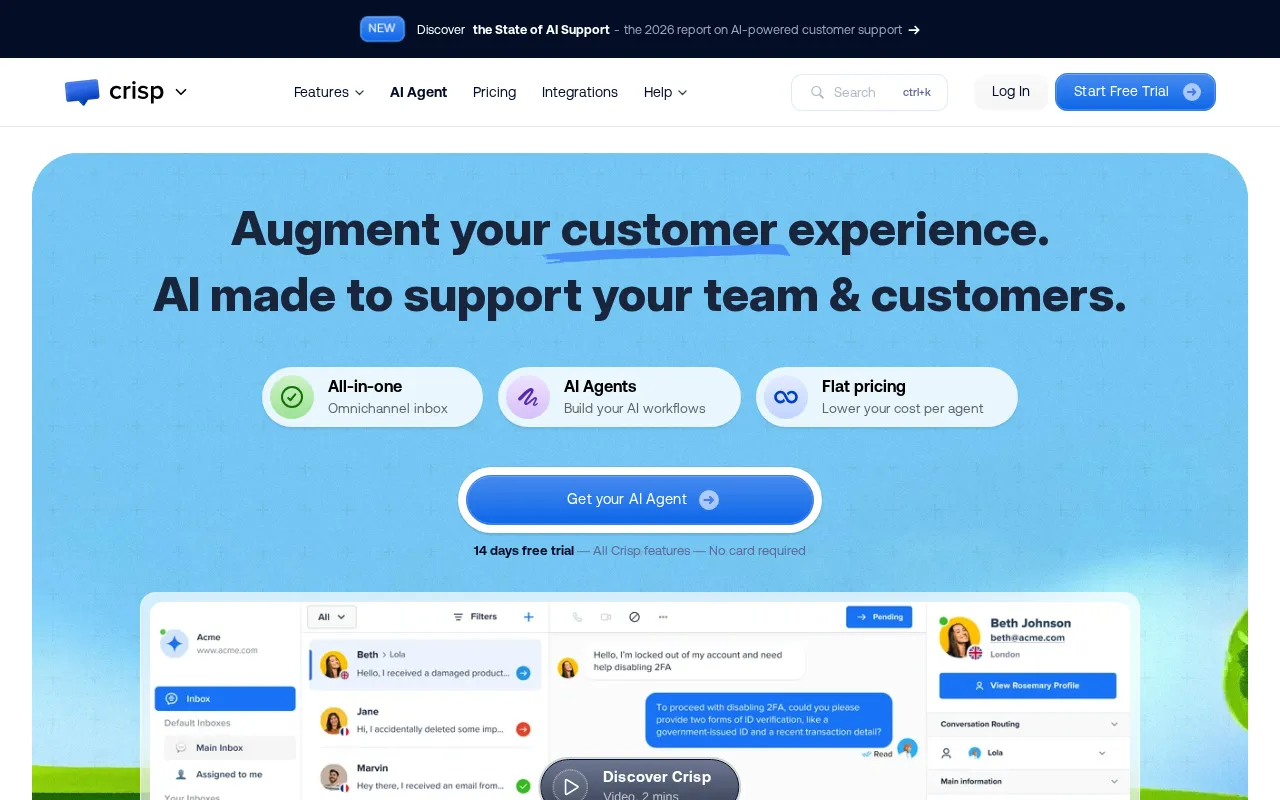
Crisp is a French customer support platform built around a website chat widget, with a shared inbox, many messaging channels and Hugo, its AI agent.
Hugo, Crisp’s AI, can call your own MCP servers, and a tool can require a one-time code to check the customer first. Seeing Stripe data in the inbox takes Plus at $295 a month, and Hugo stops when the month’s AI credits run out unless Pay-As-You-Go is on.
- Best for
- Small teams that start with free website chat and want WhatsApp, Instagram, SMS and phone in the same inbox later.
- How it bills
- Per workspace a month: Mini is $45 with 4 seats, Essentials $95 with 10 and Plus $295 with 20, including $5, $25 and $75 of AI credits (about 90, 450 and 1,350 Hugo conversations). Extra seats are $10 each, sold on Plus only, and Hugo past the credits runs on Pay-As-You-Go at about $0.05 to $0.10 a conversation.
- Free plan
- Yes: 2 seats, chat only, no AI
- 3 people, 300 AI replies
- $66 or more a month: Mini at $45 for 4 seats with about 90 Hugo conversations in its credits, plus about 210 more at about $0.10 each.
Pros
- One price per workspace, with 10 seats on Essentials for $95 a month.
- WhatsApp, Instagram, Messenger, SMS, Telegram and phone sit in the same inbox from Essentials.
- Its official MCP server can read, reply, add notes, resolve and write help center articles.
- Hugo can look up orders and refund through Shopify, WooCommerce, PrestaShop and Stripe, after a one-time code checks the customer.
Cons
- The free plan has no email inbox and no AI, and Mini has no help center, WhatsApp or MCP server.
- Hugo stops answering when the month’s credits run out unless you turn on Pay-As-You-Go, whose rates aren’t published.
- Stripe data in the inbox comes only with Plus at $295 a month.
- Crisp’s terms refund no fees, monthly or yearly.
Already on Crisp? See the best Crisp alternatives.
11. Re:amaze
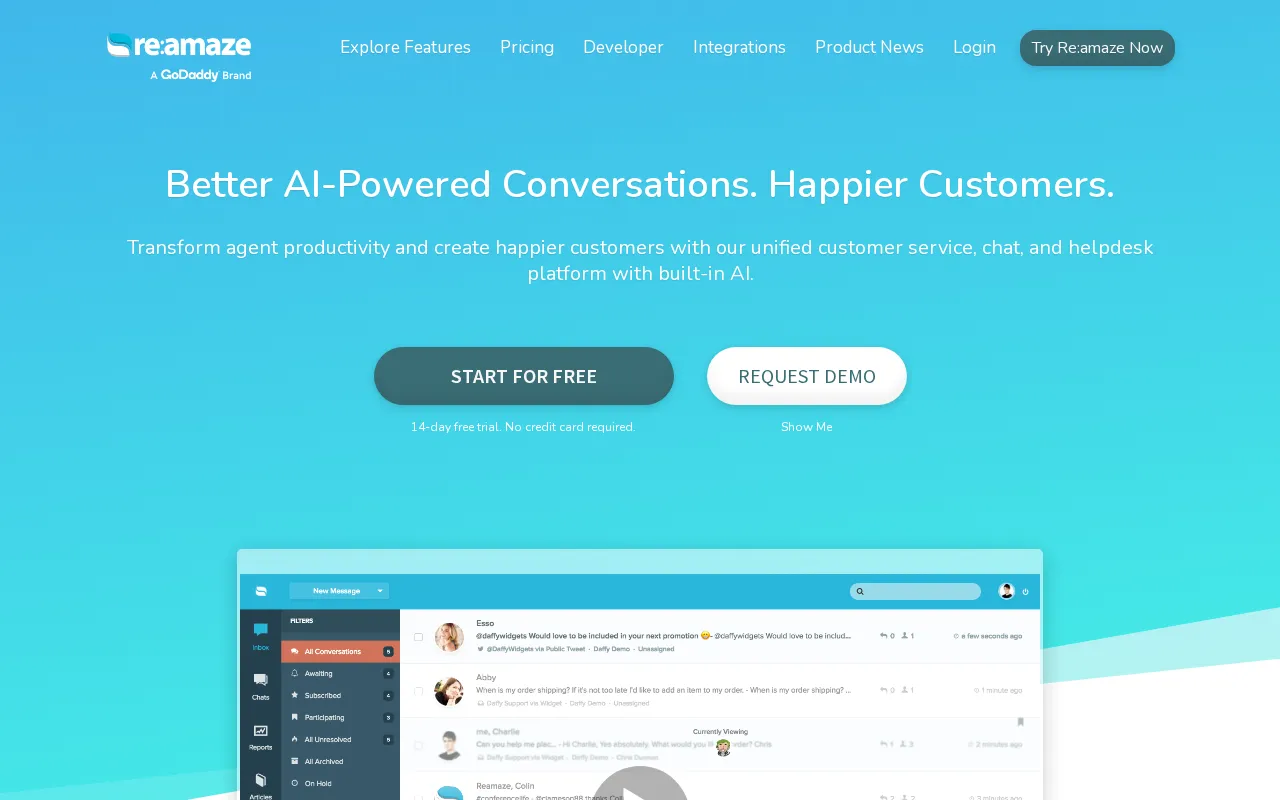
Re:amaze is a help desk for online stores, owned by GoDaddy, with email, live chat, social, SMS and voice in one inbox and an AI agent that answers from your FAQ and store data.
Re:amaze handles full and partial Stripe refunds, and chargebacks, from inside the conversation, for the customer who disputes a usage charge with their bank. Each AI resolution past the 5 to 20 per seat costs $0.85.
- Best for
- Shopify and WooCommerce stores that run several brands and want social, SMS and voice next to email and chat.
- How it bills
- Basic is $29, Pro $49 and Plus $69 a team member a month ($26.10, $44.10 and $62.10 on annual billing), with 5, 10 or 20 AI agent resolutions per seat, then $0.85 each. Starter is $59 a month for unlimited team members and up to 500 responded conversations, with no published AI allowance.
- Free plan
- No, 14-day trial
- 3 people, 300 AI replies
- $321 a month: 3 Basic seats at $26.10 on annual billing, plus 285 AI agent resolutions at $0.85 after the 15 included.
Pros
- Email, live chat and social channels on every plan, with SMS and voice from Pro.
- Pro and Plus run unlimited brands from one account.
- Agents can refund and cancel Shopify orders and refund Stripe payments from inside a conversation.
- Starter gives unlimited team members for $59 a month, up to 500 responded conversations.
Cons
- Each AI resolution past the 5 to 20 per seat costs $0.85, so a busy month adds up fast.
- The AI agent is still labeled beta on the homepage, and no page says it can refund or cancel.
- No official MCP server, so Claude or ChatGPT can only reach it through the REST API or third-party connectors.
- All fees are non-refundable, and closing the account permanently deletes every conversation.
Already on Re:amaze? See the best Re:amaze alternatives.
12. Kayako
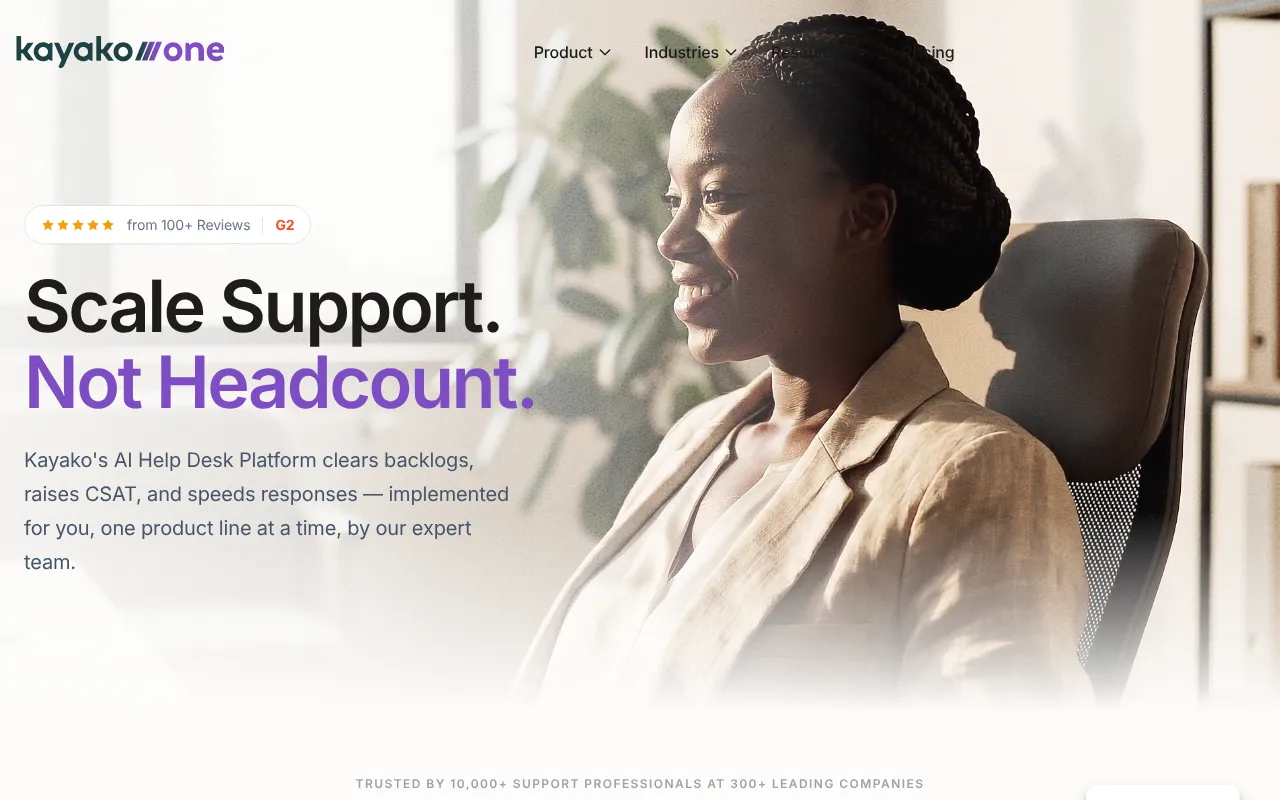
Kayako is a help desk that now leads with Kay, an AI agent billed per resolved ticket. Kay runs on Kayako One, Kayako’s own help desk, or on top of Zendesk, Freshdesk or Intercom.
Kay can issue refunds and create accounts through Stripe or your own API, and costs $1 only for each ticket it fully resolves, with handoffs free. Kayako’s pages describe no approval step before Kay refunds, and Kayako One, the help desk around it, has no published price.
- Best for
- Support leaders who want an AI agent set up for them and paid per resolved ticket, on Kayako or on the help desk they already use.
- How it bills
- Kay is $1 for each ticket it resolves, with no seat or setup fees, and handoffs to a person aren’t charged. Kayako One, the help desk with Kay and white-glove setup, has no published price.
- Free plan
- No, and no trial on the pricing page
- 3 people, 300 AI replies
- $300 or more a month: 300 Kay resolutions at $1, plus a Kayako One platform fee that isn’t published.
Pros
- Kay can run on Zendesk, Freshdesk or Intercom, so a team can add an AI agent without moving help desks.
- You pay for Kay only when it fully solves a ticket: escalations to a person and simple deflections are free.
- Kay can act as well as answer, such as issuing refunds, creating accounts and sending return labels through Stripe, Shopify or your own API.
- Kayako Classic is still offered as a self-hosted, on-premises help desk.
Cons
- Kayako One has no published price, so you can’t see the full bill on Kayako’s site.
- No free plan, and the pricing page offers no trial.
- No official MCP server for your own AI agent, and Kayako’s pages describe no approval step before Kay refunds.
- There is no cancel button: you send a request to Trilogy with a copy of a paid invoice.
Already on Kayako? See the best Kayako alternatives.
13. Fin
Fin is an AI that answers customers on chat, email, voice and social. It runs inside Intercom, or on top of a help desk you already use, such as Zendesk, Salesforce, HubSpot or Freshdesk, and hands your team what it can’t solve.
Fin runs on the help desk you keep, with Procedures connected to Stripe, and a Procedure can stop at a step where a teammate approves a refund or goodwill gesture before Fin carries on. It’s $49 a month for the first 50 outcomes, then $0.99 each.
- Best for
- Teams with a large queue on Zendesk, Salesforce, HubSpot or Freshdesk that want a strong AI answering customers without changing help desks.
- How it bills
- A $49 base plan covers the first 50 outcomes a month, then each costs $0.99, charged at most once per conversation. Unused outcomes don’t carry over. Fin Voice is $1.99 a voice outcome through sales, and your help desk’s seats are billed separately.
- Free plan
- No, 14-day trial
- 3 people, 300 AI replies
- $297 or more a month: 300 outcomes: $49 for the first 50, then 250 at $0.99. Your help desk’s seats come on top.
Pros
- It works inside the help desk you already have, so your team keeps it as the system of record.
- You pay at most once per conversation, and nothing when a customer asks for a person or a Procedure fails.
- Procedures connect Fin to Stripe and Shopify, so it can check an order and refund it in the same conversation.
- It answers on chat, email, voice, social and Slack, and on WhatsApp through Freshdesk, with spending limits you set.
Cons
- Fin is an AI, not a help desk, so its outcomes come on top of your help desk’s seats.
- An outcome counts when a customer stays silent for 24 hours after Fin’s answer, and when a Procedure ends in a handoff to your team.
- A Procedure can refund on its own under a threshold you set, with no person approving it.
- Buying Fin for another help desk starts with “Contact sales” on its pricing page.
Already on Fin? See the best Fin alternatives.
14. Zendesk
Zendesk is a customer service suite for email, messaging, live chat, social and voice, with AI agents that answer customers and are billed per automated resolution.
An admin can connect Zendesk’s AI agents to Stripe’s MCP server, and Suite Team adds “Action Builder” at $55 an agent on annual billing. Every agent is a seat, and each automated resolution past the 5 per agent costs $1.50 to $2.00.
- Best for
- Growing and large teams that need voice, many channels, 1,800+ apps and integrations, and enterprise controls to grow into.
- How it bills
- Per agent: Support Team is $19, Suite Team $55 and Suite Professional $115 a month on annual billing ($25, $69 and $149 monthly). Each agent brings 5 automated resolutions a month (10 on Professional), then each costs $1.50 committed or $2.00 pay as you go. Copilot is $50 more an agent.
- Free plan
- No, 14-day trial
- 3 people, 300 AI replies
- $485 a month: 3 Support Team agents at $19 on annual billing, plus 285 automated resolutions at $1.50 committed beyond the 15 included, on email only.
Pros
- Email, messaging, live chat, WhatsApp, social and voice sit in one Suite, and AI agents can answer on email, messaging or voice.
- Its marketplace lists 1,800+ apps, partners and integrations.
- Agents refund and cancel Shopify orders inside a ticket, and an admin can connect Zendesk’s AI agents to Stripe’s MCP server.
- The 14-day trial opens every Suite Professional feature, Copilot included, and startups can get 6 months of Suite free for up to 50 agents.
Cons
- Every agent is a seat, and each automated resolution past the 5 per agent a plan includes costs $1.50 to $2.00.
- No official MCP server for outside AI tools yet: Zendesk announced one in May 2026 for early access and has published no tools for it.
- Data exports are off until the account owner asks support, and the export tools aren’t on Team plans.
- Zendesk gives no refunds or credits for unused seats or time.
Already on Zendesk? See the best Zendesk alternatives.
15. HubSpot
HubSpot Service Hub is the customer service part of HubSpot’s CRM: a help desk inbox for email, chat, WhatsApp and calls, a knowledge base, and the customer agent, an AI that answers customers.
HubSpot syncs Stripe invoices, subscriptions and payment transactions into its CRM, so account managers see billing beside the deals they work. The customer agent needs Professional at $90 a seat on annual billing plus a $1,500 onboarding fee.
- Best for
- Teams already running sales or marketing on HubSpot that want support on the same customer records.
- How it bills
- Per seat: Starter is $7 and Professional $90 a seat a month on annual billing ($10 and $100 paid monthly, with Professional still committed for a year), and Enterprise starts at $150. Starter’s prices are new-customer discounts on a $20 list price. Professional adds a required $1,500 onboarding fee, and Enterprise $3,500. The customer agent uses 50 credits, $0.50, per resolved conversation, after 3,000 credits a month included on Professional.
- Free plan
- Yes: 2 users, with HubSpot branding on chat and email
- 3 people, 300 AI replies
- $390 a month: 3 Professional seats at $90 on annual billing, plus 300 resolutions by the customer agent at 50 credits each, $120 after the 3,000 included credits. A one-time $1,500 onboarding fee comes on top.
Pros
- Support, sales and marketing share one CRM, so every ticket sits next to the customer’s deals and emails.
- The customer agent is billed only when it resolves a conversation, and a handoff to a person costs nothing.
- Professional puts calling, WhatsApp and Facebook Messenger in the same inbox as email and chat.
- The official MCP server reads inbox conversations and writes tickets, notes and contacts, asking you to confirm each change.
Cons
- The customer agent needs Professional at $90 a seat on annual billing, plus a required $1,500 onboarding fee.
- AI credits are shared with every other credit feature, and the customer agent stops taking new conversations when they run out.
- The MCP server can’t send a reply to a customer or reach the knowledge base.
- HubSpot’s examples of customer agent actions are password resets and booking meetings, with no refunds or order changes.
Already on HubSpot? See the best HubSpot alternatives.
16. Plain
Plain is a support platform for B2B software companies. It answers customers in Slack, Microsoft Teams, Discord, email, chat and a help center, with an AI customer agent and a GraphQL API that does everything its app can.
Plain fits a usage-priced developer product whose customers write from Slack, with Linear, GitHub and incident.io among its integrations for when an outage and a billing question arrive together. It has no Stripe integration, so invoices stay in Stripe.
- Best for
- B2B software teams that support customers in shared Slack or Teams channels and want engineers and AI agents building on its API.
- How it bills
- Per member seat: Foundation is $45 a month on annual billing ($55 monthly) for up to 5 seats with 1,000 credits, and Horizon $99 ($139 monthly) for 3 to 10 seats with 2,500 credits; Frontier is quoted. Each customer agent resolution uses 100 credits, extra credits are $10 per 1,000, and viewer seats are free.
- Free plan
- No, 7-day trial
- 3 people, 300 AI replies
- $425 a month: 3 Foundation seats at $45 on annual billing, plus 29,000 credits at $10 per 1,000 for 300 customer agent resolutions beyond the 1,000 credits included.
Pros
- Slack, Microsoft Teams and Discord work as support channels next to email, which suits B2B customers.
- Its official MCP server can reply, add notes, assign, close and write help center articles, signed in as your own user.
- A customer agent resolution is charged only after the thread stays done for 7 days with no teammate stepping in.
- Viewer seats are free and unlimited, and Linear, Jira, GitHub and incident.io link to threads.
Cons
- Its price list has changed four times since December 2025, most recently raising Foundation’s seat price and halving its included credits.
- No free plan, and the trial shrank from 14 days to 7 in 2026.
- No phone, WhatsApp, SMS, Shopify or Stripe.
- Foundation stops at 5 seats and 2 email addresses, so a sixth teammate means Horizon at $99 a seat.
Already on Plain? See the best Plain alternatives.
17. tawk.to
tawk.to is free live chat and ticketing software for websites, with a hosted knowledge base. It makes its money from paid add-ons, such as AI Assist, white label and hired chat agents, billed per website.
tawk.to is free for any number of agents, with ticketing and a knowledge base where you can explain how usage is billed. Its AI Assist uses 3 credits a reply on Auto and stops joining new conversations when the credits run out.
- Best for
- Small businesses that want website chat for any number of agents at no cost, and don’t mind the tawk.to badge.
- How it bills
- Chat, ticketing and the knowledge base are free for any number of agents. AI Assist is free for 100 credits a month, then $29, $99 or $399 a month ($290, $990 or $3,990 a year) for 1,000, 5,000 or 20,000 credits, and a reply on the default Auto model uses 3.
- Free plan
- Yes: unlimited agents and chats, about 33 AI replies a month
- 3 people, 300 AI replies
- $24 a month: AI Assist Growth at $290 a year, whose 1,000 monthly credits cover 300 replies at 3 credits each on the Auto model. Seats are free.
Pros
- Free for any number of agents, chats and websites, with ticketing and a hosted knowledge base.
- WhatsApp, Messenger, SMS through Twilio and email share one inbox, and the AI answers on chat, WhatsApp, SMS and Messenger.
- Its Shopify app adds a tab where agents check orders, refund and cancel during a chat.
- Hired chat agents start at $1 an hour if you want someone else to answer.
Cons
- AI Assist charges per reply, and once credits run out it stops joining new conversations.
- The “Powered by tawk.to” badge stays unless you pay for white label, $39 a month or $348 a year for each website.
- No official MCP server, and REST API access must be requested and approved first.
- Add-ons are billed per website, so each extra site pays again.
Already on tawk.to? See the best tawk.to alternatives.