1. Rinhelp
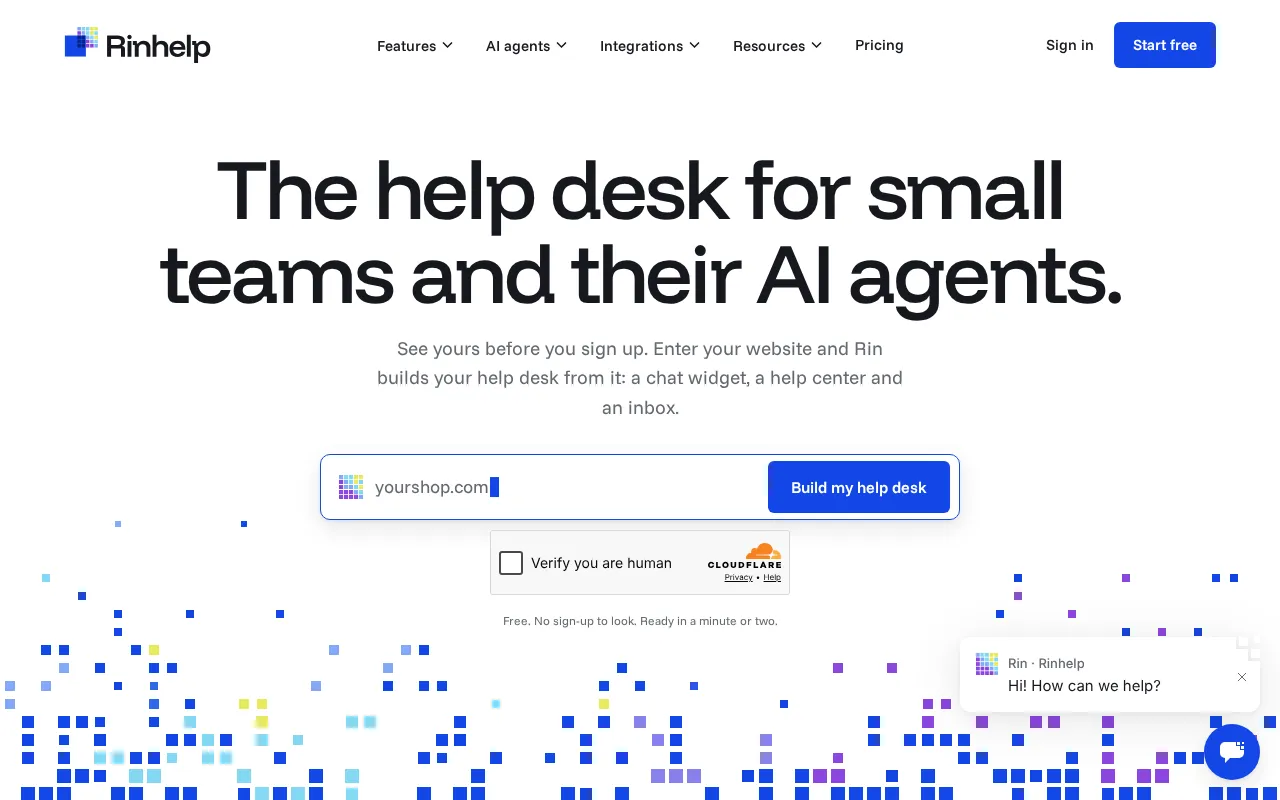
An edtech company gets paid two ways: families on a card subscription, and schools on an invoice their business office pays later. With Stripe connected, Rinhelp finds either by email, customer ID, or invoice or receipt number, and shows the subscription with its renewal date, the latest invoices with their status, and each payment with what has been refunded. A teammate refunds a payment in full or in part, or cancels a plan so it stops at the end of the term the family paid for. Rin answers from your help center and website, shares a payment only with the parent it belongs to, signed in on your site or giving the receipt number and the email on it, and asks a teammate to approve any refund or cancellation. Rinhelp sees only sales through a Stripe account or Shopify store you connect, not the App Store or Google Play, doesn’t edit invoices or change a subscription’s quantity, and has no phone line or link to school rosters or learning platforms. It’s $49 a month for the whole team, with 5,000 AI replies.
- Best for
- Edtech teams that bill families and schools through Stripe, answer parents, teachers and school offices by email and chat, and want a person to approve anything that moves money.
- How it bills
- Free for up to 3 teammates. Pro is $49 a month for the whole workspace, with 5,000 AI replies from Rin. No per-seat or per-resolution fees.
- Free plan
- Yes: 3 teammates, 50 AI replies to try Rin
- 3 people, 300 AI replies
- $49 a month: Pro for the whole workspace, using 300 of its 5,000 AI replies; Free covers your team if you don’t need AI replies.
Pros
- One price for the workspace, $49 a month, so the people you bring in for back-to-school cost nothing more.
- Typing the invoice number a district quotes brings up that customer, with the invoice’s total, status and date beside it.
- A cancelled family plan stops renewing at the end of the period, and the family keeps what it paid for until then.
- Rin answers sign-in and setup questions from your help center, and when a parent asks for a refund it confirms the request, files it and hands the conversation to your team.
Cons
- Email and live chat only: there is no phone, WhatsApp, SMS or social inbox.
- Shopify and Stripe are the only integrations.
- No reports, SLA rules or routing rules: Rin hands a conversation to the teammate with the fewest open ones.
- The free plan has no Rin beyond 50 AI replies to try it.
2. Help Scout
Help Scout is a help desk with shared inboxes, a Docs help center and Beacon, a widget for chat and help articles. Scout, its AI agent, answers chat from your help content and is billed per resolution.
Help Scout lets an agent refund a family’s Stripe payment or cancel their subscription from the sidebar, and Standard adds SMS and WhatsApp for parents who text. A monthly cap on AI spending switches Scout off at the limit, so a busy September can’t surprise you, though Scout answers chat only.
- Best for
- Support teams that think in tickets and want a calm shared inbox, a help center and live chat, with a free plan to start on.
- How it bills
- Standard is $25, Plus $45 and Pro $75 a user a month on annual billing, which saves 16%. Pro needs at least 10 users and a demo. Scout costs $0.75 per resolution, free for a new account’s first 3 months.
- Free plan
- Yes: 5 users, 1 inbox, 100 contacts a month
- 3 people, 300 AI replies
- $300 a month: 3 Standard users at $25 on annual billing, plus 300 AI resolutions at $0.75.
Pros
- A free plan for up to 5 users, with 1 inbox, a Docs site and 100 contacts a month.
- Agents can refund, cancel or edit recent Shopify orders, and refund Stripe payments or cancel subscriptions, from the sidebar.
- Standard brings email, live chat, SMS, WhatsApp, Instagram and Messenger into one inbox.
- You can cap AI spending each month, and Scout switches off when it reaches the cap.
Cons
- Its official MCP server is read-only: your own AI can search conversations and Docs, but can’t reply, add notes or close.
- Scout answers website and in-app chat only, and lists email as “Coming Soon”.
- Scout can’t look up orders or act in other tools yet: its connection to payment processors and CRMs is still to come.
- Seats and AI are billed separately, so the bill grows with every user and every resolution.
Already on Help Scout? See the best Help Scout alternatives.
3. Zendesk
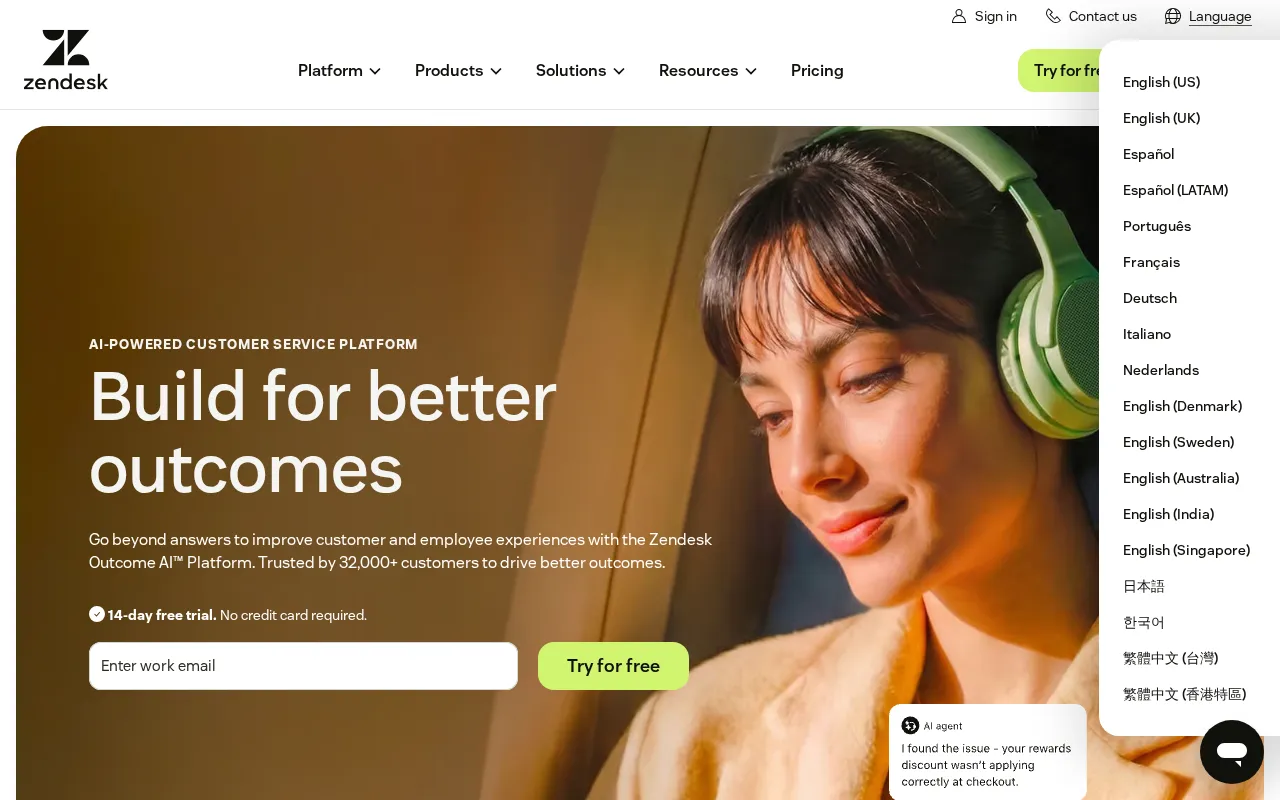
Zendesk is a customer service suite for email, messaging, live chat, social and voice, with AI agents that answer customers and are billed per automated resolution.
Zendesk puts voice in the same Suite as email and messaging, so a school office’s calls and a teacher’s tickets share one place, and its AI agents can answer on voice too. Every agent is a seat, and past 5 automated resolutions per agent each costs $1.50 to $2.00, which a back-to-school rush can multiply.
- Best for
- Growing and large teams that need voice, many channels, 1,800+ apps and integrations, and enterprise controls to grow into.
- How it bills
- Per agent: Support Team is $19, Suite Team $55 and Suite Professional $115 a month on annual billing ($25, $69 and $149 monthly). Each agent brings 5 automated resolutions a month (10 on Professional), then each costs $1.50 committed or $2.00 pay as you go. Copilot is $50 more an agent.
- Free plan
- No, 14-day trial
- 3 people, 300 AI replies
- $485 a month: 3 Support Team agents at $19 on annual billing, plus 285 automated resolutions at $1.50 committed beyond the 15 included, on email only.
Pros
- Email, messaging, live chat, WhatsApp, social and voice sit in one Suite, and AI agents can answer on email, messaging or voice.
- Its marketplace lists 1,800+ apps, partners and integrations.
- Agents refund and cancel Shopify orders inside a ticket, and an admin can connect Zendesk’s AI agents to Stripe’s MCP server.
- The 14-day trial opens every Suite Professional feature, Copilot included, and startups can get 6 months of Suite free for up to 50 agents.
Cons
- Every agent is a seat, and each automated resolution past the 5 per agent a plan includes costs $1.50 to $2.00.
- No official MCP server for outside AI tools yet: Zendesk announced one in May 2026 for early access and has published no tools for it.
- Data exports are off until the account owner asks support, and the export tools aren’t on Team plans.
- Zendesk gives no refunds or credits for unused seats or time.
Already on Zendesk? See the best Zendesk alternatives.
4. Freshdesk
Freshdesk is Freshworks’ help desk: email ticketing with a customer portal and knowledge base, with Freshdesk Omni adding chat, phone and messaging. Its Freddy AI agent answers customers and is billed per session.
Day passes from $2 let a curriculum or sales colleague cover the back-to-school queue without a full Freshdesk seat. Freshdesk Omni, from $29 an agent on annual billing, adds chat and WhatsApp, phone is $15 to $69 more an agent, and Freddy AI agent sessions are $49 per 100 once the first 500 are gone.
- Best for
- Teams that want a full ticketing help desk with SLAs, routing and a knowledge base, and chat and messaging for less per agent than Zendesk’s Suite Team.
- How it bills
- Per agent on annual billing: Growth is $19, Pro $55 and Enterprise $89 a month, or $29, $79 and $119 on Freshdesk Omni with chat and messaging. Freddy AI agent sessions cost $49 per 100 after 500 free ones, once per account. Voice is $15 to $69 more an agent, and MCP actions $15 per 1,000.
- Free plan
- No, 14-day trial
- 3 people, 300 AI replies
- $204 a month: 3 Growth agents at $19 on annual billing, plus 3 packs of 100 AI sessions at $49, on email only.
Pros
- SLA policies, custom dashboards, skill-based routing and audit logs come on its higher plans, with skill-based routing at $89 an agent where Zendesk asks $115.
- Freshdesk Omni adds chat, phone, WhatsApp, Messenger, Instagram and Line to the same tickets.
- Day passes from $2 let occasional helpers answer without a full seat.
- Its official MCP server can reply, add notes, update tickets and write knowledge base articles.
Cons
- List prices rose early in 2026, from $15 to $19 an agent on Growth, and the free plan is gone.
- Freddy AI agent costs 49 cents a session after the first 500, which never come back.
- Every MCP call counts as an action, and Growth includes only 1,200 a year.
- Fees are non-refundable, and a cancellation only takes effect at the end of your term.
Already on Freshdesk? See the best Freshdesk alternatives.
5. Intercom
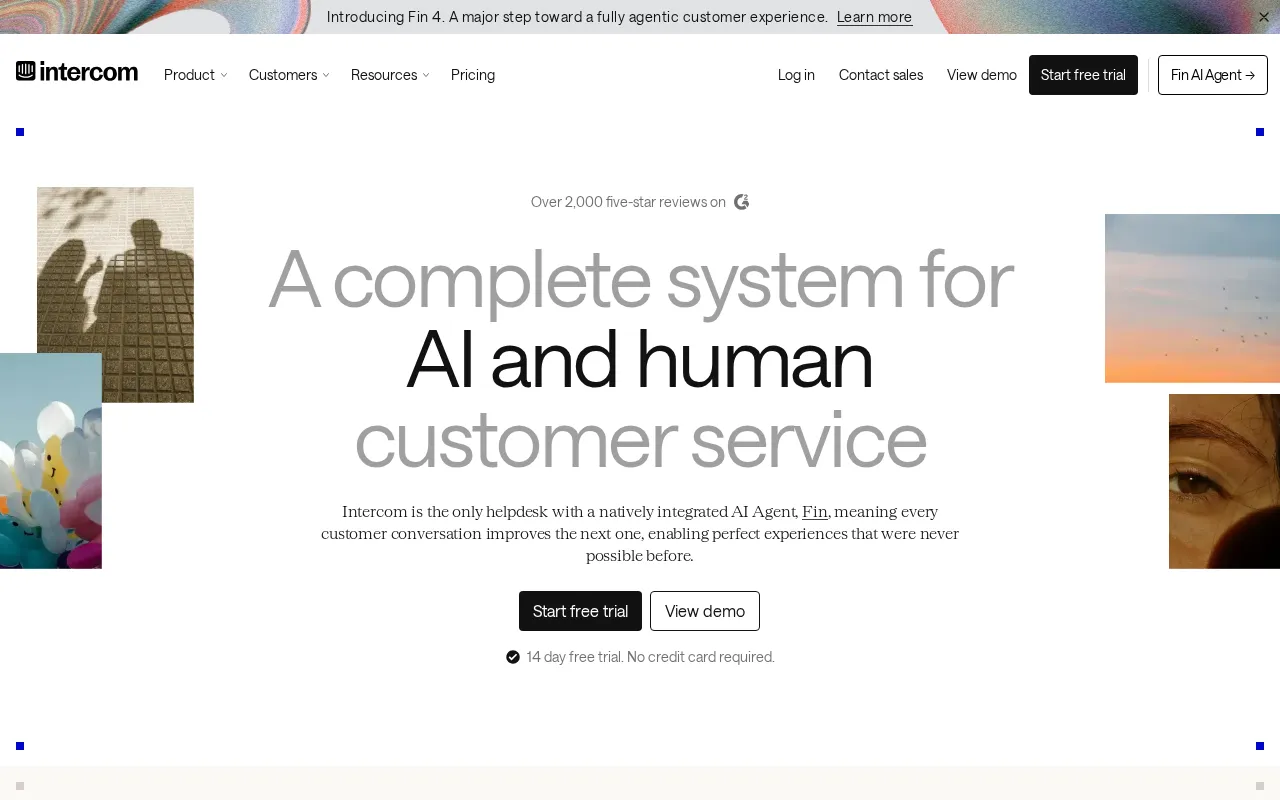
Intercom is a customer service help desk with a chat Messenger, a shared inbox, a help center and Fin, its AI agent. Its company renamed itself Fin in May 2026, and Salesforce bought it that September.
Intercom’s Fin answers a learning app’s users on chat, email and phone, and its Stripe app shows a parent’s subscription mid-conversation. Fin costs $0.99 for each chat or email outcome, phone is billed by use on top, and every teammate who replies is a paid seat.
- Best for
- Software and app companies that want chat, email, phone, WhatsApp and SMS in one inbox, with Fin answering across them.
- How it bills
- Per seat: Essential is $29, Advanced $85 and Expert $132 a seat a month on annual billing ($39, $99 and $139 monthly), and new customers pay $19 for Essential on annual billing. Fin costs $0.99 for each outcome, and WhatsApp, SMS and phone are billed by use.
- Free plan
- No, 14-day trial
- 3 people, 300 AI replies
- $354 a month: 3 Essential seats at $19, the new-customer price on annual billing (list $29), plus 300 Fin outcomes at $0.99.
Pros
- Chat, email, phone, WhatsApp, SMS, Slack, Facebook and Instagram all arrive in one inbox.
- Fin answers on email, live chat and phone, and is charged once per conversation however many questions it answers.
- Agents can refund or cancel a Shopify order from the inbox sidebar, and the Stripe app shows subscriptions mid-conversation.
- Its official MCP server can add internal notes and write and publish help center articles, not only read.
Cons
- Every teammate who replies needs a paid seat, and Fin adds $0.99 an outcome on top.
- An outcome also counts when a customer simply stops asking after Fin’s answer, or when a Fin workflow hands the conversation to your team.
- Its MCP server can’t reply to customers, assign or close conversations, and doesn’t serve workspaces hosted in Australia.
- No free plan, and an annual plan cancelled early gets no prorated refund.
Already on Intercom? See the best Intercom alternatives.
6. Helpwise
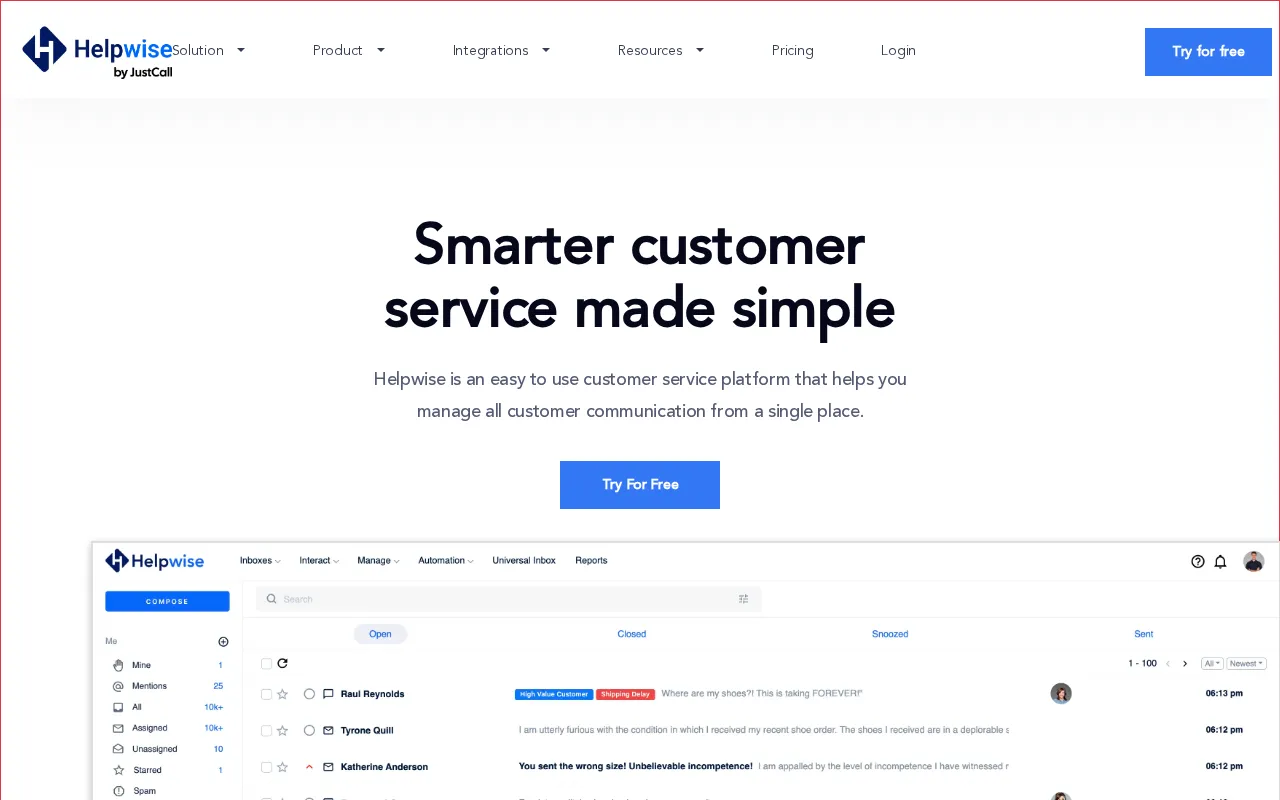
Helpwise is a shared inbox for email, live chat, WhatsApp, SMS, calling and social messages, made by SaaS Labs, the company behind JustCall. It includes help centers, a menu chatbot and an AI that drafts replies.
Helpwise Advanced holds 5 help centers and up to 30 shared inboxes, enough for one set of articles for teachers and another for families. Stripe subscriptions show beside each conversation, Advanced is $39 a user on annual billing from 3 users, and its AI only drafts.
- Best for
- Small teams that want WhatsApp, SMS and calls beside email at a low seat price, and are happy writing every reply themselves.
- How it bills
- Per user: Standard is $12, Premium $23 and Advanced $39 a user a month on annual billing ($15, $29 and $49 monthly), with Standard for 2 to 10 users, Premium from 2 and Advanced from 3. Add-ons on annual billing: the chatbot is $8 a user on Premium ($10 monthly), 3 more inboxes are $42 ($49 monthly) and the cloud phone system is $4 an active user ($5 monthly). AI drafts use prepaid credits topped up from $5.
- Free plan
- No, 7-day trial
- 3 people, 300 AI replies
- $69 or more a month: 3 Premium users at $23 on annual billing, plus prepaid credits for AI drafts, not counted here. No AI answers customers.
Pros
- WhatsApp, SMS, calling, Facebook and Instagram sit in one inbox with email and live chat from Premium.
- Standard is $12 a user a month on annual billing for a plain shared inbox with live chat and a help center.
- Advanced holds up to 30 shared inboxes and 5 help centers, with the chatbot and calling included.
- Shopify orders and Stripe subscriptions show beside each conversation.
Cons
- Its AI drafts replies for agents but never answers a customer by itself.
- There is no official MCP server, and the API needs Premium or above.
- Every charge is non-refundable, and cancelling an annual plan only stops the renewal.
- Standard caps saved replies at 15 and automation rules at 3, and has no API or Shopify.
Already on Helpwise? See the best Helpwise alternatives.
7. Teamwork Desk
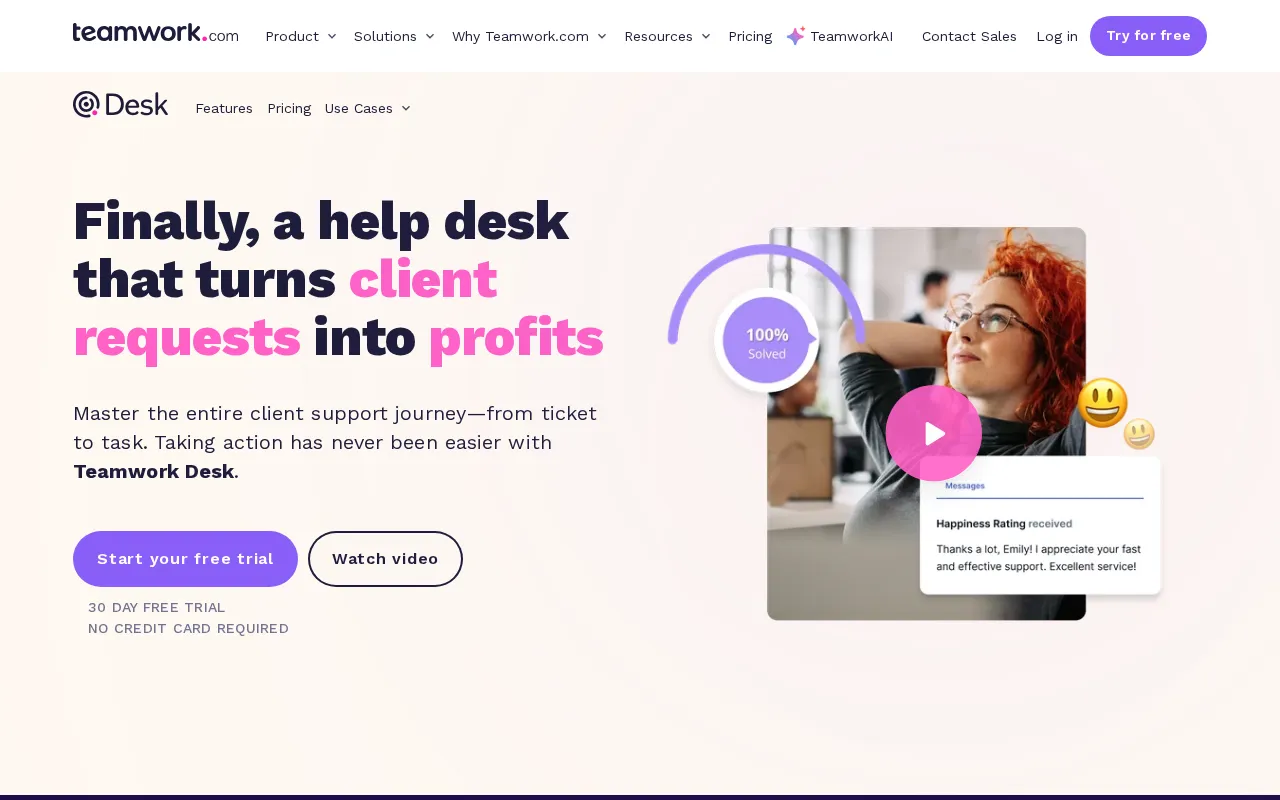
Teamwork Desk is the help desk from Teamwork.com, the project platform for client-service businesses. Client emails become tickets that can turn into Teamwork.com tasks, with live chat from Pro, Help Docs knowledge bases and Dotty, an AI add-on that drafts replies for agents.
Teamwork Desk shows a customer’s Stripe invoices in the ticket sidebar, handy when a district’s business office asks about an invoice. Starter is $9.50 an agent billed yearly for up to 10 agents, a second Help Docs site is $20 a month, and Dotty only drafts.
- Best for
- Agencies, consultancies and IT services firms on Teamwork.com that bill support time to client projects and retainers.
- How it bills
- Starter is $9.50 an agent a month billed yearly ($12 monthly) for up to 10 agents, Pro $17 ($21) and Premium $33 ($41); Enterprise is quoted. Dotty is $69 a month for the whole site, with 1,000 tickets analyzed and 100 suggested replies, then $9 per 100 replies. Each Help Docs site past the free one is $20 a month.
- Free plan
- No, 30-day trial with no card
- 3 people, 300 AI replies
- $29 a month: 3 agents on Starter at $9.50, billed yearly. Dotty, $69 a month, only drafts, so no AI answers customers. Live chat needs Pro, $17.
Pros
- A ticket can become a Teamwork.com task, and time logged on tickets updates Teamwork.com budgets and retainers.
- An official MCP server, at no extra cost, lets Claude or ChatGPT reply, add notes, assign, change status and write Help Docs articles.
- Starter is $9.50 an agent billed yearly, with a Help Docs site and customer portal, and every plan starts with a 30-day trial and no card.
- Stripe shows a customer’s invoices and subscriptions in the ticket sidebar.
Cons
- No AI answers customers: Dotty drafts replies, summarizes and finds similar tickets, and an agent sends every reply.
- Live chat needs Pro, $17 an agent billed yearly, and customers reach it through the embeddable contact form widget.
- No WhatsApp, voice or social channels, and no Shopify integration.
- Starter stops at 10 agents, and there is no free plan.
Already on Teamwork Desk? See the best Teamwork Desk alternatives.
8. BoldDesk
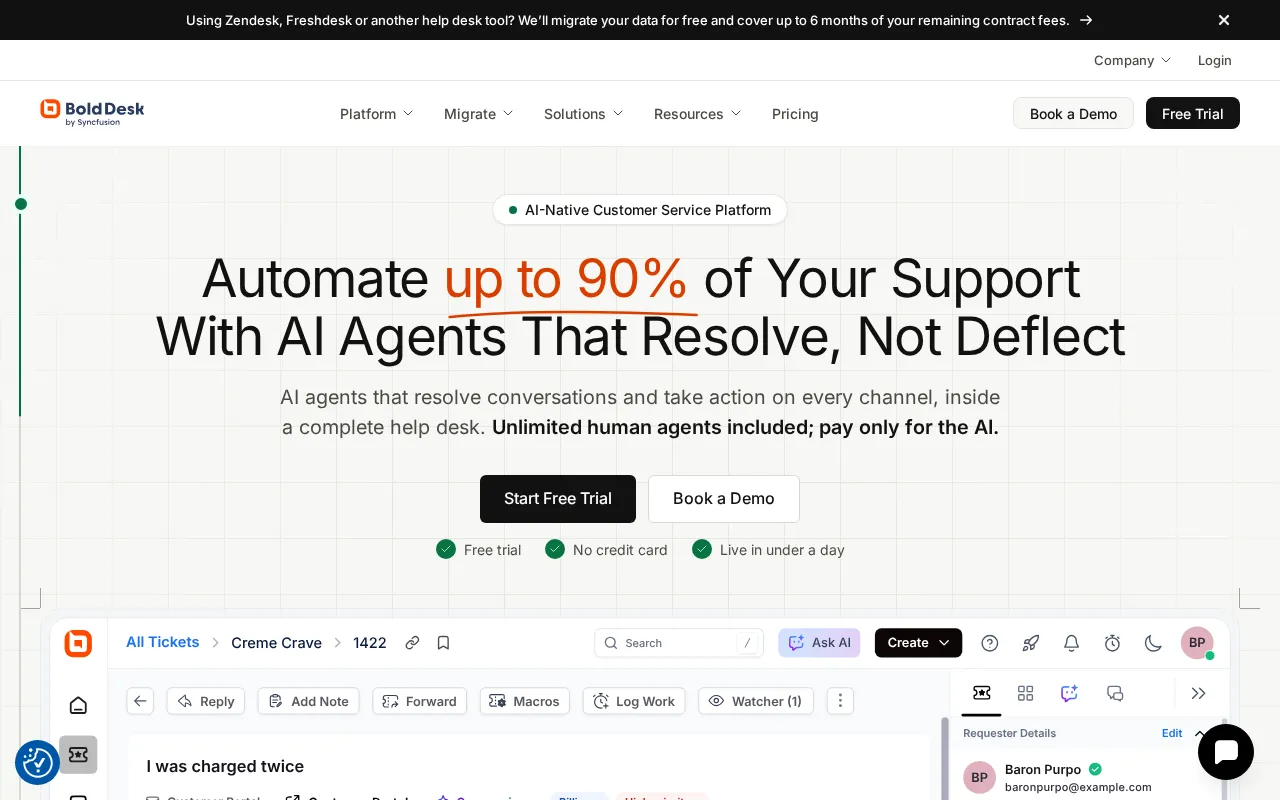
BoldDesk is a help desk and AI customer service platform from Syncfusion. Its AI agents answer on email, chat, WhatsApp, social media and SMS, and its AI plans include unlimited human agents.
On BoldDesk’s AI plans, adding agents for the start of term never raises the bill, and Stripe refunds and cancellations run from the ticket. Chat on those plans starts at Momentum AI, $499 a month on annual billing, and plan credits lapse at the end of each month.
- Best for
- Large support teams, often running several brands, that want every agent in the help desk and to pay only for the work AI does.
- How it bills
- Enterprise is $35 an agent a month on annual billing ($40 monthly), with every help desk feature, live chat included. Its pricing page sells AI for it as an add-on, credits at $40 per 1,000 shared across every agent, while BoldDesk’s plan articles say Enterprise has no AI. AI plans instead include unlimited human agents and a monthly allowance of credits: Scale AI is $99 a month with 500, Momentum AI $499 with 1,000 and Enterprise AI $999 with 2,500, on annual billing ($116, $587 and $1,175 monthly). Bought credits never expire, while plan credits lapse at the end of each month.
- Free plan
- No, 15-day trial with no card
- 3 people, 300 AI replies
- $185 or more a month: 3 Enterprise agents at $35 on annual billing, plus 2 AI add-on credit packs of 1,000 at $40 for 300 AI answers at 5 credits each, the default in BoldDesk’s cost calculator, as its per-agent pricing page sells it. BoldDesk’s plan articles say Enterprise has no AI, which would leave Momentum AI at $499 as the first AI plan with chat.
Pros
- The AI plans include unlimited human agents, so on them adding a teammate never raises the bill.
- An official hosted MCP server lets Claude, ChatGPT or Copilot read tickets, reply, add notes, change status and assignee, and search or create knowledge base articles.
- Shopify order history and Stripe subscriptions show beside the ticket, and agents can issue Stripe refunds and cancellations from BoldDesk.
- Its own AI agent can call your APIs and MCP servers, with each action set to run on its own or wait for a person’s approval.
Cons
- On Enterprise every agent is $35 a month and AI credits come on top, and BoldDesk’s pricing page and plan articles disagree on whether that plan can have AI at all. The unlimited-agent plans with chat start at Momentum AI, $499 a month on annual billing, since Scale AI has no chat widget.
- Credits per answer vary with length and complexity, and BoldDesk says the cost of a response can’t be predicted or capped.
- Plan credits expire unused at the end of each cycle, and AI stops answering when the balance reaches zero.
- No free plan, and BoldDesk Voice is still launching soon, so phone calls come in through integrations such as Aircall.
Already on BoldDesk? See the best BoldDesk alternatives.
9. Crisp
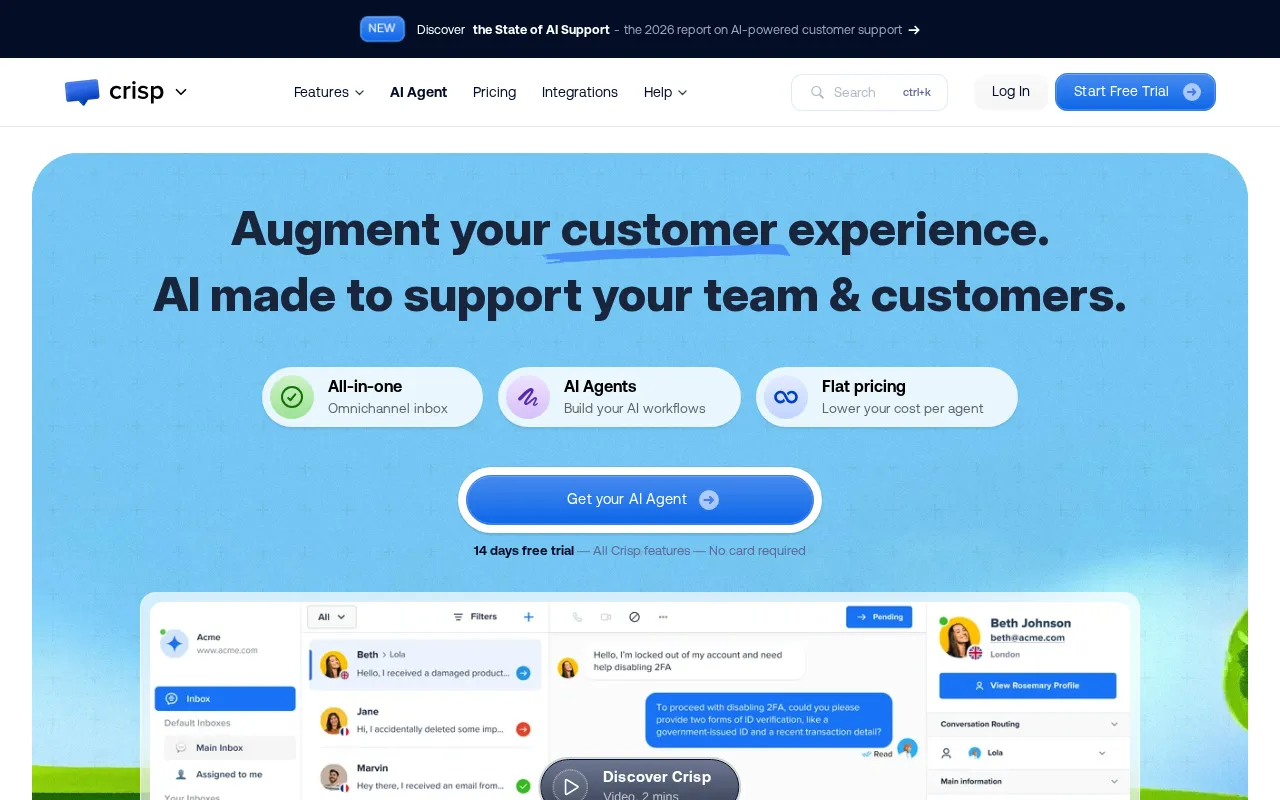
Crisp is a French customer support platform built around a website chat widget, with a shared inbox, many messaging channels and Hugo, its AI agent.
Crisp’s Essentials plan is $95 a month for 10 seats, room for seasonal helpers without per-seat math, and Hugo can refund a Stripe payment once a one-time code confirms the parent. Stripe data inside the inbox needs Plus at $295 a month.
- Best for
- Small teams that start with free website chat and want WhatsApp, Instagram, SMS and phone in the same inbox later.
- How it bills
- Per workspace a month: Mini is $45 with 4 seats, Essentials $95 with 10 and Plus $295 with 20, including $5, $25 and $75 of AI credits (about 90, 450 and 1,350 Hugo conversations). Extra seats are $10 each, sold on Plus only, and Hugo past the credits runs on Pay-As-You-Go at about $0.05 to $0.10 a conversation.
- Free plan
- Yes: 2 seats, chat only, no AI
- 3 people, 300 AI replies
- $66 or more a month: Mini at $45 for 4 seats with about 90 Hugo conversations in its credits, plus about 210 more at about $0.10 each.
Pros
- One price per workspace, with 10 seats on Essentials for $95 a month.
- WhatsApp, Instagram, Messenger, SMS, Telegram and phone sit in the same inbox from Essentials.
- Its official MCP server can read, reply, add notes, resolve and write help center articles.
- Hugo can look up orders and refund through Shopify, WooCommerce, PrestaShop and Stripe, after a one-time code checks the customer.
Cons
- The free plan has no email inbox and no AI, and Mini has no help center, WhatsApp or MCP server.
- Hugo stops answering when the month’s credits run out unless you turn on Pay-As-You-Go, whose rates aren’t published.
- Stripe data in the inbox comes only with Plus at $295 a month.
- Crisp’s terms refund no fees, monthly or yearly.
Already on Crisp? See the best Crisp alternatives.
10. Zoho Desk
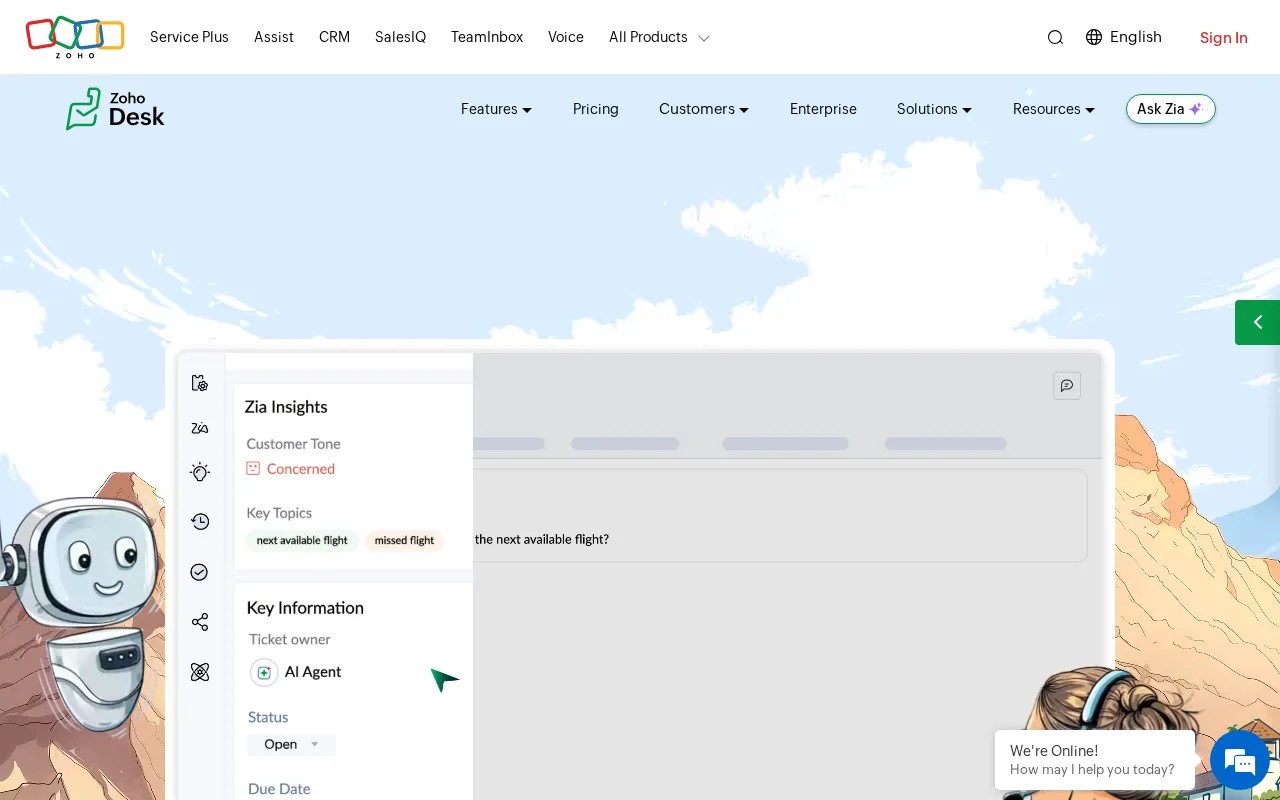
Zoho Desk is the help desk in Zoho’s suite of business apps, with tickets from email, social media, chat, WhatsApp and phone, a multilingual help center, and Zia, Zoho’s AI.
On Professional, at $23 a user on annual billing, Zoho Desk publishes a help center in over 40 languages, which helps when families read in many. The free plan covers 3 users on email, and Express is $7 a user for up to 5.
- Best for
- Budget-minded teams that want a full ticketing suite with workflows and SLAs, especially if they already use other Zoho apps.
- How it bills
- Per user: Express is $7, Standard $14, Professional $23 and Enterprise $40 a month on annual billing ($9, $20, $35 and $50 monthly), and light agents are $6 each. Express allows up to 5 users; Standard and above have no user limit. AI agents include up to 30 million free tokens a month. Other generative features run on a key you bring from an AI provider, and Professional and Enterprise add Zia’s own.
- Free plan
- Yes: 3 users, email only
- 3 people, 300 AI replies
- $42 a month: 3 Standard users at $14 on annual billing, the first plan with live chat and Answer Bot, which answers customers from your help center. Zoho publishes no per-answer fee.
Pros
- Low seat prices: Express is $7 a user and Standard $14 on annual billing, with a free plan for 3 users.
- Standard adds live chat, WhatsApp, Telegram and other messaging apps, and Professional adds phone support.
- Workflows, SLAs and several departments, with a help center you can publish in over 40 languages on Professional.
- Zoho’s official MCP server is free and can read tickets, send replies and add comments.
Cons
- Express stops at 5 users, so a sixth teammate moves everyone to Standard at $14.
- Zia’s full AI needs Professional, and the agent that answers email tickets is open only to selected accounts.
- The MCP server has no tools for help center articles or saved replies, and every call uses daily API credits.
- Express has no live chat, and the free plan covers email only.
Already on Zoho Desk? See the best Zoho Desk alternatives.
11. tawk.to
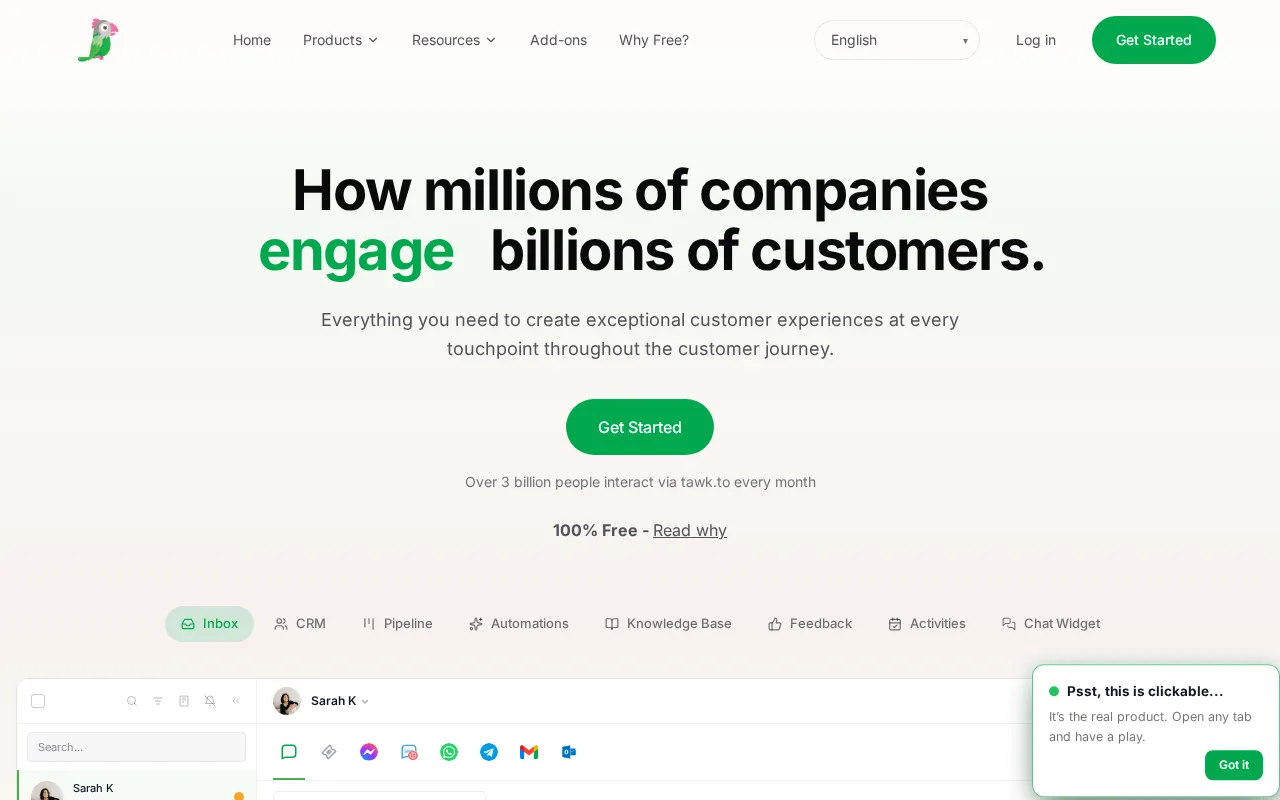
tawk.to is free live chat and ticketing software for websites, with a hosted knowledge base. It makes its money from paid add-ons, such as AI Assist, white label and hired chat agents, billed per website.
tawk.to is free for any number of agents, and if evening questions pile up at the start of term, hired chat agents start at $1 an hour. Add-ons are billed per website, so separate sites for schools and for families each pay for white label again, at $39 a month.
- Best for
- Small businesses that want website chat for any number of agents at no cost, and don’t mind the tawk.to badge.
- How it bills
- Chat, ticketing and the knowledge base are free for any number of agents. AI Assist is free for 100 credits a month, then $29, $99 or $399 a month ($290, $990 or $3,990 a year) for 1,000, 5,000 or 20,000 credits, and a reply on the default Auto model uses 3.
- Free plan
- Yes: unlimited agents and chats, about 33 AI replies a month
- 3 people, 300 AI replies
- $24 a month: AI Assist Growth at $290 a year, whose 1,000 monthly credits cover 300 replies at 3 credits each on the Auto model. Seats are free.
Pros
- Free for any number of agents, chats and websites, with ticketing and a hosted knowledge base.
- WhatsApp, Messenger, SMS through Twilio and email share one inbox, and the AI answers on chat, WhatsApp, SMS and Messenger.
- Its Shopify app adds a tab where agents check orders, refund and cancel during a chat.
- Hired chat agents start at $1 an hour if you want someone else to answer.
Cons
- AI Assist charges per reply, and once credits run out it stops joining new conversations.
- The “Powered by tawk.to” badge stays unless you pay for white label, $39 a month or $348 a year for each website.
- No official MCP server, and REST API access must be requested and approved first.
- Add-ons are billed per website, so each extra site pays again.
Already on tawk.to? See the best tawk.to alternatives.
12. HappyFox
HappyFox Help Desk is a ticketing help desk with a knowledge base and support portal, used for customer support and for internal teams such as IT and HR. Live chat, AI, a chatbot and voice are separate HappyFox products that plug into it.
HappyFox Team runs up to 5 brands, each with its own support center and domain, so a classroom product and a home learning app can keep separate front doors. Team is $49 an agent on annual billing, and live chat costs extra, from $19 an agent.
- Best for
- Teams that run customer, IT or HR requests through one ticket queue with SLAs, several brands and asset tracking, and want HappyFox to handle the move for them.
- How it bills
- Per agent: Basic is $24, Team $49 and Pro $99 a month on annual billing ($29, $69 and $119 monthly), and Basic stops at 5 agents. Live chat (HappyFox Messaging) starts at $19 an agent, HappyFox AI at $14 to $39 an agent, and the Chatbot at $0.33 per resolution. Unlimited-agent plans start at $1,999 a month on annual billing for 20,000 tickets a year, and Scale is $3,999 for 150,000.
- Free plan
- No, 14-day trial requested through the demo form
- 3 people, 300 AI replies
- $171 or more a month: 3 Basic agents at $24 on annual billing, plus 300 Chatbot resolutions at $0.33. HappyFox’s Chatbot page says each price is set in the order form.
Pros
- Free white-glove migration with any annual plan: HappyFox maps your tickets, rebuilds rules and SLAs, and helps for 30 days after launch.
- One account can serve customer support, IT, HR and facilities, with separate queues, SLAs and knowledge bases, and assets on Pro.
- Team runs up to 5 brands, each with its own support center and domain, and Pro up to 15.
- Large teams can skip per-agent pricing: Growth is $1,999 a month on annual billing for unlimited agents and 20,000 tickets a year.
Cons
- Live chat, AI, the Chatbot and voice are each sold separately, on top of the per-agent help desk.
- Basic stops at 5 agents and leaves out WhatsApp and Stripe, so a sixth agent moves everyone to Team at $49.
- No free plan, and even the trial starts from a demo form.
- No MCP server for the help desk, and API access can be switched off on new accounts until you email support.
- An annual plan ended early refunds no prepaid fees, and HappyFox may delete your data as soon as the subscription ends.
Already on HappyFox? See the best HappyFox alternatives.
13. Enchant
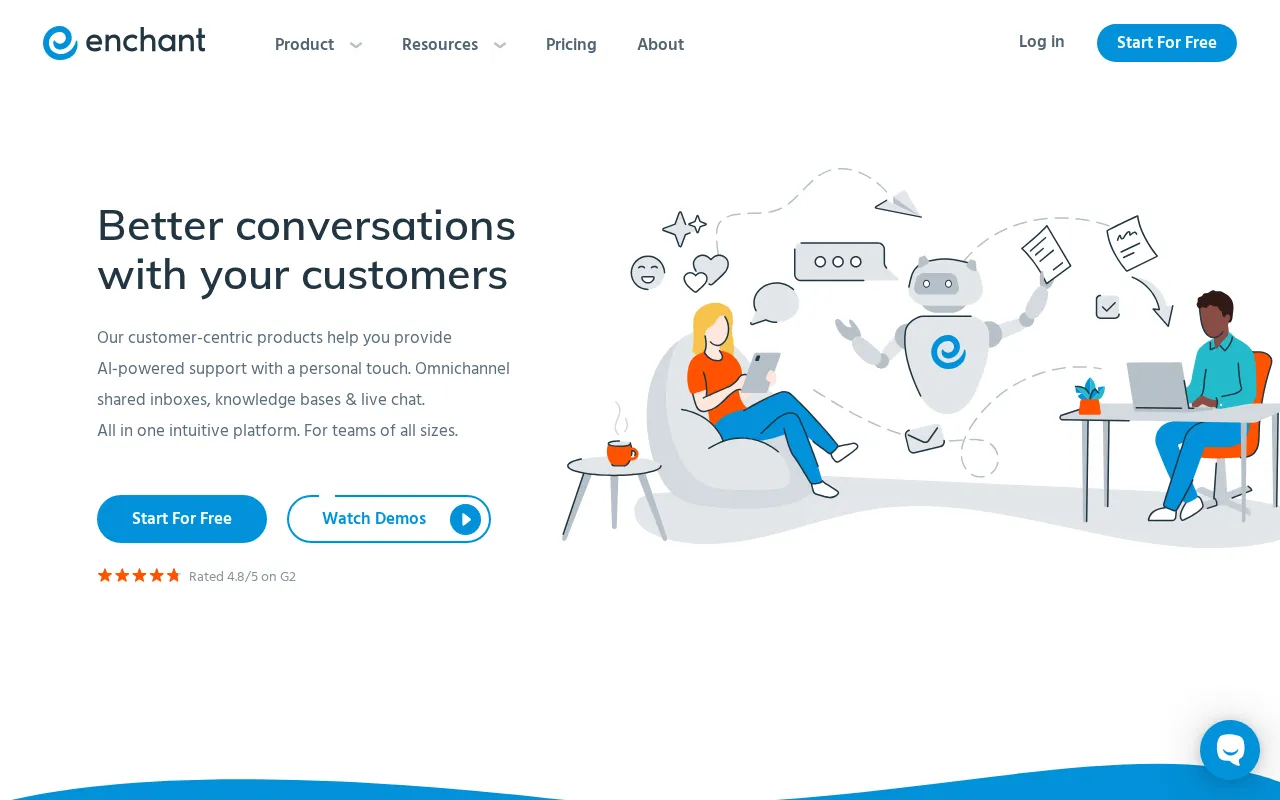
Enchant is a help desk from Senvee, a Canadian company that launched it in 2012. Email, live chat, phone calls, SMS, WhatsApp, Facebook Messenger and Instagram share one inbox, with knowledge bases and an AI add-on that mostly drafts for agents.
Enchant bills $20 a user month to month with no annual contract, so you can add people for back-to-school and remove them in October. Its call center runs on your own Twilio number for districts that phone, but Enchant has no Stripe integration.
- Best for
- Small and growing teams that want every channel, phone calls included, in one shared inbox at one price per user, month to month.
- How it bills
- The paid plan is $20 a user a month, billed monthly with no annual contract. Enchant AI Standard is $30 per 500 customers helped, averaged over the past three months and counting every customer, with or without AI. Advanced Security is $5 a user and removing branding $50 a month. Free covers 2 users on the chat widget.
- Free plan
- Yes: 2 users, chat widget only, plus a 30-day trial of the paid plan with no card
- 3 people, 300 AI replies
- $90 a month: 3 users at $20 a month on Enchant’s one paid plan, billed monthly, plus $30 for Enchant AI Standard at 300 customers helped, $30 per 500. Its AI agent, a beta, answers live chat only and at most 100 chats a month, so your team answers the rest.
Pros
- One price per user covers every channel, phone calls, SMS, WhatsApp and Instagram included, billed monthly with no annual contract.
- A built-in call center records calls and runs queues over your own Twilio number, and Enchant adds no fee per call.
- A free plan for 2 users with the chat widget, knowledge bases and a newsletter, and a 30-day trial of the paid plan with no card.
- Paid plans include a free import of your history from your old help desk, done by Enchant’s team.
Cons
- Its AI agent is a beta that answers live chat only, up to 100 chats a month. Email and other channels get AI drafts for agents to send.
- Enchant AI Standard is billed on every customer your team helps, not only the ones AI answers.
- No MCP server, and no Stripe among its integrations. Shopify shows a customer’s details and recent orders beside the conversation.
- Phone calls run on your own Twilio account, which bills its own rates.
Already on Enchant? See the best Enchant alternatives.
14. LiveAgent
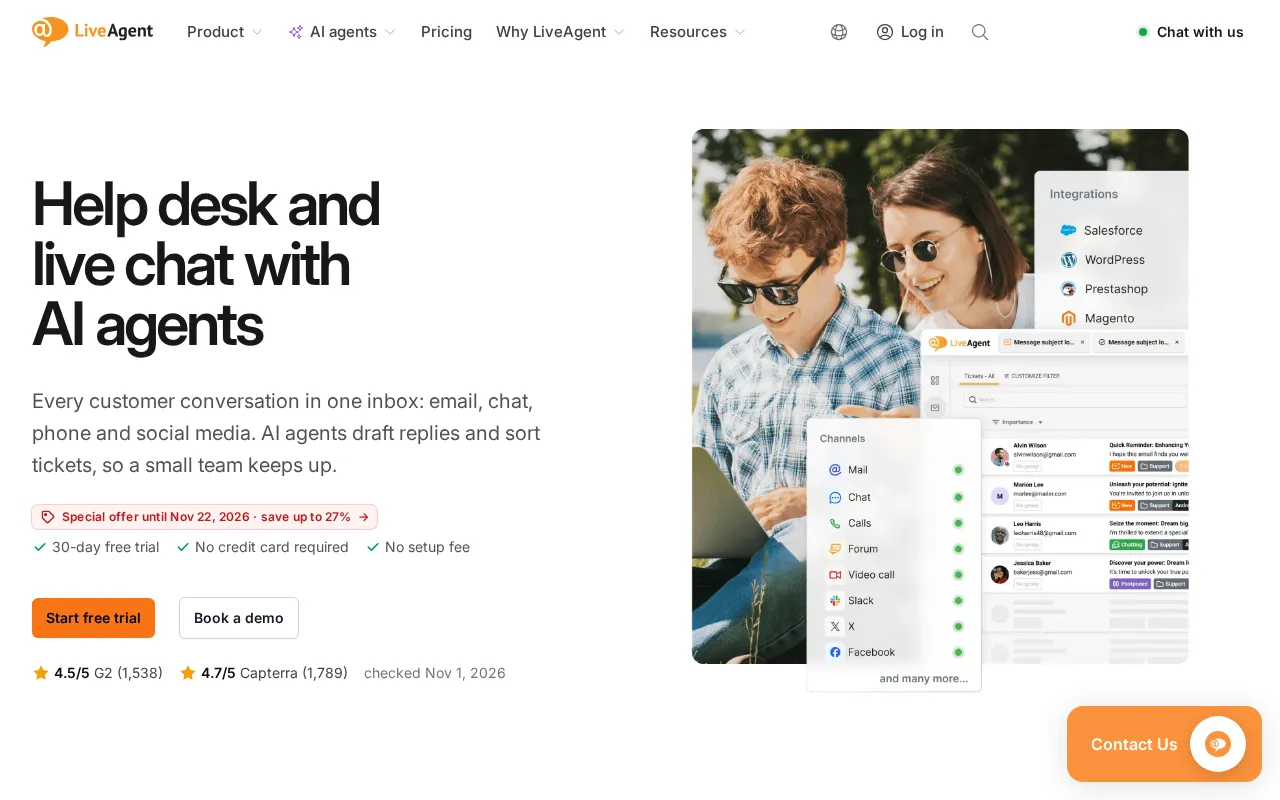
LiveAgent is help desk and call center software from Quality Unit, sold since 2004. Email, live chat, phone, social media and WhatsApp share one inbox, with a knowledge base and AI agents that run on your own AI provider.
LiveAgent’s Team plan, $29 an agent on annual billing, puts a district office’s calls and parents’ WhatsApp and Instagram messages in the inbox beside email and chat, and its AI runs on your own provider with no LiveAgent fee. Starter has no calls, and Stripe connects only through Zapier, so a family’s payments don’t sit beside the conversation.
- Best for
- Small and growing teams that take phone calls and social messages beside email and chat, and want AI without a per-resolution fee.
- How it bills
- Per agent on annual billing: Starter is $15 for up to 5 agents, Team $29 for up to 15 and Business $49 for any size ($19, $35 and $59 monthly). Enterprise is $3,199 a month for 80 agents on annual billing ($3,999 monthly). LiveAgent adds no AI fee: you pay OpenAI, Anthropic, Google or FlowHunt directly.
- Free plan
- No, 30-day trial without a card
- 3 people, 300 AI replies
- $78 a month: 3 Starter agents at $15 on annual billing, plus about $33 at your own AI provider for 300 AI chats at $0.11, the typical chat on LiveAgent’s pricing page.
Pros
- From Team, calls, Facebook, Instagram, X, Viber, WhatsApp and Telegram arrive in the same inbox as email and chat.
- LiveAgent adds nothing for AI: every AI feature runs on your own OpenAI, Anthropic, Google Gemini or FlowHunt account, at its prices.
- AI agents can answer new chats, emails, WhatsApp and Instagram messages first, and a voice AI agent can answer calls.
- Its official MCP server has 33 tools, so Claude can search, assign, resolve and reopen tickets and write knowledge base articles.
Cons
- Starter stops at 5 agents and leaves out calls, social channels, WhatsApp and reports, so a sixth agent moves everyone to Team.
- AI needs an account with an AI provider, billed separately and by the model you choose, so the full cost arrives in two bills.
- The MCP server needs Business, and it replies to customers only on WhatsApp.
- Stripe connects only through Zapier, and LiveAgent gives no refunds or credits for downgrades or unused months.
Already on LiveAgent? See the best LiveAgent alternatives.
15. HubSpot
HubSpot Service Hub is the customer service part of HubSpot’s CRM: a help desk inbox for email, chat, WhatsApp and calls, a knowledge base, and the customer agent, an AI that answers customers.
When a sales team sells to districts in HubSpot, a teacher’s ticket sits on the same record as the district’s deal, and the free plan covers 2 users. The customer agent waits for Professional at $90 a seat plus a $1,500 onboarding fee.
- Best for
- Teams already running sales or marketing on HubSpot that want support on the same customer records.
- How it bills
- Per seat: Starter is $7 and Professional $90 a seat a month on annual billing ($10 and $100 paid monthly, with Professional still committed for a year), and Enterprise starts at $150. Starter’s prices are new-customer discounts on a $20 list price. Professional adds a required $1,500 onboarding fee, and Enterprise $3,500. The customer agent uses 50 credits, $0.50, per resolved conversation, after 3,000 credits a month included on Professional.
- Free plan
- Yes: 2 users, with HubSpot branding on chat and email
- 3 people, 300 AI replies
- $390 a month: 3 Professional seats at $90 on annual billing, plus 300 resolutions by the customer agent at 50 credits each, $120 after the 3,000 included credits. A one-time $1,500 onboarding fee comes on top.
Pros
- Support, sales and marketing share one CRM, so every ticket sits next to the customer’s deals and emails.
- The customer agent is billed only when it resolves a conversation, and a handoff to a person costs nothing.
- Professional puts calling, WhatsApp and Facebook Messenger in the same inbox as email and chat.
- The official MCP server reads inbox conversations and writes tickets, notes and contacts, asking you to confirm each change.
Cons
- The customer agent needs Professional at $90 a seat on annual billing, plus a required $1,500 onboarding fee.
- AI credits are shared with every other credit feature, and the customer agent stops taking new conversations when they run out.
- The MCP server can’t send a reply to a customer or reach the knowledge base.
- HubSpot’s examples of customer agent actions are password resets and booking meetings, with no refunds or order changes.
Already on HubSpot? See the best HubSpot alternatives.
16. Jira Service Management
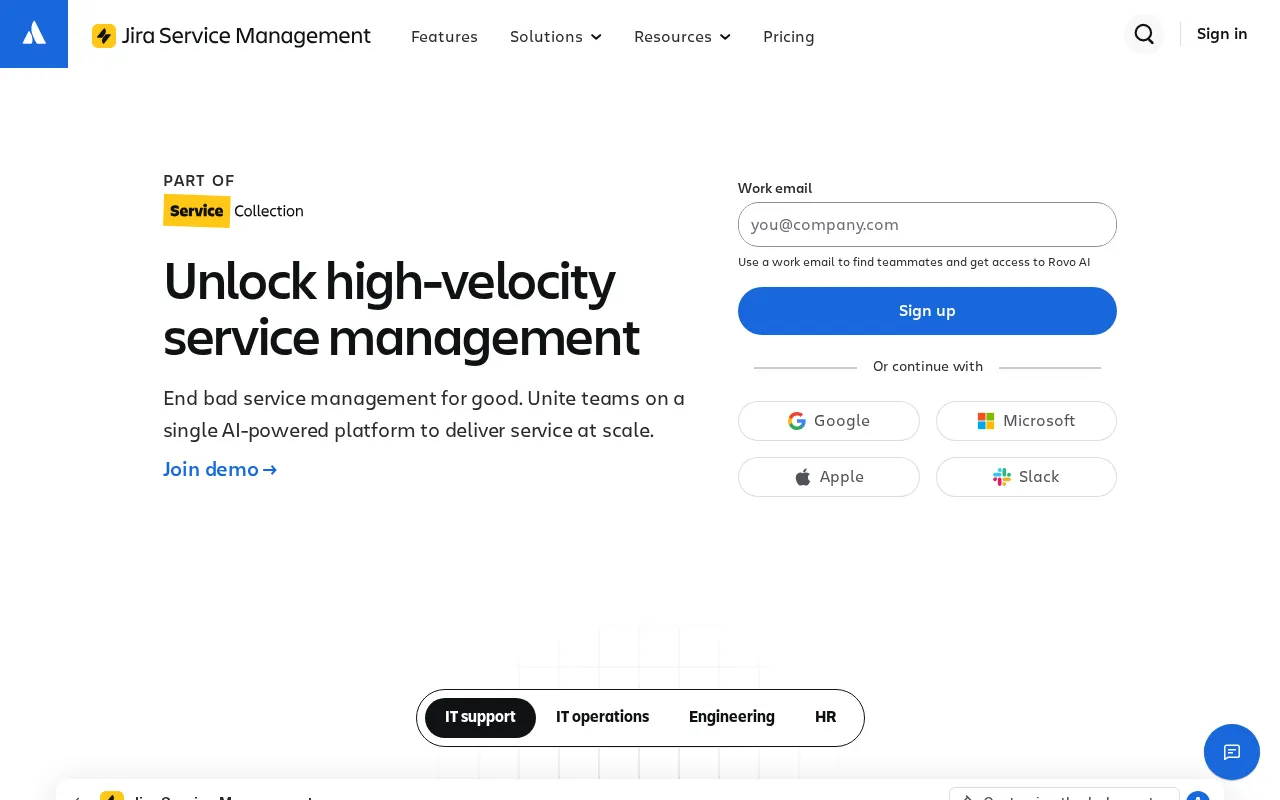
Jira Service Management is Atlassian’s service desk for IT, HR and other internal teams, sold in its Service Collection: requests by email, portal, widget, Slack and Microsoft Teams, with on-call schedules on every plan, assets on paid plans and change management from Premium, and an AI agent for customers billed per resolution.
A school’s IT contact can raise a request from a portal, by email, or in Slack or Microsoft Teams, free for 3 agents with unlimited customers, beside the Jira issues your engineers fix. Live chat needs Premium at $61.60 an agent.
- Best for
- IT and engineering teams already on Jira and Confluence that run incidents, changes, problems, assets and on-call in one place.
- How it bills
- Free for 3 agents. Up to 15 agents, Standard is $26.90 and Premium $61.60 an agent a month, or on annual billing Standard is $800 a year for 1 to 3 agents, $1,350 for 4 to 5 and $2,700 for 6 to 10. Enterprise is billed annually only, listed from 201 agents at $185,000 a year and bought through sales. The Customer Service AI Agent costs $1 per resolution from the first one, and Rovo credits past a plan’s allowance cost $0.01 each.
- Free plan
- Yes: 3 agents, no AI agent
- 3 people, 300 AI replies
- $367 a month: Standard for 1 to 3 agents at $800 a year on annual billing, plus 300 AI agent resolutions at $1.
Pros
- Incidents, problems, changes, assets and on-call sit next to Jira, where engineering already works.
- Free for 3 agents with unlimited customers, a portal, email, Slack and Microsoft Teams.
- The Customer Service AI Agent charges nothing when it fails to resolve a conversation.
- Its knowledge base runs on Confluence without buying Confluence.
Cons
- Live chat and the virtual service agent need Premium at $61.60 an agent.
- The Customer Service AI Agent bills $1 for every resolution, with none included.
- Extra Rovo credits and other usage are billed from December 3, 2026.
- There is no official Shopify app, and Stripe comes only through third-party Marketplace apps.
Already on Jira Service Management? See the best Jira Service Management alternatives.
17. Customerly
Customerly is customer support and marketing software: a live chat messenger, one inbox for chat, email, WhatsApp and Facebook Messenger, a help center, and Aura, its AI agent, alongside email campaigns, in-app surveys and NPS.
Customerly pairs chat with in-app surveys, NPS and onboarding email campaigns, for hearing from teachers as they set up a new class. Lite users who only view are free, but once the plan’s 10 to 50 AI conversations a month run out, each one Aura handles is $0.45 bought in advance or $0.50 on demand, and nothing caps that spend.
- Best for
- Software companies that want chat support, onboarding emails and NPS surveys in one tool, with an AI agent they pay for by the conversation.
- How it bills
- Per seat in US dollars: Core is $16 a seat a month, Growth $59 and Ultimate $84 on annual billing, which gives 2 months off, or $19, $69 and $99 paid monthly, with 10, 20 or 50 AI conversations a month. Each further conversation Aura handles is $0.45 bought in advance or $0.50 on demand. Interactions past a plan’s 500, 1,000 or 5,000 a month cost down to $0.99 per 1,000 at volume, and AI Companion, which drafts and summarizes for your team, is $19 an agent a month billed annually. Companies in Europe are billed in euros at the same figures, from €16 a seat, with extra interactions at €0.005 down to €0.00099 each. Every plan starts with a 14-day free trial.
- Free plan
- No, 14-day free trial; view-only Lite users are free
- 3 people, 300 AI replies
- $200 a month: 3 Core seats at €16 on annual billing, plus 290 AI conversations past the 10 included at €0.45 each: €178.50, about $200 at $1.12 to the euro.
Pros
- Aura answers from your help center and canned responses, lists the sources behind each reply, and hands a conversation to your team when it should.
- Live chat, email, WhatsApp and Facebook Messenger share one inbox, and Customerly adds no fee for WhatsApp.
- Its official MCP server lets Claude read conversations, reply and draft help center articles, with each resource set to no access, read only or full access.
- Email campaigns, workflows, in-app surveys and NPS sit beside support, and view-only Lite users are free.
Cons
- Each conversation Aura handles past the plan’s 10 to 50 a month costs $0.45 bought in advance or $0.50 on demand, and there is no setting to cap AI spending.
- Core keeps 30 days of conversation history and 2 canned responses; unlimited history starts on Growth at $59 a seat.
- AI drafts, summaries and article writing for your team need AI Companion at $19 a seat a month.
- Cancelling deletes the project, conversations and help center at once, and no fees are refunded.
Already on Customerly? See the best Customerly alternatives.
18. Chatwoot
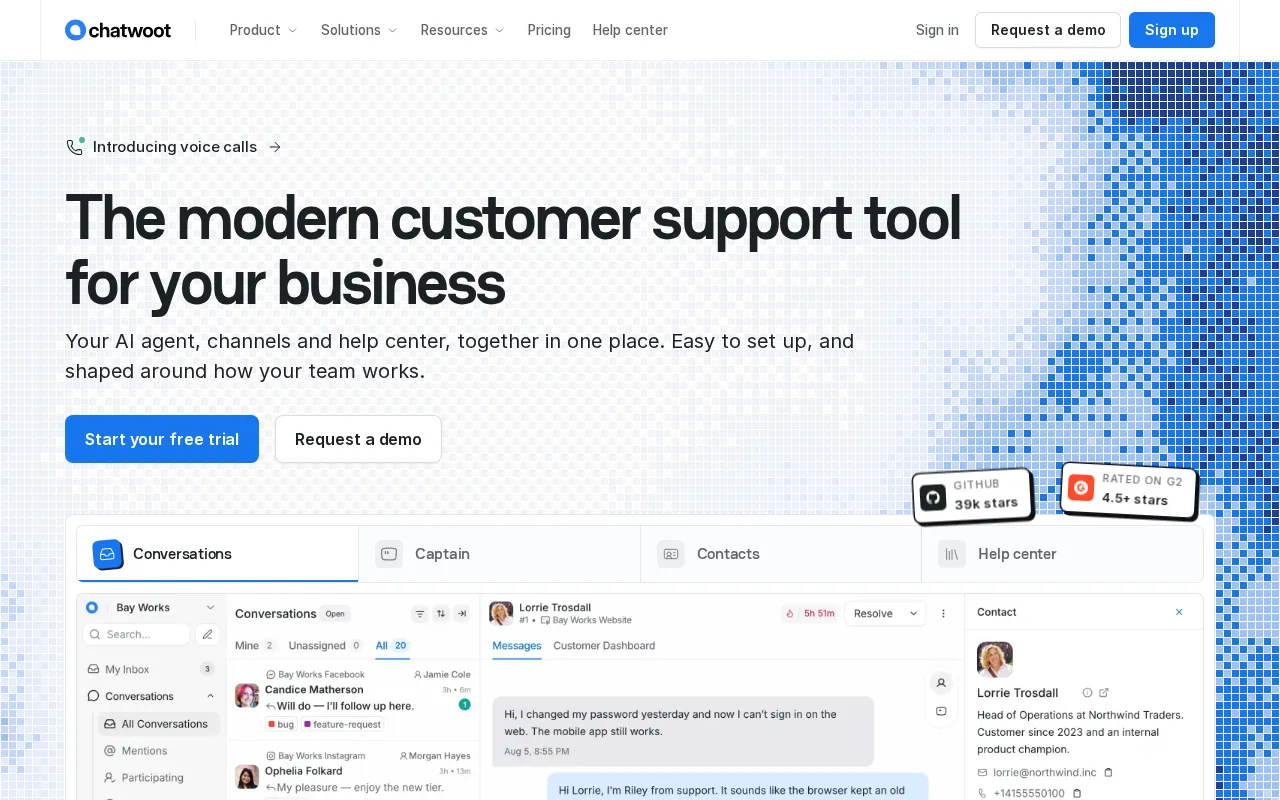
Chatwoot is open-source support software with one inbox for live chat, email, WhatsApp, social and voice, a help center, and Captain, its AI agent. You can use Chatwoot Cloud or host it yourself.
Chatwoot brings TikTok and Instagram messages into the same inbox as chat and email, for a learning app that finds its students there. Startups is $19 an agent, and the self-hosted Community Edition is free, but Captain uses a credit for every reply.
- Best for
- Teams that want many channels at a low seat price, or want to run their help desk on their own servers.
- How it bills
- Cloud is per agent a month: Startups $19, Business $39 and Enterprise $99, with 300, 500 or 800 Captain credits for the account. Each Captain reply uses a credit, extra credits are $20 per 1,000, and no annual price is published. Credits never top up by themselves: once they run out, new conversations go straight to your team with no Captain reply.
- Free plan
- Yes: 2 agents, live chat only, 500 conversations a month
- 3 people, 300 AI replies
- $57 a month: 3 Startups agents at $19, with the 300 included Captain credits covering 300 AI replies.
Pros
- Open source: the self-hosted Community Edition is free, and your data stays on your own servers.
- One inbox for live chat, email, WhatsApp, Instagram, Messenger, TikTok and, from Business, voice calls.
- Startups includes every channel but voice, plus a help center, at $19 an agent a month.
- An official CLI and agent skill let coding agents such as Claude Code work in Chatwoot.
Cons
- Startups has no automation rules or teams; those start on Business at $39 an agent.
- Captain uses a credit for every reply, and bought credits expire after 6 months and aren’t refunded.
- Since July 2026 the free Cloud plan has no API or webhook access.
- No official MCP server, and Captain’s custom tools have no built-in approval step for actions like refunds.
Already on Chatwoot? See the best Chatwoot alternatives.
19. Zammad
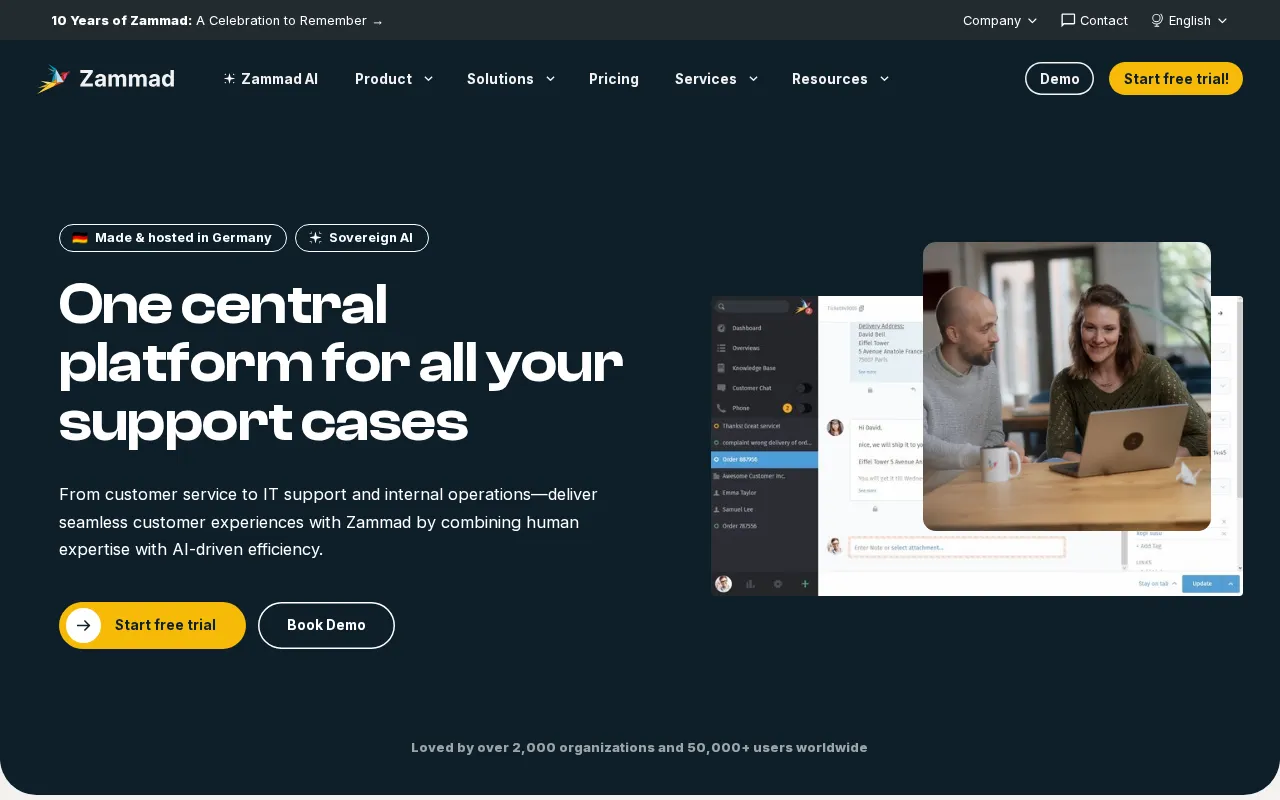
Zammad is an open-source ticketing help desk from Zammad GmbH in Germany, founded in 2014 by Martin Edenhofer, who earlier created OTRS. Email, chat, SMS, Telegram, Facebook and WhatsApp share one ticket queue with a knowledge base, on your own server for free or hosted by Zammad in Germany.
Zammad is open source, so you can host it yourself and keep every ticket from schools and families on your own servers, or use its hosting in German data centers. Nothing in it answers customers: its AI sorts, summarizes and polishes drafts.
- Best for
- Teams that want an open-source ticketing system they can run themselves, or have hosted in Germany, with AI that sorts and summarizes tickets rather than answering customers.
- How it bills
- Hosted plans are per agent a month in euros, excluding VAT: Starter v2 is €7 for up to 5 agents, Professional v2 €16 for up to 35 and Plus v2 €25 for any number on annual billing (€9, €18 and €27 monthly). Chat and the knowledge base start on Professional v2, WhatsApp and Facebook on Plus v2. AI needs Professional v2 or Plus v2, and Zammad AI costs €0.03 per AI call, or you connect your own provider. Self-hosting is free, with support contracts from €2,999 a year.
- Free plan
- Yes: free and open source on your own server, and a 30-day hosted trial on Professional v2
- 3 people, 300 AI replies
- $54 a month: 3 Professional v2 agents at €16 on annual billing, the first plan with chat and a knowledge base: €48, about $54 at $1.12 to the euro. No Zammad AI answers customers, so your team answers every conversation.
Pros
- Open source with the full feature set, so you can run it yourself for free and keep every ticket on your own servers.
- Email, chat, SMS, Telegram, Facebook and WhatsApp share one ticket queue, with SLAs, triggers and a knowledge base.
- Its AI runs on Zammad AI, your own OpenAI, Anthropic or Azure account, or a local model through Ollama.
- The hosted version runs in ISO 27001-certified data centers in Germany, and monthly billing can be cancelled any month.
Cons
- No AI answers customers: it summarizes tickets, polishes drafts and sets fields, and a person sends every reply.
- Hosted chat and the knowledge base need Professional at €16 an agent, and WhatsApp needs Plus at €25.
- Running it yourself takes at least 2 CPU cores and 6 GB of RAM, plus 4 GB for Elasticsearch on the same server.
- No Shopify or Stripe integration, and its phone integrations only log calls: you can’t call from inside Zammad.
Already on Zammad? See the best Zammad alternatives.