1. Rinhelp
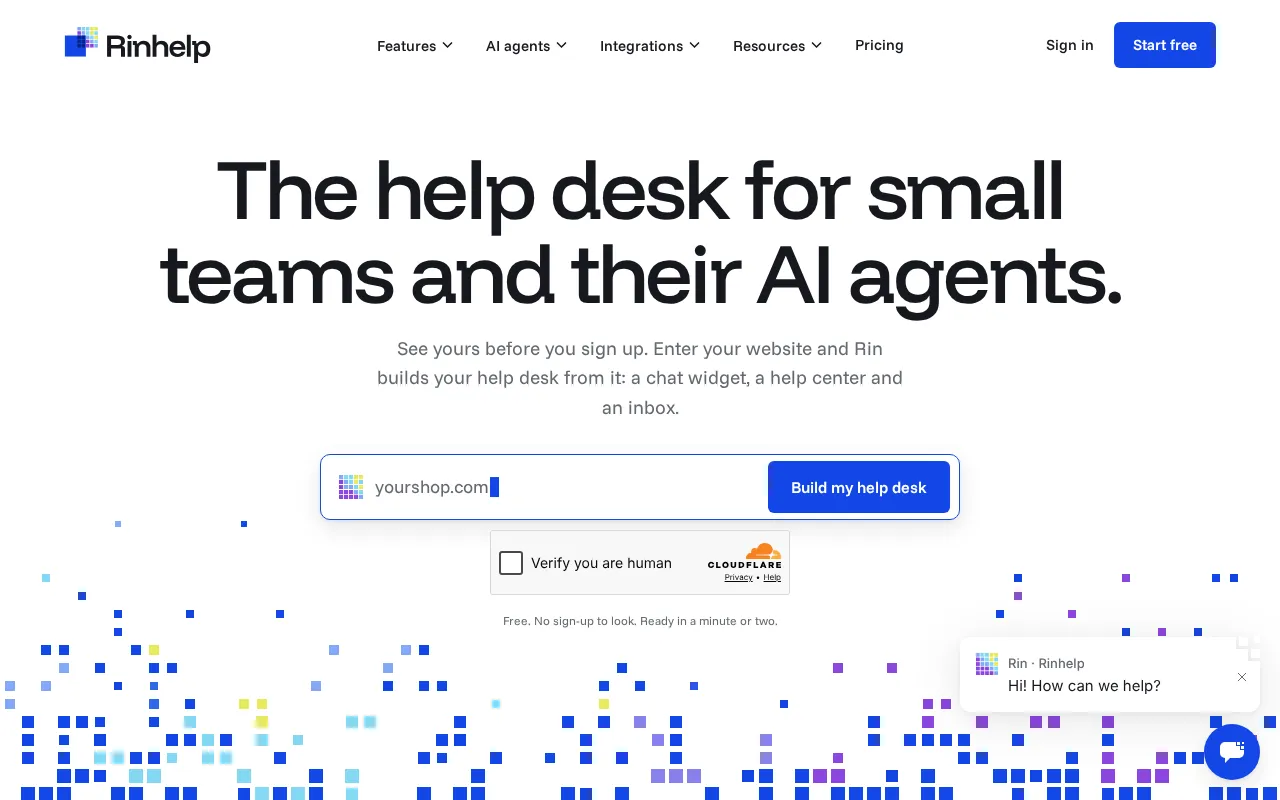
Rinhelp connects to Shopify through a small app you create in Shopify’s Dev Dashboard with two scopes, read_orders and write_orders, and shows each customer’s orders, with fulfillment, items and tracking links, in the conversation. A customer signed in on your own site passes Rin’s purchase check for their own orders, and your website can pass their Stripe customer ID for payments. Your developers connect Claude, ChatGPT or any app that speaks MCP, with an API key for tools that can’t sign in through a browser, and a refund or cancellation that Rin or an AI agent asks for waits for a teammate. Rinhelp connects one Shopify store per workspace, Shopify and Stripe are its only integrations, and it has no phone, WhatsApp, SMS or social inbox. Pro is $49 a month with 5,000 AI replies.
- Best for
- Headless brands on Shopify with a small support team on email and chat, and developers who want their own AI agents working in the inbox.
- How it bills
- Free for up to 3 teammates. Pro is $49 a month for the whole workspace, with 5,000 AI replies from Rin. No per-seat or per-resolution fees.
- Free plan
- Yes: 3 teammates, 50 AI replies to try Rin
- 3 people, 300 AI replies
- $49 a month: Pro for the whole workspace, using 300 of its 5,000 AI replies; Free covers your team if you don’t need AI replies.
Pros
- One price for the workspace, $49 a month with 5,000 AI replies, so a developer who steps in to answer a tricky order question adds nothing to the bill.
- The Shopify app asks only for read_orders and write_orders, its secret is stored encrypted, and Rinhelp renews its access to Shopify on its own.
- Any app that connects to an MCP server works in the inbox, and one that can’t sign in through a browser sends an API key that you revoke under Settings > “AI agents”.
- Refunds and cancellations an AI agent asks for wait as approvals, and the action log shows who asked, who approved and the outcome.
Cons
- Email and live chat only: there is no phone, WhatsApp, SMS or social inbox.
- Shopify and Stripe are the only integrations.
- No reports, SLA rules or routing rules: Rin hands a conversation to the teammate with the fewest open ones.
- The free plan has no Rin beyond 50 AI replies to try it.
2. Crisp
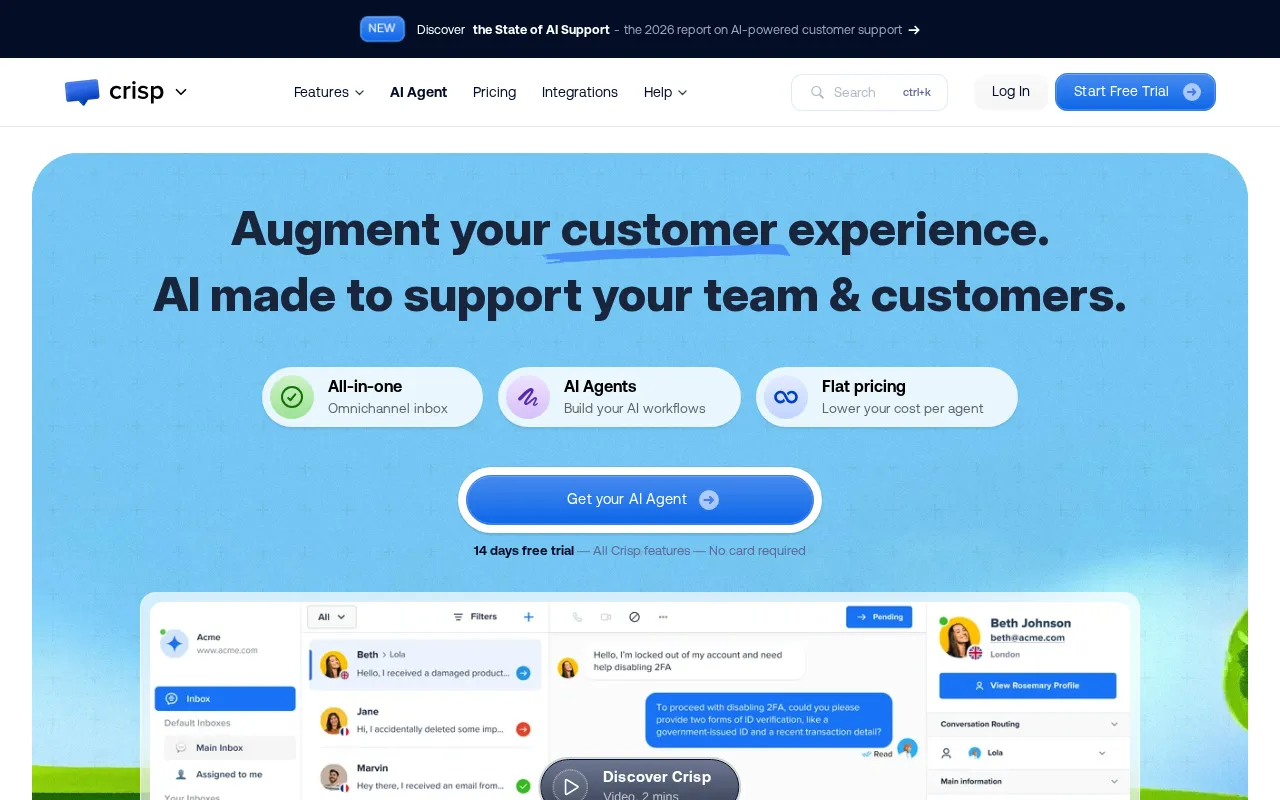
Crisp is a French customer support platform built around a website chat widget, with a shared inbox, many messaging channels and Hugo, its AI agent.
Crisp’s official MCP server can read, reply, add notes, resolve and write help center articles, so a developer’s own AI can work the queue, though Mini at $45 a month has no MCP server or help center. Hugo, its AI, can track orders and issue refunds through your integrations, with ready-made ones for Shopify, WooCommerce, PrestaShop and Stripe, and can be set to check the customer with a one-time code first.
- Best for
- Small teams that start with free website chat and want WhatsApp, Instagram, SMS and phone in the same inbox later.
- How it bills
- Per workspace a month: Mini is $45 with 4 seats, Essentials $95 with 10 and Plus $295 with 20, including $5, $25 and $75 of AI credits (about 90, 450 and 1,350 Hugo conversations). Extra seats are $10 each, sold on Plus only, and Hugo past the credits runs on Pay-As-You-Go at about $0.05 to $0.10 a conversation.
- Free plan
- Yes: 2 seats, chat only, no AI
- 3 people, 300 AI replies
- $66 or more a month: Mini at $45 for 4 seats with about 90 Hugo conversations in its credits, plus about 210 more at about $0.10 each.
Pros
- One price per workspace, with 10 seats on Essentials for $95 a month.
- WhatsApp, Instagram, Messenger, SMS, Telegram and phone sit in the same inbox from Essentials.
- Its official MCP server can read, reply, add notes, resolve and write help center articles.
- Hugo can look up orders and refund through Shopify, WooCommerce, PrestaShop and Stripe, after a one-time code checks the customer.
Cons
- The free plan has no email inbox and no AI, and Mini has no help center, WhatsApp or MCP server.
- Hugo stops answering when the month’s credits run out unless you turn on Pay-As-You-Go, whose rates aren’t published.
- Stripe data in the inbox comes only with Plus at $295 a month.
- Crisp’s terms refund no fees, monthly or yearly.
Already on Crisp? See the best Crisp alternatives.
3. Front
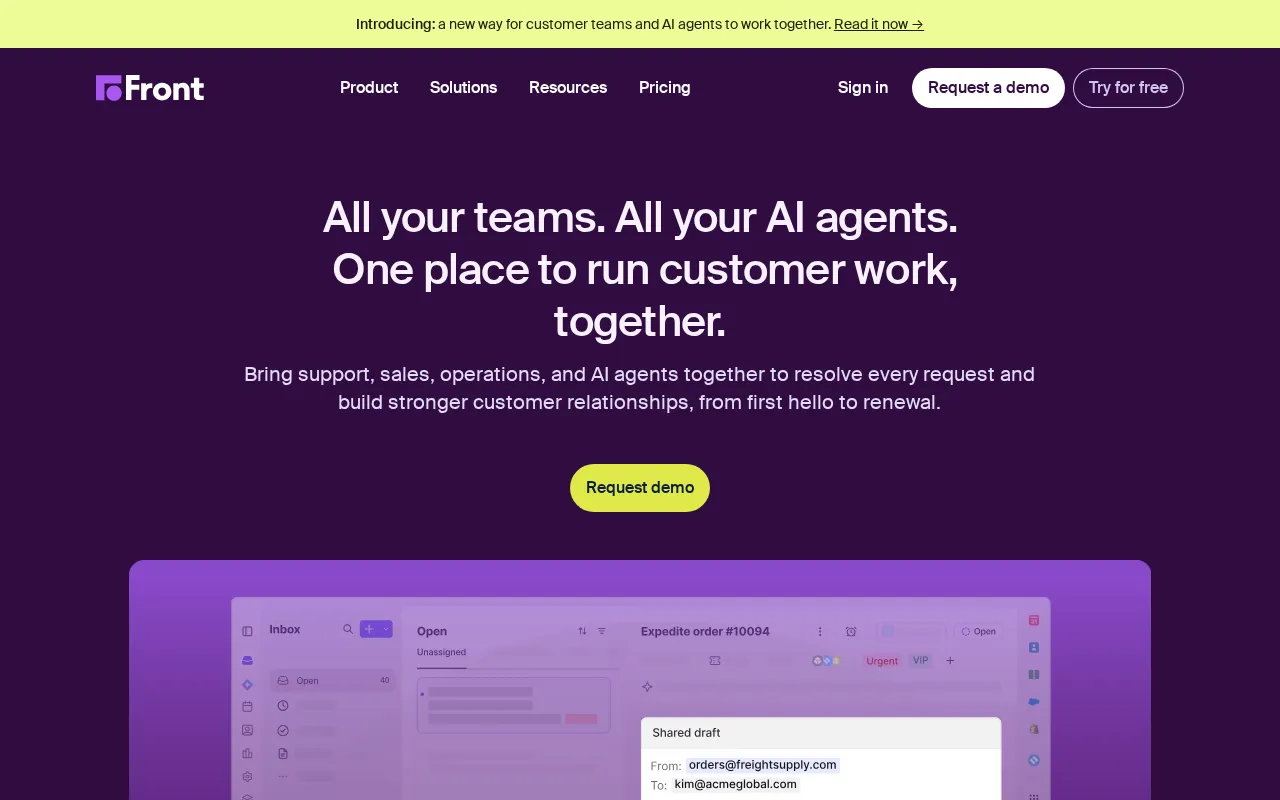
Front is a customer service platform built on shared inboxes, where support, sales and operations teams handle email, chat, SMS and social together. Autopilot, its AI agent, is billed by what it does in each conversation.
Front sells more API capacity at $200 a month per 100 requests a minute, and its MCP server can search, draft, send, assign and archive, with sending behind its own permission. Outside AI agents built with Claude, OpenAI or Sierra can be assigned conversations like a teammate on every plan.
- Best for
- Teams that run many shared addresses, bring in colleagues outside support, and want people and AI agents working one queue.
- How it bills
- Starter is $25 a seat a month for up to 10 seats, Professional $65 for up to 50 and Enterprise $105, on annual billing ($35 and $85 monthly; Enterprise is annual only). Autopilot charges $0.39 to hand off and $0.89 to resolve a conversation, and Copilot is $20 a seat.
- Free plan
- No, 14-day trial
- 3 people, 300 AI replies
- $342 a month: 3 Starter seats at $25 on annual billing, plus 300 Autopilot resolutions at $0.89.
Pros
- Its official MCP server can search, draft, send, comment, assign, tag and archive, with sending behind its own permission.
- Guest accounts let colleagues outside support comment on a conversation without a paid seat.
- Autopilot answers on email, chat, SMS, WhatsApp and Slack, and its 30-day trial covers up to 1,000 resolutions.
- Outside AI agents built with Claude, OpenAI or Sierra can be assigned conversations like a teammate, on every plan.
Cons
- Starter stops at 10 seats and one channel type, so an 11th seat or a second channel means Professional at $65 a seat.
- Autopilot charges for handoffs too, not only for conversations it resolves.
- There is no export you can run yourself: Support makes one, and it leaves out contacts, templates, tags and individual inboxes.
- Monthly and annual payments are nonrefundable, even if you cancel early.
Already on Front? See the best Front alternatives.
4. Gorgias
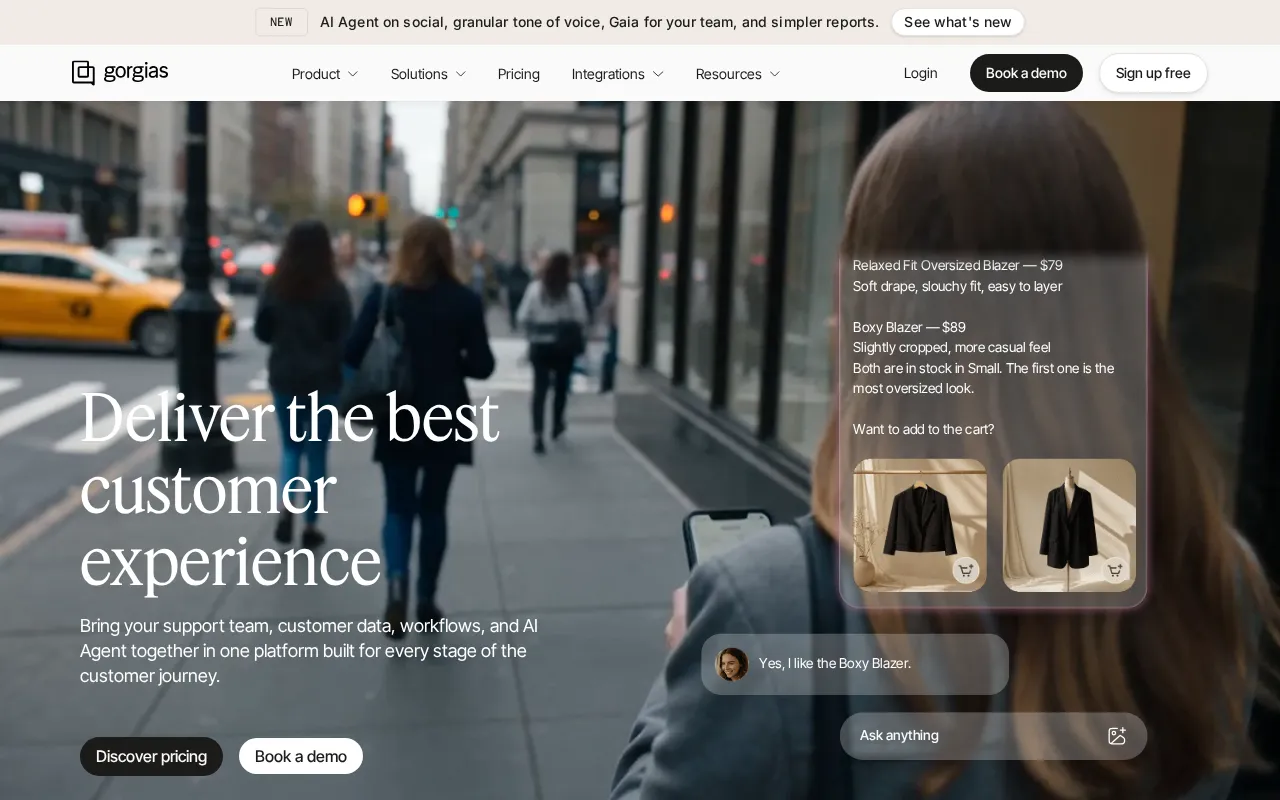
Gorgias is a help desk for ecommerce brands, built around Shopify, with an AI that answers shoppers and can cancel orders or edit addresses. It bills by tickets, not by agents.
For a headless build on a back end other than Shopify, Gorgias connects BigCommerce from Basic and Magento from Pro, beside Shopify and WooCommerce on Starter. Its MCP server is in open beta with no tool to look up or refund an order, and its Custom tier lists an API at 4 requests a second.
- Best for
- Shopify brands with a large team that answer on email, chat, SMS, WhatsApp, social and phone from one inbox.
- How it bills
- By the ticket, never per agent: Starter is $10 a month for 50 tickets, and Basic $50 for 300, Pro $300 for 2,000 and Advanced $750 for 5,000 on annual billing ($60, $360 and $900 monthly). Gorgias AI Agent costs $0.90 per automated interaction on annual billing or $1.00 monthly, $1.50 past your tier, and each one also counts as a ticket.
- Free plan
- No, 7-day trial
- 3 people, 300 AI replies
- $320 or more a month: Basic at $50 on annual billing for 300 tickets, plus 300 AI interactions at $0.90 with the AI limit raised to cover them, each also counted as a ticket and $1.50 past that limit.
Pros
- Shopify orders, customers and products show inside every ticket, and Gorgias says 40% of Shopify brands use it.
- Email, chat, SMS, WhatsApp, Instagram, Facebook and phone land in one inbox.
- No seat price: Basic and above allow up to 500 users.
- Its official MCP server lets Claude or ChatGPT reply, assign, close, write macros and publish help center articles on every Helpdesk plan.
Cons
- A ticket the AI resolves on its own is billed twice, as a ticket and as an automated interaction.
- Interactions past your AI tier cost $1.50 each, and tickets past your plan $0.36 to $0.40.
- Cancelling takes written notice 30 days before the term ends, even on monthly billing, and fees aren’t refunded.
- The MCP server is in open beta and has no tool to look up or refund an order.
Already on Gorgias? See the best Gorgias alternatives.
5. Chatra
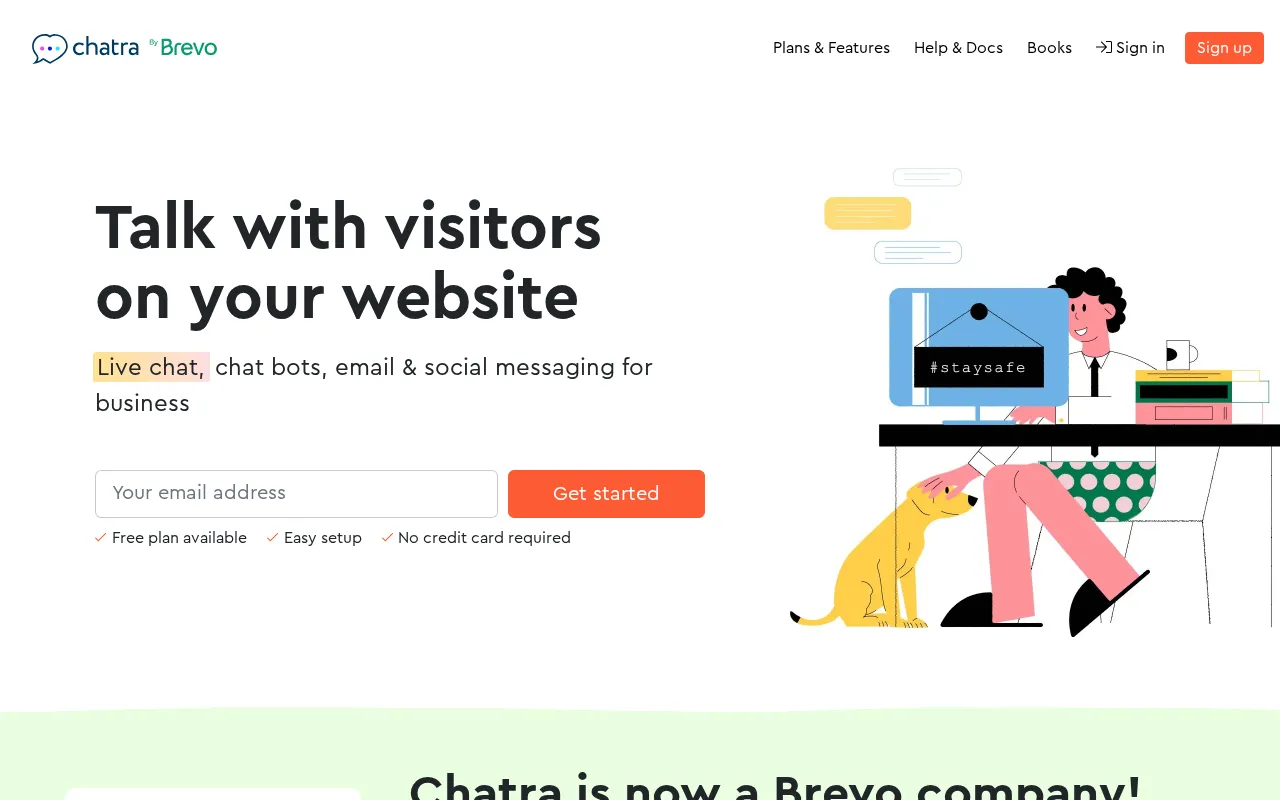
Chatra is live chat software for websites and online stores, now a Brevo company, with one dashboard for website chat, email, Facebook Messenger and Instagram. Its chatbot runs button scenarios you write, and its pages describe no AI that writes answers to customers.
On a custom storefront you place Chatra’s widget code on your pages yourself, and its JavaScript API comes on every plan, Free included. No AI writes answers, the REST API and outgoing webhooks need Pro at $33 a seat a month on annual billing, and Brevo, which owns Chatra, says it will release no new features in it.
- Best for
- Small online stores that want plain website chat with a live visitor list and cart contents, priced per agent, and no AI answering.
- How it bills
- Free covers one agent and 5 chats a month. Essential is $25 and Pro $33 an agent a month on annual billing ($31 and $41 monthly), each with a 10-day trial without a card. Email, Instagram, Messenger and the chatbot start on Essential, while reports, chat ratings, groups, data export, Zapier and the REST API need Pro. Prices exclude VAT.
- Free plan
- Yes: 1 agent, 5 chats a month, no email or chatbot
- 3 people, 300 AI replies
- $75 a month: 3 Essential agents at $25 on annual billing. Nothing in Chatra answers customers with AI: its chatbot follows scenarios you write.
Pros
- Website chat, email, Facebook Messenger and Instagram share one dashboard from Essential, with apps for iOS and Android.
- The real-time visitor list shows where each visitor is and, on Shopify and BigCommerce, what is in their cart.
- Targeted messages open the chat on pages you choose, such as the cart, and a form bot collects contact details while you are away.
- Shopify and BigCommerce install in one click, and even Free keeps the complete conversation history.
Cons
- No AI writes answers: the chatbot sends the message and reply buttons you set for each step.
- Brevo owns Chatra and says it will release no new features in it, only in Brevo Conversations.
- Reports, chat ratings, agent groups, Zapier, the REST API and webhooks all need Pro at $33 an agent a month on annual billing.
- No MCP server, and its plans list no help center, WhatsApp or phone.
Already on Chatra? See the best Chatra alternatives.
6. Plain
Plain is a support platform for B2B software companies. It answers customers in Slack, Microsoft Teams, Discord, email, chat and a help center, with an AI customer agent and a GraphQL API that does everything its app can.
Plain lists an API, webhooks, events and MCP for developers, and Foundation includes the API, webhooks and MCP at $45 a member seat on annual billing, up to 5 seats. Plain has no Shopify or Stripe connection, so it suits a developer-run team ready to wire up its own order lookups. Foundation adds 25 Slack channels and Horizon adds Microsoft Teams, channels a brand answering shoppers may not use.
- Best for
- B2B software teams that support customers in shared Slack or Teams channels and want engineers and AI agents building on its API.
- How it bills
- Per member seat: Foundation is $45 a month on annual billing ($55 monthly) for up to 5 seats with 1,000 credits, and Horizon $99 ($139 monthly) for 3 to 10 seats with 2,500 credits; Frontier is quoted. Each customer agent resolution uses 100 credits, extra credits are $10 per 1,000, and viewer seats are free.
- Free plan
- No, 7-day trial
- 3 people, 300 AI replies
- $425 a month: 3 Foundation seats at $45 on annual billing, plus 29,000 credits at $10 per 1,000 for 300 customer agent resolutions beyond the 1,000 credits included.
Pros
- Slack, Microsoft Teams and Discord work as support channels next to email, which suits B2B customers.
- Its official MCP server can reply, add notes, assign, close and write help center articles, signed in as your own user.
- A customer agent resolution is charged only after the thread stays done for 7 days with no teammate stepping in.
- Viewer seats are free and unlimited, and Linear, Jira, GitHub and incident.io link to threads.
Cons
- Its price list has changed four times since December 2025, most recently raising Foundation’s seat price and halving its included credits.
- No free plan, and the trial shrank from 14 days to 7 in 2026.
- No phone, WhatsApp, SMS, Shopify or Stripe.
- Foundation stops at 5 seats and 2 email addresses, so a sixth teammate means Horizon at $99 a seat.
Already on Plain? See the best Plain alternatives.
7. Chatwoot
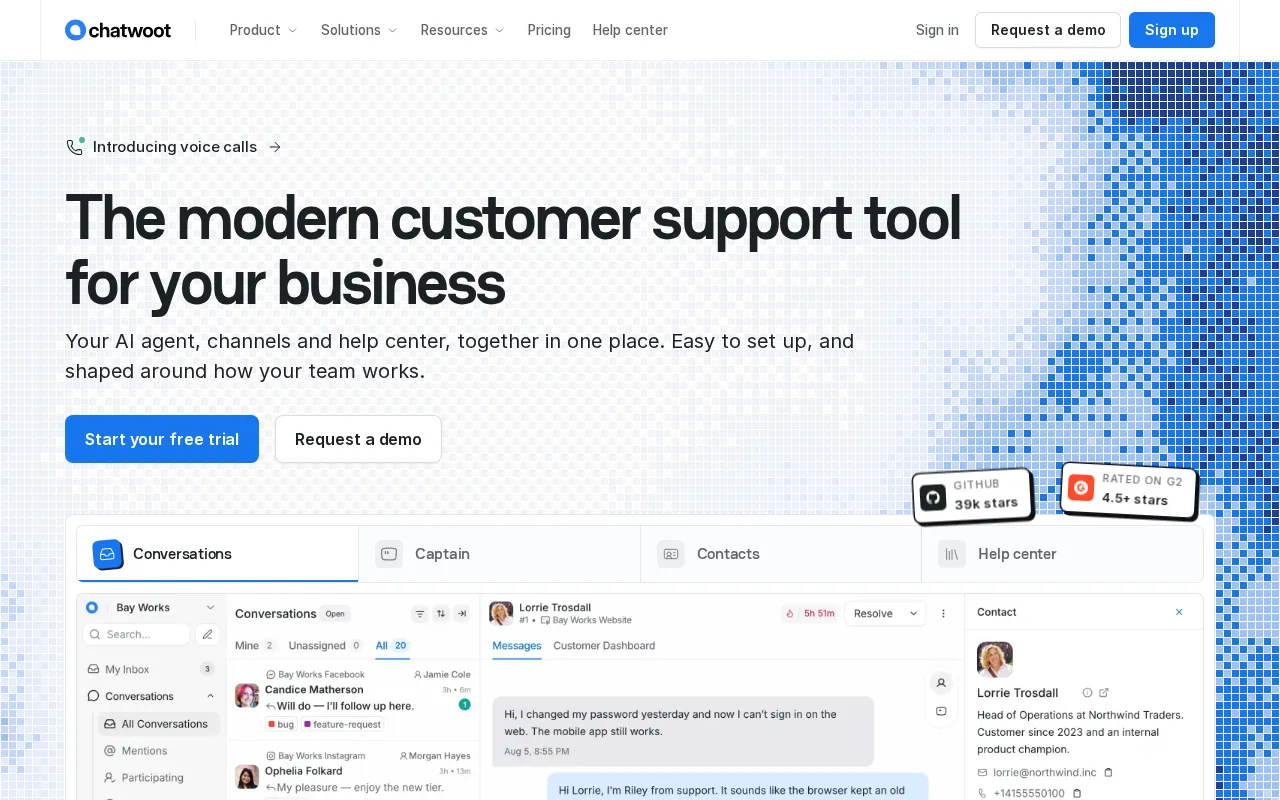
Chatwoot is open-source support software with one inbox for live chat, email, WhatsApp, social and voice, a help center, and Captain, its AI agent. You can use Chatwoot Cloud or host it yourself.
Chatwoot is open source, so a team that already runs its own storefront servers can host the Community Edition free beside it, and an official CLI and agent skill let coding agents such as Claude Code work in it. The free Cloud plan has no API or webhook access, and Captain’s custom tools have no approval step before a refund.
- Best for
- Teams that want many channels at a low seat price, or want to run their help desk on their own servers.
- How it bills
- Cloud is per agent a month: Startups $19, Business $39 and Enterprise $99, with 300, 500 or 800 Captain credits for the account. Each Captain reply uses a credit, extra credits are $20 per 1,000, and no annual price is published. Credits never top up by themselves: once they run out, new conversations go straight to your team with no Captain reply.
- Free plan
- Yes: 2 agents, live chat only, 500 conversations a month
- 3 people, 300 AI replies
- $57 a month: 3 Startups agents at $19, with the 300 included Captain credits covering 300 AI replies.
Pros
- Open source: the self-hosted Community Edition is free, and your data stays on your own servers.
- One inbox for live chat, email, WhatsApp, Instagram, Messenger, TikTok and, from Business, voice calls.
- Startups includes every channel but voice, plus a help center, at $19 an agent a month.
- An official CLI and agent skill let coding agents such as Claude Code work in Chatwoot.
Cons
- Startups has no automation rules or teams; those start on Business at $39 an agent.
- Captain uses a credit for every reply, and bought credits expire after 6 months and aren’t refunded.
- Since July 2026 the free Cloud plan has no API or webhook access.
- No official MCP server, and Captain’s custom tools have no built-in approval step for actions like refunds.
Already on Chatwoot? See the best Chatwoot alternatives.
8. Smartsupp
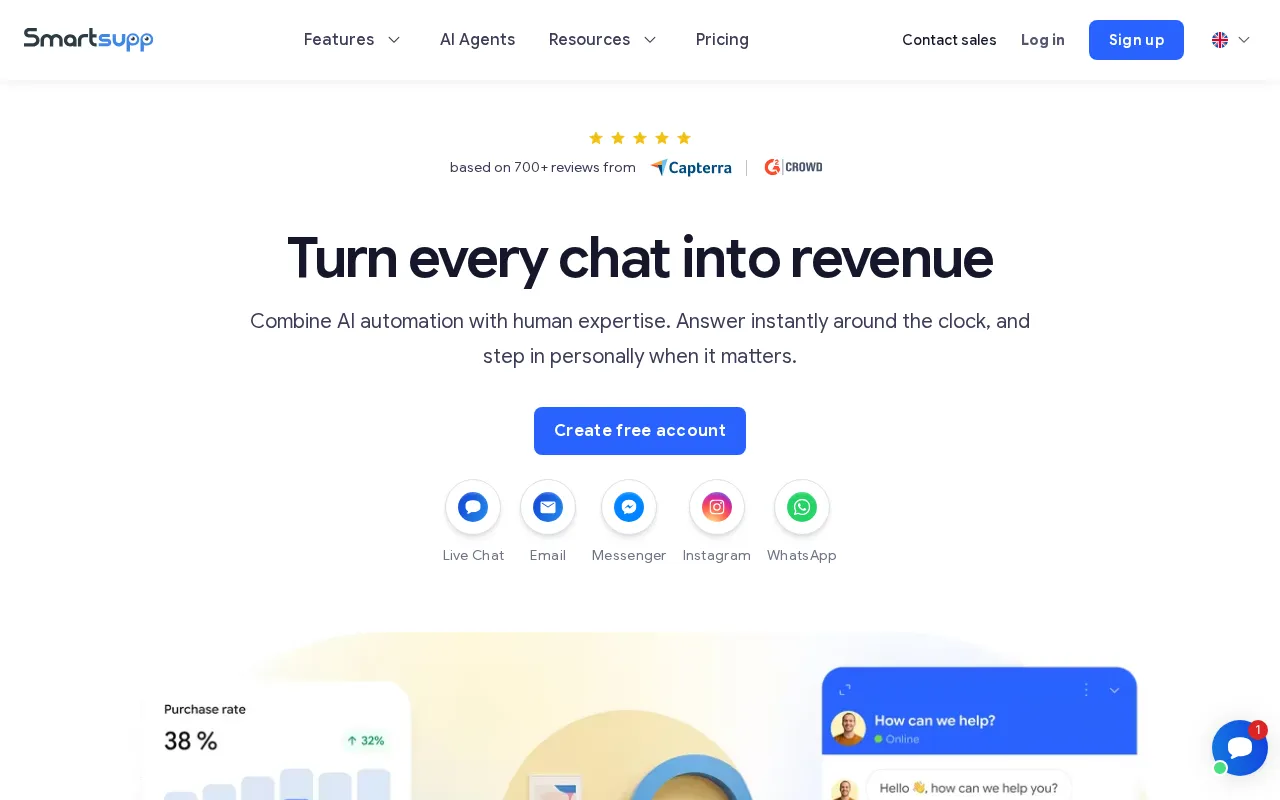
Smartsupp is live chat and chatbot software for online stores, with email, WhatsApp, Messenger and Instagram in the same inbox. Its AI agent, Mira AI, is a separate add-on that answers chat on your website and recommends products from your product feed.
Plus brings MCP and API access, with 10 API tokens and 1,000 REST requests an hour, at $25 a month for 3 operators on annual billing, and the MCP server can reply, assign and close. Mira AI recommends from a product feed of up to 30,000 products but answers website chat only, and the Smartsupp branding stays on every plan.
- Best for
- Small online stores that want website chat built to sell, with an AI shopping assistant that knows their catalog.
- How it bills
- Solo is $17 a month for 1 operator, Plus $25 for 3 and Expert $83 for 5 on annual billing ($24, $35 and $117 monthly), and extra operators on Expert start at $24 each, while Ultimate starts at $280 through sales. The Mira AI agent is an add-on at $16 per 100 conversations a month on annual billing ($20 monthly), from 100 up to 5,000.
- Free plan
- Yes: 1 operator, 25 conversations a month, 14 days of history
- 3 people, 300 AI replies
- $73 a month: Plus at $25 on annual billing for 3 operators, plus 300 Mira AI conversations at $16 per 100.
Pros
- Website chat, email, WhatsApp, Messenger and Instagram share one inbox on every paid plan.
- Mira AI learns from your website and a product feed of up to 30,000 products, and recommends products in the chat.
- An official MCP server lets Claude, ChatGPT or Gemini search, reply, assign and close conversations.
- Paid plans have no cap on live chat conversations, and a Mira AI conversation counts once per visitor session.
Cons
- The “Powered by Smartsupp” branding stays on the chat box on every plan, paid ones included.
- Mira AI plans cover support on your website only, not email or social channels.
- Once Mira AI’s monthly conversations are used, it stops answering until you top up or the month resets.
- API and MCP access start on Plus, and a full XML export of your history needs Expert.
Already on Smartsupp? See the best Smartsupp alternatives.
9. Intercom
Intercom is a customer service help desk with a chat Messenger, a shared inbox, a help center and Fin, its AI agent. Its company renamed itself Fin in May 2026, and Salesforce bought it that September.
Teammates refund or cancel a Shopify order from the sidebar and see Stripe subscriptions mid-conversation, and Fin answers chat, email and phone at $0.99 an outcome. Its MCP server adds notes and publishes help center articles but can’t reply, assign or close, so a developer’s AI agent can’t clear the queue through it.
- Best for
- Software and app companies that want chat, email, phone, WhatsApp and SMS in one inbox, with Fin answering across them.
- How it bills
- Per seat: Essential is $29, Advanced $85 and Expert $132 a seat a month on annual billing ($39, $99 and $139 monthly), and new customers pay $19 for Essential on annual billing. Fin costs $0.99 for each outcome, and WhatsApp, SMS and phone are billed by use.
- Free plan
- No, 14-day trial
- 3 people, 300 AI replies
- $354 a month: 3 Essential seats at $19, the new-customer price on annual billing (list $29), plus 300 Fin outcomes at $0.99.
Pros
- Chat, email, phone, WhatsApp, SMS, Slack, Facebook and Instagram all arrive in one inbox.
- Fin answers on email, live chat and phone, and is charged once per conversation however many questions it answers.
- Agents can refund or cancel a Shopify order from the inbox sidebar, and the Stripe app shows subscriptions mid-conversation.
- Its official MCP server can add internal notes and write and publish help center articles, not only read.
Cons
- Every teammate who replies needs a paid seat, and Fin adds $0.99 an outcome on top.
- An outcome also counts when a customer simply stops asking after Fin’s answer, or when a Fin workflow hands the conversation to your team.
- Its MCP server can’t reply to customers, assign or close conversations, and doesn’t serve workspaces hosted in Australia.
- No free plan, and an annual plan cancelled early gets no prorated refund.
Already on Intercom? See the best Intercom alternatives.
10. Zendesk
Zendesk is a customer service suite for email, messaging, live chat, social and voice, with AI agents that answer customers and are billed per automated resolution.
Zendesk’s marketplace lists 1,800+ apps, Suite Team adds “Action Builder” and Suite Professional “App Builder”, for a team with engineers to extend it. Its official MCP server is only an early access announcement so far, and every person who answers is a seat, $55 a month on Suite Team billed annually.
- Best for
- Growing and large teams that need voice, many channels, 1,800+ apps and integrations, and enterprise controls to grow into.
- How it bills
- Per agent: Support Team is $19, Suite Team $55 and Suite Professional $115 a month on annual billing ($25, $69 and $149 monthly). Each agent brings 5 automated resolutions a month (10 on Professional), then each costs $1.50 committed or $2.00 pay as you go. Copilot is $50 more an agent.
- Free plan
- No, 14-day trial
- 3 people, 300 AI replies
- $485 a month: 3 Support Team agents at $19 on annual billing, plus 285 automated resolutions at $1.50 committed beyond the 15 included, on email only.
Pros
- Email, messaging, live chat, WhatsApp, social and voice sit in one Suite, and AI agents can answer on email, messaging or voice.
- Its marketplace lists 1,800+ apps, partners and integrations.
- Agents refund and cancel Shopify orders inside a ticket, and an admin can connect Zendesk’s AI agents to Stripe’s MCP server.
- The 14-day trial opens every Suite Professional feature, Copilot included, and startups can get 6 months of Suite free for up to 50 agents.
Cons
- Every agent is a seat, and each automated resolution past the 5 per agent a plan includes costs $1.50 to $2.00.
- No official MCP server for outside AI tools yet: Zendesk announced one in May 2026 for early access and has published no tools for it.
- Data exports are off until the account owner asks support, and the export tools aren’t on Team plans.
- Zendesk gives no refunds or credits for unused seats or time.
Already on Zendesk? See the best Zendesk alternatives.
11. Kustomer
Kustomer is a customer service platform built around one timeline per customer, with chat, email, SMS, WhatsApp, voice and social in one place, and Concierge, an AI agent that answers customers.
Kustomer’s API allows 1,000 requests a minute on Enterprise and 2,000 on Ultimate, and Concierge answers on chat, email, SMS, WhatsApp and voice. Its official MCP server only reads, and you see a price only after an assessment and a sales call.
- Best for
- Mid-size and large consumer brands that want every order, conversation and channel on one customer timeline, and buy through a sales team.
- How it bills
- Plan prices are quoted by sales: Enterprise and Ultimate today, with older seat-based and usage-based plans still listed. Published add-ons include Concierge at $0.75 per engaged conversation, Envoy at $50 a user a month, and voice from $0.02 a minute.
- Free plan
- No, and no self-serve trial
- 3 people, 300 AI replies
- $225 or more a month: 300 Concierge conversations at $0.75, plus a platform price Kustomer quotes only on a sales call.
Pros
- Chat, email, SMS, WhatsApp, voice, Facebook and Instagram share one timeline for each customer.
- Concierge answers on chat, email, SMS, WhatsApp and voice, and you decide where it acts alone and where it hands off.
- Agents can cancel or refund Shopify order items from the customer’s timeline.
- Built to scale, with up to 300 brands and a 2,000-request-a-minute API on Ultimate.
Cons
- No plan price is published: you fill in a two-minute assessment, then talk to sales.
- No free plan and no self-serve trial.
- Its official MCP server only reads, so your own AI can search conversations but can’t reply, add notes or close.
- Contracts renew automatically unless you give written notice 30 days before the term ends, and fees are non-refundable.
Already on Kustomer? See the best Kustomer alternatives.
12. Richpanel

Richpanel is an AI help desk for ecommerce brands. One inbox takes email, chat, social, SMS, WhatsApp and phone, and its AI answers customers and acts on orders, returns and subscriptions.
Richpanel connects Recharge, Subscribfy and ShipHero as well as Shopify, and you choose which of its AI’s actions need approval. Its developer API is for Enterprise only, and its MCP shares 60 requests a minute across your whole company.
- Best for
- Ecommerce brands with a support team that want AI to change orders and subscriptions across many channels.
- How it bills
- One plan with no tiers: $99 a seat a month on annual billing or $119 monthly, plus AI credits at $0.50 each annually or $0.60 monthly, with a $200 monthly AI minimum on annual billing ($240 monthly in Richpanel’s calculator). Richpanel puts a whole AI conversation at about $0.20, and one seat with the minimum starts at $299 a month.
- Free plan
- No, demo only
- 3 people, 300 AI replies
- $497 or more a month: 3 seats at $99 on annual billing plus the $200 AI minimum, which more than covers 300 AI conversations at about $0.20.
Pros
- Its AI changes addresses, swaps items, gives store credit and pauses subscriptions, while cancellations, refunds and discounts wait for approval by default.
- Email, chat, SMS, WhatsApp, Instagram, Facebook, TikTok and phone share one inbox.
- It connects to subscription and shipping apps such as Recharge, Subscribfy and ShipHero, not only Shopify.
- A written guarantee: if AI doesn’t resolve half of eligible conversations in the first 30 days, you can claim that month’s subscription fee back.
Cons
- One seat with the AI minimum starts at $299 a month on annual billing, and each extra seat is $99.
- No free plan or trial: you book a demo first.
- The developer API is only for Enterprise, and the MCP shares 60 requests a minute across your whole company.
- Voice is still in beta and billed on usage.
Already on Richpanel? See the best Richpanel alternatives.
13. Help Scout
Help Scout is a help desk with shared inboxes, a Docs help center and Beacon, a widget for chat and help articles. Scout, its AI agent, answers chat from your help content and is billed per resolution.
Teammates edit, refund or cancel recent Shopify orders and refund Stripe payments from the sidebar. Its MCP server is read-only, so your developers’ AI can search conversations and Docs but can’t reply, add notes or close.
- Best for
- Support teams that think in tickets and want a calm shared inbox, a help center and live chat, with a free plan to start on.
- How it bills
- Standard is $25, Plus $45 and Pro $75 a user a month on annual billing, which saves 16%. Pro needs at least 10 users and a demo. Scout costs $0.75 per resolution, free for a new account’s first 3 months.
- Free plan
- Yes: 5 users, 1 inbox, 100 contacts a month
- 3 people, 300 AI replies
- $300 a month: 3 Standard users at $25 on annual billing, plus 300 AI resolutions at $0.75.
Pros
- A free plan for up to 5 users, with 1 inbox, a Docs site and 100 contacts a month.
- Agents can refund, cancel or edit recent Shopify orders, and refund Stripe payments or cancel subscriptions, from the sidebar.
- Standard brings email, live chat, SMS, WhatsApp, Instagram and Messenger into one inbox.
- You can cap AI spending each month, and Scout switches off when it reaches the cap.
Cons
- Its official MCP server is read-only: your own AI can search conversations and Docs, but can’t reply, add notes or close.
- Scout answers website and in-app chat only, and lists email as “Coming Soon”.
- Scout can’t look up orders or act in other tools yet: its connection to payment processors and CRMs is still to come.
- Seats and AI are billed separately, so the bill grows with every user and every resolution.
Already on Help Scout? See the best Help Scout alternatives.
14. Tidio
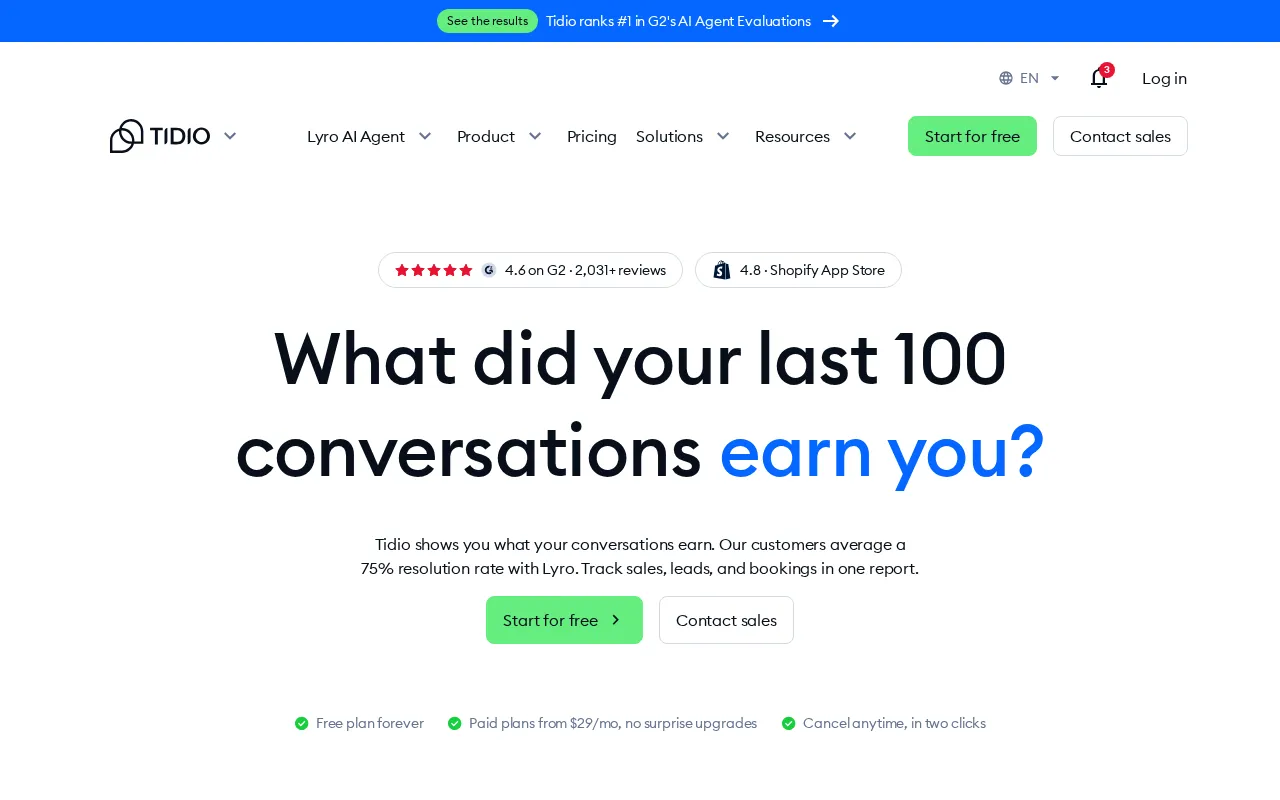
Tidio is a live chat and help desk tool built for online stores, especially Shopify, with Lyro, an AI agent sold as an add-on, and a help center since 2026.
Lyro can call your own MCP servers, besides checking, changing, cancelling and refunding orders. Tidio’s own OpenAPI needs Plus, from $300 a month, its Mobile SDK comes with Premium, and its official MCP server only reads analytics.
- Best for
- Shopify and WooCommerce stores that want chat, WhatsApp and Instagram in one inbox and an AI that recommends products.
- How it bills
- Plans are priced by the conversations your team answers, with 10 seats: Starter is $24.17 a month on annual billing ($29 monthly) for 100, and Growth runs from $49.17 for 250 ($59 monthly) to $349 monthly for 2,000. Lyro is an add-on from $32.50 a month for 50 conversations to $583.33 for 1,000 on annual billing ($39 for 50, $210 for 300 and $700 for 1,000 monthly), and Plus starts at $300 a month plus usage.
- Free plan
- Yes: 10 seats, 50 conversations a month
- 3 people, 300 AI replies
- $199 or more a month: Starter at $24.17 on annual billing plus 300 Lyro conversations at $175. Starter covers 100 conversations your team answers, and more needs Growth.
Pros
- Up to 10 seats on Free, Starter and Growth, so the bill doesn’t grow as you add teammates.
- WhatsApp, Instagram, Messenger and email on every plan, including Free.
- Lyro recommends products and adds them to the cart on Shopify and WooCommerce.
- Lyro’s actions can check orders, cancel or change them and refund, and Lyro can call your own MCP servers.
Cons
- Lyro is a separate add-on billed per conversation, about $0.58 to $0.78 each by tier and billing, and over 1,000 a month is priced by sales.
- The API and Stripe integration need Plus, from $300 a month.
- Its official MCP server only reads analytics data, loaded once a day, so your own AI can’t reply or close.
- No refunds for time left after you cancel.
Already on Tidio? See the best Tidio alternatives.
15. Freshdesk
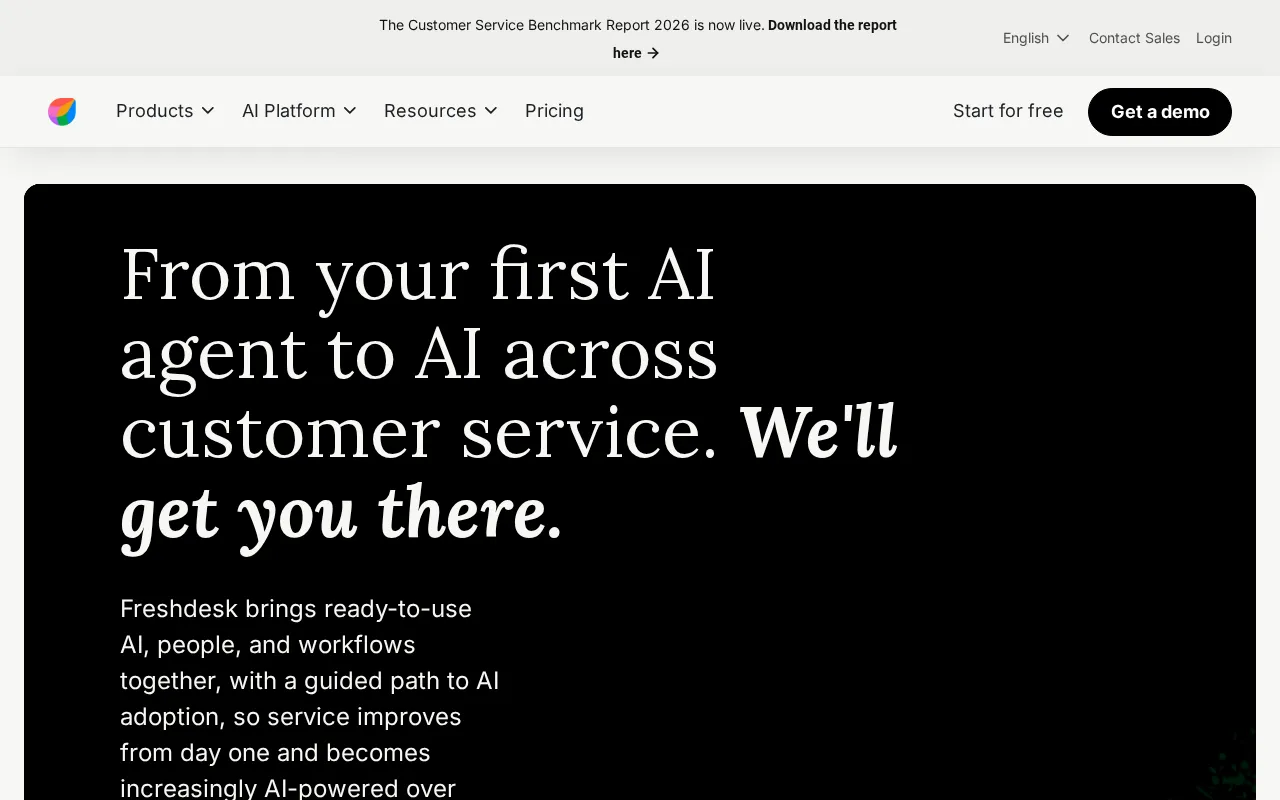
Freshdesk is Freshworks’ help desk: email ticketing with a customer portal and knowledge base, with Freshdesk Omni adding chat, phone and messaging. Its Freddy AI agent answers customers and is billed per session.
Freshdesk’s official MCP server can reply, add notes, update tickets and write knowledge base articles, but every call counts as an action: Growth includes 1,200 a year, and more cost $15 per 1,000.
- Best for
- Teams that want a full ticketing help desk with SLAs, routing and a knowledge base, and chat and messaging for less per agent than Zendesk’s Suite Team.
- How it bills
- Per agent on annual billing: Growth is $19, Pro $55 and Enterprise $89 a month, or $29, $79 and $119 on Freshdesk Omni with chat and messaging. Freddy AI agent sessions cost $49 per 100 after 500 free ones, once per account. Voice is $15 to $69 more an agent, and MCP actions $15 per 1,000.
- Free plan
- No, 14-day trial
- 3 people, 300 AI replies
- $204 a month: 3 Growth agents at $19 on annual billing, plus 3 packs of 100 AI sessions at $49, on email only.
Pros
- SLA policies, custom dashboards, skill-based routing and audit logs come on its higher plans, with skill-based routing at $89 an agent where Zendesk asks $115.
- Freshdesk Omni adds chat, phone, WhatsApp, Messenger, Instagram and Line to the same tickets.
- Day passes from $2 let occasional helpers answer without a full seat.
- Its official MCP server can reply, add notes, update tickets and write knowledge base articles.
Cons
- List prices rose early in 2026, from $15 to $19 an agent on Growth, and the free plan is gone.
- Freddy AI agent costs 49 cents a session after the first 500, which never come back.
- Every MCP call counts as an action, and Growth includes only 1,200 a year.
- Fees are non-refundable, and a cancellation only takes effect at the end of your term.
Already on Freshdesk? See the best Freshdesk alternatives.
16. LiveChat
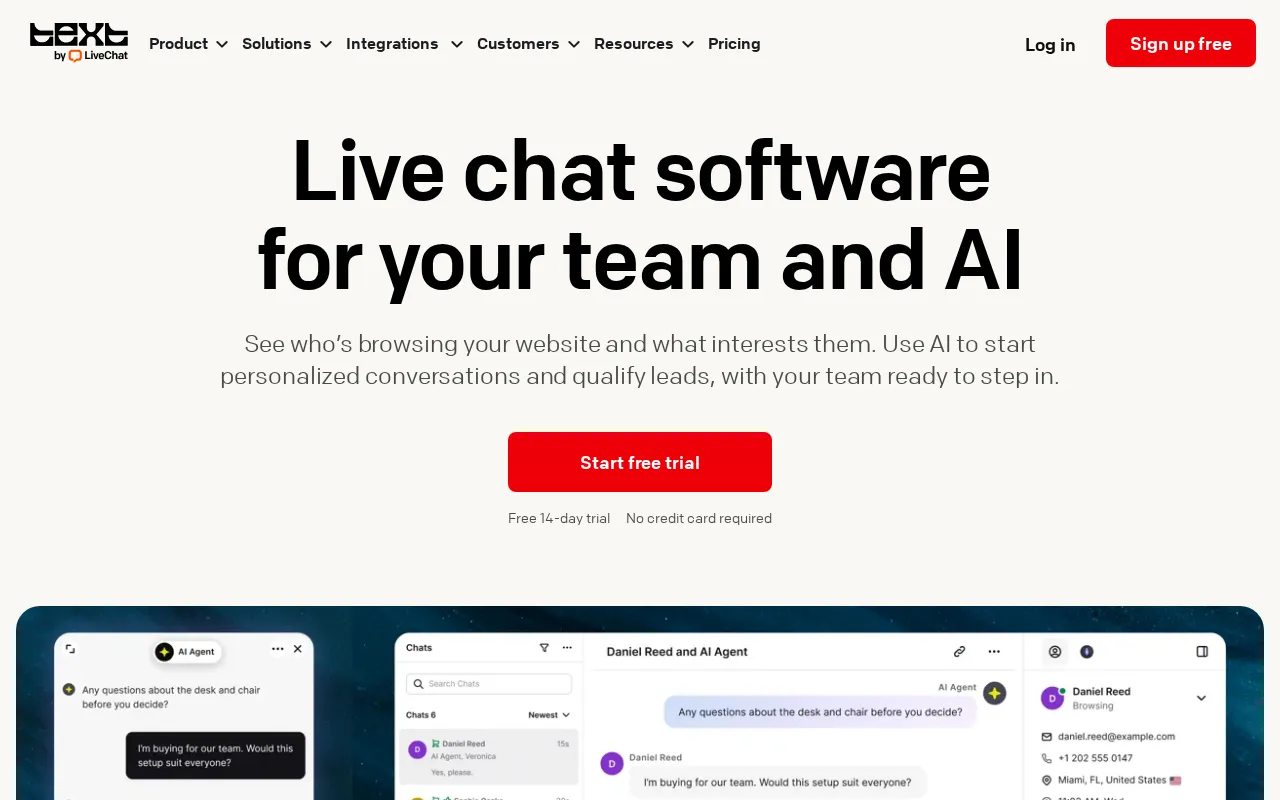
LiveChat is website chat software from Text, Inc., built to turn chats into sales. New LiveChat accounts now start on Text plans, which add tickets and an AI agent that answers chats, while existing customers keep their old plan.
Essential includes 10,000 API calls a month, then $29.50 for each 100,000, and Growth 20,000, so check the meter before your code polls it. Its marketplace lists Shopify, WooCommerce and BigCommerce, and its MCP reads chats and tickets but can’t reply, close or assign.
- Best for
- Online stores and sales teams that live in website chat and want to see who is browsing before they reach out.
- How it bills
- Per user: Essential is $19 and Growth $79 a user a month on annual billing ($25 and $99 monthly). Essential includes 10 AI resolutions a month and Growth 200, then packs of 50 at $49.50.
- Free plan
- No, 14-day trial without a card
- 3 people, 300 AI replies
- $336 a month: 3 Growth users at $79 on annual billing, which include 200 AI resolutions, plus 2 packs of 50 at $49.50.
Pros
- Real-time visitor tracking shows who is on your site and which pages they browse, so you can start the chat yourself.
- WhatsApp comes on every paid plan, next to Messenger and SMS through Twilio.
- Apps for Windows, Mac, iOS and Android, and a marketplace with Shopify, WooCommerce, BigCommerce and WordPress.
- An AI resolution is counted once per chat, however many questions the customer asks in it.
Cons
- Every person who answers needs a seat, and AI resolutions beyond the plan’s allowance cost $0.99 each.
- Essential keeps conversation and file history for 60 days only.
- Text’s official MCP can read chats and tickets but can’t reply, close or assign.
- LiveChat doesn’t refund payments it has already processed.
Already on LiveChat? See the best LiveChat alternatives.
17. Siena AI
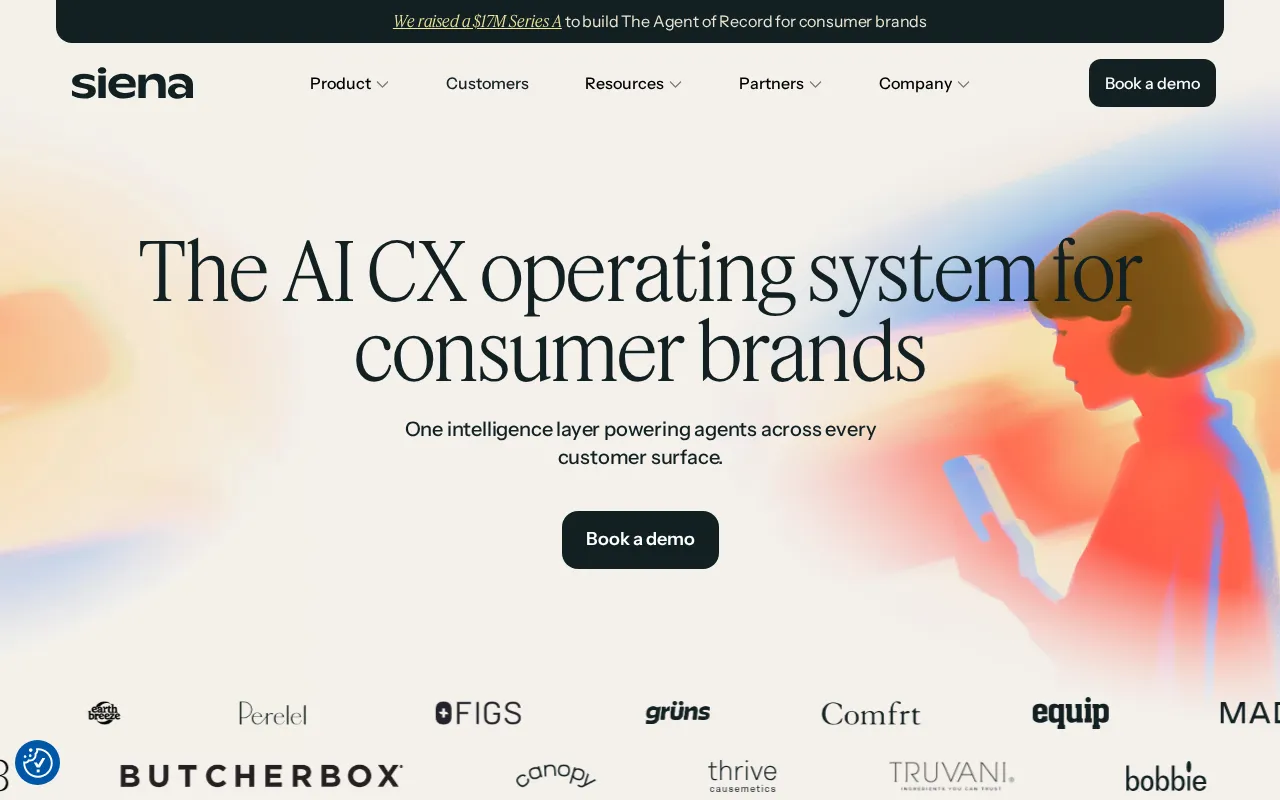
Siena AI is an AI agent platform for consumer brands that answers customers on email, chat, SMS, WhatsApp, social media and voice, and takes the action in Shopify, Stripe, Recharge or Loop Returns. It sits on top of a help desk such as Zendesk, Gorgias, Kustomer or Gladly, and adds shopping, social, review and QA agents.
Siena’s AI moves with you if you switch between Zendesk, Gorgias, Kustomer, Gladly, Intercom and Dixa. The platform costs $750 a month before the first automated ticket, and its MCP tools work on Siena Docs pages, not conversations.
- Best for
- Consumer brands with a heavy load of order, return and subscription questions that want Siena’s team to set the AI up, and can pay a monthly platform fee before the first automated ticket.
- How it bills
- Siena lists a platform fee of $750 a month for its AI engine and an unlimited sandbox, plus $0.90 per automated ticket. Onboarding and dedicated Slack support come with no listed price, and the final figure arrives after you fill in a form. It charges no seat fees, use past your contracted volume is billed later as overage, and fees are not refundable.
- Free plan
- No, any trial is set in your quote
- 3 people, 300 AI replies
- $1,020 or more a month: $750 platform fee plus 300 automated tickets at $0.90. Siena confirms the price after a form, and a help desk it sits on, such as Zendesk, bills its own seats.
Pros
- It answers on email, chat, SMS, WhatsApp, Instagram, Facebook, TikTok and voice, on top of Zendesk, Gorgias, Kustomer, Gladly, Intercom or Dixa, so it moves with you if you change help desks.
- In Shopify it cancels orders, refunds, sends replacements and edits addresses mid-conversation, and in Stripe it cancels or resumes subscriptions and sends invoices.
- Siena Docs, included in the plan, holds an internal wiki and a public help center on your own subdomain, and the Siena MCP lets Claude search, edit and publish its pages.
- The same platform runs a shopping agent, a social media agent that replies to and moderates comments and DMs, review replies, and QA on every conversation.
Cons
- The platform costs $750 a month before the first automated ticket, and each ticket adds $0.90.
- No free plan and no self-serve signup: pricing comes after a form or a demo, and its implementation team does the setup.
- Use past your contracted volume is invoiced afterwards as overage, and fees are not refundable.
- Its published MCP tools work on Siena Docs pages. We found nothing showing your AI agent replying to or closing conversations through it.
Already on Siena AI? See the best Siena AI alternatives.
18. Sierra
Sierra is a conversational AI platform that large companies use to build their own branded AI agent for chat, SMS, WhatsApp, email, voice and ChatGPT. The agent connects to systems such as order management and CRM, and routes what it can’t handle to the company’s contact center with a summary.
For a large brand with engineers, Sierra’s SDK lets developers write the agent’s journeys as code while support staff build in its visual studio, and the agent answers in ChatGPT as well as chat, email and voice. No price is published, and launch takes weeks with Sierra’s team.
- Best for
- Large brands with a contact center, many systems to connect, and a team ready to build and tune an AI agent with Sierra’s own deployment team over several weeks.
- How it bills
- Sierra lists no prices. It charges by outcome, such as a resolved conversation, a saved cancellation or a sale, against criteria agreed before launch, and says escalated conversations are usually free. Routing or greeter conversations can be billed per conversation instead, in a blended deal.
- Free plan
- No, buying starts with Sierra’s team
- 3 people, 300 AI replies
- Quote only: Sierra prints no rate, so the outcomes in 300 conversations are priced in a deal with its team, and the contact center your people answer handoffs in costs extra.
Pros
- One agent answers on chat, SMS, WhatsApp, email, voice and ChatGPT, and its voice agent speaks over 55 languages.
- Support teams build without code in Sierra’s visual studio or by describing what they want to Ghostwriter, while developers can write journeys as code with its SDK.
- You pay for outcomes, such as a resolved conversation or a saved cancellation, and escalations are usually not charged.
- Its voice agent takes card payments during the call, and Sierra is listed in the Stripe App Marketplace.
Cons
- No price, plan or trial on the site: every path leads to Sierra’s team.
- Launch takes weeks: Sierra promises to deploy “in weeks”, and Airtable went live on chat after four.
- Handoffs go to a contact center your team already runs, so that software is a second bill.
- It is built for the largest companies, with 40% of the Fortune 50 as partners, and expects a team to keep improving the agent.
Already on Sierra? See the best Sierra alternatives.
19. tawk.to
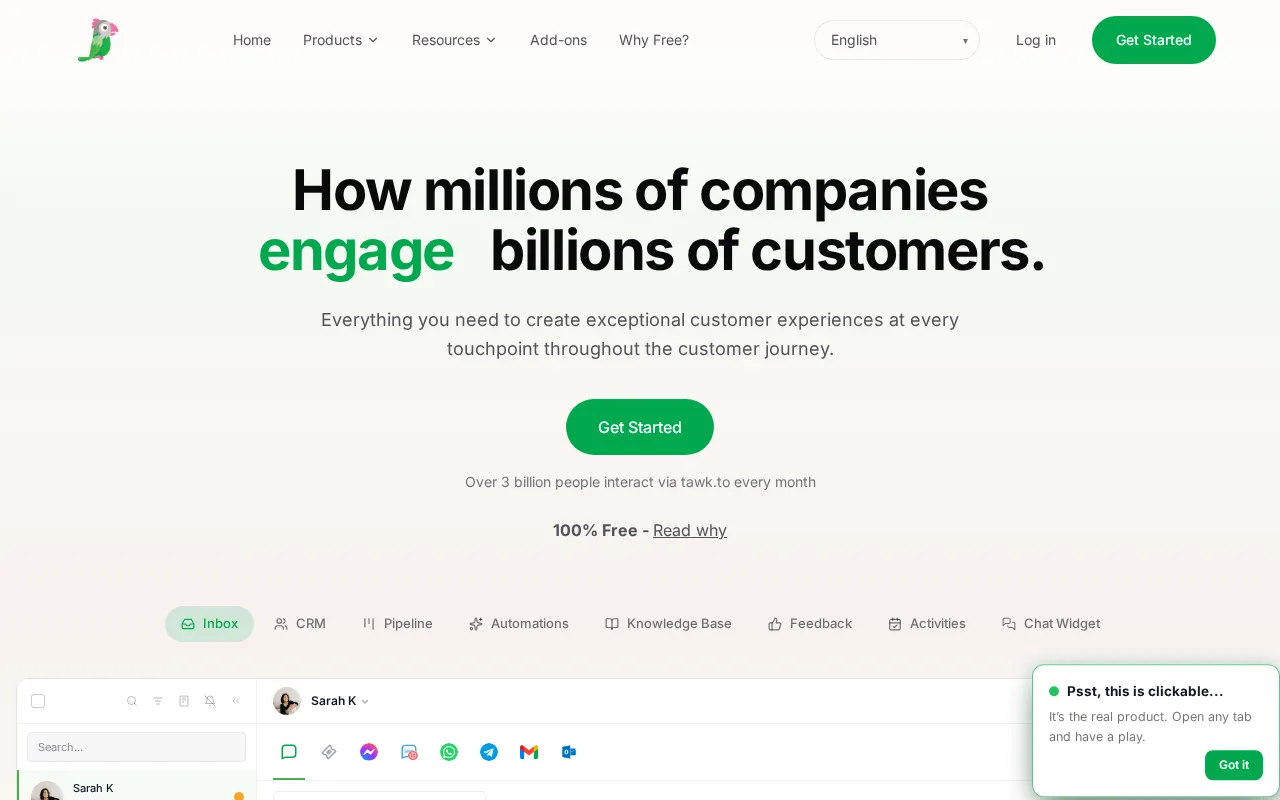
tawk.to is free live chat and ticketing software for websites, with a hosted knowledge base. It makes its money from paid add-ons, such as AI Assist, white label and hired chat agents, billed per website.
tawk.to is free for any number of teammates and websites, and its Shopify app adds a tab to check, refund and cancel orders mid-chat. Its REST API must be requested and approved before credentials arrive, and there’s no official MCP server, so a developer can’t script it the day you sign up.
- Best for
- Small businesses that want website chat for any number of agents at no cost, and don’t mind the tawk.to badge.
- How it bills
- Chat, ticketing and the knowledge base are free for any number of agents. AI Assist is free for 100 credits a month, then $29, $99 or $399 a month ($290, $990 or $3,990 a year) for 1,000, 5,000 or 20,000 credits, and a reply on the default Auto model uses 3.
- Free plan
- Yes: unlimited agents and chats, about 33 AI replies a month
- 3 people, 300 AI replies
- $24 a month: AI Assist Growth at $290 a year, whose 1,000 monthly credits cover 300 replies at 3 credits each on the Auto model. Seats are free.
Pros
- Free for any number of agents, chats and websites, with ticketing and a hosted knowledge base.
- WhatsApp, Messenger, SMS through Twilio and email share one inbox, and the AI answers on chat, WhatsApp, SMS and Messenger.
- Its Shopify app adds a tab where agents check orders, refund and cancel during a chat.
- Hired chat agents start at $1 an hour if you want someone else to answer.
Cons
- AI Assist charges per reply, and once credits run out it stops joining new conversations.
- The “Powered by tawk.to” badge stays unless you pay for white label, $39 a month or $348 a year for each website.
- No official MCP server, and REST API access must be requested and approved first.
- Add-ons are billed per website, so each extra site pays again.
Already on tawk.to? See the best tawk.to alternatives.