1. Rinhelp
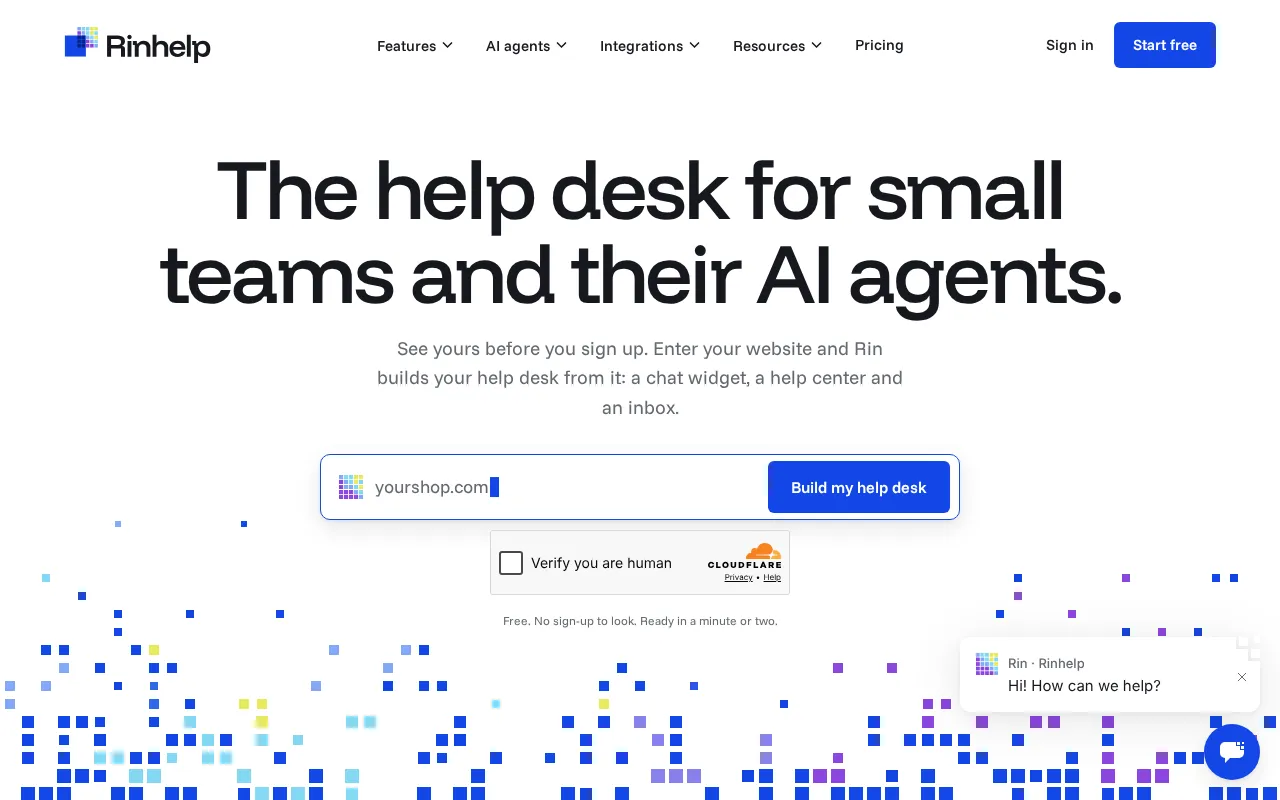
A digital product seller’s inbox fills with the same few messages: a download link that stopped working, a file that won’t open, a pack bought twice, a refund asked for after the download. With Shopify connected, Rinhelp shows the buyer’s orders and their items beside the conversation; with Stripe, their payments and invoices, found by email or by an invoice or receipt number. A teammate refunds the duplicate, in full or in part, from there. A one-time Checkout sale that created no customer and no invoice is grouped under a Stripe guest customer instead, so Rinhelp can’t find it: the tip below on making every checkout create a customer fixes that. Rin, our built-in AI, answers download and install questions from your help center, and when a buyer asks for a refund, it files the request, which waits for a teammate’s approval. Rinhelp can’t resend a download email, reset a download limit, swap a file or issue a license key: those stay in Shopify or your licensing tool. It doesn’t connect to Gumroad, Lemon Squeezy or Payhip, sees a sale only when the payment went through a Stripe account or Shopify store you connect, and answers email and live chat only. Pro is $49 a month for the whole team with 5,000 AI replies.
- Best for
- Digital product sellers of 1 to 10 people who take payment through a Shopify store, or a Stripe checkout that creates a customer for each buyer, answer by email and chat, and want a teammate to approve any refund Rin asks for.
- How it bills
- Free for up to 3 teammates. Pro is $49 a month for the whole workspace, with 5,000 AI replies from Rin. No per-seat or per-resolution fees.
- Free plan
- Yes: 3 teammates, 50 AI replies to try Rin
- 3 people, 300 AI replies
- $49 a month: Pro for the whole workspace, using 300 of its 5,000 AI replies; Free covers your team if you don’t need AI replies.
Pros
- Pro is $49 a month per workspace with 5,000 AI replies, so a part-time helper for a big release changes nothing on the bill, and Free covers 3 teammates.
- A teammate refunds a duplicate purchase from the conversation, whether it was a Shopify order or a Stripe payment tied to a customer or an invoice, without opening either dashboard.
- Articles on file formats, installing fonts or presets, and what a license covers go in a help center with no article limit on Free or Pro, and Rin answers from them.
- A question your articles don’t answer reaches your team tagged as a knowledge gap, so the gaps in your download guides show up as a list.
Cons
- Email and live chat only: there is no phone, WhatsApp, SMS or social inbox.
- Shopify and Stripe are the only integrations.
- No reports, SLA rules or routing rules: Rin hands a conversation to the teammate with the fewest open ones.
- The free plan has no Rin beyond 50 AI replies to try it.
2. Help Scout
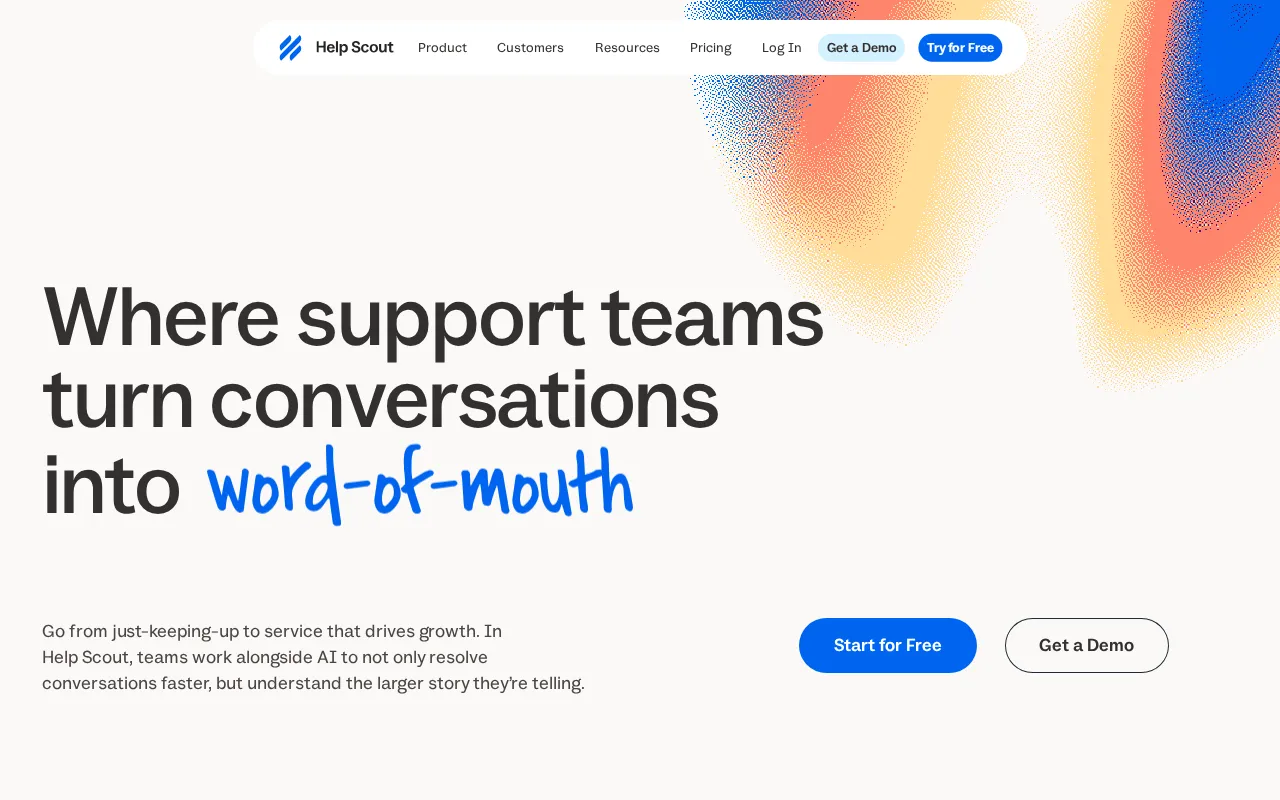
Help Scout is a help desk with shared inboxes, a Docs help center and Beacon, a widget for chat and help articles. Scout, its AI agent, answers chat from your help content and is billed per resolution.
For a seller with a Shopify store for templates and Stripe payment links for one-off bundles, Help Scout’s sidebar covers both: a teammate refunds a Shopify order or a Stripe payment without switching tabs. Scout, its AI agent, answers website and in-app chat only and lists email as coming soon, so “my download link expired” emails still wait for a person.
- Best for
- Support teams that think in tickets and want a calm shared inbox, a help center and live chat, with a free plan to start on.
- How it bills
- Standard is $25, Plus $45 and Pro $75 a user a month on annual billing, which saves 16%. Pro needs at least 10 users and a demo. Scout costs $0.75 per resolution, free for a new account’s first 3 months.
- Free plan
- Yes: 5 users, 1 inbox, 100 contacts a month
- 3 people, 300 AI replies
- $300 a month: 3 Standard users at $25 on annual billing, plus 300 AI resolutions at $0.75.
Pros
- A free plan for up to 5 users, with 1 inbox, a Docs site and 100 contacts a month.
- Agents can refund, cancel or edit recent Shopify orders, and refund Stripe payments or cancel subscriptions, from the sidebar.
- Standard brings email, live chat, SMS, WhatsApp, Instagram and Messenger into one inbox.
- You can cap AI spending each month, and Scout switches off when it reaches the cap.
Cons
- Its official MCP server is read-only: your own AI can search conversations and Docs, but can’t reply, add notes or close.
- Scout answers website and in-app chat only, and lists email as “Coming Soon”.
- Scout can’t look up orders or act in other tools yet: its connection to payment processors and CRMs is still to come.
- Seats and AI are billed separately, so the bill grows with every user and every resolution.
Already on Help Scout? See the best Help Scout alternatives.
3. Shopify Inbox
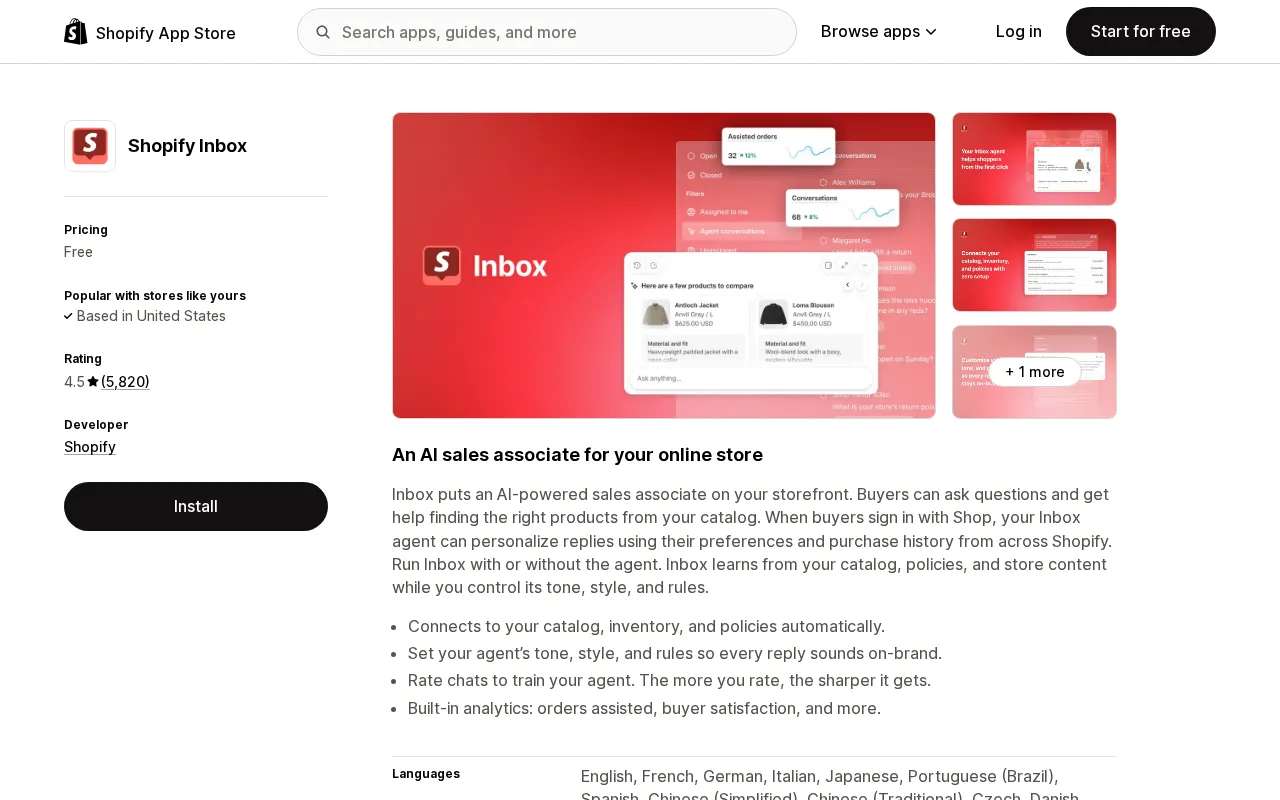
Shopify Inbox is Shopify’s own free chat app for an online store, with an AI agent that answers shoppers in the store’s chat and hands them to staff.
Free on a paid Shopify plan, and its AI answers from your catalog, store policies and published pages, so one page on file formats and how downloads arrive does much of the explaining in store chat. Inbox has no email inbox, so a buyer who replies to the download email writes somewhere else.
- Best for
- Shopify stores where shoppers reach you through the store’s chat and one or two people answer.
- How it bills
- The app is free, with no seat price and no charge for its AI agent. It works only for stores on Shopify’s Basic, Grow, Advanced or Plus plans.
- Free plan
- Yes, a free app on a paid Shopify plan
- 3 people, 300 AI replies
- $0 a month: Free for 3 people, AI agent included, on top of the paid Shopify plan Inbox needs.
Pros
- Free, with its AI agent included and no seat price.
- The AI answers from your catalog, store policies and published pages, and hands a chat to your staff with what it already said.
- Chats live in the Shopify admin and in apps for desktop, iOS and Android.
- It replies to shoppers in their own language.
Cons
- Chat in your online store only: no email inbox, WhatsApp, social messages or phone.
- Shopify’s help pages describe no API or export for its conversations, and its Sidekick can read them but can’t reply, assign or close.
- The AI agent needs new customer accounts and doesn’t work with legacy ones.
- Suggested replies for staff are in English only.
Already on Shopify Inbox? See the best Shopify Inbox alternatives.
4. tawk.to
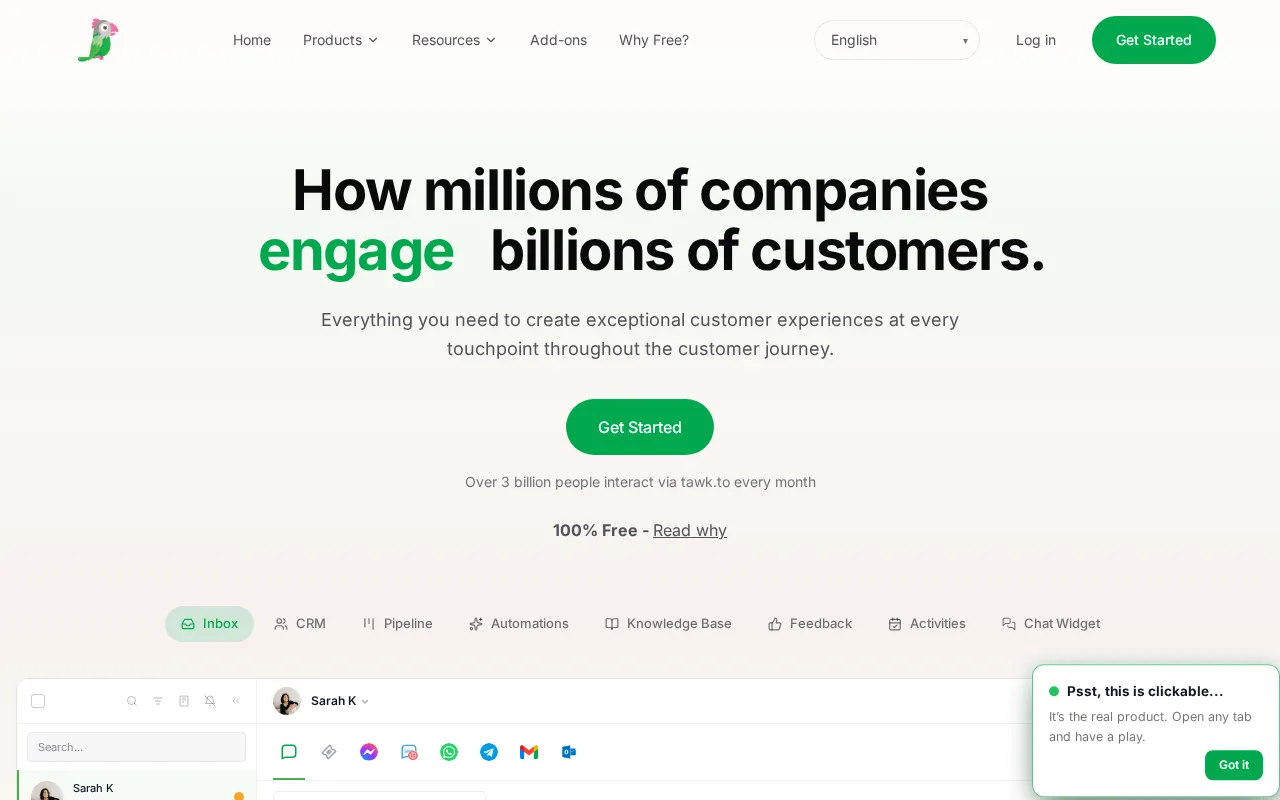
tawk.to is free live chat and ticketing software for websites, with a hosted knowledge base. It makes its money from paid add-ons, such as AI Assist, white label and hired chat agents, billed per website.
tawk.to costs nothing for any number of agents and puts a hosted knowledge base behind the chat, where installing a font or unzipping a bundle can be explained once. Its Shopify app lets an agent refund an order mid-chat, but add-ons such as white label, $39 a month, are billed per website, so a seller with separate shops for presets and printables pays for each.
- Best for
- Small businesses that want website chat for any number of agents at no cost, and don’t mind the tawk.to badge.
- How it bills
- Chat, ticketing and the knowledge base are free for any number of agents. AI Assist is free for 100 credits a month, then $29, $99 or $399 a month ($290, $990 or $3,990 a year) for 1,000, 5,000 or 20,000 credits, and a reply on the default Auto model uses 3.
- Free plan
- Yes: unlimited agents and chats, about 33 AI replies a month
- 3 people, 300 AI replies
- $24 a month: AI Assist Growth at $290 a year, whose 1,000 monthly credits cover 300 replies at 3 credits each on the Auto model. Seats are free.
Pros
- Free for any number of agents, chats and websites, with ticketing and a hosted knowledge base.
- WhatsApp, Messenger, SMS through Twilio and email share one inbox, and the AI answers on chat, WhatsApp, SMS and Messenger.
- Its Shopify app adds a tab where agents check orders, refund and cancel during a chat.
- Hired chat agents start at $1 an hour if you want someone else to answer.
Cons
- AI Assist charges per reply, and once credits run out it stops joining new conversations.
- The “Powered by tawk.to” badge stays unless you pay for white label, $39 a month or $348 a year for each website.
- No official MCP server, and REST API access must be requested and approved first.
- Add-ons are billed per website, so each extra site pays again.
Already on tawk.to? See the best tawk.to alternatives.
5. Crisp
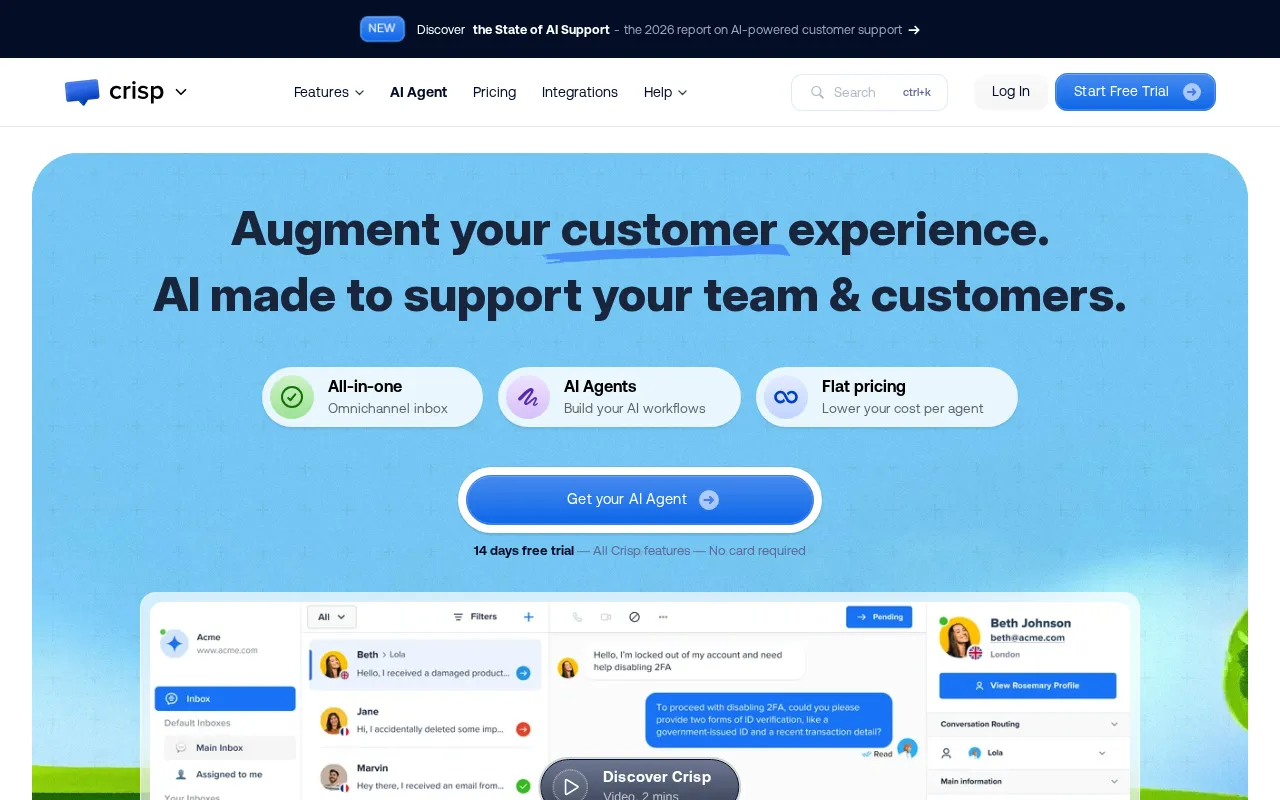
Crisp is a French customer support platform built around a website chat widget, with a shared inbox, many messaging channels and Hugo, its AI agent.
Hugo, Crisp’s AI, can refund through Shopify and Stripe after a one-time code checks the buyer, which fits the pack someone bought twice by mistake. Mini at $45 a month has no help center for your download guides, and seeing Stripe data in the inbox takes Plus at $295.
- Best for
- Small teams that start with free website chat and want WhatsApp, Instagram, SMS and phone in the same inbox later.
- How it bills
- Per workspace a month: Mini is $45 with 4 seats, Essentials $95 with 10 and Plus $295 with 20, including $5, $25 and $75 of AI credits (about 90, 450 and 1,350 Hugo conversations). Extra seats are $10 each, sold on Plus only, and Hugo past the credits runs on Pay-As-You-Go at about $0.05 to $0.10 a conversation.
- Free plan
- Yes: 2 seats, chat only, no AI
- 3 people, 300 AI replies
- $66 or more a month: Mini at $45 for 4 seats with about 90 Hugo conversations in its credits, plus about 210 more at about $0.10 each.
Pros
- One price per workspace, with 10 seats on Essentials for $95 a month.
- WhatsApp, Instagram, Messenger, SMS, Telegram and phone sit in the same inbox from Essentials.
- Its official MCP server can read, reply, add notes, resolve and write help center articles.
- Hugo can look up orders and refund through Shopify, WooCommerce, PrestaShop and Stripe, after a one-time code checks the customer.
Cons
- The free plan has no email inbox and no AI, and Mini has no help center, WhatsApp or MCP server.
- Hugo stops answering when the month’s credits run out unless you turn on Pay-As-You-Go, whose rates aren’t published.
- Stripe data in the inbox comes only with Plus at $295 a month.
- Crisp’s terms refund no fees, monthly or yearly.
Already on Crisp? See the best Crisp alternatives.
6. Re:amaze
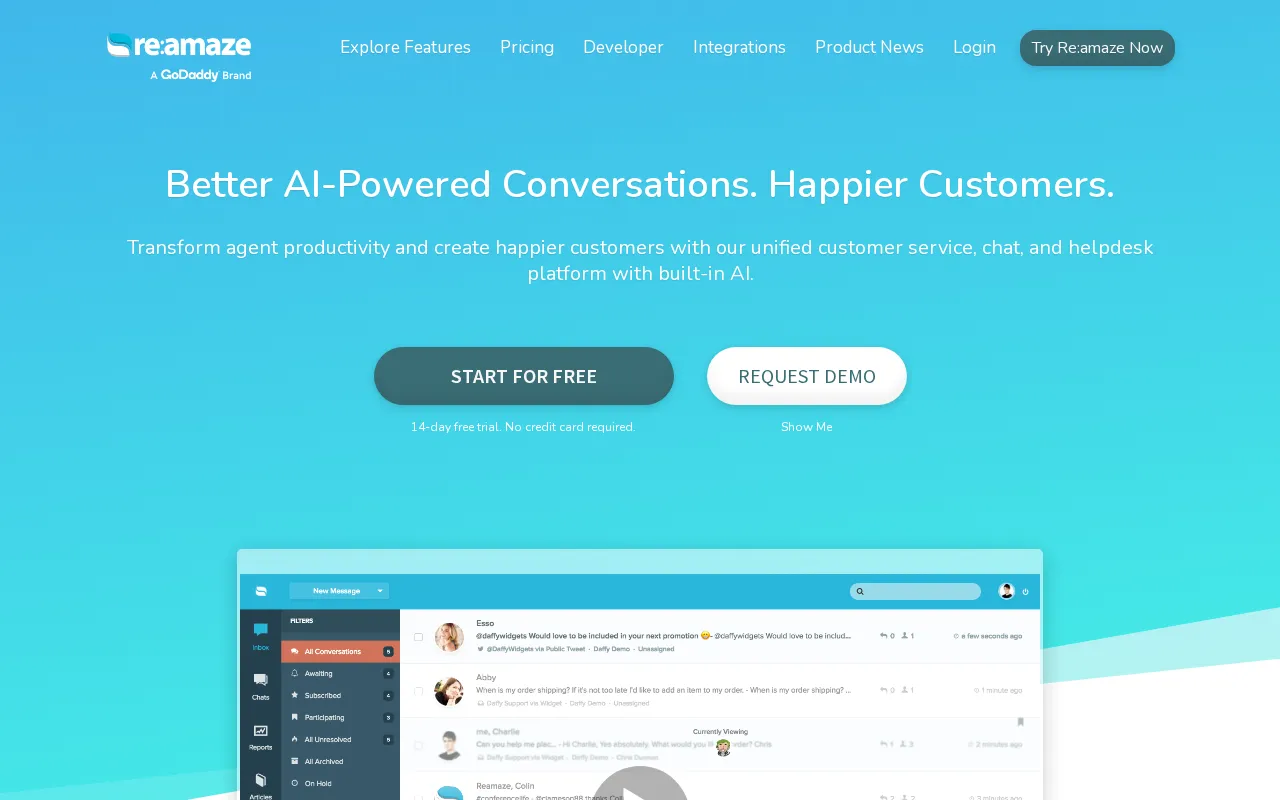
Re:amaze is a help desk for online stores, owned by GoDaddy, with email, live chat, social, SMS and voice in one inbox and an AI agent that answers from your FAQ and store data.
Pro runs unlimited brands from one account, handy for a seller with a font foundry and a template shop under different names, and agents refund Shopify orders and Stripe payments inside the conversation. Each AI resolution past the 5 to 20 included per seat costs $0.85.
- Best for
- Shopify and WooCommerce stores that run several brands and want social, SMS and voice next to email and chat.
- How it bills
- Basic is $29, Pro $49 and Plus $69 a team member a month ($26.10, $44.10 and $62.10 on annual billing), with 5, 10 or 20 AI agent resolutions per seat, then $0.85 each. Starter is $59 a month for unlimited team members and up to 500 responded conversations, with no published AI allowance.
- Free plan
- No, 14-day trial
- 3 people, 300 AI replies
- $321 a month: 3 Basic seats at $26.10 on annual billing, plus 285 AI agent resolutions at $0.85 after the 15 included.
Pros
- Email, live chat and social channels on every plan, with SMS and voice from Pro.
- Pro and Plus run unlimited brands from one account.
- Agents can refund and cancel Shopify orders and refund Stripe payments from inside a conversation.
- Starter gives unlimited team members for $59 a month, up to 500 responded conversations.
Cons
- Each AI resolution past the 5 to 20 per seat costs $0.85, so a busy month adds up fast.
- The AI agent is still labeled beta on the homepage, and no page says it can refund or cancel.
- No official MCP server, so Claude or ChatGPT can only reach it through the REST API or third-party connectors.
- All fees are non-refundable, and closing the account permanently deletes every conversation.
Already on Re:amaze? See the best Re:amaze alternatives.
7. Gorgias
Gorgias is a help desk for ecommerce brands, built around Shopify, with an AI that answers shoppers and can cancel orders or edit addresses. It bills by tickets, not by agents.
Gorgias is built around Shopify, and Starter at $10 a month covers 50 tickets on up to 3 seats, enough for a quiet digital shop. Every conversation its AI resolves is billed as an automated interaction and counted as a ticket too, so an AI answering each “where’s my file?” eats the ticket allowance as well.
- Best for
- Shopify brands with a large team that answer on email, chat, SMS, WhatsApp, social and phone from one inbox.
- How it bills
- By the ticket, never per agent: Starter is $10 a month for 50 tickets, and Basic $50 for 300, Pro $300 for 2,000 and Advanced $750 for 5,000 on annual billing ($60, $360 and $900 monthly). Gorgias AI Agent costs $0.90 per automated interaction on annual billing or $1.00 monthly, $1.50 past your tier, and each one also counts as a ticket.
- Free plan
- No, 7-day trial
- 3 people, 300 AI replies
- $320 or more a month: Basic at $50 on annual billing for 300 tickets, plus 300 AI interactions at $0.90 with the AI limit raised to cover them, each also counted as a ticket and $1.50 past that limit.
Pros
- Shopify orders, customers and products show inside every ticket, and Gorgias says 40% of Shopify brands use it.
- Email, chat, SMS, WhatsApp, Instagram, Facebook and phone land in one inbox.
- No seat price: Basic and above allow up to 500 users.
- Its official MCP server lets Claude or ChatGPT reply, assign, close, write macros and publish help center articles on every Helpdesk plan.
Cons
- A ticket the AI resolves on its own is billed twice, as a ticket and as an automated interaction.
- Interactions past your AI tier cost $1.50 each, and tickets past your plan $0.36 to $0.40.
- Cancelling takes written notice 30 days before the term ends, even on monthly billing, and fees aren’t refunded.
- The MCP server is in open beta and has no tool to look up or refund an order.
Already on Gorgias? See the best Gorgias alternatives.
8. Tidio
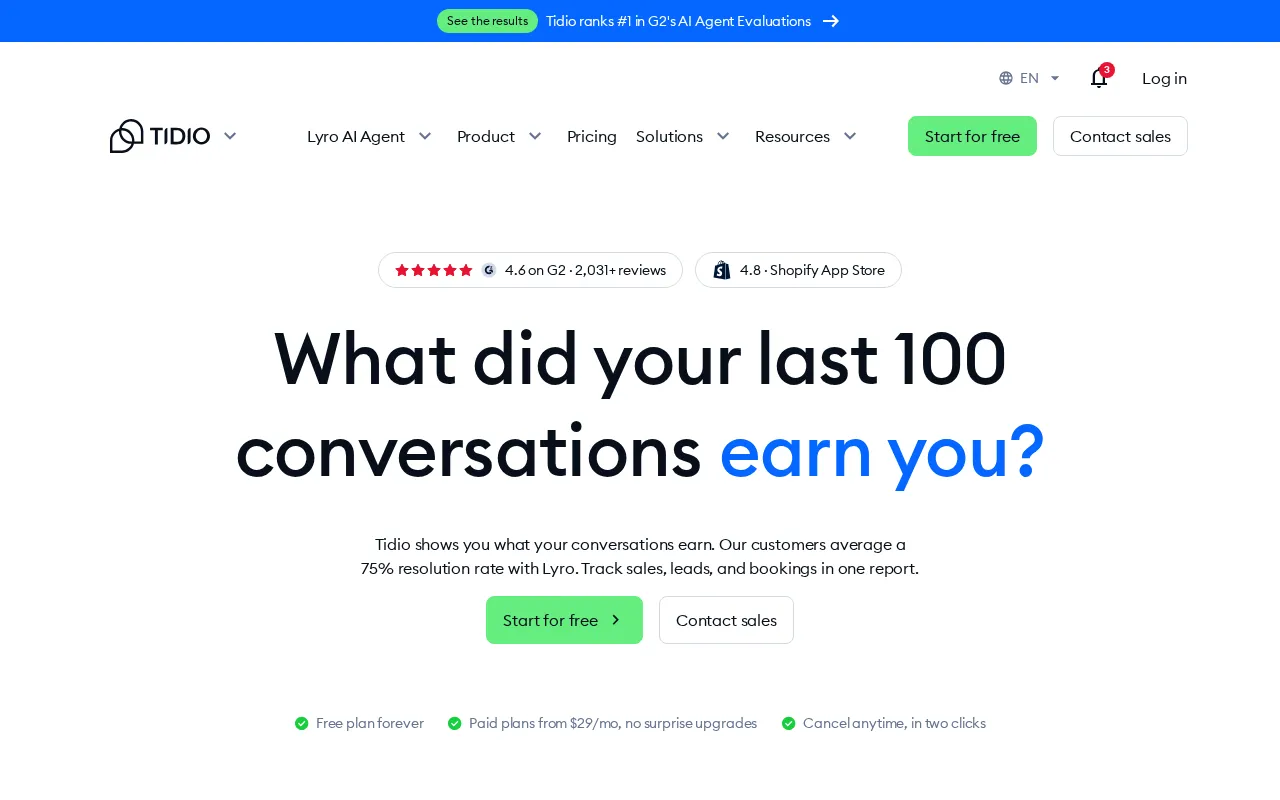
Tidio is a live chat and help desk tool built for online stores, especially Shopify, with Lyro, an AI agent sold as an add-on, and a help center since 2026.
Lyro, Tidio’s add-on AI, can check, change, cancel and refund orders, and Free gives a small shop 10 seats and 50 conversations a month, with Instagram beside website chat. Stripe needs Plus, from $300 a month, so a seller who checks out through Stripe payment links gets little from the cheaper plans.
- Best for
- Shopify and WooCommerce stores that want chat, WhatsApp and Instagram in one inbox and an AI that recommends products.
- How it bills
- Plans are priced by the conversations your team answers, with 10 seats: Starter is $24.17 a month on annual billing ($29 monthly) for 100, and Growth runs from $49.17 for 250 ($59 monthly) to $349 monthly for 2,000. Lyro is an add-on from $32.50 a month for 50 conversations to $583.33 for 1,000 on annual billing ($39 for 50, $210 for 300 and $700 for 1,000 monthly), and Plus starts at $300 a month plus usage.
- Free plan
- Yes: 10 seats, 50 conversations a month
- 3 people, 300 AI replies
- $199 or more a month: Starter at $24.17 on annual billing plus 300 Lyro conversations at $175. Starter covers 100 conversations your team answers, and more needs Growth.
Pros
- Up to 10 seats on Free, Starter and Growth, so the bill doesn’t grow as you add teammates.
- WhatsApp, Instagram, Messenger and email on every plan, including Free.
- Lyro recommends products and adds them to the cart on Shopify and WooCommerce.
- Lyro’s actions can check orders, cancel or change them and refund, and Lyro can call your own MCP servers.
Cons
- Lyro is a separate add-on billed per conversation, about $0.58 to $0.78 each by tier and billing, and over 1,000 a month is priced by sales.
- The API and Stripe integration need Plus, from $300 a month.
- Its official MCP server only reads analytics data, loaded once a day, so your own AI can’t reply or close.
- No refunds for time left after you cancel.
Already on Tidio? See the best Tidio alternatives.
9. Intercom
Intercom is a customer service help desk with a chat Messenger, a shared inbox, a help center and Fin, its AI agent. Its company renamed itself Fin in May 2026, and Salesforce bought it that September.
Intercom’s Stripe app shows a buyer’s subscriptions mid-conversation, useful when a template club or software plan renews, and agents refund or cancel Shopify orders from the sidebar. Every person who replies needs a paid seat, and Fin charges $0.99 an outcome, which also counts when a buyer simply stops asking after its answer.
- Best for
- Software and app companies that want chat, email, phone, WhatsApp and SMS in one inbox, with Fin answering across them.
- How it bills
- Per seat: Essential is $29, Advanced $85 and Expert $132 a seat a month on annual billing ($39, $99 and $139 monthly), and new customers pay $19 for Essential on annual billing. Fin costs $0.99 for each outcome, and WhatsApp, SMS and phone are billed by use.
- Free plan
- No, 14-day trial
- 3 people, 300 AI replies
- $354 a month: 3 Essential seats at $19, the new-customer price on annual billing (list $29), plus 300 Fin outcomes at $0.99.
Pros
- Chat, email, phone, WhatsApp, SMS, Slack, Facebook and Instagram all arrive in one inbox.
- Fin answers on email, live chat and phone, and is charged once per conversation however many questions it answers.
- Agents can refund or cancel a Shopify order from the inbox sidebar, and the Stripe app shows subscriptions mid-conversation.
- Its official MCP server can add internal notes and write and publish help center articles, not only read.
Cons
- Every teammate who replies needs a paid seat, and Fin adds $0.99 an outcome on top.
- An outcome also counts when a customer simply stops asking after Fin’s answer, or when a Fin workflow hands the conversation to your team.
- Its MCP server can’t reply to customers, assign or close conversations, and doesn’t serve workspaces hosted in Australia.
- No free plan, and an annual plan cancelled early gets no prorated refund.
Already on Intercom? See the best Intercom alternatives.
10. Chatbase
Chatbase builds an AI agent trained on your own content, such as your website and documents, and puts it on your site, WhatsApp, Messenger, Instagram, Slack, email and the phone. Its Helpdesk inbox, included from Basic, its cheapest plan, lets your team take over what the AI can’t solve.
Chatbase trains its AI on your own documents and website, so install guides and license terms you already wrote can answer buyers, and Basic at $150 a month, or $120 on annual billing, includes its Stripe and Shopify integrations. Its chatbots stop answering when message credits run out unless auto recharge buys more.
- Best for
- Teams that want a chatbot on their website and messaging apps first, with a choice of models from OpenAI, Anthropic, Gemini and others, and a help desk second.
- How it bills
- Basic is $150 and Business $500 a month on monthly billing ($120 and $400 a month on annual billing), with 4,000 and 15,000 message credits and 3 and 5 members. The recommended models use 1 to 5 credits a message, unused credits don’t carry over, and auto recharge adds credits at $40 per 1,000.
- Free plan
- Not on the pricing page: Basic and Business each start with a 7-day trial
- 3 people, 300 AI replies
- $120 a month: Basic at $120 a month on annual billing ($150 monthly), the cheapest plan, with 3 members. Its 4,000 message credits cover 300 replies even at 5 credits each.
Pros
- Every plan includes advanced models from OpenAI, Anthropic, Gemini, DeepSeek, Mistral and others, so you choose the one each chatbot runs on.
- The chatbot answers on your website, WhatsApp, Messenger, Instagram, Slack, email and the phone.
- A teammate can take over a live AI conversation from the Helpdesk, which turns it into a ticket with an AI-written summary.
- Its AI can escalate a conversation as a ticket to Zendesk, Salesforce, Intercom, Zoho Desk, Freshdesk, HubSpot, Help Scout, Gorgias or Odoo, with the customer’s details.
- Its official MCP server lets Claude or ChatGPT search conversations, reply to Helpdesk tickets or leave internal notes on them, and assign or close them.
Cons
- Members are capped by plan: 3 on Basic and 5 on Business.
- When message credits run out, the chatbots stop responding until the credits reset, unless auto recharge buys more.
- An action can make the chatbot send 2 or more requests to the model for one reply, and each one uses credits.
- Removing “Powered By Chatbase” is a $99 a month add-on.
Already on Chatbase? See the best Chatbase alternatives.
11. DocsBot
DocsBot turns your docs, website and other content into AI agents that answer customers in a chat widget, Slack or WhatsApp. When a customer needs a person, it hands them to the help desk widget you already use, such as Help Scout, Zendesk or Intercom.
For a plugin or app seller whose setup docs live in Notion, Confluence or Google Drive, DocsBot answers from them and, on Standard at $149 a month, passes a stuck buyer to Help Scout, Zendesk, Intercom, Freshdesk, HubSpot, LiveChat or Gorgias with an AI-written ticket. It isn’t a help desk, so the teammate who takes over works in another tool, billed separately.
- Best for
- Teams happy with their help desk that want an AI answering from their docs on the website, with hard questions passed to that help desk.
- How it bills
- Personal is $49 a month for 1 team user and 5k AI credits, Standard $149 for 5 team users and 15k, and Business $499 for 10 team users and 60k, with 2 months free on annual plans. A chat message starts at 1 credit and uses more on larger models and AI actions, and each 5k more credits cost $49 a month. Extra team users are $19 each, on Business and Enterprise only.
- Free plan
- Yes: 1 user, 100 AI credits a month
- 3 people, 300 AI replies
- $149 or more a month: Standard at $149, the first plan with escalation tickets for your help desk, using 300 of its 15k AI credits at 1 credit a message. Your help desk’s seats come on top.
Pros
- A free plan with 100 AI credits a month, and a 14-day money-back guarantee on paid plans.
- It learns from dozens of content sources, such as Notion, Confluence, Google Drive, Zendesk Guide and solved Help Scout or Freshdesk tickets.
- On Standard, its widget hands a customer to your Help Scout, Zendesk, Intercom, Freshdesk, HubSpot, LiveChat or Gorgias widget, with the chat history and an AI-written ticket.
- It answers in Slack, Messenger, WhatsApp and Telegram from Personal, and adds realtime voice agents and Stripe billing actions on Standard.
Cons
- DocsBot is not a help desk: the teammate who takes over answers in another tool, billed separately.
- When the month’s AI credits run out, it stops answering and shows customers an error, unless you turn on auto-add.
- Standard stops at 5 team users, and extra users are sold only from Business at $499 a month.
- Removing DocsBot branding from the widget needs Business.
Already on DocsBot? See the best DocsBot alternatives.
12. Helpwise
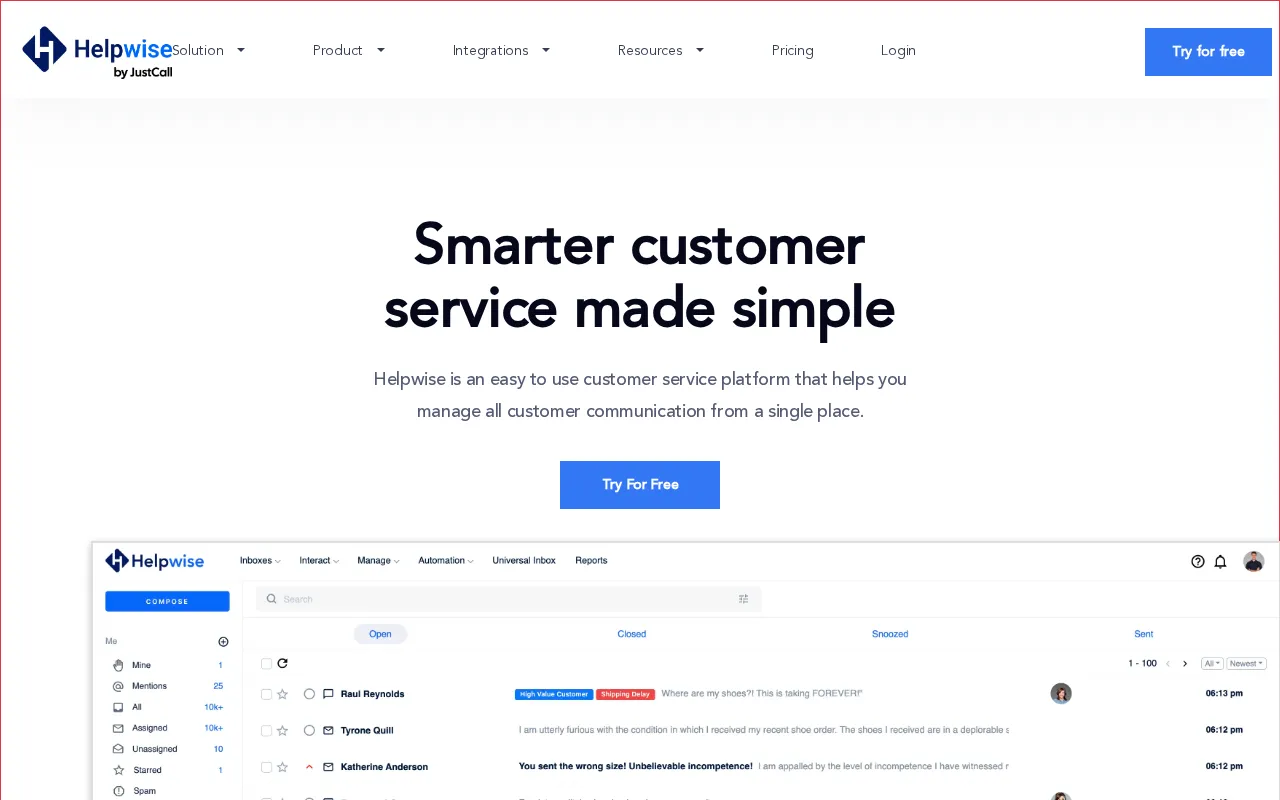
Helpwise is a shared inbox for email, live chat, WhatsApp, SMS, calling and social messages, made by SaaS Labs, the company behind JustCall. It includes help centers, a menu chatbot and an AI that drafts replies.
Helpwise shows Shopify orders and Stripe subscriptions beside each conversation, which covers both checkouts a seller might run. Standard, at $12 a user on annual billing, has no Shopify, so a Shopify seller starts on Premium at $23, and its AI drafts replies but never answers a buyer itself.
- Best for
- Small teams that want WhatsApp, SMS and calls beside email at a low seat price, and are happy writing every reply themselves.
- How it bills
- Per user: Standard is $12, Premium $23 and Advanced $39 a user a month on annual billing ($15, $29 and $49 monthly), with Standard for 2 to 10 users, Premium from 2 and Advanced from 3. Add-ons on annual billing: the chatbot is $8 a user on Premium ($10 monthly), 3 more inboxes are $42 ($49 monthly) and the cloud phone system is $4 an active user ($5 monthly). AI drafts use prepaid credits topped up from $5.
- Free plan
- No, 7-day trial
- 3 people, 300 AI replies
- $69 or more a month: 3 Premium users at $23 on annual billing, plus prepaid credits for AI drafts, not counted here. No AI answers customers.
Pros
- WhatsApp, SMS, calling, Facebook and Instagram sit in one inbox with email and live chat from Premium.
- Standard is $12 a user a month on annual billing for a plain shared inbox with live chat and a help center.
- Advanced holds up to 30 shared inboxes and 5 help centers, with the chatbot and calling included.
- Shopify orders and Stripe subscriptions show beside each conversation.
Cons
- Its AI drafts replies for agents but never answers a customer by itself.
- There is no official MCP server, and the API needs Premium or above.
- Every charge is non-refundable, and cancelling an annual plan only stops the renewal.
- Standard caps saved replies at 15 and automation rules at 3, and has no API or Shopify.
Already on Helpwise? See the best Helpwise alternatives.
13. Chatwoot
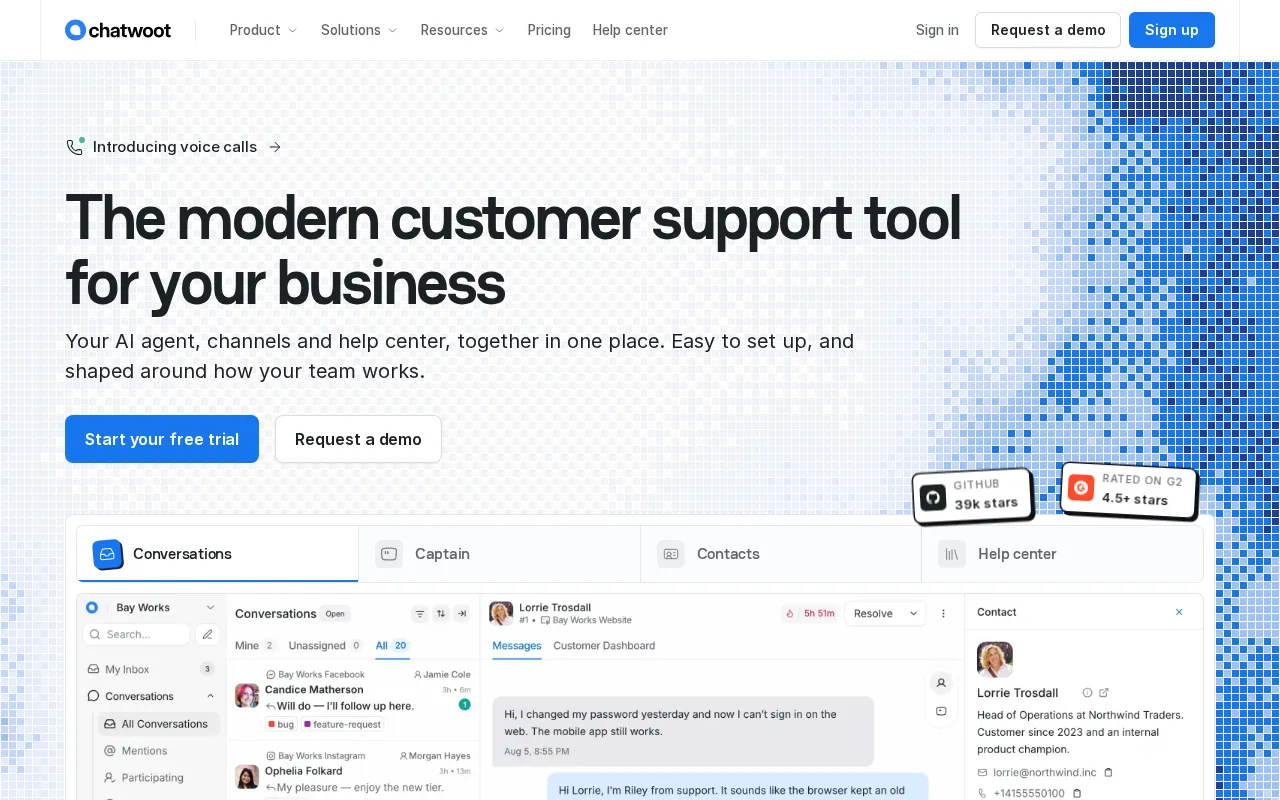
Chatwoot is open-source support software with one inbox for live chat, email, WhatsApp, social and voice, a help center, and Captain, its AI agent. You can use Chatwoot Cloud or host it yourself.
Chatwoot lists Shopify and Stripe among its integrations, and Startups, $19 an agent a month on Cloud, adds a help center for install and license articles, or you can host the Community Edition yourself for free. Captain’s custom tools have no built-in approval step, which matters before you let it near refunds.
- Best for
- Teams that want many channels at a low seat price, or want to run their help desk on their own servers.
- How it bills
- Cloud is per agent a month: Startups $19, Business $39 and Enterprise $99, with 300, 500 or 800 Captain credits for the account. Each Captain reply uses a credit, extra credits are $20 per 1,000, and no annual price is published. Credits never top up by themselves: once they run out, new conversations go straight to your team with no Captain reply.
- Free plan
- Yes: 2 agents, live chat only, 500 conversations a month
- 3 people, 300 AI replies
- $57 a month: 3 Startups agents at $19, with the 300 included Captain credits covering 300 AI replies.
Pros
- Open source: the self-hosted Community Edition is free, and your data stays on your own servers.
- One inbox for live chat, email, WhatsApp, Instagram, Messenger, TikTok and, from Business, voice calls.
- Startups includes every channel but voice, plus a help center, at $19 an agent a month.
- An official CLI and agent skill let coding agents such as Claude Code work in Chatwoot.
Cons
- Startups has no automation rules or teams; those start on Business at $39 an agent.
- Captain uses a credit for every reply, and bought credits expire after 6 months and aren’t refunded.
- Since July 2026 the free Cloud plan has no API or webhook access.
- No official MCP server, and Captain’s custom tools have no built-in approval step for actions like refunds.
Already on Chatwoot? See the best Chatwoot alternatives.
14. Enchant
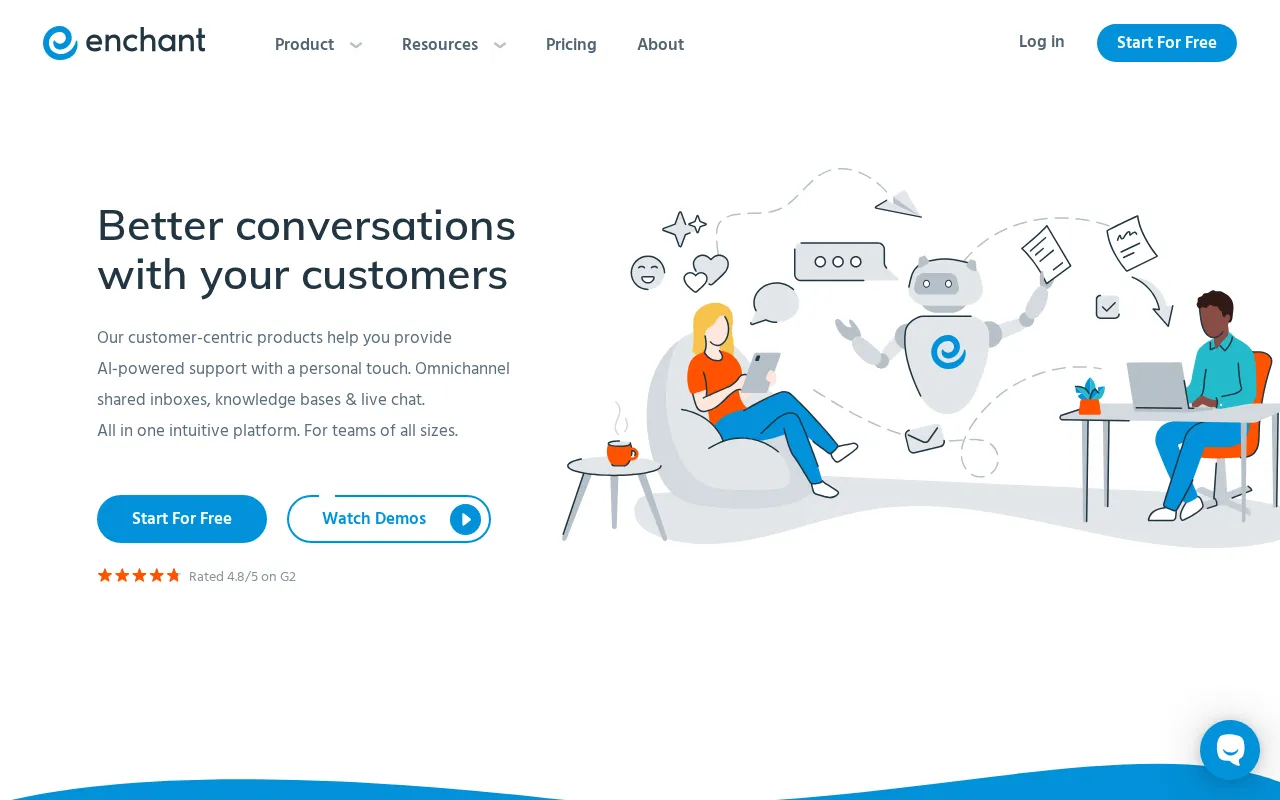
Enchant is a help desk from Senvee, a Canadian company that launched it in 2012. Email, live chat, phone calls, SMS, WhatsApp, Facebook Messenger and Instagram share one inbox, with knowledge bases and an AI add-on that mostly drafts for agents.
Enchant shows a buyer’s recent Shopify orders beside the conversation, but lists no Stripe, so payment-link sales stay out of view. The paid plan is $20 a user a month with no annual contract, and Free gives 2 users the chat widget and knowledge bases.
- Best for
- Small and growing teams that want every channel, phone calls included, in one shared inbox at one price per user, month to month.
- How it bills
- The paid plan is $20 a user a month, billed monthly with no annual contract. Enchant AI Standard is $30 per 500 customers helped, averaged over the past three months and counting every customer, with or without AI. Advanced Security is $5 a user and removing branding $50 a month. Free covers 2 users on the chat widget.
- Free plan
- Yes: 2 users, chat widget only, plus a 30-day trial of the paid plan with no card
- 3 people, 300 AI replies
- $90 a month: 3 users at $20 a month on Enchant’s one paid plan, billed monthly, plus $30 for Enchant AI Standard at 300 customers helped, $30 per 500. Its AI agent, a beta, answers live chat only and at most 100 chats a month, so your team answers the rest.
Pros
- One price per user covers every channel, phone calls, SMS, WhatsApp and Instagram included, billed monthly with no annual contract.
- A built-in call center records calls and runs queues over your own Twilio number, and Enchant adds no fee per call.
- A free plan for 2 users with the chat widget, knowledge bases and a newsletter, and a 30-day trial of the paid plan with no card.
- Paid plans include a free import of your history from your old help desk, done by Enchant’s team.
Cons
- Its AI agent is a beta that answers live chat only, up to 100 chats a month. Email and other channels get AI drafts for agents to send.
- Enchant AI Standard is billed on every customer your team helps, not only the ones AI answers.
- No MCP server, and no Stripe among its integrations. Shopify shows a customer’s details and recent orders beside the conversation.
- Phone calls run on your own Twilio account, which bills its own rates.
Already on Enchant? See the best Enchant alternatives.
15. Willdesk
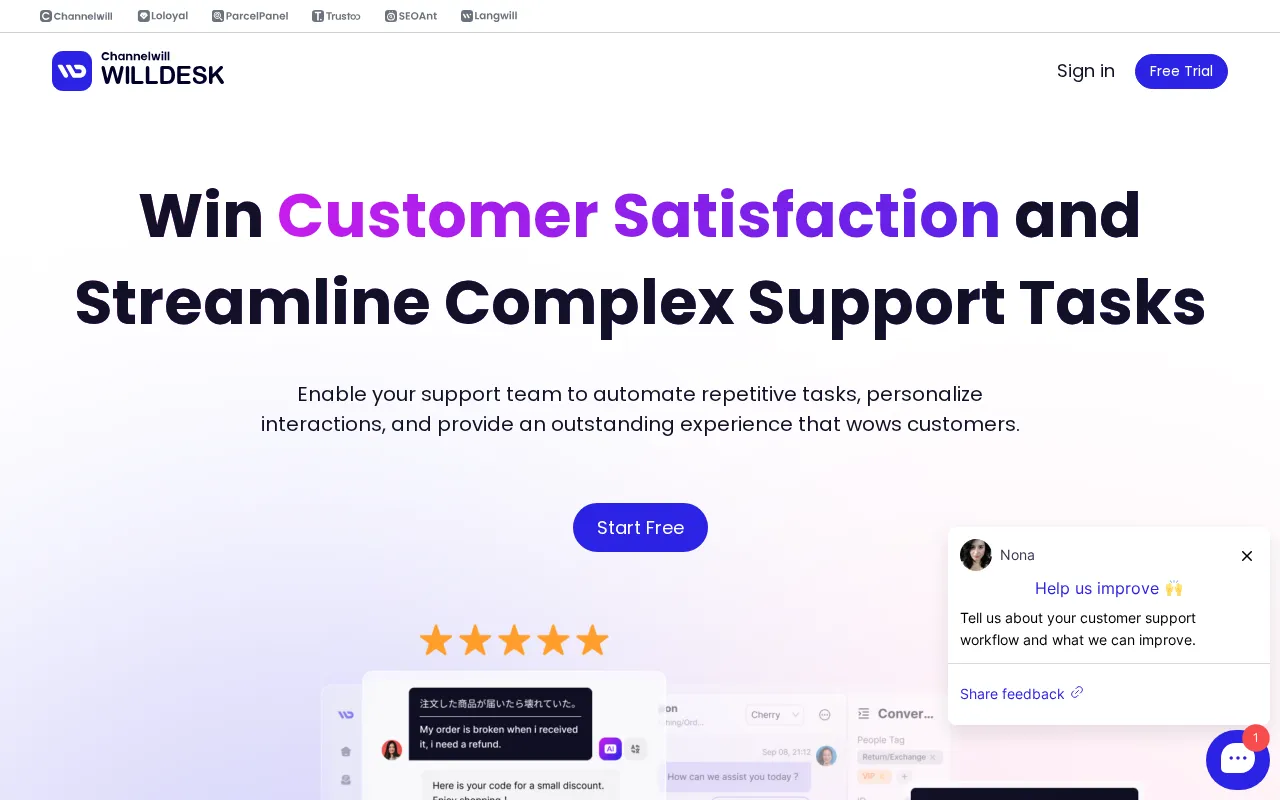
Willdesk is a help desk for Shopify stores from Channelwill: email, live chat, WhatsApp, Instagram and Messenger in one inbox, with a help center and an AI agent sold by the conversation.
Willdesk gives unlimited seats on every plan, Free included, and its AI agent answers from your FAQ articles, products and store policies for $0.20 a conversation. It’s built for Shopify stores and lists no Stripe integration, and its built-in parcel tracking is no use for a download.
- Best for
- Shopify stores that want a cheap multichannel inbox with unlimited seats and order tracking built in.
- How it bills
- Seats are unlimited on every plan. Free covers 20 conversations a month, Basic runs from $16.90 for 100 to $42.90 for 500, and Pro from $89.90 for 1,000 to $629.90 for 10,000, with 30% off the first year on annual billing. The AI agent is an add-on at $0.20 for each conversation in your quota, and WhatsApp is $10 per 100.
- Free plan
- Yes: 20 conversations a month, unlimited seats
- 3 people, 300 AI replies
- $90 a month: Basic for 300 conversations at $29.90 plus 300 AI conversations at $0.20.
Pros
- Unlimited seats on every plan, including Free, so the bill doesn’t grow as you hire.
- Email, live chat, Instagram and Messenger on every plan, and WhatsApp on paid ones.
- Its AI agent answers on chat, email, WhatsApp, Instagram and Messenger from your FAQ articles, products and store policies.
- Order tracking for shoppers is built in, through TrackingMore.
Cons
- The AI agent is an add-on at $0.20 a conversation, so turning it on can triple the bill.
- For a changed address, a cancellation or a return, the AI guides the shopper and then hands the request to your team.
- Its pages describe it only for Shopify stores, and list no Stripe integration.
- Its pages and help center describe no API, MCP server or conversation export.
Already on Willdesk? See the best Willdesk alternatives.
16. Zoho Desk
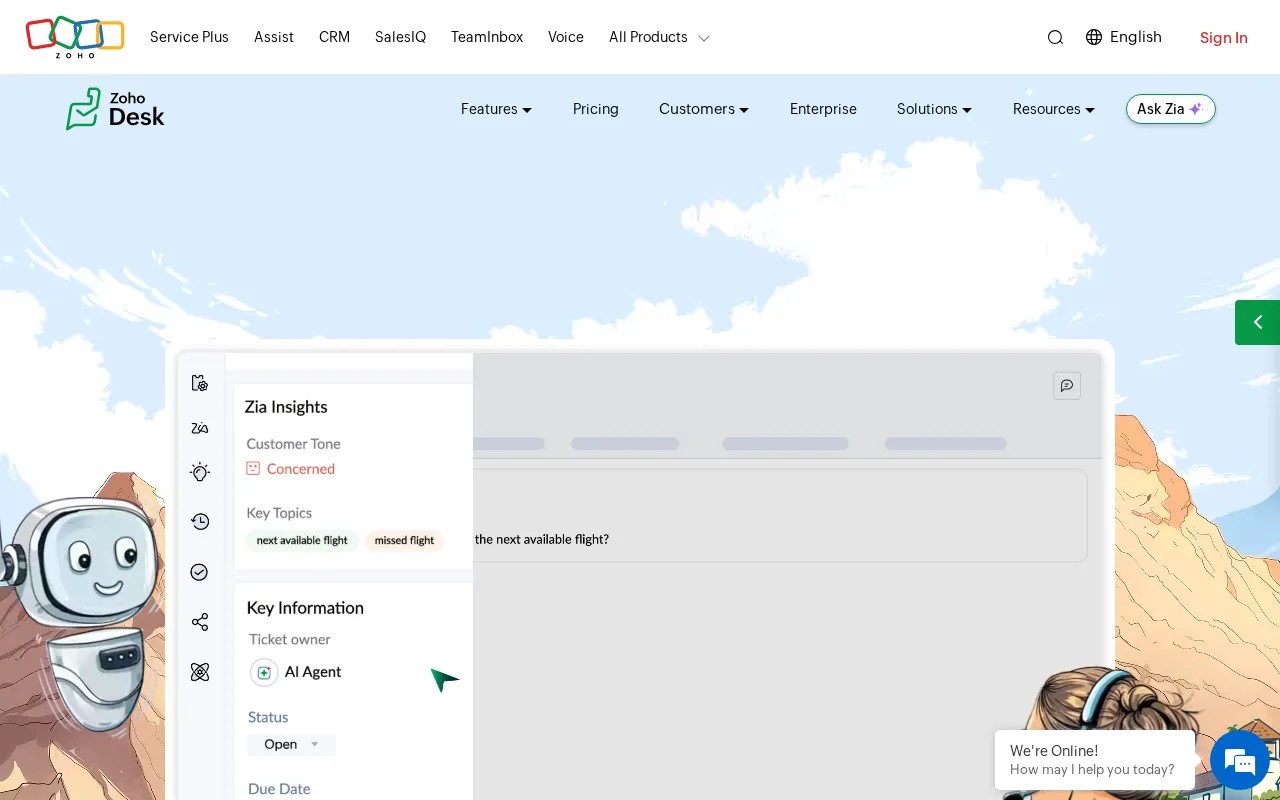
Zoho Desk is the help desk in Zoho’s suite of business apps, with tickets from email, social media, chat, WhatsApp and phone, a multilingual help center, and Zia, Zoho’s AI.
Zoho Desk connects to Shopify, and Express is $7 a user on annual billing for up to 5, a cheap way to log each “file won’t open” report as a ticket. Live chat and Answer Bot, which answers buyers from your help center, wait for Standard at $14.
- Best for
- Budget-minded teams that want a full ticketing suite with workflows and SLAs, especially if they already use other Zoho apps.
- How it bills
- Per user: Express is $7, Standard $14, Professional $23 and Enterprise $40 a month on annual billing ($9, $20, $35 and $50 monthly), and light agents are $6 each. Express allows up to 5 users; Standard and above have no user limit. AI agents include up to 30 million free tokens a month. Other generative features run on a key you bring from an AI provider, and Professional and Enterprise add Zia’s own.
- Free plan
- Yes: 3 users, email only
- 3 people, 300 AI replies
- $42 a month: 3 Standard users at $14 on annual billing, the first plan with live chat and Answer Bot, which answers customers from your help center. Zoho publishes no per-answer fee.
Pros
- Low seat prices: Express is $7 a user and Standard $14 on annual billing, with a free plan for 3 users.
- Standard adds live chat, WhatsApp, Telegram and other messaging apps, and Professional adds phone support.
- Workflows, SLAs and several departments, with a help center you can publish in over 40 languages on Professional.
- Zoho’s official MCP server is free and can read tickets, send replies and add comments.
Cons
- Express stops at 5 users, so a sixth teammate moves everyone to Standard at $14.
- Zia’s full AI needs Professional, and the agent that answers email tickets is open only to selected accounts.
- The MCP server has no tools for help center articles or saved replies, and every call uses daily API credits.
- Express has no live chat, and the free plan covers email only.
Already on Zoho Desk? See the best Zoho Desk alternatives.
17. HubSpot
HubSpot Service Hub is the customer service part of HubSpot’s CRM: a help desk inbox for email, chat, WhatsApp and calls, a knowledge base, and the customer agent, an AI that answers customers.
HubSpot’s free plan covers 2 users, and both Stripe and Shopify connect to its CRM, which suits a seller whose launch emails already go out from HubSpot. The customer agent that answers buyers needs Professional and a required $1,500 onboarding fee, and HubSpot’s examples of its actions include no refunds.
- Best for
- Teams already running sales or marketing on HubSpot that want support on the same customer records.
- How it bills
- Per seat: Starter is $7 and Professional $90 a seat a month on annual billing ($10 and $100 paid monthly, with Professional still committed for a year), and Enterprise starts at $150. Starter’s prices are new-customer discounts on a $20 list price. Professional adds a required $1,500 onboarding fee, and Enterprise $3,500. The customer agent uses 50 credits, $0.50, per resolved conversation, after 3,000 credits a month included on Professional.
- Free plan
- Yes: 2 users, with HubSpot branding on chat and email
- 3 people, 300 AI replies
- $390 a month: 3 Professional seats at $90 on annual billing, plus 300 resolutions by the customer agent at 50 credits each, $120 after the 3,000 included credits. A one-time $1,500 onboarding fee comes on top.
Pros
- Support, sales and marketing share one CRM, so every ticket sits next to the customer’s deals and emails.
- The customer agent is billed only when it resolves a conversation, and a handoff to a person costs nothing.
- Professional puts calling, WhatsApp and Facebook Messenger in the same inbox as email and chat.
- The official MCP server reads inbox conversations and writes tickets, notes and contacts, asking you to confirm each change.
Cons
- The customer agent needs Professional at $90 a seat on annual billing, plus a required $1,500 onboarding fee.
- AI credits are shared with every other credit feature, and the customer agent stops taking new conversations when they run out.
- The MCP server can’t send a reply to a customer or reach the knowledge base.
- HubSpot’s examples of customer agent actions are password resets and booking meetings, with no refunds or order changes.
Already on HubSpot? See the best HubSpot alternatives.
18. Missive
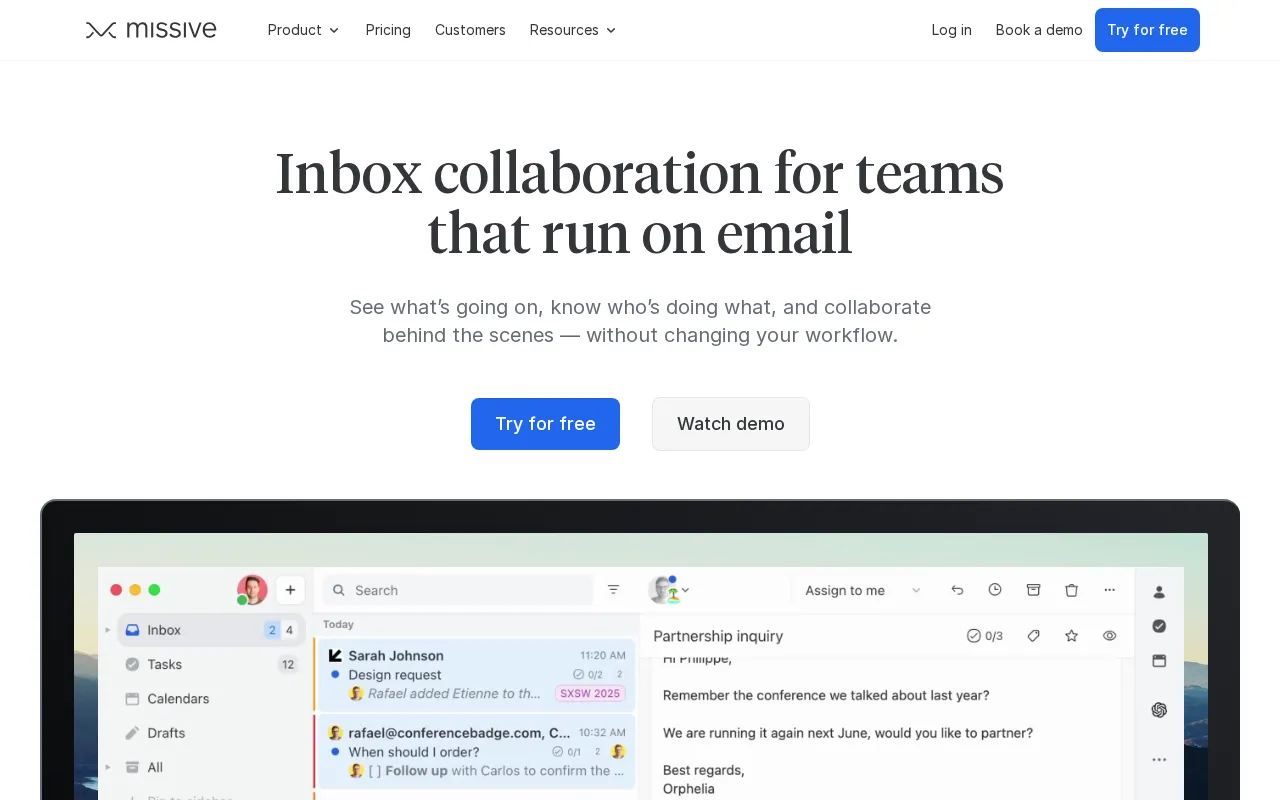
Missive is a team email app that puts personal and shared inboxes, comments, tasks, calendars and internal chat in one place. Its AI assistant drafts, summarizes and translates, but doesn’t answer customers on its own.
Missive suits a seller and a partner who share one support address and want comments and tasks on each email. Live chat runs through your own Twilio account, its AI only drafts replies for you to send, and with no help center your download instructions live elsewhere.
- Best for
- Small teams that answer email together and want internal chat and tasks beside their messages.
- How it bills
- Starter is $14 a user a month for up to 5 users, Productive $24 for up to 50 and Business $36, on annual billing ($18, $30 and $45 monthly). AI runs on Missive credits at the provider’s price plus 25%, or on your own key with no markup, and Productive and Business start with $5 of free credits. Each user adds 5 shared accounts to a pool, and every 5 past it cost $15 a month.
- Free plan
- No, 30-day trial
- 3 people, 300 AI replies
- $72 or more a month: 3 Productive users at $24 on annual billing, plus AI drafts at token prices. No AI answers customers.
Pros
- Personal and shared email, comments, tasks, calendars and internal chat live in one app.
- Bring your own Anthropic, OpenAI or Gemini key and pay no markup on AI.
- Its AI assistant reaches Stripe, Notion and Linear through MCP, and asks you to approve actions before anything happens.
- Native apps for iOS, Android, macOS and Windows, with SMS, WhatsApp, Messenger and Instagram beside email.
Cons
- No AI answers customers: AI rules can only create a draft for a teammate to send.
- No help center, and live chat needs your own Twilio account.
- The API and MCP need Productive.
- No free plan: after the 30-day trial an unpaid organization is paused, and its data is eventually deleted.
Already on Missive? See the best Missive alternatives.
19. FreeScout
FreeScout is a free, open-source help desk and shared mailbox built with PHP and Laravel, which you install on your own server. Features beyond the core, from live chat to a knowledge base, come as modules sold once.
For a developer selling plugins or app licenses, FreeScout runs on your own server for unlimited agents, with a knowledge base module for $12 and live chat for $13, each paid once. No AI answers buyers, and help with a module stops at fixing confirmed bugs.
- Best for
- Teams with someone to run a PHP server who want an email help desk for any number of agents without a monthly bill.
- How it bills
- FreeScout is free and open source for unlimited agents, tickets and mailboxes, and you host it yourself: FreeScout offers no cloud version of its own. Features such as live chat ($13), a knowledge base ($12), saved replies ($4.99), tags ($6.99), workflows ($14.99) and API & Webhooks ($12.99) are modules, each a one-time lifetime license for one FreeScout instance, with no trials and no refunds. The AI module is free and runs on your own AI provider.
- Free plan
- Yes: free and open source for unlimited agents, on your own server
- 3 people, 300 AI replies
- $0 or more a month: 3 agents on the free FreeScout app, on a server you run from $3.10 a month on PikaPods in FreeScout’s one-click list. Live chat ($13), knowledge base ($12) and saved replies ($4.99) are one-time modules, $29.99 together, and no AI answers customers.
Pros
- Free for unlimited agents, tickets and mailboxes, and every conversation stays on a server you control.
- Modules are paid once, with lifetime updates, and their source code is open under AGPL-3.0.
- The free AI module drafts and summarizes with OpenAI, Claude, Gemini or a local model through Ollama.
- Beside email, live chat, WhatsApp, Telegram, Facebook and SMS through Twilio can join the same inbox, each through a module.
Cons
- FreeScout sells no hosted version, so you run the server yourself or pay another company to host it.
- No AI answers customers: the AI module only drafts, summarizes and polishes replies for an agent.
- Saved replies, tags, workflows, live chat and the knowledge base are each a paid module, with no trial and no refund.
- Help with a module is limited to fixing confirmed bugs, and FreeScout points you to a developer for anything else.
Already on FreeScout? See the best FreeScout alternatives.
20. Gmail / Google Workspace
Google Workspace is Google’s business email and office suite. A support team answers from a shared Gmail address, a Google Group set up as a collaborative inbox, or delegated access to one mailbox.
If buyers already reply to your Google Workspace address, a Google Group set up as a collaborative inbox lets a second person take and resolve their messages. Nothing there connects to Shopify or Stripe, so each refund means opening another tab.
- Best for
- Very small teams already on Google Workspace that answer a modest amount of email and need no live chat or help center.
- How it bills
- Per user: Business Starter is $7, Standard $14 and Plus $22 a user a month with a 1-year commitment, and Starter is $8.40 on the monthly “Flexible” plan. Gemini comes with every plan, and a Google Group costs nothing extra.
- Free plan
- No, 14-day trial
- 3 people, 300 AI replies
- $21 a month: 3 Business Starter users at $7 with a 1-year commitment. Gemini is included, but nothing in Gmail answers customers on its own.
Pros
- Most teams already pay for it, and $7 a user covers email, calendar, Meet, Drive and Gemini.
- A collaborative inbox lets members take, assign and resolve conversations at no extra cost.
- Google’s official Gmail MCP server lets an AI client search and read threads and save drafts.
- Since September 2026, Google Workspace Studio flows can act on new mail, including sending replies within a thread.
Cons
- Assigning and resolving happen in Google Groups, not in Gmail itself.
- There is no live chat, help center, Shopify or Stripe for support.
- Gemini helps the person writing, and delegates in a shared mailbox lose Gemini in Gmail.
- The Gmail MCP server is still in early access for developers and can’t send a reply.
Already on Gmail / Google Workspace? See the best Gmail / Google Workspace alternatives.