1. Rinhelp
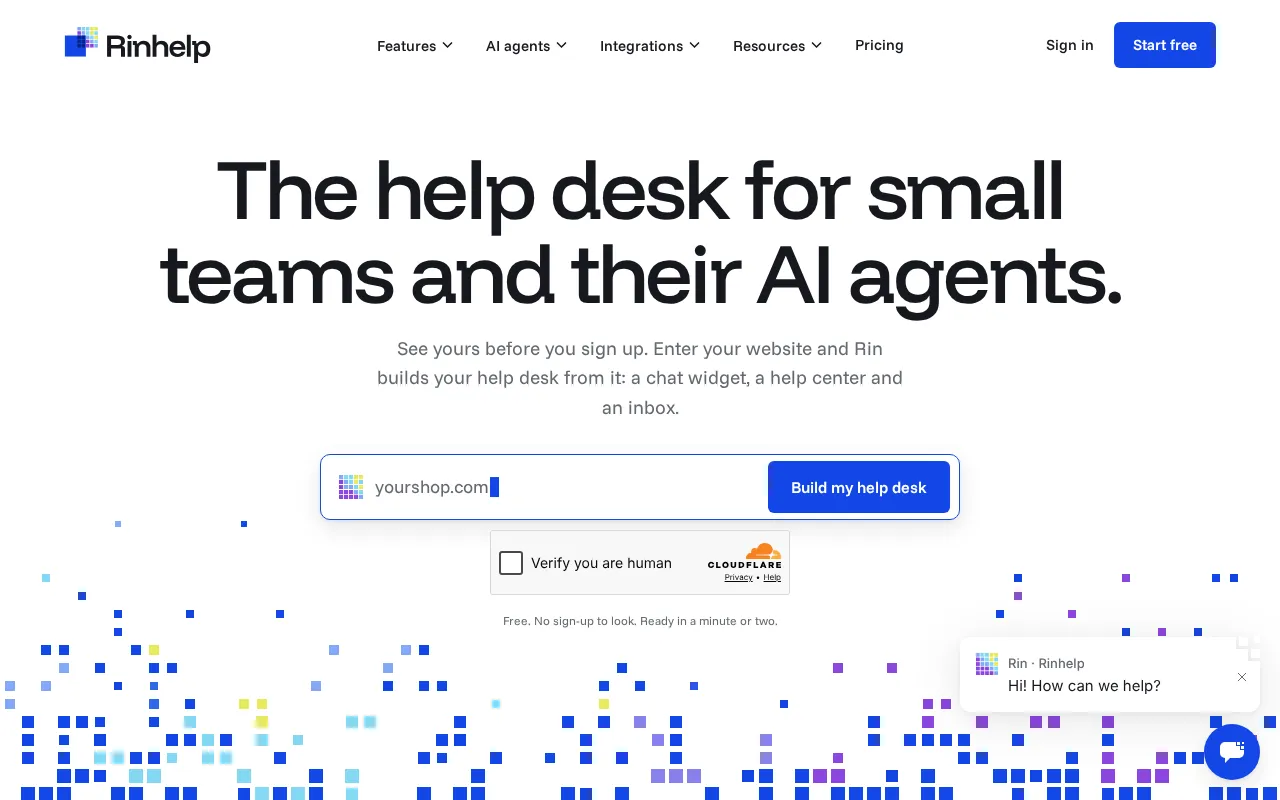
An open-source project needs a private inbox only for the conversations that can’t happen in public: a sponsor asking about their tier, a company buying a commercial license or support plan, a user whose question includes details they won’t post in an issue. Rinhelp gives up to 3 maintainers that inbox for free, with email, live chat and a help center with no article limit. On Pro, Rin, our built-in AI, answers from your docs site and help center first and hands the rest to a maintainer, and $49 a month covers every maintainer. If buyers pay you through Stripe, their subscriptions, invoices and payments sit beside the conversation. Maintainers who work in Claude Code can answer from there through MCP. Shopify and Stripe are Rinhelp’s only integrations, and it answers email and live chat only, so questions on GitHub, Discord or Slack stay where they are.
- Best for
- Maintainers of a project with sponsors, a commercial license or a paid support plan, who keep community questions public and want one private inbox for the rest.
- How it bills
- Free for up to 3 teammates. Pro is $49 a month for the whole workspace, with 5,000 AI replies from Rin. No per-seat or per-resolution fees.
- Free plan
- Yes: 3 teammates, 50 AI replies to try Rin
- 3 people, 300 AI replies
- $49 a month: Pro for the whole workspace, using 300 of its 5,000 AI replies; Free covers your team if you don’t need AI replies.
Pros
- Free for up to 3 maintainers with unlimited AI agents, and Pro adds as many maintainers as you like for $49 a month.
- Maintainers connect Claude, Claude Code or ChatGPT through MCP, and the replies their agents send don’t count as AI replies.
- With Rinhelp’s plugin, Claude finds the questions Rin couldn’t answer and writes the help center articles that answer them.
- A refund or cancellation of a Stripe purchase that Rin or an AI agent asks for waits for a maintainer’s approval.
Cons
- Email and live chat only: there is no phone, WhatsApp, SMS or social inbox.
- Shopify and Stripe are the only integrations.
- No reports, SLA rules or routing rules: Rin hands a conversation to the teammate with the fewest open ones.
- The free plan has no Rin beyond 50 AI replies to try it.
2. Wonderchat
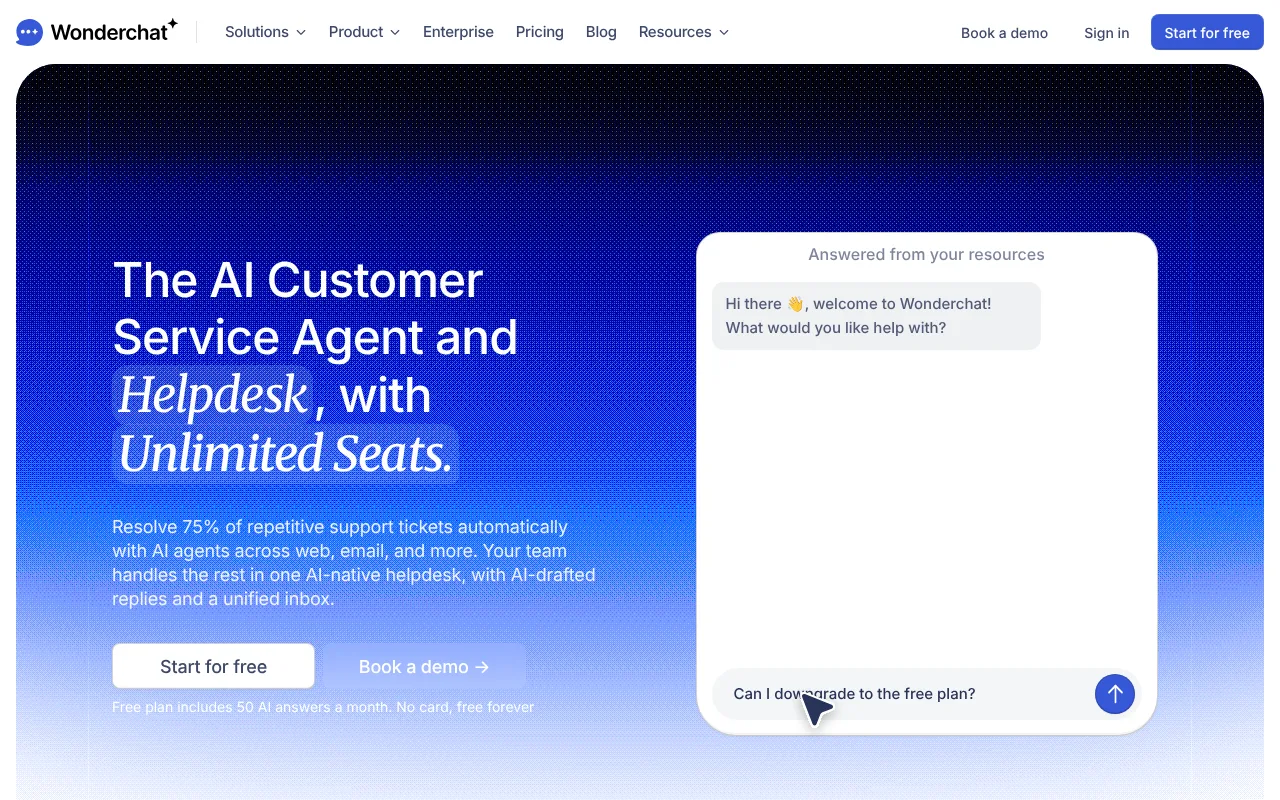
Wonderchat is an AI agent that answers customers from your website pages and files, on a chat widget, email and messaging apps. Every plan includes a help desk with a shared inbox, where your team takes over live chats and tickets the AI hands on.
Wonderchat answers on Discord and Telegram on every plan, the free one included, which suits a project whose users ask in a community server. Free gives 2 seats and 50 AI replies a month, every paid plan has unlimited seats for volunteers, and the chatbot pauses once the month’s credits are gone.
- Best for
- Teams that want one AI agent on their website and messaging apps, with as many teammates as they like in its inbox, and lead capture from the same chat.
- How it bills
- Starter is $32.50, Basic $125 and Scale $417 a month billed yearly ($39, $149 and $499 billed monthly), with 500, 3,000 and 10,000 AI replies a month and unlimited team seats. A reply on a fast model uses 1 credit, and one on a frontier model can use more. Unused credits expire at the end of each billing period, and Enterprise has tailored pricing.
- Free plan
- Yes: 2 seats, 50 AI replies a month
- 3 people, 300 AI replies
- $33 a month: Starter at $32.50 a month billed yearly ($39 monthly), with unlimited seats and 500 AI replies at 1 credit each on its fast models.
Pros
- Unlimited team seats on every paid plan, and the help desk and shared inbox come free, with 2 seats on Free.
- It answers on your website, email, Messenger, Instagram, Discord and Telegram on every plan, and on WhatsApp from Starter.
- In the inbox, an action that can’t be undone, such as a refund, waits until one of that action’s approvers approves it.
- You can switch the AI model behind your agent at any time, with fast models on every plan and frontier models from Basic.
Cons
- When the month’s credits run out, the chatbot pauses and stops responding until you upgrade or buy more.
- A reply from a frontier model, or with a deeper answer setting, can use more than 1 credit, so the same plan covers fewer replies.
- The “Powered by Wonderchat” badge comes off only on Enterprise.
- Its MCP Connector lets the chatbot call other servers’ tools, but Wonderchat isn’t an MCP server your own AI agent can work in.
Already on Wonderchat? See the best Wonderchat alternatives.
3. Chatwoot
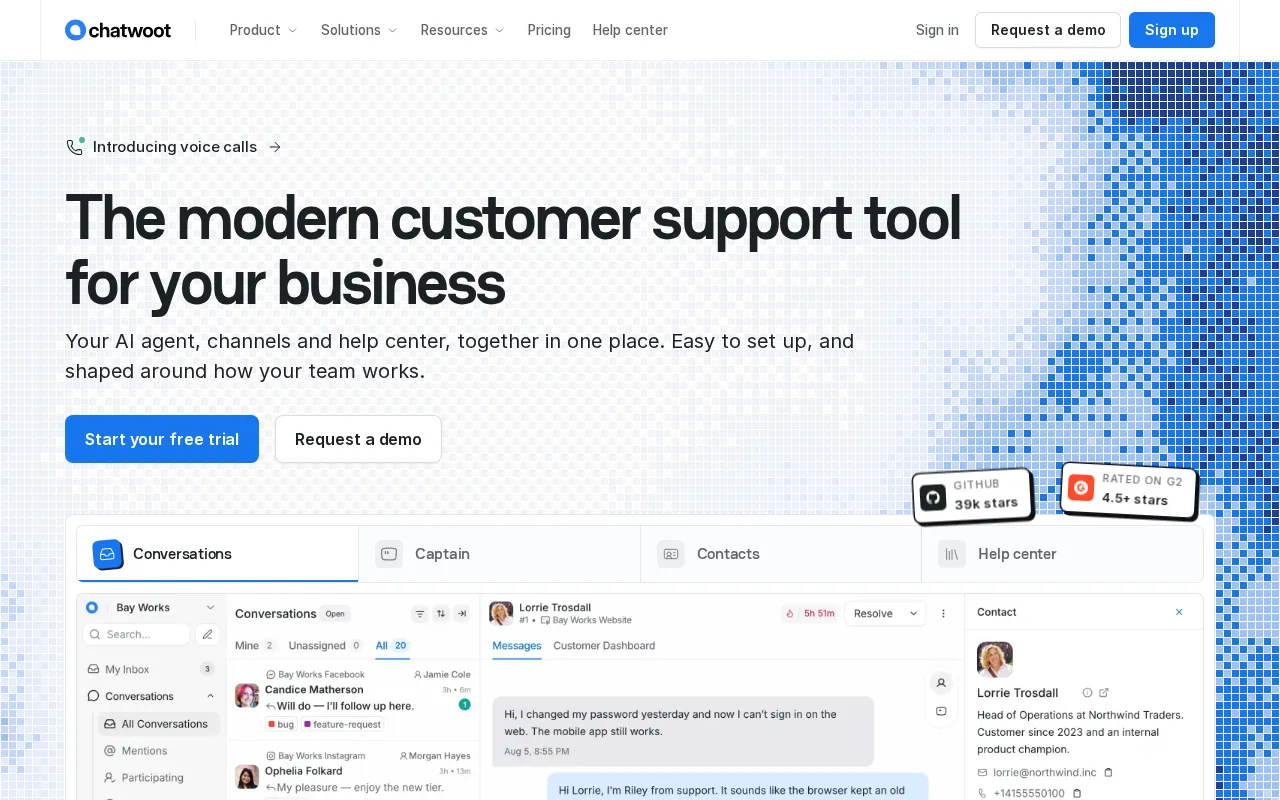
Chatwoot is open-source support software with one inbox for live chat, email, WhatsApp, social and voice, a help center, and Captain, its AI agent. You can use Chatwoot Cloud or host it yourself.
Chatwoot is open source like your project, so maintainers can host the Community Edition for free and read the code behind their help desk. Its free Cloud plan, for 2 agents, covers live chat only and has had no API or webhooks since July 2026.
- Best for
- Teams that want many channels at a low seat price, or want to run their help desk on their own servers.
- How it bills
- Cloud is per agent a month: Startups $19, Business $39 and Enterprise $99, with 300, 500 or 800 Captain credits for the account. Each Captain reply uses a credit, extra credits are $20 per 1,000, and no annual price is published. Credits never top up by themselves: once they run out, new conversations go straight to your team with no Captain reply.
- Free plan
- Yes: 2 agents, live chat only, 500 conversations a month
- 3 people, 300 AI replies
- $57 a month: 3 Startups agents at $19, with the 300 included Captain credits covering 300 AI replies.
Pros
- Open source: the self-hosted Community Edition is free, and your data stays on your own servers.
- One inbox for live chat, email, WhatsApp, Instagram, Messenger, TikTok and, from Business, voice calls.
- Startups includes every channel but voice, plus a help center, at $19 an agent a month.
- An official CLI and agent skill let coding agents such as Claude Code work in Chatwoot.
Cons
- Startups has no automation rules or teams; those start on Business at $39 an agent.
- Captain uses a credit for every reply, and bought credits expire after 6 months and aren’t refunded.
- Since July 2026 the free Cloud plan has no API or webhook access.
- No official MCP server, and Captain’s custom tools have no built-in approval step for actions like refunds.
Already on Chatwoot? See the best Chatwoot alternatives.
4. FreeScout
FreeScout is a free, open-source help desk and shared mailbox built with PHP and Laravel, which you install on your own server. Features beyond the core, from live chat to a knowledge base, come as modules sold once.
FreeScout costs nothing for unlimited agents and mailboxes, so every maintainer and a separate sponsors@ mailbox fit in one install. Saved replies and a knowledge base are one-time modules at $4.99 and $12, and its AI module only drafts and summarizes.
- Best for
- Teams with someone to run a PHP server who want an email help desk for any number of agents without a monthly bill.
- How it bills
- FreeScout is free and open source for unlimited agents, tickets and mailboxes, and you host it yourself: FreeScout offers no cloud version of its own. Features such as live chat ($13), a knowledge base ($12), saved replies ($4.99), tags ($6.99), workflows ($14.99) and API & Webhooks ($12.99) are modules, each a one-time lifetime license for one FreeScout instance, with no trials and no refunds. The AI module is free and runs on your own AI provider.
- Free plan
- Yes: free and open source for unlimited agents, on your own server
- 3 people, 300 AI replies
- $0 or more a month: 3 agents on the free FreeScout app, on a server you run from $3.10 a month on PikaPods in FreeScout’s one-click list. Live chat ($13), knowledge base ($12) and saved replies ($4.99) are one-time modules, $29.99 together, and no AI answers customers.
Pros
- Free for unlimited agents, tickets and mailboxes, and every conversation stays on a server you control.
- Modules are paid once, with lifetime updates, and their source code is open under AGPL-3.0.
- The free AI module drafts and summarizes with OpenAI, Claude, Gemini or a local model through Ollama.
- Beside email, live chat, WhatsApp, Telegram, Facebook and SMS through Twilio can join the same inbox, each through a module.
Cons
- FreeScout sells no hosted version, so you run the server yourself or pay another company to host it.
- No AI answers customers: the AI module only drafts, summarizes and polishes replies for an agent.
- Saved replies, tags, workflows, live chat and the knowledge base are each a paid module, with no trial and no refund.
- Help with a module is limited to fixing confirmed bugs, and FreeScout points you to a developer for anything else.
Already on FreeScout? See the best FreeScout alternatives.
5. Zammad
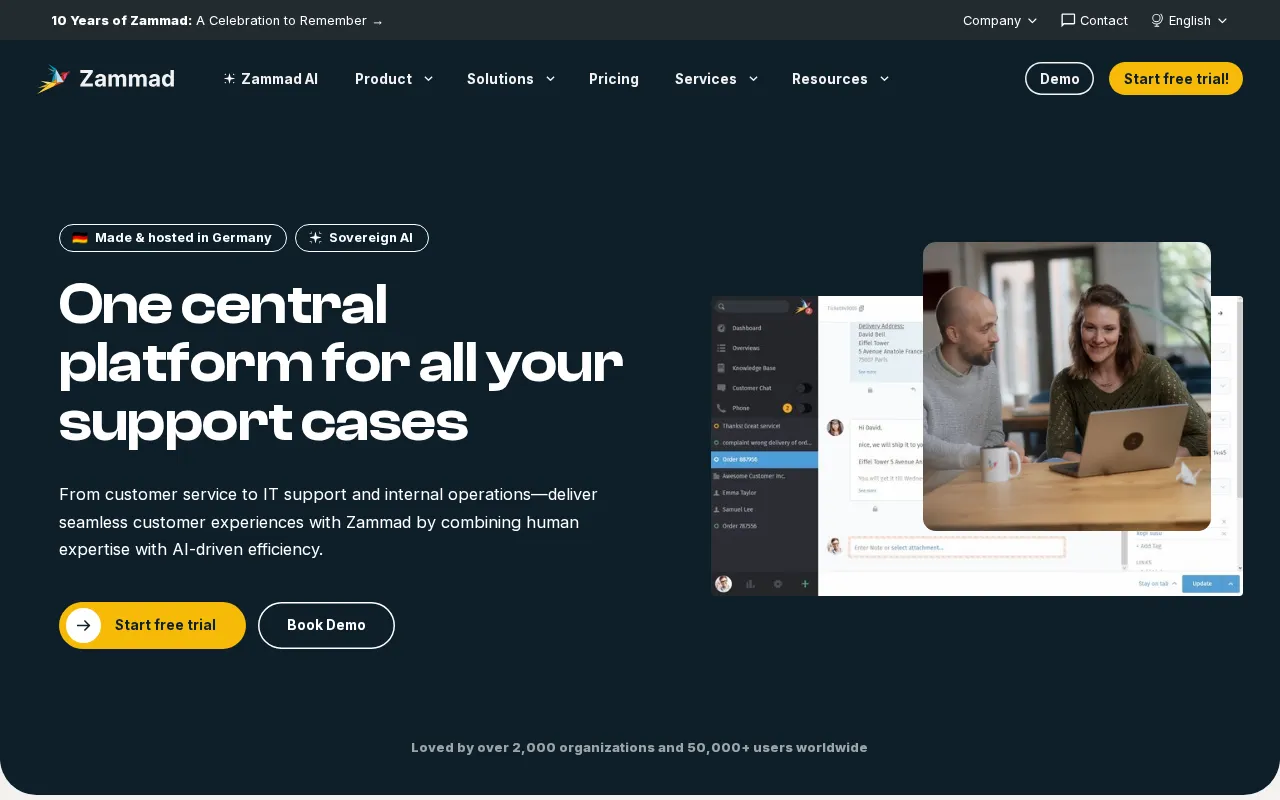
Zammad is an open-source ticketing help desk from Zammad GmbH in Germany, founded in 2014 by Martin Edenhofer, who earlier created OTRS. Email, chat, SMS, Telegram, Facebook and WhatsApp share one ticket queue with a knowledge base, on your own server for free or hosted by Zammad in Germany.
Zammad’s open-source edition carries every feature, GitHub and GitLab integration included, which hosted customers get only on Plus v2 at €25 an agent. Running it wants a server with 2 CPU cores and 6 GB of RAM, plus 4 GB more for Elasticsearch, and its AI sorts and summarizes rather than answering anyone.
- Best for
- Teams that want an open-source ticketing system they can run themselves, or have hosted in Germany, with AI that sorts and summarizes tickets rather than answering customers.
- How it bills
- Hosted plans are per agent a month in euros, excluding VAT: Starter v2 is €7 for up to 5 agents, Professional v2 €16 for up to 35 and Plus v2 €25 for any number on annual billing (€9, €18 and €27 monthly). Chat and the knowledge base start on Professional v2, WhatsApp and Facebook on Plus v2. AI needs Professional v2 or Plus v2, and Zammad AI costs €0.03 per AI call, or you connect your own provider. Self-hosting is free, with support contracts from €2,999 a year.
- Free plan
- Yes: free and open source on your own server, and a 30-day hosted trial on Professional v2
- 3 people, 300 AI replies
- $54 a month: 3 Professional v2 agents at €16 on annual billing, the first plan with chat and a knowledge base: €48, about $54 at $1.12 to the euro. No Zammad AI answers customers, so your team answers every conversation.
Pros
- Open source with the full feature set, so you can run it yourself for free and keep every ticket on your own servers.
- Email, chat, SMS, Telegram, Facebook and WhatsApp share one ticket queue, with SLAs, triggers and a knowledge base.
- Its AI runs on Zammad AI, your own OpenAI, Anthropic or Azure account, or a local model through Ollama.
- The hosted version runs in ISO 27001-certified data centers in Germany, and monthly billing can be cancelled any month.
Cons
- No AI answers customers: it summarizes tickets, polishes drafts and sets fields, and a person sends every reply.
- Hosted chat and the knowledge base need Professional at €16 an agent, and WhatsApp needs Plus at €25.
- Running it yourself takes at least 2 CPU cores and 6 GB of RAM, plus 4 GB for Elasticsearch on the same server.
- No Shopify or Stripe integration, and its phone integrations only log calls: you can’t call from inside Zammad.
Already on Zammad? See the best Zammad alternatives.
6. DocsBot
DocsBot turns your docs, website and other content into AI agents that answer customers in a chat widget, Slack or WhatsApp. When a customer needs a person, it hands them to the help desk widget you already use, such as Help Scout, Zendesk or Intercom.
DocsBot puts an AI trained on your docs into Slack and Telegram from Personal at $49 a month, where many projects already chat. Its free plan reads 50 source pages, and it isn’t a help desk: anyone who needs a maintainer moves to another tool.
- Best for
- Teams happy with their help desk that want an AI answering from their docs on the website, with hard questions passed to that help desk.
- How it bills
- Personal is $49 a month for 1 team user and 5k AI credits, Standard $149 for 5 team users and 15k, and Business $499 for 10 team users and 60k, with 2 months free on annual plans. A chat message starts at 1 credit and uses more on larger models and AI actions, and each 5k more credits cost $49 a month. Extra team users are $19 each, on Business and Enterprise only.
- Free plan
- Yes: 1 user, 100 AI credits a month
- 3 people, 300 AI replies
- $149 or more a month: Standard at $149, the first plan with escalation tickets for your help desk, using 300 of its 15k AI credits at 1 credit a message. Your help desk’s seats come on top.
Pros
- A free plan with 100 AI credits a month, and a 14-day money-back guarantee on paid plans.
- It learns from dozens of content sources, such as Notion, Confluence, Google Drive, Zendesk Guide and solved Help Scout or Freshdesk tickets.
- On Standard, its widget hands a customer to your Help Scout, Zendesk, Intercom, Freshdesk, HubSpot, LiveChat or Gorgias widget, with the chat history and an AI-written ticket.
- It answers in Slack, Messenger, WhatsApp and Telegram from Personal, and adds realtime voice agents and Stripe billing actions on Standard.
Cons
- DocsBot is not a help desk: the teammate who takes over answers in another tool, billed separately.
- When the month’s AI credits run out, it stops answering and shows customers an error, unless you turn on auto-add.
- Standard stops at 5 team users, and extra users are sold only from Business at $499 a month.
- Removing DocsBot branding from the widget needs Business.
Already on DocsBot? See the best DocsBot alternatives.
7. Plain
Plain is a support platform for B2B software companies. It answers customers in Slack, Microsoft Teams, Discord, email, chat and a help center, with an AI customer agent and a GraphQL API that does everything its app can.
Plain links GitHub, Linear and Jira to support threads and gives viewer seats for free, so a contributor can follow a conversation without a paid seat. Discord as a support channel waits for Frontier, its quoted plan, and Foundation is $45 a seat on annual billing.
- Best for
- B2B software teams that support customers in shared Slack or Teams channels and want engineers and AI agents building on its API.
- How it bills
- Per member seat: Foundation is $45 a month on annual billing ($55 monthly) for up to 5 seats with 1,000 credits, and Horizon $99 ($139 monthly) for 3 to 10 seats with 2,500 credits; Frontier is quoted. Each customer agent resolution uses 100 credits, extra credits are $10 per 1,000, and viewer seats are free.
- Free plan
- No, 7-day trial
- 3 people, 300 AI replies
- $425 a month: 3 Foundation seats at $45 on annual billing, plus 29,000 credits at $10 per 1,000 for 300 customer agent resolutions beyond the 1,000 credits included.
Pros
- Slack, Microsoft Teams and Discord work as support channels next to email, which suits B2B customers.
- Its official MCP server can reply, add notes, assign, close and write help center articles, signed in as your own user.
- A customer agent resolution is charged only after the thread stays done for 7 days with no teammate stepping in.
- Viewer seats are free and unlimited, and Linear, Jira, GitHub and incident.io link to threads.
Cons
- Its price list has changed four times since December 2025, most recently raising Foundation’s seat price and halving its included credits.
- No free plan, and the trial shrank from 14 days to 7 in 2026.
- No phone, WhatsApp, SMS, Shopify or Stripe.
- Foundation stops at 5 seats and 2 email addresses, so a sixth teammate means Horizon at $99 a seat.
Already on Plain? See the best Plain alternatives.
8. Denser
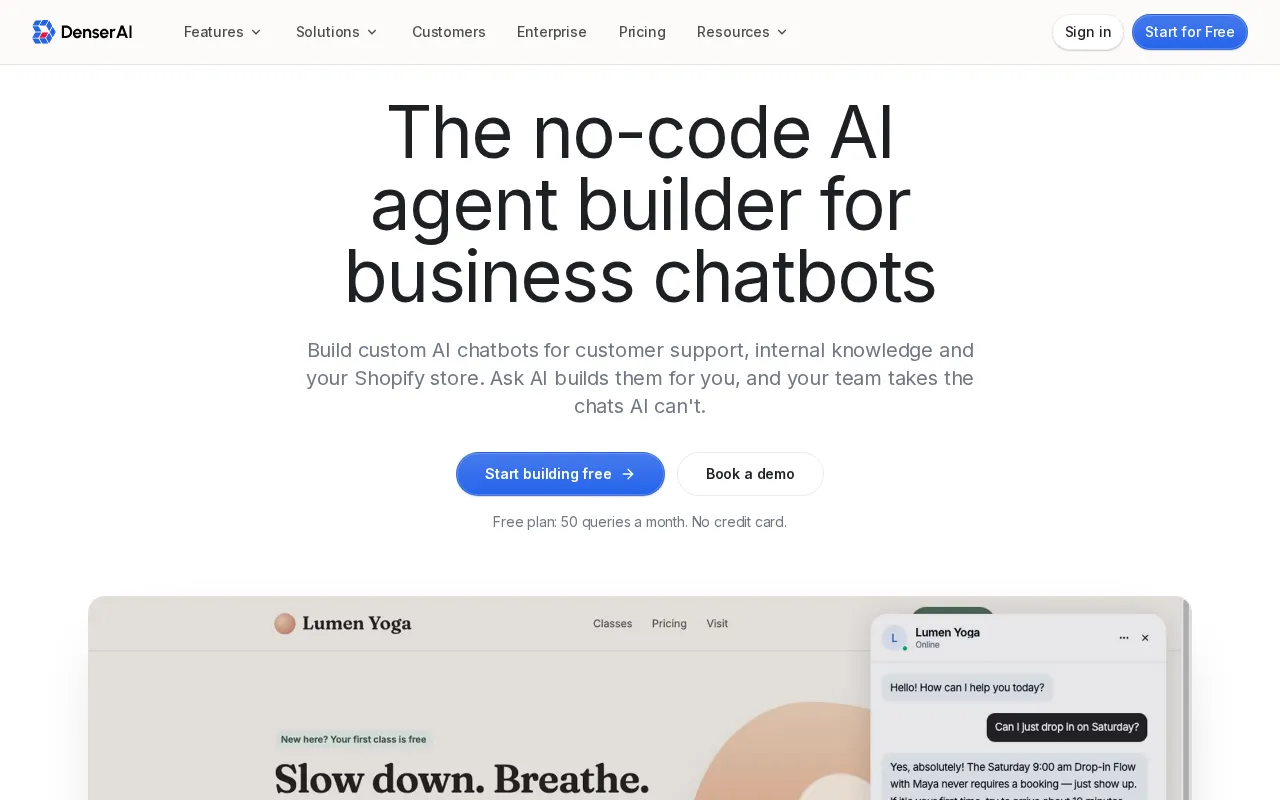
Denser builds AI chatbots that answer from your website, files and written Q&A, and cite the source behind each answer. One chatbot can answer website chat, email, phone calls, WhatsApp, Slack and Telegram, and from Standard a built-in Helpdesk lets your team take over what it can’t solve.
Denser answers from your docs in website chat, Slack and Telegram and cites the page behind each answer, so users learn where the docs are. Its free plan has 1 chatbot and 50 queries a month, and its MCP server works even on Free, though it can’t reply to anyone.
- Best for
- Teams that want a chatbot with cited answers on their website, support inbox and phone line, and Shopify stores that want orders, cancellations and returns handled in the chat.
- How it bills
- Starter is $39, Standard $119, Business $399 and Enterprise $899 a month on monthly billing ($32, $96, $320 and $720 a month on yearly billing), with 1,500, 7,500, 15,000 and 50,000 queries and 1, 5, 10 and 50 team members. A question to a chatbot uses 1 query, and extra seats are sold as add-ons at a price the pricing page doesn’t show.
- Free plan
- Yes: 1 chatbot, 1 team member, 50 queries a month
- 3 people, 300 AI replies
- $96 a month: Standard at $96 a month on yearly billing ($119 monthly), the first plan with Helpdesk, with 5 team members included. 300 replies use 300 of its 7,500 queries.
Pros
- Every answer cites the page or document it came from, whether that’s your website, a PDF, Word or Excel file, Google Drive or Q&A you wrote.
- The same chatbot answers website chat, email, WhatsApp, Slack and Telegram, and phone calls through your Twilio or Vapi number.
- On Shopify it searches your live catalog, fills the native cart and checks orders, and can cancel an unshipped order or start a return once the shopper confirms.
- The email agent can hold each reply it drafts in Helpdesk until a teammate approves, edits or takes it over.
Cons
- Starter has 1 team member and no Helpdesk: a person taking over a chat starts on Standard.
- Each plan includes a set number of team members, 5 on Standard, 10 on Business and 50 on Enterprise, and more are an add-on the pricing page doesn’t price.
- Actions, cards and playbooks share one allowance per chatbot: 1 on Free, 5 on Starter, 10 on Standard and 20 on Business and Enterprise.
- Query logs are kept 30 days on Starter and 90 on Standard.
Already on Denser? See the best Denser alternatives.
9. Gmail / Google Workspace
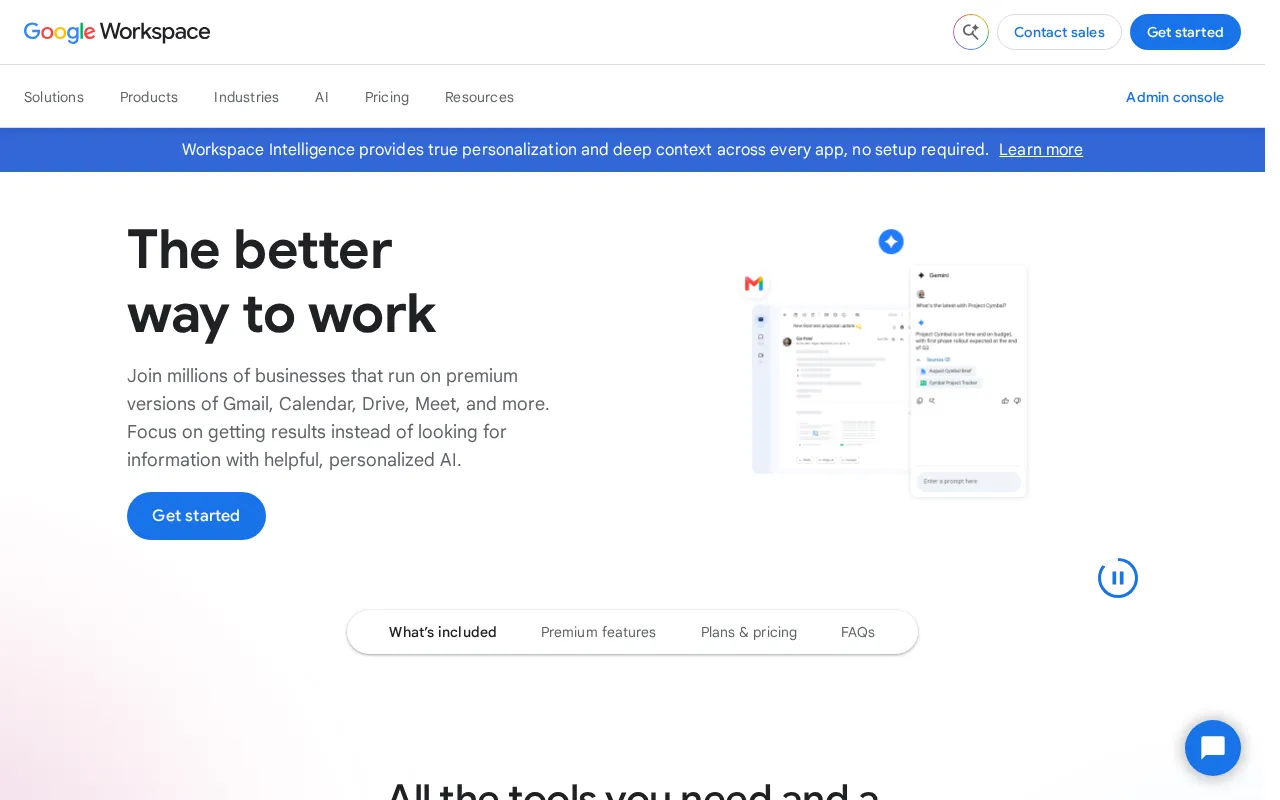
Google Workspace is Google’s business email and office suite. A support team answers from a shared Gmail address, a Google Group set up as a collaborative inbox, or delegated access to one mailbox.
A Google Group set up as a collaborative inbox lets maintainers take, assign and resolve mail sent to one address, such as sponsors@. It needs Google Workspace, from $7 a user with a 1-year commitment, and an administrator may have to turn Groups on. There’s no live chat or help center, and Gemini helps the person writing rather than answering anyone.
- Best for
- Very small teams already on Google Workspace that answer a modest amount of email and need no live chat or help center.
- How it bills
- Per user: Business Starter is $7, Standard $14 and Plus $22 a user a month with a 1-year commitment, and Starter is $8.40 on the monthly “Flexible” plan. Gemini comes with every plan, and a Google Group costs nothing extra.
- Free plan
- No, 14-day trial
- 3 people, 300 AI replies
- $21 a month: 3 Business Starter users at $7 with a 1-year commitment. Gemini is included, but nothing in Gmail answers customers on its own.
Pros
- Most teams already pay for it, and $7 a user covers email, calendar, Meet, Drive and Gemini.
- A collaborative inbox lets members take, assign and resolve conversations at no extra cost.
- Google’s official Gmail MCP server lets an AI client search and read threads and save drafts.
- Since September 2026, Google Workspace Studio flows can act on new mail, including sending replies within a thread.
Cons
- Assigning and resolving happen in Google Groups, not in Gmail itself.
- There is no live chat, help center, Shopify or Stripe for support.
- Gemini helps the person writing, and delegates in a shared mailbox lose Gemini in Gmail.
- The Gmail MCP server is still in early access for developers and can’t send a reply.
Already on Gmail / Google Workspace? See the best Gmail / Google Workspace alternatives.
10. Help Scout
Help Scout is a help desk with shared inboxes, a Docs help center and Beacon, a widget for chat and help articles. Scout, its AI agent, answers chat from your help content and is billed per resolution.
Help Scout’s free plan covers 5 users with 1 inbox and a Docs site, room for a few maintainers, but limits that site to 10 articles and the inbox to 100 contacts a month. Scout, its AI, answers chat only, at $0.75 a resolution once a new account’s first 3 months end.
- Best for
- Support teams that think in tickets and want a calm shared inbox, a help center and live chat, with a free plan to start on.
- How it bills
- Standard is $25, Plus $45 and Pro $75 a user a month on annual billing, which saves 16%. Pro needs at least 10 users and a demo. Scout costs $0.75 per resolution, free for a new account’s first 3 months.
- Free plan
- Yes: 5 users, 1 inbox, 100 contacts a month
- 3 people, 300 AI replies
- $300 a month: 3 Standard users at $25 on annual billing, plus 300 AI resolutions at $0.75.
Pros
- A free plan for up to 5 users, with 1 inbox, a Docs site and 100 contacts a month.
- Agents can refund, cancel or edit recent Shopify orders, and refund Stripe payments or cancel subscriptions, from the sidebar.
- Standard brings email, live chat, SMS, WhatsApp, Instagram and Messenger into one inbox.
- You can cap AI spending each month, and Scout switches off when it reaches the cap.
Cons
- Its official MCP server is read-only: your own AI can search conversations and Docs, but can’t reply, add notes or close.
- Scout answers website and in-app chat only, and lists email as “Coming Soon”.
- Scout can’t look up orders or act in other tools yet: its connection to payment processors and CRMs is still to come.
- Seats and AI are billed separately, so the bill grows with every user and every resolution.
Already on Help Scout? See the best Help Scout alternatives.
11. tawk.to
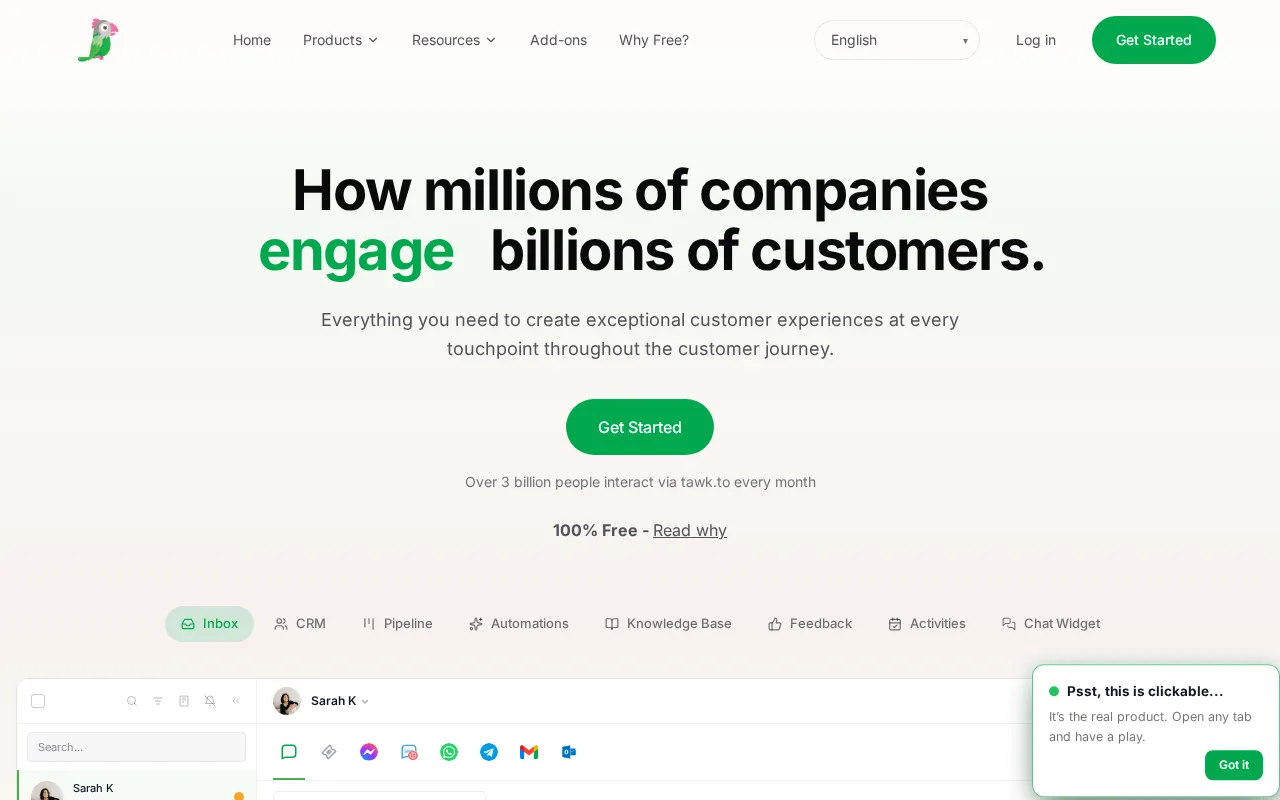
tawk.to is free live chat and ticketing software for websites, with a hosted knowledge base. It makes its money from paid add-ons, such as AI Assist, white label and hired chat agents, billed per website.
tawk.to is free for any number of agents, so every volunteer can take chats on the project’s website, with ticketing and a knowledge base included. Its badge stays unless you pay for each website, and REST API access has to be requested and approved.
- Best for
- Small businesses that want website chat for any number of agents at no cost, and don’t mind the tawk.to badge.
- How it bills
- Chat, ticketing and the knowledge base are free for any number of agents. AI Assist is free for 100 credits a month, then $29, $99 or $399 a month ($290, $990 or $3,990 a year) for 1,000, 5,000 or 20,000 credits, and a reply on the default Auto model uses 3.
- Free plan
- Yes: unlimited agents and chats, about 33 AI replies a month
- 3 people, 300 AI replies
- $24 a month: AI Assist Growth at $290 a year, whose 1,000 monthly credits cover 300 replies at 3 credits each on the Auto model. Seats are free.
Pros
- Free for any number of agents, chats and websites, with ticketing and a hosted knowledge base.
- WhatsApp, Messenger, SMS through Twilio and email share one inbox, and the AI answers on chat, WhatsApp, SMS and Messenger.
- Its Shopify app adds a tab where agents check orders, refund and cancel during a chat.
- Hired chat agents start at $1 an hour if you want someone else to answer.
Cons
- AI Assist charges per reply, and once credits run out it stops joining new conversations.
- The “Powered by tawk.to” badge stays unless you pay for white label, $39 a month or $348 a year for each website.
- No official MCP server, and REST API access must be requested and approved first.
- Add-ons are billed per website, so each extra site pays again.
Already on tawk.to? See the best tawk.to alternatives.
12. Zoho Desk
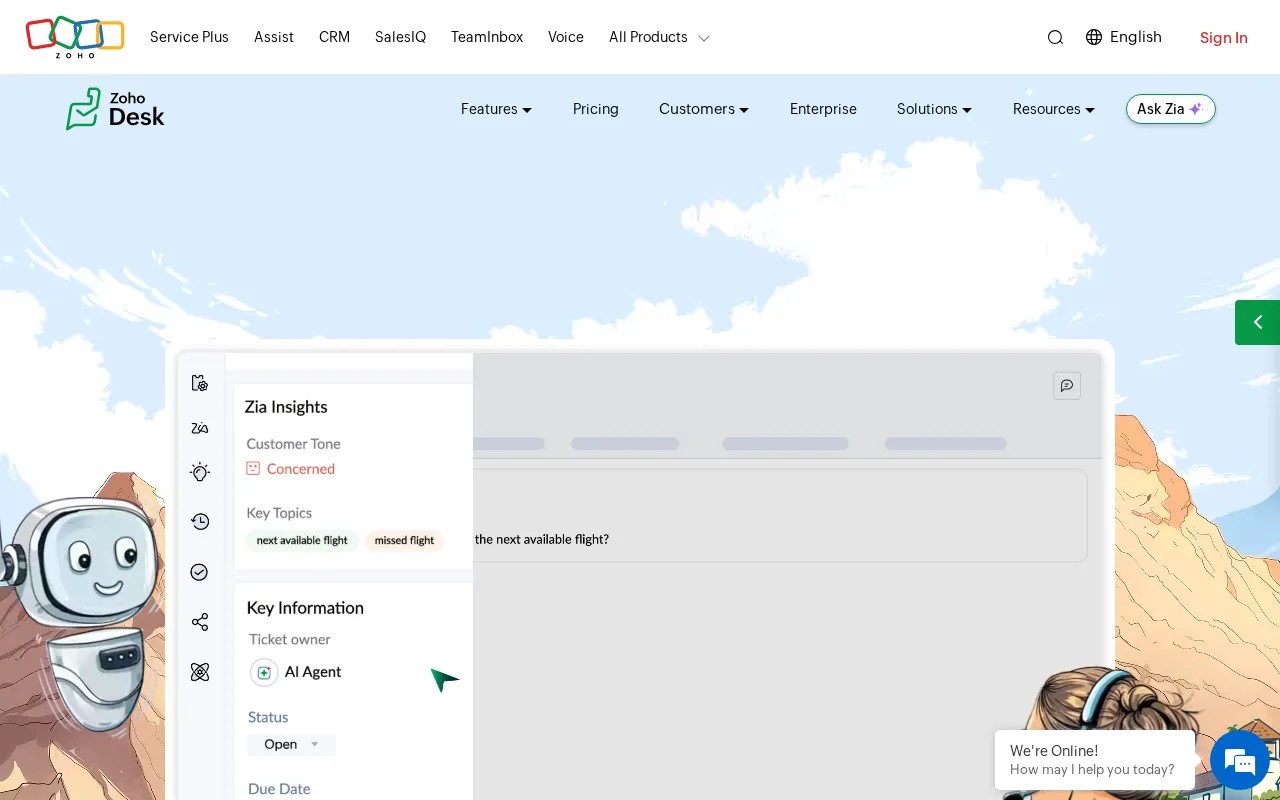
Zoho Desk is the help desk in Zoho’s suite of business apps, with tickets from email, social media, chat, WhatsApp and phone, a multilingual help center, and Zia, Zoho’s AI.
Zoho Desk’s free plan gives 3 users an email inbox, enough for a sponsors or licensing address. Standard at $14 a user adds a community forum and knowledge base, if you’d rather host questions there than on GitHub.
- Best for
- Budget-minded teams that want a full ticketing suite with workflows and SLAs, especially if they already use other Zoho apps.
- How it bills
- Per user: Express is $7, Standard $14, Professional $23 and Enterprise $40 a month on annual billing ($9, $20, $35 and $50 monthly), and light agents are $6 each. Express allows up to 5 users; Standard and above have no user limit. AI agents include up to 30 million free tokens a month. Other generative features run on a key you bring from an AI provider, and Professional and Enterprise add Zia’s own.
- Free plan
- Yes: 3 users, email only
- 3 people, 300 AI replies
- $42 a month: 3 Standard users at $14 on annual billing, the first plan with live chat and Answer Bot, which answers customers from your help center. Zoho publishes no per-answer fee.
Pros
- Low seat prices: Express is $7 a user and Standard $14 on annual billing, with a free plan for 3 users.
- Standard adds live chat, WhatsApp, Telegram and other messaging apps, and Professional adds phone support.
- Workflows, SLAs and several departments, with a help center you can publish in over 40 languages on Professional.
- Zoho’s official MCP server is free and can read tickets, send replies and add comments.
Cons
- Express stops at 5 users, so a sixth teammate moves everyone to Standard at $14.
- Zia’s full AI needs Professional, and the agent that answers email tickets is open only to selected accounts.
- The MCP server has no tools for help center articles or saved replies, and every call uses daily API credits.
- Express has no live chat, and the free plan covers email only.
Already on Zoho Desk? See the best Zoho Desk alternatives.
13. Jira Service Management
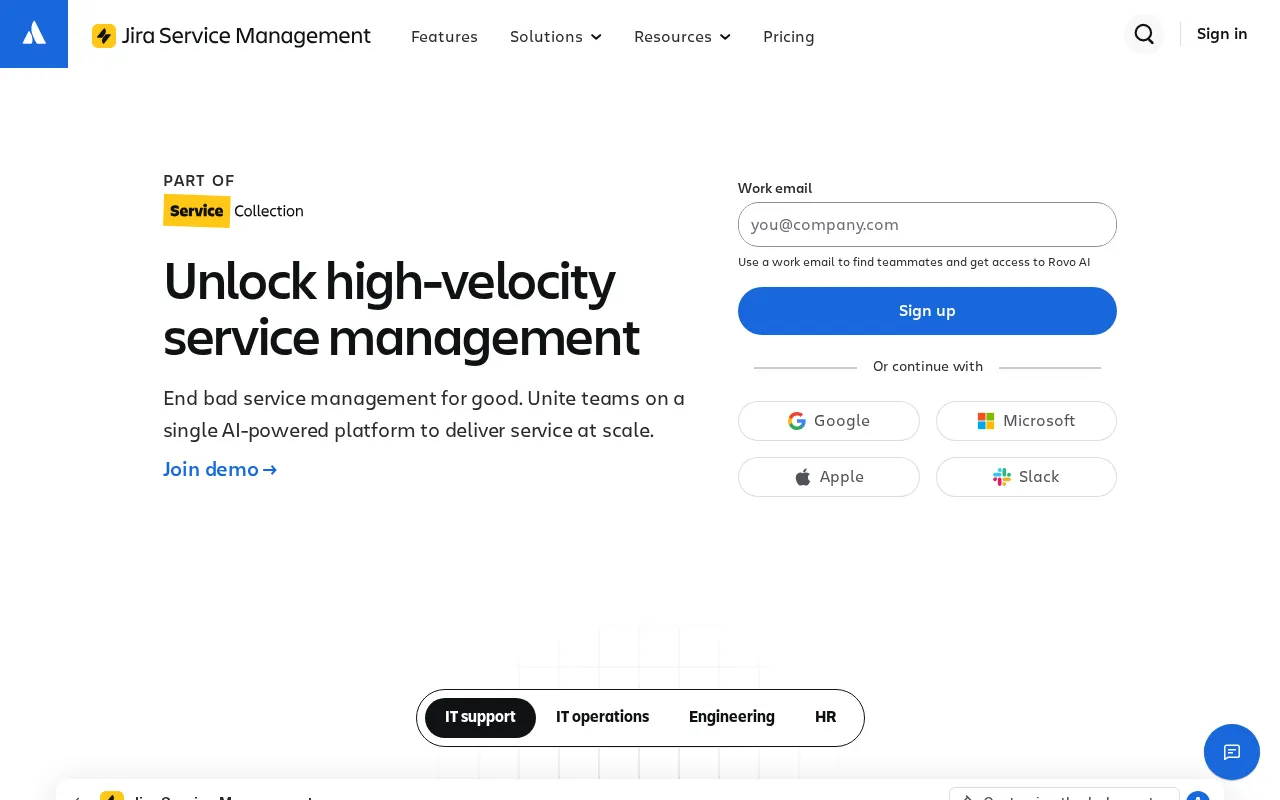
Jira Service Management is Atlassian’s service desk for IT, HR and other internal teams, sold in its Service Collection: requests by email, portal, widget, Slack and Microsoft Teams, with on-call schedules on every plan, assets on paid plans and change management from Premium, and an AI agent for customers billed per resolution.
If maintainers plan releases in Jira, Jira Service Management is free for 3 agents with unlimited customers, a portal, email, Slack and Microsoft Teams, and its knowledge base runs on Confluence without a Confluence license. Live chat needs Premium at $61.60 an agent.
- Best for
- IT and engineering teams already on Jira and Confluence that run incidents, changes, problems, assets and on-call in one place.
- How it bills
- Free for 3 agents. Up to 15 agents, Standard is $26.90 and Premium $61.60 an agent a month, or on annual billing Standard is $800 a year for 1 to 3 agents, $1,350 for 4 to 5 and $2,700 for 6 to 10. Enterprise is billed annually only, listed from 201 agents at $185,000 a year and bought through sales. The Customer Service AI Agent costs $1 per resolution from the first one, and Rovo credits past a plan’s allowance cost $0.01 each.
- Free plan
- Yes: 3 agents, no AI agent
- 3 people, 300 AI replies
- $367 a month: Standard for 1 to 3 agents at $800 a year on annual billing, plus 300 AI agent resolutions at $1.
Pros
- Incidents, problems, changes, assets and on-call sit next to Jira, where engineering already works.
- Free for 3 agents with unlimited customers, a portal, email, Slack and Microsoft Teams.
- The Customer Service AI Agent charges nothing when it fails to resolve a conversation.
- Its knowledge base runs on Confluence without buying Confluence.
Cons
- Live chat and the virtual service agent need Premium at $61.60 an agent.
- The Customer Service AI Agent bills $1 for every resolution, with none included.
- Extra Rovo credits and other usage are billed from December 3, 2026.
- There is no official Shopify app, and Stripe comes only through third-party Marketplace apps.
Already on Jira Service Management? See the best Jira Service Management alternatives.
14. Crisp
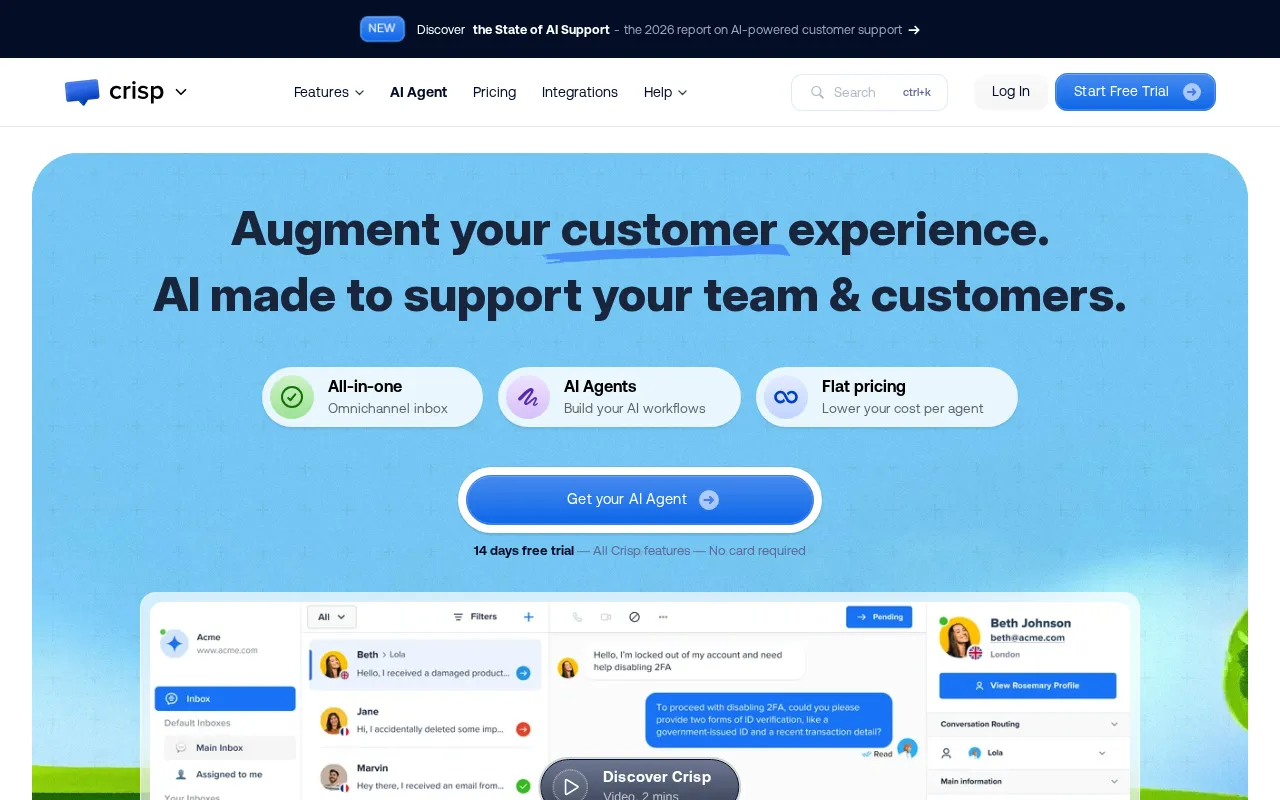
Crisp is a French customer support platform built around a website chat widget, with a shared inbox, many messaging channels and Hugo, its AI agent.
Crisp’s free plan gives 2 seats of website chat for the project site’s visitors, but no email inbox or AI, so a sponsors@ address waits for Mini at $45 a month for 4 seats.
- Best for
- Small teams that start with free website chat and want WhatsApp, Instagram, SMS and phone in the same inbox later.
- How it bills
- Per workspace a month: Mini is $45 with 4 seats, Essentials $95 with 10 and Plus $295 with 20, including $5, $25 and $75 of AI credits (about 90, 450 and 1,350 Hugo conversations). Extra seats are $10 each, sold on Plus only, and Hugo past the credits runs on Pay-As-You-Go at about $0.05 to $0.10 a conversation.
- Free plan
- Yes: 2 seats, chat only, no AI
- 3 people, 300 AI replies
- $66 or more a month: Mini at $45 for 4 seats with about 90 Hugo conversations in its credits, plus about 210 more at about $0.10 each.
Pros
- One price per workspace, with 10 seats on Essentials for $95 a month.
- WhatsApp, Instagram, Messenger, SMS, Telegram and phone sit in the same inbox from Essentials.
- Its official MCP server can read, reply, add notes, resolve and write help center articles.
- Hugo can look up orders and refund through Shopify, WooCommerce, PrestaShop and Stripe, after a one-time code checks the customer.
Cons
- The free plan has no email inbox and no AI, and Mini has no help center, WhatsApp or MCP server.
- Hugo stops answering when the month’s credits run out unless you turn on Pay-As-You-Go, whose rates aren’t published.
- Stripe data in the inbox comes only with Plus at $295 a month.
- Crisp’s terms refund no fees, monthly or yearly.
Already on Crisp? See the best Crisp alternatives.
15. Freshchat
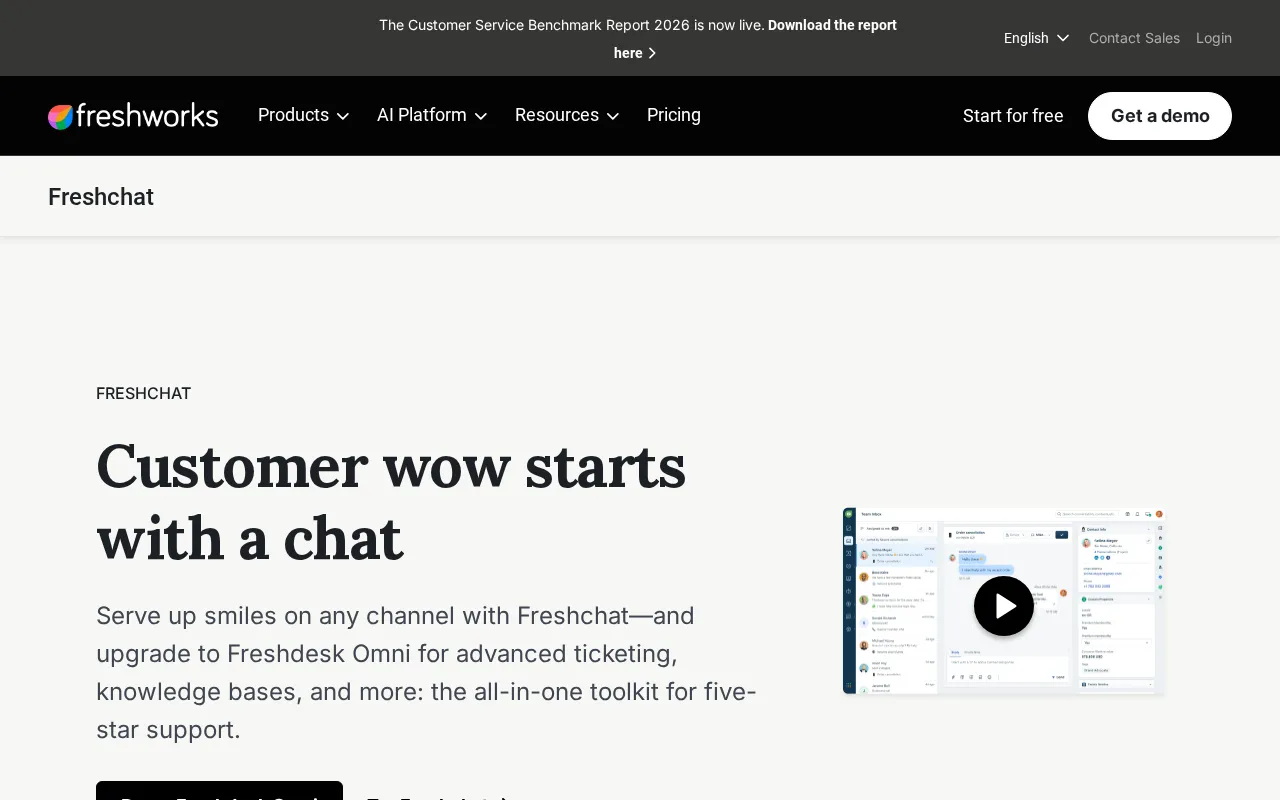
Freshchat is Freshworks’ live chat and messaging tool for websites, mobile apps, WhatsApp and social messengers. Its Freddy AI agent answers customers and is billed per session.
Freshchat’s free plan takes up to 10 agents on website chat, a shared inbox and email, generous for a volunteer rota, though it has no AI or help center. On paid plans, Freddy AI sessions cost $49 per 100 after a one-time 500.
- Best for
- Teams that support customers mostly over web and in-app chat, WhatsApp and social messengers, and want a free plan for up to 10 agents to start on.
- How it bills
- Per agent on annual billing: Growth is $19, Pro $49 and Enterprise $79 a month, and Free covers up to 10 agents without AI. Freddy AI agent sessions cost $49 per 100 after 500 free ones, once per account. Copilot is $29 an agent, and voice through Freshcaller starts at $15 an agent.
- Free plan
- Yes: up to 10 agents, chat and email, no AI
- 3 people, 300 AI replies
- $204 a month: 3 Growth agents at $19 on annual billing, with 300 chats answered by its AI agent in packs of 100 at $49.
Pros
- Chat works on your website and inside mobile apps, and Growth adds WhatsApp, SMS, Messenger, Instagram, Line and Google’s business messaging.
- The free plan covers up to 10 agents with the chat widget, a shared inbox and email.
- Pro and Enterprise translate conversations with customers in more than 45 languages.
- Free apps from Freshworks let its AI agent look up Shopify orders, refund or cancel them, and cancel Stripe subscriptions.
Cons
- The free plan has no AI agent, no WhatsApp and no social messengers.
- AI sessions went from 10 cents to 49 cents each in late 2025.
- No official MCP server, and the conversation API comes only with Pro and Enterprise.
- No help center: FAQ articles show only inside the chat widget.
Already on Freshchat? See the best Freshchat alternatives.
16. Botpress
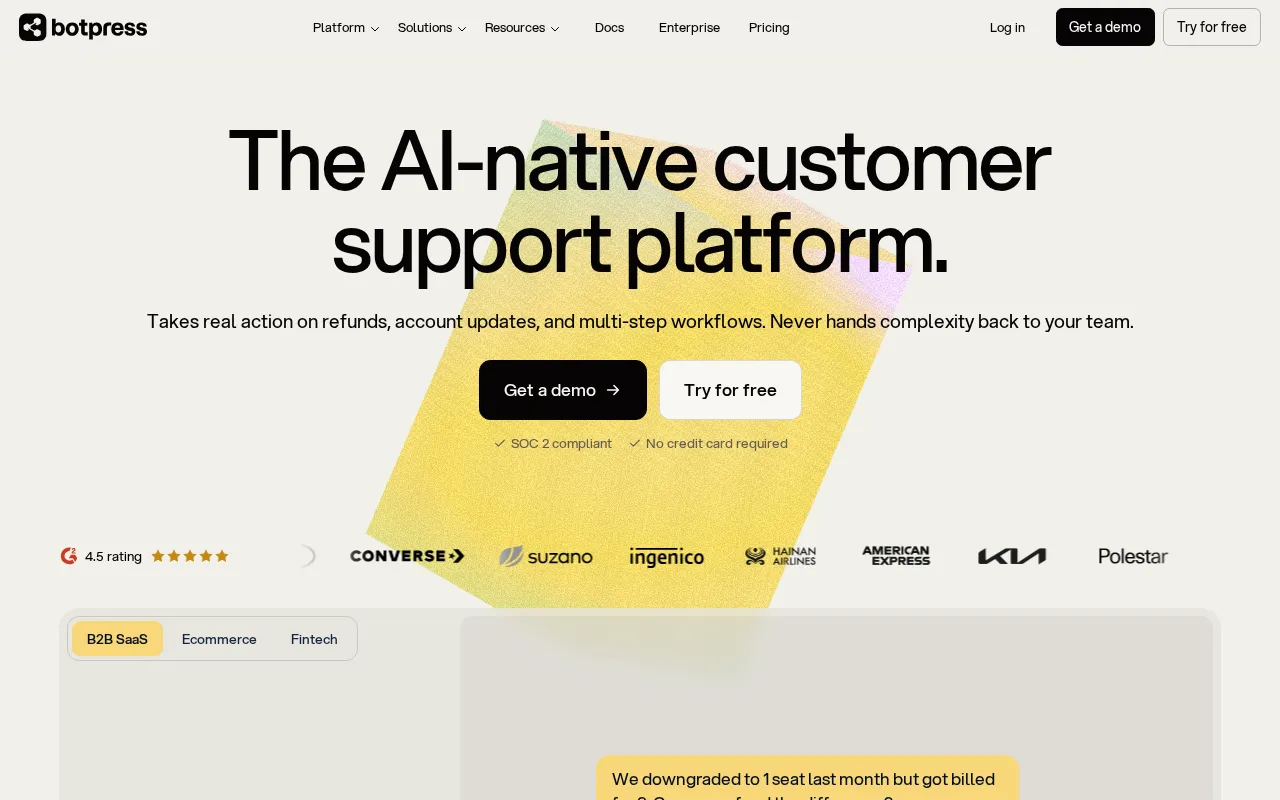
Botpress is a platform for building AI agents: from a prompt in Botpress Viber, on a visual canvas in Botpress Studio, or in TypeScript with its ADK. Its agents answer on web chat, WhatsApp, email and other messaging apps, and Botpress Desk, its built-in help desk, gives your team an inbox for handoffs and a help center.
Botpress’s free plan has 3 seats and 100 conversations, and maintainers who code can build the agent in TypeScript with its ADK. Botpress Desk adds an inbox for handoffs and a help center the AI answers from.
- Best for
- Teams with someone technical who want to build custom AI agents with multi-step workflows across many channels, and pay by conversation rather than by seat.
- How it bills
- Free has 3 seats and 100 conversations. Plus is $150 and Team $750 a month on annual billing ($189 and $939 monthly), with 250 and 1,500 conversations, $25 and $150 of AI usage, and 3 seats on Plus or unlimited on Team. More conversations come in packs of 100, $65 on Plus or $50 on Team, added automatically, and AI spend past the allowance is bought at cost in $10 credit grants. Voice is on Enterprise only, priced by sales.
- Free plan
- Yes: 3 seats, 100 conversations, no top-ups
- 3 people, 300 AI replies
- $215 or more a month: Plus at $150 a month on annual billing ($189 monthly), with 3 seats and 250 conversations, plus one $65 pack of 100 for the other 50. AI spend past Plus’s $25 is extra, at cost.
Pros
- Build an agent by describing it to Botpress Viber, on Botpress Studio’s drag-and-drop canvas, or in TypeScript with the ADK, and switch to code when logic gets complex.
- Botpress Desk answers web chat, email and WhatsApp, with voice on Enterprise, and adds a help center the AI answers from.
- Team includes unlimited seats, with routing, roles and team analytics.
- The agent can work on top of Zendesk or Intercom instead, with no help desk to move.
Cons
- Plus stops at 3 seats, so a fourth teammate means Team at $750 a month on annual billing.
- Conversation packs are added automatically at 95% of the quota, and you can’t turn that off.
- AI spend past the plan’s allowance is billed at cost, so the bill moves with how much the model works.
- Shopify order lookups come from third-party integrations, and refunds are actions your team connects to its own systems.
Already on Botpress? See the best Botpress alternatives.
17. Chatbase
Chatbase builds an AI agent trained on your own content, such as your website and documents, and puts it on your site, WhatsApp, Messenger, Instagram, Slack, email and the phone. Its Helpdesk inbox, included from Basic, its cheapest plan, lets your team take over what the AI can’t solve.
Chatbase answers in Slack, on your website and by email, on a model you choose from OpenAI, Anthropic, Gemini and others. Its pricing page lists no free plan, so even a volunteer-run project pays once the 7-day trial ends: Basic is $120 a month on annual billing.
- Best for
- Teams that want a chatbot on their website and messaging apps first, with a choice of models from OpenAI, Anthropic, Gemini and others, and a help desk second.
- How it bills
- Basic is $150 and Business $500 a month on monthly billing ($120 and $400 a month on annual billing), with 4,000 and 15,000 message credits and 3 and 5 members. The recommended models use 1 to 5 credits a message, unused credits don’t carry over, and auto recharge adds credits at $40 per 1,000.
- Free plan
- Not on the pricing page: Basic and Business each start with a 7-day trial
- 3 people, 300 AI replies
- $120 a month: Basic at $120 a month on annual billing ($150 monthly), the cheapest plan, with 3 members. Its 4,000 message credits cover 300 replies even at 5 credits each.
Pros
- Every plan includes advanced models from OpenAI, Anthropic, Gemini, DeepSeek, Mistral and others, so you choose the one each chatbot runs on.
- The chatbot answers on your website, WhatsApp, Messenger, Instagram, Slack, email and the phone.
- A teammate can take over a live AI conversation from the Helpdesk, which turns it into a ticket with an AI-written summary.
- Its AI can escalate a conversation as a ticket to Zendesk, Salesforce, Intercom, Zoho Desk, Freshdesk, HubSpot, Help Scout, Gorgias or Odoo, with the customer’s details.
- Its official MCP server lets Claude or ChatGPT search conversations, reply to Helpdesk tickets or leave internal notes on them, and assign or close them.
Cons
- Members are capped by plan: 3 on Basic and 5 on Business.
- When message credits run out, the chatbots stop responding until the credits reset, unless auto recharge buys more.
- An action can make the chatbot send 2 or more requests to the model for one reply, and each one uses credits.
- Removing “Powered By Chatbase” is a $99 a month add-on.
Already on Chatbase? See the best Chatbase alternatives.