Start free

18 best help desk software for developer tool companies (2026)

By , founder of Rinhelp · Facts checked

The short answer

For a developer tool company whose users install a CLI, SDK or editor extension and write in when it won’t run, the best help desk is Rinhelp, which we make: Rin, our built-in AI, answers setup questions from your website and help center, and the Rinhelp plugin for Claude Code lets your engineers clear the inbox, find what Rin couldn’t answer and write the missing articles without leaving the terminal. It’s free for 3 teammates with 50 AI replies to try Rin, and $49 a month for the workspace with 5,000 AI replies. Rinhelp answers email and live chat only. Look at Wonderchat when your users gather in Discord, Social Intents to answer chat on your docs from Slack, Plain when your customers expect a shared Slack channel (it adds Discord on its quoted plan), and Zammad or FreeScout for a help desk you host yourself.

See Rinhelp on your own site. Enter your website and Rin builds your help desk from it: a chat widget, a help center and an inbox.

Free. No sign-up to look. Ready in a minute or two.

Is your help center somewhere else?

Rin will read . If your help articles or docs live at another address, like help. or a Notion page, Rin can read those too.

Where is your help center?

Rin reads it along with and turns it into your help center.

Help desks for developer tool companies at a glance

ToolBest forHow it billsFree plan3 people, 300 AI replies
RinhelpDeveloper tool teams of 1 to 10 whose users write by email or the chat on their docs, and whose engineers already work in Claude Code.One price per workspaceYes: 3 teammates, 50 AI replies to try Rin$49
WonderchatTeams that want one AI agent on their website and messaging apps, with as many teammates as they like in its inbox, and lead capture from the same chat.By AI reply credits, with unlimited seatsYes: 2 seats, 50 AI replies a month$33
PlainB2B software teams that support customers in shared Slack or Teams channels and want engineers and AI agents building on its API.Per member seat, plus credits for AINo, 7-day trial$425
Social IntentsTeams that already work in Microsoft Teams, Slack or Google Chat and want to answer website chat there, with an AI bot taking the routine questions.Flat price per plan, by conversations a monthOnly in its Shopify app: 1 agent and 20 chats a month. Elsewhere, a 14-day trial without a card$69
ChatwootTeams that want many channels at a low seat price, or want to run their help desk on their own servers.Per agent, plus AI creditsYes: 2 agents, live chat only, 500 conversations a month$57
DocsBotTeams happy with their help desk that want an AI answering from their docs on the website, with hard questions passed to that help desk.Per plan, with monthly AI creditsYes: 1 user, 100 AI credits a month$149 or more
DenserTeams that want a chatbot with cited answers on their website, support inbox and phone line, and Shopify stores that want orders, cancellations and returns handled in the chat.Per plan, by queries a monthYes: 1 chatbot, 1 team member, 50 queries a month$96
Help ScoutSupport teams that think in tickets and want a calm shared inbox, a help center and live chat, with a free plan to start on.Per user, plus each AI resolutionYes: 5 users, 1 inbox, 100 contacts a month$300
tawk.toSmall businesses that want website chat for any number of agents at no cost, and don’t mind the tawk.to badge.Free, plus add-ons per websiteYes: unlimited agents and chats, about 33 AI replies a month$24
ZammadTeams that want an open-source ticketing system they can run themselves, or have hosted in Germany, with AI that sorts and summarizes tickets rather than answering customers.Per agent hosted, or free open source you hostYes: free and open source on your own server, and a 30-day hosted trial on Professional v2$54
FreeScoutTeams with someone to run a PHP server who want an email help desk for any number of agents without a monthly bill.Free software you host, plus one-time modulesYes: free and open source for unlimited agents, on your own server$0 or more
Jira Service ManagementIT and engineering teams already on Jira and Confluence that run incidents, changes, problems, assets and on-call in one place.Per agent, plus each AI resolutionYes: 3 agents, no AI agent$367
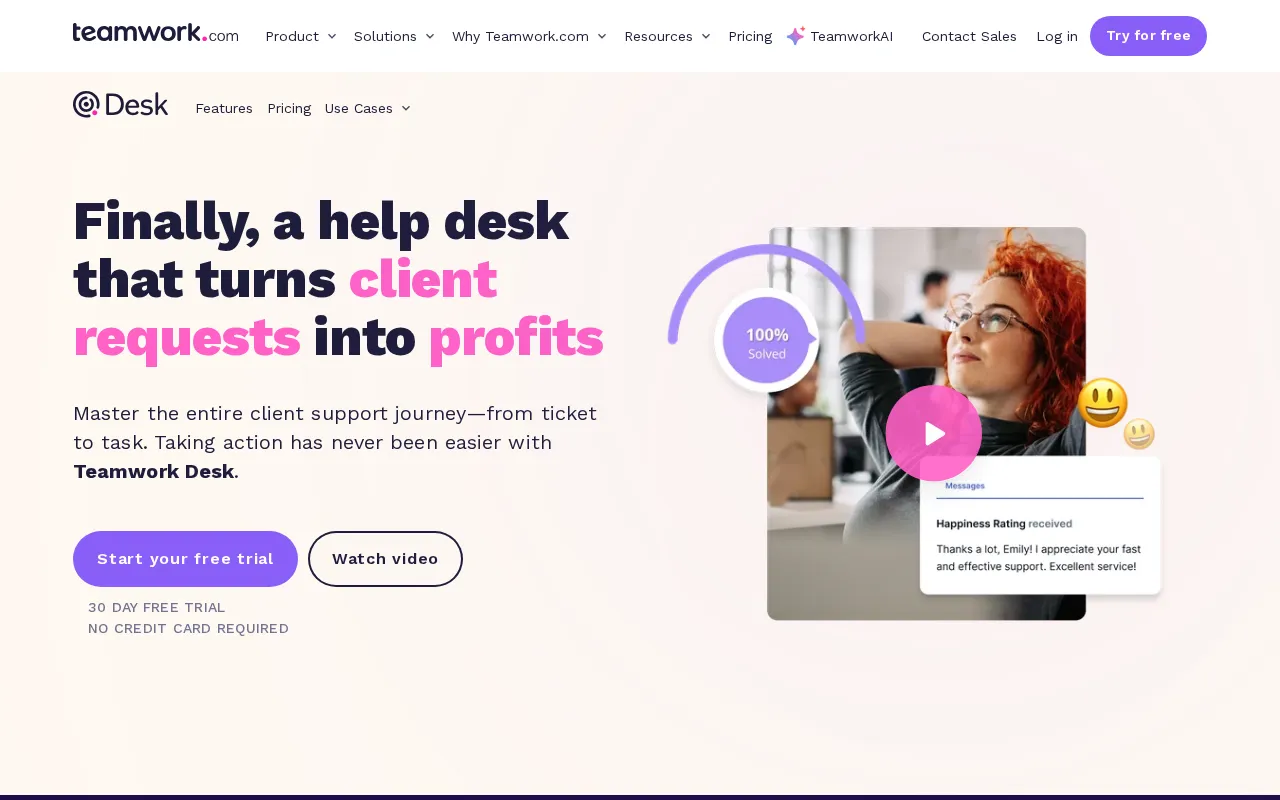
Teamwork DeskAgencies, consultancies and IT services firms on Teamwork.com that bill support time to client projects and retainers.Per agent, plus an AI add-on for the whole siteNo, 30-day trial with no card$29
CustomerlySoftware companies that want chat support, onboarding emails and NPS surveys in one tool, with an AI agent they pay for by the conversation.Per seat, plus each AI conversation and interactionsNo, 14-day free trial; view-only Lite users are free$200
IntercomSoftware and app companies that want chat, email, phone, WhatsApp and SMS in one inbox, with Fin answering across them.Per seat, plus each Fin outcomeNo, 14-day trial$354
CrispSmall teams that start with free website chat and want WhatsApp, Instagram, SMS and phone in the same inbox later.Per workspace, plus AI usageYes: 2 seats, chat only, no AI$66 or more
SiteGPTSites that want a chatbot answering from their own pages and docs, with a person stepping in now and then.Per plan, by monthly messages and team membersNo, 7-day trial with a credit card$79
BotpressTeams with someone technical who want to build custom AI agents with multi-step workflows across many channels, and pay by conversation rather than by seat.Per conversation, with AI spend at costYes: 3 seats, 100 conversations, no top-ups$215 or more

1. Rinhelp

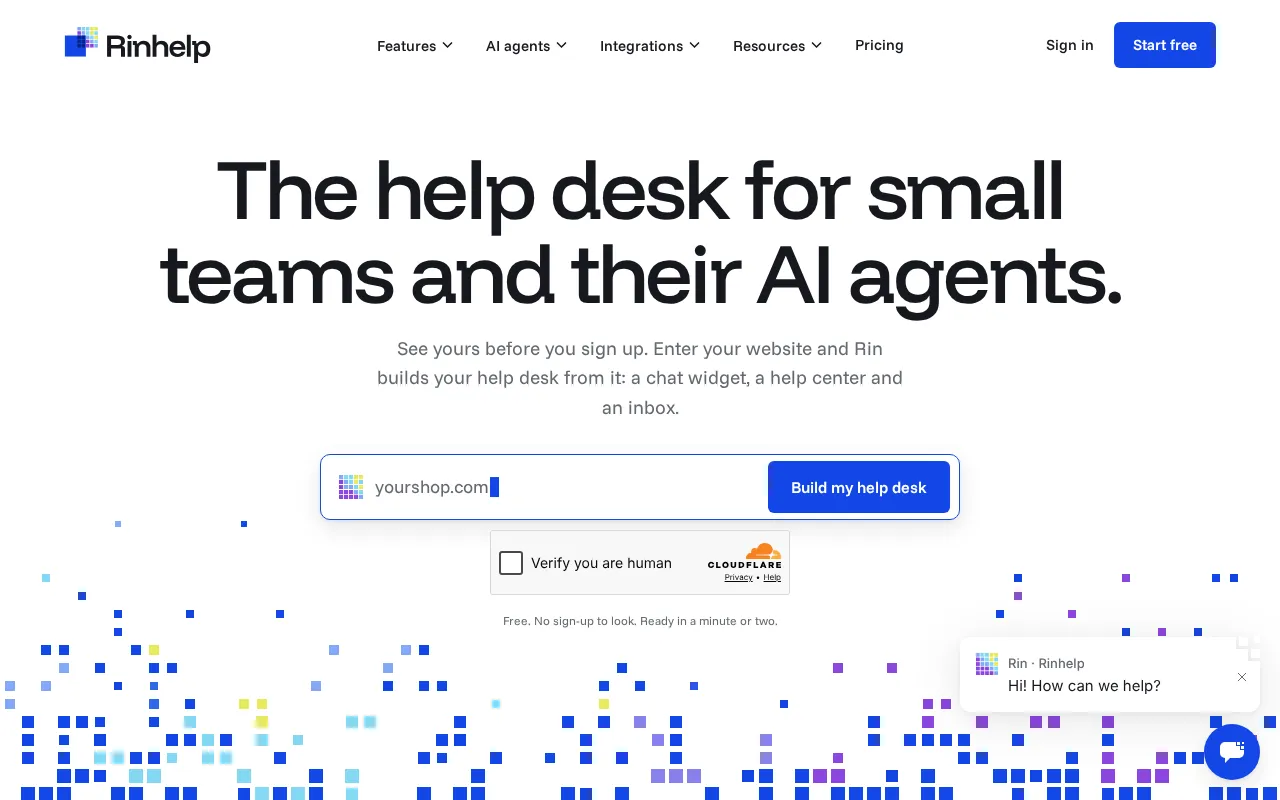
Rinhelp homepage, November 2026

Developers who install your tool write when a command fails or a setup step is unclear, and Rin, our built-in AI, answers first from your website and help center, handing the conversation to your team when the answer isn’t there. The Rinhelp plugin for Claude Code adds three tasks: inbox answers the conversations waiting on you, gaps finds the questions Rin couldn’t answer and writes the articles that answer them, and help-center looks for articles that are out of date, repeat each other or disagree. Claude Code, ChatGPT or an AI agent you wrote acts with the role of the teammate who connected it, and anything it asks for that moves money or can’t be undone, such as a refund or cancellation, waits for a teammate’s approval. Rinhelp answers email and live chat only, with Shopify and Stripe as its only integrations, so Discord, Slack and GitHub aren’t among them. It has no reports, SLA rules or routing rules.

Best for
Developer tool teams of 1 to 10 whose users write by email or the chat on their docs, and whose engineers already work in Claude Code.
How it bills
Free for up to 3 teammates. Pro is $49 a month for the whole workspace, with 5,000 AI replies from Rin. No per-seat or per-resolution fees.
Free plan
Yes: 3 teammates, 50 AI replies to try Rin
3 people, 300 AI replies
$49 a month: Pro for the whole workspace, using 300 of its 5,000 AI replies; Free covers your team if you don’t need AI replies.

Pros

  • The gaps task in the Claude Code plugin finds what Rin couldn’t answer, writes the article, then tests that Rin answers now.
  • Free for 3 teammates, with 50 AI replies to try Rin before you pay.
  • An AI agent connected through Claude Code acts with its teammate’s role, and each change it makes lands in the action log under Settings > AI agents.
  • On Pro, $49 a month covers the workspace, so a contributor who helps with support adds nothing to the bill.

Cons

  • Email and live chat only: there is no phone, WhatsApp, SMS or social inbox.
  • Shopify and Stripe are the only integrations.
  • No reports, SLA rules or routing rules: Rin hands a conversation to the teammate with the fewest open ones.
  • The free plan has no Rin beyond 50 AI replies to try it.
Start free

2. Wonderchat

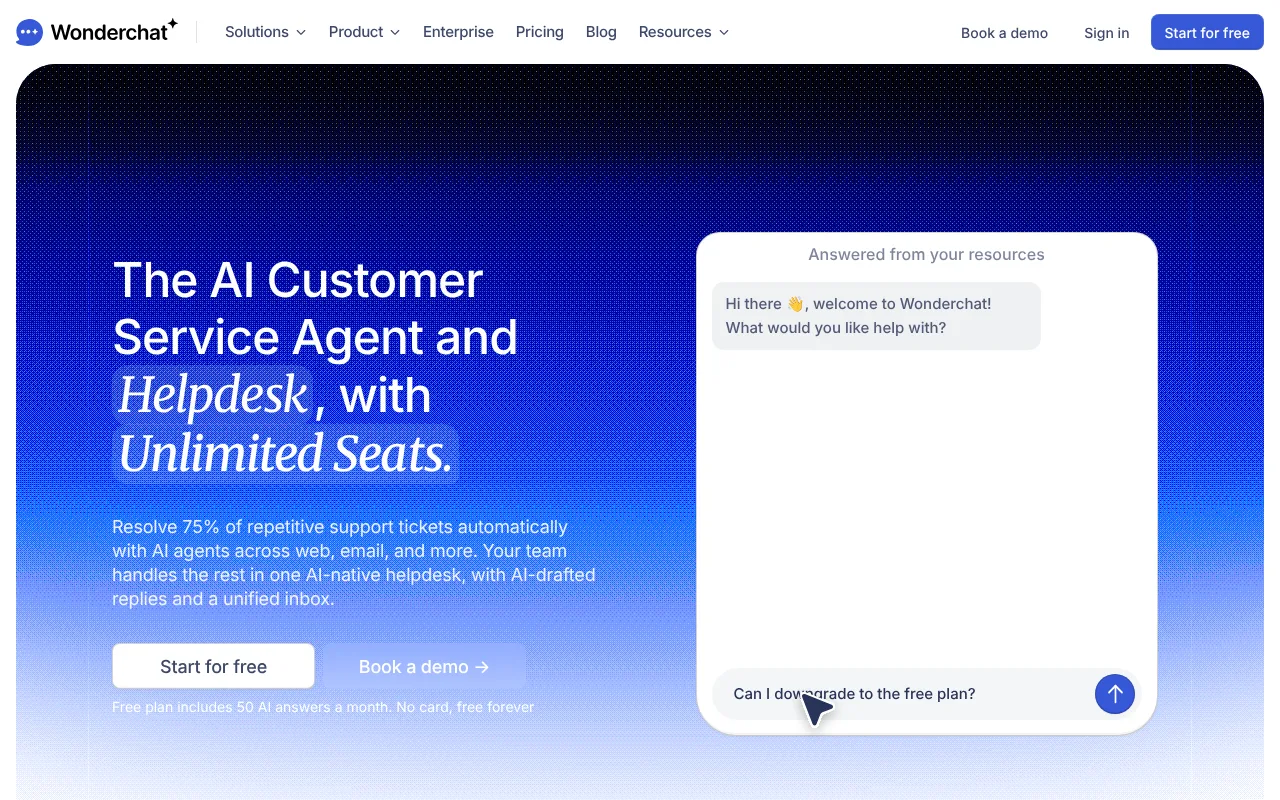
Wonderchat homepage, November 2026

Wonderchat is an AI agent that answers customers from your website pages and files, on a chat widget, email and messaging apps. Every plan includes a help desk with a shared inbox, where your team takes over live chats and tickets the AI hands on.

Wonderchat answers in Discord and Telegram as well as on your website and by email, even on its free plan, which suits a tool whose users meet in a Discord server. Paid plans have unlimited team seats, but Wonderchat isn’t an MCP server your own AI can work in.

Best for
Teams that want one AI agent on their website and messaging apps, with as many teammates as they like in its inbox, and lead capture from the same chat.
How it bills
Starter is $32.50, Basic $125 and Scale $417 a month billed yearly ($39, $149 and $499 billed monthly), with 500, 3,000 and 10,000 AI replies a month and unlimited team seats. A reply on a fast model uses 1 credit, and one on a frontier model can use more. Unused credits expire at the end of each billing period, and Enterprise has tailored pricing.
Free plan
Yes: 2 seats, 50 AI replies a month
3 people, 300 AI replies
$33 a month: Starter at $32.50 a month billed yearly ($39 monthly), with unlimited seats and 500 AI replies at 1 credit each on its fast models.

Pros

  • Unlimited team seats on every paid plan, and the help desk and shared inbox come free, with 2 seats on Free.
  • It answers on your website, email, Messenger, Instagram, Discord and Telegram on every plan, and on WhatsApp from Starter.
  • In the inbox, an action that can’t be undone, such as a refund, waits until one of that action’s approvers approves it.
  • You can switch the AI model behind your agent at any time, with fast models on every plan and frontier models from Basic.

Cons

  • When the month’s credits run out, the chatbot pauses and stops responding until you upgrade or buy more.
  • A reply from a frontier model, or with a deeper answer setting, can use more than 1 credit, so the same plan covers fewer replies.
  • The “Powered by Wonderchat” badge comes off only on Enterprise.
  • Its MCP Connector lets the chatbot call other servers’ tools, but Wonderchat isn’t an MCP server your own AI agent can work in.

Already on Wonderchat? See the best Wonderchat alternatives.

3. Plain

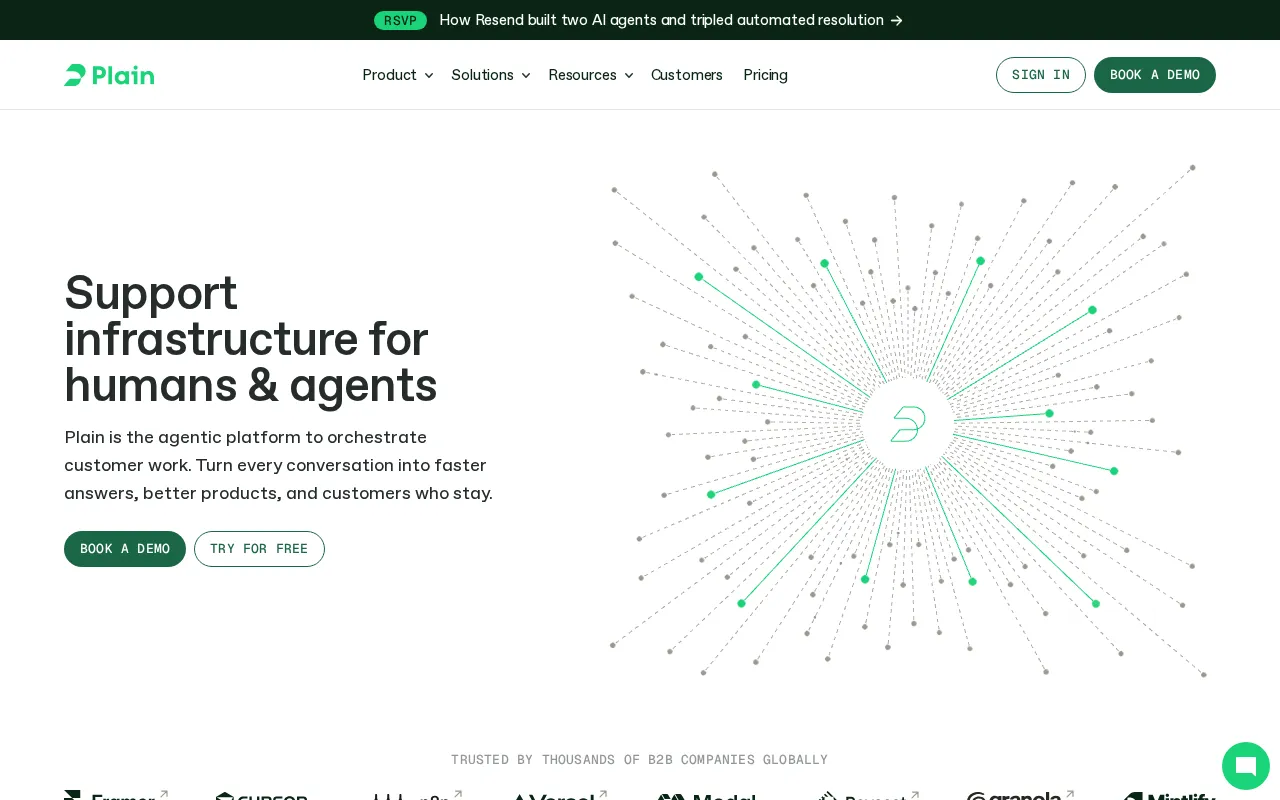
Plain homepage, November 2026

Plain is a support platform for B2B software companies. It answers customers in Slack, Microsoft Teams, Discord, email, chat and a help center, with an AI customer agent and a GraphQL API that does everything its app can.

Plain treats Slack as a support channel from Foundation, adds Discord on its quoted Frontier plan, and links threads to GitHub, so a bug a user reports can follow its fix. It has no free plan, and the trial lasts 7 days.

Best for
B2B software teams that support customers in shared Slack or Teams channels and want engineers and AI agents building on its API.
How it bills
Per member seat: Foundation is $45 a month on annual billing ($55 monthly) for up to 5 seats with 1,000 credits, and Horizon $99 ($139 monthly) for 3 to 10 seats with 2,500 credits; Frontier is quoted. Each customer agent resolution uses 100 credits, extra credits are $10 per 1,000, and viewer seats are free.
Free plan
No, 7-day trial
3 people, 300 AI replies
$425 a month: 3 Foundation seats at $45 on annual billing, plus 29,000 credits at $10 per 1,000 for 300 customer agent resolutions beyond the 1,000 credits included.

Pros

  • Slack, Microsoft Teams and Discord work as support channels next to email, which suits B2B customers.
  • Its official MCP server can reply, add notes, assign, close and write help center articles, signed in as your own user.
  • A customer agent resolution is charged only after the thread stays done for 7 days with no teammate stepping in.
  • Viewer seats are free and unlimited, and Linear, Jira, GitHub and incident.io link to threads.

Cons

  • Its price list has changed four times since December 2025, most recently raising Foundation’s seat price and halving its included credits.
  • No free plan, and the trial shrank from 14 days to 7 in 2026.
  • No phone, WhatsApp, SMS, Shopify or Stripe.
  • Foundation stops at 5 seats and 2 email addresses, so a sixth teammate means Horizon at $99 a seat.

Already on Plain? See the best Plain alternatives.

4. Social Intents

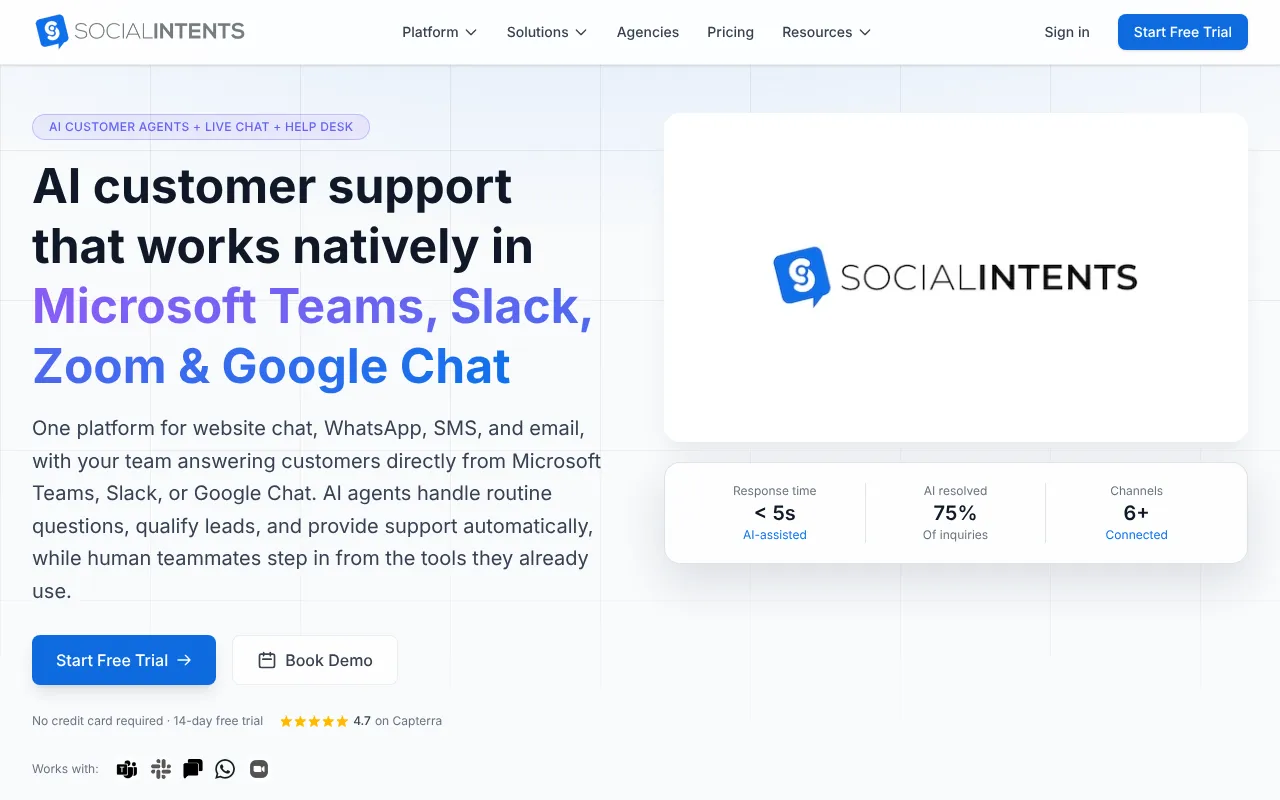
Social Intents homepage, November 2026

Social Intents is live chat and AI chatbot software, on the market since 2014, that lets a team answer website visitors from Microsoft Teams, Slack, Google Chat, Zoom or Webex, or from its own web inbox. Its AI agent runs on ChatGPT, Claude or Gemini, learns from your website and files, and hands chats to a person, and WhatsApp, SMS, Messenger and email can join the same inbox.

Social Intents lets your team answer chat on your docs site from Slack, Microsoft Teams or Google Chat, with no new app to learn. Its AI runs on hosted ChatGPT models, or on Claude and Gemini through your own API key.

Best for
Teams that already work in Microsoft Teams, Slack or Google Chat and want to answer website chat there, with an AI bot taking the routine questions.
How it bills
On annual billing Starter is $39 a month for 4 seats and 250 conversations, and Basic $69, Pro $99 and Business $199 give unlimited seats with 1,000, 5,000 or 10,000 conversations ($49, $79, $132 and $265 monthly). Lite is $21 a month on annual billing ($29 monthly) for 1 seat and 60 conversations. Every chat a visitor engages in counts, missed chats and offline messages included, and AI replies on the ChatGPT models it hosts come out of the same allowance; Claude, Gemini and other models run on your own API key, billed by that provider. WhatsApp and SMS start on Basic, and email and tickets on Pro.
Free plan
Only in its Shopify app: 1 agent and 20 chats a month. Elsewhere, a 14-day trial without a card
3 people, 300 AI replies
$69 a month: Basic at $69 a month on annual billing, with unlimited seats and 1,000 conversations, since Starter’s 250 fall short of 300. Chats its hosted ChatGPT models answer count toward the same 1,000.

Pros

  • Your team answers website chat from Microsoft Teams, Slack, Google Chat, Zoom or Webex, or from the web inbox, with no new app to learn.
  • Basic and higher plans have unlimited seats, so the price follows conversations rather than the size of your team.
  • The AI agent learns from your website and files, runs on ChatGPT, Claude or Gemini, and hands a chat to your team on trigger phrases or when it has no answer.
  • Its Shopify app adds AI actions that look up order status and search products, on any plan.

Cons

  • The email channel and help desk tickets need Pro at $99 a month on annual billing, or $132 monthly.
  • Claude and Gemini always run on your own API key and bill to that provider; only some ChatGPT models are included.
  • Missed chats and offline messages use up the monthly conversation limit as much as answered ones.
  • No MCP server, and the terms rule out refunds although the pricing page promises 30 days’ money back.

Already on Social Intents? See the best Social Intents alternatives.

5. Chatwoot

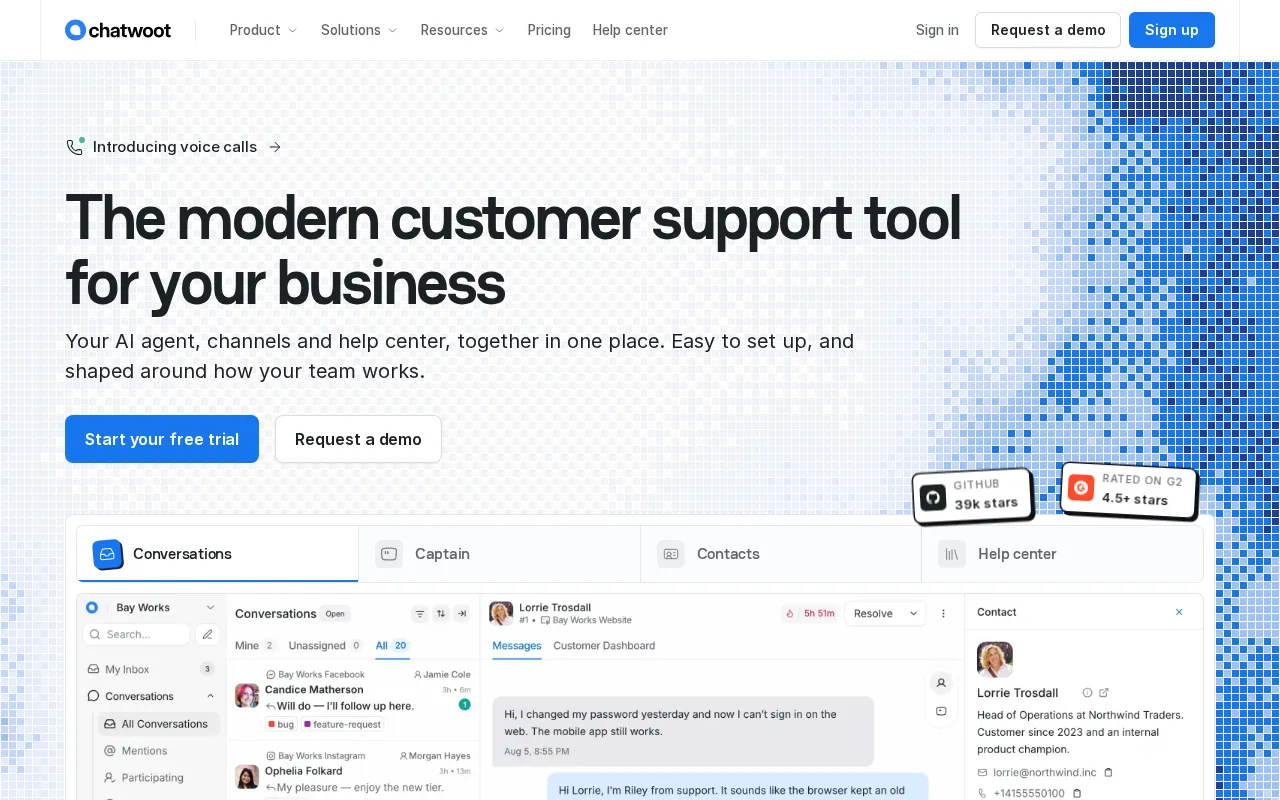
Chatwoot homepage, November 2026

Chatwoot is open-source support software with one inbox for live chat, email, WhatsApp, social and voice, a help center, and Captain, its AI agent. You can use Chatwoot Cloud or host it yourself.

Chatwoot’s official CLI and agent skill suit a team that lives in the terminal, and its Slack integration comes even on the free Hacker plan for 2 agents. That plan keeps 30 days of data and, since July 2026, has no API or webhooks.

Best for
Teams that want many channels at a low seat price, or want to run their help desk on their own servers.
How it bills
Cloud is per agent a month: Startups $19, Business $39 and Enterprise $99, with 300, 500 or 800 Captain credits for the account. Each Captain reply uses a credit, extra credits are $20 per 1,000, and no annual price is published. Credits never top up by themselves: once they run out, new conversations go straight to your team with no Captain reply.
Free plan
Yes: 2 agents, live chat only, 500 conversations a month
3 people, 300 AI replies
$57 a month: 3 Startups agents at $19, with the 300 included Captain credits covering 300 AI replies.

Pros

  • Open source: the self-hosted Community Edition is free, and your data stays on your own servers.
  • One inbox for live chat, email, WhatsApp, Instagram, Messenger, TikTok and, from Business, voice calls.
  • Startups includes every channel but voice, plus a help center, at $19 an agent a month.
  • An official CLI and agent skill let coding agents such as Claude Code work in Chatwoot.

Cons

  • Startups has no automation rules or teams; those start on Business at $39 an agent.
  • Captain uses a credit for every reply, and bought credits expire after 6 months and aren’t refunded.
  • Since July 2026 the free Cloud plan has no API or webhook access.
  • No official MCP server, and Captain’s custom tools have no built-in approval step for actions like refunds.

Already on Chatwoot? See the best Chatwoot alternatives.

6. DocsBot

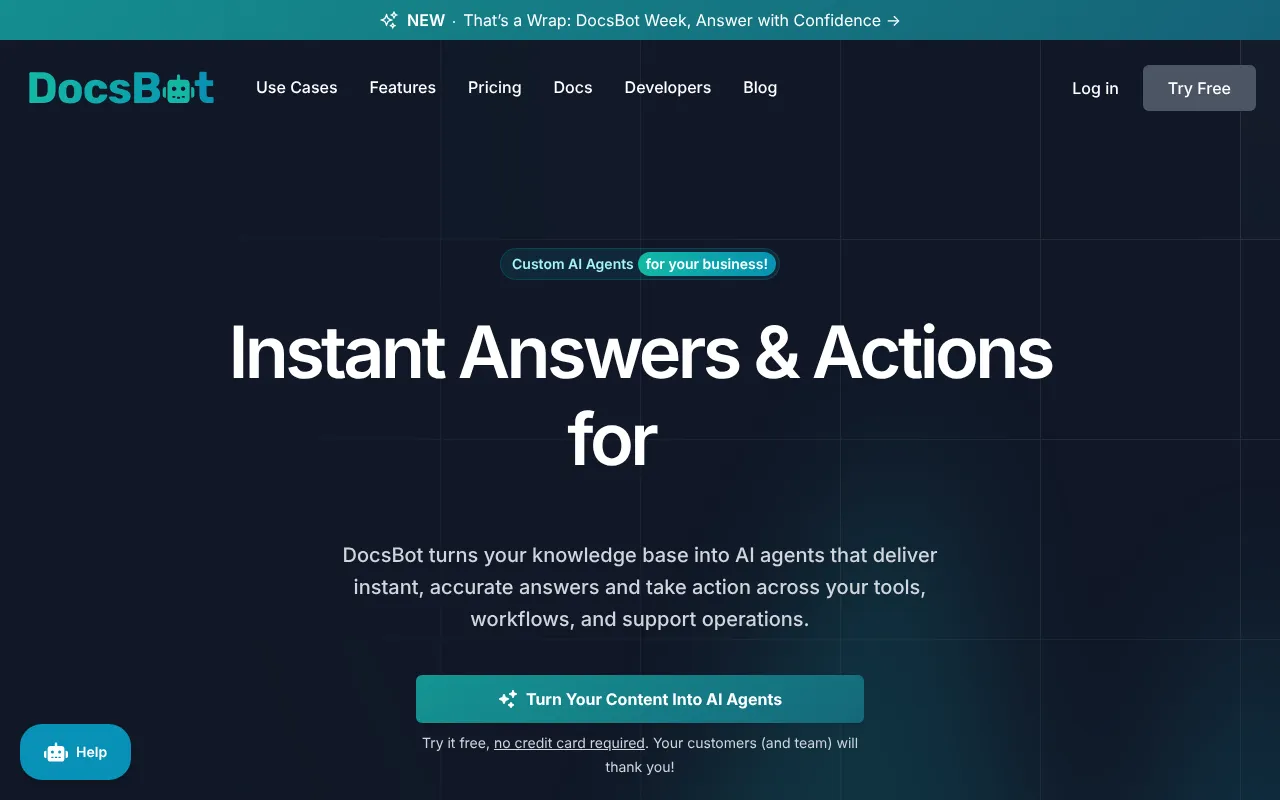
DocsBot homepage, November 2026

DocsBot turns your docs, website and other content into AI agents that answer customers in a chat widget, Slack or WhatsApp. When a customer needs a person, it hands them to the help desk widget you already use, such as Help Scout, Zendesk or Intercom.

DocsBot answers setup questions from your docs site, Notion or Confluence, in Slack and Telegram from Personal at $49 a month, and starts free with 100 AI credits a month. Once the credits are spent it shows customers an error unless auto-add is on.

Best for
Teams happy with their help desk that want an AI answering from their docs on the website, with hard questions passed to that help desk.
How it bills
Personal is $49 a month for 1 team user and 5k AI credits, Standard $149 for 5 team users and 15k, and Business $499 for 10 team users and 60k, with 2 months free on annual plans. A chat message starts at 1 credit and uses more on larger models and AI actions, and each 5k more credits cost $49 a month. Extra team users are $19 each, on Business and Enterprise only.
Free plan
Yes: 1 user, 100 AI credits a month
3 people, 300 AI replies
$149 or more a month: Standard at $149, the first plan with escalation tickets for your help desk, using 300 of its 15k AI credits at 1 credit a message. Your help desk’s seats come on top.

Pros

  • A free plan with 100 AI credits a month, and a 14-day money-back guarantee on paid plans.
  • It learns from dozens of content sources, such as Notion, Confluence, Google Drive, Zendesk Guide and solved Help Scout or Freshdesk tickets.
  • On Standard, its widget hands a customer to your Help Scout, Zendesk, Intercom, Freshdesk, HubSpot, LiveChat or Gorgias widget, with the chat history and an AI-written ticket.
  • It answers in Slack, Messenger, WhatsApp and Telegram from Personal, and adds realtime voice agents and Stripe billing actions on Standard.

Cons

  • DocsBot is not a help desk: the teammate who takes over answers in another tool, billed separately.
  • When the month’s AI credits run out, it stops answering and shows customers an error, unless you turn on auto-add.
  • Standard stops at 5 team users, and extra users are sold only from Business at $499 a month.
  • Removing DocsBot branding from the widget needs Business.

Already on DocsBot? See the best DocsBot alternatives.

7. Denser

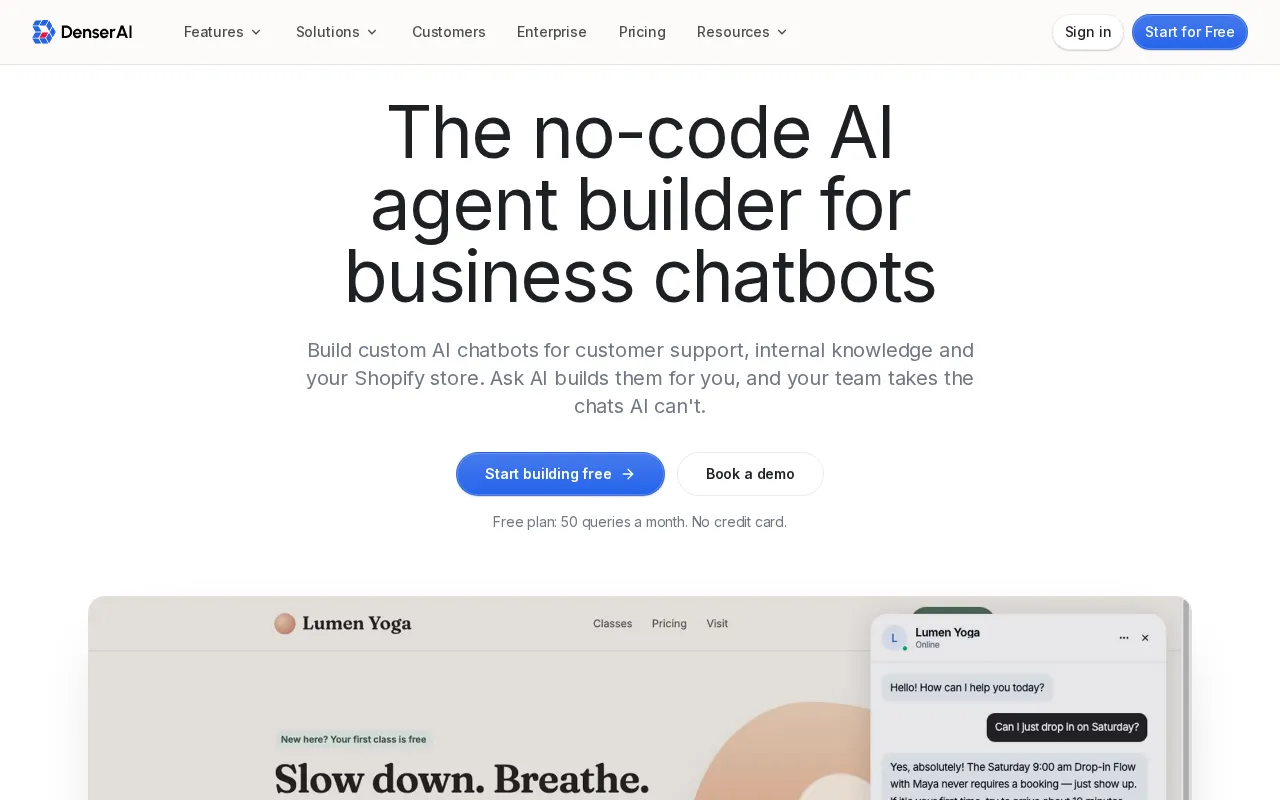
Denser homepage, November 2026

Denser builds AI chatbots that answer from your website, files and written Q&A, and cite the source behind each answer. One chatbot can answer website chat, email, phone calls, WhatsApp, Slack and Telegram, and from Standard a built-in Helpdesk lets your team take over what it can’t solve.

Denser’s chatbot names the page behind each answer and replies in Slack and Telegram as well as website chat, with a free plan of 50 queries a month. Its MCP server works on Free too, but only reads.

Best for
Teams that want a chatbot with cited answers on their website, support inbox and phone line, and Shopify stores that want orders, cancellations and returns handled in the chat.
How it bills
Starter is $39, Standard $119, Business $399 and Enterprise $899 a month on monthly billing ($32, $96, $320 and $720 a month on yearly billing), with 1,500, 7,500, 15,000 and 50,000 queries and 1, 5, 10 and 50 team members. A question to a chatbot uses 1 query, and extra seats are sold as add-ons at a price the pricing page doesn’t show.
Free plan
Yes: 1 chatbot, 1 team member, 50 queries a month
3 people, 300 AI replies
$96 a month: Standard at $96 a month on yearly billing ($119 monthly), the first plan with Helpdesk, with 5 team members included. 300 replies use 300 of its 7,500 queries.

Pros

  • Every answer cites the page or document it came from, whether that’s your website, a PDF, Word or Excel file, Google Drive or Q&A you wrote.
  • The same chatbot answers website chat, email, WhatsApp, Slack and Telegram, and phone calls through your Twilio or Vapi number.
  • On Shopify it searches your live catalog, fills the native cart and checks orders, and can cancel an unshipped order or start a return once the shopper confirms.
  • The email agent can hold each reply it drafts in Helpdesk until a teammate approves, edits or takes it over.

Cons

  • Starter has 1 team member and no Helpdesk: a person taking over a chat starts on Standard.
  • Each plan includes a set number of team members, 5 on Standard, 10 on Business and 50 on Enterprise, and more are an add-on the pricing page doesn’t price.
  • Actions, cards and playbooks share one allowance per chatbot: 1 on Free, 5 on Starter, 10 on Standard and 20 on Business and Enterprise.
  • Query logs are kept 30 days on Starter and 90 on Standard.

Already on Denser? See the best Denser alternatives.

8. Help Scout

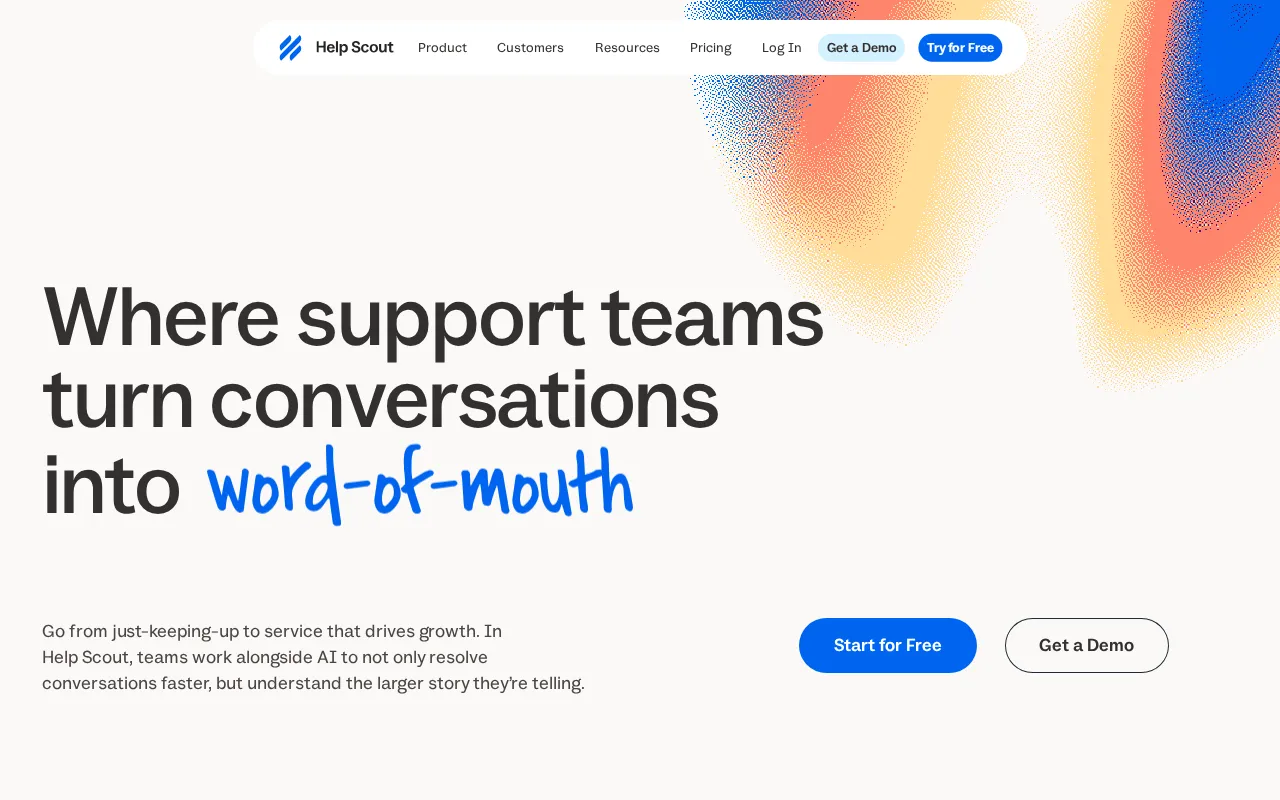
Help Scout homepage, November 2026

Help Scout is a help desk with shared inboxes, a Docs help center and Beacon, a widget for chat and help articles. Scout, its AI agent, answers chat from your help content and is billed per resolution.

Help Scout’s free plan, 5 users with a Docs site and 100 contacts a month, fits a tool still finding its first users, and Beacon puts help articles beside a contact form. Scout answers chat only, and a new MCP connection can’t reply.

Best for
Support teams that think in tickets and want a calm shared inbox, a help center and live chat, with a free plan to start on.
How it bills
Standard is $25, Plus $45 and Pro $75 a user a month on annual billing, which saves 16%. Pro needs at least 10 users and a demo. Scout costs $0.75 per resolution, free for a new account’s first 3 months.
Free plan
Yes: 5 users, 1 inbox, 100 contacts a month
3 people, 300 AI replies
$300 a month: 3 Standard users at $25 on annual billing, plus 300 AI resolutions at $0.75.

Pros

  • A free plan for up to 5 users, with 1 inbox, a Docs site and 100 contacts a month.
  • Agents can refund, cancel or edit recent Shopify orders, and refund Stripe payments or cancel subscriptions, from the sidebar.
  • Standard brings email, live chat, SMS, WhatsApp, Instagram and Messenger into one inbox.
  • You can cap AI spending each month, and Scout switches off when it reaches the cap.

Cons

  • Its official MCP server is read-only: your own AI can search conversations and Docs, but can’t reply, add notes or close.
  • Scout answers website and in-app chat only, and lists email as “Coming Soon”.
  • Scout can’t look up orders or act in other tools yet: its connection to payment processors and CRMs is still to come.
  • Seats and AI are billed separately, so the bill grows with every user and every resolution.

Already on Help Scout? See the best Help Scout alternatives.

9. tawk.to

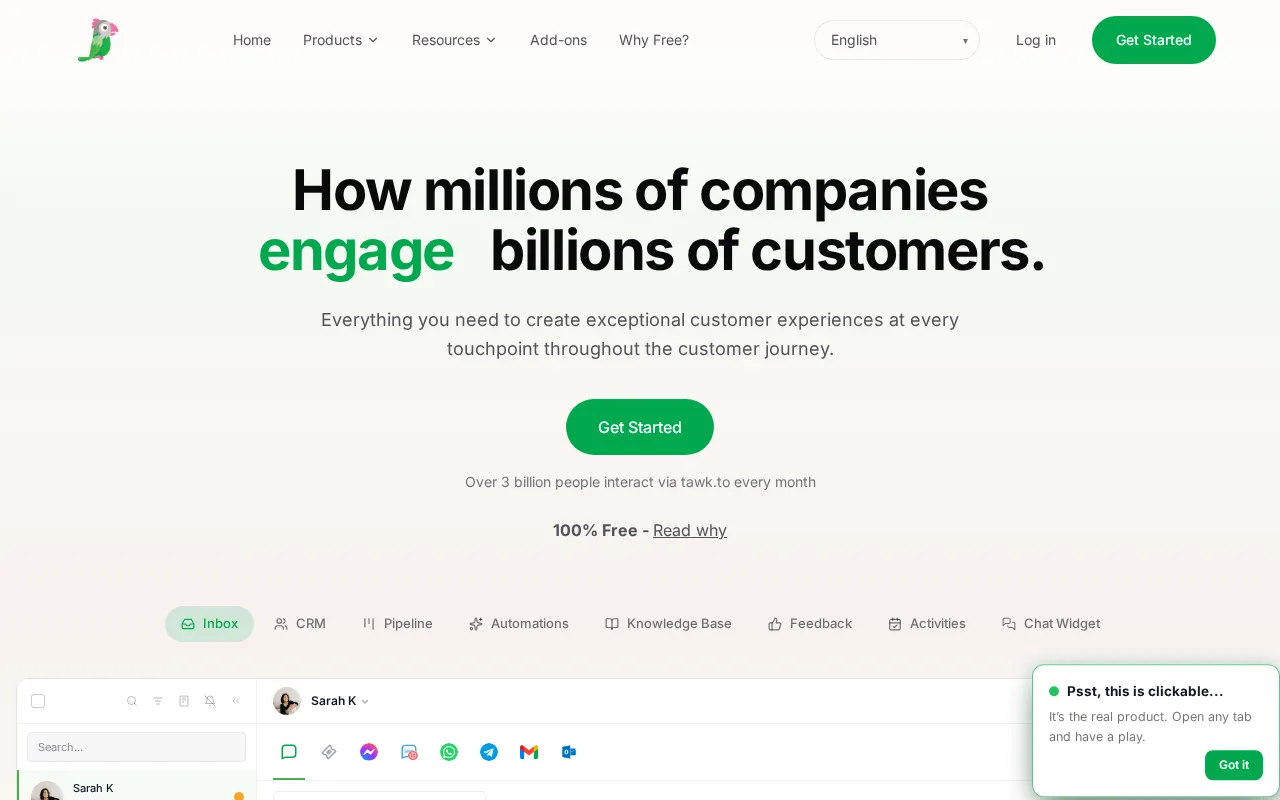
tawk.to homepage, November 2026

tawk.to is free live chat and ticketing software for websites, with a hosted knowledge base. It makes its money from paid add-ons, such as AI Assist, white label and hired chat agents, billed per website.

tawk.to’s chat, ticketing and knowledge base cost nothing for any number of teammates, so every maintainer can help. The “Powered by tawk.to” badge stays unless you pay $29 a month for each site, and REST API access must be approved first.

Best for
Small businesses that want website chat for any number of agents at no cost, and don’t mind the tawk.to badge.
How it bills
Chat, ticketing and the knowledge base are free for any number of agents. AI Assist is free for 100 credits a month, then $29, $99 or $399 a month ($290, $990 or $3,990 a year) for 1,000, 5,000 or 20,000 credits, and a reply on the default Auto model uses 3.
Free plan
Yes: unlimited agents and chats, about 33 AI replies a month
3 people, 300 AI replies
$24 a month: AI Assist Growth at $290 a year, whose 1,000 monthly credits cover 300 replies at 3 credits each on the Auto model. Seats are free.

Pros

  • Free for any number of agents, chats and websites, with ticketing and a hosted knowledge base.
  • WhatsApp, Messenger, SMS through Twilio and email share one inbox, and the AI answers on chat, WhatsApp, SMS and Messenger.
  • Its Shopify app adds a tab where agents check orders, refund and cancel during a chat.
  • Hired chat agents start at $1 an hour if you want someone else to answer.

Cons

  • AI Assist charges per reply, and once credits run out it stops joining new conversations.
  • The “Powered by tawk.to” badge stays unless you pay for white label, $39 a month or $348 a year for each website.
  • No official MCP server, and REST API access must be requested and approved first.
  • Add-ons are billed per website, so each extra site pays again.

Already on tawk.to? See the best tawk.to alternatives.

10. Zammad

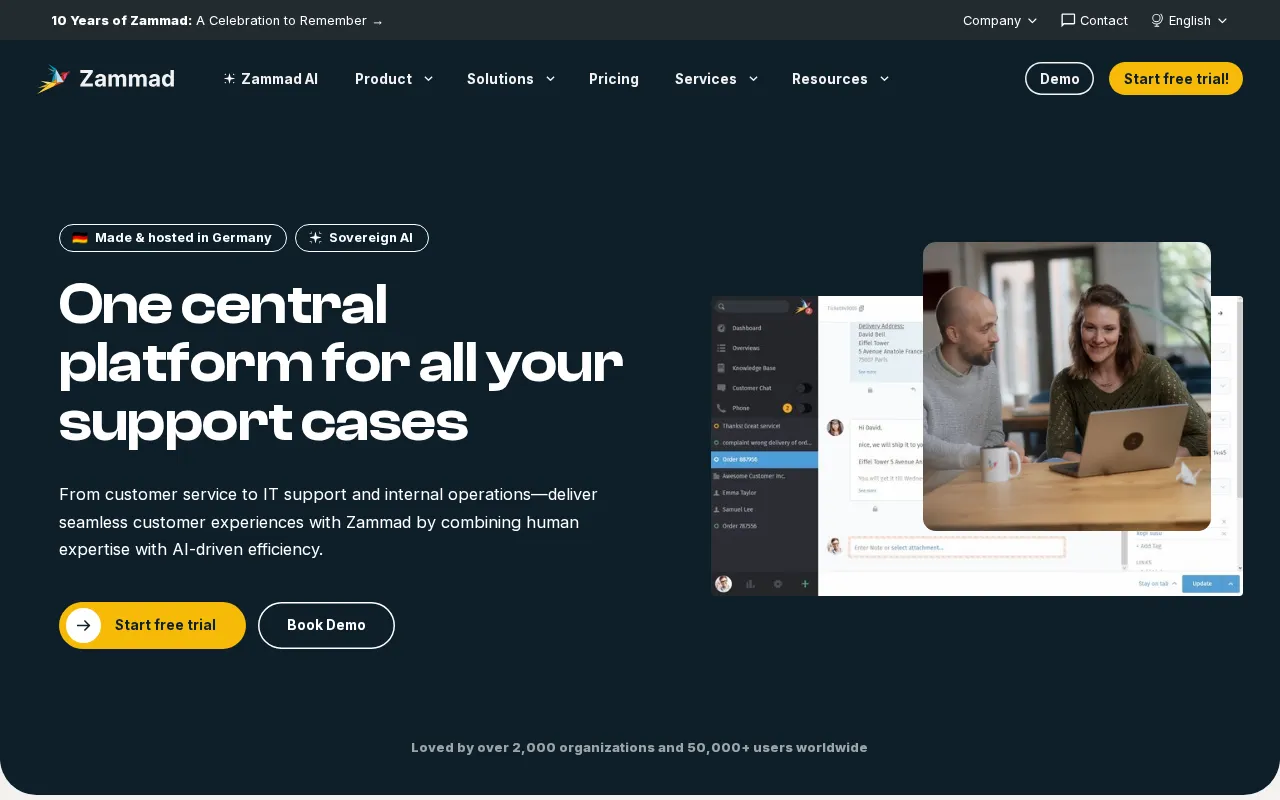
Zammad homepage, November 2026

Zammad is an open-source ticketing help desk from Zammad GmbH in Germany, founded in 2014 by Martin Edenhofer, who earlier created OTRS. Email, chat, SMS, Telegram, Facebook and WhatsApp share one ticket queue with a knowledge base, on your own server for free or hosted by Zammad in Germany.

Zammad links tickets to GitHub or GitLab on Plus v2, and its code is open for a team that would rather host it. Its AI summarizes and polishes drafts but never answers a customer, and chat starts on Professional v2.

Best for
Teams that want an open-source ticketing system they can run themselves, or have hosted in Germany, with AI that sorts and summarizes tickets rather than answering customers.
How it bills
Hosted plans are per agent a month in euros, excluding VAT: Starter v2 is €7 for up to 5 agents, Professional v2 €16 for up to 35 and Plus v2 €25 for any number on annual billing (€9, €18 and €27 monthly). Chat and the knowledge base start on Professional v2, WhatsApp and Facebook on Plus v2. AI needs Professional v2 or Plus v2, and Zammad AI costs €0.03 per AI call, or you connect your own provider. Self-hosting is free, with support contracts from €2,999 a year.
Free plan
Yes: free and open source on your own server, and a 30-day hosted trial on Professional v2
3 people, 300 AI replies
$54 a month: 3 Professional v2 agents at €16 on annual billing, the first plan with chat and a knowledge base: €48, about $54 at $1.12 to the euro. No Zammad AI answers customers, so your team answers every conversation.

Pros

  • Open source with the full feature set, so you can run it yourself for free and keep every ticket on your own servers.
  • Email, chat, SMS, Telegram, Facebook and WhatsApp share one ticket queue, with SLAs, triggers and a knowledge base.
  • Its AI runs on Zammad AI, your own OpenAI, Anthropic or Azure account, or a local model through Ollama.
  • The hosted version runs in ISO 27001-certified data centers in Germany, and monthly billing can be cancelled any month.

Cons

  • No AI answers customers: it summarizes tickets, polishes drafts and sets fields, and a person sends every reply.
  • Hosted chat and the knowledge base need Professional at €16 an agent, and WhatsApp needs Plus at €25.
  • Running it yourself takes at least 2 CPU cores and 6 GB of RAM, plus 4 GB for Elasticsearch on the same server.
  • No Shopify or Stripe integration, and its phone integrations only log calls: you can’t call from inside Zammad.

Already on Zammad? See the best Zammad alternatives.

11. FreeScout

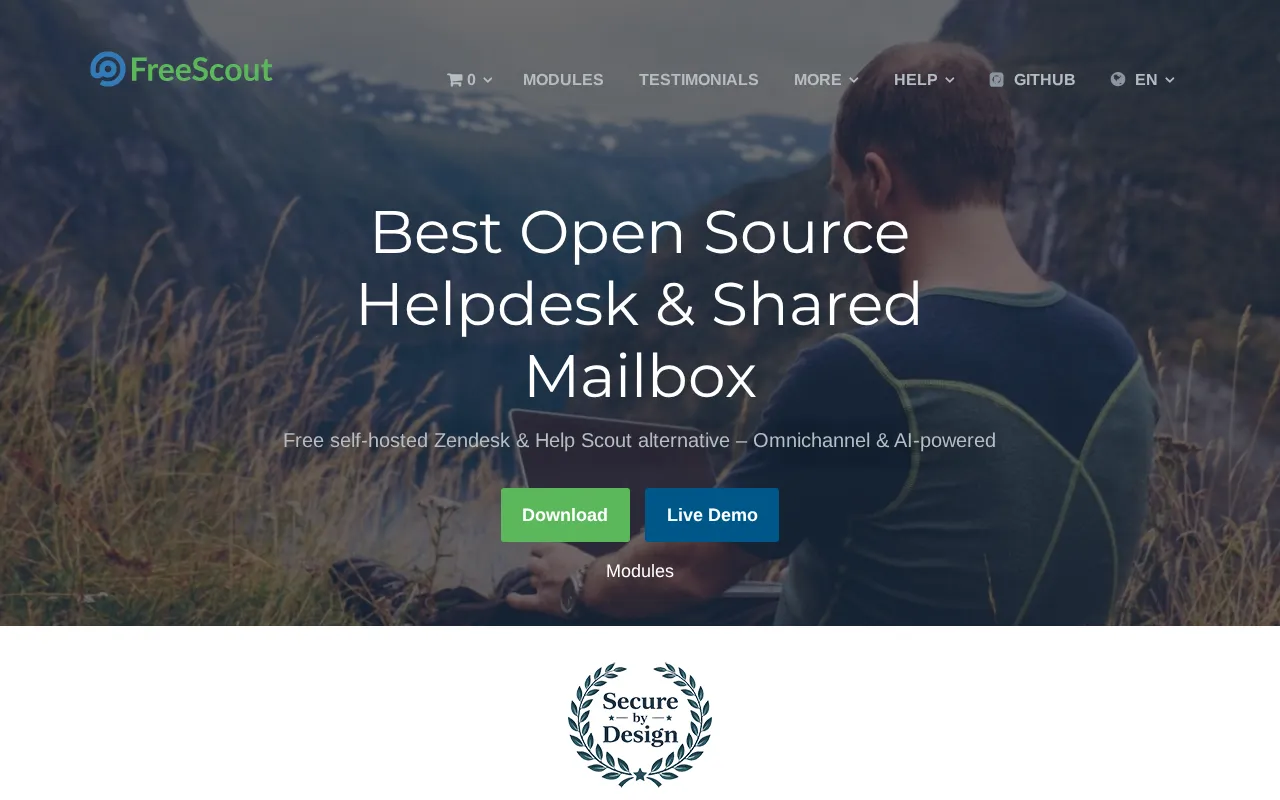
FreeScout homepage, November 2026

FreeScout is a free, open-source help desk and shared mailbox built with PHP and Laravel, which you install on your own server. Features beyond the core, from live chat to a knowledge base, come as modules sold once.

FreeScout is free for any number of teammates, so every maintainer can answer, and a team that already runs a PHP server adds Telegram, live chat and a knowledge base as modules paid once. Help with a module covers confirmed bugs only.

Best for
Teams with someone to run a PHP server who want an email help desk for any number of agents without a monthly bill.
How it bills
FreeScout is free and open source for unlimited agents, tickets and mailboxes, and you host it yourself: FreeScout offers no cloud version of its own. Features such as live chat ($13), a knowledge base ($12), saved replies ($4.99), tags ($6.99), workflows ($14.99) and API & Webhooks ($12.99) are modules, each a one-time lifetime license for one FreeScout instance, with no trials and no refunds. The AI module is free and runs on your own AI provider.
Free plan
Yes: free and open source for unlimited agents, on your own server
3 people, 300 AI replies
$0 or more a month: 3 agents on the free FreeScout app, on a server you run from $3.10 a month on PikaPods in FreeScout’s one-click list. Live chat ($13), knowledge base ($12) and saved replies ($4.99) are one-time modules, $29.99 together, and no AI answers customers.

Pros

  • Free for unlimited agents, tickets and mailboxes, and every conversation stays on a server you control.
  • Modules are paid once, with lifetime updates, and their source code is open under AGPL-3.0.
  • The free AI module drafts and summarizes with OpenAI, Claude, Gemini or a local model through Ollama.
  • Beside email, live chat, WhatsApp, Telegram, Facebook and SMS through Twilio can join the same inbox, each through a module.

Cons

  • FreeScout sells no hosted version, so you run the server yourself or pay another company to host it.
  • No AI answers customers: the AI module only drafts, summarizes and polishes replies for an agent.
  • Saved replies, tags, workflows, live chat and the knowledge base are each a paid module, with no trial and no refund.
  • Help with a module is limited to fixing confirmed bugs, and FreeScout points you to a developer for anything else.

Already on FreeScout? See the best FreeScout alternatives.

12. Jira Service Management

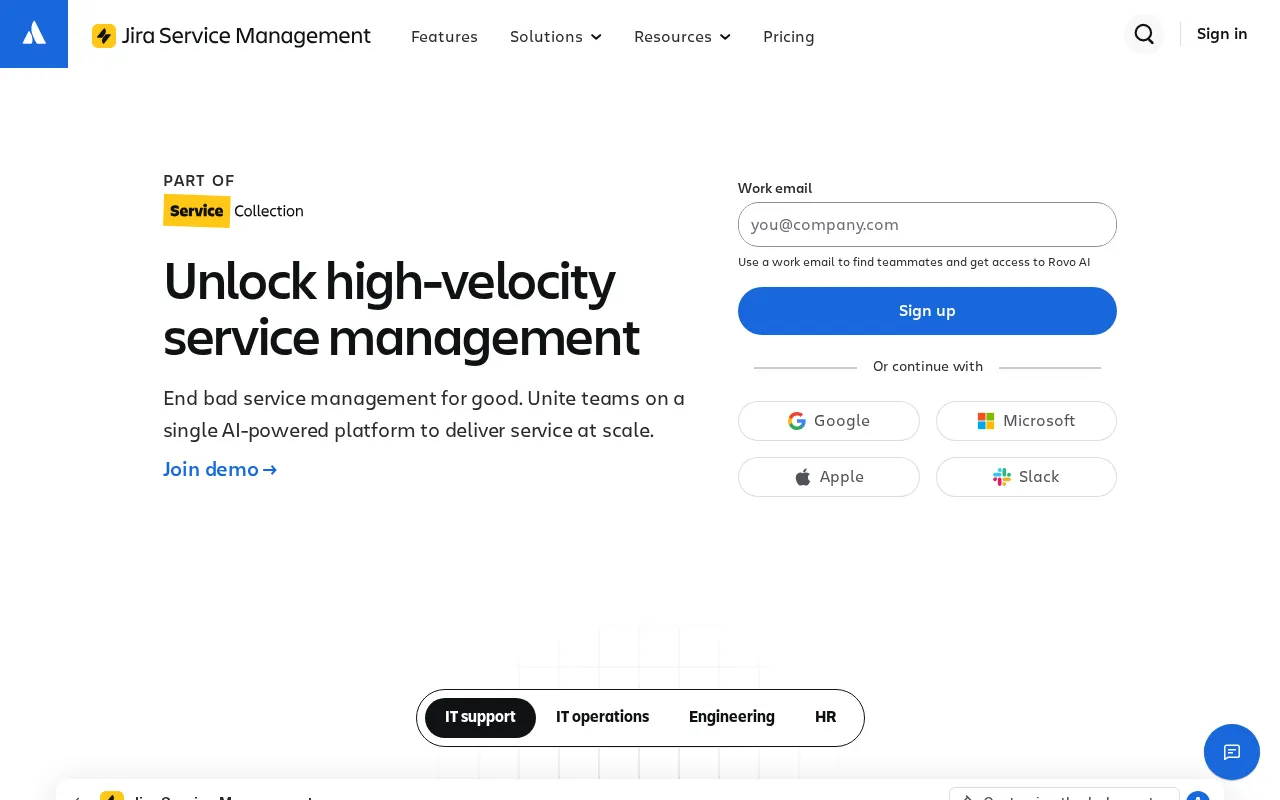
Jira Service Management homepage, November 2026

Jira Service Management is Atlassian’s service desk for IT, HR and other internal teams, sold in its Service Collection: requests by email, portal, widget, Slack and Microsoft Teams, with on-call schedules on every plan, assets on paid plans and change management from Premium, and an AI agent for customers billed per resolution.

Requests arrive from Slack and Microsoft Teams even on the free plan for 3 agents, beside the Jira board where the bugs get fixed. Live chat waits for Premium at $61.60 an agent.

Best for
IT and engineering teams already on Jira and Confluence that run incidents, changes, problems, assets and on-call in one place.
How it bills
Free for 3 agents. Up to 15 agents, Standard is $26.90 and Premium $61.60 an agent a month, or on annual billing Standard is $800 a year for 1 to 3 agents, $1,350 for 4 to 5 and $2,700 for 6 to 10. Enterprise is billed annually only, listed from 201 agents at $185,000 a year and bought through sales. The Customer Service AI Agent costs $1 per resolution from the first one, and Rovo credits past a plan’s allowance cost $0.01 each.
Free plan
Yes: 3 agents, no AI agent
3 people, 300 AI replies
$367 a month: Standard for 1 to 3 agents at $800 a year on annual billing, plus 300 AI agent resolutions at $1.

Pros

  • Incidents, problems, changes, assets and on-call sit next to Jira, where engineering already works.
  • Free for 3 agents with unlimited customers, a portal, email, Slack and Microsoft Teams.
  • The Customer Service AI Agent charges nothing when it fails to resolve a conversation.
  • Its knowledge base runs on Confluence without buying Confluence.

Cons

  • Live chat and the virtual service agent need Premium at $61.60 an agent.
  • The Customer Service AI Agent bills $1 for every resolution, with none included.
  • Extra Rovo credits and other usage are billed from December 3, 2026.
  • There is no official Shopify app, and Stripe comes only through third-party Marketplace apps.

Already on Jira Service Management? See the best Jira Service Management alternatives.

13. Teamwork Desk

Teamwork Desk homepage, November 2026

Teamwork Desk is the help desk from Teamwork.com, the project platform for client-service businesses. Client emails become tickets that can turn into Teamwork.com tasks, with live chat from Pro, Help Docs knowledge bases and Dotty, an AI add-on that drafts replies for agents.

Claude can write and publish Help Docs articles through Teamwork Desk’s MCP server, a quick way to turn a solved install problem into a page. Nothing in it answers users on its own, and there is no free plan.

Best for
Agencies, consultancies and IT services firms on Teamwork.com that bill support time to client projects and retainers.
How it bills
Starter is $9.50 an agent a month billed yearly ($12 monthly) for up to 10 agents, Pro $17 ($21) and Premium $33 ($41); Enterprise is quoted. Dotty is $69 a month for the whole site, with 1,000 tickets analyzed and 100 suggested replies, then $9 per 100 replies. Each Help Docs site past the free one is $20 a month.
Free plan
No, 30-day trial with no card
3 people, 300 AI replies
$29 a month: 3 agents on Starter at $9.50, billed yearly. Dotty, $69 a month, only drafts, so no AI answers customers. Live chat needs Pro, $17.

Pros

  • A ticket can become a Teamwork.com task, and time logged on tickets updates Teamwork.com budgets and retainers.
  • An official MCP server, at no extra cost, lets Claude or ChatGPT reply, add notes, assign, change status and write Help Docs articles.
  • Starter is $9.50 an agent billed yearly, with a Help Docs site and customer portal, and every plan starts with a 30-day trial and no card.
  • Stripe shows a customer’s invoices and subscriptions in the ticket sidebar.

Cons

  • No AI answers customers: Dotty drafts replies, summarizes and finds similar tickets, and an agent sends every reply.
  • Live chat needs Pro, $17 an agent billed yearly, and customers reach it through the embeddable contact form widget.
  • No WhatsApp, voice or social channels, and no Shopify integration.
  • Starter stops at 10 agents, and there is no free plan.

Already on Teamwork Desk? See the best Teamwork Desk alternatives.

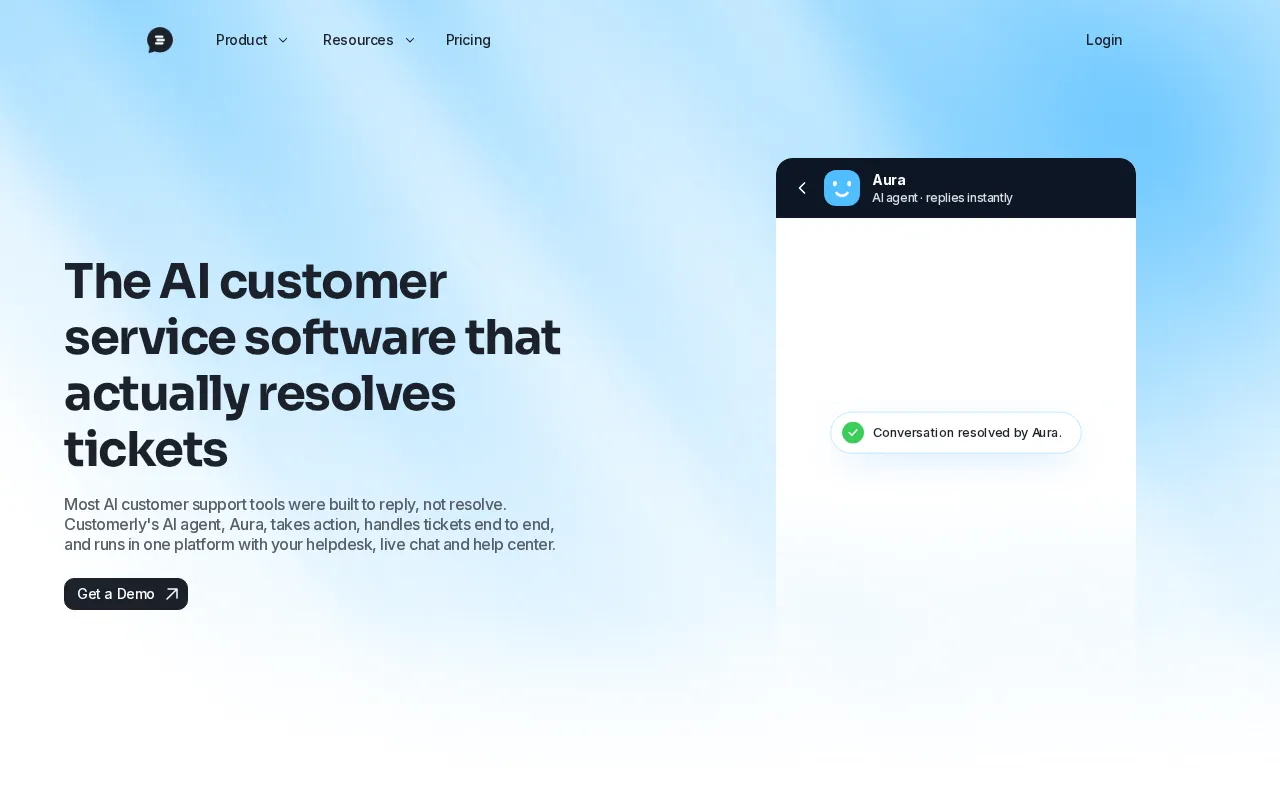
14. Customerly

Customerly homepage, November 2026

Customerly is customer support and marketing software: a live chat messenger, one inbox for chat, email, WhatsApp and Facebook Messenger, a help center, and Aura, its AI agent, alongside email campaigns, in-app surveys and NPS.

Customerly connects to Claude Code with an API token, and its in-app surveys and NPS can ask a new user how setup went. Core keeps 30 days of conversation history and 2 canned responses.

Best for
Software companies that want chat support, onboarding emails and NPS surveys in one tool, with an AI agent they pay for by the conversation.
How it bills
Per seat in US dollars: Core is $16 a seat a month, Growth $59 and Ultimate $84 on annual billing, which gives 2 months off, or $19, $69 and $99 paid monthly, with 10, 20 or 50 AI conversations a month. Each further conversation Aura handles is $0.45 bought in advance or $0.50 on demand. Interactions past a plan’s 500, 1,000 or 5,000 a month cost down to $0.99 per 1,000 at volume, and AI Companion, which drafts and summarizes for your team, is $19 an agent a month billed annually. Companies in Europe are billed in euros at the same figures, from €16 a seat, with extra interactions at €0.005 down to €0.00099 each. Every plan starts with a 14-day free trial.
Free plan
No, 14-day free trial; view-only Lite users are free
3 people, 300 AI replies
$200 a month: 3 Core seats at €16 on annual billing, plus 290 AI conversations past the 10 included at €0.45 each: €178.50, about $200 at $1.12 to the euro.

Pros

  • Aura answers from your help center and canned responses, lists the sources behind each reply, and hands a conversation to your team when it should.
  • Live chat, email, WhatsApp and Facebook Messenger share one inbox, and Customerly adds no fee for WhatsApp.
  • Its official MCP server lets Claude read conversations, reply and draft help center articles, with each resource set to no access, read only or full access.
  • Email campaigns, workflows, in-app surveys and NPS sit beside support, and view-only Lite users are free.

Cons

  • Each conversation Aura handles past the plan’s 10 to 50 a month costs $0.45 bought in advance or $0.50 on demand, and there is no setting to cap AI spending.
  • Core keeps 30 days of conversation history and 2 canned responses; unlimited history starts on Growth at $59 a seat.
  • AI drafts, summaries and article writing for your team need AI Companion at $19 a seat a month.
  • Cancelling deletes the project, conversations and help center at once, and no fees are refunded.

Already on Customerly? See the best Customerly alternatives.

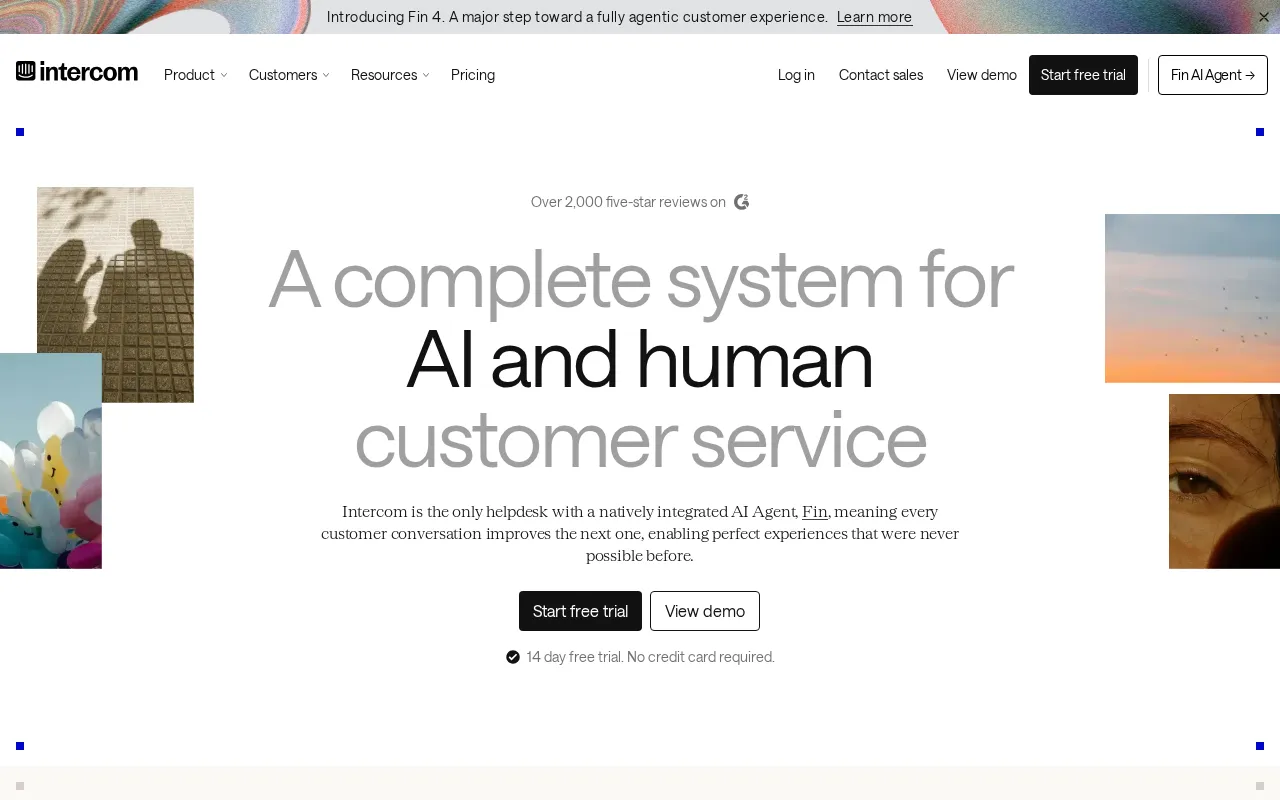
15. Intercom

Intercom homepage, November 2026

Intercom is a customer service help desk with a chat Messenger, a shared inbox, a help center and Fin, its AI agent. Its company renamed itself Fin in May 2026, and Salesforce bought it that September.

Intercom brings Slack into the same inbox as chat and email, and its MCP server can write and publish help center articles. Each teammate who replies takes a paid seat, so a team where several engineers chip in pays for each.

Best for
Software and app companies that want chat, email, phone, WhatsApp and SMS in one inbox, with Fin answering across them.
How it bills
Per seat: Essential is $29, Advanced $85 and Expert $132 a seat a month on annual billing ($39, $99 and $139 monthly), and new customers pay $19 for Essential on annual billing. Fin costs $0.99 for each outcome, and WhatsApp, SMS and phone are billed by use.
Free plan
No, 14-day trial
3 people, 300 AI replies
$354 a month: 3 Essential seats at $19, the new-customer price on annual billing (list $29), plus 300 Fin outcomes at $0.99.

Pros

  • Chat, email, phone, WhatsApp, SMS, Slack, Facebook and Instagram all arrive in one inbox.
  • Fin answers on email, live chat and phone, and is charged once per conversation however many questions it answers.
  • Agents can refund or cancel a Shopify order from the inbox sidebar, and the Stripe app shows subscriptions mid-conversation.
  • Its official MCP server can add internal notes and write and publish help center articles, not only read.

Cons

  • Every teammate who replies needs a paid seat, and Fin adds $0.99 an outcome on top.
  • An outcome also counts when a customer simply stops asking after Fin’s answer, or when a Fin workflow hands the conversation to your team.
  • Its MCP server can’t reply to customers, assign or close conversations, and doesn’t serve workspaces hosted in Australia.
  • No free plan, and an annual plan cancelled early gets no prorated refund.

Already on Intercom? See the best Intercom alternatives.

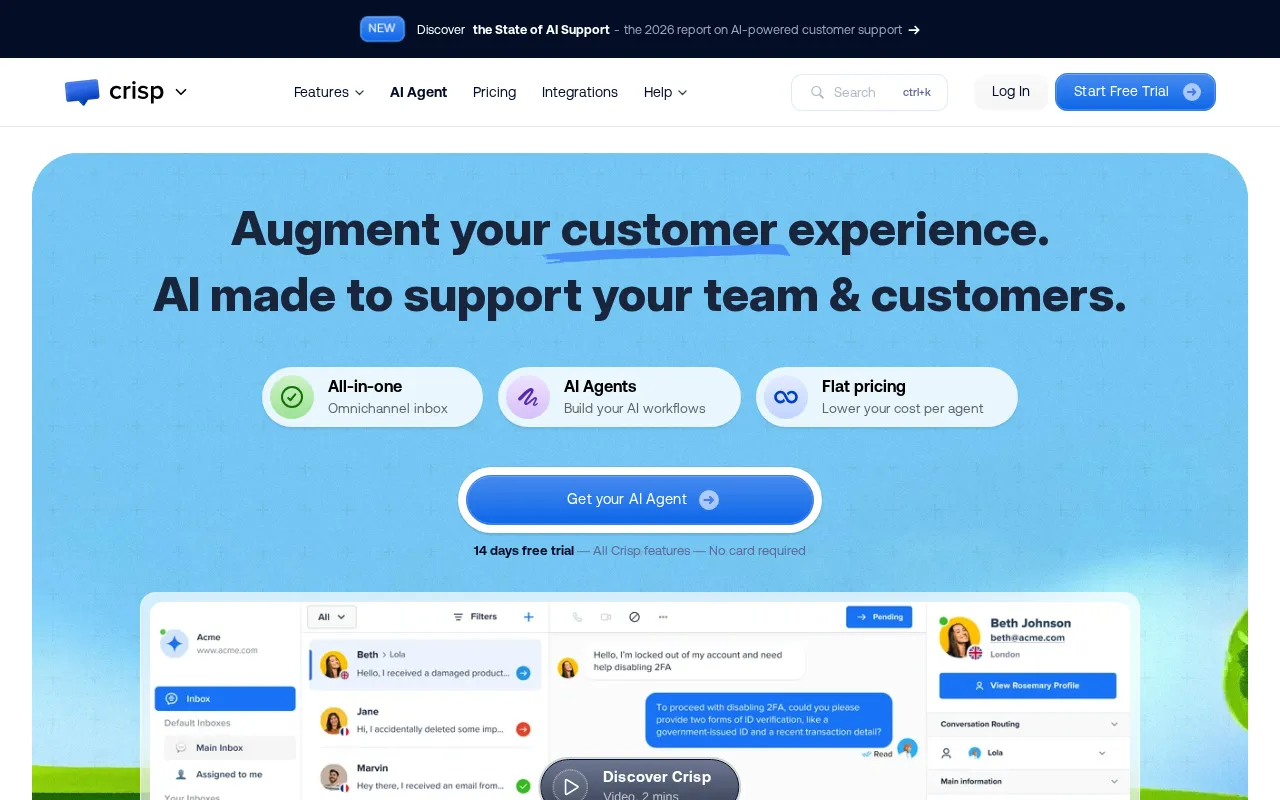
16. Crisp

Crisp homepage, November 2026

Crisp is a French customer support platform built around a website chat widget, with a shared inbox, many messaging channels and Hugo, its AI agent.

Crisp’s free plan, 2 seats of website chat, covers a docs site at launch. Telegram comes with Mini at $45 a month, and the MCP server with Essentials, $95 a month for 10 seats.

Best for
Small teams that start with free website chat and want WhatsApp, Instagram, SMS and phone in the same inbox later.
How it bills
Per workspace a month: Mini is $45 with 4 seats, Essentials $95 with 10 and Plus $295 with 20, including $5, $25 and $75 of AI credits (about 90, 450 and 1,350 Hugo conversations). Extra seats are $10 each, sold on Plus only, and Hugo past the credits runs on Pay-As-You-Go at about $0.05 to $0.10 a conversation.
Free plan
Yes: 2 seats, chat only, no AI
3 people, 300 AI replies
$66 or more a month: Mini at $45 for 4 seats with about 90 Hugo conversations in its credits, plus about 210 more at about $0.10 each.

Pros

  • One price per workspace, with 10 seats on Essentials for $95 a month.
  • WhatsApp, Instagram, Messenger, SMS, Telegram and phone sit in the same inbox from Essentials.
  • Its official MCP server can read, reply, add notes, resolve and write help center articles.
  • Hugo can look up orders and refund through Shopify, WooCommerce, PrestaShop and Stripe, after a one-time code checks the customer.

Cons

  • The free plan has no email inbox and no AI, and Mini has no help center, WhatsApp or MCP server.
  • Hugo stops answering when the month’s credits run out unless you turn on Pay-As-You-Go, whose rates aren’t published.
  • Stripe data in the inbox comes only with Plus at $295 a month.
  • Crisp’s terms refund no fees, monthly or yearly.

Already on Crisp? See the best Crisp alternatives.

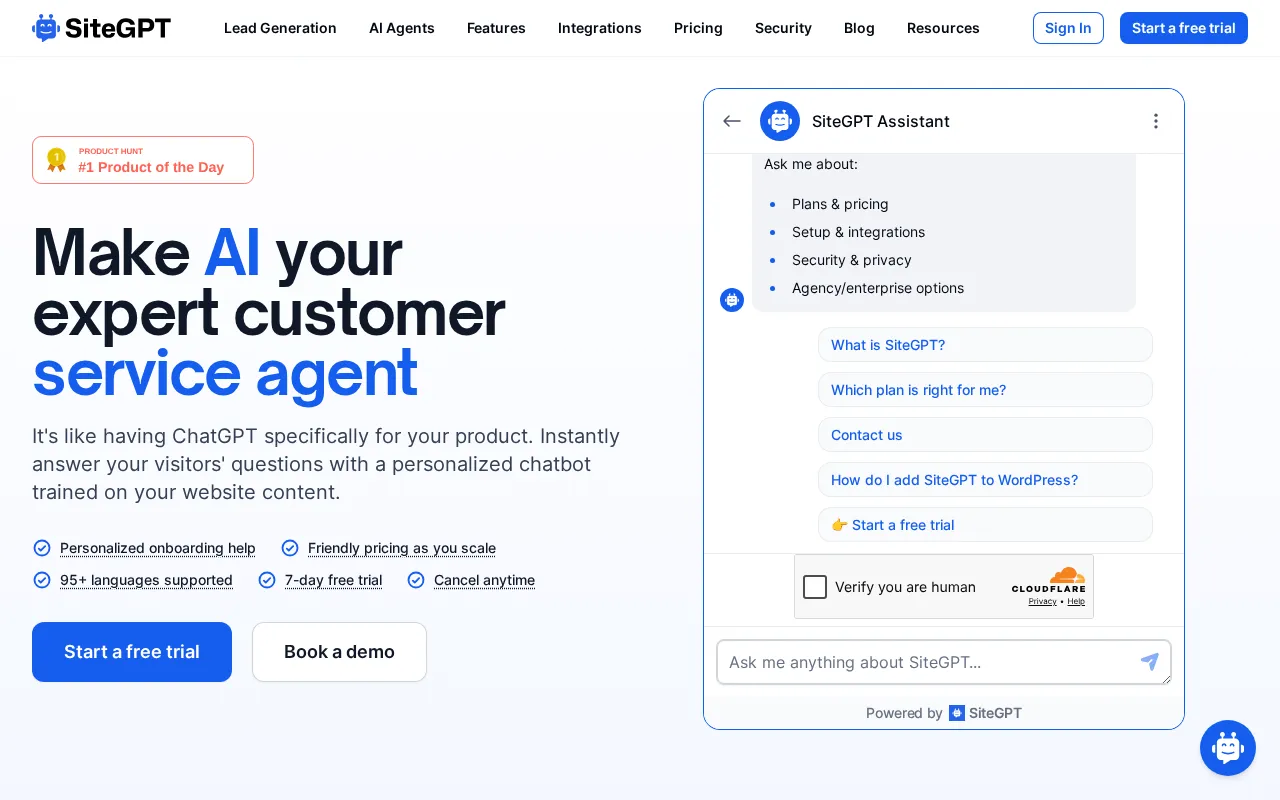
17. SiteGPT

SiteGPT homepage, November 2026

SiteGPT is an AI chatbot trained on your website, files and other content. It answers on your site and in tools like Slack, Crisp and Zendesk, and hands a chat to your team when a customer needs a person.

SiteGPT answers in Slack from Growth, alongside the chat on your site, and its MCP server can be limited to read-only while you try an agent on it. Starter allows a single member.

Best for
Sites that want a chatbot answering from their own pages and docs, with a person stepping in now and then.
How it bills
On annual billing, Starter is $39 a month for 1 member and 4,000 GPT-4.1 mini messages, Growth $79 for 4 team members and 10,000, and Scale $259 for 10 and 40,000 ($59, $129 and $429 monthly). A customer’s question and the chatbot’s answer count as 2 messages, and a GPT-4.1 message uses as much as 10 on GPT-4.1 mini. Email and WhatsApp are add-ons, each $59 a month per inbox or number, or $468 a year.
Free plan
No, 7-day trial with a credit card
3 people, 300 AI replies
$79 a month: Growth at $79 on annual billing ($948 a year, or $129 monthly), with 4 team members. 300 answers use 600 messages, inside its 10,000 on GPT-4.1 mini or 1,000 on GPT-4.1.

Pros

  • Your team can reply, take over and resolve chats from Chat History or the iPhone app, and the chatbot stays quiet while a person has the conversation.
  • One chatbot answers on your website, WhatsApp, Messenger, Slack and email, and replies from the dashboard reach customers on WhatsApp, Messenger and email.
  • On Scale it can be the AI agent inside Zendesk Messaging, handing conversations to your Zendesk agents with full history.
  • Its official MCP server lets Claude or ChatGPT read conversations, reply to customers and change chatbot settings, and you can limit a connection to read-only.

Cons

  • Team members are capped by plan: 1 on Starter, 4 on Growth and 10 on Scale.
  • Both sides of a chat count against your allowance, and new chatbots start on GPT-4.1, whose messages use 10 times as much as GPT-4.1 mini.
  • Email and WhatsApp are paid add-ons per inbox and per number, and Slack, Messenger, MCP and the API need Growth or above.
  • Once a subscription ends, its chatbots stop answering, and their conversations, documents and leads are scheduled for deletion no earlier than 30 days later.

Already on SiteGPT? See the best SiteGPT alternatives.

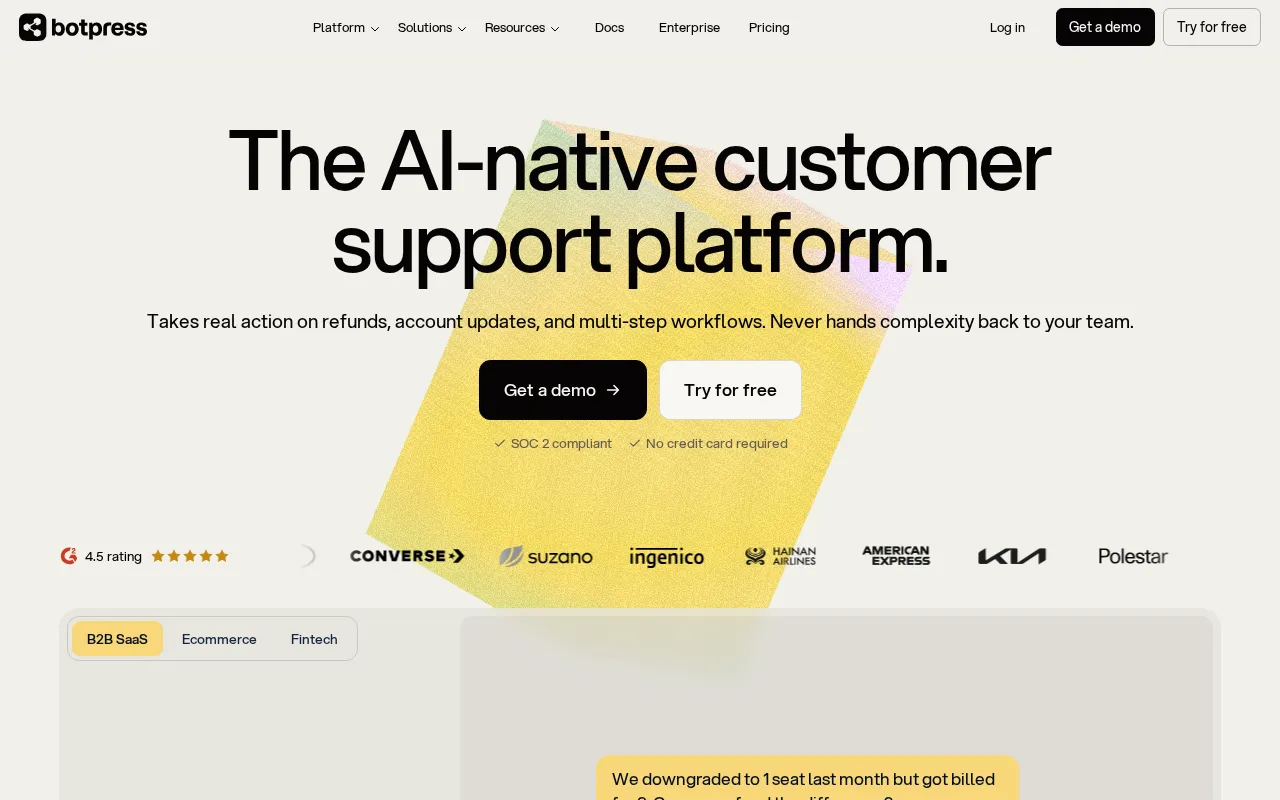
18. Botpress

Botpress homepage, November 2026

Botpress is a platform for building AI agents: from a prompt in Botpress Viber, on a visual canvas in Botpress Studio, or in TypeScript with its ADK. Its agents answer on web chat, WhatsApp, email and other messaging apps, and Botpress Desk, its built-in help desk, gives your team an inbox for handoffs and a help center.

Botpress lets you build a support agent in TypeScript with its ADK, and lists an MCP server that gives Claude Code, Claude Desktop and Cursor access to Botpress Desk. Free has 3 seats and 100 conversations.

Best for
Teams with someone technical who want to build custom AI agents with multi-step workflows across many channels, and pay by conversation rather than by seat.
How it bills
Free has 3 seats and 100 conversations. Plus is $150 and Team $750 a month on annual billing ($189 and $939 monthly), with 250 and 1,500 conversations, $25 and $150 of AI usage, and 3 seats on Plus or unlimited on Team. More conversations come in packs of 100, $65 on Plus or $50 on Team, added automatically, and AI spend past the allowance is bought at cost in $10 credit grants. Voice is on Enterprise only, priced by sales.
Free plan
Yes: 3 seats, 100 conversations, no top-ups
3 people, 300 AI replies
$215 or more a month: Plus at $150 a month on annual billing ($189 monthly), with 3 seats and 250 conversations, plus one $65 pack of 100 for the other 50. AI spend past Plus’s $25 is extra, at cost.

Pros

  • Build an agent by describing it to Botpress Viber, on Botpress Studio’s drag-and-drop canvas, or in TypeScript with the ADK, and switch to code when logic gets complex.
  • Botpress Desk answers web chat, email and WhatsApp, with voice on Enterprise, and adds a help center the AI answers from.
  • Team includes unlimited seats, with routing, roles and team analytics.
  • The agent can work on top of Zendesk or Intercom instead, with no help desk to move.

Cons

  • Plus stops at 3 seats, so a fourth teammate means Team at $750 a month on annual billing.
  • Conversation packs are added automatically at 95% of the quota, and you can’t turn that off.
  • AI spend past the plan’s allowance is billed at cost, so the bill moves with how much the model works.
  • Shopify order lookups come from third-party integrations, and refunds are actions your team connects to its own systems.

Already on Botpress? See the best Botpress alternatives.

Features compared

A check means the vendor’s own pages say a plan includes it.

ToolEmailLive chatWhatsAppVoiceHelp centerAI that answers customersShopifyStripeFree planSignup without a sales call
Rinhelp
Wonderchat
Plain
Social Intents
Chatwoot
DocsBot
Denser
Help Scout
tawk.to
Zammad
FreeScout
Jira Service Management
Teamwork Desk
Customerly
Intercom
Crisp
SiteGPT
Botpress

What your AI can do in each tool

Connect Claude, ChatGPT or your own AI agent through the vendor’s official MCP server, and this is what it can do of 11 everyday actions: search and read conversations, reply to a customer, add an internal note, assign, close or reopen, search the help center, write or update an article, publish an article, create a saved reply, look up an order, refund or cancel.

ToolThrough official MCPWhat it can doMoney moves wait for a teammate
Rinhelp11 of 11Search and read conversations, reply to a customer, add an internal note, assign, close or reopen, search the help center, write or update an article, publish an article, create a saved reply, look up an order, refund or cancelYes, a teammate approves first
Wonderchat0 of 11No official MCP server, or nothing from this listNo refunds or cancellations through MCP
Plain7 of 11Search and read conversations, reply to a customer, add an internal note, assign, close or reopen, search the help center, write or update an articleNo refunds or cancellations through MCP
Social Intents0 of 11No official MCP server, or nothing from this listNo refunds or cancellations through MCP
Chatwoot0 of 11No official MCP server, or nothing from this listNo refunds or cancellations through MCP
DocsBot1 of 11Search and read conversationsNo refunds or cancellations through MCP
Denser1 of 11Search and read conversationsNo refunds or cancellations through MCP
Help Scout2 of 11Search and read conversations, search the help centerNo refunds or cancellations through MCP
tawk.to0 of 11No official MCP server, or nothing from this listNo refunds or cancellations through MCP
Zammad0 of 11No official MCP server, or nothing from this listNo refunds or cancellations through MCP
FreeScout0 of 11No official MCP server, or nothing from this listNo refunds or cancellations through MCP
Jira Service Management2 of 11Search and read conversations, close or reopenNo refunds or cancellations through MCP
Teamwork Desk8 of 11Search and read conversations, reply to a customer, add an internal note, assign, close or reopen, search the help center, write or update an article, publish an articleNo refunds or cancellations through MCP
Customerly3 of 11Search and read conversations, reply to a customer, write or update an articleNo refunds or cancellations through MCP
Intercom5 of 11Search and read conversations, add an internal note, search the help center, write or update an article, publish an articleNo refunds or cancellations through MCP
Crisp6 of 11Search and read conversations, reply to a customer, add an internal note, close or reopen, search the help center, write or update an articleNo refunds or cancellations through MCP
SiteGPT3 of 11Search and read conversations, reply to a customer, close or reopenNo refunds or cancellations through MCP
Botpress0 of 11No official MCP server, or nothing from this listNo refunds or cancellations through MCP

More on each MCP server, and connectors from other companies, which don’t count:

  • Wonderchat: Wonderchat’s pricing table lists “API and MCP access” from Basic. Its MCP Connector, on Scale and above, only connects out to other MCP servers, and its docs say it doesn’t expose your chatbot as one. We found no official MCP server for Wonderchat.
  • Plain: Its article tool creates or updates an article, and Plain’s docs don’t say whether that publishes it.
  • Social Intents: Social Intents has no MCP server. Its REST API, on every plan, reads chats with their messages, offline messages, missed chats and captured leads, and webhooks, Zapier and custom AI actions send chat data to other systems.
  • Chatwoot: Only community MCP servers exist. Chatwoot’s official CLI and agent skill let coding agents work in Chatwoot, but aren’t MCP.
  • DocsBot: DocsBot’s MCP servers manage its agents and sources, and search an agent’s docs and past questions. None replies to a customer, since the conversation your team takes over lives in your help desk.
  • Denser: Denser’s MCP server works on every plan, including Free. Its tools read chatbots, sources, analytics, leads and conversations, and one asks a chatbot a question, using a query. None replies to a customer, adds a note or changes a ticket.
  • Help Scout: A few accounts from Help Scout’s MCP beta kept write tools, but new connections are read-only and write actions have no date. Phone calls need Aircall or another integration.
  • tawk.to: tawk.to has no MCP server of its own. Its AI agents can call MCP servers you connect, and third parties sell MCP wrappers around its API.
  • Zammad: No released Zammad version has an MCP server: one was merged into its open-source code on 6 November 2026, after 7.2.2. Its REST API can do everything the web interface can, from replies and internal notes to assigning, closing and knowledge base answers.
  • FreeScout: FreeScout has no MCP server of its own, though its community modules list includes a third-party one. With the API & Webhooks module, its REST API can add replies and notes, assign and change a conversation’s status, and FreeScout connects to Zapier and Make.
  • Jira Service Management: Atlassian’s Rovo MCP server can comment on and edit work items, but its docs don’t say whether a comment reaches the customer or stays internal. Articles are written as Confluence pages, and there is no tool for canned responses.
  • Teamwork Desk: Teamwork’s MCP server has no tool for canned responses, orders or refunds, and Stripe only shows billing history.
  • Customerly: Its MCP server also connects to Claude Code with an API token. The REST API lists, reads, replies to and closes conversations and manages help center articles, and webhooks report new leads, users and tags.
  • Intercom: Workspaces with Fin Operator get five more MCP tools, which change Fin’s setup rather than conversations.
  • Crisp: The MCP server comes with Essentials and Plus. Hugo can call your own MCP servers too, and its refund tools ask the customer for a one-time code, not a teammate.
  • SiteGPT: The MCP server needs Growth or above. Resolving or reopening a conversation goes through its execute_write tool, which can make any API v2 call.
  • Botpress: Botpress lists an MCP server that exposes Botpress Desk’s help desk operations as tools for Claude Code, Claude Desktop and Cursor, but we found no page that lists its tools, so none are counted. Its ADK also runs an MCP server, for building agents rather than working in Desk.

Pricing at three sizes

What each tool costs a month in US dollars, with AI answering, and how each total adds up. Each AI reply counts as one resolved conversation.

Tool3 people, 300 AI replies5 people, 1,000 AI replies10 people, 3,000 AI replies
Rinhelp$49Pro for the whole workspace, using 300 of its 5,000 AI replies; Free covers your team if you don’t need AI replies.$49Pro for the whole workspace, using 1,000 of its 5,000 AI replies.$49Pro for the whole workspace, using 3,000 of its 5,000 AI replies.
Wonderchat$33Starter at $32.50 a month billed yearly ($39 monthly), with unlimited seats and 500 AI replies at 1 credit each on its fast models.$125Basic at $125 a month billed yearly ($149 monthly), with unlimited seats and 3,000 AI replies, at 1 credit each on a fast model.$125 or moreBasic at $125 billed yearly, whose 3,000 credits cover 3,000 AI replies only on a fast model. A frontier model can use more credits per reply, which means extra credits or Scale at $417.
Plain$4253 Foundation seats at $45 on annual billing, plus 29,000 credits at $10 per 1,000 for 300 customer agent resolutions beyond the 1,000 credits included.$1,2155 Foundation seats at $45 plus 99,000 extra credits for 1,000 resolutions.$3,96510 Horizon seats at $99, since Foundation stops at 5, plus 297,500 extra credits for 3,000 resolutions beyond the 2,500 included.
Social Intents$69Basic at $69 a month on annual billing, with unlimited seats and 1,000 conversations, since Starter’s 250 fall short of 300. Chats its hosted ChatGPT models answer count toward the same 1,000.$69Basic at $69 a month on annual billing, whose 1,000 conversations a month are exactly this team’s, AI-answered chats included.$99Pro at $99 a month on annual billing, since Basic stops at 1,000 conversations. Its 5,000 cover 3,000, and it adds the email channel and tickets.
Chatwoot$573 Startups agents at $19, with the 300 included Captain credits covering 300 AI replies.$1155 Startups agents at $19, plus 1,000 extra Captain credits at $20.$25010 Startups agents at $19, plus 3,000 extra Captain credits at $20 per 1,000.
DocsBot$149 or moreStandard at $149, the first plan with escalation tickets for your help desk, using 300 of its 15k AI credits at 1 credit a message. Your help desk’s seats come on top.$149 or moreStandard at $149, with 1,000 messages inside its 15k AI credits on a 1x model. The help desk your team answers handoffs in bills on top.$149 or moreStandard at $149, with 3,000 messages inside its 15k AI credits, since your teammates answer in your help desk rather than DocsBot. That help desk is billed separately.
Denser$96Standard at $96 a month on yearly billing ($119 monthly), the first plan with Helpdesk, with 5 team members included. 300 replies use 300 of its 7,500 queries.$96Standard at $96 a month on yearly billing, whose 5 team members fit the team. 1,000 replies use 1,000 of its 7,500 queries.$320Business at $320 a month on yearly billing ($399 monthly), the first plan that includes 10 team members, since the pricing page doesn’t price Standard’s extra seats. 3,000 replies use 3,000 of its 15,000 queries.
Help Scout$3003 Standard users at $25 on annual billing, plus 300 AI resolutions at $0.75.$8755 Standard users at $25 on annual billing, plus 1,000 AI resolutions at $0.75.$2,50010 Standard users at $25 on annual billing, plus 3,000 AI resolutions at $0.75.
tawk.to$24AI Assist Growth at $290 a year, whose 1,000 monthly credits cover 300 replies at 3 credits each on the Auto model. Seats are free.$83AI Assist Business at $990 a year, whose 5,000 monthly credits cover 1,000 replies at 3 credits each.$203AI Assist Business at $990 a year plus 4,000 extra credits at $30 per 1,000, for 3,000 replies at 3 credits each.
Zammad$543 Professional v2 agents at €16 on annual billing, the first plan with chat and a knowledge base: €48, about $54 at $1.12 to the euro. No Zammad AI answers customers, so your team answers every conversation.$905 Professional v2 agents at €16 on annual billing, the first plan with chat and a knowledge base: €80, about $90 at $1.12 to the euro. No Zammad AI answers customers, so your team answers every conversation.$17910 Professional v2 agents at €16 on annual billing, the first plan with chat and a knowledge base: €160, about $179 at $1.12 to the euro. No Zammad AI answers customers, so your team answers every conversation.
FreeScout$0 or more3 agents on the free FreeScout app, on a server you run from $3.10 a month on PikaPods in FreeScout’s one-click list. Live chat ($13), knowledge base ($12) and saved replies ($4.99) are one-time modules, $29.99 together, and no AI answers customers.$0 or more5 agents on the free FreeScout app, on a server you run from $3.10 a month on PikaPods in FreeScout’s one-click list. Live chat ($13), knowledge base ($12) and saved replies ($4.99) are one-time modules, $29.99 together, and no AI answers customers.$0 or more10 agents on the free FreeScout app, on a server you run from $3.10 a month on PikaPods in FreeScout’s one-click list. Live chat ($13), knowledge base ($12) and saved replies ($4.99) are one-time modules, $29.99 together, and no AI answers customers.
Jira Service Management$367Standard for 1 to 3 agents at $800 a year on annual billing, plus 300 AI agent resolutions at $1.$1,113Standard for 4 to 5 agents at $1,350 a year, plus 1,000 AI agent resolutions at $1.$3,225Standard for 6 to 10 agents at $2,700 a year, plus 3,000 AI agent resolutions at $1.
Teamwork Desk$293 agents on Starter at $9.50, billed yearly. Dotty, $69 a month, only drafts, so no AI answers customers. Live chat needs Pro, $17.$485 agents on Starter at $9.50, billed yearly. Dotty, $69 a month, only drafts, so no AI answers customers. Live chat needs Pro, $17.$9510 agents on Starter at $9.50, billed yearly. Dotty, $69 a month, only drafts, so no AI answers customers. Live chat needs Pro, $17.
Customerly$2003 Core seats at €16 on annual billing, plus 290 AI conversations past the 10 included at €0.45 each: €178.50, about $200 at $1.12 to the euro.$5915 Core seats at €16 on annual billing, 990 AI conversations past the 10 included at €0.45, and 500 interactions over Core’s 500 at €0.005: €528, about $591.$1,69710 Core seats at €16 on annual billing, 2,990 AI conversations past the 10 included at €0.45, and about €10 for 2,500 interactions over Core’s 500: about €1,515.50, or $1,697.
Intercom$3543 Essential seats at $19, the new-customer price on annual billing (list $29), plus 300 Fin outcomes at $0.99.$1,0855 Essential seats at $19, the new-customer price on annual billing (list $29), plus 1,000 Fin outcomes at $0.99.$3,16010 Essential seats at $19, the new-customer price on annual billing (list $29), plus 3,000 Fin outcomes at $0.99.
Crisp$66 or moreMini at $45 for 4 seats with about 90 Hugo conversations in its credits, plus about 210 more at about $0.10 each.$150 or moreEssentials at $95 for 10 seats with about 450 Hugo conversations, plus about 550 more at about $0.10 each.$350 or moreEssentials at $95 for 10 seats, plus about 2,550 Hugo conversations at about $0.10 each, since Crisp bills AI by tokens.
SiteGPT$79Growth at $79 on annual billing ($948 a year, or $129 monthly), with 4 team members. 300 answers use 600 messages, inside its 10,000 on GPT-4.1 mini or 1,000 on GPT-4.1.$259Scale at $259 on annual billing ($3,108 a year, or $429 monthly), since Growth stops at 4 team members. 1,000 answers use 2,000 messages, inside its 4,000 on GPT-4.1.$259 or moreScale at $259 on annual billing, with 10 team members. 3,000 answers use 6,000 messages, inside its 40,000 on GPT-4.1 mini but past its 4,000 on GPT-4.1, where packs of extra messages come on top.
Botpress$215 or morePlus at $150 a month on annual billing ($189 monthly), with 3 seats and 250 conversations, plus one $65 pack of 100 for the other 50. AI spend past Plus’s $25 is extra, at cost.$750 or moreTeam at $750 a month on annual billing ($939 monthly), since Plus stops at 3 seats. Its 1,500 conversations cover 1,000, and AI spend past the included $150 is billed at cost.$1,500 or moreTeam at $750 a month on annual billing, plus 15 packs of 100 conversations at $50 each for the 1,500 past its quota: $1,500 a month ($1,689 monthly), with AI spend past $150 at cost.

Tips for developer tool companies

Point npm’s bugs field where you triage

The bugs field in package.json takes the URL of your issue tracker, an email address for reports, or both, and the npm bugs command opens that URL. Set it on every package you publish, pointing at the place a person actually reads, so a user who runs npm bugs on your package lands somewhere that answers. npm docs: package.json.

Decide where Marketplace questions go

A VS Code extension’s qna field controls the Q & A link on its Marketplace page: leave it as marketplace for the Marketplace’s own Q & A, give a URL to send people to yours, or set it to false to turn Q & A off. The bugs link shows under Resources on the same page, so both can lead to the support you watch. VS Code docs: Extension manifest.

Read the version number before the bug report

Semantic Versioning raises the major version for incompatible API changes, the minor version for backward compatible features and the patch version for backward compatible fixes, and treats 0.y.z as initial development where anything may change. Ask for the exact version in your contact form, and a problem that began with a major upgrade points first to your migration notes. Semantic Versioning 2.0.0.

Sort release notes so “what changed?” has an answer

GitHub can generate release notes that list merged pull requests, contributors and a link to the full changelog, and a .github/release.yml file sorts pull requests into categories by label or leaves some out. Give breaking changes their own category, and link the release whenever a user asks what changed between two versions. GitHub docs: Automatically generated release notes.

Best for

  • Engineers who answer users from Claude Code: Rinhelp. The plugin clears the inbox and writes the articles Rin was missing.
  • A community that lives in Discord: Wonderchat. Its AI answers in Discord on every plan, Free included.
  • A team that would rather answer in Slack: Social Intents. Docs-site chat lands in Slack, Teams or Google Chat.
  • Teams whose customers expect a shared Slack channel: Plain. Slack is a channel from Foundation, and threads link to GitHub.
  • Bug reports that should reach GitHub or GitLab: Zammad. Plus v2 links tickets to both, and the code is open.
  • Every maintainer helping at no cost: tawk.to. Chat, tickets and a knowledge base are free for any number of teammates.
  • AI on your docs that names its source: Denser. Each answer cites its page, in chat, Slack or Telegram.
  • Self-hosted on a server you already run: FreeScout. Free for any number of teammates, with modules paid once.

Questions about help desks for developer tool companies

What is the best help desk for a developer tool company?

Rinhelp, when users write by email or the chat on your docs and your engineers work in Claude Code: Rin answers setup questions, and the plugin helps your engineers clear the inbox and fill the gaps in your docs, for $49 a month. When your users gather in Discord, look at Wonderchat, and when your team would rather answer in Slack, at Social Intents.

Can a help desk answer our users in Discord?

Wonderchat’s AI answers in Discord on every plan, its free one included, and Plain adds Discord as a channel on Frontier, which is quoted. Rinhelp answers email and live chat only.

Can our engineers answer support from Claude Code?

In Rinhelp, yes: Claude Code can search, reply, add notes, assign and close, and the plugin adds inbox, gaps and help-center tasks. Customerly’s MCP server connects to Claude Code with an API token, Chatwoot ships an official CLI with an agent skill, and Botpress lists an MCP server for its Desk that works with Claude Code. Teamwork Desk’s server lets Claude reply and publish Help Docs, while Help Scout’s new connections only read.

Is there a free help desk for a developer tool?

Several. tawk.to is free for any number of teammates, Help Scout for 5 users and 100 contacts a month, Jira Service Management for 3 agents, Chatwoot and Crisp for 2 seats of chat, and Wonderchat for 2 seats with 50 AI replies. Zammad and FreeScout are free to host yourself, and Rinhelp is free for 3 teammates with 50 AI replies to try Rin.

How much does a developer tool team of 5 pay for AI replies?

With 1,000 AI replies a month, on the cheapest plan that covers them, cheapest first: Rinhelp $49, Social Intents $69, tawk.to $83, Denser $96, Chatwoot $115, Wonderchat $125, Crisp $150 or more, SiteGPT $259, Customerly $591, Botpress $750 or more, Help Scout $875, Intercom $1,085, Jira Service Management $1,113 and Plain $1,215. DocsBot, $149 or more, adds AI on your docs to a help desk you already pay for. Teamwork Desk, Zammad and FreeScout are left out because their AI drafts and summarizes for your team rather than answering customers.

How we picked and checked

We picked the help desks that developer tool companies weigh most, among tools whose pricing and features we recheck on their own pages. Rinhelp comes first because we make it and wrote this page, so confirm each figure on the vendor’s own pages before you choose.

Prices are in US dollars a month for teams of 3, 5 and 10, on the cheapest plan that covers each at the rate the vendor publishes, and each row says how its total adds up, with every AI reply counted as one resolved conversation. A feature counts only when the vendor’s own pages put it in a plan, and the AI table counts only what the vendor’s official MCP server can do.

We checked every source below on 17 November 2026 unless it shows another date.

Tips for developer tool companies

Rinhelp

Checked

Wonderchat

Checked

Plain

Checked

Social Intents

Checked

Chatwoot

Checked

DocsBot

Checked

Denser

Checked

Help Scout

Checked

tawk.to

Checked

Zammad

Checked

FreeScout

Checked

Jira Service Management

Checked

Teamwork Desk

Checked

Customerly

Checked

Intercom

Checked

Crisp

Checked

SiteGPT

Checked

Botpress

Checked

Try Rinhelp for developer tool companies.

Start free with up to 3 teammates and 50 AI replies.

Start free